Vector Art Style in Smooth Curves and Solid Fills
 FLORA
FLORA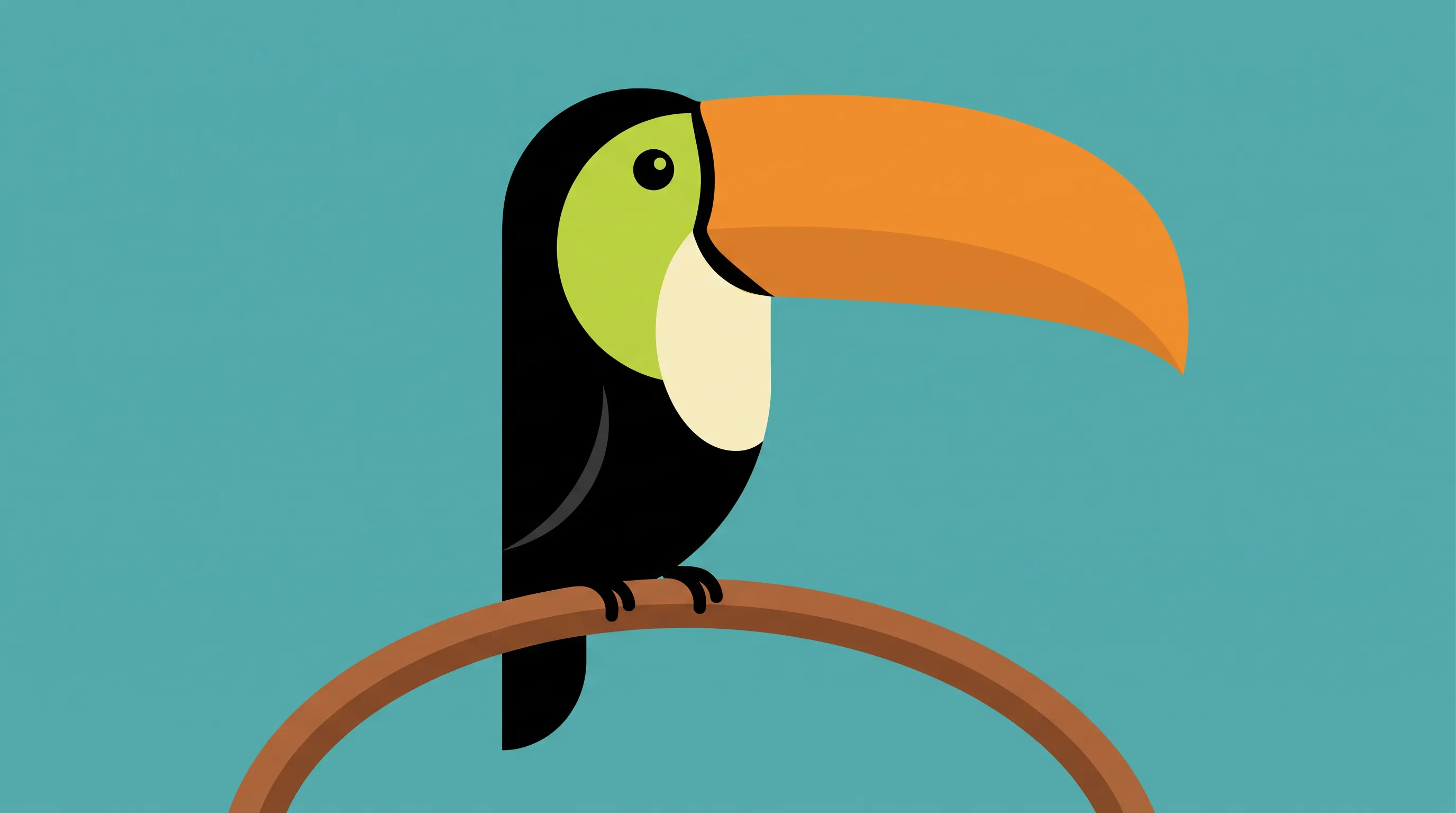
Vector art style is illustration built, or made to look built, from points, lines and curves defined by mathematical formulas. Shapes like these were among the first computer graphics, drawn on vector displays in the 1960s and 1970s, and Adobe now counts anything made in vector illustration software as vector art. The style keeps the habits of those programs. Curves run smooth and unbroken, with no stray brush marks. Fills are solid or graded evenly, and every edge stays crisp. Pictures are assembled from stacked shapes in a short palette, and since those shapes are math, the artwork scales up to billboard size without going soft. All eight examples below came from FLORA's AI image generator.
Vector art style examples made in FLORA
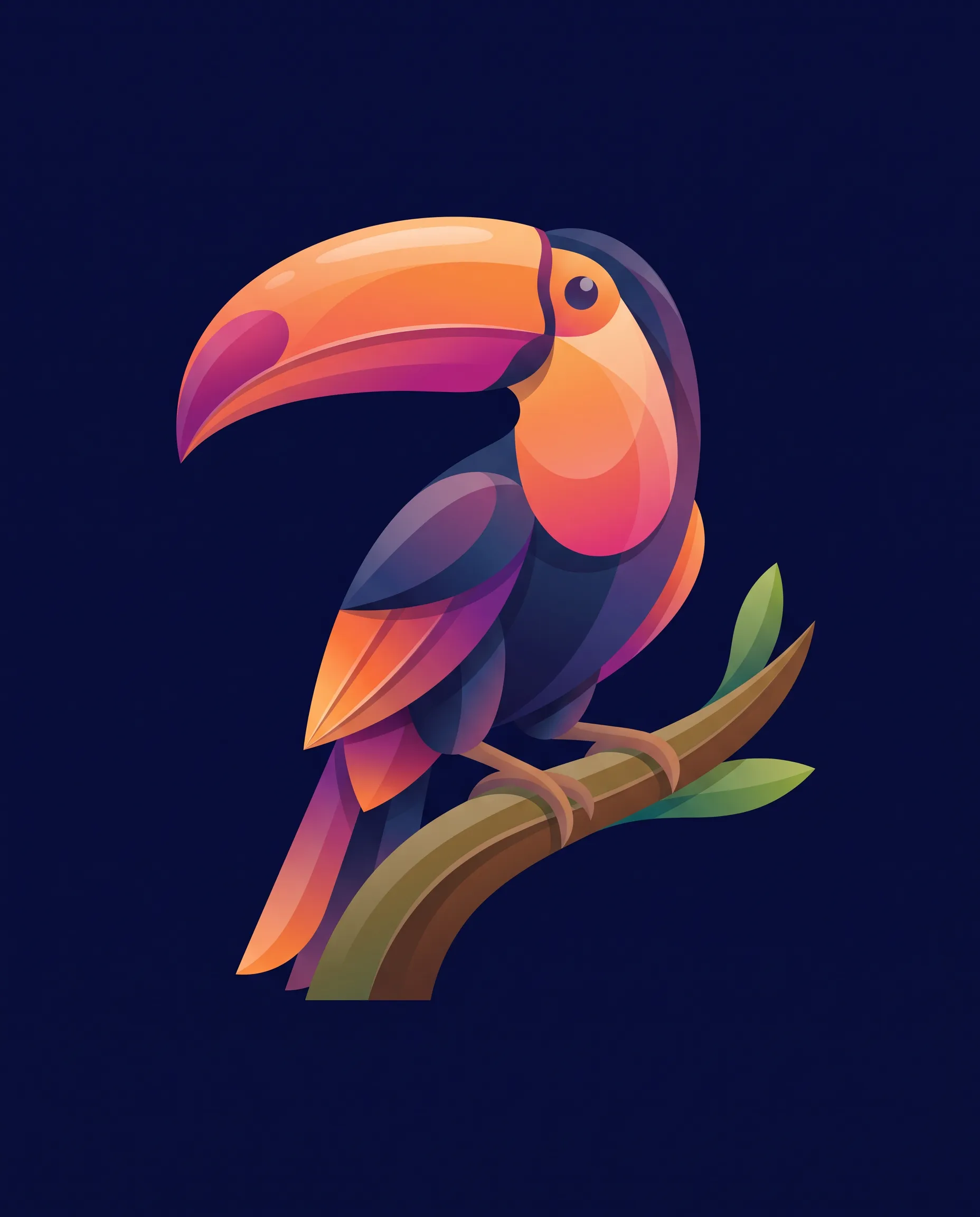
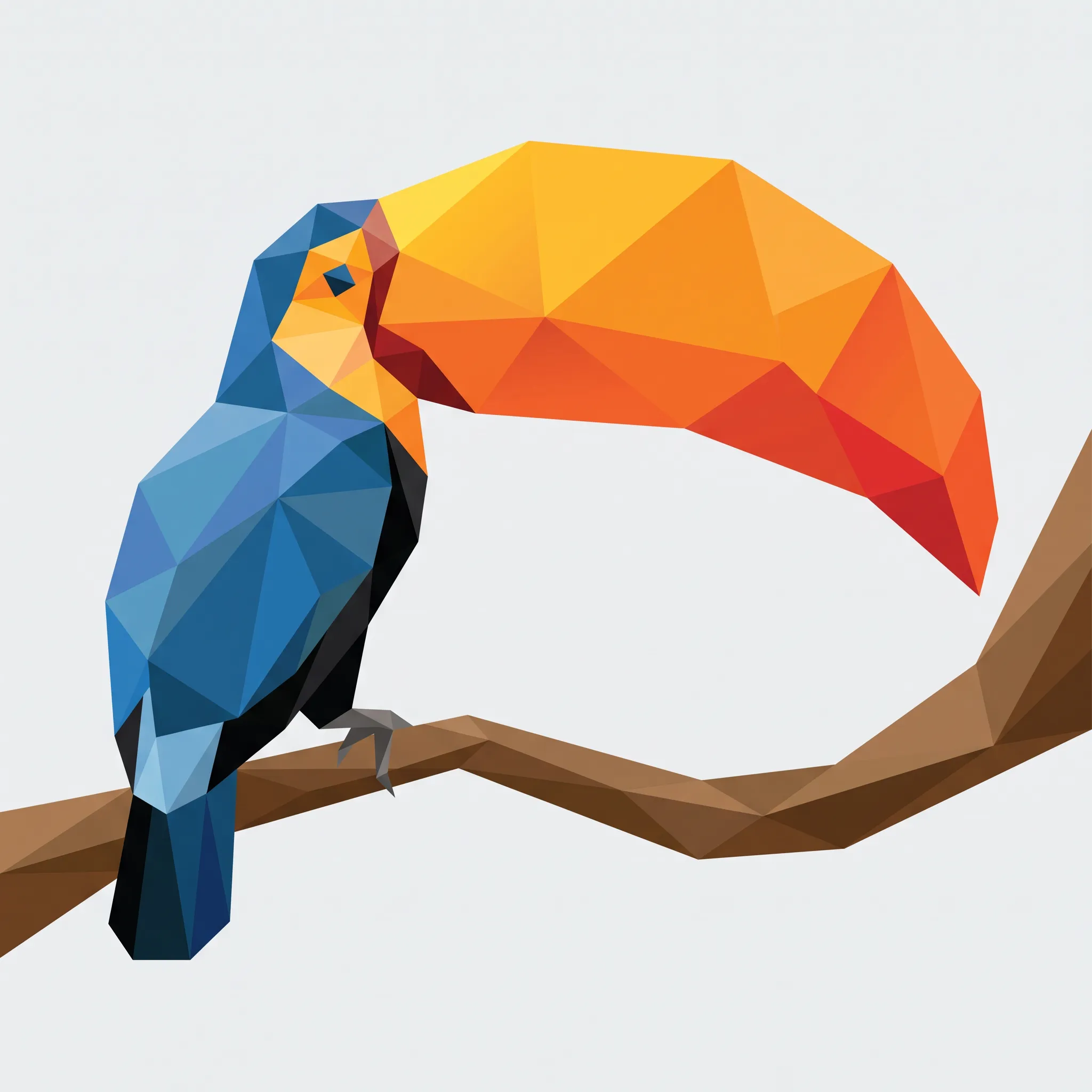
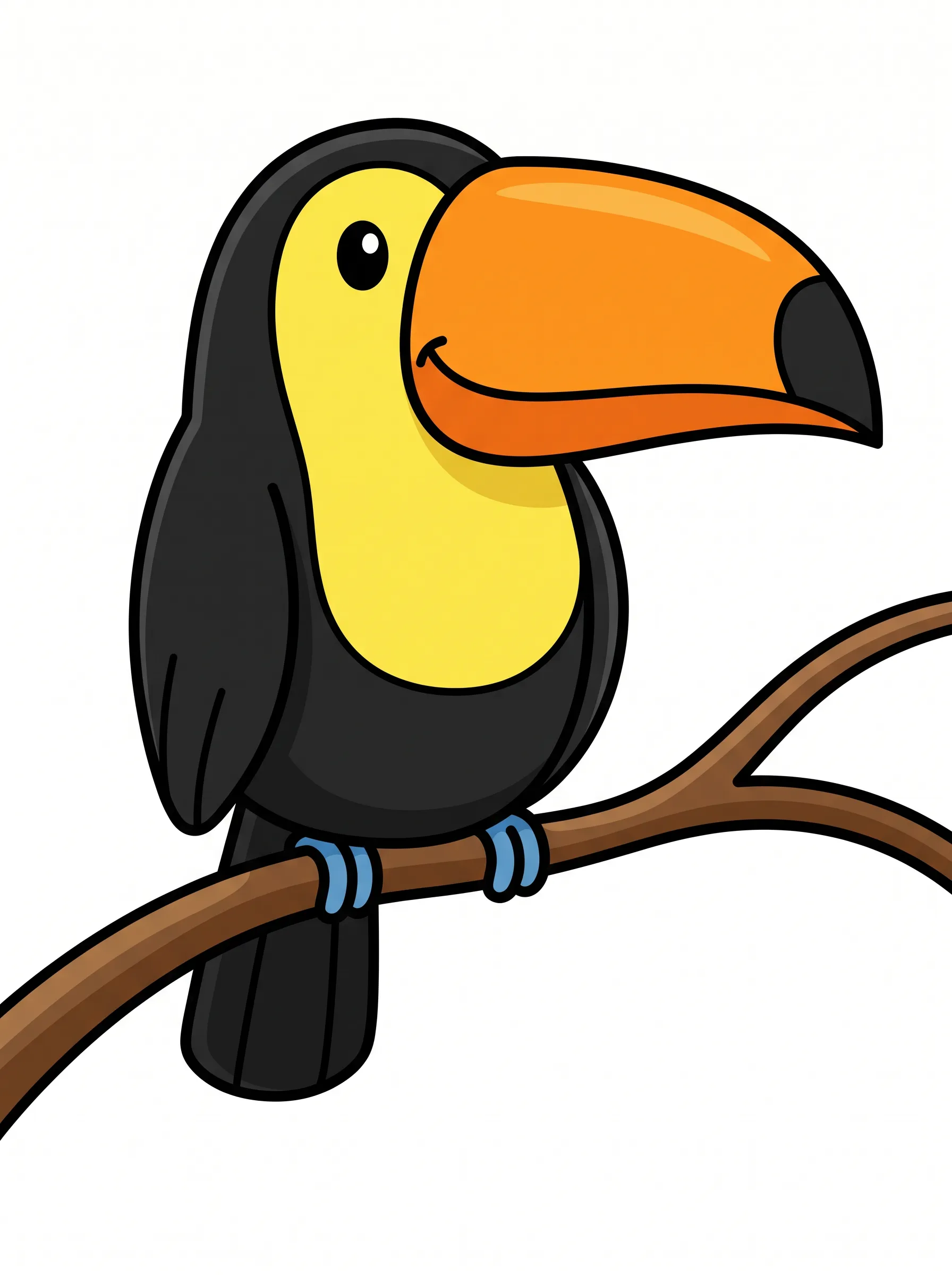
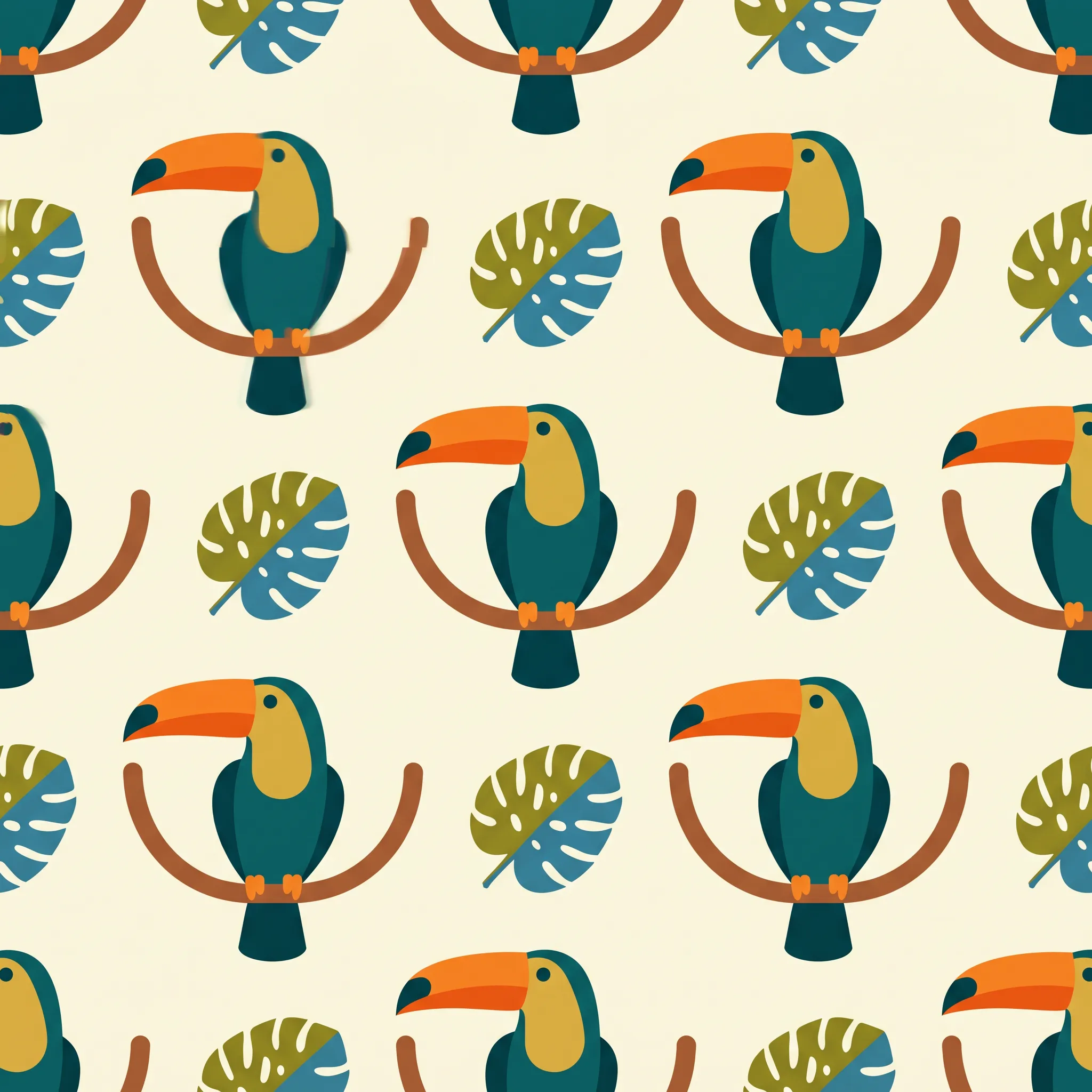
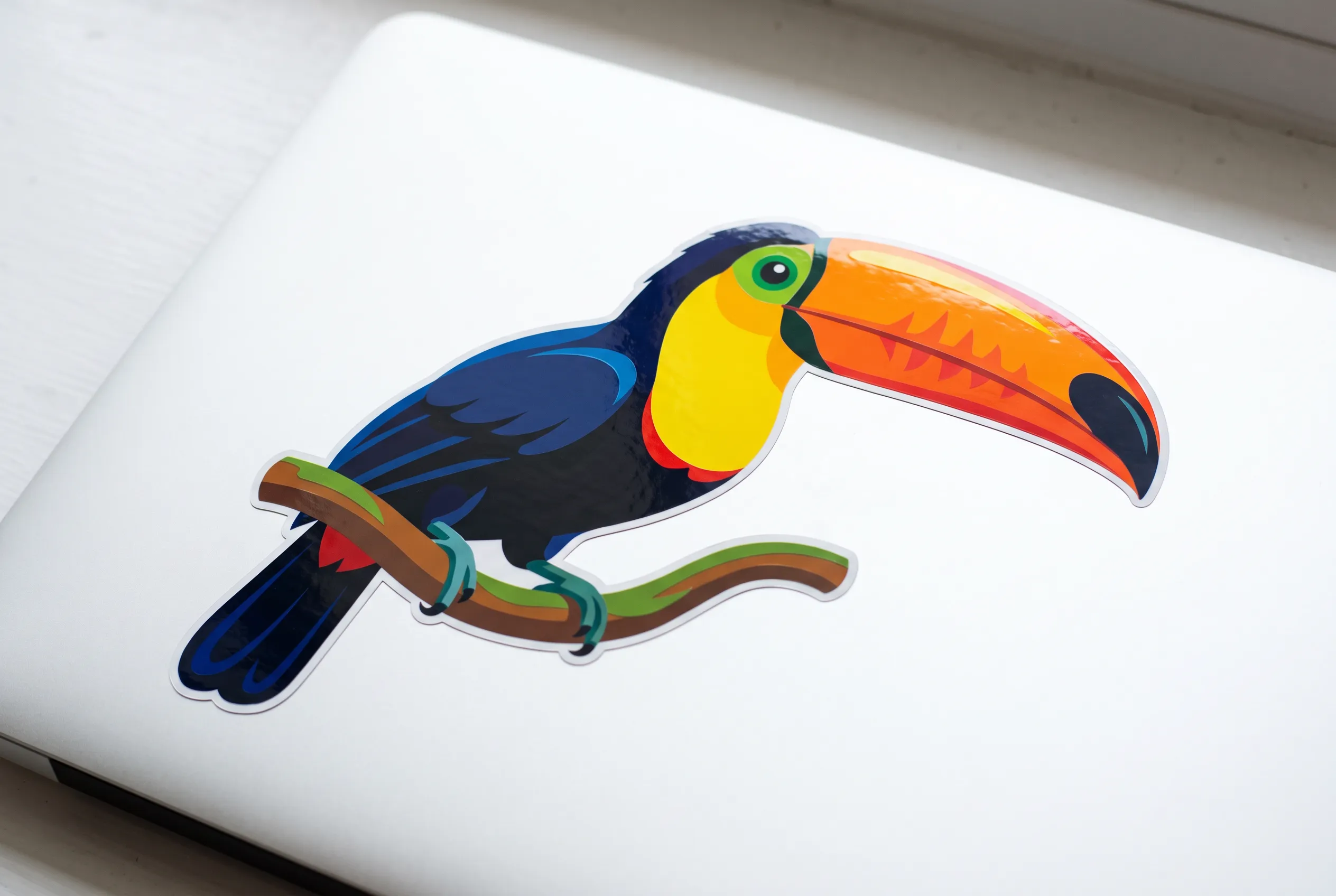
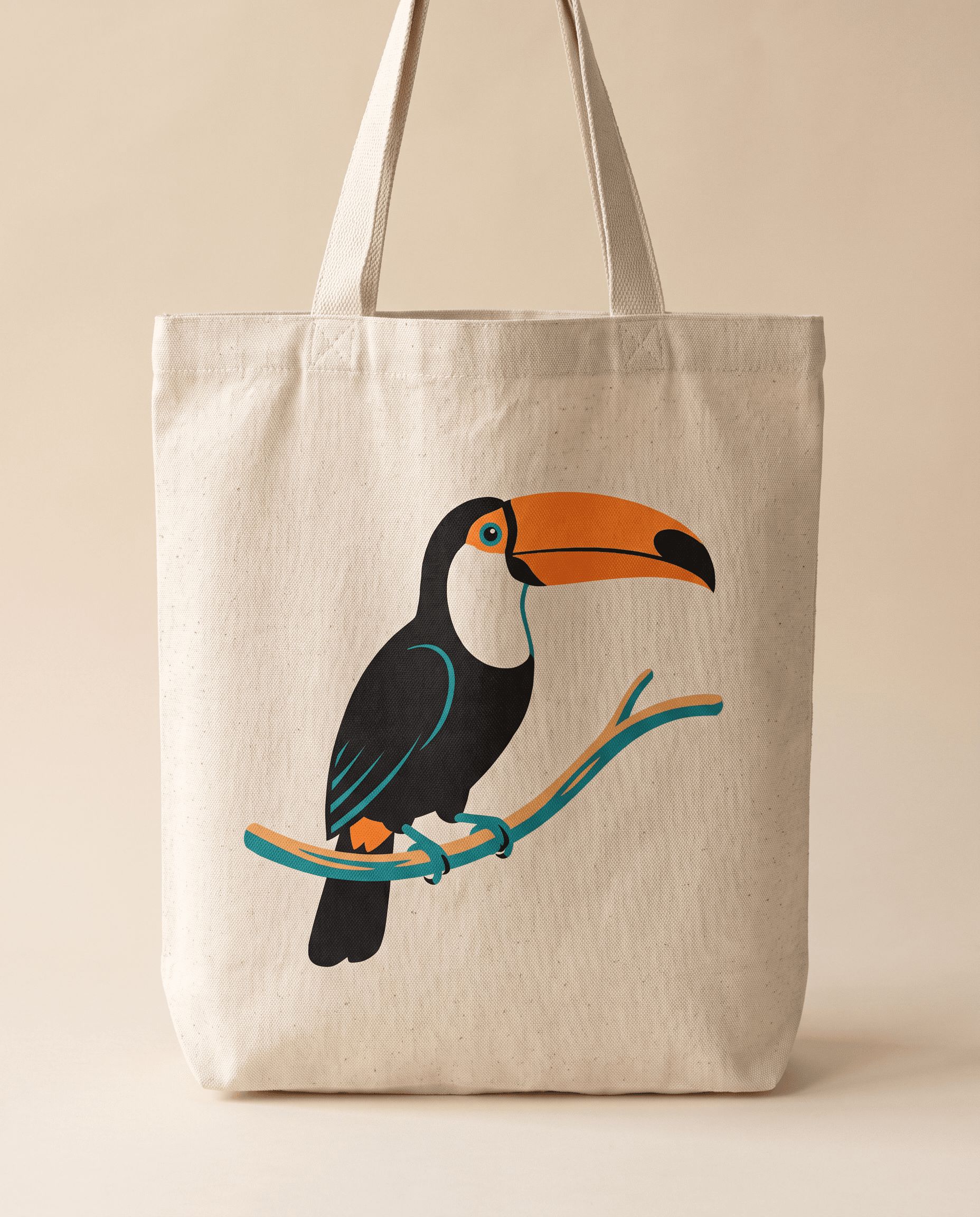
A toucan perched on a branch appears in all eight images. Its bill is one long swoop that comes out either smooth or visibly lumpy, and its dark body gives most versions a broad patch of solid fill. Read the caption under any image for its full prompt.

How to prompt for vector art style
Brief the model as if it were holding a pen tool. Name the subject first, then the construction, with words such as clean curves and closed shapes. Pick one fill type, because flat fills, smooth gradients and polygon facets each produce a different version of the style. Give the palette a number, say five colors, and decide about outlines; a uniform black outline tends to nudge the result toward cartoon. Background matters more than lighting. A plain or solid-color ground keeps the shapes readable, and vector work suggests light by layering lighter and darker shapes.
Image models output pixel images, so the result is vector style art, and turning it into an editable file means tracing it afterward. Flat shapes on a plain background trace far more cleanly than detailed ones.
Starter prompts, one per fill type
- Flat. Flat vector illustration of a toucan with an oversized orange bill perched on a curved branch, clean curves, solid fills in black, orange, lime and cream, crisp edges, plain teal background, vector art style, no text
- Gradient. Gradient vector illustration of a toucan with an oversized orange bill perched on a curved branch, smooth tangerine and magenta gradients on the bill, glossy layered shapes, plain deep navy background, vector art style, no text
- Low poly. Low-poly vector illustration of a toucan with an oversized orange bill perched on a curved branch, built from flat triangular facets in graded tones, sharp polygon edges, plain pale gray background, no text
Where vector prompts break
Texture tends to sneak in first. Paper grain and soft airbrushed shading can turn up uninvited, and naming flat fills with crisp edges usually pulls them back out. Palettes creep too, so a toucan asked for in five colors may return in a dozen, which matters if the art is headed for screen printing. Feathers are the other trap, since drawn one by one they clutter the bird at small sizes and slow down tracing, and asking for simplified shapes helps.
Where vector art style works
Signage and vehicle graphics need artwork that holds up at sizes nobody planned for, and a clean vector look, once traced into paths, can go as large as the job requires.
Display campaigns need one design at many sizes. Banner Maker takes a product image, brand name, headline, subhead, call to action and color palette, and returns a master banner plus more versions built from the same assets.
Drink cans suit the look as well. Soda Can Mockup needs only a short flavor description, a color plus a name. It returns wrap label artwork, a hero can, three lineup cans in other colors and a short motion shot.
Related styles
- Corporate art style, flat vector figures in office and app scenes
- Simple art styles, for one-line drawings and other stripped-down looks
- Illustrative art style, the broader field of editorial and book illustration
- Graphic art styles, design movements such as Swiss style and Bauhaus
- Pixel art styles, the raster opposite, where every square shows
FAQs
What games use vector art?
Early arcade games did, on screens that drew lines directly, and Adobe cites Asteroids from 1979 as one of them. Wikipedia's history of vector monitors adds Armor Attack, Omega Race, Tempest and Star Wars, plus the Vectrex home console, though by the 1980s most displays had moved to raster graphics.
What programs create vector art?
Adobe Illustrator, CorelDRAW and Inkscape all draw and edit vector art. Their files often save as SVG, the vector standard of the World Wide Web Consortium, which many web browsers can render.
Can I turn any picture into a vector image?
Not every picture converts well. Tracing software handles images that were simple to begin with, such as logos, cartoons, maps and clip art, while continuous-tone photographs like portraits make poor candidates. The software has to rebuild shape information the pixels never stored, so it works by educated guesswork.
Who are some famous illustrators?
In vector work, Adobe's guide to the medium points to Orlando Arocena, who made the artwork for the 2019 Dumbo theatrical poster, and to Susanne Paschke for the detail in her paths. It also names Cristiano Siqueira, whose work centers on athletes and sport, and Helen Huang, who draws clean vector characters for children's books.