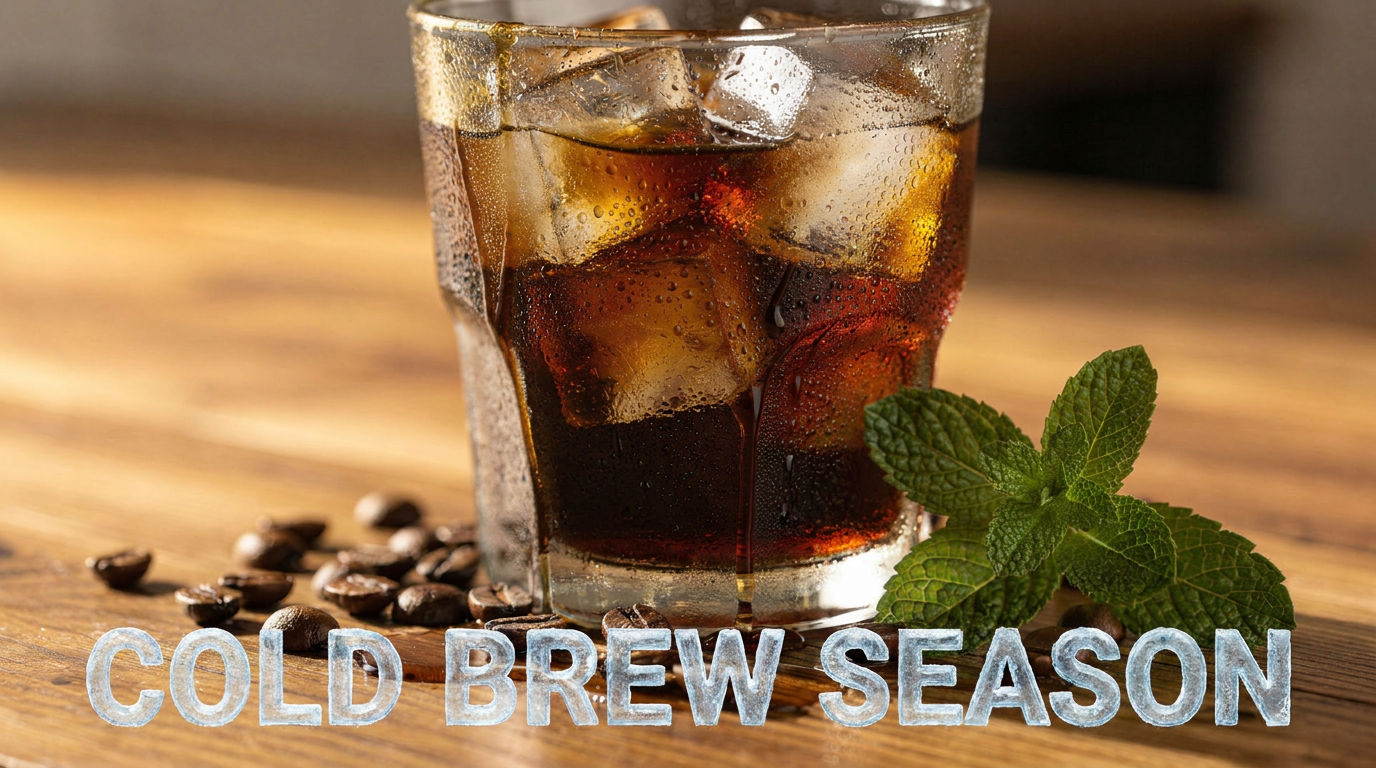
Product
a sweating glass of dark cold brew over clear ice on a sun-warmed oak counter, condensation beads, a scatter of roasted coffee beans and a fresh mint sprig
Headline
COLD BREW SEASON
Cta
Shop the Roast
Brand
KESTREL
Subhead
Now 20% Off, All Spring
Palette
warm amber, deep espresso brown and cream
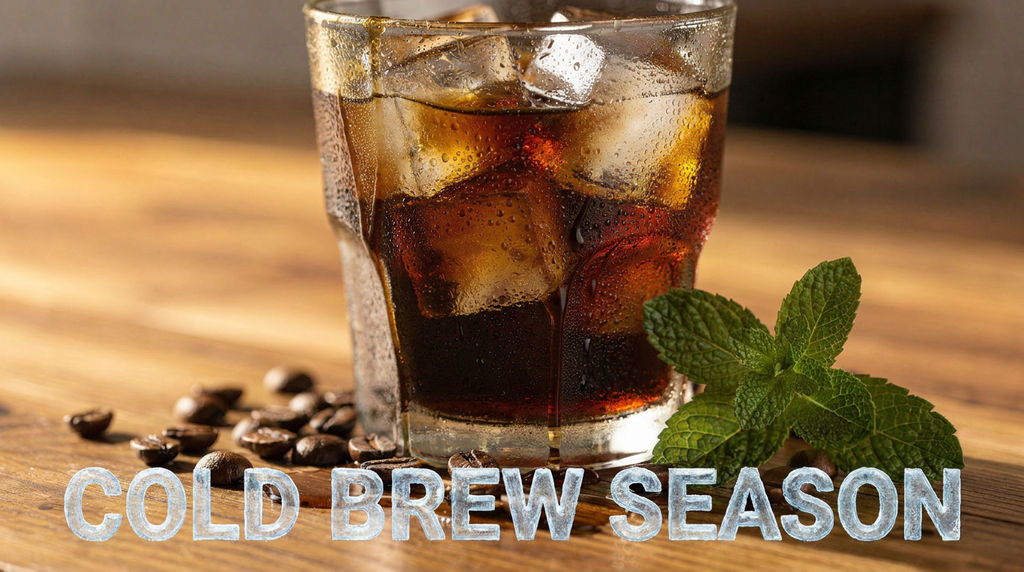
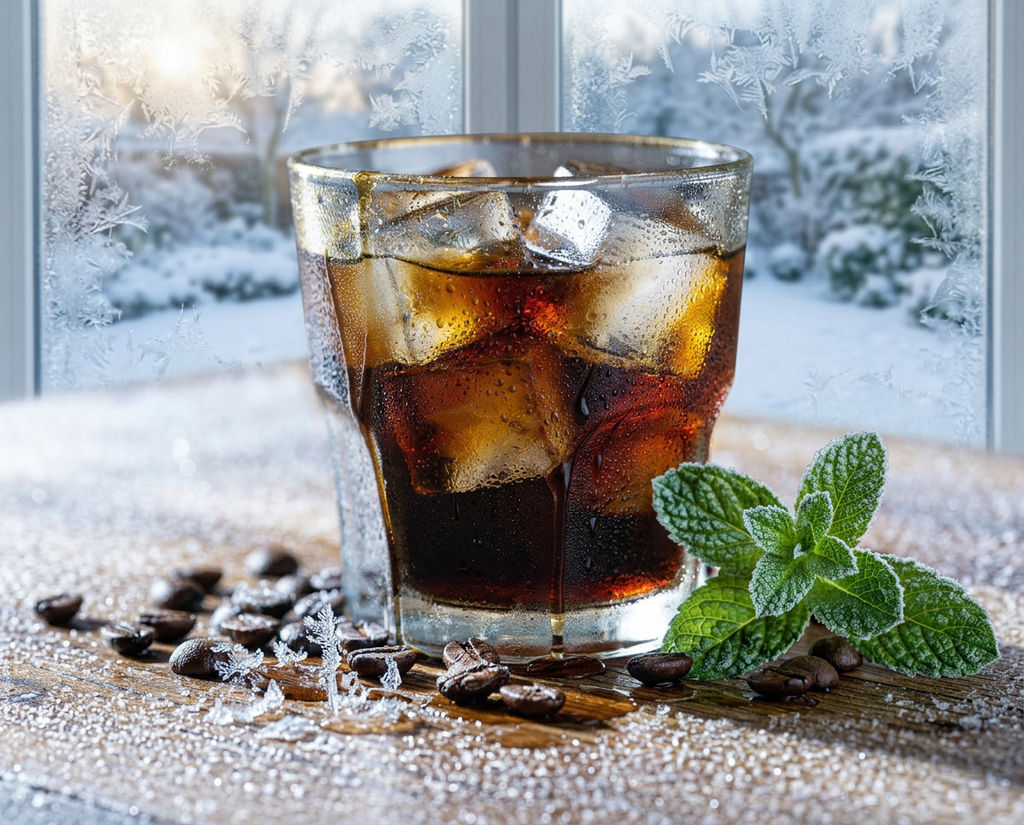
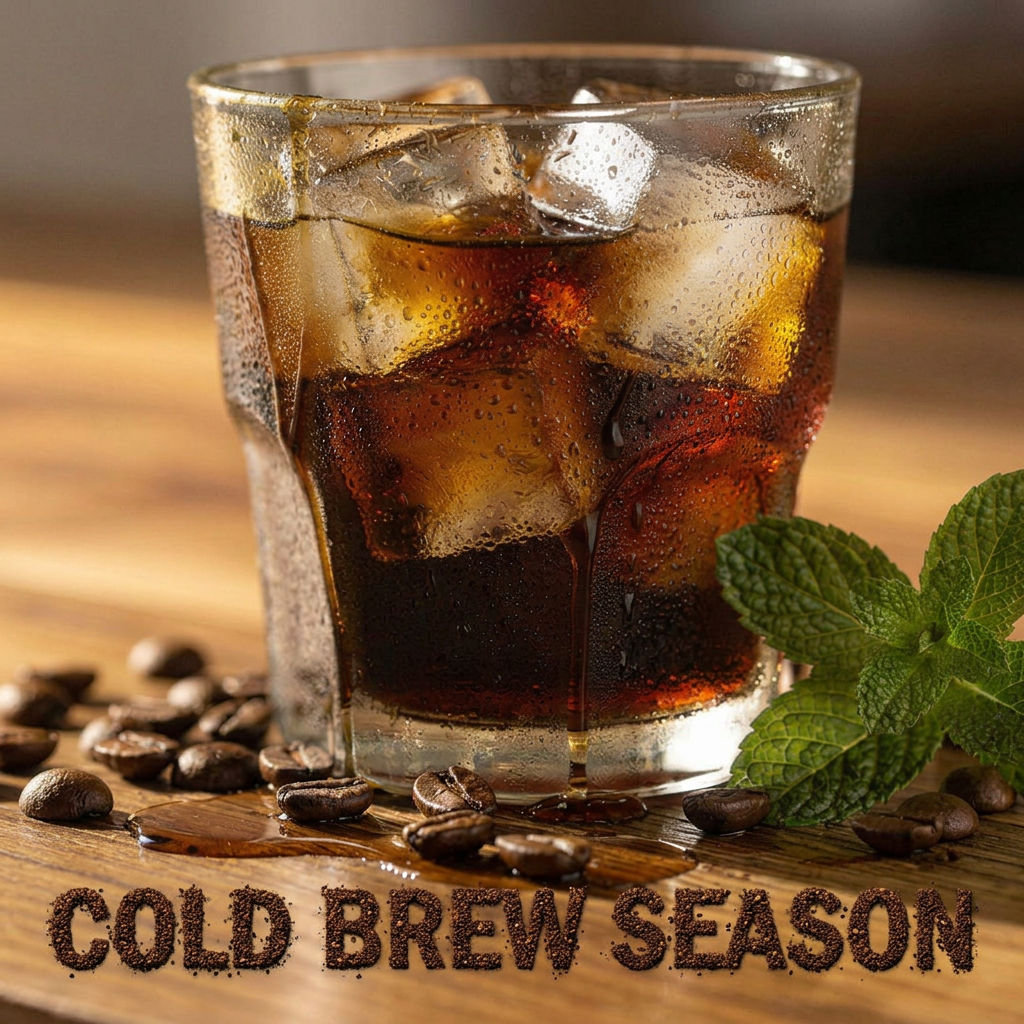
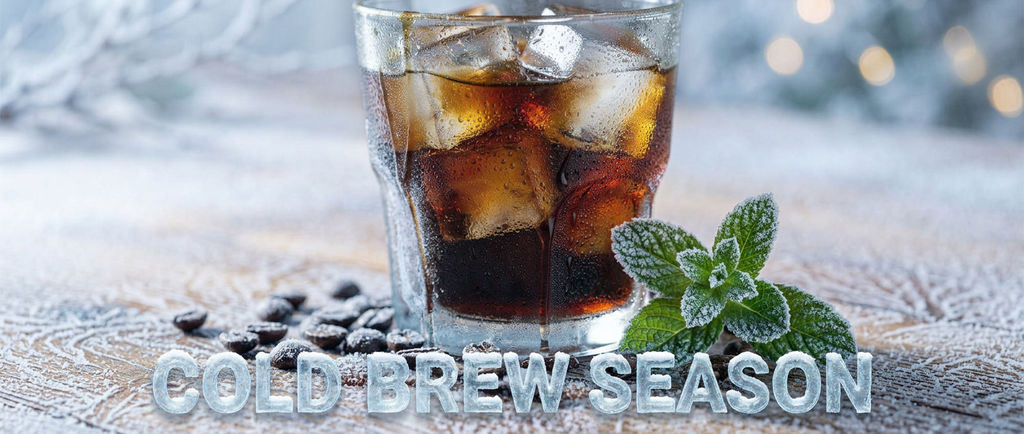
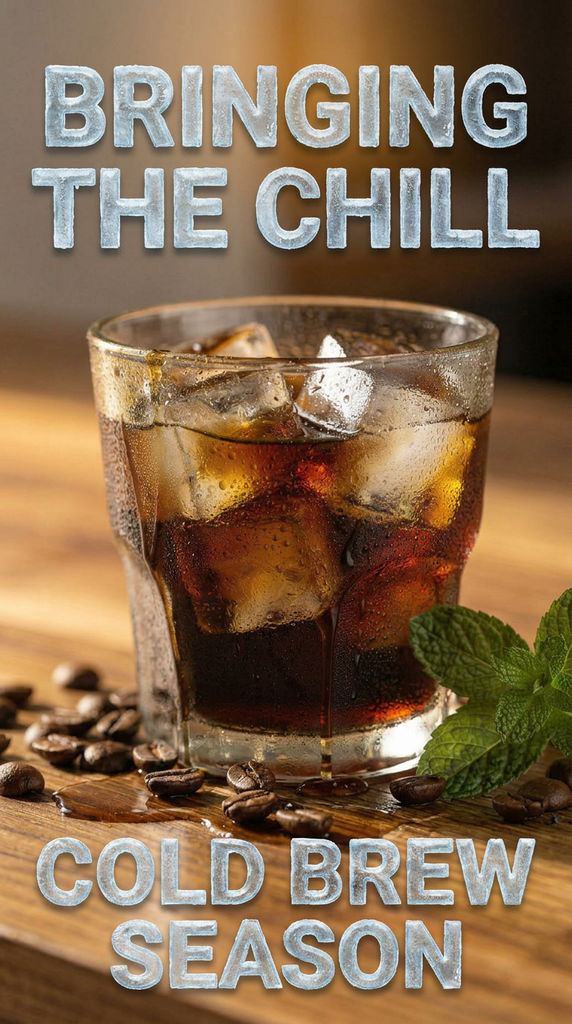
Upload a product shot, headline and palette, and this online banner maker turns one design into a matched set of banner outputs.

Display Ad Campaigns
Agencies use this banner maker online to turn one approved campaign design into a full set of matched banner outputs, keeping copy and brand consistent across every version.

E-Commerce Promotions
E-commerce teams use the Technique to produce a matched set of banners for a single promotion from one product shot, without briefing a designer for every version.

Campaign Variation Testing
Creative teams use the Technique to generate several banner variations from one campaign brief, then compare them side by side before committing media budget to a single design.
How to use Techniques?
Discover how to utilize Banner Maker for different scenarios.

Add inputs
Upload images, videos, or type in the prompts to get started.

Generate outputs
Next, hit the "Generate" button to start generating your outputs.

Edit and export
Refine your outputs on canvas, or download them directly.
Frequently asked questions
All you need to know about Banner Maker
What is a banner maker, and how does it actually work?
A banner maker takes the core pieces of one campaign, a product shot, a headline, a brand palette, and turns them into a full set of banners that all read as the same campaign. Instead of a designer relaying out each version by hand, the layout adapts around the copy and product image while the palette and branding stay locked, so nothing shifts from one banner to the next.
That consistency is the part that actually eats up production time. Getting one banner layout right is an afternoon's work; getting the headline weight, the brand color and the product angle to match across every version you need is where in-house turnaround usually slows down. Start free on FLORA and that repetition becomes one generation instead of a separate design pass for every size.
Why the output holds together across versions
The reason a set of banners from the same campaign should look identical in everything but layout comes down to what stays fixed. Headline, subhead, call to action, product image and palette are treated as constants, and only the arrangement changes to fit each banner. That palette lock is the same idea behind Palette Pull, which pulls one brand palette and holds it steady across whatever it's applied to next.
Without that constraint, this kind of tool is really just a resizer, and resized layouts tend to crop headlines or crowd a logo the moment the aspect ratio changes. Stretching a banner to fit a new frame is a different problem than rebuilding the composition for that frame, and the difference shows up first in whatever element is least flexible. Usually that's the headline, since text has a fixed reading size long before an image does.
How FLORA's AI handles the layout
Roughly, the technique works through the inputs in this order:
- Reads the headline, subhead and call to action as text elements rather than flattened pixels, so type stays legible instead of stretching.
- Locks the product image and brand palette as constants for the whole set.
- Reflows the layout for each banner rather than cropping or stretching a single master design.
- Generates the full set together, so every version finishes matched to the same campaign.
When a headline runs long, the priority is keeping the full line readable rather than shrinking it past a usable point or truncating it early, which is part of why banners built this way tend to read as considered rather than obviously auto-generated.
That reflow step is the same underlying idea behind Quick Reframe, which handles the aspect ratio side of this problem on its own when a banner set isn't what a project needs. If a campaign later needs to stretch into other brand assets beyond banners, Brand Extension Generator applies a similar logic to a wider set of formats.
Where manual banner production breaks down
A single banner is rarely the deliverable. Most campaigns need a full set running across a display network, a marketplace and a handful of social placements at once, and each of those contexts expects its own dimensions. Rebuilding one layout by hand for every placement multiplies fast: a campaign with a handful of banner variants, times a handful of headline or offer variants, times a handful of placements, turns into dozens of files before anyone has tested whether the creative even works.
That's also where brand consistency tends to slip. A designer working through a long list of sizes late in a production cycle is more likely to let the palette drift slightly or crop a logo differently than the guidelines call for. Treating the palette and layout as a pull from an existing set, similar to how Moodboard Maker keeps a mood or palette consistent across a set of references, removes that drift by applying the same source constants to every version instead of redrawing them by hand each time.
The different ways people search for this
Type this kind of tool into a search bar and you'll see it phrased a dozen close ways: online banner maker, banner maker online, free banner maker, ad banner creator, banner generator, banner tool. They're all pointing at the same job: take one creative and turn it into a matched set of banners without opening a separate design file for each version. That kind of tool usually implies no software to install and no template to hunt down first, just inputs in, banners out.
The free tier is the version most people try first, before they know whether the output quality is worth a paid plan. Because this technique runs on the same inputs every time, trying it once tells you almost everything about how it will perform on your next campaign, not just the one you tested.
Getting the most out of it inside FLORA
Once a set of banners comes out of the technique, it lands on FLORA's canvas the same way any other output does, ready to sit alongside the rest of a campaign's assets rather than as a one-off export. That matters because a banner set is rarely the only thing a campaign needs from the same brief. The same product shot and palette usually feed a Product Lookbook Grid or a set of static ads built through FLORA's wider image generation tools, and having everything on one canvas means those pieces get built from the same source assets instead of re-uploaded project by project.
The workflow underneath all of it is the same for every technique on FLORA: ideate on the inputs, iterate on the result until it's right, then scale the output to however many versions or campaigns actually need it. This technique is one narrow, well-defined slice of that loop, built for the specific case where the versions have to match rather than vary. If the next campaign needs a different headline, offer or product shot, running it again from the same brief takes less time than opening a single design file would.
Related techniques
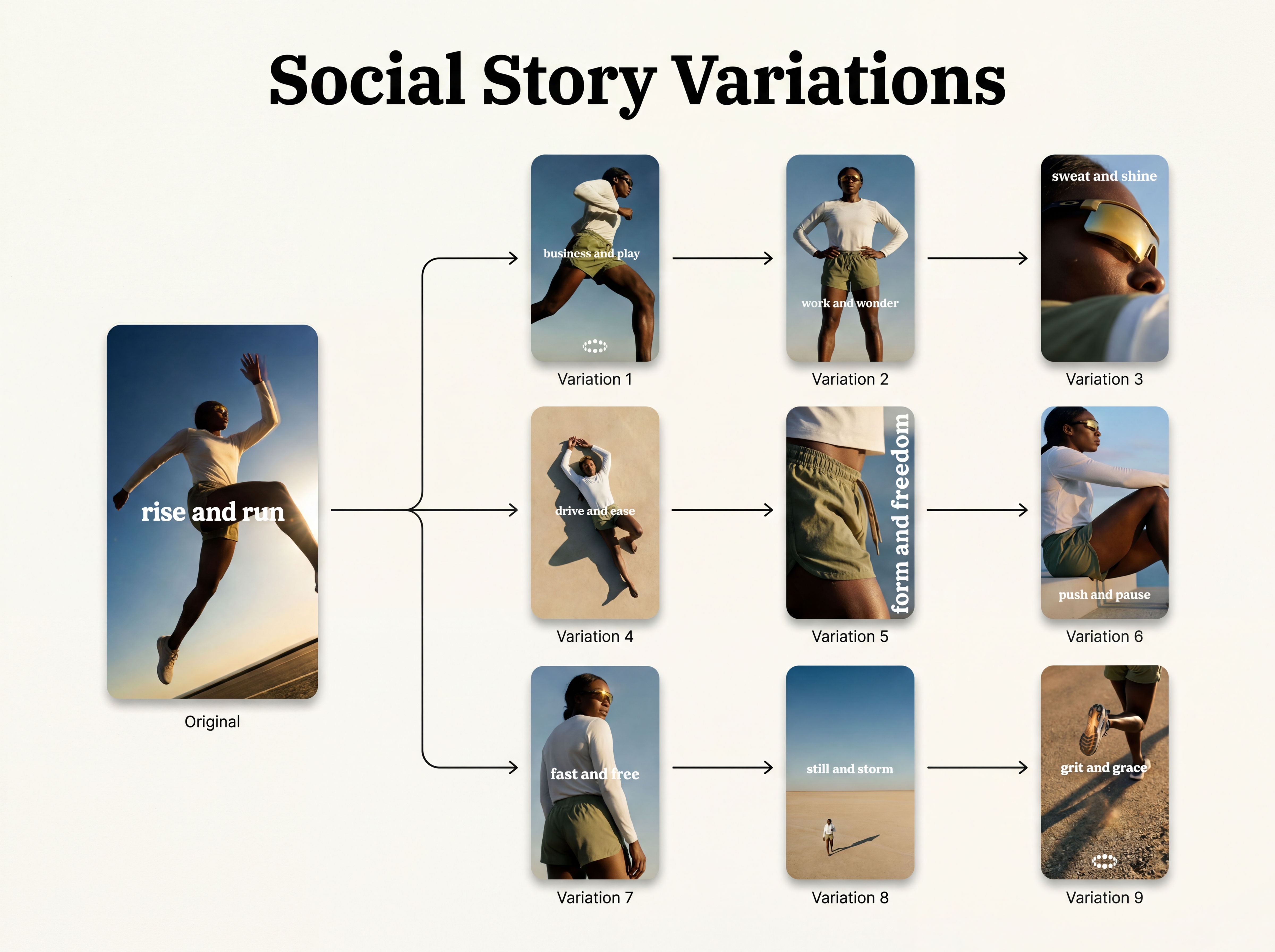 Instagram Story VariatorOne IG story in, nine variations out.
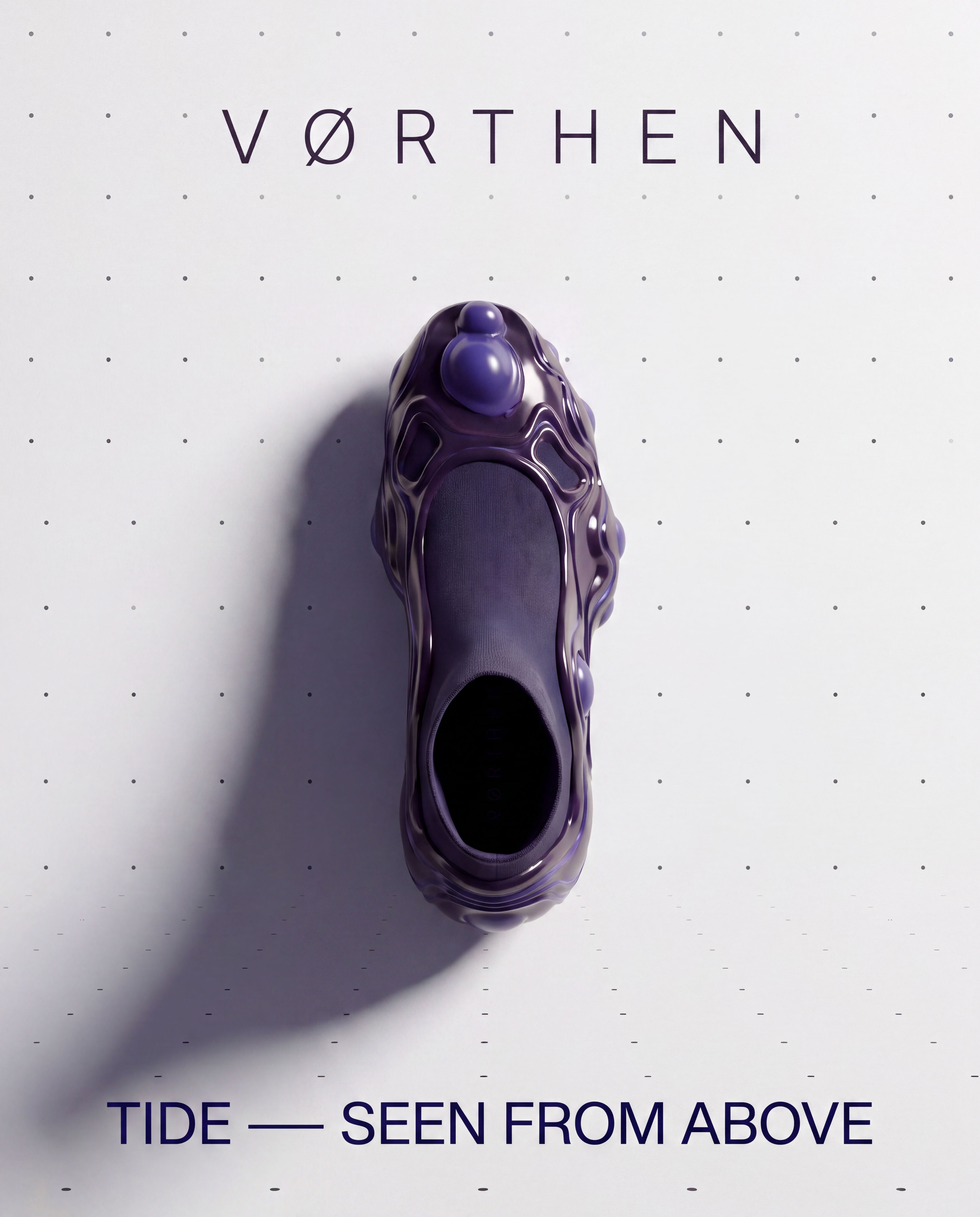 Meta Ad VariatorOne ad in, nine variations out.
 Photography/Image Aspect Ratio ChangeWorks best with photography or images without text.
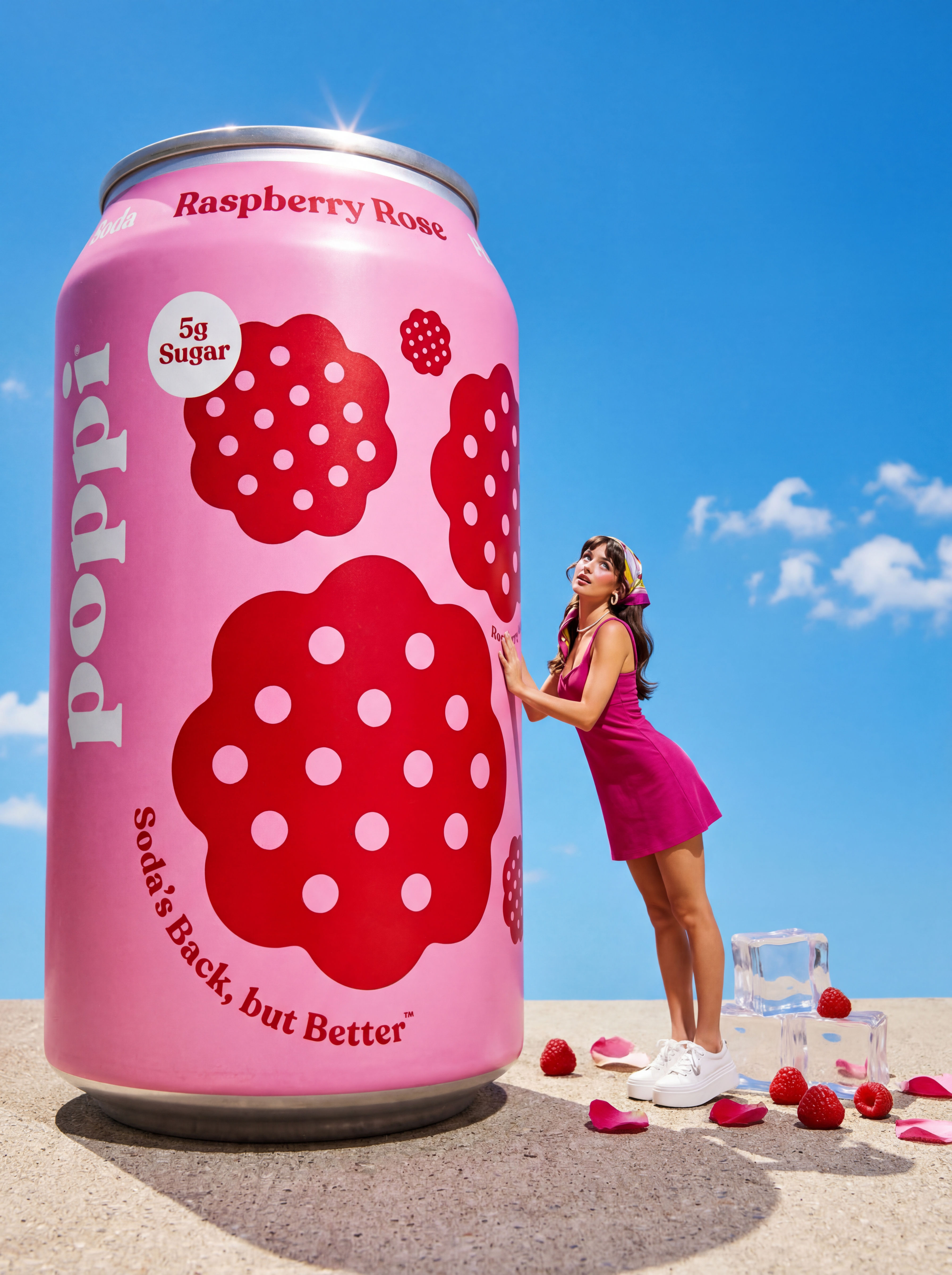 Product to Ad VisualsMake a compelling ad campaign of 4 visuals from 1 product shot
 Relighting Photoshootconfirm the lighting with your team/client and have a lighting diagram to share with your team.
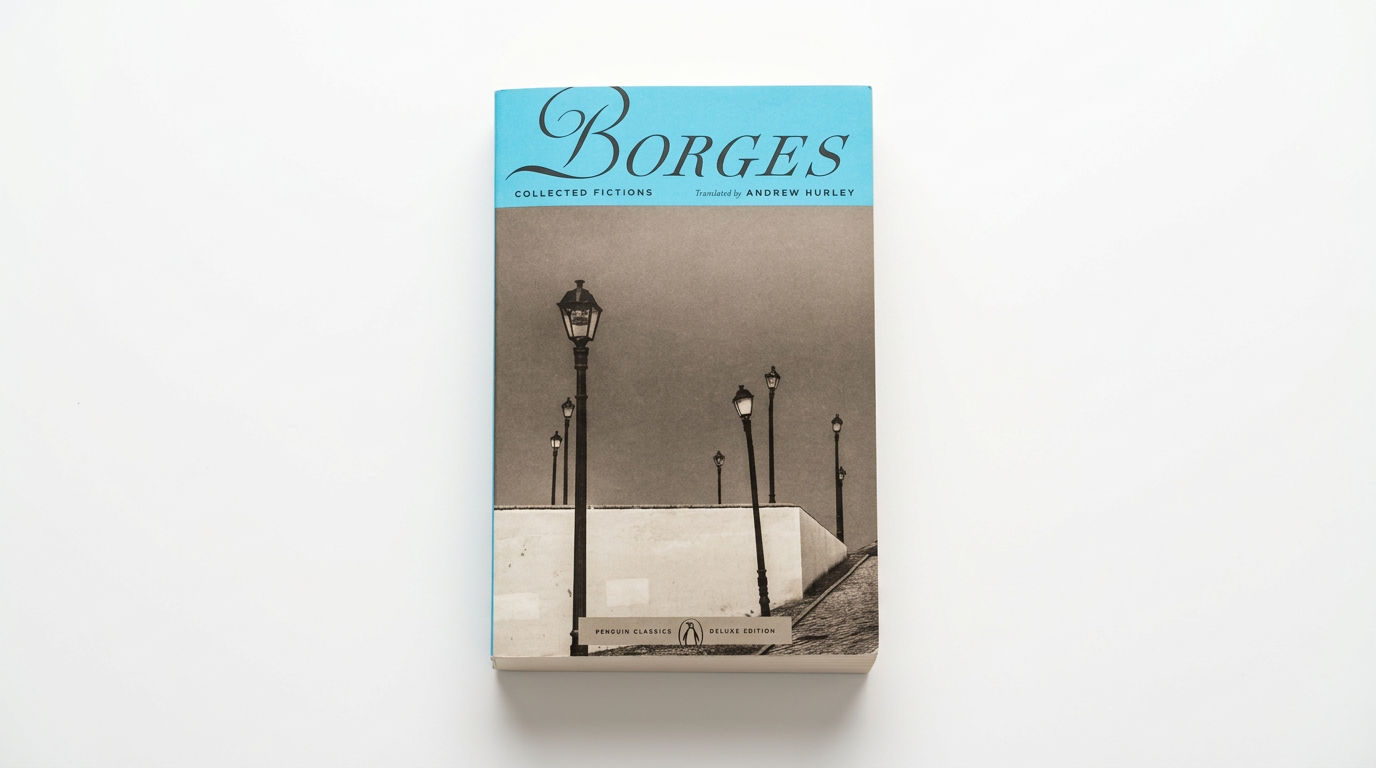 Book DropMocks up front and back book covers
Use the Banner Maker to Generate a Full Set of Campaign Banners in One Click
one campaign design, auto-resized into the full standard ad-banner set. Useful for: marketers/agencies who need a display campaign as a matched set of standard banner sizes (leaderboard, medium rectangle, tall skyscraper/story, square social) carrying identical copy, palette and brand.

Louis Anderson