
Variation Direction
More of the same creative world, seen differently.


Upload one Facebook or Instagram ad and this AI ad generator returns nine ready-to-test variations in moments.

Small Business Campaigns
Small business owners use this Facebook ad maker to turn one ad into nine fresh variations for split testing, without hiring a designer.

Agency Creative Scaling
Agencies use this AI ads generator to produce nine on-brand variations per client ad, speeding up campaign launches across multiple accounts.

E-Commerce Ad Testing
E-commerce teams treat the Meta Ad Variator as an AI advertisement generator, uploading a single image ad to generate variations for Facebook and Instagram testing.
How to use Techniques?
Discover how to utilize Meta Ad Variator for different scenarios.

Add inputs
Upload images, videos, or type in the prompts to get started.

Generate outputs
Next, hit the "Generate" button to start generating your outputs.

Edit and export
Refine your outputs on canvas, or download them directly.
Frequently asked questions
All you need to know about Meta Ad Variator
What this AI Facebook ad generator does with your ad
The Meta Ad Variator is an AI Facebook ad generator that works from an ad you have already made. You upload one image ad, and the Technique returns nine new images that keep the subject of the original along with its colors and lettering style. Each of the nine is shot from a different distance and angle and carries a new line of copy written in the voice of the original.
Most AI ad generator tools begin with a text prompt or a template and build an ad from nothing. Starting from an existing ad suits Facebook and Instagram advertisers who already have creative that ran well or cleared internal approval and who need more versions of it for testing. Signing up for FLORA is free, and the preset example on this page runs on a sneaker ad, so you can look at a full set of nine before uploading your own.
How the nine shots are planned
Before any image is made, an AI model studies the uploaded ad to work out what the subject is and which colors and mood run through it. It also reads any text in the ad, noting the wording and the typeface. Working the way an art director would on a single photo shoot, it then writes nine separate shot descriptions for an image model to render.
The workflow treats the uploaded ad as a photo that has already been taken and set aside. None of the nine frames is allowed to repeat its framing or camera position. Each frame also has to differ from every other frame in camera distance, camera angle or staging. In the preset example, the set includes an overhead flat-lay of the shoes, an extreme close-up of the sole, a side profile, and a wide shot with the pair placed small in a large empty room.
In the grid, the top left frame introduces the subject from an angle the original never showed, and the center frame is meant to be the strongest image in the set. The bottom right frame is a wide shot with a lot of empty space around the subject. The remaining six are used for close-ups, detail studies, action and the subject’s surroundings.
The new line of copy in each variation
Every variation includes a short line of ad copy set in a typeface close to the one in the original. The lines are written for each frame separately, so in the preset example a close-up of the sole gets a line about its surface and the wide shot gets a line about distance. The model is told to match the tone of the original copy without reusing any of its exact words, and no two frames share a line.
Because the copy is generated, it needs a read before anything goes live. A line can describe the product in a way your brand would not. If the original ad mentioned a price, a discount or a deadline, the new lines may drop that detail or word it differently. The image model can also misspell a word or set the brand name slightly off. Checking the nine lines for spelling and claims before the set goes into Ads Manager takes a few minutes.
Steering the set with a variation direction
The second input is an optional line of text describing where you want the set to go. With the preset text left in place, the Technique stays close to the world of the original ad and varies the camera and staging. A direction such as “the product outdoors at night” or “someone using it in a kitchen” moves the nine frames into those settings.
When the direction and the original ad disagree, the workflow splits the decisions between them. The direction decides the setting, the staging and what the subject is doing. The original ad keeps control of how the subject looks, the color palette and the type, so a direction asking for different brand colors is unlikely to change them much.
Using the nine variations in a Meta campaign
All nine come back as 4:5 portrait images, a vertical ratio Meta supports for feed placements on Facebook and Instagram. A media buyer can upload the set into one ad set and let Meta’s delivery system spread spend across the nine, then compare cost per result once each version has had enough impressions. The version with the best results can go back into the Technique as a new source ad for a second round of variations.
A set of versions is also useful against ad fatigue, which is when the same audience sees one ad so often that its results start to fall. New versions of an approved concept can be rotated into a campaign while the product and the brand look stay the same.
Stories and Reels placements use a taller 9:16 frame. For those, you can move a variation onto the FLORA canvas and change its aspect ratio there before exporting.
How people search for a tool like this
Plenty of people search for an AI Facebook ad generator by that name, but the phrasing varies a lot. Some type AI ads generator or AI advertisement generator. Others use word orders that read like a list of terms, such as “Facebook ad generator AI”, “Facebook ad AI generator” or “ad generator Facebook”. People who mostly work in design software often look for a Facebook ad maker, or a Facebook ad maker AI version of one. Advertisers who run the same campaign on Facebook and Instagram sometimes search for a Meta ad generator, since both apps sell ads through Meta’s ad system.
Searches for the best AI ad generator tend to come from teams comparing a few options before they settle on one. A template-based AI ad maker gives you a layout to fill with your own photo and text. The Meta Ad Variator has no templates and needs a finished ad as its input.
Trying it for free
Creating a FLORA account is free, and new accounts come with starter credits that do not expire. Anyone looking for a free AI ad generator, a free AI Facebook ad generator, or an AI Facebook ad generator free to test on a live campaign, can use those credits to run the Technique on one of their own ads. The cost of a run is shown before you press Generate, and one run returns all nine images.
Teams comparing the best AI ad generator free options, or looking for an AI advertisement generator free to start with, can see a full set built from their own creative before paying for anything. Paid plans add monthly usage for agencies and in-house teams that run the Technique on many ads.
Where video fits
The Technique takes a still image and returns still images, so it is not an AI ad video generator. If your strongest ad is a video, you can export a single frame as a still and run that through the Meta Ad Variator. The best of the nine can then move to the FLORA canvas, where a video model can animate them, or you can start a new clip in the AI video generator.
Taking a variation further on the FLORA canvas
Any of the nine outputs can move to the FLORA canvas and become the input for other work. The background remover cuts the subject out of a variation, and the new background generator places it in a different setting. For campaigns running in more than one country, auto translate can turn the copy line in a variation into another language. UGC-style ads from UGC creation can run in the same ad set as the nine variations.
Teams that do not have an ad yet can make a source image first with the AI image generator or the product lookbook grid, then bring the finished ad into the Meta Ad Variator.
Related techniques
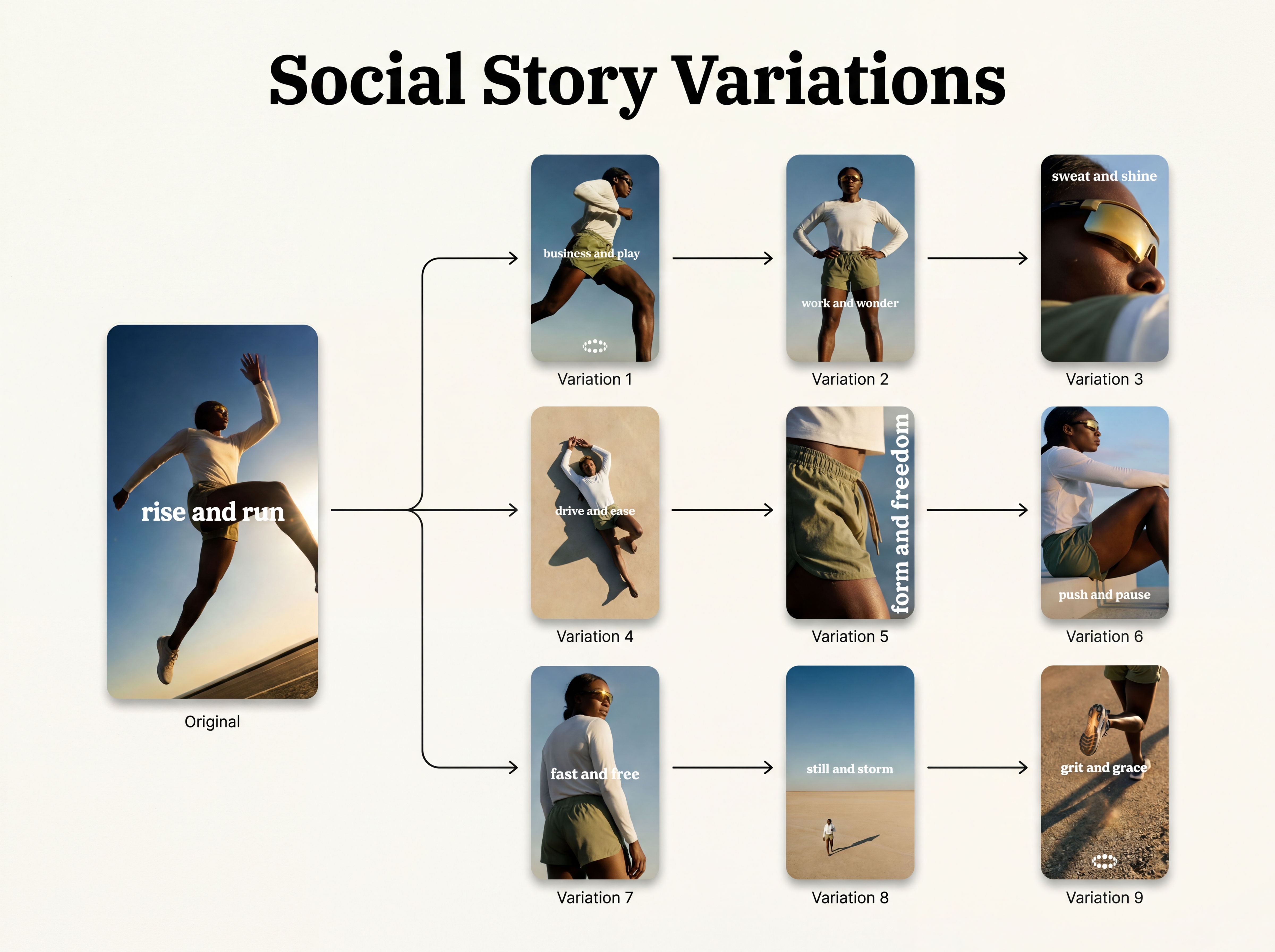 Instagram Story VariatorOne IG story in, nine variations out.
 Photography/Image Aspect Ratio ChangeWorks best with photography or images without text.
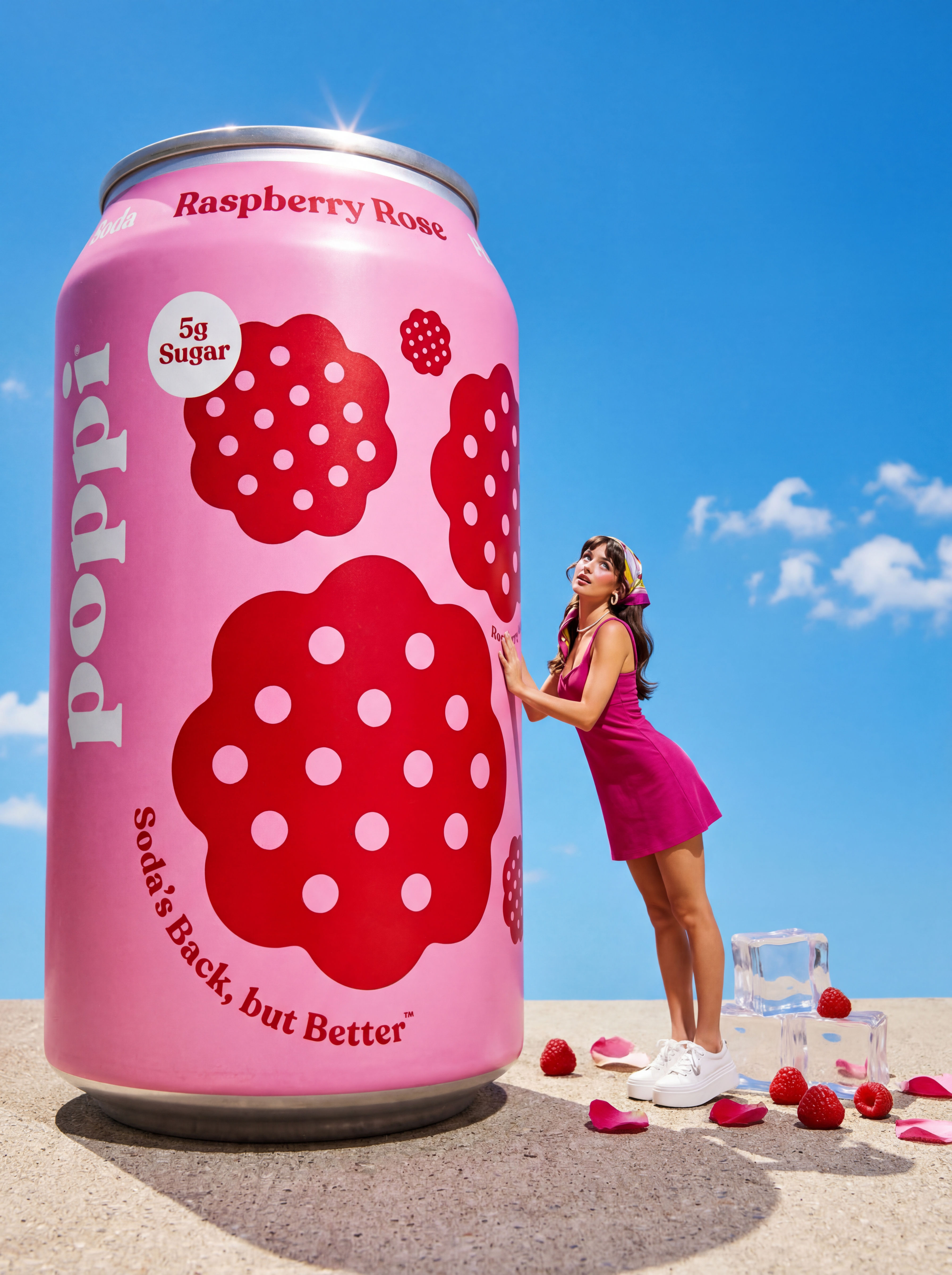 Product to Ad VisualsMake a compelling ad campaign of 4 visuals from 1 product shot
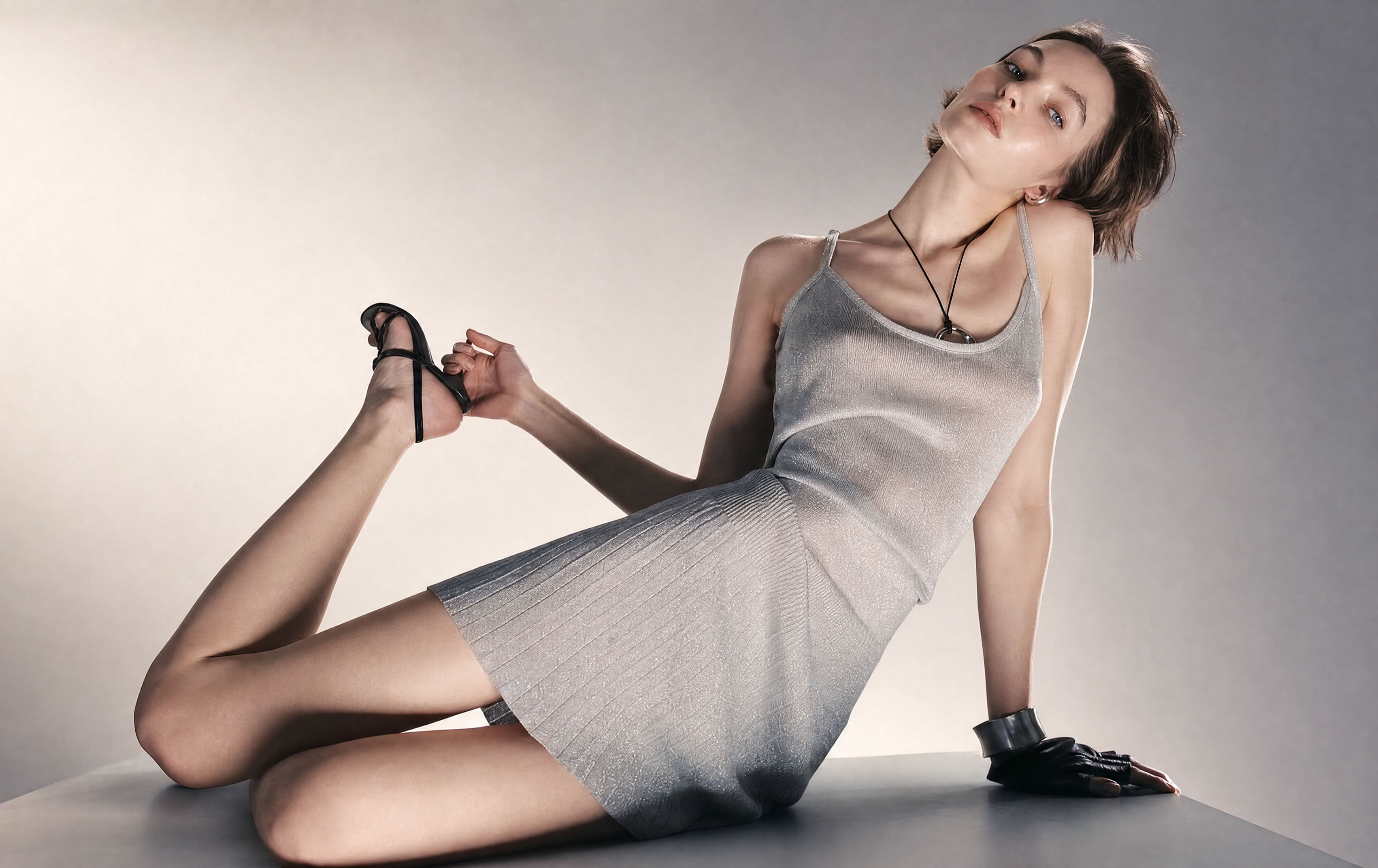 Relighting Photoshootconfirm the lighting with your team/client and have a lighting diagram to share with your team.
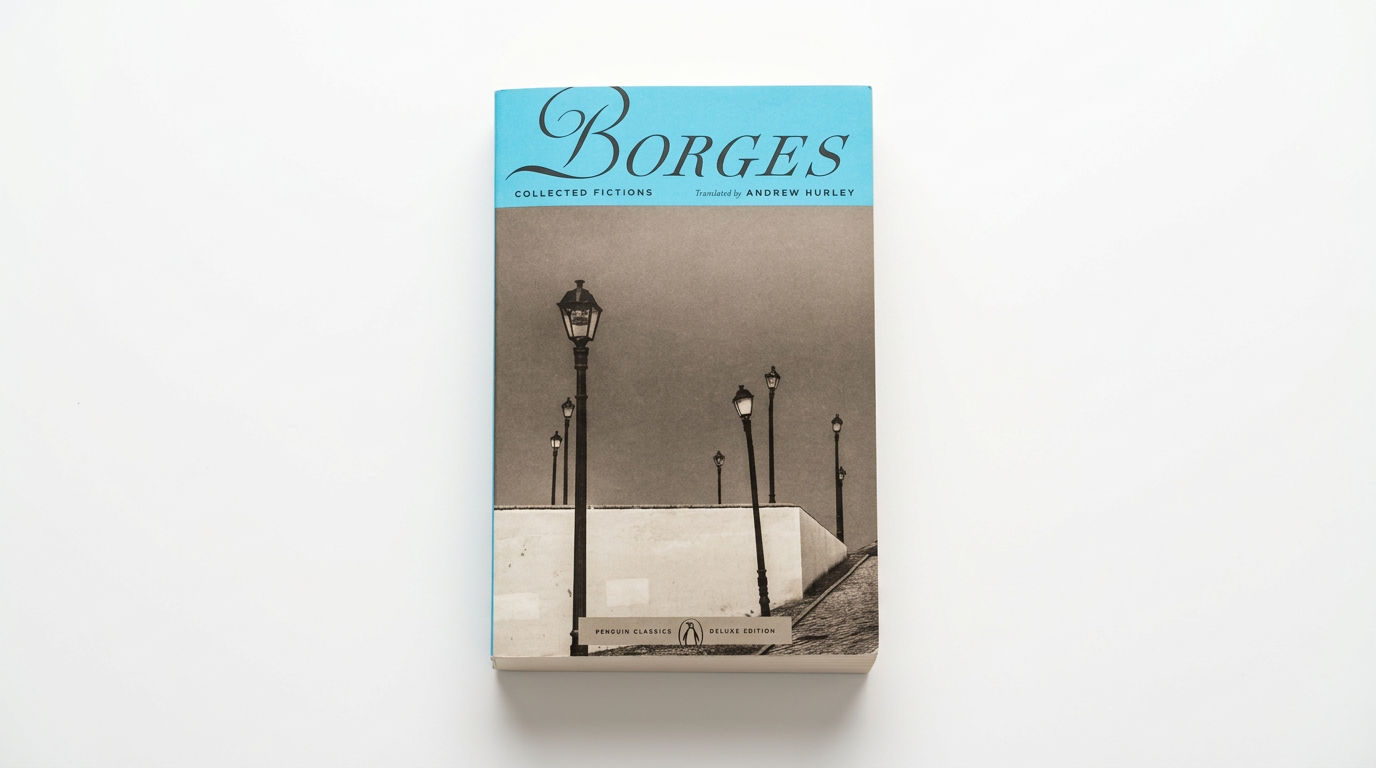 Book DropMocks up front and back book covers
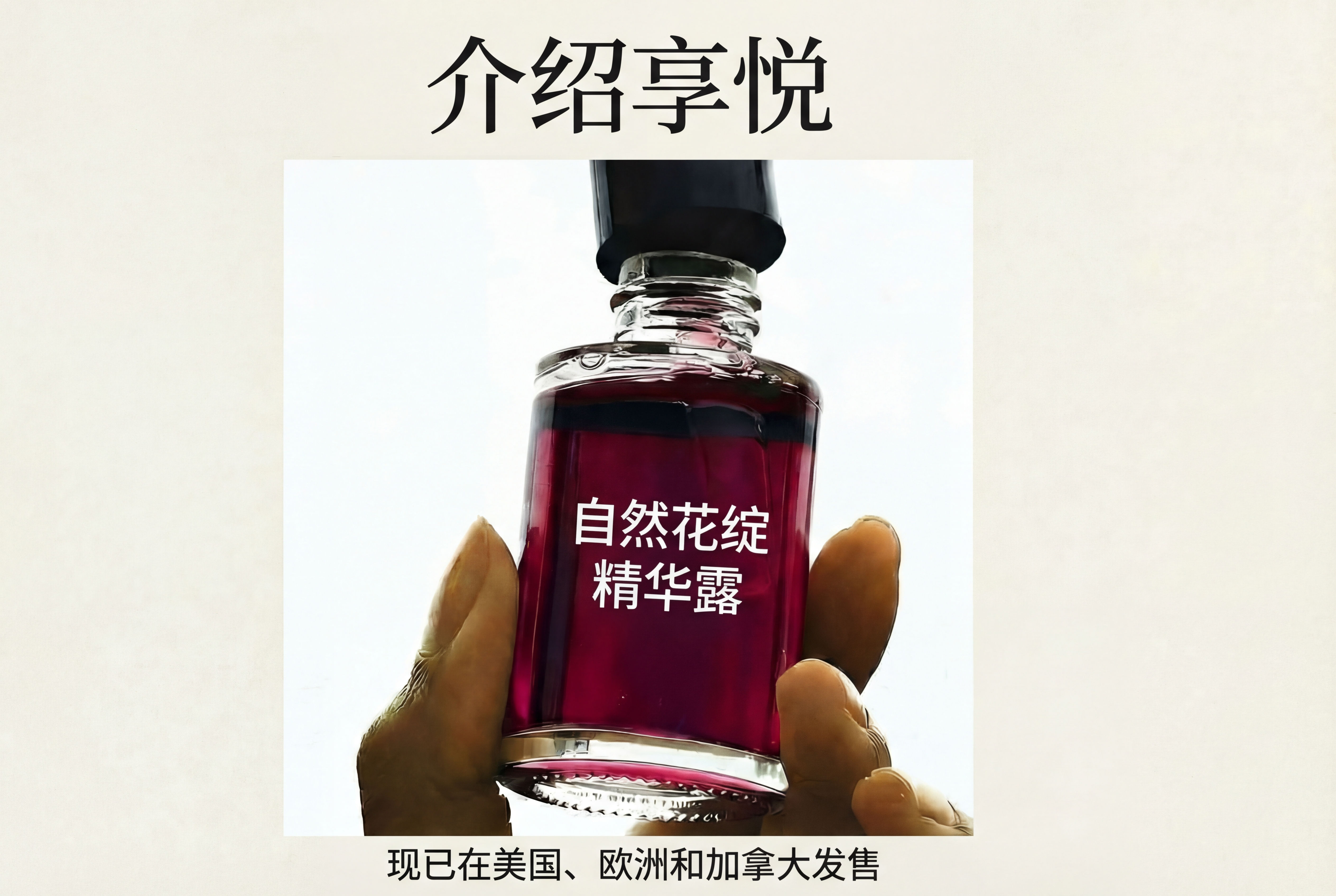 Auto TranslateTranslate text in images instantly
Turn One Ad Into Multiple Variations with This AI Facebook Ad Generator
One ad in, nine variations out.

Sasha Zabegalin from FLORA