Language
chinese
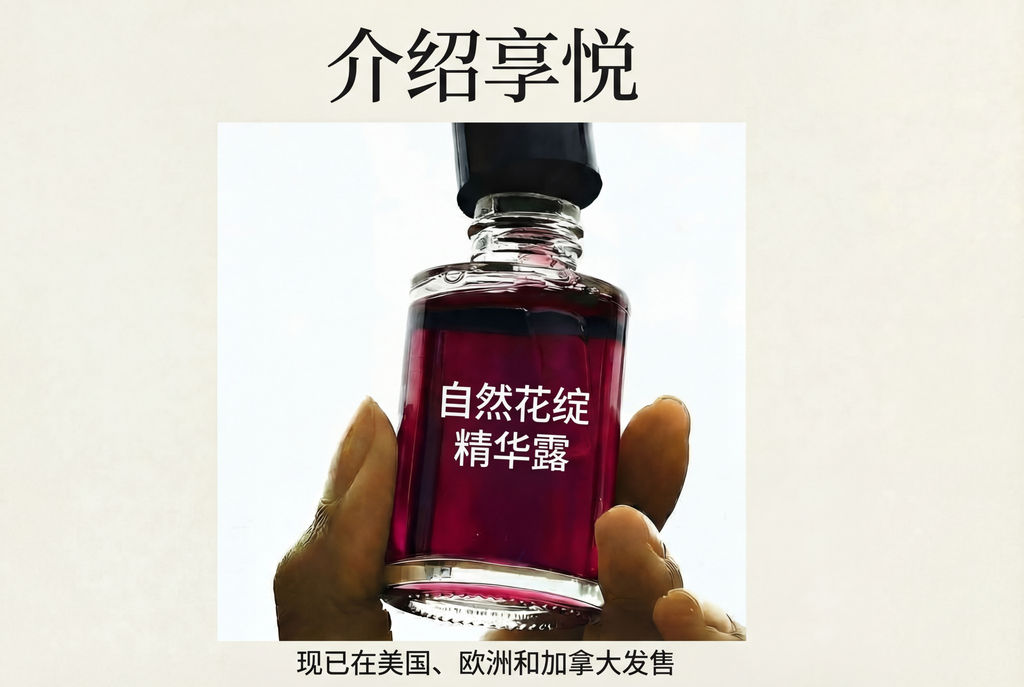
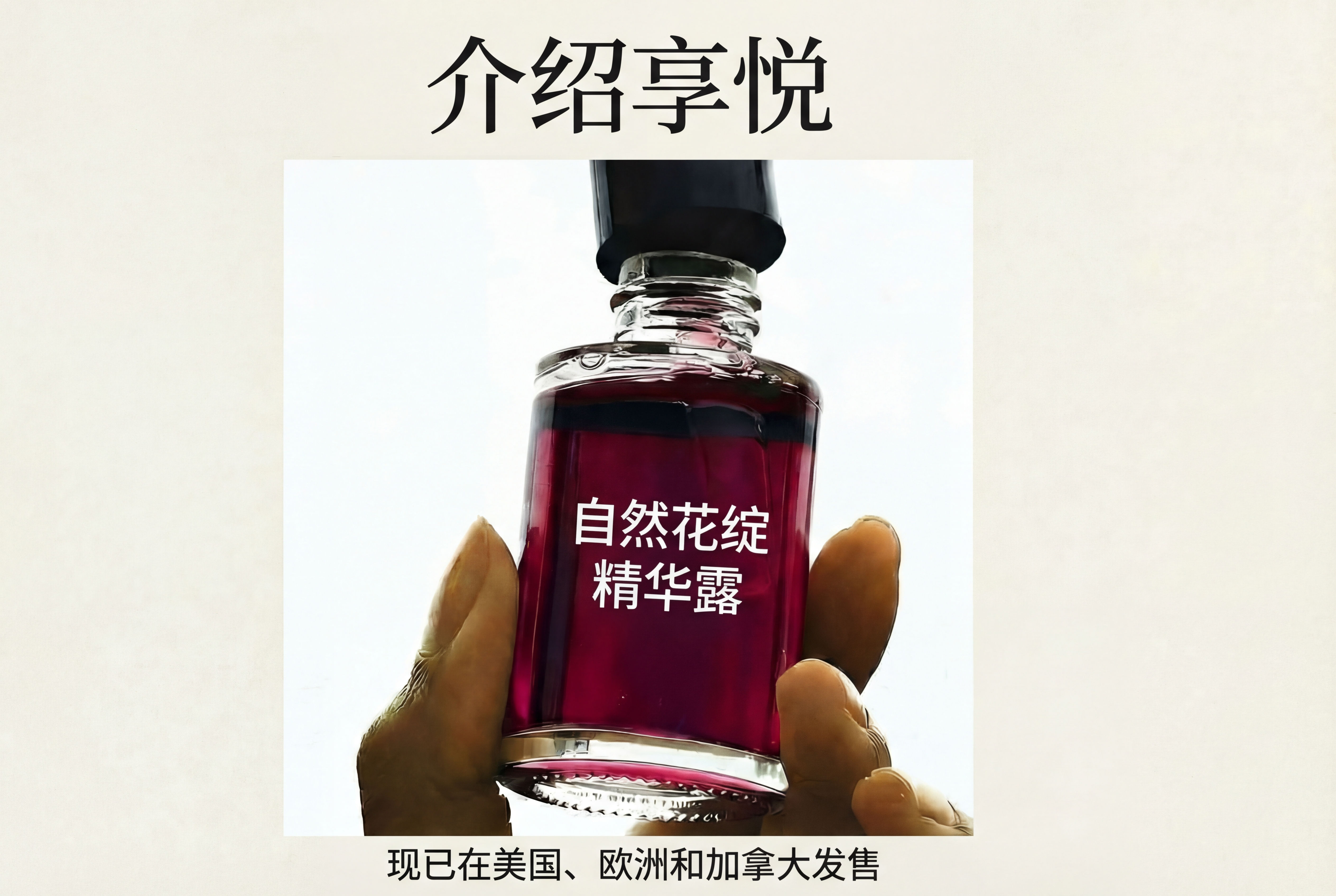
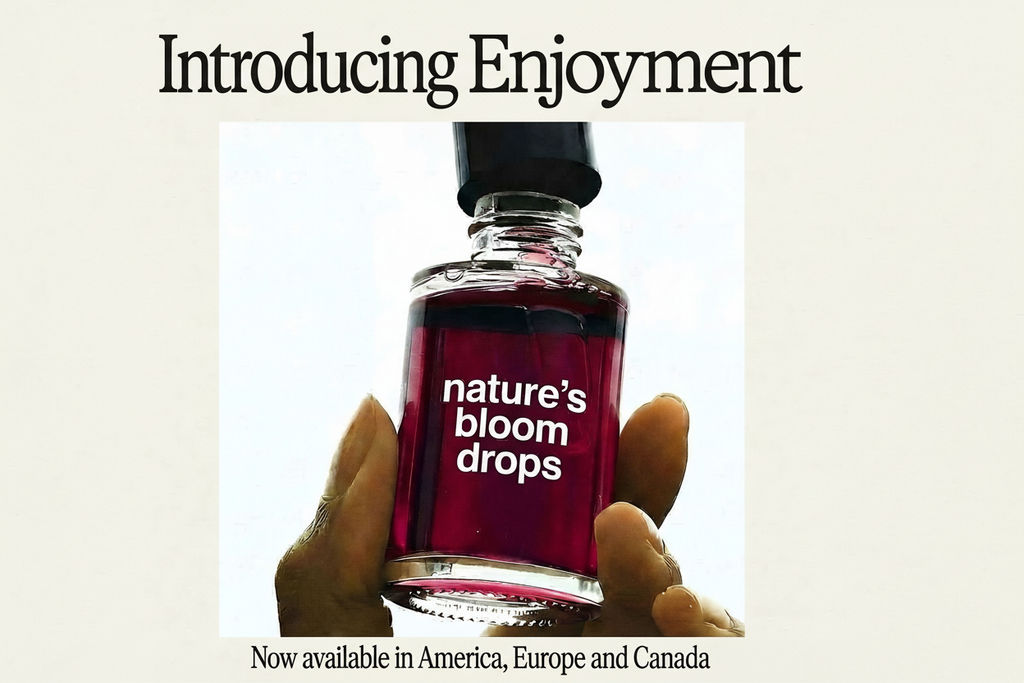
Upload an image with text, choose a target language, and this AI picture translator returns a localized version with the design intact.

Global Campaign Rollouts
Marketing teams use this image translation tool to localize campaign visuals for international markets without re-creating assets from scratch.

Social Media Localization
Social media managers run this AI picture translator to adapt visual content for multilingual audiences, producing localized versions of ads and posts instantly.

E-Commerce Internationalization
Online retailers use the image translator to translate promotional banners and product images for different regional storefronts.
How to use Techniques?
Discover how to utilize Auto Translate for different scenarios.

Add inputs
Upload images, videos, or type in the prompts to get started.

Generate outputs
Next, hit the "Generate" button to start generating your outputs.

Edit and export
Refine your outputs on canvas, or download them directly.
Frequently asked questions
All you need to know about Auto Translate
What an image translator does, and how it works
An image translator takes a finished visual, reads the words baked into the pixels, and hands back the same design with those words rewritten in another language. There is no editable text layer to open, so a find and replace will not get you there. The model has to locate the type, read the surface underneath it, generate the new copy, and set it back down so the result still looks like the asset that got approved.
Most localization work stalls in the space between translated and usable. A campaign gets signed off in English, three regional teams need it by Friday, and nobody can find the layered source file. You can run it on your own asset in FLORA and watch the reconstruction happen on canvas instead of waiting on a handoff queue.
How an AI picture translator learns to detect language from image content
The system has to find the words before it can change them. An AI picture translator runs text detection across the frame, groups pixels into lines and blocks, then reads those regions the way an OCR engine does. Recognition and identification happen in the same pass, which is why it can detect language from image content without you naming the source language up front. Character shape carries most of that signal, since Latin, Cyrillic, Arabic, and Devanagari scripts look nothing alike at the glyph level. Detection gets harder with stylized display type, thin copy sitting over a busy photo, and text that curves around a product label.
What happens when you auto translate image text between scripts
Languages do not take up the same amount of room. A tight English headline usually runs longer in German or Finnish and shorter in Chinese or Korean. When you auto translate image text, that difference has to go somewhere: line breaks move, type size flexes, the space around the block changes shape. Done well, none of that is visible in the final file. The failure modes are easy to spot, though: copy clipped at the edge of its block, or type shrunk past the point of legibility at feed size. Right to left scripts add a second problem, since flipping the reading order of Arabic or Hebrew copy can push the text straight into whatever the composition was built around.
How to translate text in image files without rebuilding the design
The translation is the easy half. The problem is everything the old type was covering. To translate text in image files convincingly, the model reconstructs what sat behind the original words, whether that is a gradient, a photo texture, or a printed product surface, then sets the new copy in a matching weight, color, and tracking. That reconstruction is the same job an object remover does, applied to letterforms. A weak one leaves a ghost box where the headline used to be. Accurate words in the wrong typeface are a subtler failure and often a more expensive one, since the asset reads as off brand rather than broken.
Where photo translate shortcuts fall apart
The usual workaround is a screenshot into a general translation app, text back out, then a designer resetting it by hand. Phone camera photo translate features do something similar in real time, pasting a rough block of translated words over the original. That works for reading a menu or a train timetable, where the point is comprehension. Nothing about the type treatment, spacing, or background survives the trip, so the moment the output has to pass a brand review, the work starts over.
What separates the best image translator from a quick fix
Four things decide it, in roughly this order: how cleanly the tool rebuilds the area behind the original text, how closely it matches the typography, how it handles copy that expands or contracts, and whether you can change the result afterward. That fourth one tends to get overlooked. Regional teams almost always want to adjust a phrase, because translation involves judgment and not only mechanics. The best image translator hands back an output you can keep working on rather than a flat file you either accept or redo.
Where an image translation tool fits in a campaign workflow
Localization is rarely a single file. An image translation tool does more for you when it sits beside the rest of the campaign work instead of in a separate app: building the base visual with FLORA's AI image generator, carrying a brand system into new markets with the brand extension generator, reshaping assets for regional placements with quick reframe, and spinning up local social variants with UGC creation. Each of those is a node on FLORA's canvas, so one approved English visual can branch out to every market that needs it without losing its link back to the original.
Related techniques
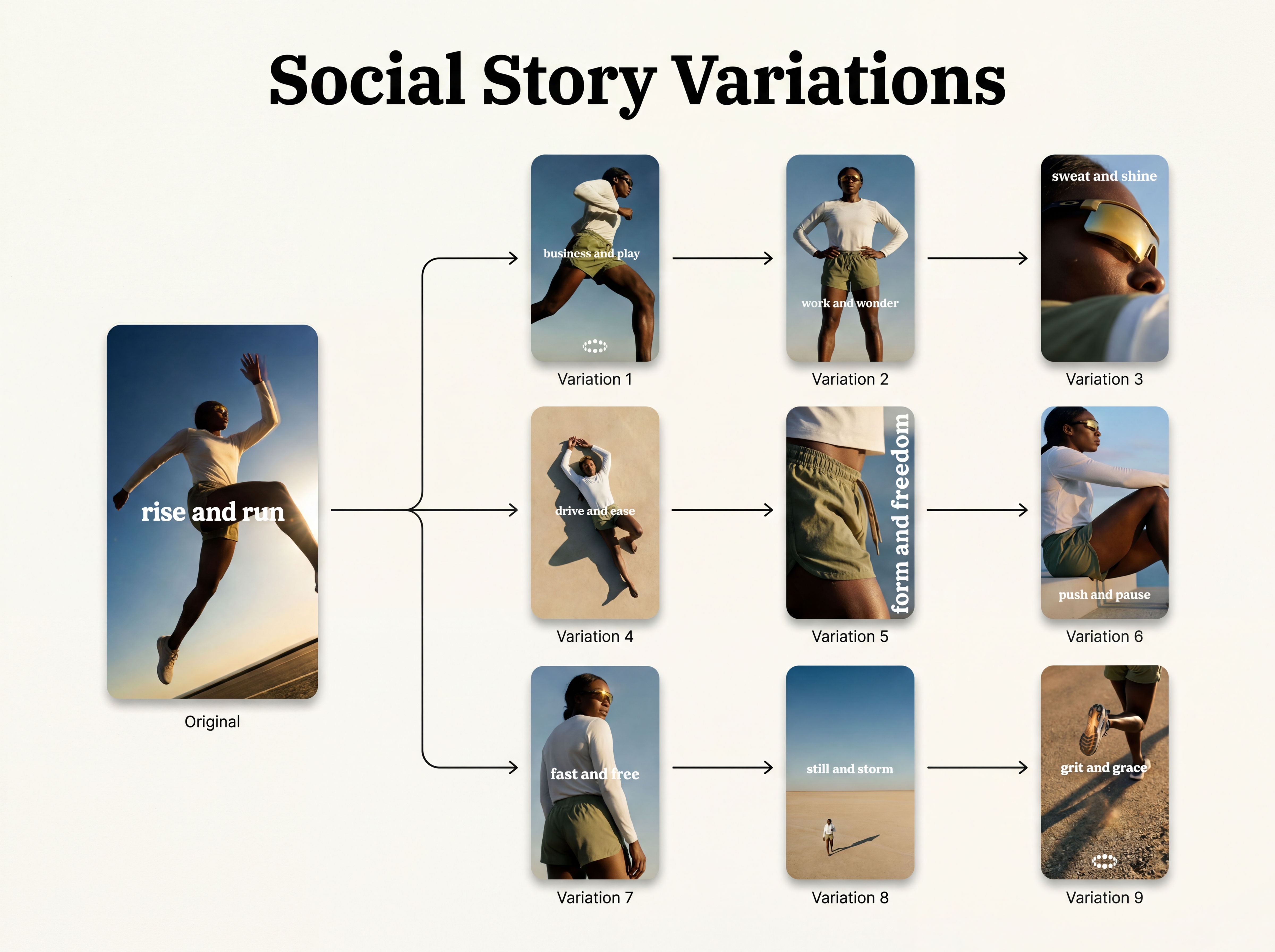 Instagram Story VariatorOne IG story in, nine variations out.
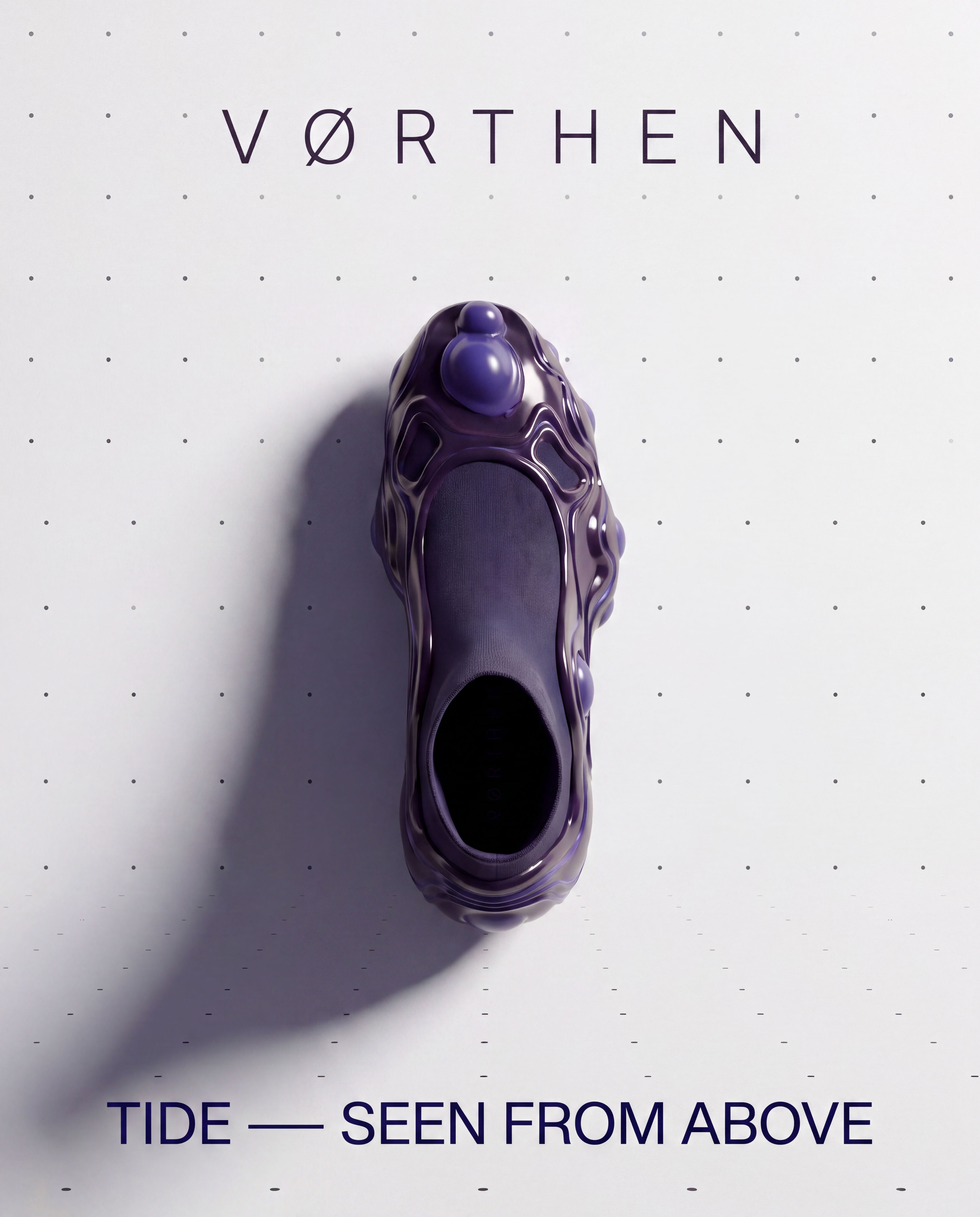 Meta Ad VariatorOne ad in, nine variations out.
 Photography/Image Aspect Ratio ChangeWorks best with photography or images without text.
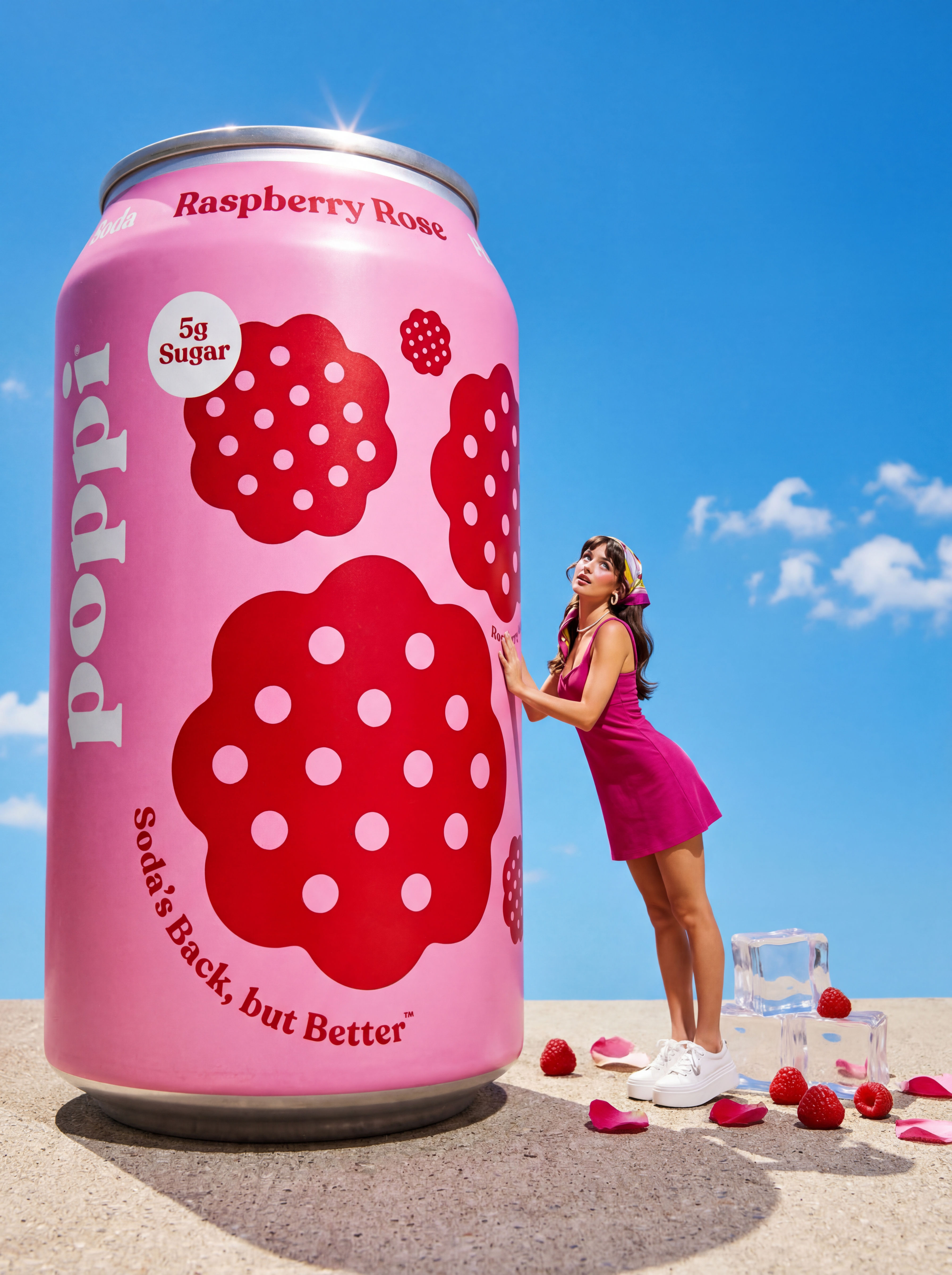 Product to Ad VisualsMake a compelling ad campaign of 4 visuals from 1 product shot
 Relighting Photoshootconfirm the lighting with your team/client and have a lighting diagram to share with your team.
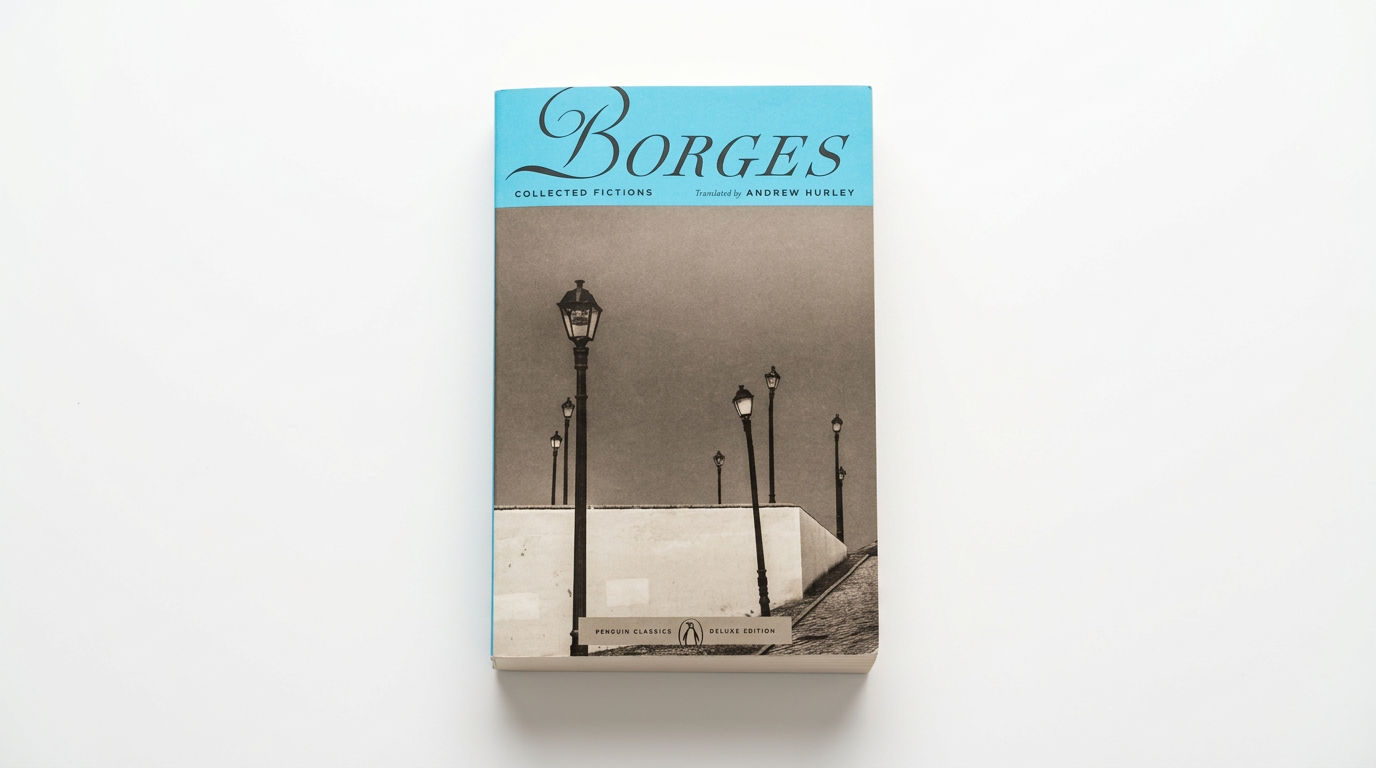 Book DropMocks up front and back book covers
Image Translator: Translate Text Inside Any Image
Translate text in images instantly

Sasha Zabegalin from FLORA