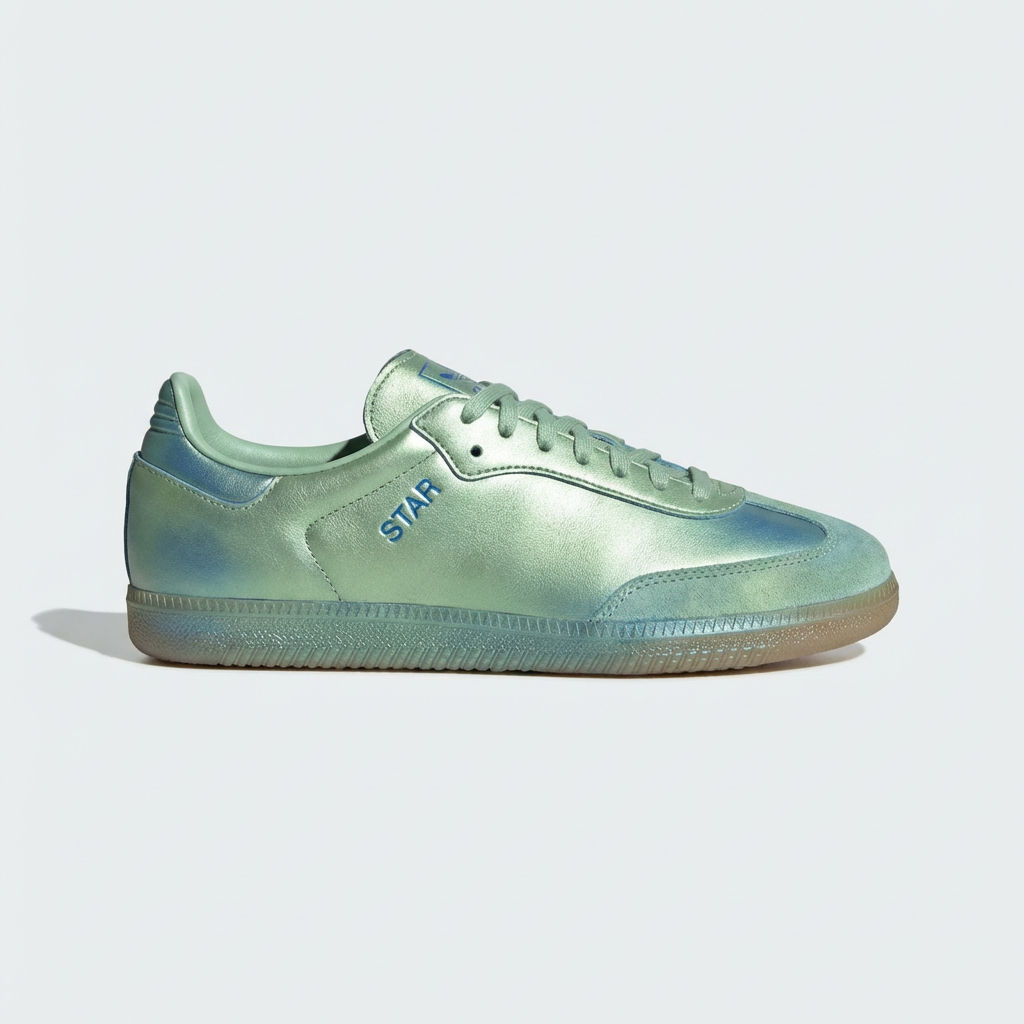
Upload one product photo and the AI UGC Creator returns a casual, phone-shot clip that looks like authentic user-generated content.

Social Media Advertising
Performance marketers use the UGC Creator to produce an authentic-looking AI UGC commercial for paid social campaigns without hiring creators or coordinating shoots.

Product Launch Content
Brand teams run the UGC Creator to generate an AI UGC video for new product launches, supplementing organic creator content.

E-Commerce Product Pages
Online retailers use the UGC Creator to add casual, relatable video content to product listings, increasing engagement beyond static photography.
How to use Techniques?
Discover how to utilize UGC Creator for different scenarios.

Add inputs
Upload images, videos, or type in the prompts to get started.

Generate outputs
Next, hit the "Generate" button to start generating your outputs.

Edit and export
Refine your outputs on canvas, or download them directly.
Frequently asked questions
All you need to know about UGC Creator
What is AI UGC, and how does it work?
AI UGC is creator-style video made by a model: a casual, phone-shot clip of a real product that looks like a customer filmed it at home. You give it one photo and get back footage with the visual grammar of creator content, handheld framing, ordinary light, a cut that isn't quite clean.
Sourcing that footage the usual way means finding creators, briefing them, shipping samples, and waiting on delivery. Most brands end up running far fewer video variants than their ad accounts could actually use. You can start on FLORA free and pull a clip out of a photo that's already sitting on your product page.
What an AI UGC video generator does with one product photo
A still contains no depth, no room, no hands, and no sense of how light moves across an object when someone picks it up. The model has to invent all of it. It reads shape, material, and label from what you upload, builds an environment that fits, then generates the frames that carry the product through a few seconds of motion.
The difficulty is holding the product still while everything around it moves. A UGC video generator that softens your label into unreadable text or bends a bottle halfway through the clip has made something you can't run, so the useful models lock the geometry of the object first and animate the scene around it. The same approach shows up in product motion and product animation, where the object stays fixed and the camera does the work.
Input quality decides most of what comes back. A photo where the product is fully in frame and evenly lit gives the model more to read than a tight crop with a shadow across the label. If your best shot has a busy backdrop, running it through the background remover first gives cleaner source material to build from.
Clips come out vertical, since that's where the format lives. For a square or horizontal placement, quick reframe recomposes the shot without cropping the product out of it.
Why an AI UGC commercial reads as authentic
Studio advertising announces itself. Even lighting, a locked-off camera, a color grade no phone produces. Creator footage carries the opposite signals: the frame drifts, the light is whatever was in the kitchen that morning, the product comes into shot mid-motion, and the composition is off-center in a way no art director would sign off on.
A UGC commercial holds up when those signals survive generation. Push the output toward polish and it starts reading as an ad again, which lands it in the same category as a beauty ad or a scripted video scene, formats built to look produced. Both have their place. They're just doing a different job in a different part of the funnel.
It's worth running the two against each other on a small budget before you commit spend. Categories and placements reward them differently, and the winner isn't always the version the brand team prefers on a monitor.
Where a UGC video editor fits after the clip is generated
Generation gives you a starting asset. Most of the work after that is editorial: trimming the first beat, cutting three versions with different opening frames, adding captions, joining two clips into something longer.
Doing that in a UGC video editor on the same canvas keeps the loop short. You generate, watch it back, change the input photo or adjust the prompt, and generate again without exporting into a separate application and losing your place. For sequences, seamless transitions handle the joins between shots, and auto translate covers the versions you need for other markets.
Most teams land on this format for volume. One product photo supports a run of variants in a single sitting, and paid social burns through variants faster than a creator roster can keep up with.
The clip arrives on FLORA's canvas next to the rest of your video work, ready to feed straight into whatever comes next. The AI video generator covers what else the models can handle, and our roundup of the best AI video generators compares them side by side.
Related techniques
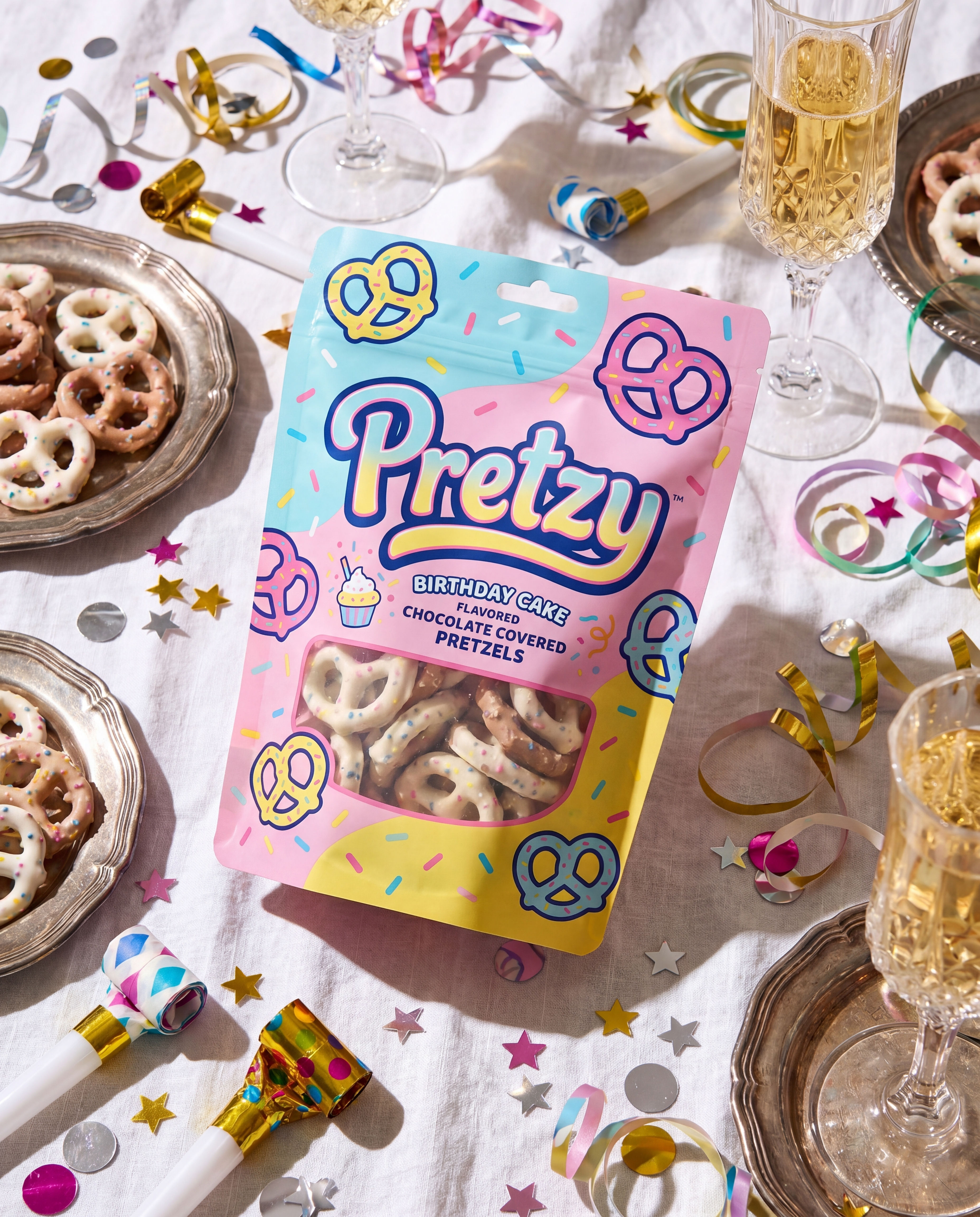 Product in Scene GeneratorCreate User Object Interaction (UOI) images of your product that can be used for e-commerce!
 Storytelling EngineIt takes a single approved key visual and instantly builds out a cohesive 9-frame editorial campaign treatment
 Memoji MeTurn any face into a custom memoji
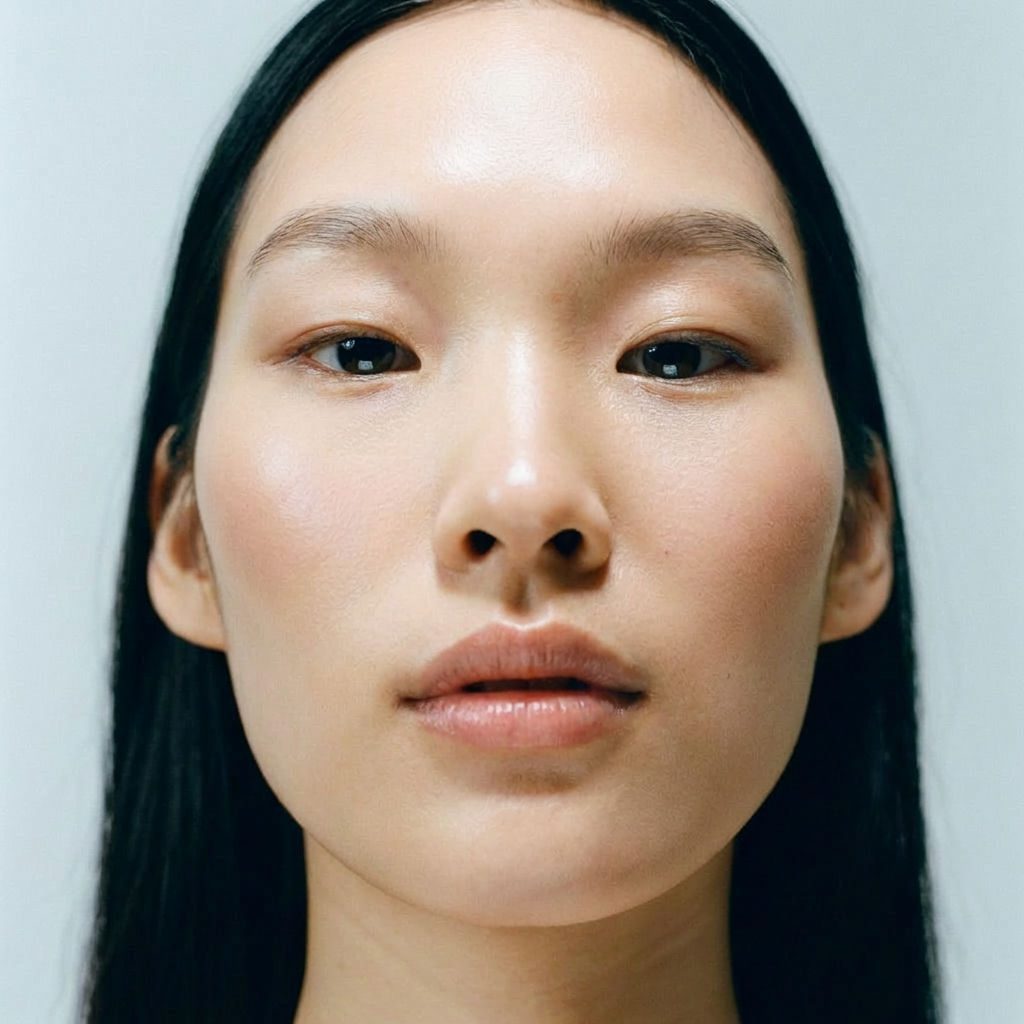 RelightingRelights your photo
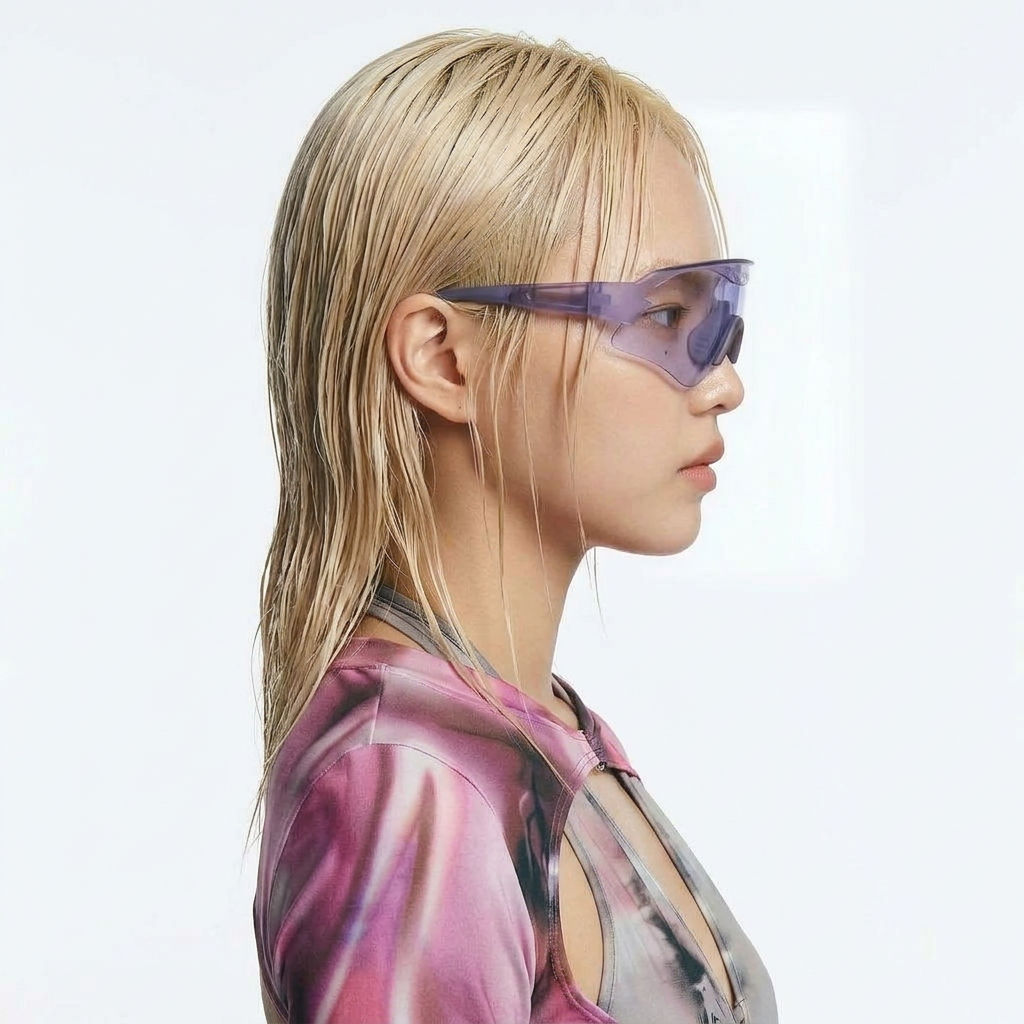 Character LockOne character, 6 different angles
 Color Palette ExtractionExtract color palettes from any image
AI UGC Video Generator
Casual, phone-shot clips of your product
Tess Adams from Mercer Labs