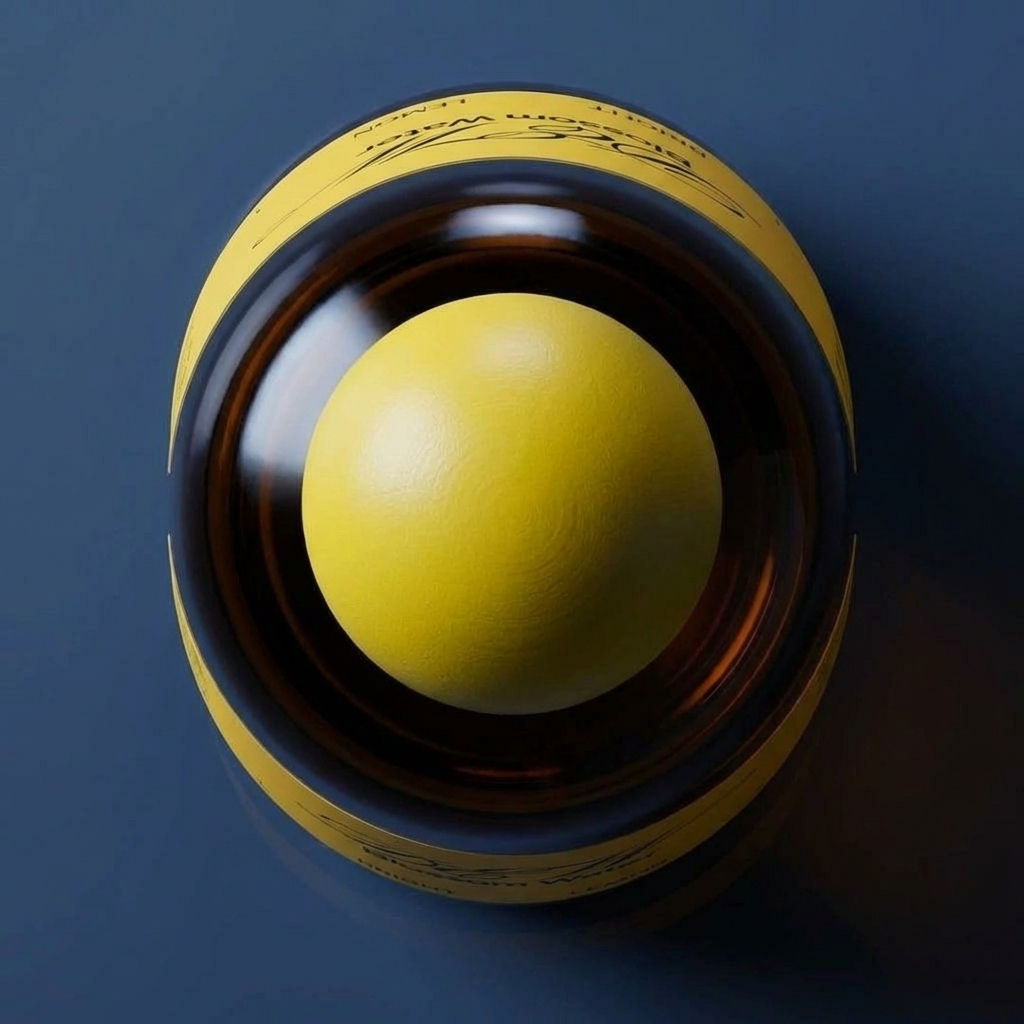
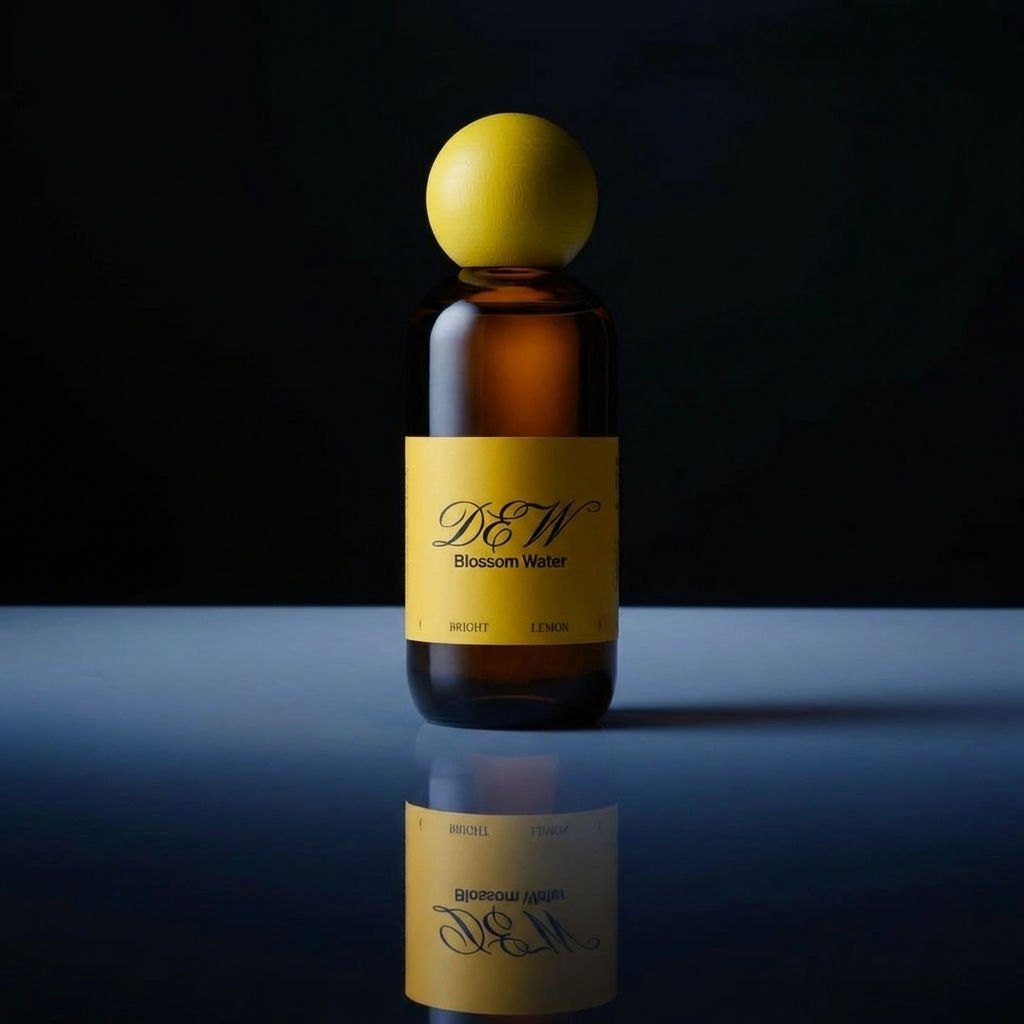
The Product Animator Technique takes a single product image and returns it as a motion animation, with no editing software needed.

Ecommerce Product Pages
Online stores turn flat catalog shots into digital product animation for listings, showing animated products that stop the scroll.

Ads and Social
Marketing teams create product animations for paid ads and social posts, or build an animation product demo to highlight a launch.

Concepting and Pitches
Designers generate product animation inspiration by running several motion looks before choosing a direction for a pitch.
How to use Techniques?
Discover how to utilize Product Animator for different scenarios.

Add inputs
Upload images, videos, or type in the prompts to get started.

Generate outputs
Next, hit the "Generate" button to start generating your outputs.

Edit and export
Refine your outputs on canvas, or download them directly.
Frequently asked questions
All you need to know about Product Animator
What is a product animation, and how does it work?
A product animation is a short video clip built from a still product photo, where the object moves, turns, or comes to life while the framing stays clean enough for a listing or an ad. Instead of booking a turntable, a rig, and an editor, an AI model reads the image, works out the shape and material of the object, and generates the frames that sit between where the shot starts and where it ends.
Motion used to be the expensive part of a launch, which is why most catalogs still run on flat stills. That gap is what makes a single moving asset stand out now. You can start on FLORA free and turn a photo you already own into a clip without opening editing software.
Why animated products earn a second look
A still image asks someone to imagine the object in their hands. Motion does that work for them. When a bottle rotates, a fabric shifts, or a lid lifts, the viewer gets scale, weight, finish, and material in a couple of seconds, and those are the details that decide whether something feels worth buying.
Animated products also survive the scroll better than stills do, because movement in a feed is the thing the eye locks onto first. The useful version of this is narrower than it sounds, though. Subtle motion tends to read as premium, while heavy spinning reads as a banner ad. A gentle turn, a slow push in, or one small gesture is usually enough.
How a first frame and a last frame become product animations
The clearest way to think about the process is as a start point and a destination. You give the model where the shot begins and where it should end up, and the model invents everything in the middle.
- It reads the first frame. The model identifies the product, its edges, its material, and the direction the light is coming from.
- It treats the last frame as the target. That second image sets the angle, position, or state the clip needs to arrive at.
- It generates the in-between frames. Rather than sliding one picture toward another, it builds new frames that keep the product consistent, so the label does not warp and the highlights move the way real highlights would.
That last step is why the output holds up under scrutiny. Keeping identity stable across frames is the hard problem in motion generation, and it is the difference between a clip you can ship and one that quietly distorts your packaging halfway through.
Animation product, products animation, and other names for the same job
Teams rarely agree on what to call this, and the phrasing usually depends on who is asking. Search behavior alone covers a wide spread:
- "Animation product" from someone briefing a vendor
- "Products animation" for a whole catalog rather than one hero item
- "Animated product video" from a marketer sizing up an ad
- "Product motion graphics" from a designer used to keyframes
They all describe the same job: take an object that exists as a photograph and give it believable movement. Naming it correctly matters less than knowing which output you need, whether that is one looping hero clip or a batch of short cuts for a paid campaign.
Where to look for product animation inspiration
The fastest way to find a direction is to generate several and compare them side by side, rather than describing a look in words and hoping it lands. Running three or four motion treatments off the same photo shows you what the product actually supports. Some objects are built for rotation, some only look right with a slow camera move, and some need the environment to move while the item stays still.
On an infinite canvas, those variations sit next to each other instead of stacking up as files in a folder, which makes the comparison honest. That spread tends to hand you a direction far more reliably than a reference hunt does.
Where digital product animation fits in the rest of the work
One clip is rarely the whole deliverable. Digital product animation usually sits inside a bigger set of assets, and the surrounding steps are what make it usable:
- Add camera and object movement with a different feel using Product Motion.
- Lay out a full range as a set of stills first with the Product Lookbook Grid.
- Build the shot list before you generate anything using the Storyboard Maker.
- Place the product into a scene with the Video Scene Builder, or cut between looks with Seamless Transition.
- Turn the same asset into creator-style footage through UGC Creation.
Because all of it runs in one place, the still, the clip, and the cutdowns come out of the same canvas instead of three separate apps. If you want the wider view of what the models can do, explore the FLORA AI video generator or our roundup of the best AI video generators.
Related techniques
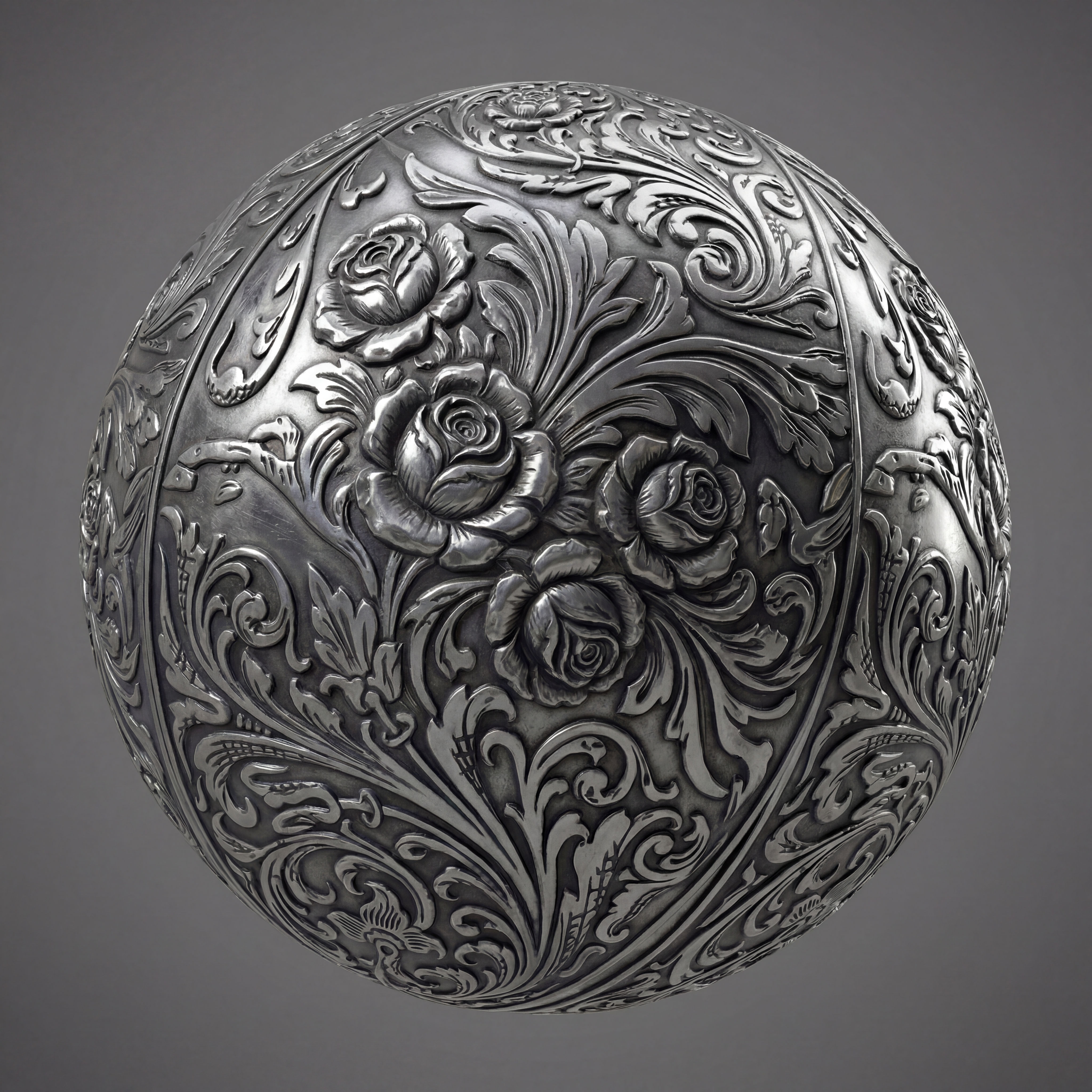 Texture Pack ExtractorExtracts the main material of an object in an image and transforms it into usable textures for 3D projects
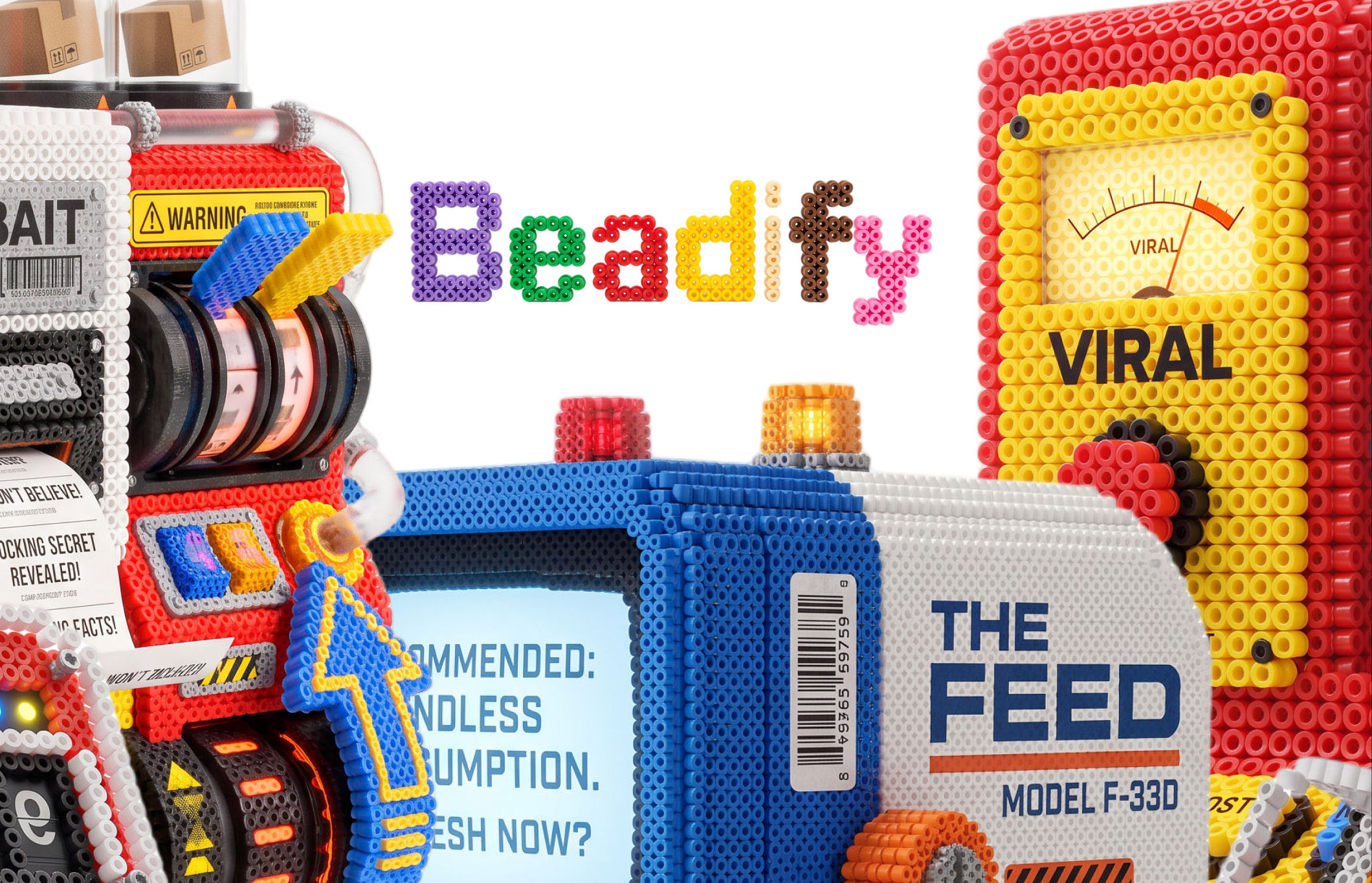 BeadifyTurn any object or 3D render into a physical Perler bead mosaic. Upload a photo — get back a beaded version of it
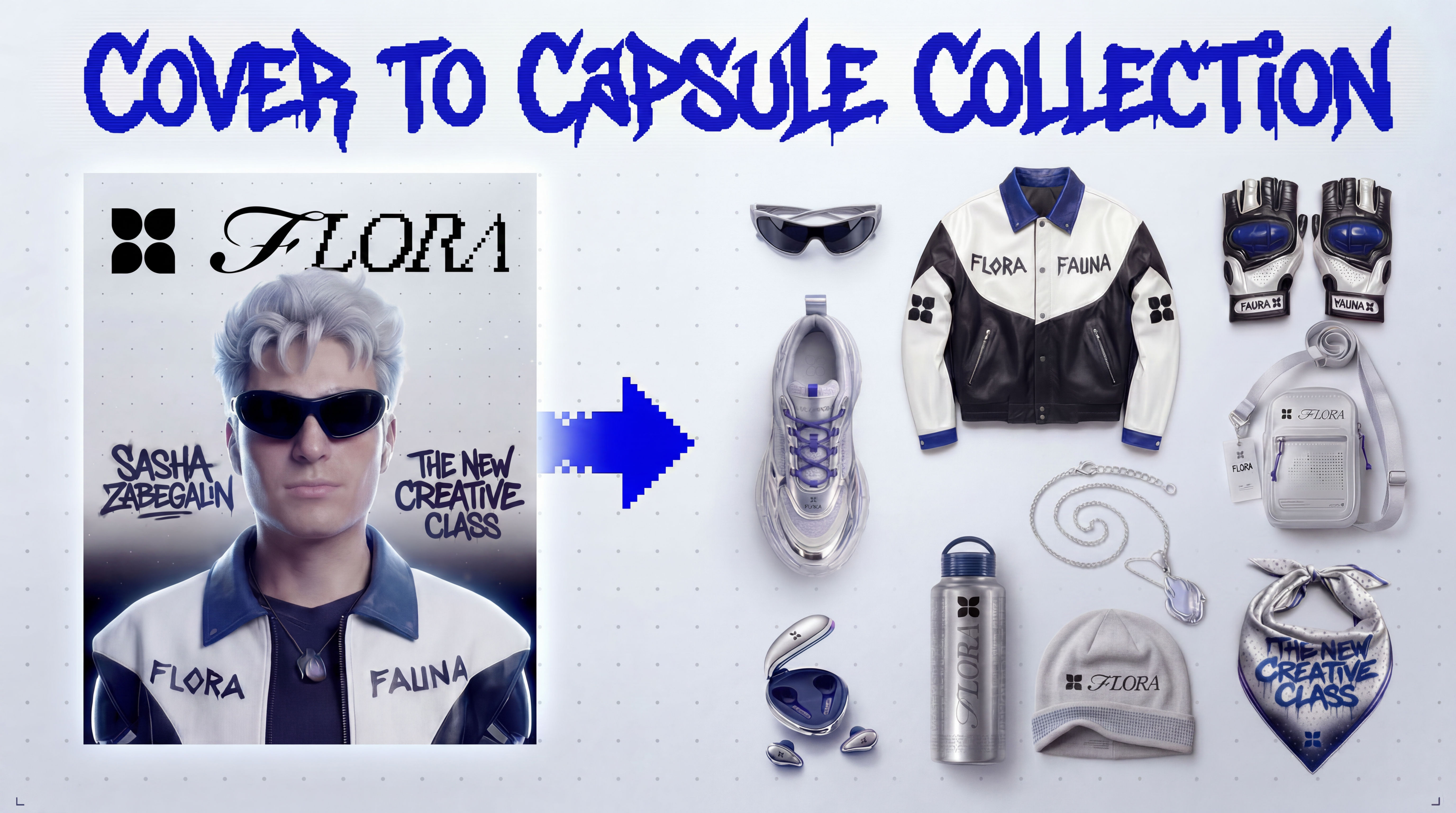 Cover to Capsule CollectionTurn any magazine cover into a 12-piece capsule collection.
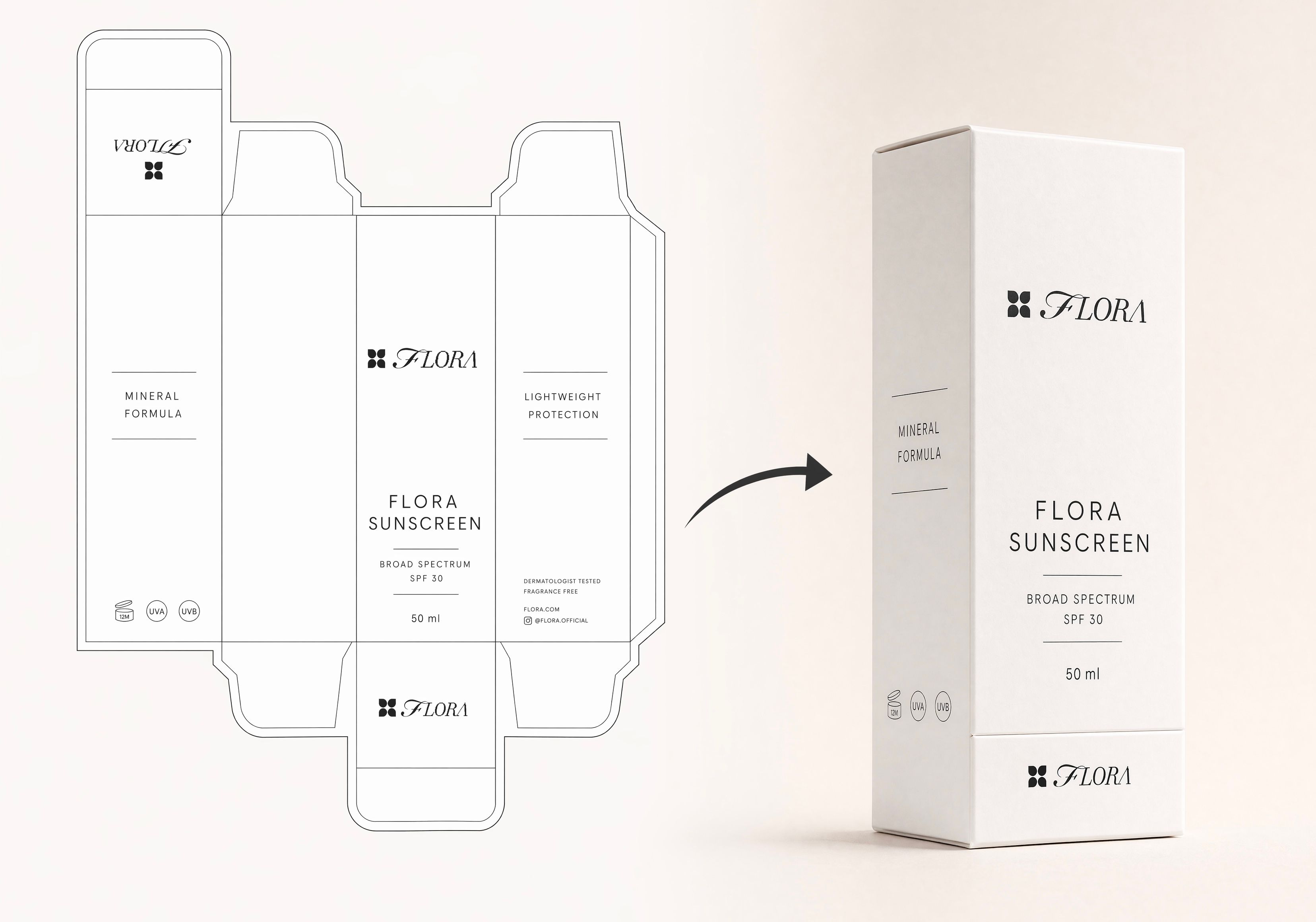 Dieline to 3D PackageTurn any flat package dieline into a production-ready 3D package render.
 Rosé RamblerMake your own custom Cannes Character, presented by Red Antler x FLORA
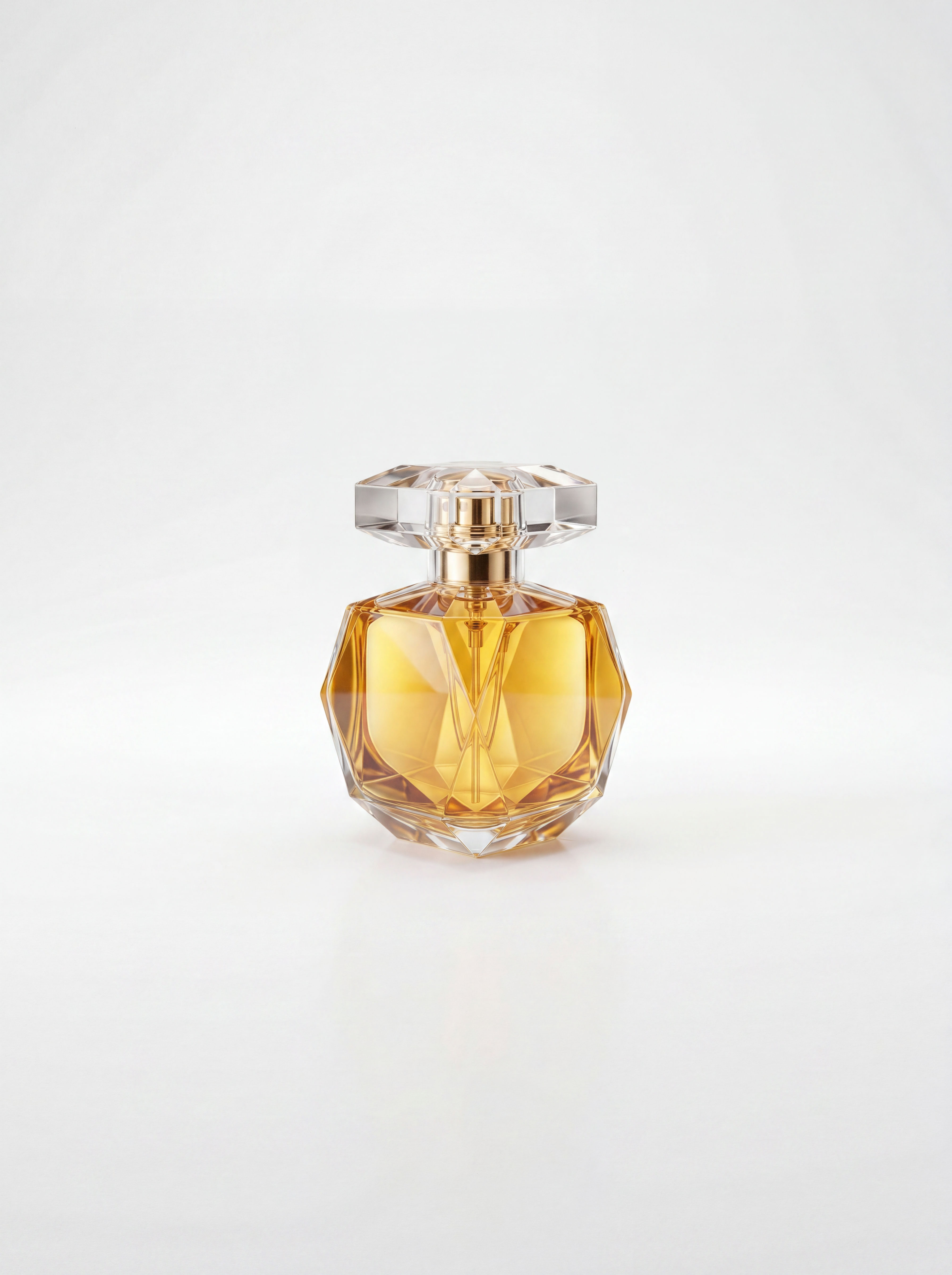 Sketch to Photorealistic Product RendererUpload any product sketch and a style reference.
Get 9 photorealistic renders — rare angles, texture
close-up, top, bottom and underside shots.
Any product. Label-free. Production-ready.
Sketch to Photorealistic Product RendererUpload any product sketch and a style reference.
Get 9 photorealistic renders — rare angles, texture
close-up, top, bottom and underside shots.
Any product. Label-free. Production-ready.Product Animator: Turn a Product Photo Into a Product Animation in One Click
Animate your product
Tarshaa Krishnaraj from FLORA