
Upload a product image and the Product Motion technique returns a 5-second motion design video with dynamic movement applied automatically.

E-Commerce Product Listings
Online retailers use the Product Motion technique as an AI animation maker for product pages, adding dynamic video content that increases engagement and time-on-page compared to static images.

Social Media Ads
Marketing teams create animation with AI from product photos, using this AI animated video maker to turn them into eye-catching motion videos for paid social campaigns and organic posts.

Email Marketing
Brand teams use the Product Motion technique as an AI animated video creator for email campaigns, producing animated product visuals that capture attention and drive click-through.
How to use Techniques?
Discover how to utilize Product Motion for different scenarios.

Add inputs
Upload images, videos, or type in the prompts to get started.

Generate outputs
Next, hit the "Generate" button to start generating your outputs.

Edit and export
Refine your outputs on canvas, or download them directly.
Frequently asked questions
All you need to know about Product Motion
What AI animation tools do, and how they work
AI animation tools turn a still image into moving footage. There are no keyframes to set and nothing to rig. You hand the model a picture, it works out what the subject is and how that subject could move, then it renders a few seconds of that movement. Everything in the finished clip is extrapolated from one frame, so a product photo already sitting in your library can become a motion asset in minutes.
Older animation workflows put the labor on you. Build the movement pose by pose, then keep adjusting the curves until it stops looking mechanical. Generative models invert that job. You supply the image, pick the kind of movement you want, and the frames in between get produced for you. You can try FLORA free and create animation with AI on the same canvas as the images you are already working on.
How one frame becomes a clip
Image-to-video models train on enormous amounts of real footage, so they carry a learned sense of how things behave once a camera keeps rolling. Give one a still and it does three things:
- Reads the scene. It separates the subject from the background and estimates depth, so it knows what sits in front of what.
- Predicts plausible motion. It works out how the subject and the light would shift if the shot had continued, based on patterns picked up from real video.
- Renders the frames in order. Each new frame is generated against the one before it, which keeps the subject recognizable rather than letting it drift into something else.
The third step is what sets using AI for animation apart from older motion graphics work. Nothing is being tweened between two poses you defined. Every frame is invented, and that is how AI video animation software ends up producing parallax, soft reflections on a bottle, or fabric that settles the way fabric actually settles, none of it hand-keyed.
What separates the best AI animation tools
Consistency, mostly. A convincing clip and an uncanny one usually differ on a single point: whether the subject stays itself from the first frame to the last. Weak output warps a logo. It softens a hard edge into mush, or lets a color drift halfway through the take. Realistic AI animation holds the product's shape. The light source stays where it started. The camera moves like a real camera with real weight behind it.
Restraint matters as much as the model does. Subtle movement tends to read as more believable than dramatic movement, so a slow orbit or a gentle push-in will usually beat a full spin. Your source file matters too. A sharp, evenly lit photo on a clean background leaves less for the model to guess at, and less guessing means fewer artifacts. If the original is soft or low-resolution, upscale it before you animate rather than after. Flaws in a still image get amplified once that image starts moving.
The many names for the same job
Search for this and a dozen labels come back for what is really one task:
- "AI animation maker"
- "AI animation software"
- "AI animated video maker"
- "AI animated video creator"
- "What is the best AI animation generator?"
They all point at software that generates motion rather than asking you to animate by hand. What actually varies between them is scope. Some AI animation tools are built for character rigs, explainer graphics, or full 2D scenes, and those are hard problems with a lot of moving parts. Others, this technique included, exist to make one real product move convincingly on screen. That is a narrower brief, and narrower briefs tend to produce cleaner results.
A single clip is rarely where the work stops. Once one shot lands, the same canvas lets you plan out the full sequence, cut between shots without a visible seam, or put an entire product line in motion in a style that matches across every SKU. For the wider view of what generative video can do, there is the FLORA AI video generator and our roundup of the best AI video generators.
Related techniques
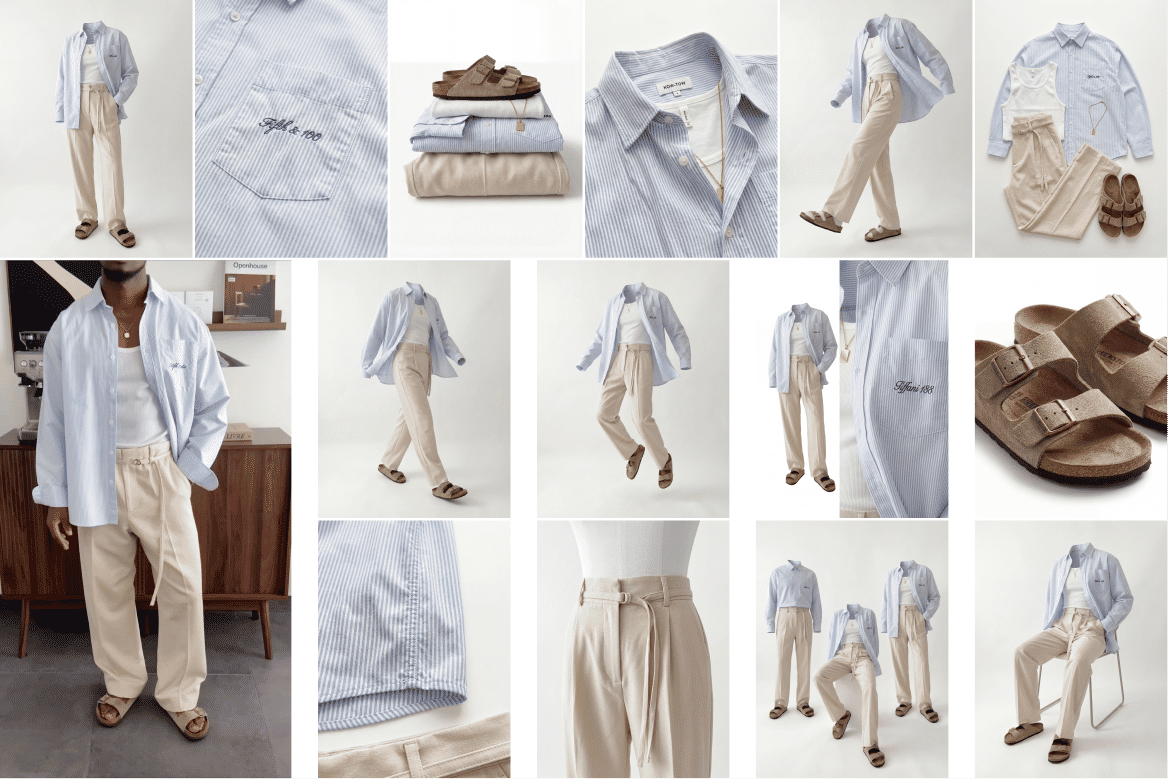 Ghost Mannequin SystemTurn any outfit image into ghost mannequin shots, physics poses, and detailed product visuals. Built for fashion brands, designers, and e-commerce workflows.
 Video Scene BuilderCompose video scenes from still assets
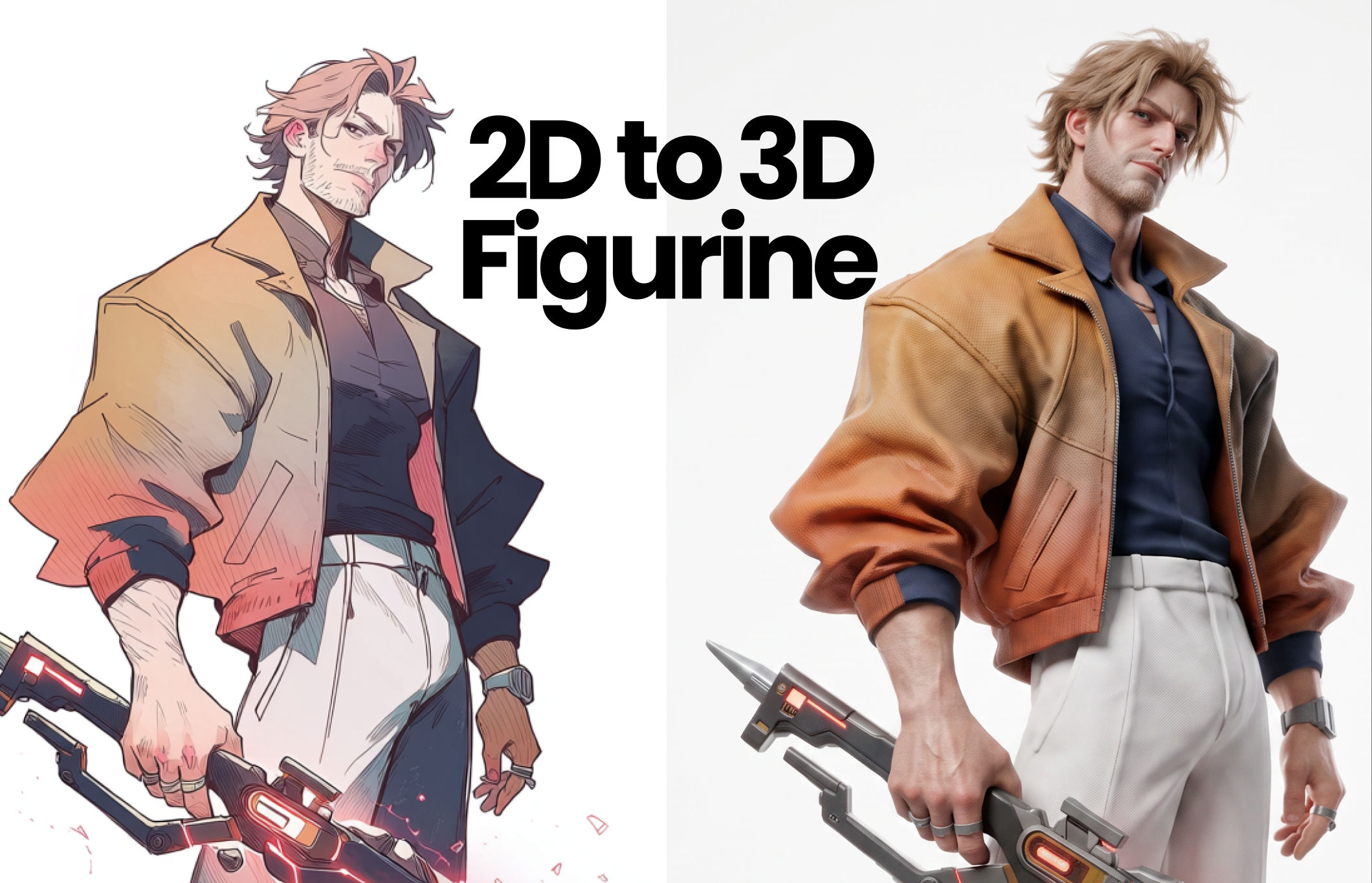 2D to 3D FigurineTurns 2D character art into a hyper-realistic 3D CGI collectible figurine studio-lit, PBR materials, and premium detail, with original colors, pose, and design exactly preserved.
 Album Art VisualizerMake a cool looping video based on your album art image
 Blake Ridder's Cinematic PlateCreate a video in Blake Ridder's Cinematic Style
 Cinematic Sizzle Reel CreatorMake a cinematic fast paced reel out of multiple videos. Technique built by DJ Kim
AI Animation Tools for Product Photos: Animate in One Click
Animate product shots in one click
Tess Adams