


This Technique turns a model image and a product image into a styled 2x2 editorial grid, ready for your online lookbook or campaign.

Fashion Campaigns
Fashion brands use the Product Lookbook Grid technique to create digital lookbook grids that pair models with products for seasonal campaigns and catalogs.

E-Commerce Visual Merchandising
Online retailers run the technique to create polished grid visuals that showcase products alongside lifestyle imagery, improving product page engagement.

Social Media Assets
Marketing teams use the technique to quickly produce grid-format content that works well for Instagram and Pinterest-style visual storytelling.
How to use Techniques?
Discover how to utilize Product Lookbook Grid for different scenarios.

Add inputs
Upload images, videos, or type in the prompts to get started.

Generate outputs
Next, hit the "Generate" button to start generating your outputs.

Edit and export
Refine your outputs on canvas, or download them directly.
Frequently asked questions
All you need to know about Product Lookbook Grid
What is a digital lookbook, and how does the grid work?
A digital lookbook is a curated set of styled images that presents a collection the way it is meant to be worn or used, delivered as a web page, a shareable file, or a scrollable social post rather than a printed booklet. The grid version compresses that idea into a single frame: one model, one product, four coordinated panels that read as one editorial spread. The Product Lookbook Grid technique builds that composition from two uploads.
Fashion houses built the format on paper, mailing seasonal booklets to buyers and press before each season opened. The delivery moved online, but brands still want the same thing out of it: a piece shown in context, in one consistent visual language, across every channel at once. Producing it no longer takes a studio day and a crew. You can start on FLORA for free and create digital lookbook grids from photography you already own.
Why a four-panel grid reads as editorial
One product shot tells a buyer what the item looks like. Four panels tell them how it behaves: the silhouette from a distance, the fabric up close, the way it sits when the model turns, the detail that gets lost in a single frame. Lighting, palette, and styling stay locked across all four, so the variation looks deliberate instead of like a set of outtakes.
The failure mode is worth knowing, because it is the same one every time. Panels that repeat the same crop at slightly different sizes give you a contact sheet. Panels shot under different lighting give you four unrelated images stacked in a square. A grid works when the four cells disagree about framing and agree about everything else.
The format also travels. Four panels fill an Instagram square without cropping, sit cleanly in a Pinterest feed, tile into a catalog page, and go into a deck or a press kit without redesign. One composition covers ground that used to take several separate exports.
The many ways people describe this job
Teams ask for this a dozen different ways, and the spelling shifts depending on who is asking:
- "How to make a lookbook" for a seasonal drop
- "How to make a look book" as a two-word spelling that fashion and interiors teams both use
- "Online lookbook" for something that lives on a URL instead of in print
- "Lookbook creator" or "online lookbook creator" for the tool that assembles it
The request underneath is the same every time: take a product, put it in a styled context, and come back with a set of images that hold together.
How the AI composes the panels
Two uploads go in. What comes back is four separate compositions, built in sequence:
- It reads the model image. Pose, framing, lighting direction, skin and hair detail, and the overall photographic treatment become the reference for how every panel should look.
- It reads the product image. Shape, material, color, and construction details get extracted so the item stays recognizable when the angle or the crop changes.
- It composes each panel. The product is placed on or with the model at a different distance and orientation per cell, with shadow and reflection reasoned from the original lighting rather than copied across.
- It holds the set together. Color grade, background treatment, and styling carry across all four cells so the grid reads as one shoot.
Most manual paste-ups skip that fourth step, and the grid falls apart the moment you view the cells side by side. Getting it right by hand means matching grade and shadow across four compositions, which is the slow part of the job and the part the model absorbs.
Where the grid goes next
A digital lookbook rarely stops at the grid. On FLORA's canvas the output stays live, so whatever comes next happens in the same file:
- Set the color and styling direction up front with a moodboard or a pulled palette, then generate against it.
- Take a flat sketch to a finished garment with sketch to garment before the piece exists as a sample.
- Standardize the individual shots on a solid color background or a clean white background for the ecommerce version of the same collection.
- Put a panel in motion with the product animator, or carry the visual system across formats with the brand extension generator.
Every one of those steps runs on the same canvas, against the same 50+ image and video models, so a styling decision you make once carries through the whole set. For the wider view, see the FLORA AI image generator.
Related techniques
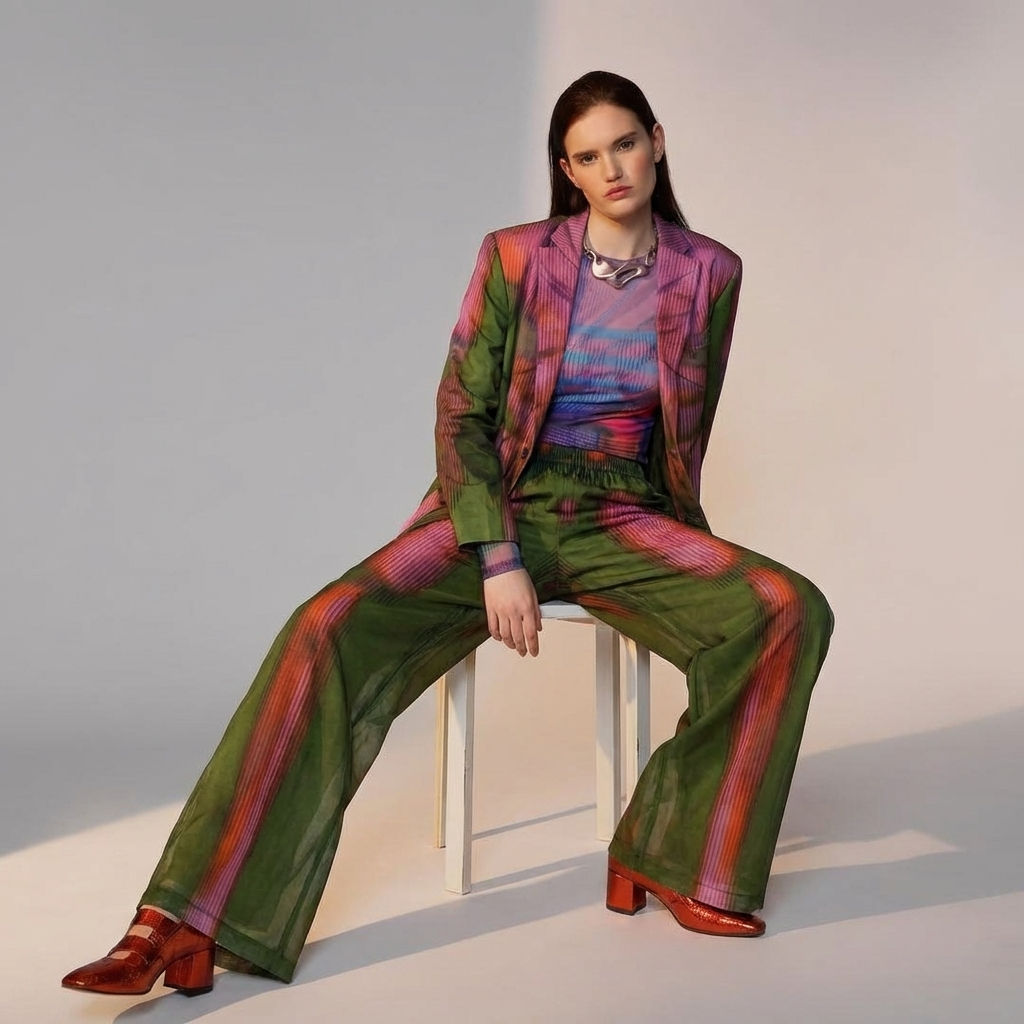 Fit CheckExtract outfits & swap onto new looks
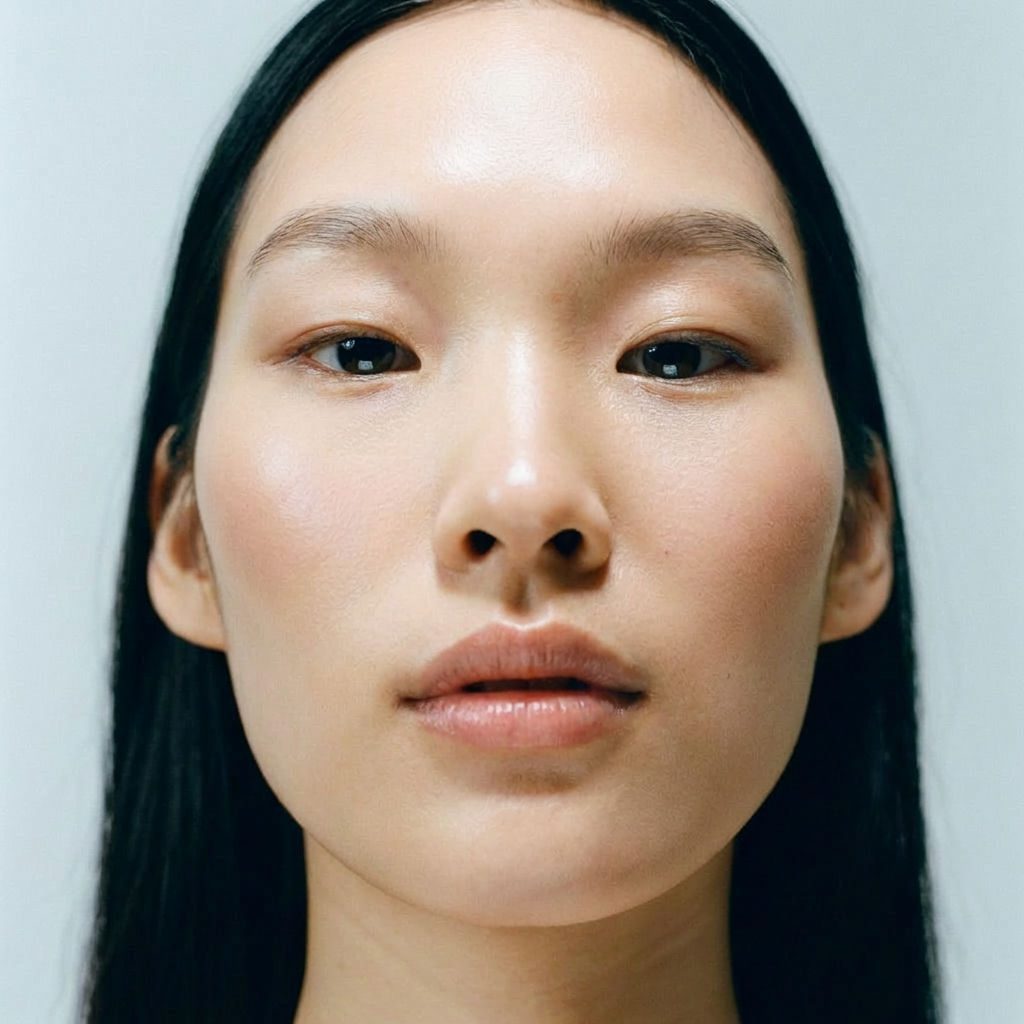 RelightingRelights your photo
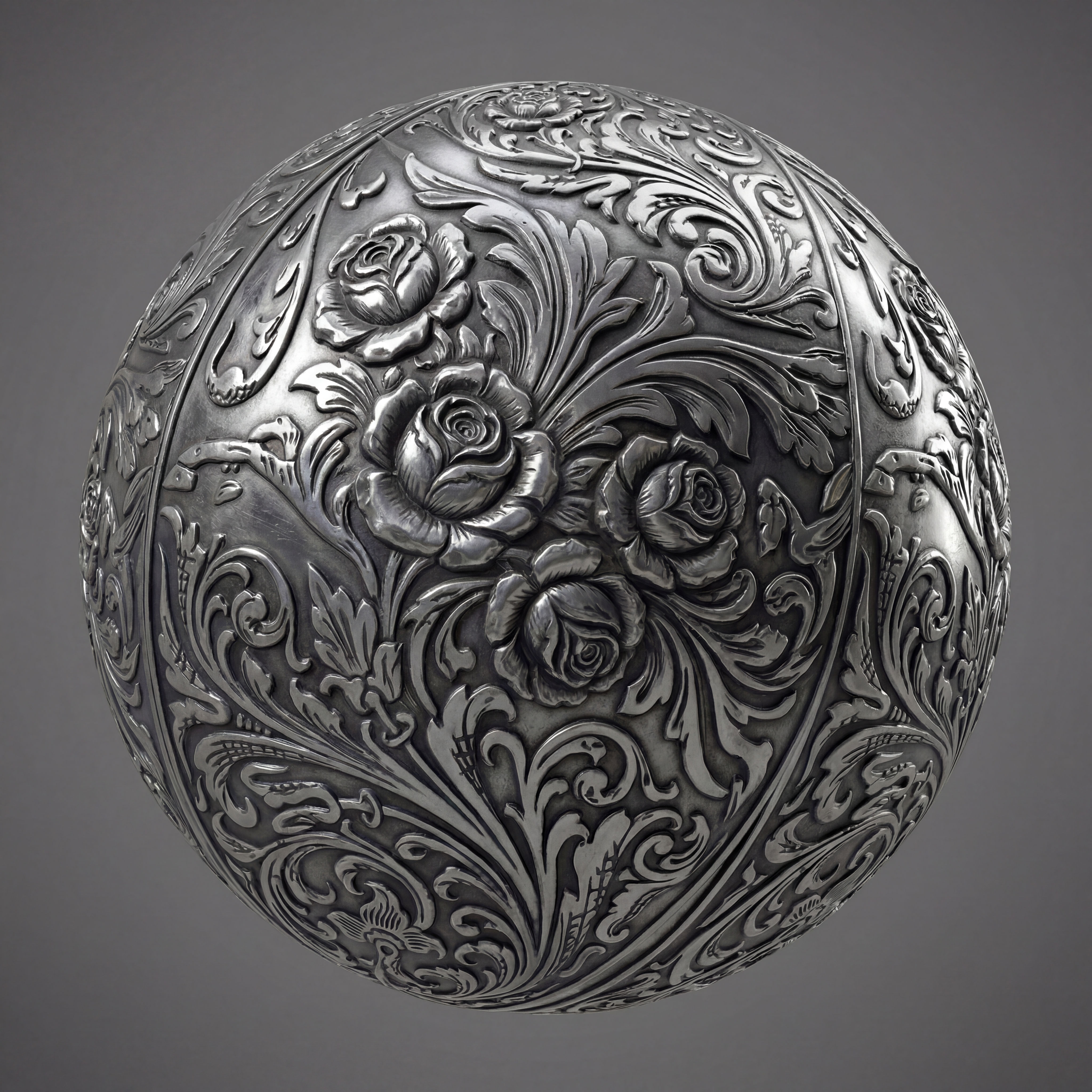 Texture Pack ExtractorExtracts the main material of an object in an image and transforms it into usable textures for 3D projects
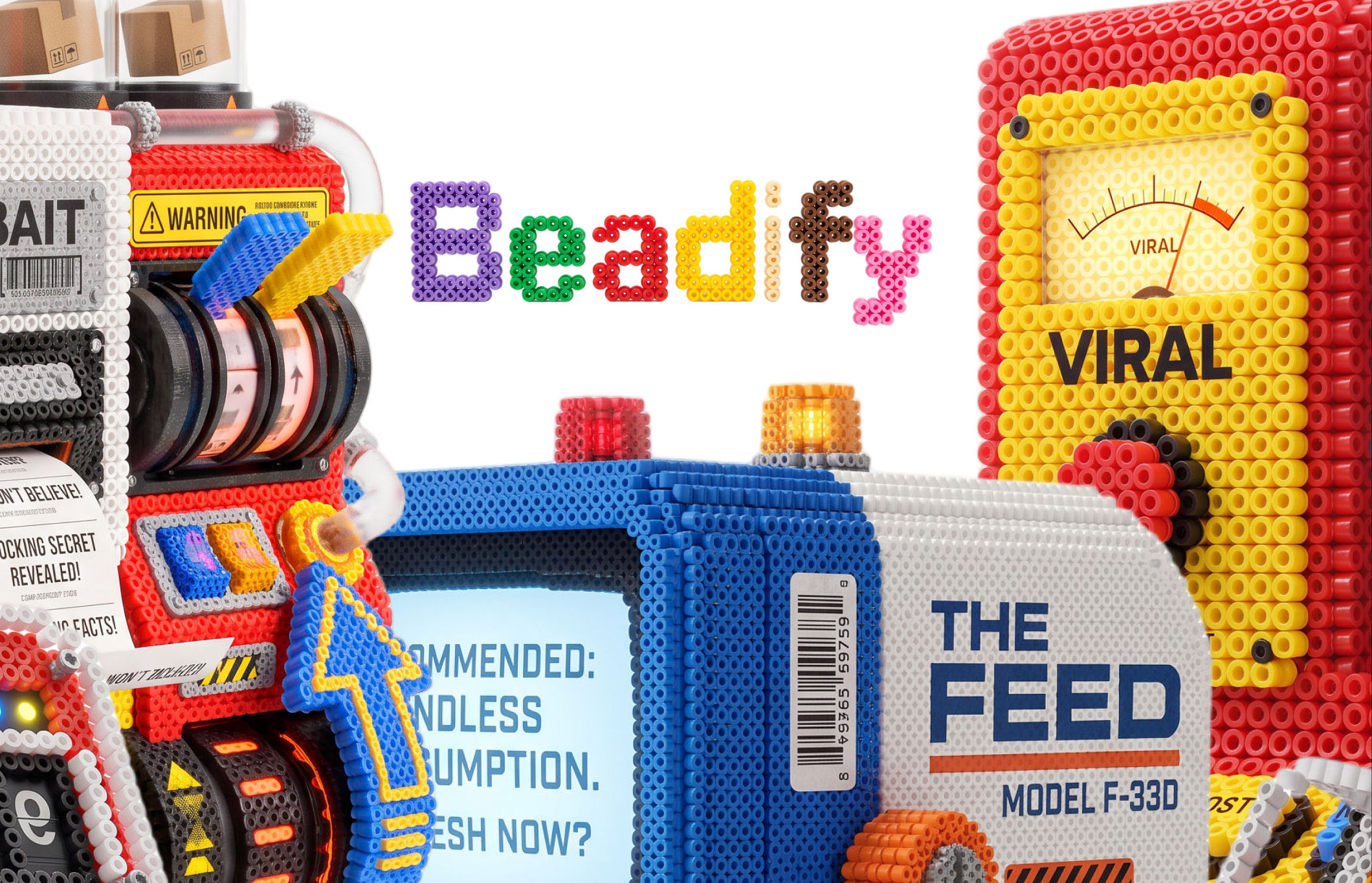 BeadifyTurn any object or 3D render into a physical Perler bead mosaic. Upload a photo — get back a beaded version of it
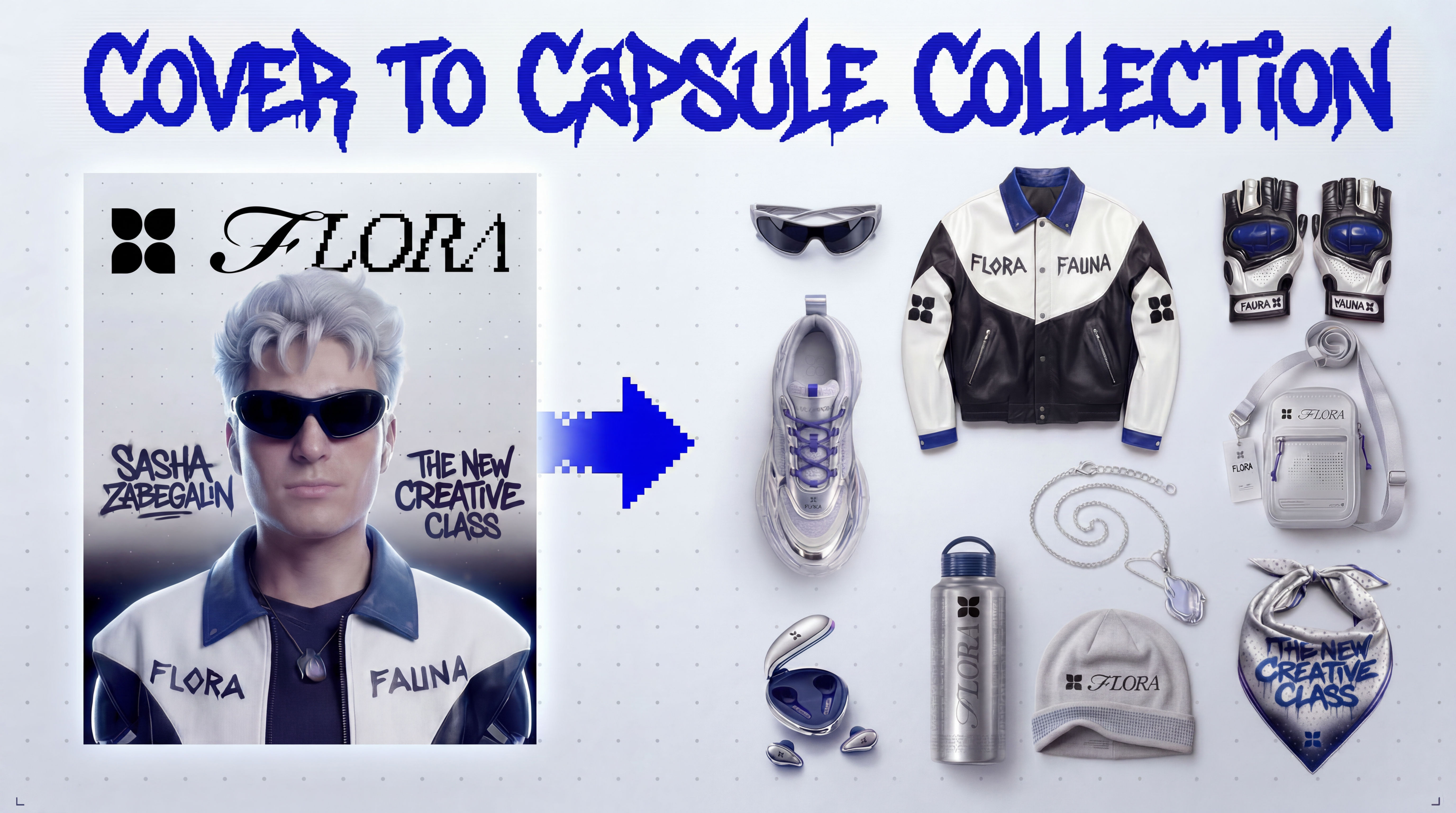 Cover to Capsule CollectionTurn any magazine cover into a 12-piece capsule collection.
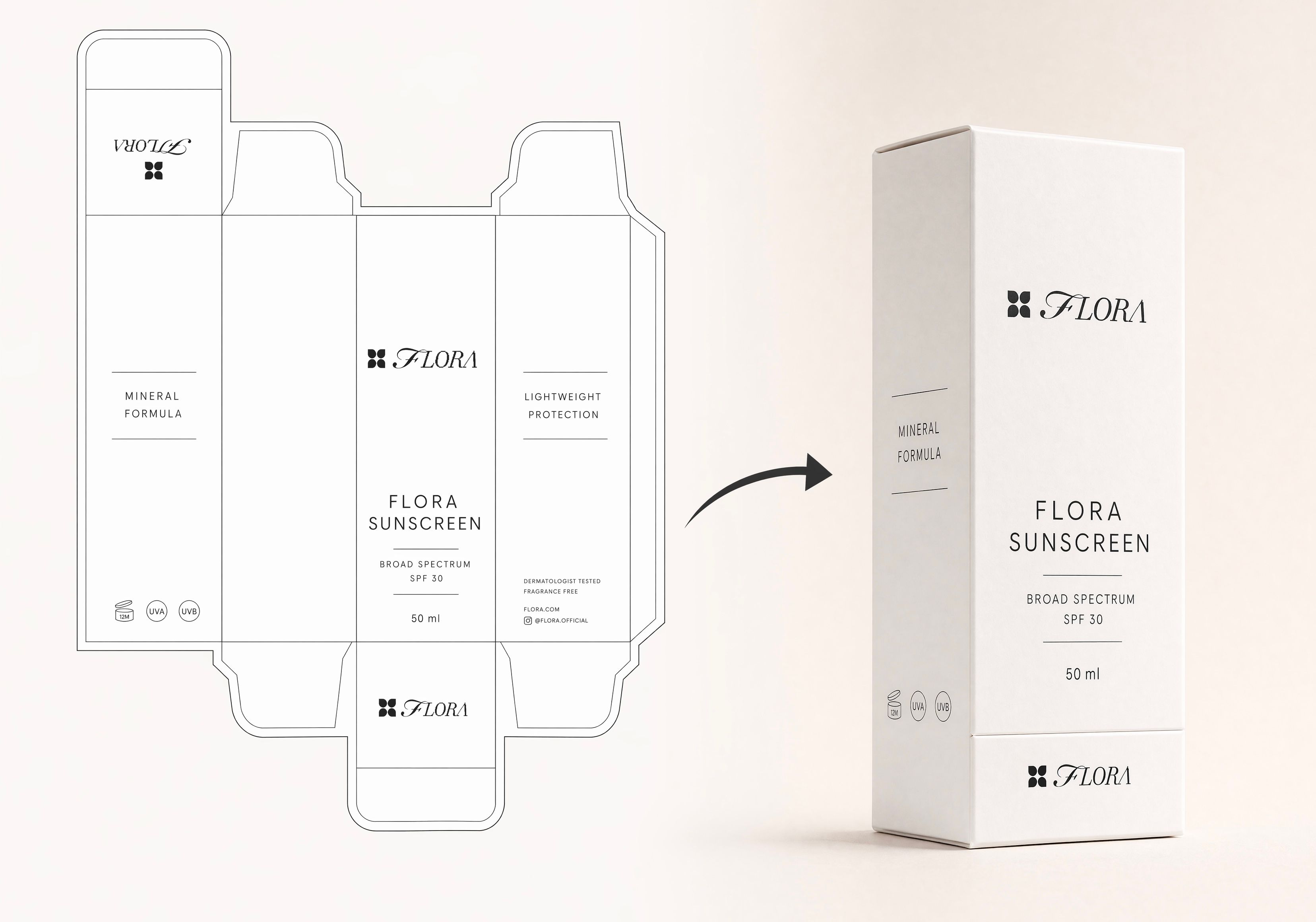 Dieline to 3D PackageTurn any flat package dieline into a production-ready 3D package render.
Make a Digital Lookbook Grid From One Model and Product Image
Turn products into styled grid layouts
Catherine Chung from FLORA