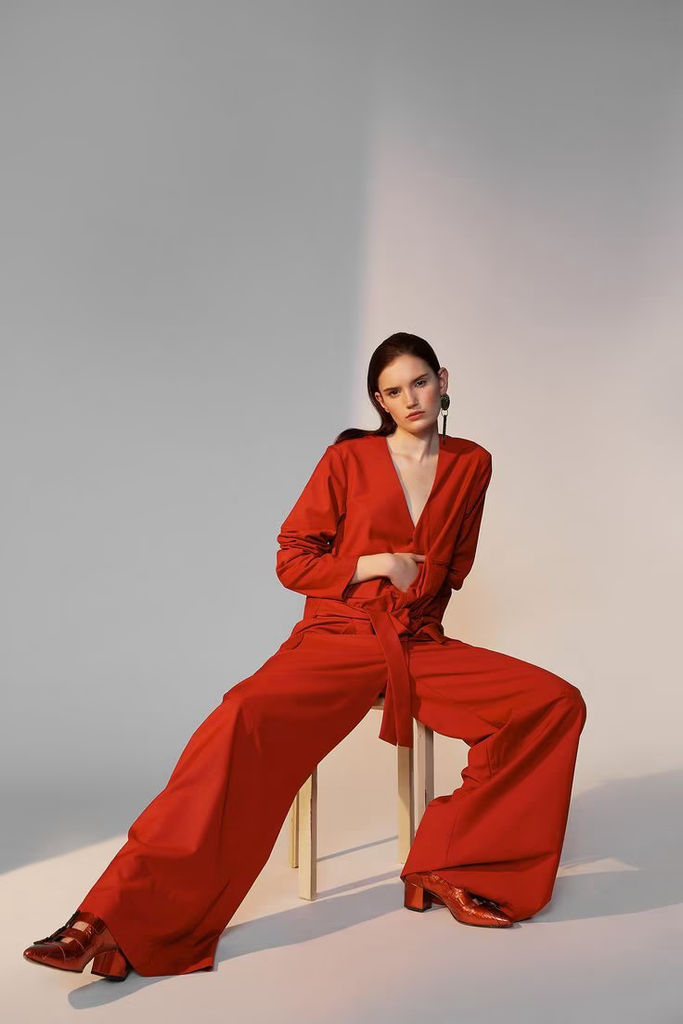
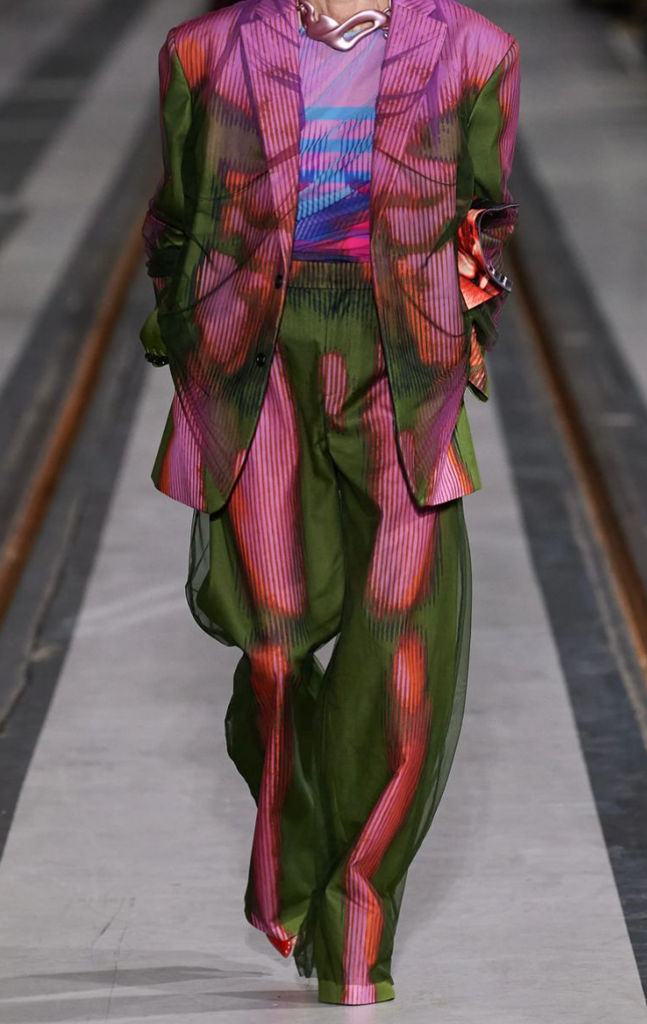
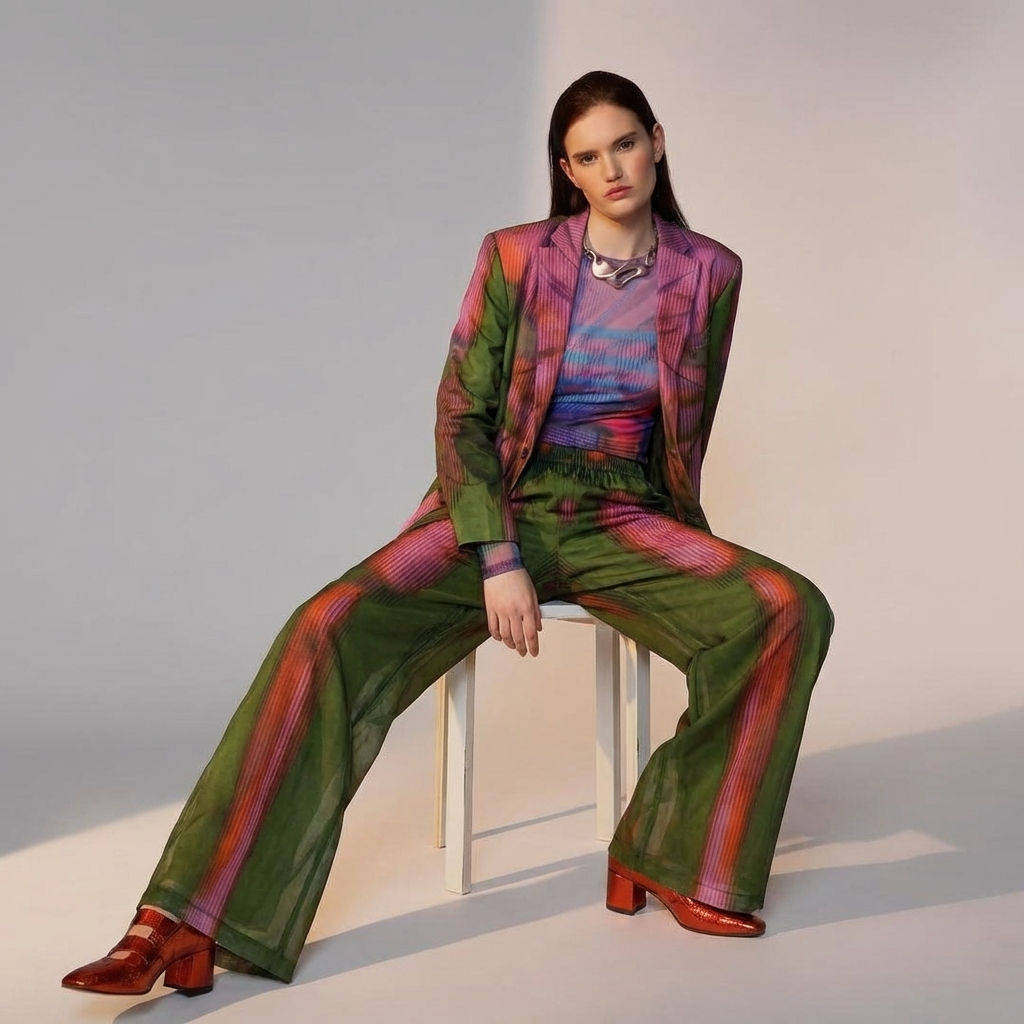
Upload a pose reference and a garment, and FLORA's AI clothes swap places the new clothing onto the body in one click. One model, any outfit, no reshoot.

E-Commerce Styling
Fashion brands use AI clothes swap to change the outfit on a model across body types and poses, building product and lifestyle shots without scheduling another photoshoot.

Rapid Restyling
Stylists use the outfit swap to try different garments on the same pose, comparing looks side by side before a shoot or a purchase.

Design Previews
Designers use this garment swap to see how a new piece reads on a model, swapping it onto an existing pose to prototype looks fast.
How to use Techniques?
Discover how to utilize Fit Check for different scenarios.

Add inputs
Upload images, videos, or type in the prompts to get started.

Generate outputs
Next, hit the "Generate" button to start generating your outputs.

Edit and export
Refine your outputs on canvas, or download them directly.
Frequently asked questions
All you need to know about Fit Check
What an AI clothes swap actually does
An AI clothes swap takes a pose reference and a garment reference and returns one frame where the new clothing sits on the body as if it had been shot that way. It is not a paste. It works out how the garment would fall on that specific pose, where the seams land, and which parts the arms cover, then replaces what the model was wearing. Try an AI clothes swap on FLORA with a pose and a garment to see it on the first run.
The point of a clothes swap is speed: one pose, many garments, without booking the model again for every look.
What the two inputs do
The technique reads two images. The pose reference sets the body, angle, and framing you keep. The garment reference is the piece you want on it. A clean, straight-on or three-quarter pose with the body visible gives the outfit swap the most to work from, and a garment shot square to the camera swaps in cleanly.
Where a garment swap still struggles
Layering is the hard part. A jacket over a shirt over a visible belt asks the AI to resolve several depth relationships at once, and one usually slips. Sheer fabric, complex hardware, and hands that overlap the clothing are the other recurring trouble spots. Treat the first result as a draft, and rerun the change clothes AI a few times to pick the best.
The same job under a dozen names
Search here is scattered. Fashion teams say outfit swap or garment swap because they are thinking about a production step. Others type change clothes AI or clothes swap AI looking for a quick tool. They describe one capability: replace the clothing on a body while keeping the pose.
Where it fits on the canvas
A clothes swap is rarely the last step. Once a look holds, keep going on the same canvas: Virtual Try On dresses a body in a full outfit, product lookbook grid arranges the looks, and the AI image generator puts the same model into a new scene. That is the advantage of running an AI clothes swap where the rest of your work already lives.
How to get a clean AI clothes swap on the first run
Most misses trace back to the inputs, not the model. The pose reference should show the whole body you want dressed, with the arms and torso visible and nothing covering the area the new garment will occupy. A cropped or heavily layered pose gives the AI less to work with, so it guesses, and a guess is where seams drift and sleeves end in the wrong place.
The garment reference matters just as much. A flat lay or a clean product shot on a plain background reads better than a lifestyle photo, because the AI is lifting the garment's shape, print, and texture and has to separate it from whatever surrounds it. If the outfit swap comes back with a print that looks stretched or a collar that sits wrong, the fix is usually a cleaner garment image, not a different pose.
Run one change at a time. Swap the garment and keep the pose, or keep the garment and try it on a second pose, so you can tell which input moved the result. Three quick runs with one variable each get to a usable frame faster than one run with everything changed at once.
Where to take the look next
Once the swap holds, the same body can wear a whole collection. Dress the full outfit in one pass with the virtual try on technique, then change the colorway of a garment without a new reference using product recolor. When you have a set of looks, lay them out for a line sheet or a campaign page with the product lookbook grid.
If the garment only exists as a drawing so far, sketch to garment turns the sketch into a wearable piece first, and the clothes swap AI puts it on the model after. Every step stays on the same FLORA canvas, next to 50+ image and video models, so a fashion team can go from one pose and one garment to a full set of on-model looks without leaving the page.
Related techniques
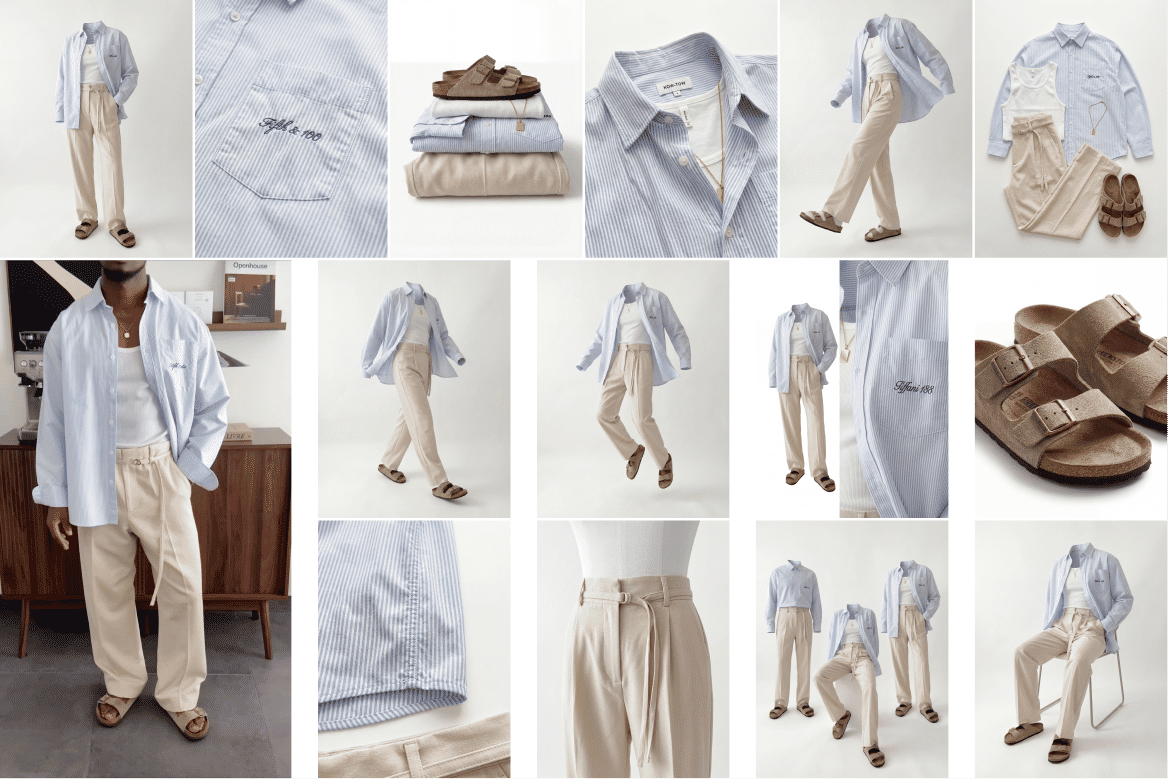 Ghost Mannequin SystemTurn any outfit image into ghost mannequin shots, physics poses, and detailed product visuals. Built for fashion brands, designers, and e-commerce workflows.
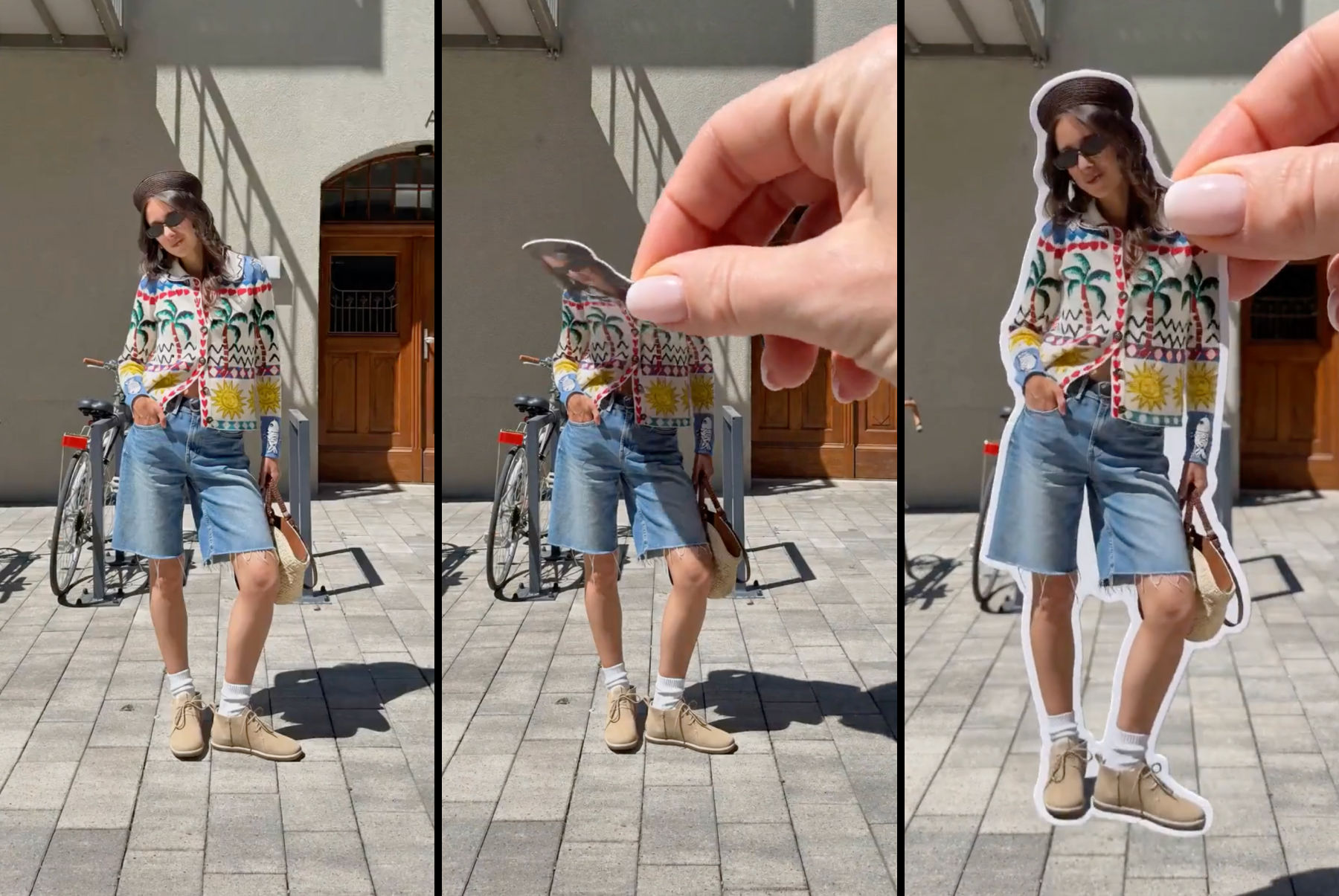 Sticker Peel-Away EffectTurn any outfit photo into a cinematic 3-second Reel where a hand peels you out of the frame like an editorial paper sticker. Built for fashion creators, lookbooks, and elevated brand content.
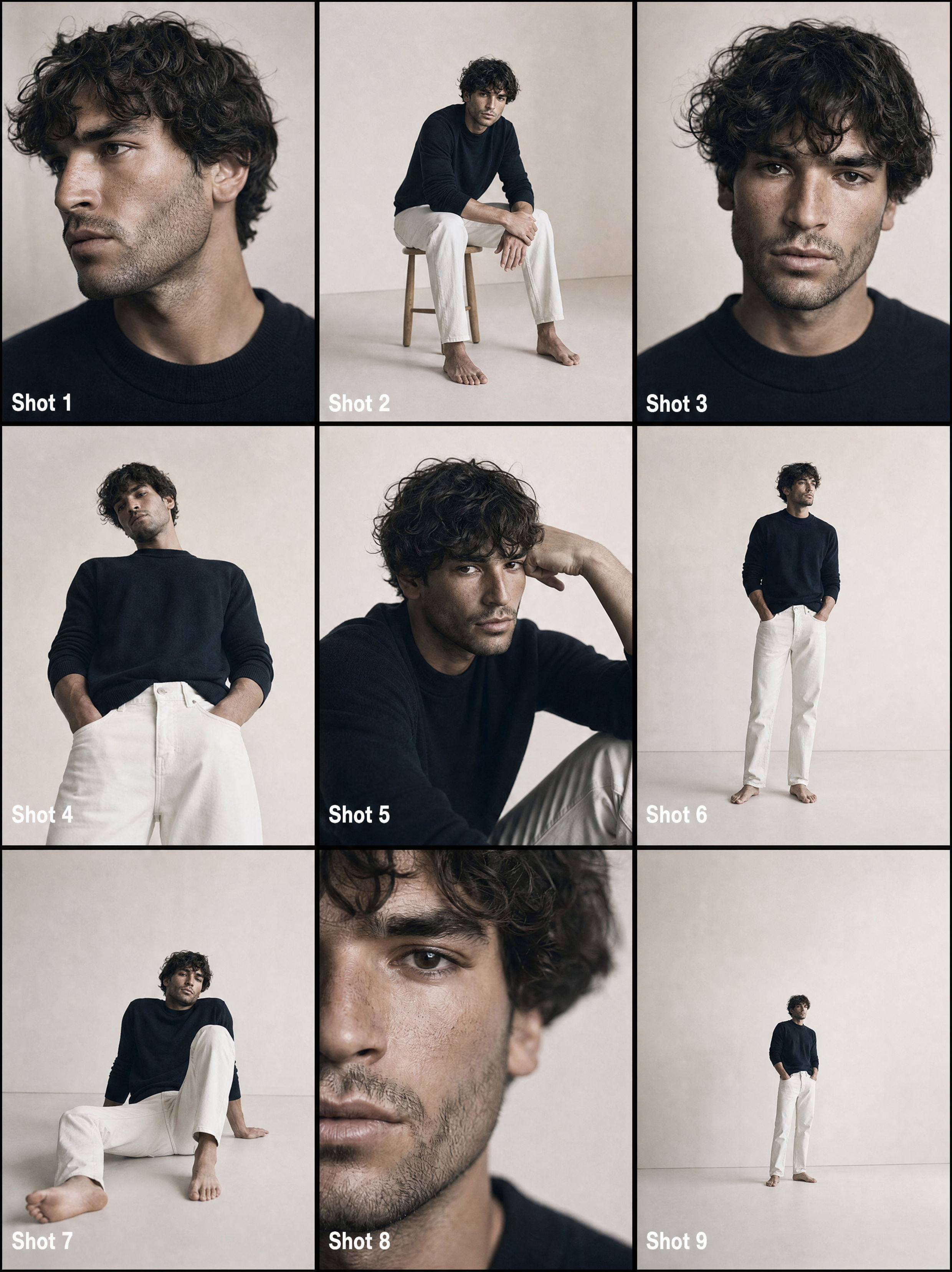 From One Photo to a Full CommercialTurns one passport photo into a 9-shot cinematic storyboard, then into a fast-cut commercial video. Perfect for generating multiple angles and poses from a single reference image.
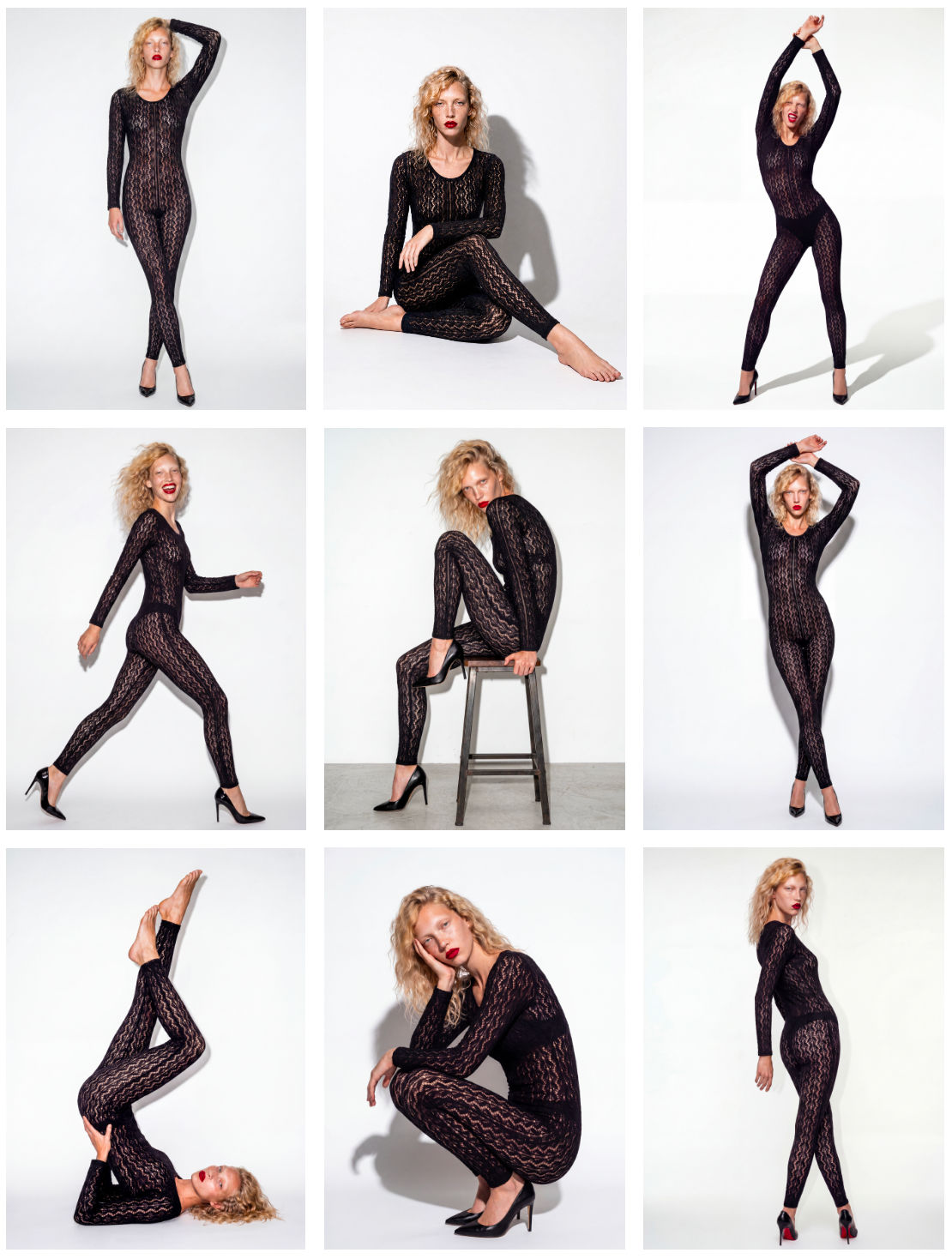 Model PosesTurn a dressed model into 10 poses.
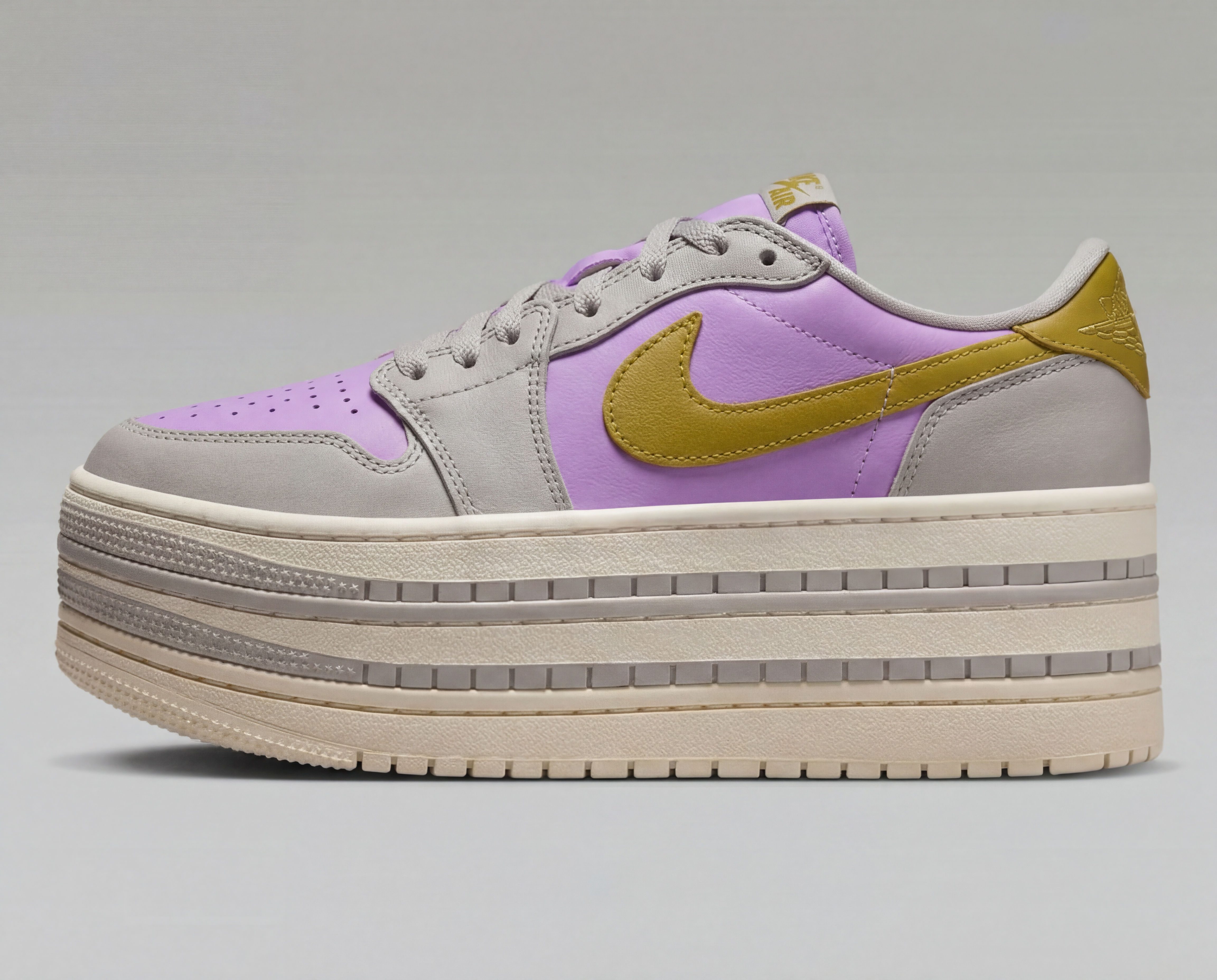 Product recolorBring in your product image and color palette for easy and quick recolor
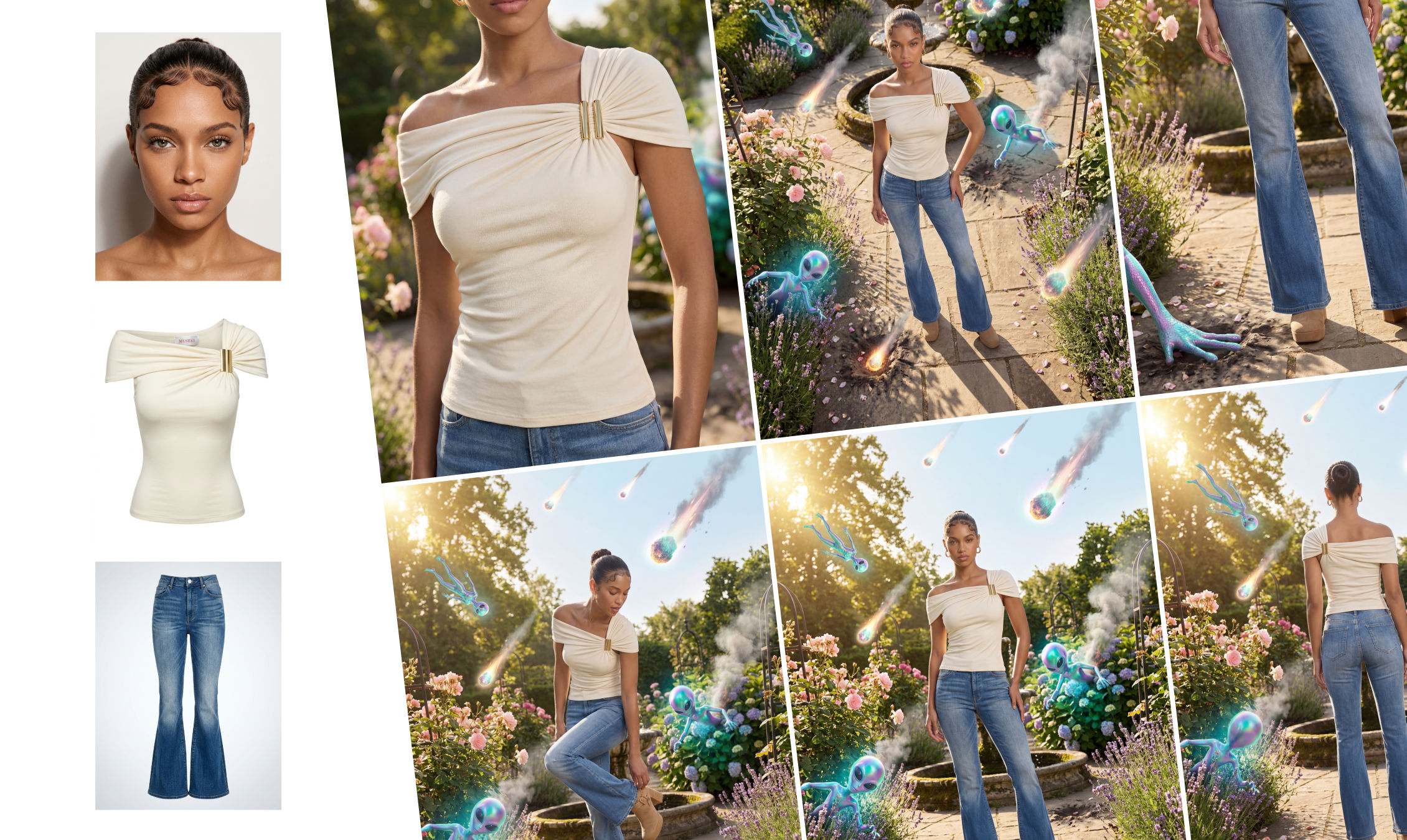 Outfit to CampaignUpload a model, outfit, and environment to generate a complete fashion campaign. The system creates full-body shots, styled scenes, close-ups, and product visuals with consistent, realistic results.
AI Clothes Swap: Change Any Outfit in One Click
Extract outfits & swap onto new looks

Sirio Berati from Enhancor AI