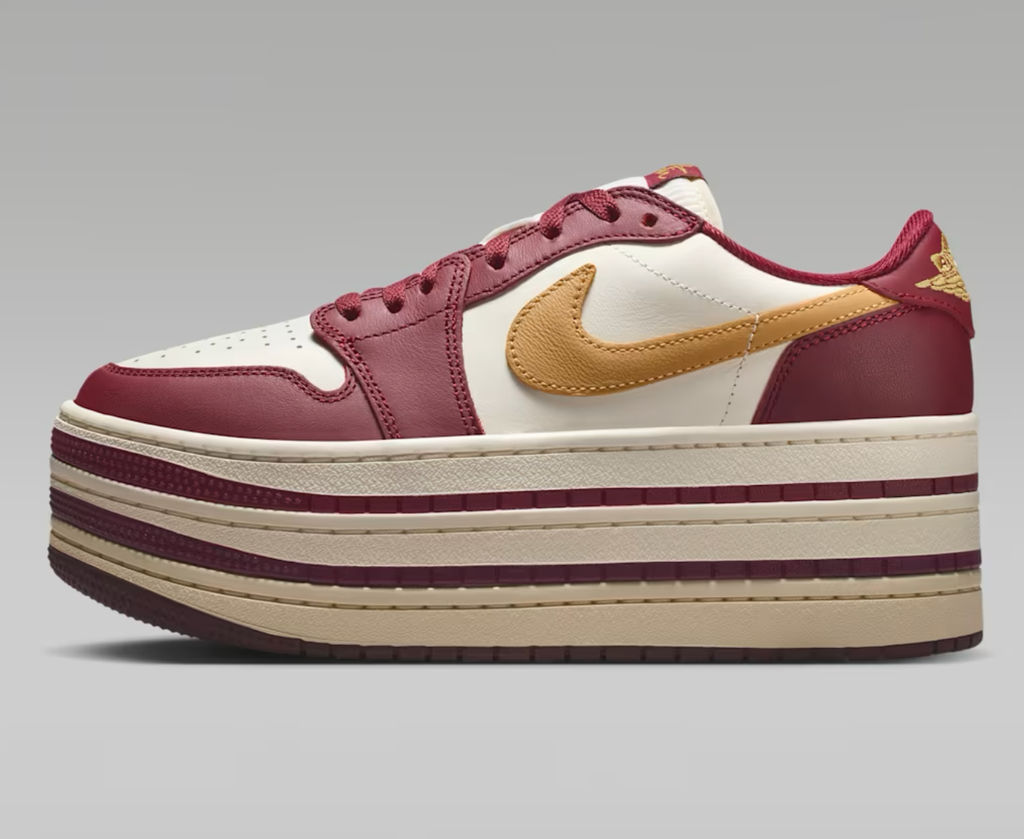

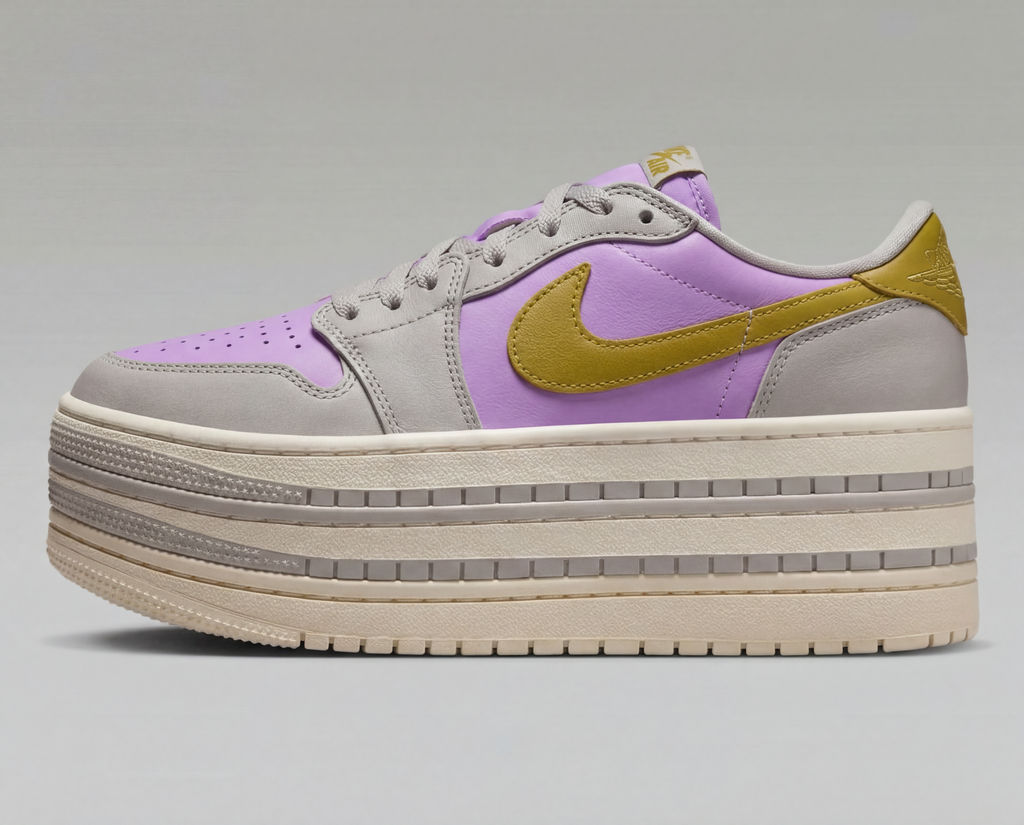
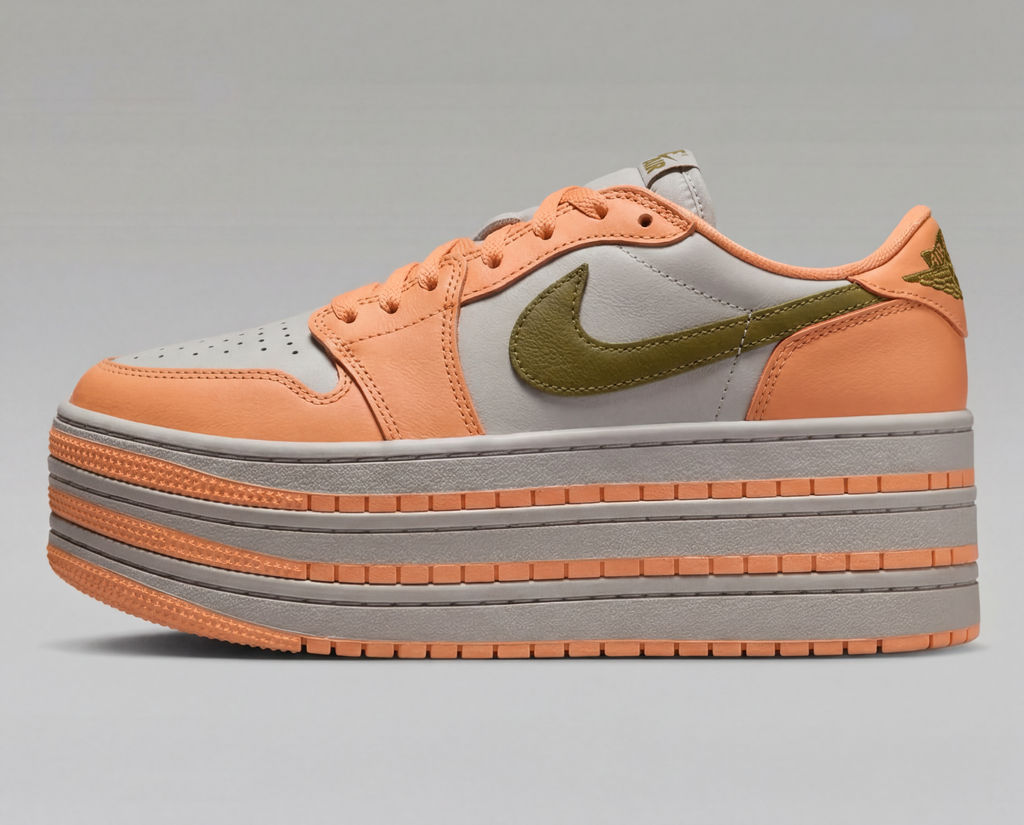
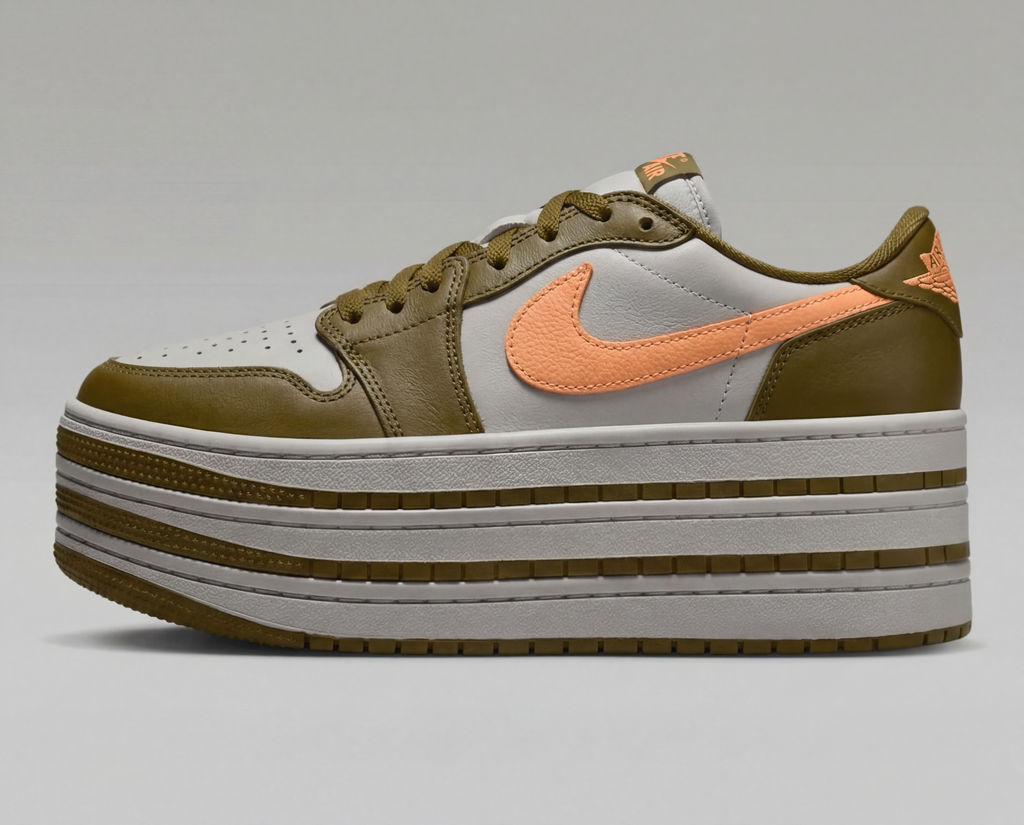
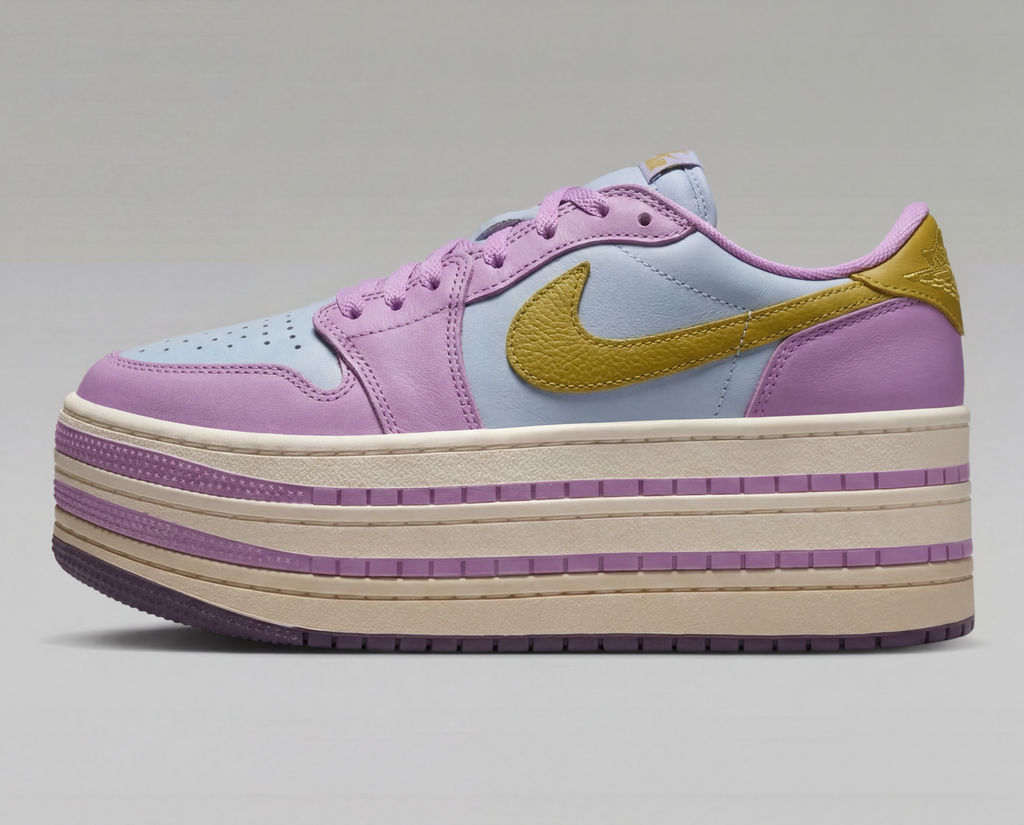
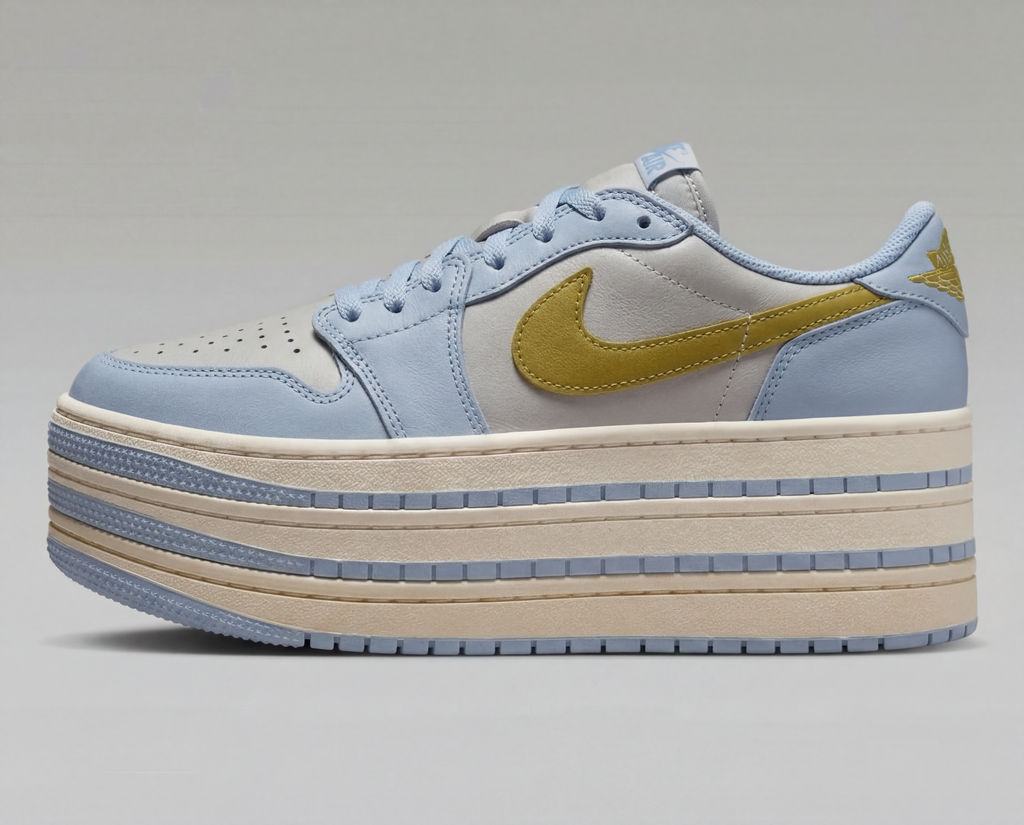
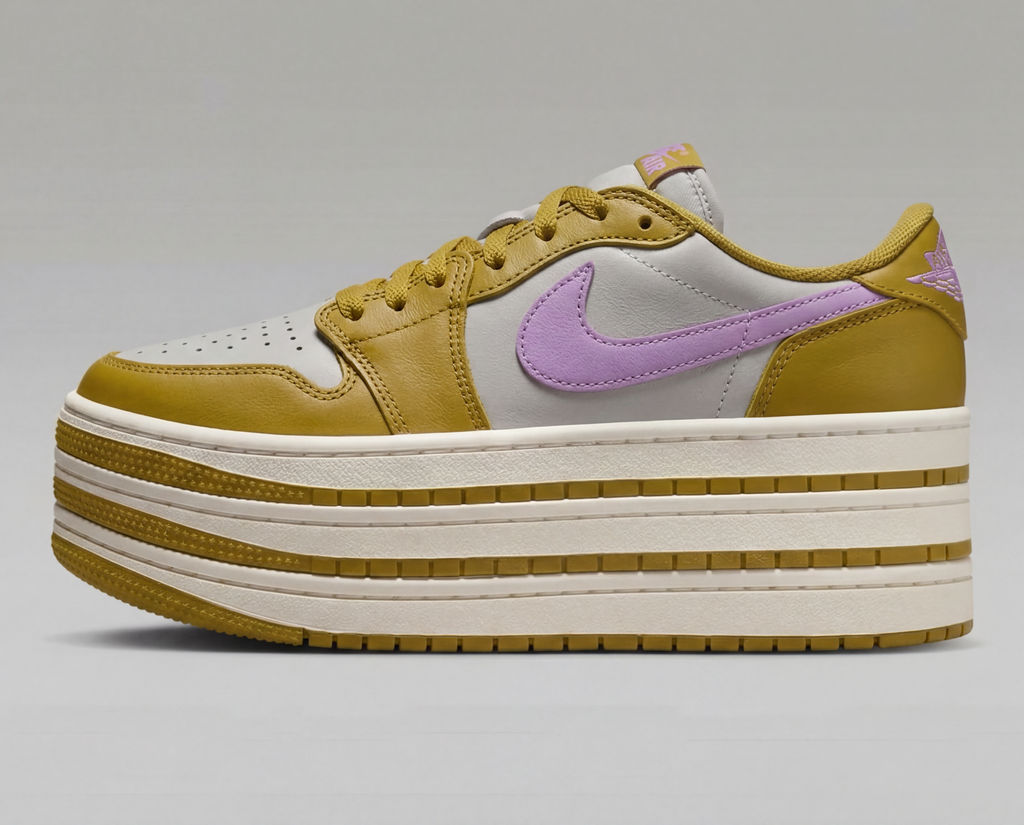
Bring in a product photo and a color palette, and this AI photo color changer returns six recolored colorways in seconds.

E-Commerce Colorways
Online store teams use this change color of image AI workflow to turn one product photo into six colorways, growing a catalog without a reshoot.

Brand Palette Matching
Marketing teams replace color in picture files to match a supplied brand palette, keeping product shots on-brand across every channel.

Design Concepting
Designers use the Technique as an AI color replacer to preview a product in several shades before committing to a final direction.
How to use Techniques?
Discover how to utilize Product Recolor for different scenarios.

Add inputs
Upload images, videos, or type in the prompts to get started.

Generate outputs
Next, hit the "Generate" button to start generating your outputs.

Edit and export
Refine your outputs on canvas, or download them directly.
Frequently asked questions
All you need to know about Product Recolor
What an AI color changer actually does to a product photo
An AI color changer swaps the color of an object in a photo while keeping the material, the lighting, and the surface detail intact. Product recolor takes a product shot and a palette image, then returns six colorways of the same item, each one lit and shadowed the way the original was. The shape of the product, the fabric weave, the stitching, and the reflections all survive the change.
That last part is the hard bit, and it is where most recoloring attempts fall apart. Color in a photograph is never one flat value. A navy sneaker contains dozens of blues across its highlights, its creases, and the shadow under the tongue, and the relationship between those values is what makes it read as suede rather than plastic. You can upload a product photo and see how that relationship holds up under a new hue.
What a change color AI model sees that a hue slider misses
A hue slider moves every pixel in the image by the same amount. It has no idea which pixels belong to the product, so the background drifts along with the shoe. It also cannot tell shadow from highlight, which sends a deep crease and a bright reflection to the same new tone. The result looks painted on.
A change color AI model treats the object and the light falling on it as two separate things. That separation is why the output holds up: shadows stay dark, specular highlights stay bright, and the weave or grain underneath is still readable once the hue has moved.
How a change color of image AI workflow reads your palette
Feeding the technique a palette image rather than a single hex code is deliberate. A swatch carries more than six values, because the colors sitting beside each other tell the model how saturated the family runs and how far apart the tones should sit. A change color of image AI workflow uses that context to pick colorways that look like a coherent product line rather than six unrelated hues.
In practice, the palette you supply is doing real work. A tight range of muted earth tones produces six colorways that could ship as one season. Scatter a few primaries in there and you get six products that look like they came from different brands. If you need a palette pulled from an existing campaign image, Palette Pull extracts the exact values for you.
What makes a strong input for an AI photo color changer
An AI photo color changer can only preserve detail that exists in the file you hand it.
- Use even, diffuse lighting on the original. Blown-out highlights have no detail left to carry into the new color.
- Shoot or crop against a clean, uncluttered background so the object separates cleanly. A white background shot is the safest starting point.
- Pick a mid-tone original where you can. Recoloring a mid-grey or mid-blue item gives more room in both directions than starting from near-black or near-white.
- Keep the resolution high. Fine texture like knit, grain, or brushed metal is the first thing to go when the source is soft.
Where an AI color replacer beats a manual color replacer tool
The manual route is a selection, a mask, a hue and saturation adjustment layer, a blend mode, and then cleanup around every edge where the mask was imperfect. It works, and for one hero image it is often worth it. Running it across forty catalog items is another matter.
An AI color replacer collapses that into one pass, and the time saved compounds across a catalog. A traditional color replacer tool also struggles with anything semi-transparent, reflective, or patterned, because a single mask cannot describe a mesh panel or a chrome buckle. If your item is patterned rather than solid, print pattern replacement handles that job directly, and texture matchers covers surface swaps.
Running an AI color changer free of a reshoot
One photograph becomes an entire colorway range. Product pages can go live before the physical samples exist, and merchandising can test demand across shades without committing inventory to any of them. An AI color changer free of studio time and sample costs changes what you can afford to test.
The six colorways land on the FLORA canvas together, ready for whatever the next step is. Arrange them into a product lookbook grid, take one shade further with image recolor, or build the campaign around them without exporting anything first, since all 50+ image and video models run on the same canvas.
Related techniques
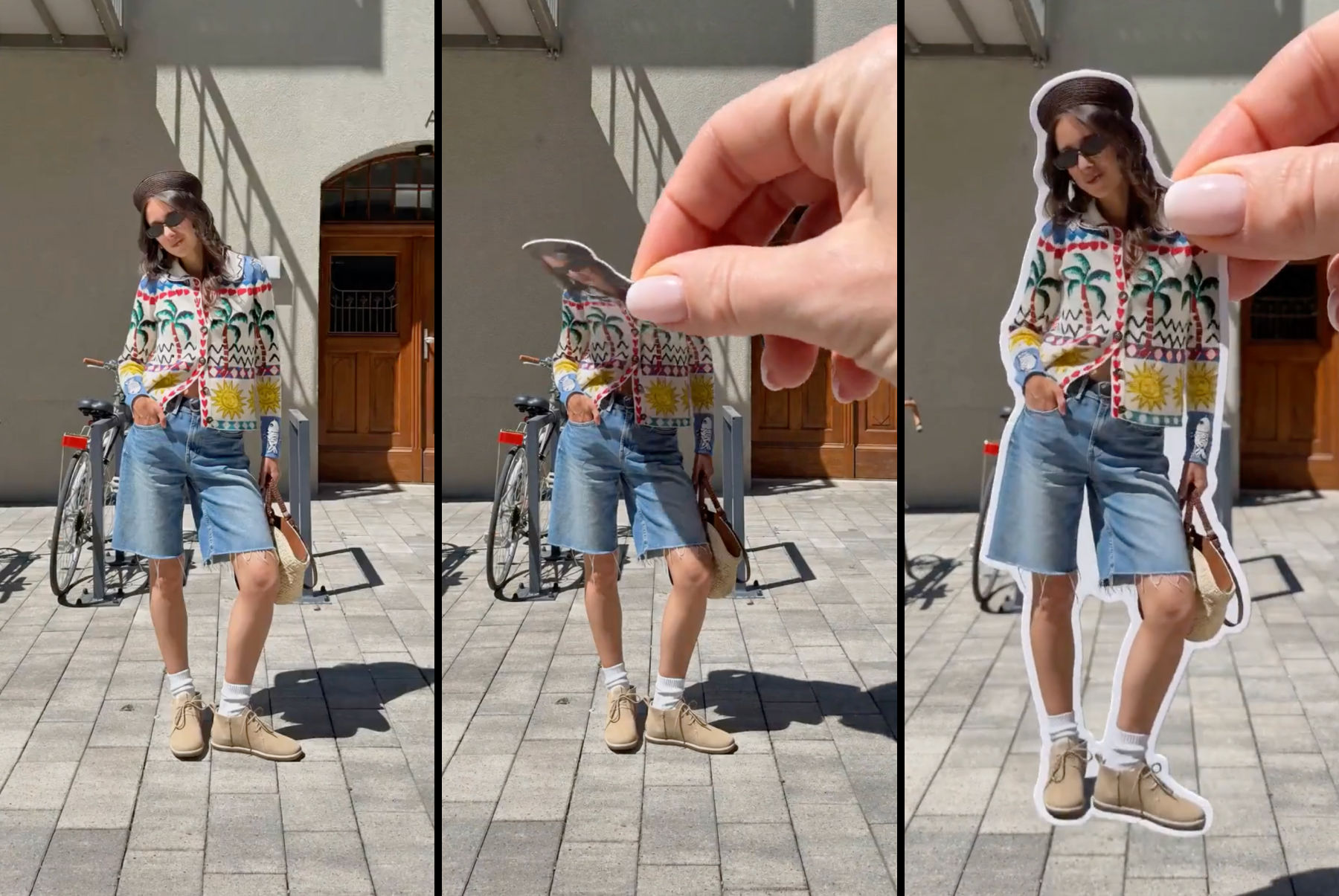 Sticker Peel-Away EffectTurn any outfit photo into a cinematic 3-second Reel where a hand peels you out of the frame like an editorial paper sticker. Built for fashion creators, lookbooks, and elevated brand content.
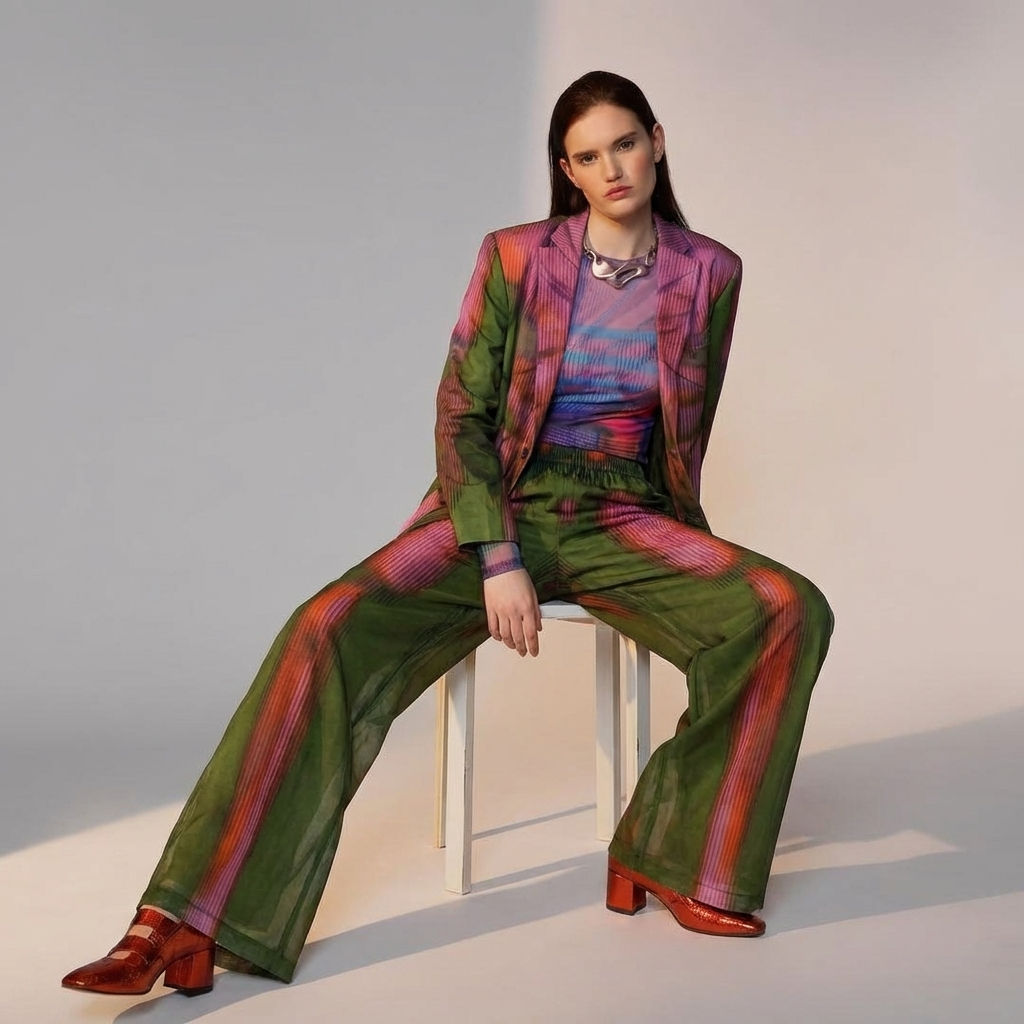 Fit CheckExtract outfits & swap onto new looks
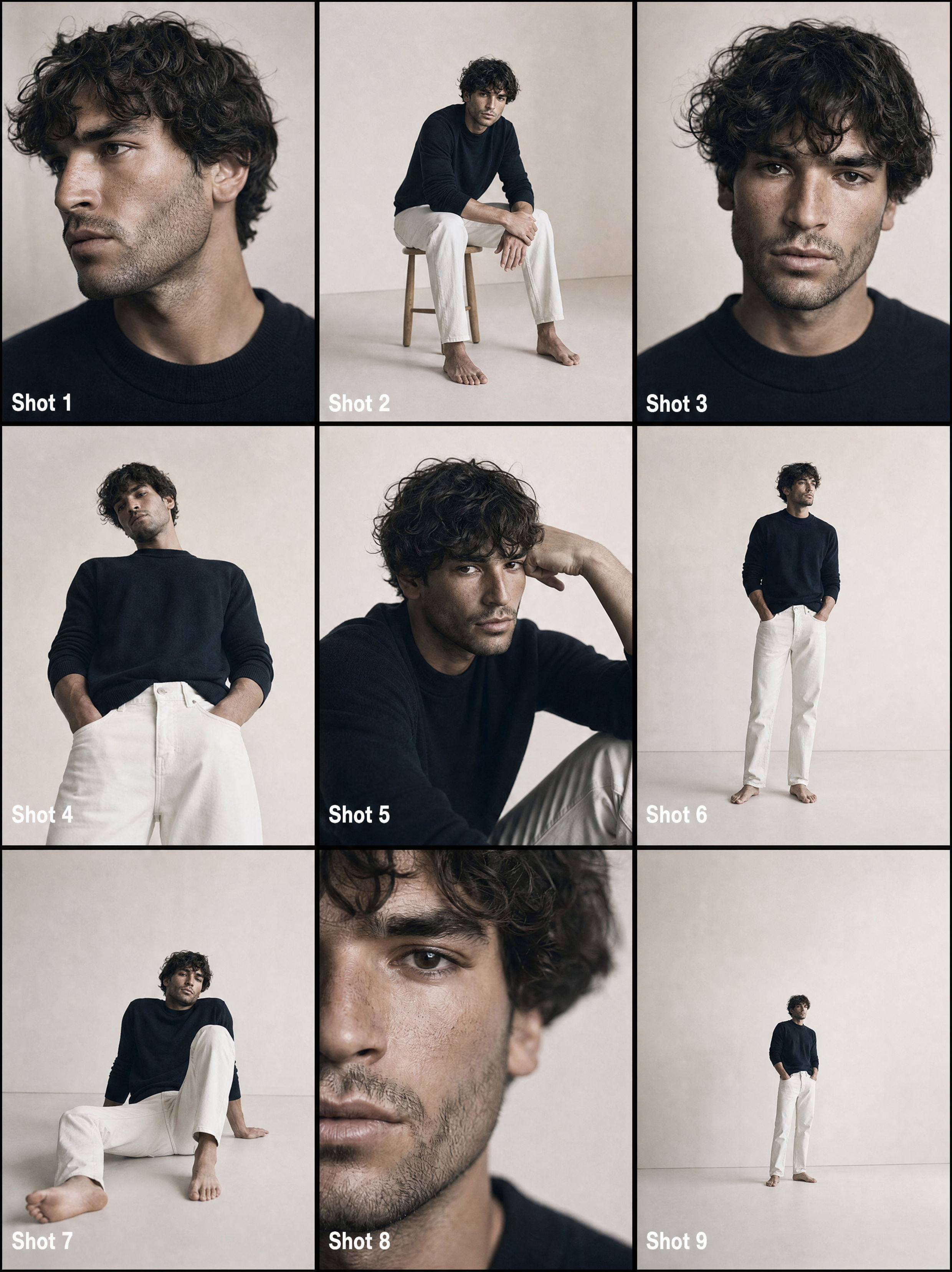 From One Photo to a Full CommercialTurns one passport photo into a 9-shot cinematic storyboard, then into a fast-cut commercial video. Perfect for generating multiple angles and poses from a single reference image.
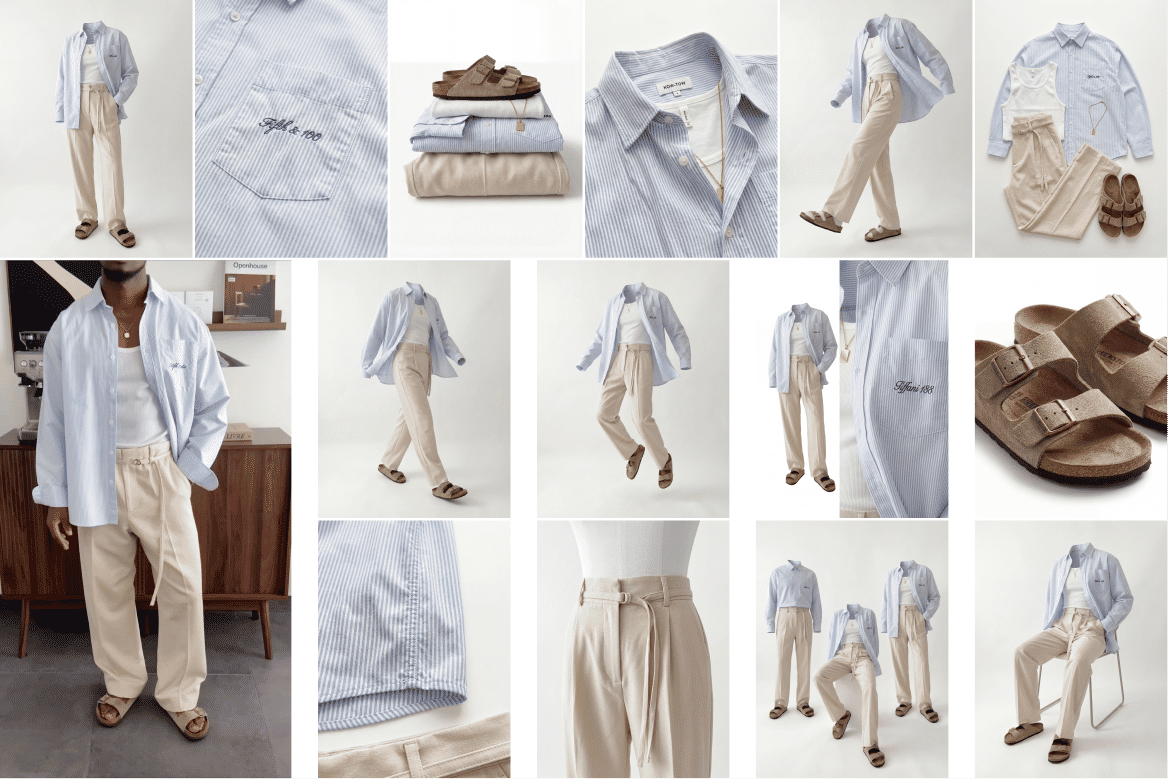 Ghost Mannequin SystemTurn any outfit image into ghost mannequin shots, physics poses, and detailed product visuals. Built for fashion brands, designers, and e-commerce workflows.
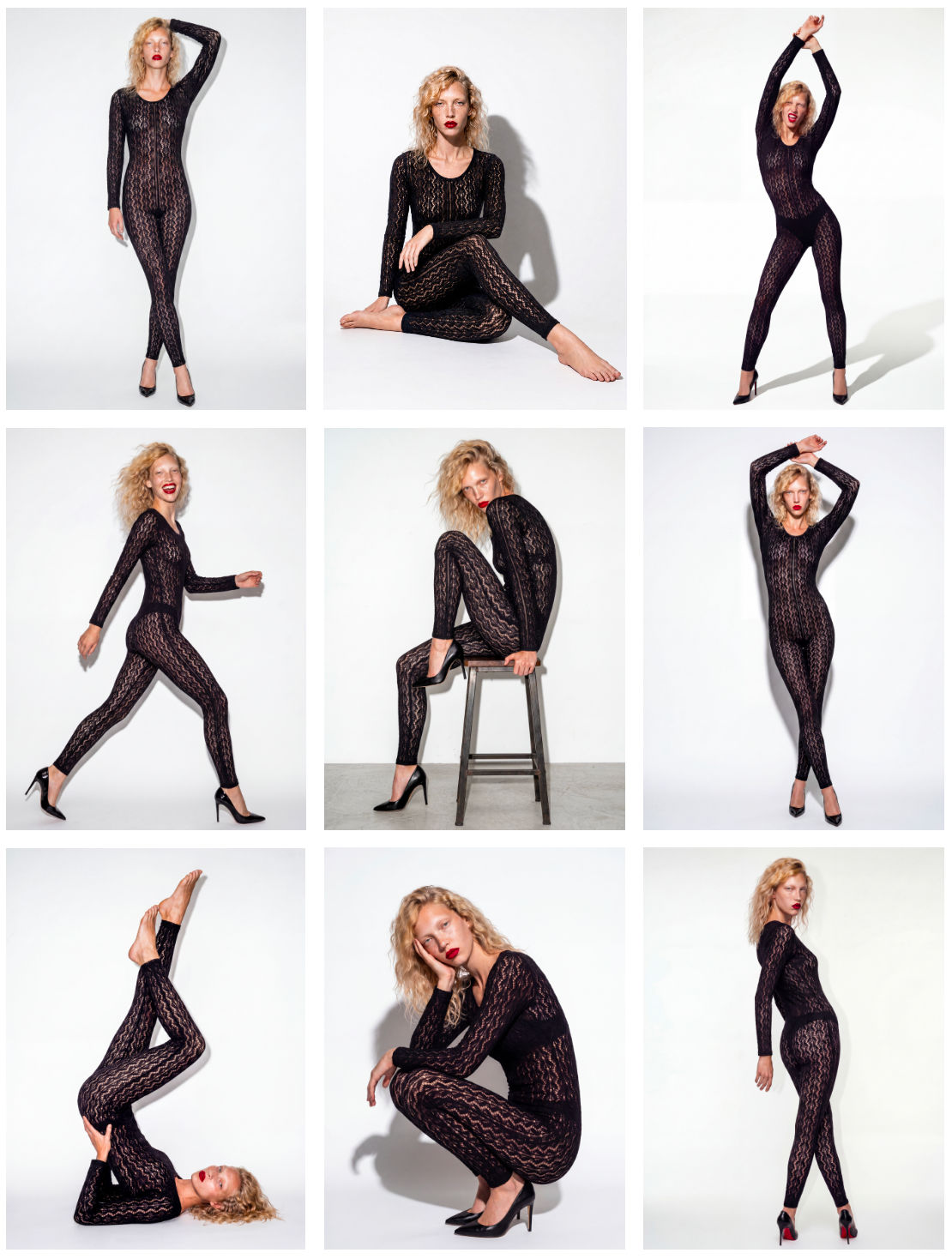 Model PosesTurn a dressed model into 10 poses.
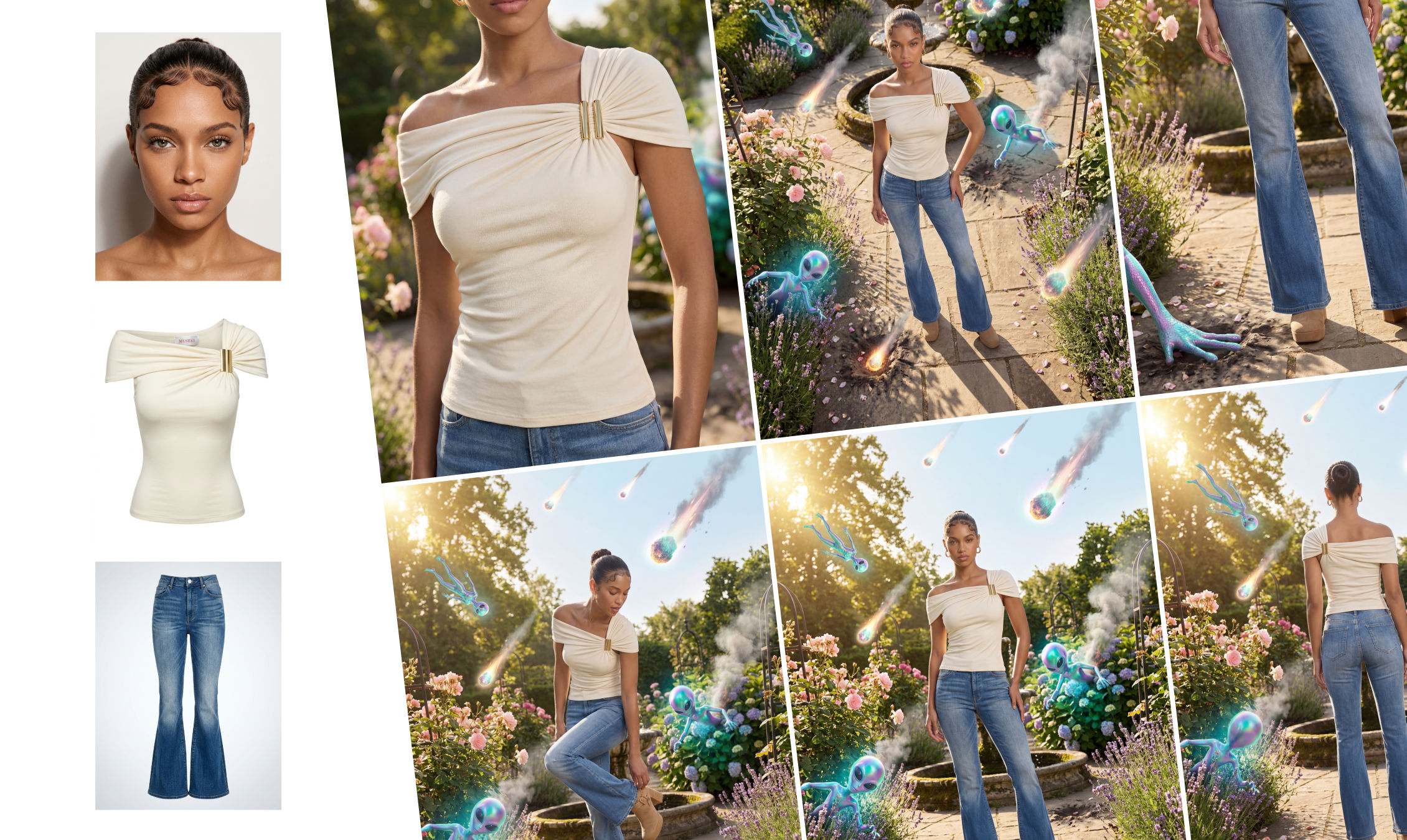 Outfit to CampaignUpload a model, outfit, and environment to generate a complete fashion campaign. The system creates full-body shots, styled scenes, close-ups, and product visuals with consistent, realistic results.
Use the AI Color Changer to Recolor Products Instantly
Bring in your product image and color palette for easy and quick recolor

Kate Burmatnova from FLORA