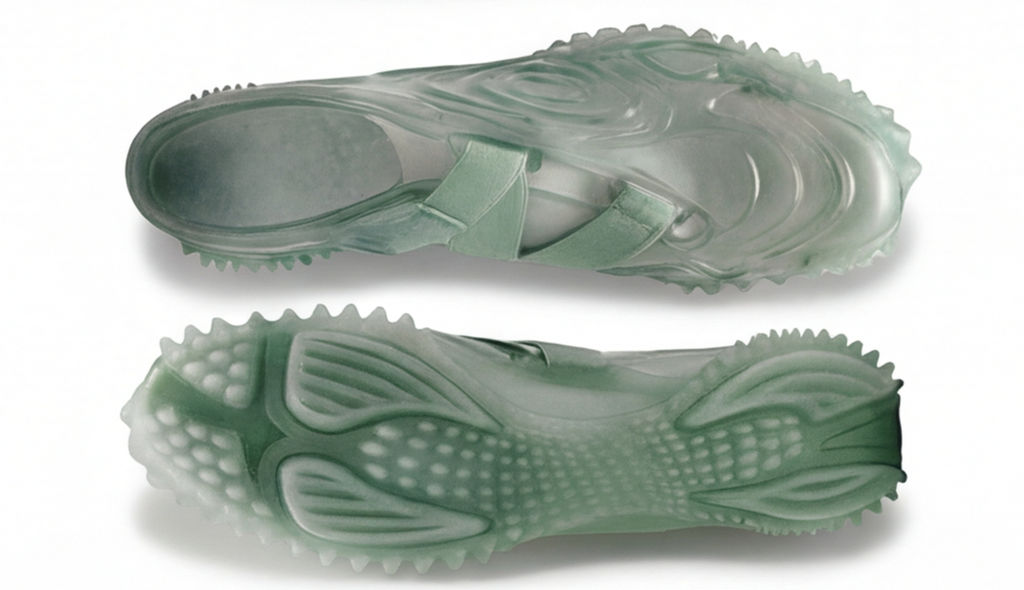
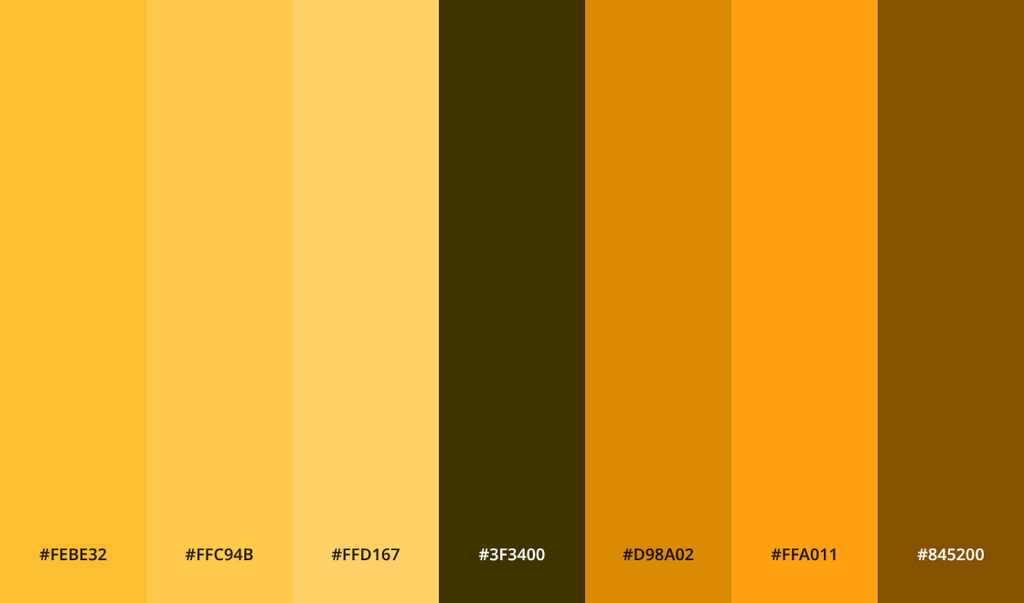
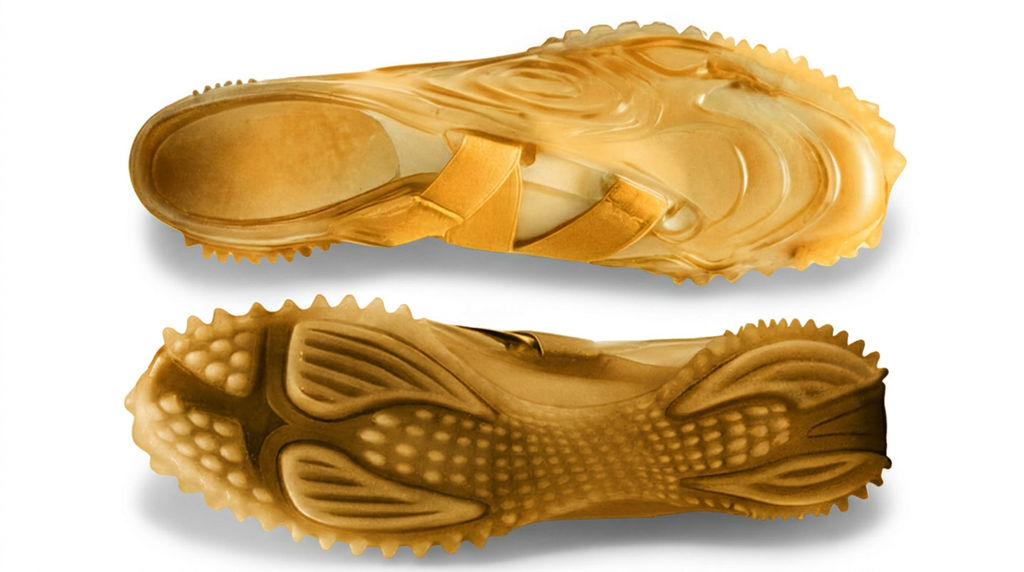
Recolors any image to match a reference color palette or image in one click.

Brand Color Consistency
Marketing teams recolor product photos, graphics, and campaign assets to match exact brand colors across all channels and formats with this image recolor tool.

Seasonal Campaign Refresh
E-commerce brands shift product image colors to match seasonal palettes without reshooting or creating new assets from scratch, using this photo color changer.

Creative Color Exploration
Designers explore color directions for a single image by running the Technique with different reference palettes to recolor picture variants.
How to use Techniques?
Discover how to utilize Image Recolor for different scenarios.

Add inputs
Upload images, videos, or type in the prompts to get started.

Generate outputs
Next, hit the "Generate" button to start generating your outputs.

Edit and export
Refine your outputs on canvas, or download them directly.
Frequently asked questions
All you need to know about Image Recolor
Recolor image with AI: how color replacement actually works
To recolor image files with AI means swapping the colors in a photo and leaving everything else alone. Shape, texture, lighting, all of it stays put. You give the tool your original shot plus a color reference, and it maps that palette onto the subject, so a navy jacket comes back rust with the weave, the seams, and the shadow under the collar still intact.
Most color tools don't work that way. A hue slider grabs every pixel in a range at once, so the red chair shifts, the red lamp behind it shifts with it, and skin tones usually come along for the ride. Working from a reference is narrower. You get the new color without wrecking the material. You can try FLORA free and recolor image online in your browser, then keep working on the same canvas.
Why a color reference beats a slider
An image color editor gives you hue, saturation, and lightness controls plus a selection tool, and how good the result looks comes down almost entirely to how patient you were with the mask. An AI photo color changer skips that part. Instead of describing a color in numbers, you hand over a swatch, a brand palette, or a whole photo you want the colors pulled from, and it matches them.
The output still looks photographic because color and light get handled separately. Highlights stay bright, shadows stay deep, and the gradient across a curved surface holds, so the new color inherits the lighting that was already in the shot rather than sitting flat on top of it. It's also why an image recolor tool built around references does fine on fabric, paint, plastic, and printed packaging, where a paint bucket would run straight through the texture.
The same job, a dozen different names
People ask for this in wildly different words:
- "picture color changer"
- "recolor picture"
- "image recolor free"
- "recolor image online free"
- "change the color of an object in a photo"
The request underneath never changes. Keep the picture, change the color.
What happens between upload and output
- It reads the image. The model works out where the subject ends and the background starts, then separates regions and materials, so a shirt, its buttons, and the wall behind it don't get treated as one blob.
- It samples your reference. From a swatch or a reference photo, it pulls the dominant colors along with the relationships between them, not a single flat value.
- It re-renders region by region. New color goes on while luminance, texture, and edge detail stay where they were, which is what keeps shadows and reflections believable.
- It drops the result on the canvas. Editable, ready to run again with a different reference or pushed into whatever comes next.
A pass takes about a minute, so trying five references isn't much more work than trying one. That's usually how a single product shot turns into a full colorway range you can lay out as a product lookbook grid.
Materials that fight back
Some surfaces are harder to recolor than others, and it's an optical problem more than a technical one. Matte, opaque things carry their color locally: cotton, matte paint, paper, molded plastic. Change the local color and they read correctly. Metallics reflect the room, glass and translucent plastic move with whatever sits behind them, and glossy highlights belong to the light source rather than the object. Skin, hair, and food come with expectations attached, so a wrong forearm gets spotted in a second when a slightly odd chair would slide by.
Knowing which group your subject falls into tells you what to expect before you run anything. Matte and opaque usually lands on the first try. Reflective and translucent is worth three or four goes with different references, then keeping the one where the highlights still agree with the rest of the scene.
Where recoloring fits in a bigger workflow
Color is rarely the last thing you do. Palette Pull gets a palette out of an asset you already have, Product Recolor applies it across a catalog, and print and pattern replacement or Texture Matchers cover the cases where the surface itself has to change, not just its color. Put every variant on the same solid color background and the set reads like one shoot. Designers weighing their options for concept color work can see how the canvas stacks up in our Vizcom alternatives writeup.
That's the actual argument for doing color inside FLORA rather than in a separate editor. More than 50 image and video models sit on one canvas, so a reference turns into a recolored asset turns into a finished campaign visual with no export in the middle. The FLORA AI image generator covers what else the canvas can pick up once the color is settled.
Related techniques
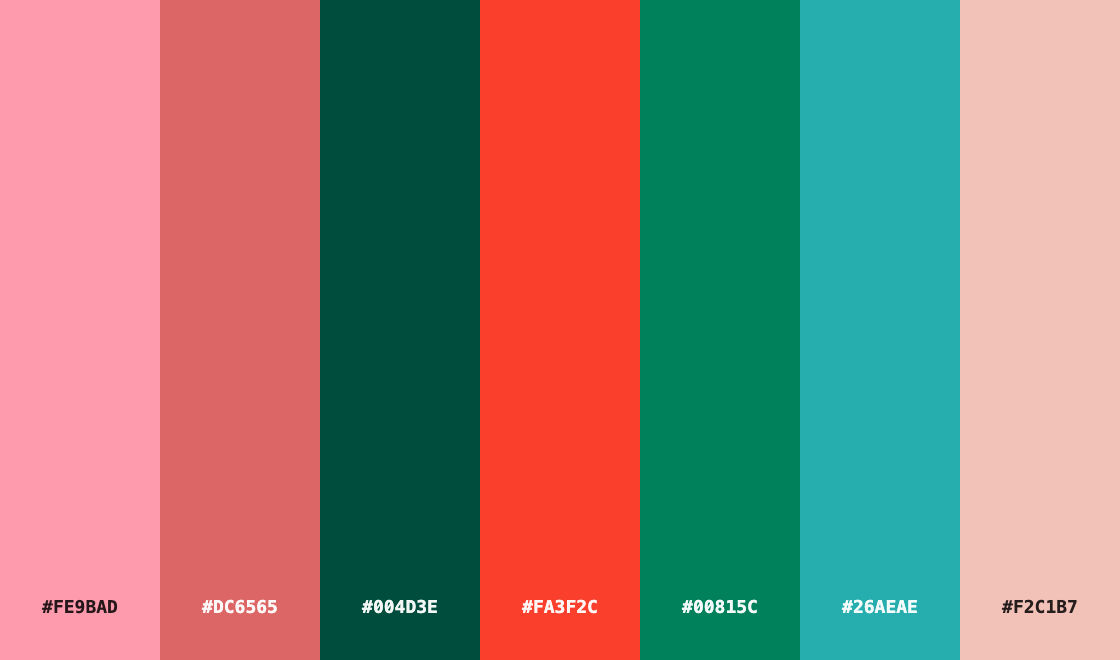 Color Palette ExtractionExtract color palettes from any image
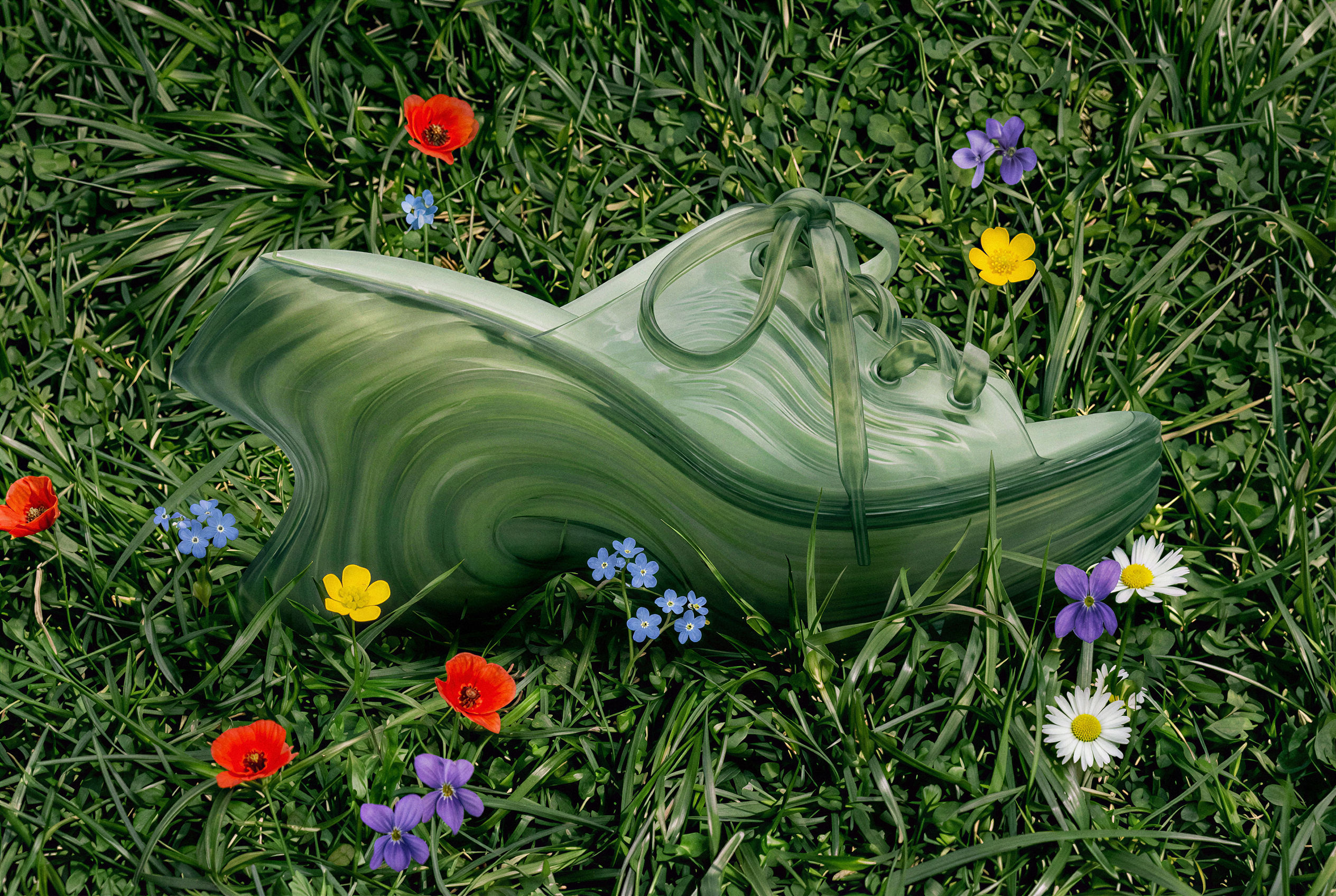 Image UpscalerUpscale any image to a higher resolution in one click.
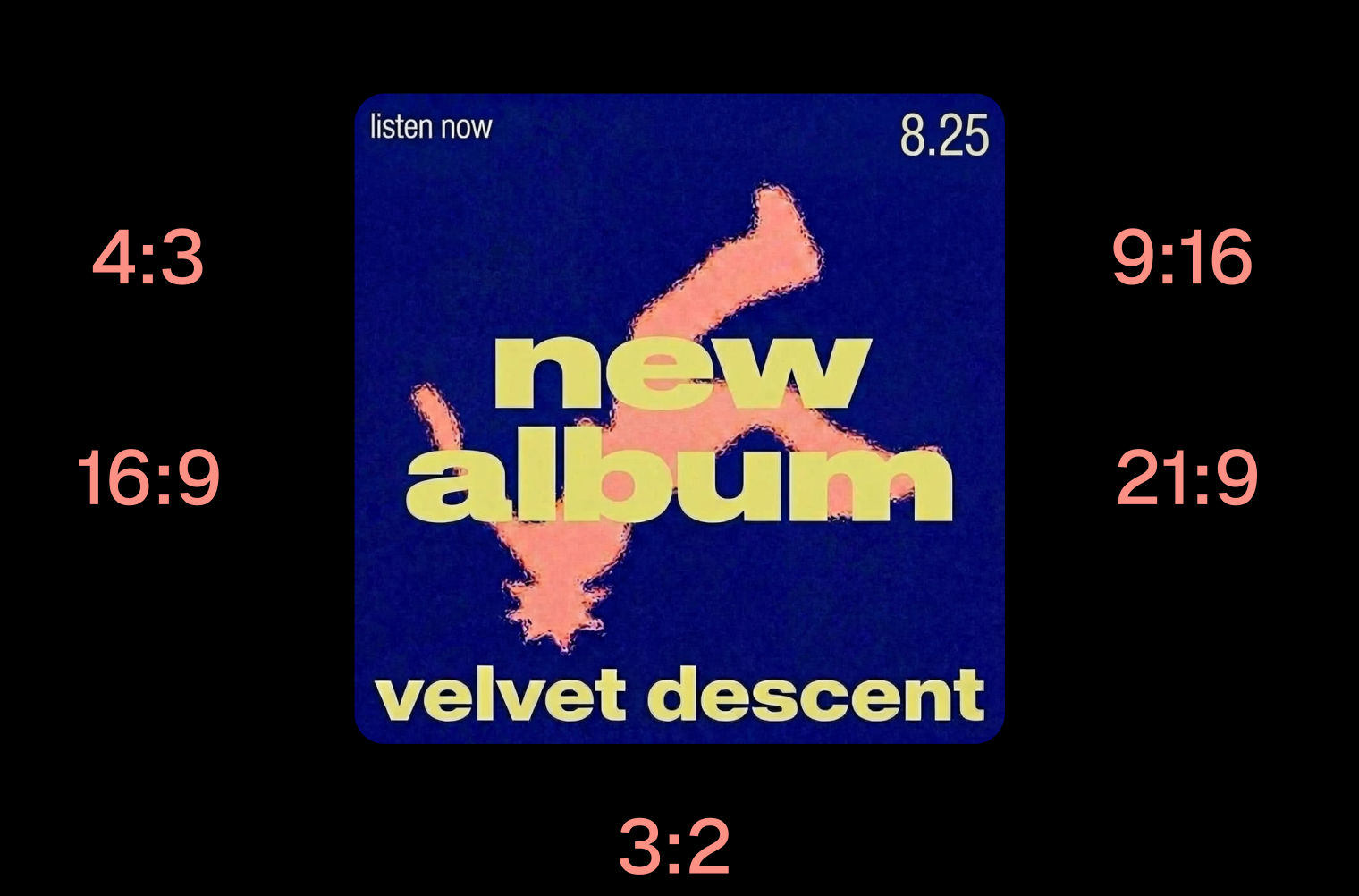 Layout ResizerResize layouts for any aspect ratio
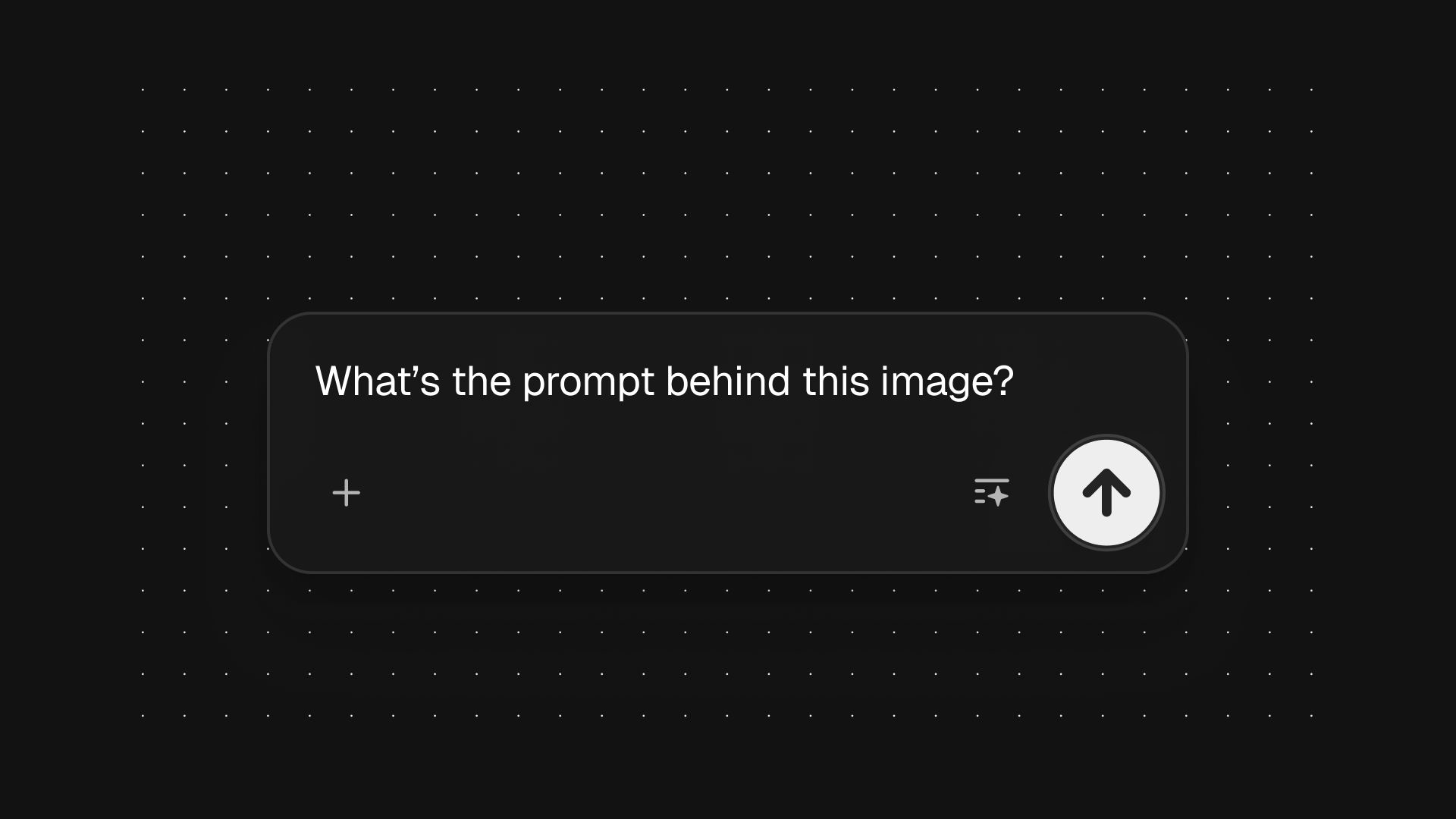 Prompt ExtractorReverse-engineers any image into a prompt
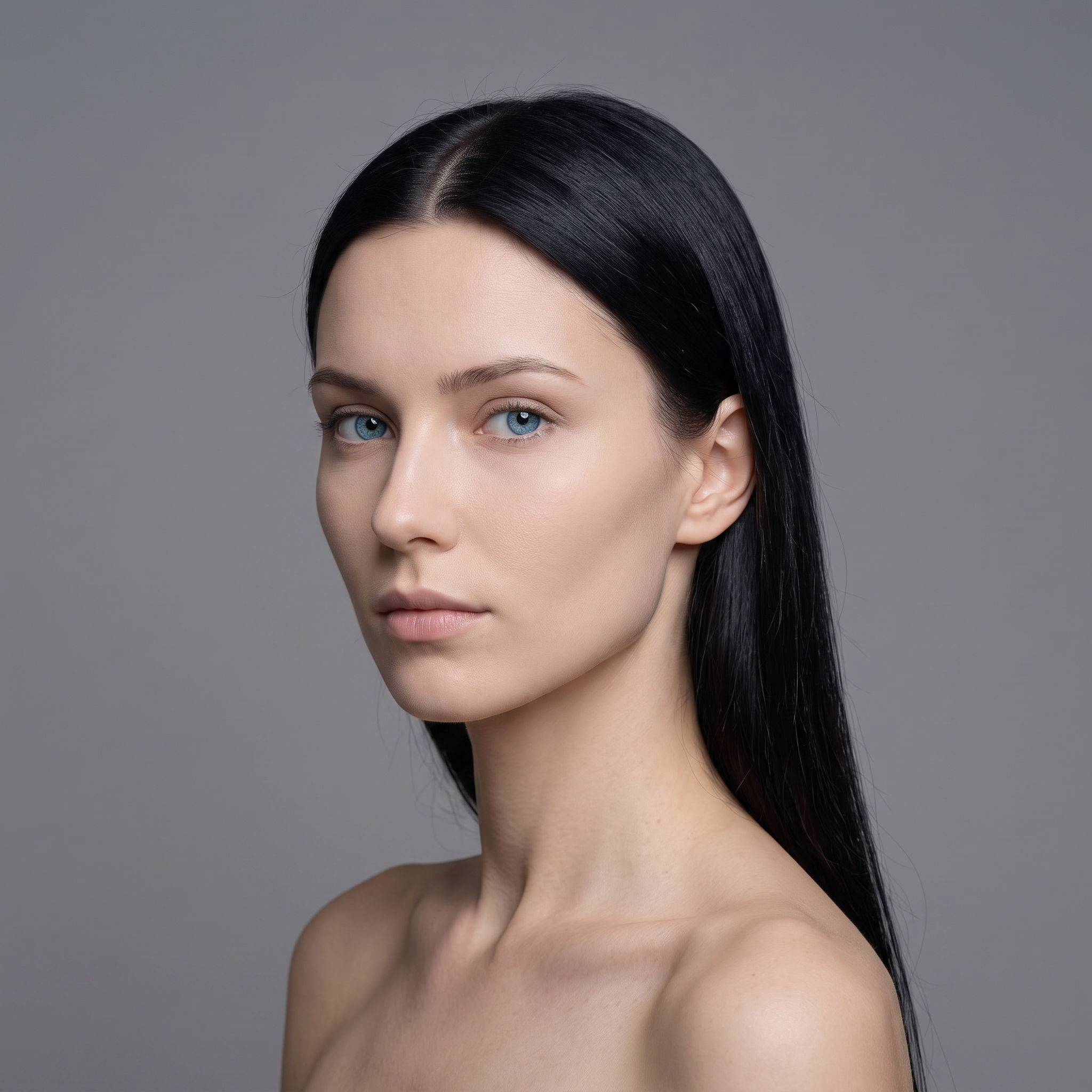 3 Angle ShootFront shot in, 45, 90, and 180 angle back
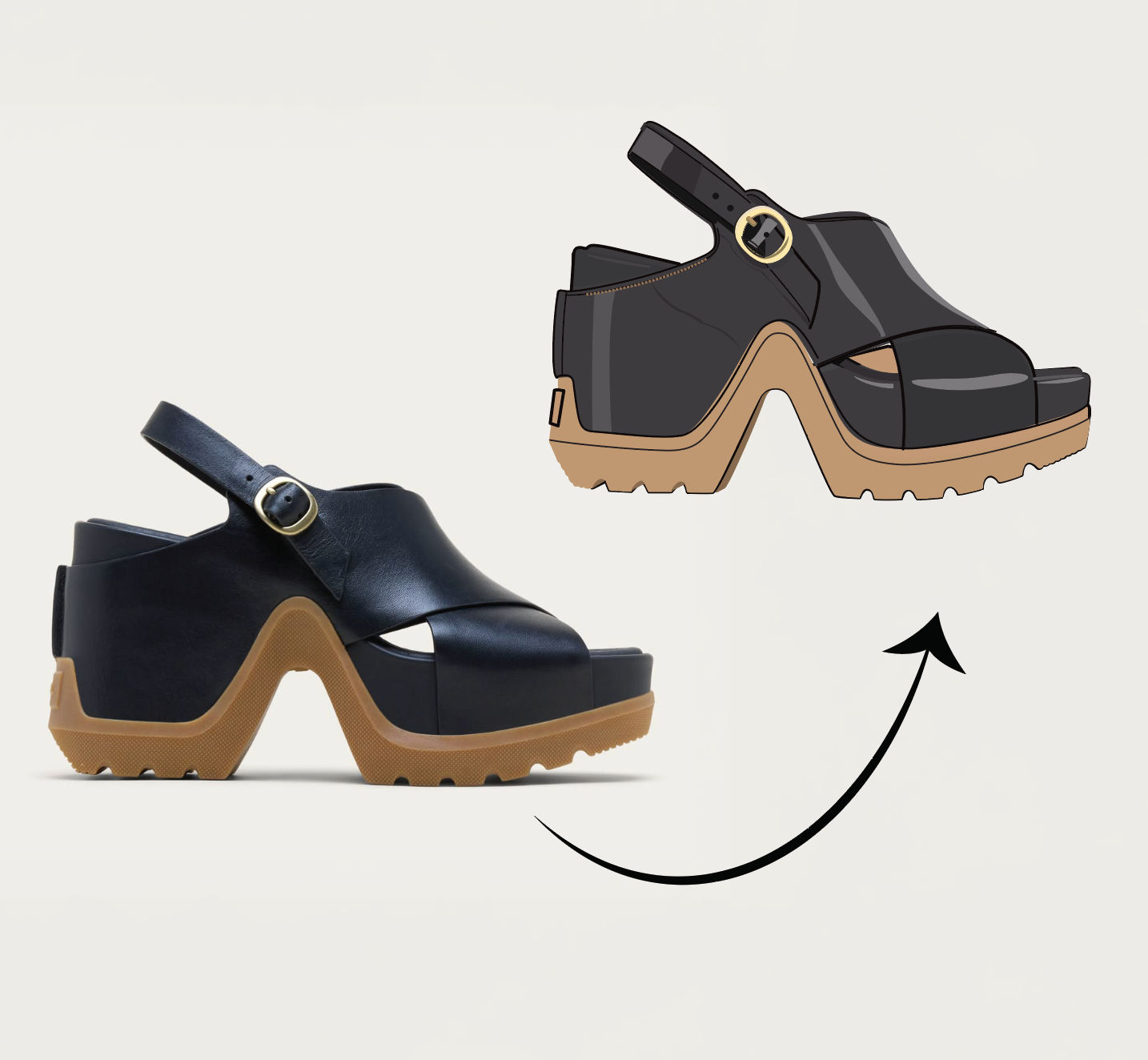 Anything to VectorTurn any image into a SVG vector illustration.
Recolor Image
Recolor any image to match a color reference or palette in one click.

FLORA