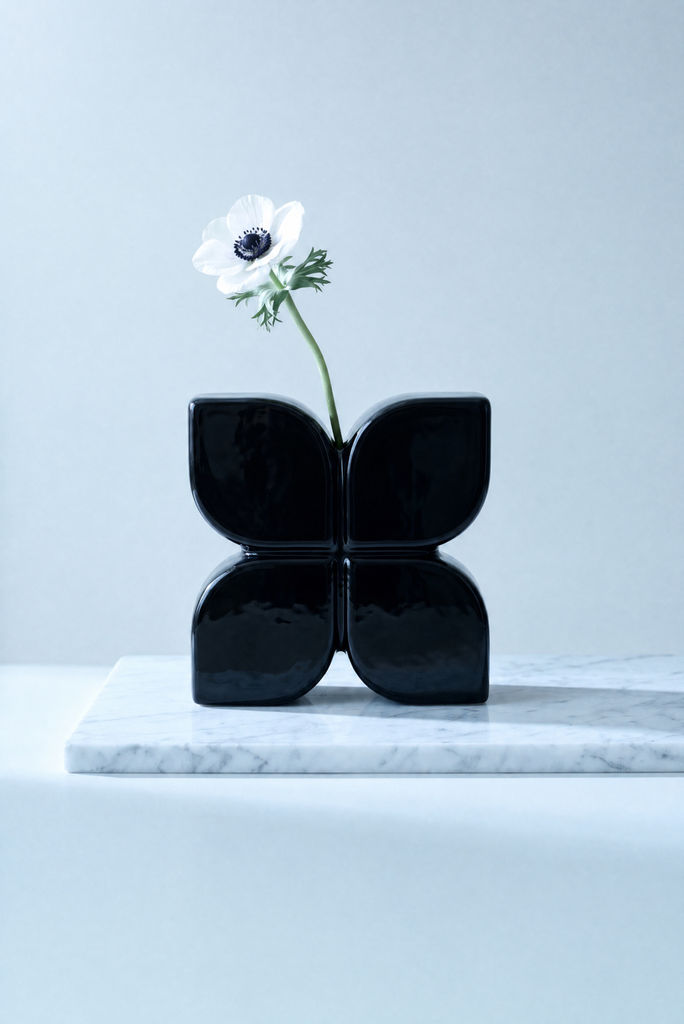
Extracted Prompt
Minimalist editorial still-life photograph of a single white anemone in a glossy black sculptural vase on a white marble shelf against a warm beige wall. Vertical, nearly frontal composition with the shelf viewed slightly from above; vase centered in the lower-middle, approximately 43% of the frame width, blossom offset above and left, abundant empty wall overhead. The vase forms one symmetrical butterfly-like silhouette from four broad rounded-square petal lobes arranged two by two, with softly recessed faces, thick rounded borders, narrow cross-shaped central joins, a deep V-shaped top notch and an arched gap between the two flat-bottomed lower lobes. One slender pale-green stem emerges from the central notch and curves upward-left, supporting an open, tilted flower with overlapping translucent ivory petals, delicate radial creases, a velvety plum-black domed center and a dense ring of dark-tipped stamens; deeply divided olive-green leaves cluster immediately beneath the blossom. Smooth matte greige wall with subtle tonal variation; thick white marble slab with fine irregular gray veins, visible left edge and straight front fascia, right end extending beyond the frame, empty background below. Soft directional window daylight from upper left, narrow white reflections tracing the black ceramic glaze, subdued reflections across its curved faces, luminous petals with retained texture, contact shadows and an elongated shadow stretching right across the marble. Restrained warm taupe, creamy white, jet black and natural green palette, deep blacks, gentle highlight roll-off, faint fine grain, no additional props, text or borders. Portrait aspect ratio approximately 3:4, focal length approximately 70–100 mm equivalent, f/5.6–8 look, moderate depth of field retaining flower and vase detail against a softly defocused wall, natural photorealistic rendering.
Run this AI-powered technique in your browser. Upload your inputs, hit generate, and get professional results in moments.

Creative Production
Design teams use FLORA techniques to produce professional-quality creative assets in seconds, accelerating production timelines and reducing dependency on manual editing.

Marketing Content
Marketing teams generate on-brand visual content for campaigns, social media, and ads — iterating quickly on concepts without waiting for design resources.

Product Visualization
E-commerce and product teams create high-quality product visuals, mockups, and lifestyle imagery to showcase their offerings across channels.
How to use Techniques?
Discover how to utilize Prompt Extractor for different scenarios.

Add inputs
Upload images, videos, or type in the prompts to get started.

Generate outputs
Next, hit the "Generate" button to start generating your outputs.

Edit and export
Refine your outputs on canvas, or download them directly.
Frequently asked questions
All you need to know about Prompt Extractor
Related techniques
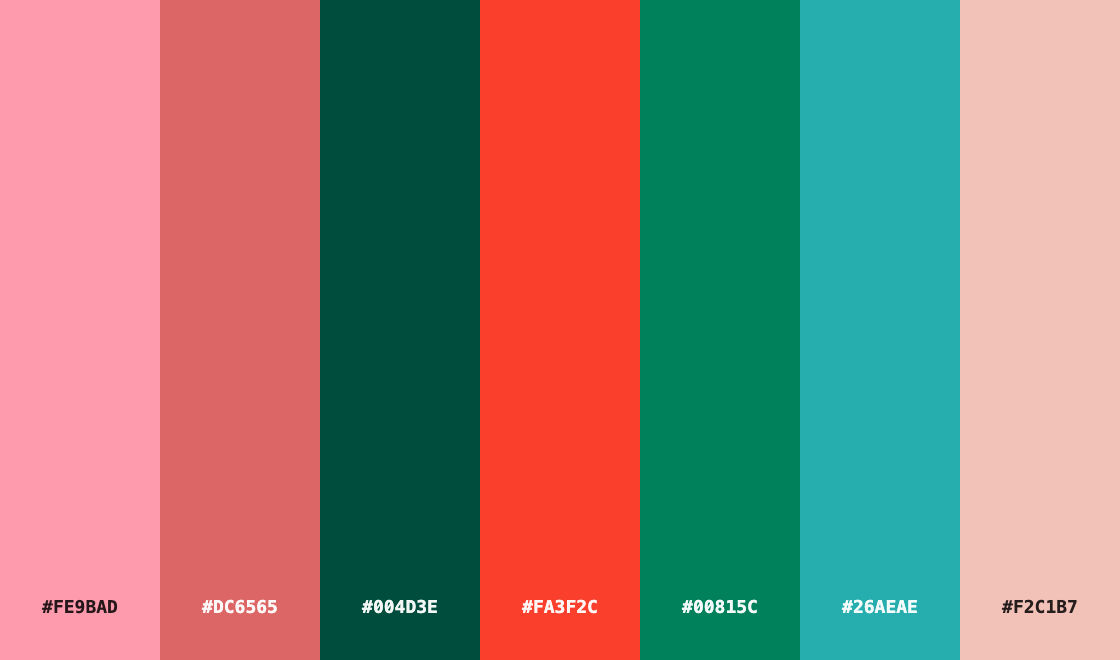 Color Palette ExtractionExtract color palettes from any image
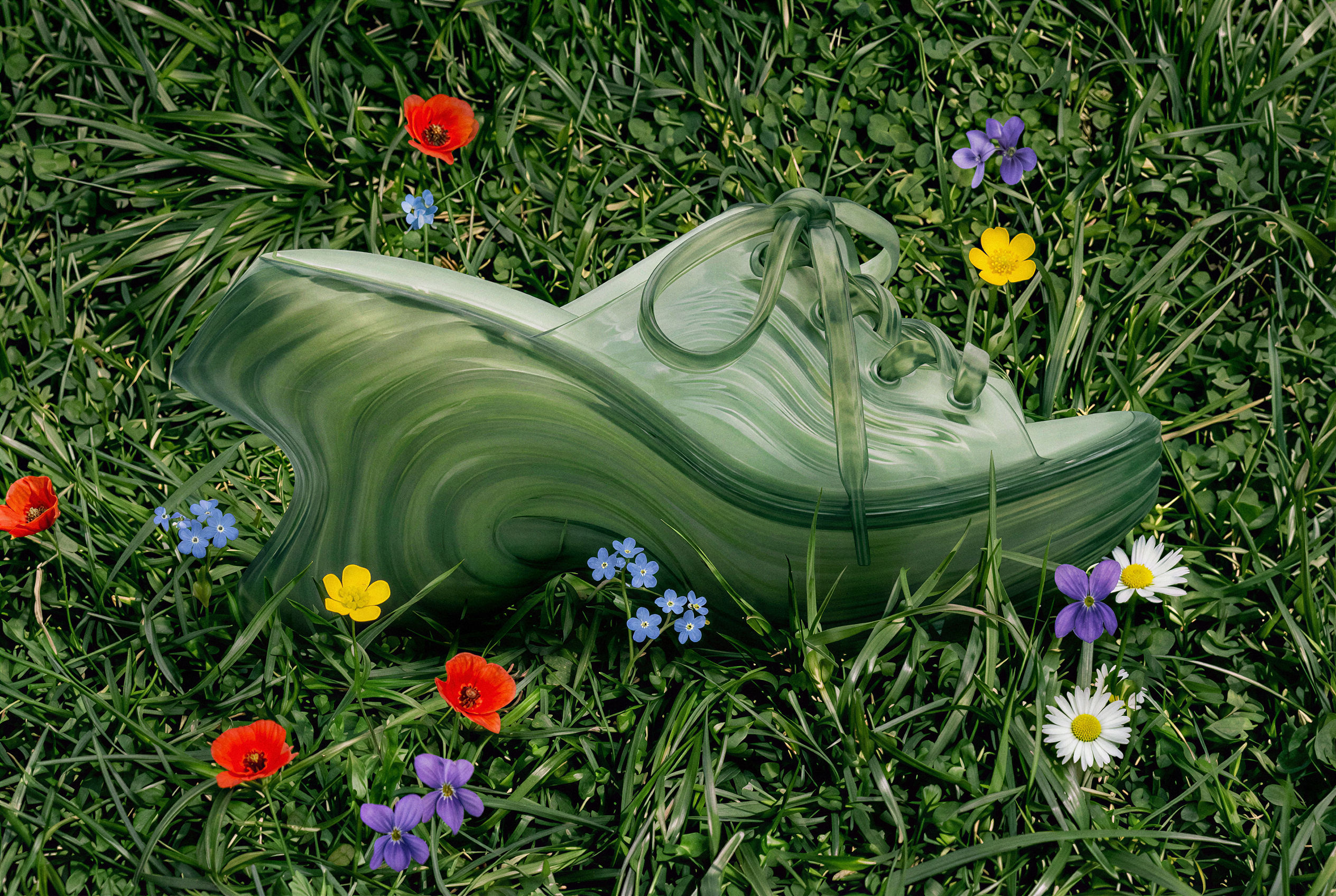 Image UpscalerUpscale any image to a higher resolution in one click.
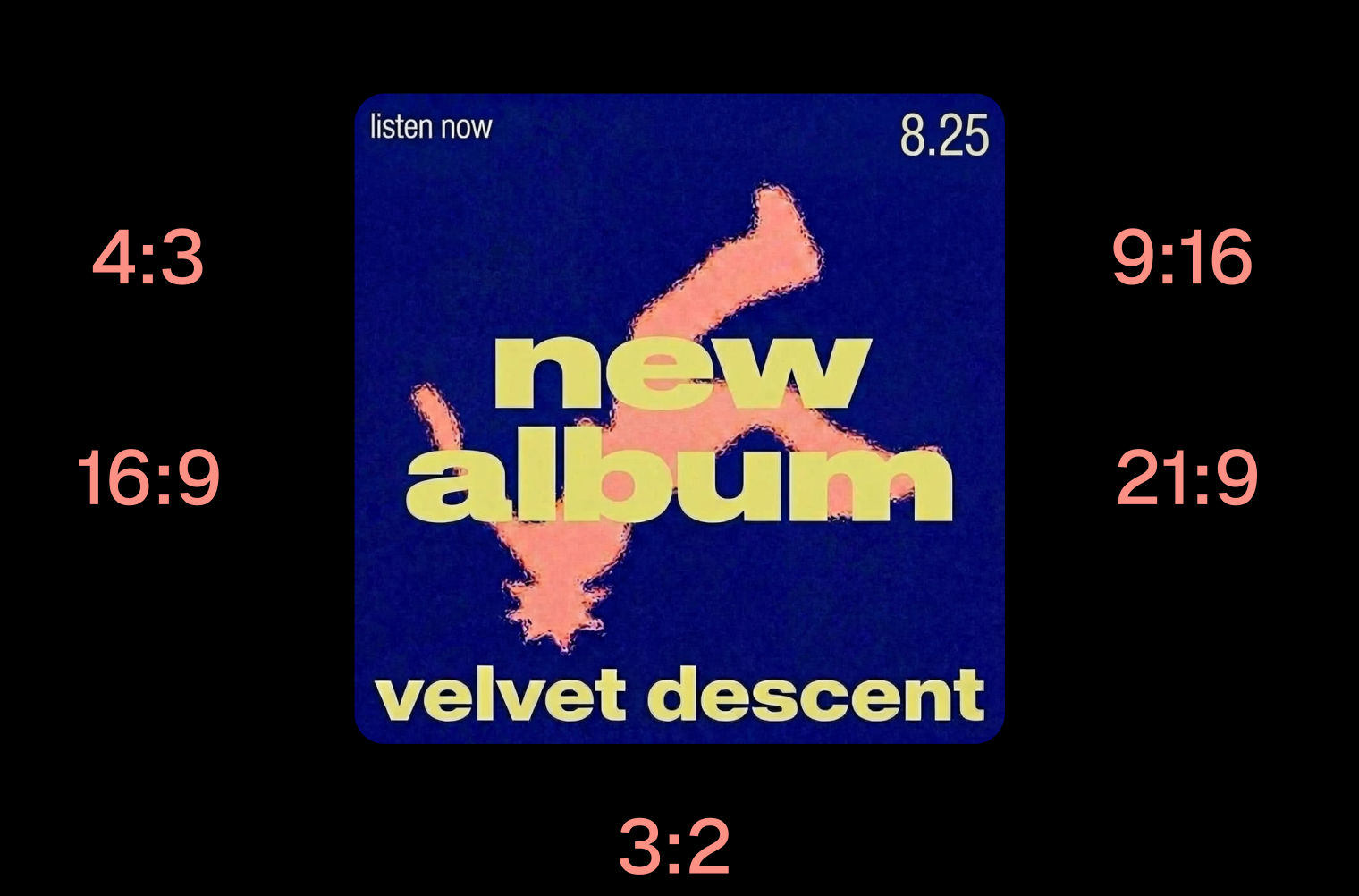 Layout ResizerResize layouts for any aspect ratio
 3 Angle ShootFront shot in, 45, 90, and 180 angle back
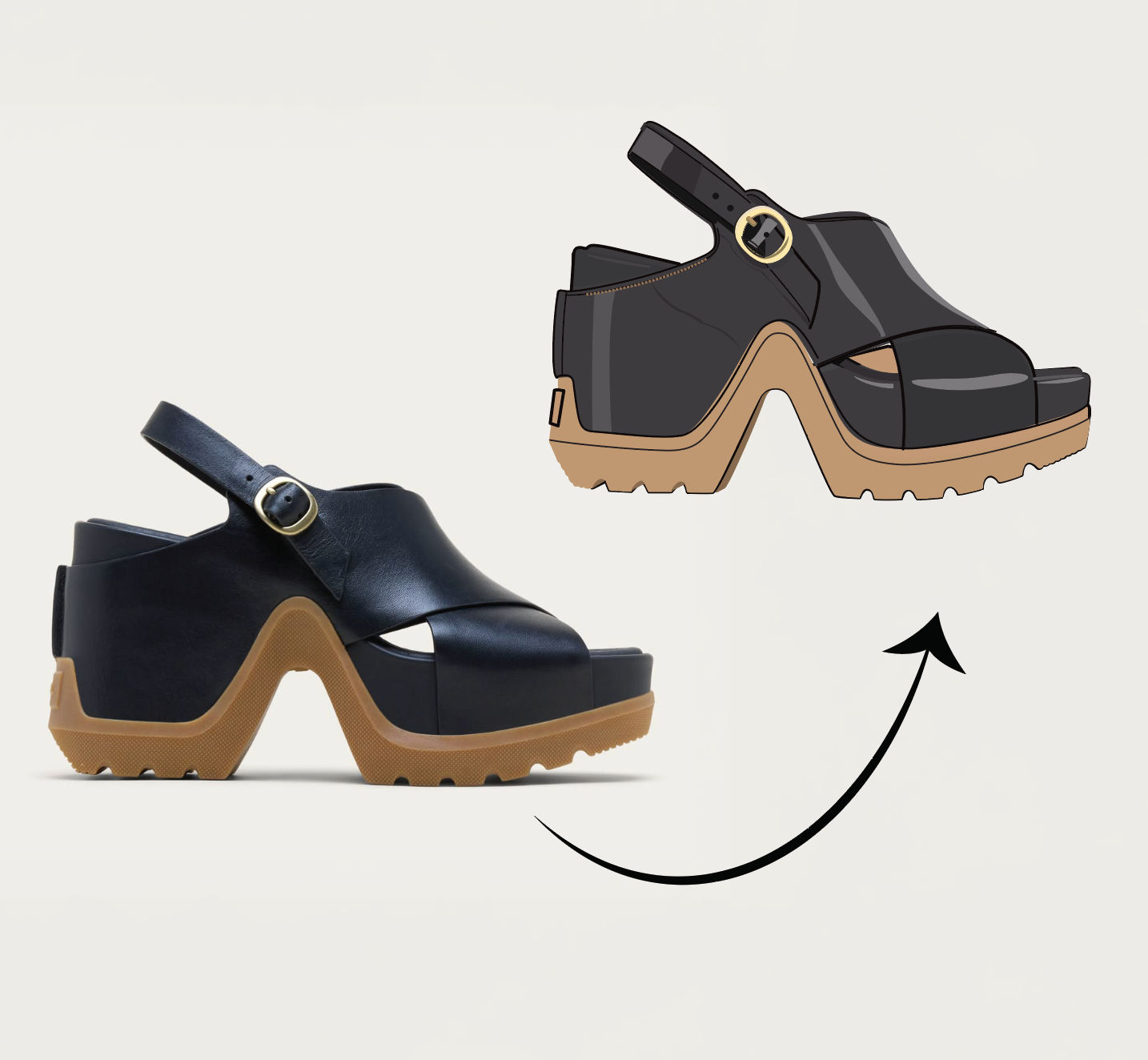 Anything to VectorTurn any image into a SVG vector illustration.
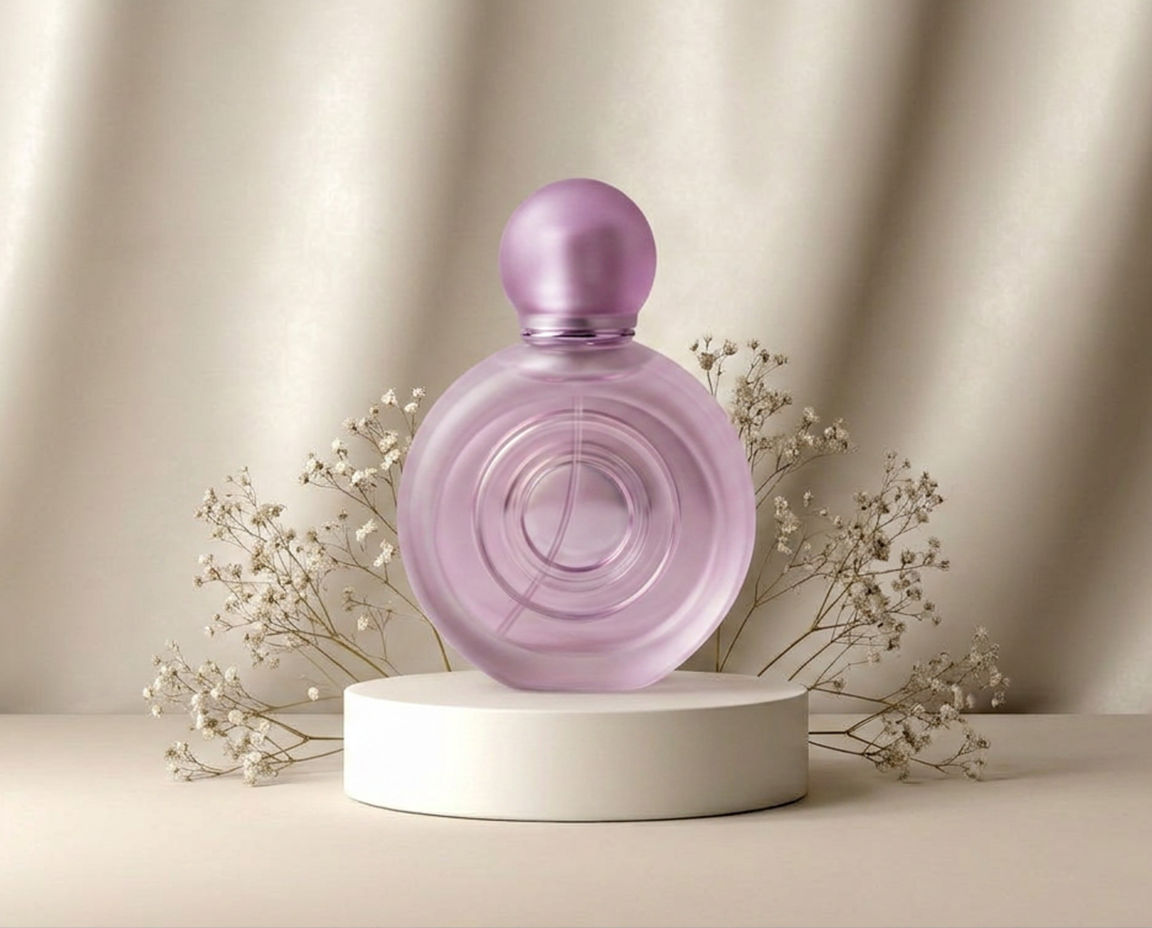 Swap BackgroundSwap any photo's background with an image of your choice in one click.
Prompt Extractor
Reverse-engineers any image into a prompt

Sasha Zabegalin from FLORA