
Color
blue
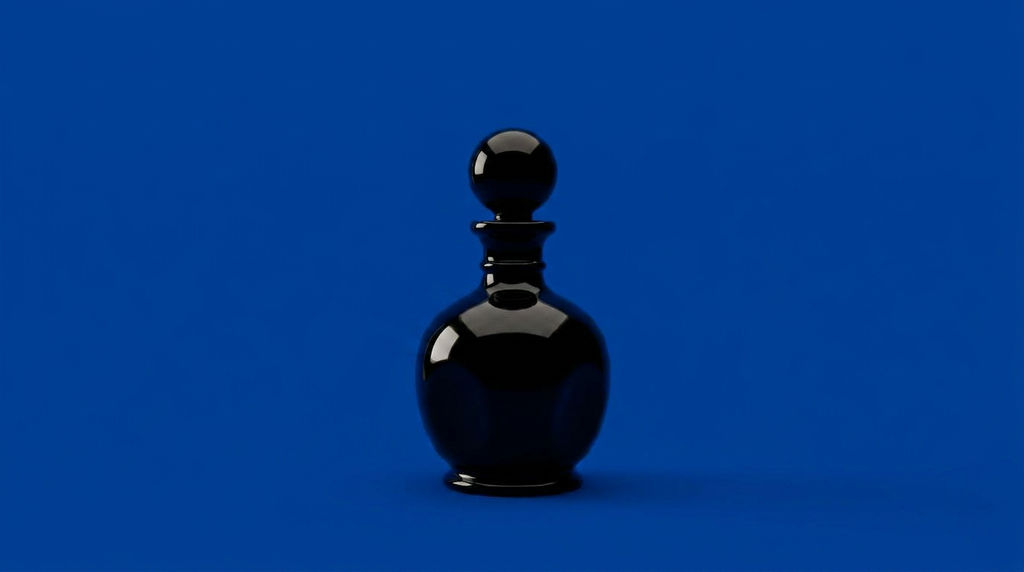
Replaces any image background with a solid color of your choice in one click.

Brand-Consistent Product Photography
Marketing teams apply brand colors as solid backgrounds across product images, creating a cohesive visual identity across all channels and campaigns.

Bold Creative Content
Designers and creators apply eye-catching background colors to portraits and product shots for social media posts, ads, and campaign materials.

E-Commerce Variation Testing
E-commerce teams create product image variations with different colored backgrounds to test which performs best across listings and ads.
How to use Techniques?
Discover how to utilize Image with Solid Color Background for different scenarios.

Add inputs
Upload images, videos, or type in the prompts to get started.

Generate outputs
Next, hit the "Generate" button to start generating your outputs.

Edit and export
Refine your outputs on canvas, or download them directly.
Frequently asked questions
All you need to know about Image with Solid Color Background
What is a solid color background generator, and how does it work?
A solid color background is a flat, unbroken field of one color behind your subject: no gradient, no texture, nothing to look at except the thing you shot. A generator handles the swap for you. It finds the subject, lifts it off whatever was there before, and drops your chosen color in behind it. Seamless paper, a lit corner of a studio, and a slow masking pass all collapse into one generation.
Flat backdrops are rarely a styling afterthought. They are what keeps a catalog looking like a catalog, and what lets a product read at thumbnail size in a feed where everything else is fighting for the same glance. You can try FLORA free, drop in an image, pick a color, and keep working on the result right there on the canvas.
Why a flat backdrop reads so cleanly
A one color background leaves the eye nowhere else to go. Nothing behind the subject holds any detail, so the outline, the surface, and the finish of the product do all the talking.
Resizing is the other reason. A single color background has no horizon line, no prop, and no wall edge to cut through awkwardly when the same shot has to work as a square tile, a vertical story, and a wide banner.
Then there is the color you pick. Something from your brand palette can make shots taken months apart look like one campaign. Something loud does the opposite job and makes the image itself the thing people notice. Neutrals keep attention on the product, which is usually why a plain solid color background outlives whatever was trendy that season.
How the AI separates the subject from the color
Older methods put the work on you: lasso the subject by hand, or shoot against green and key it out. A model trained on millions of photos needs neither, which is why it survives hair, glass, foliage, and soft shadow where a manual selection frays.
Three things happen:
- It reads the subject and works out what the photo is about, whether that is a bottle, a sneaker, a person, or a plant.
- It builds a mask around that subject, tracing the fine and semi-transparent edges that hand selection tends to chew up.
- It lays your color in behind and settles the edge into it, so the cutout sits on the color instead of hovering above it.
The last step is what separates a real result from a paint bucket. Because the cut and the fill happen at once, the Technique works more like a solid color image generator than a cutout tool: you get a finished frame back, not a transparent file you still have to assemble.
The same job under a dozen names
Nobody agrees on what to call this. Search around and you will find it as a basic color background, a plain simple color background, solid background colours, or just solid color background pictures. It all means the same thing. Keep the subject, replace everything behind it with one flat color.
Where it fits in the rest of the work
Swapping the backdrop is usually a setup step rather than the finish line.
- Pull an exact color out of a reference image with palette pull, so the backdrop matches the brand instead of getting close to it.
- Put listings on a clean white background when the marketplace insists on one.
- Recolor the product instead of the backdrop with product recolor, then run variants of both against each other.
- Swap the background or generate a new one when a real scene serves the campaign better than a flat field.
- Keep the shot sharp at full size with the image upscaler before it goes out.
- Export it as a solid color background image and send it straight to the listing, the deck, or the ad set.
All of that happens on one canvas, so a color change never means opening a second app. There is more in the FLORA AI image generator, and our roundup of the best AI image generators covers how the models differ.
Related techniques
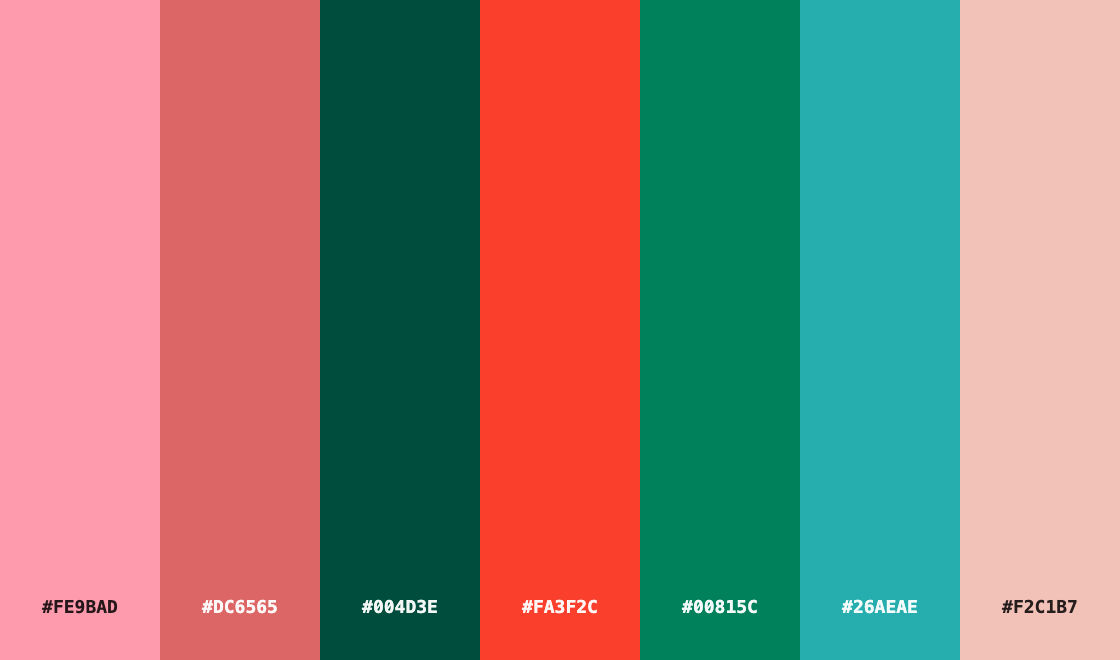 Color Palette ExtractionExtract color palettes from any image
 Image UpscalerUpscale any image to a higher resolution in one click.
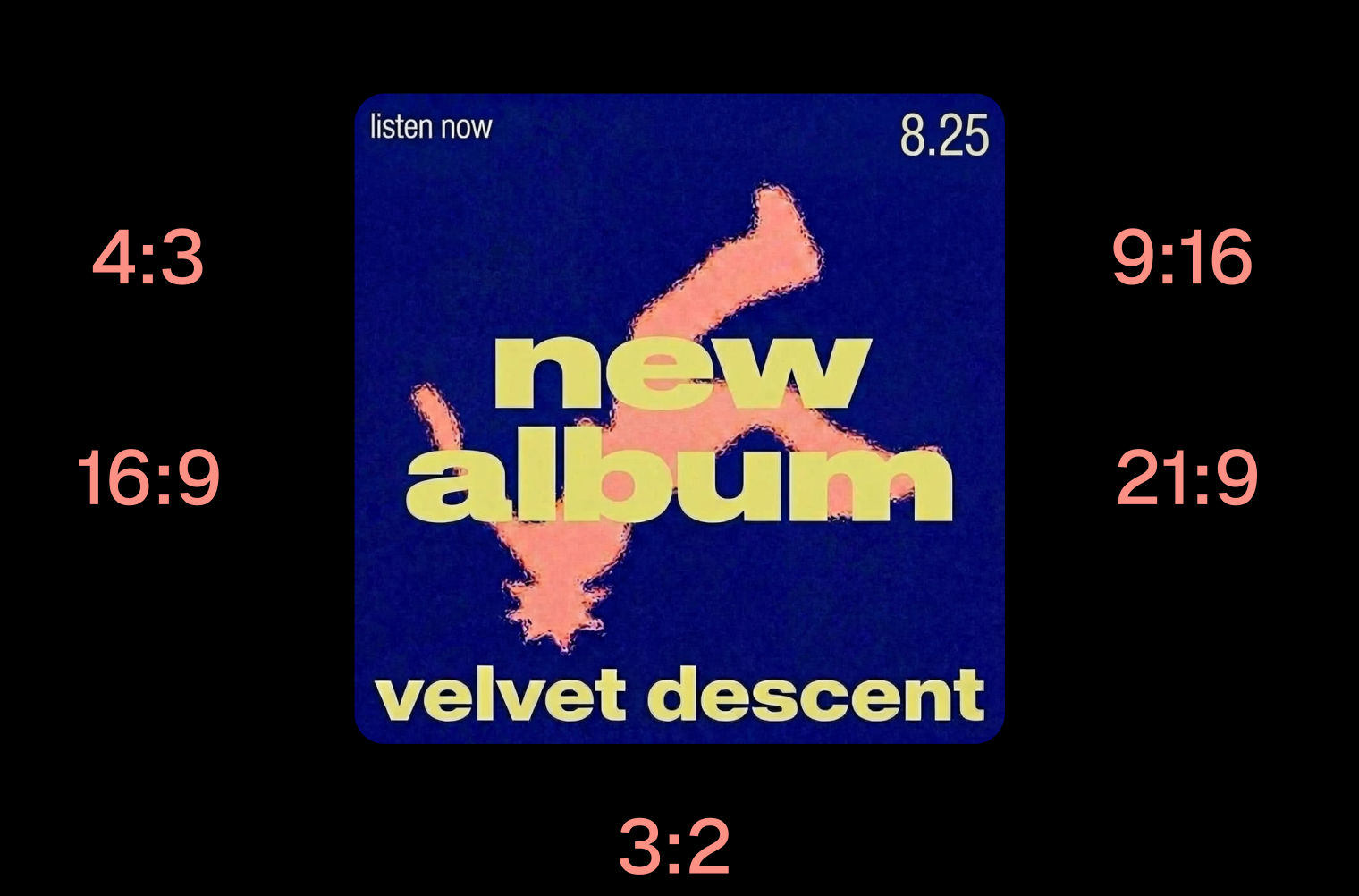 Layout ResizerResize layouts for any aspect ratio
 Prompt ExtractorReverse-engineers any image into a prompt
 3 Angle ShootFront shot in, 45, 90, and 180 angle back
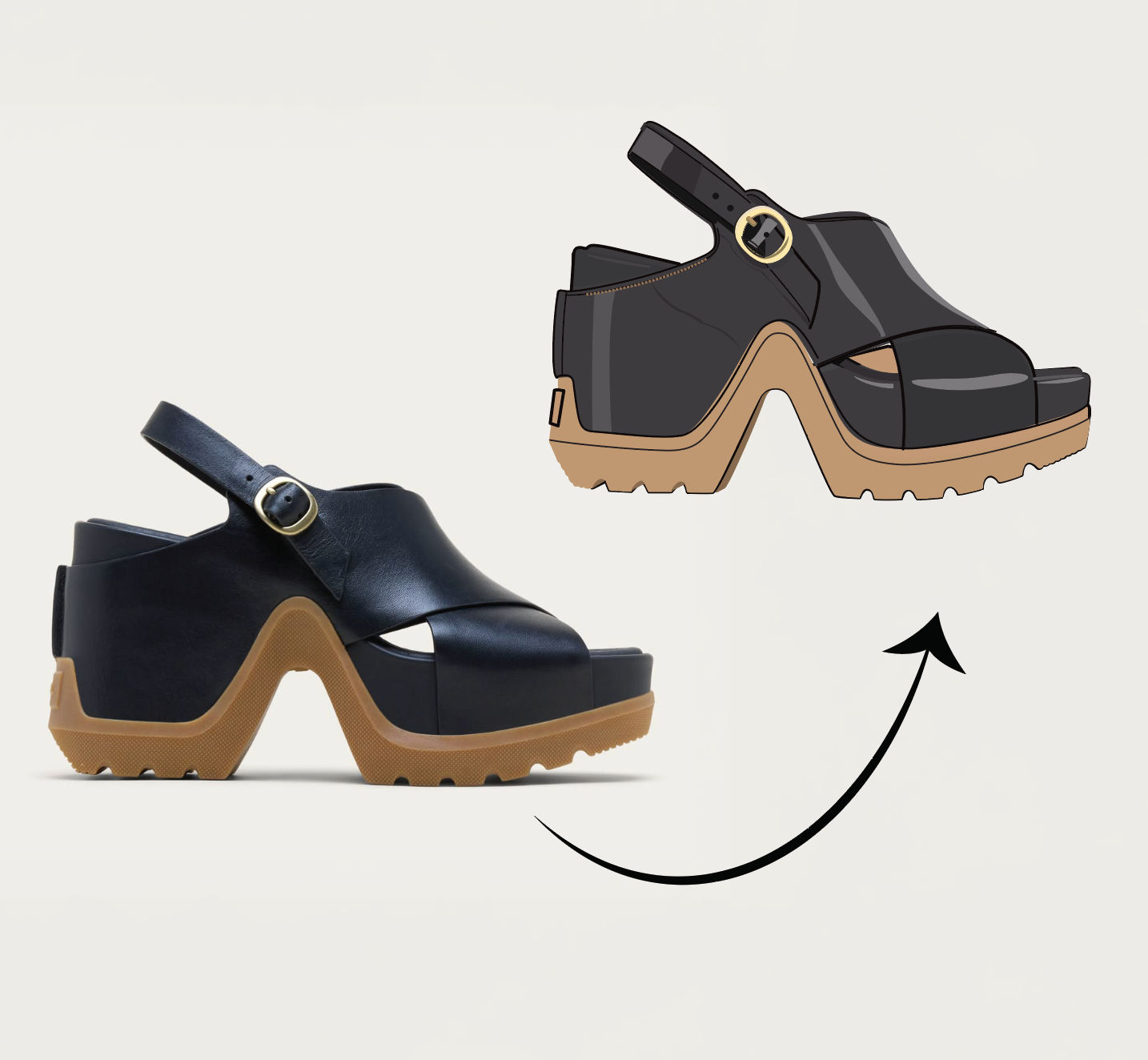 Anything to VectorTurn any image into a SVG vector illustration.
Give Any Photo a Solid Color Background
Swap any photo's background for a solid color of your choice in one click.

FLORA