

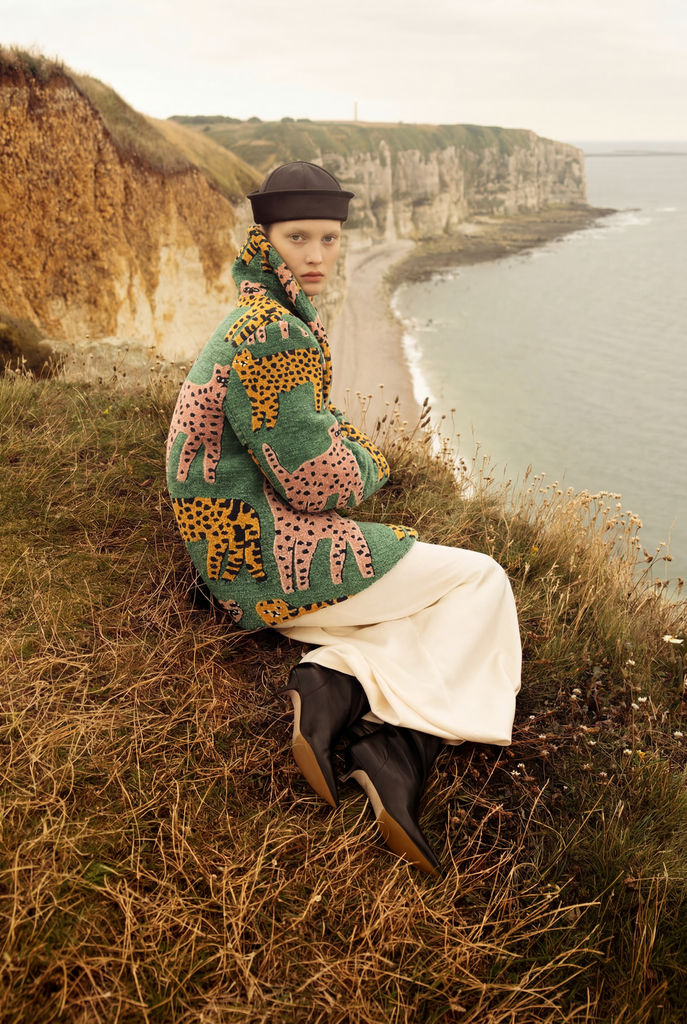
Upload a print/pattern and a product image, and this Technique returns one product shot with your pattern in place.

Fashion and Apparel
Fashion designers take a repeat from seamless pattern software and apply it to garment and apparel flats to preview the print before sampling.

Surface and Wallpaper Design
Surface designers bring a tile from a pattern wallpaper maker and apply it to a product to see the print on a real item instead of a flat swatch.

Product Mockups
Product teams take output from a seamless background generator and apply it across product images for consistent, on-brand mockups.
How to use Techniques?
Discover how to utilize Print/Pattern Replacement for different scenarios.

Add inputs
Upload images, videos, or type in the prompts to get started.

Generate outputs
Next, hit the "Generate" button to start generating your outputs.

Edit and export
Refine your outputs on canvas, or download them directly.
Frequently asked questions
All you need to know about Print/Pattern Replacement
What an AI pattern generator does, and where print replacement fits
An AI pattern generator creates the artwork: a repeatable tile built from a prompt or a reference image, whether that is a floral, a geometric, a stripe, a camo, or an abstract texture. Putting that tile onto a real product is a second, separate job. Print/Pattern Replacement handles the second half, taking a flat print and wrapping it onto a garment or object so the folds, shadows, and curvature of the original photo survive.
It is easy to treat those as one step. A print can look great as a flat swatch and still fall apart on a product if it ignores drape and lighting. Both halves run on the same canvas in FLORA, so a print you generate moves straight into the mockup without a round trip through another file.
Why a seamless background generator matters before the print ever hits a product
A repeat only reads as a repeat when its edges line up. If the right edge of the tile does not continue into the left edge, you get a visible seam every time the artwork loops, and on a shirt or a sofa that seam shows up as a hard line running across the piece. A seamless background generator solves that edge-matching problem first, producing a tile that can loop in any direction without a break.
That is worth checking before you replace anything. An AI pattern generator will normally return a tile built to loop, but tiles pulled from a screenshot, a photo of fabric, or a cropped image usually are not seamless, and the model applying them will faithfully reproduce the seam you gave it.
What a pattern wallpaper maker produces, and how it differs from a mockup
A pattern wallpaper maker is built for large flat planes: a wall, a sheet of gift wrap, a background fill. The tile it returns is designed to be scaled and repeated across an even surface, so you set the scale once and the surface never moves. Seeing that repeat inside a finished room is a different job again, closer to Room Render.
Product photography is the opposite. The surface is uneven, the light is directional, and the print has to compress at the folds and stretch across the shoulders. Print/Pattern Replacement handles that translation, which is also why a print that looked fine as a wall render often needs a scale adjustment once it lands on a shirt.
Where a pattern generator online free search usually stops short
Most people searching for a pattern generator online free option are looking for the artwork, and plenty of tools will give it to them. What far fewer do is carry that tile onto a product image afterward, which leaves you exporting a PNG, opening a separate editor, and warping it by hand to match the garment.
Running generation and replacement in one place removes that handoff. You can test three colorways against the same product flat and compare them side by side, rather than rebuilding the mockup each time the print changes.
Seamless pattern software, AI tools, and everything people call this
Traditional seamless pattern software, from Illustrator's repeat tools to Photoshop offset workflows, gives you precise control over a tile at the cost of time. An AI pattern generator moves faster and covers more ground early, when you are still deciding what the print should be. Neither one replaces the other. Manual repeat work still wins when a print has to hit exact measurements, and generation still wins when nothing has been decided yet.
The vocabulary shifts depending on who is asking. Fashion teams ask about print placement and repeat scale, surface designers ask about tiles and colorways, ecommerce teams ask for a product mockup, and marketplaces ask for artwork files. The underlying request is the same: make this print look like it belongs on this thing.
Where to take the print next
- Match an existing fabric or material instead of generating one with Texture Matchers
- Move a sketch into a finished garment with Sketch to Garment
- Shift the base color of the product before the print goes on with Product Recolor
- Lay the finished pieces out as a set with Product Lookbook Grid
- Pull the palette out of a print you like with Palette Pull
All of those run on the same canvas. A print, a mockup, a recolor, and a lookbook stay in one file instead of moving through five separate exports.
Related techniques
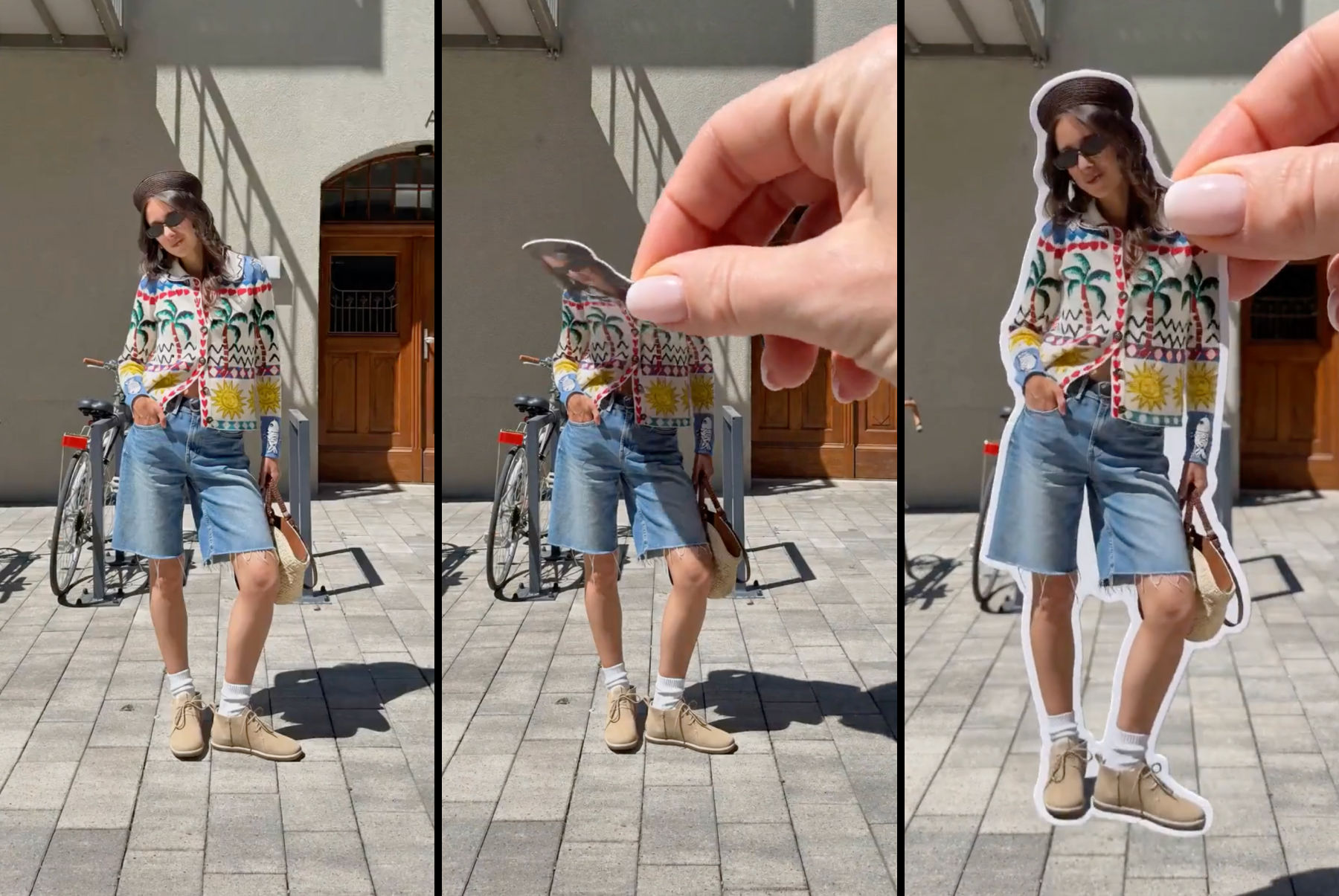 Sticker Peel-Away EffectTurn any outfit photo into a cinematic 3-second Reel where a hand peels you out of the frame like an editorial paper sticker. Built for fashion creators, lookbooks, and elevated brand content.
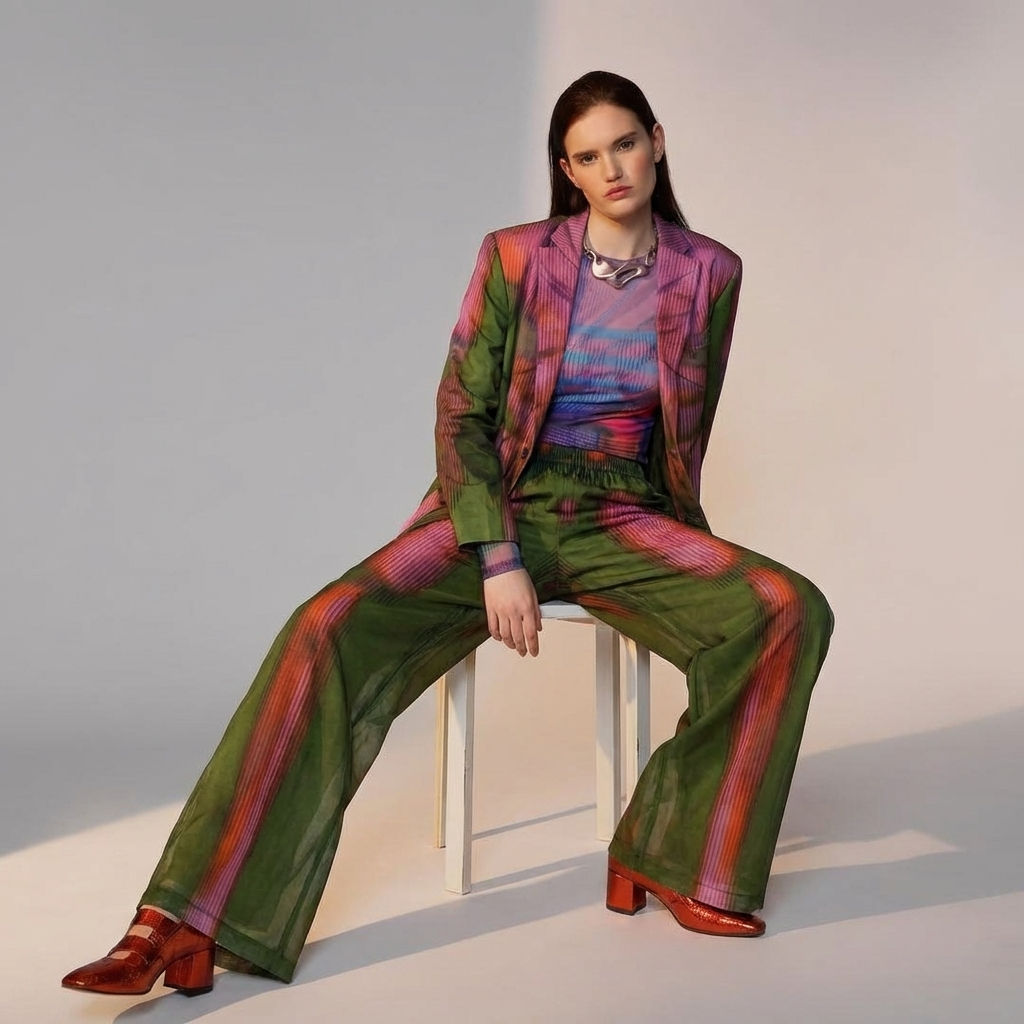 Fit CheckExtract outfits & swap onto new looks
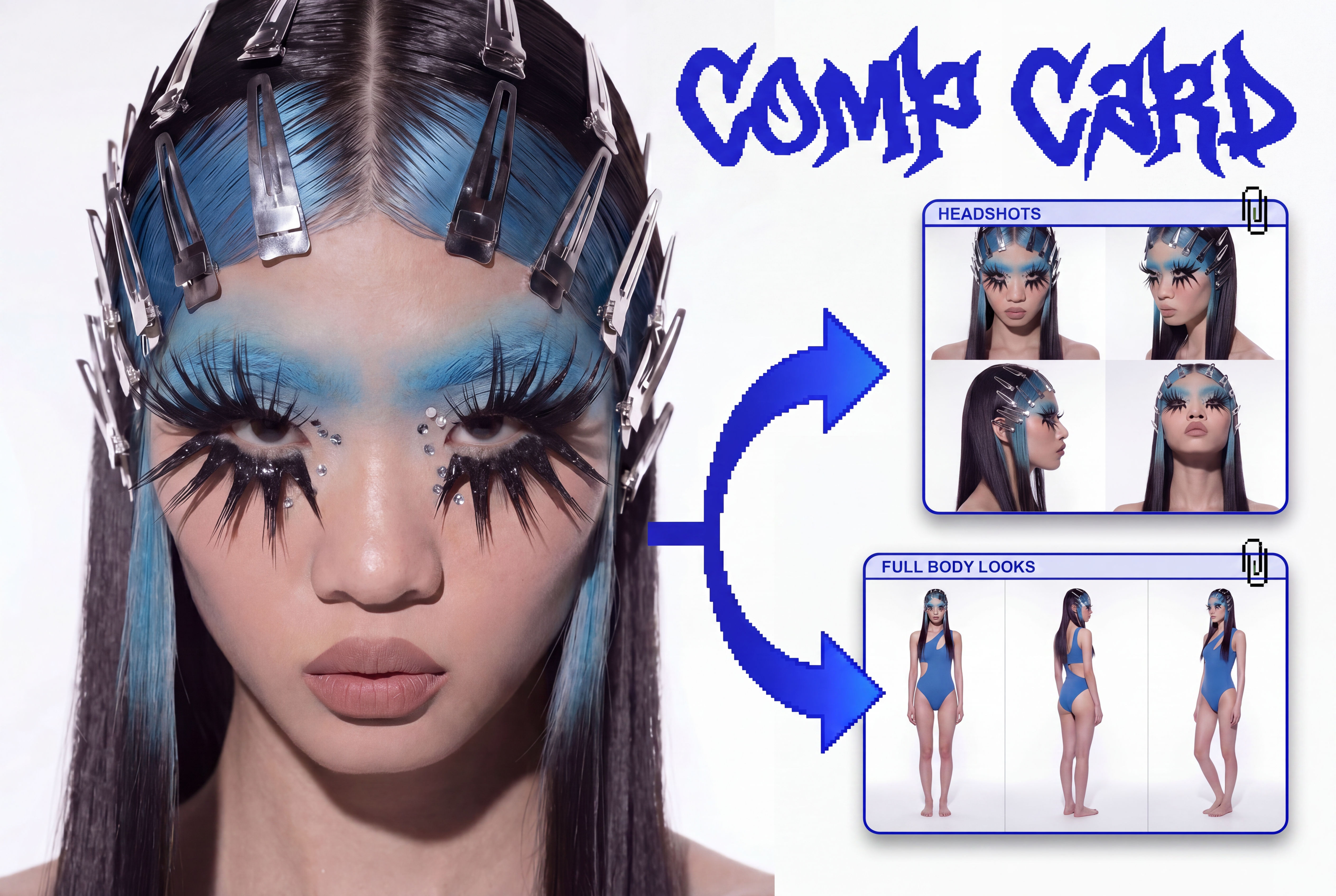 Comp CardTurns a single photo into a full identity kit: a 2x2 headshot grid and a full-body contact sheet.
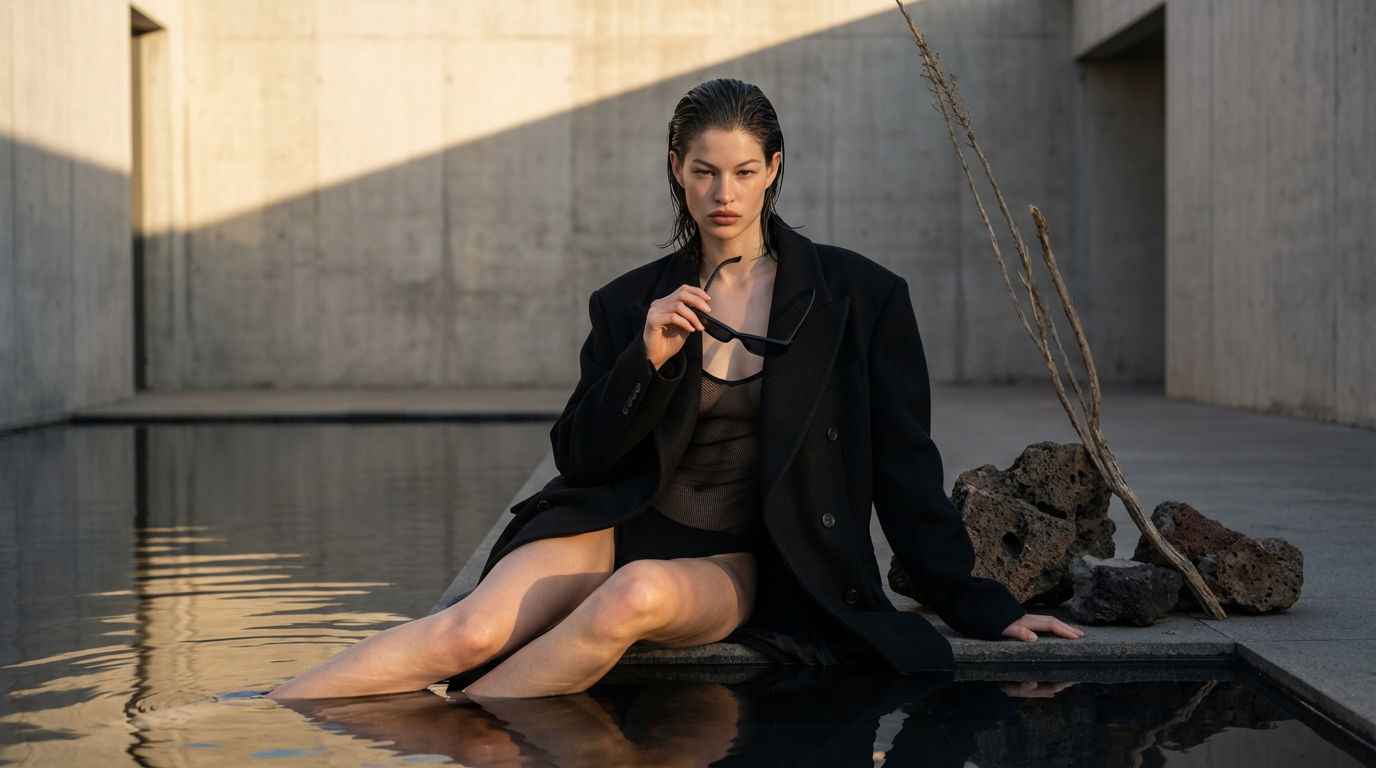 Editorial Fashion Shoot ReplicatorReplicate any editorial shot with a custom face
 Footwear to VectorTurn any footwear into a SVG flat.
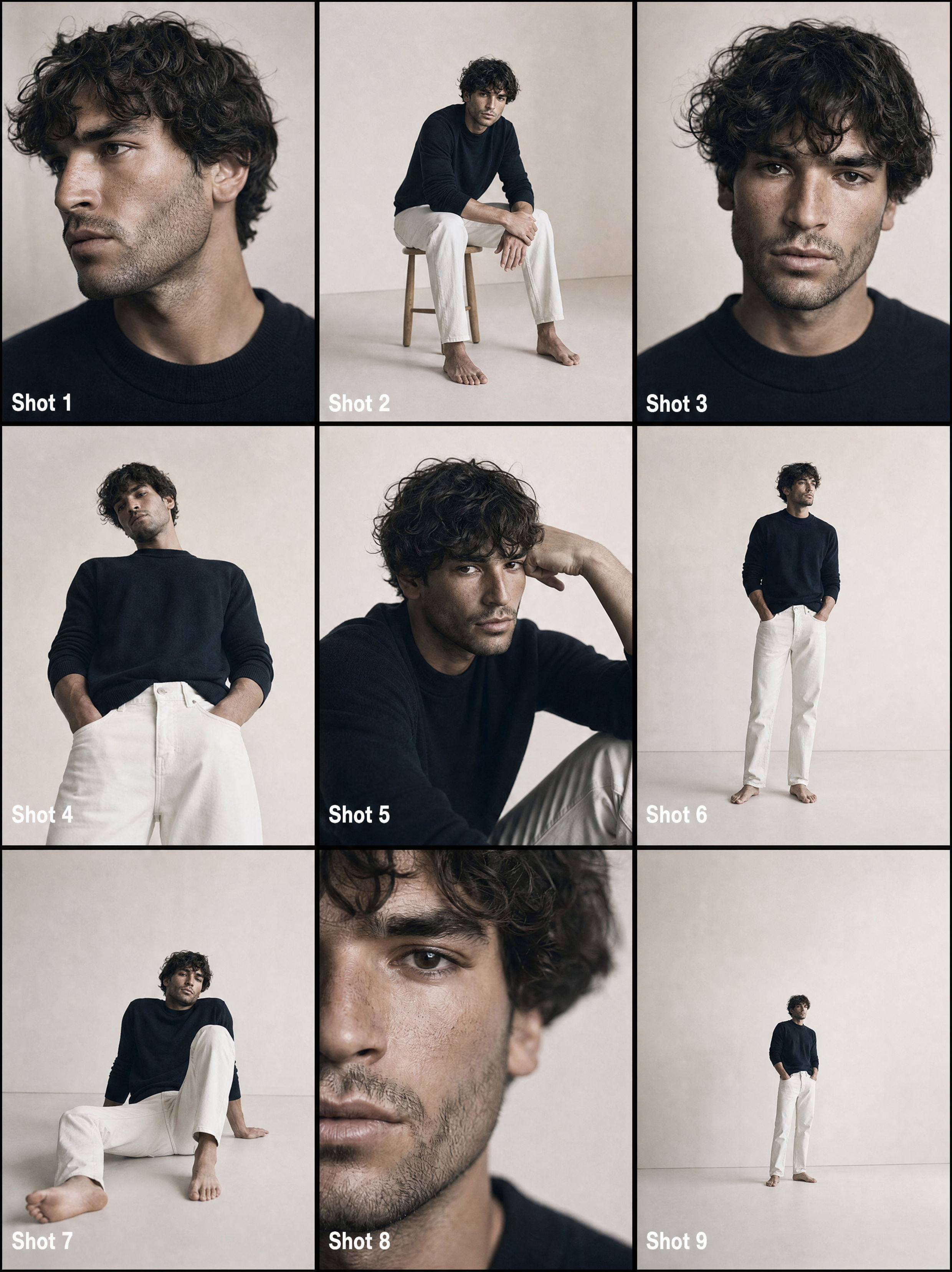 From One Photo to a Full CommercialTurns one passport photo into a 9-shot cinematic storyboard, then into a fast-cut commercial video. Perfect for generating multiple angles and poses from a single reference image.
AI Pattern Generator: Apply Any Print or Pattern to a Product
Add your print/pattern and your sketch for easy print/pattern replacement

Kate Burmatnova from FLORA