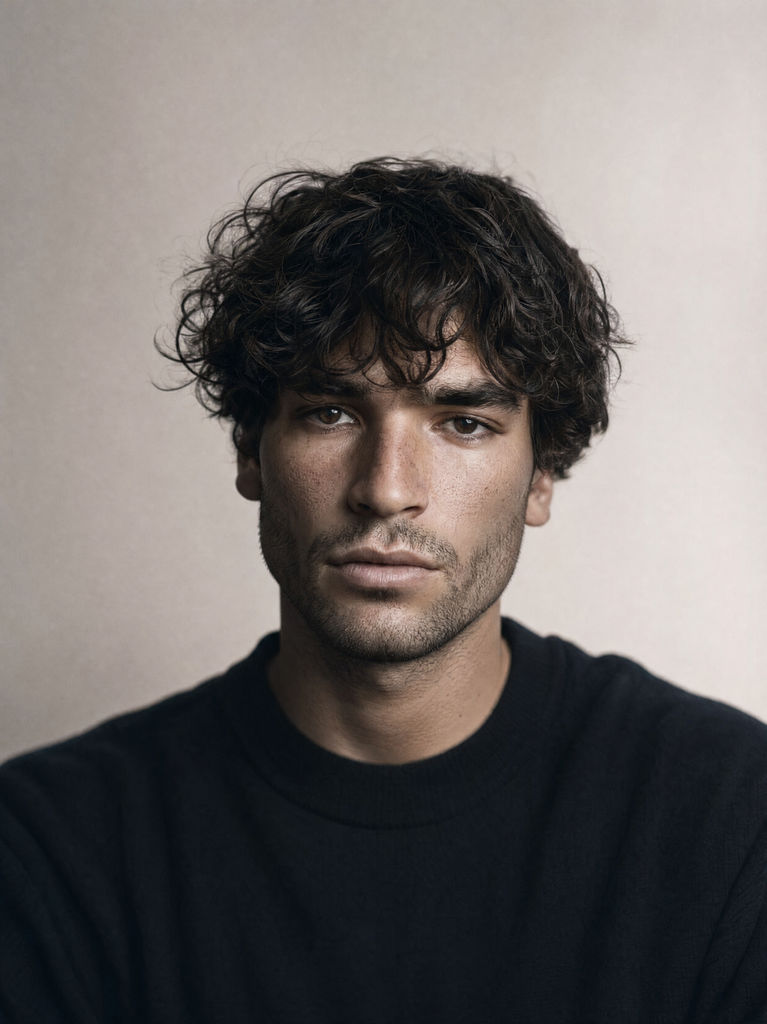
Prompt
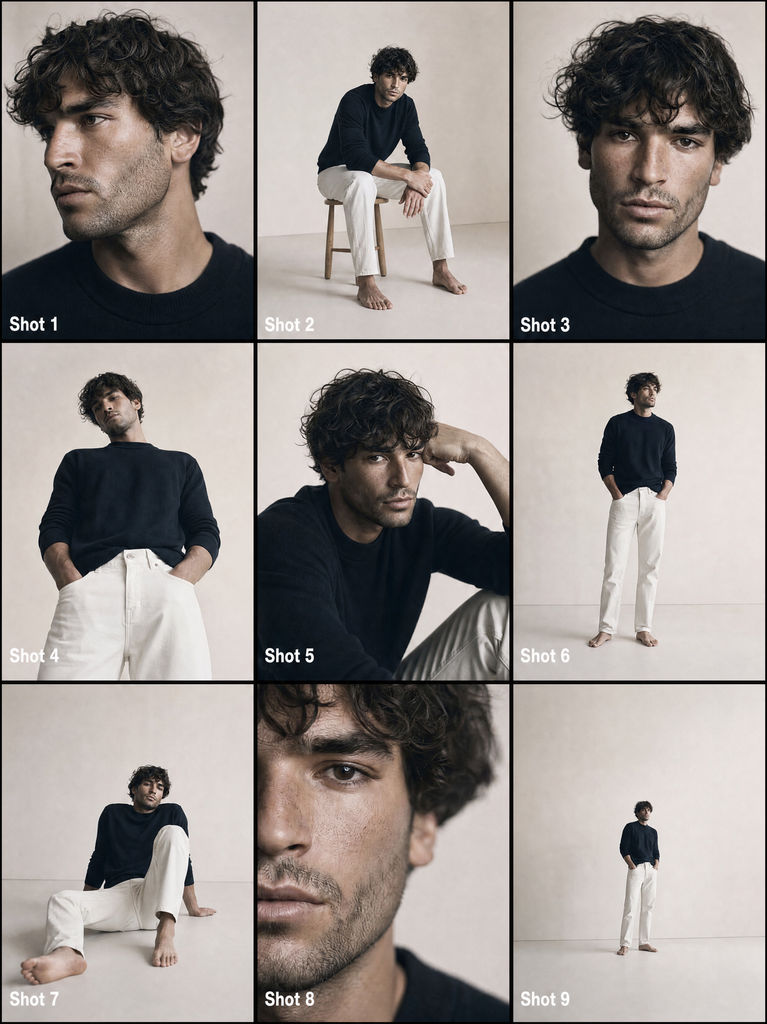
Use the provided reference images as the identity source. Generate a cinematic 3x3 storyboard grid (9 frames total) from this one reference image. Rules: – The same subject identity must appear consistently across all frames – Preserve facial structure, proportions, body type, and realism – Maintain cinematic realism (no stylization, no illustration) Storyboard layout: – 3 rows × 3 columns – Each frame represents a different cinematic shot from a different angle and proximity – Each frame must have a visible label inside the image: "Shot 1", "Shot 2", "Shot 3", "Shot 4", "Shot 5", "Shot 6", "Shot 7", "Shot 8", "Shot 9" A commercial of a model, posing to the camera, give me different angles, posing, close up shots, lower shots and wide angle shots. The model is wearing sweater (same used in the provided reference image) white jeans, no shoes and no socks, Massimo Dutti style. A full white photography studio room, full white beige background (like the reference). Soft diffused daylight, no harsh shadows. Low contrast, gentle highlight rolloff. Fine film grain, Kodak film inspired tones. Shallow depth of field. Photorealistic, documentary realism, no beauty retouching.
Run this AI-powered technique in your browser. Upload your inputs, hit generate, and get professional results in moments.

Creative Production
Design teams use FLORA techniques to produce professional-quality creative assets in seconds, accelerating production timelines and reducing dependency on manual editing.

Marketing Content
Marketing teams generate on-brand visual content for campaigns, social media, and ads — iterating quickly on concepts without waiting for design resources.

Product Visualization
E-commerce and product teams create high-quality product visuals, mockups, and lifestyle imagery to showcase their offerings across channels.
How to use Techniques?
Discover how to utilize From One Photo to a Full Commercial for different scenarios.

Add inputs
Upload images, videos, or type in the prompts to get started.

Generate outputs
Next, hit the "Generate" button to start generating your outputs.

Edit and export
Refine your outputs on canvas, or download them directly.
Frequently asked questions
All you need to know about From One Photo to a Full Commercial
Related techniques
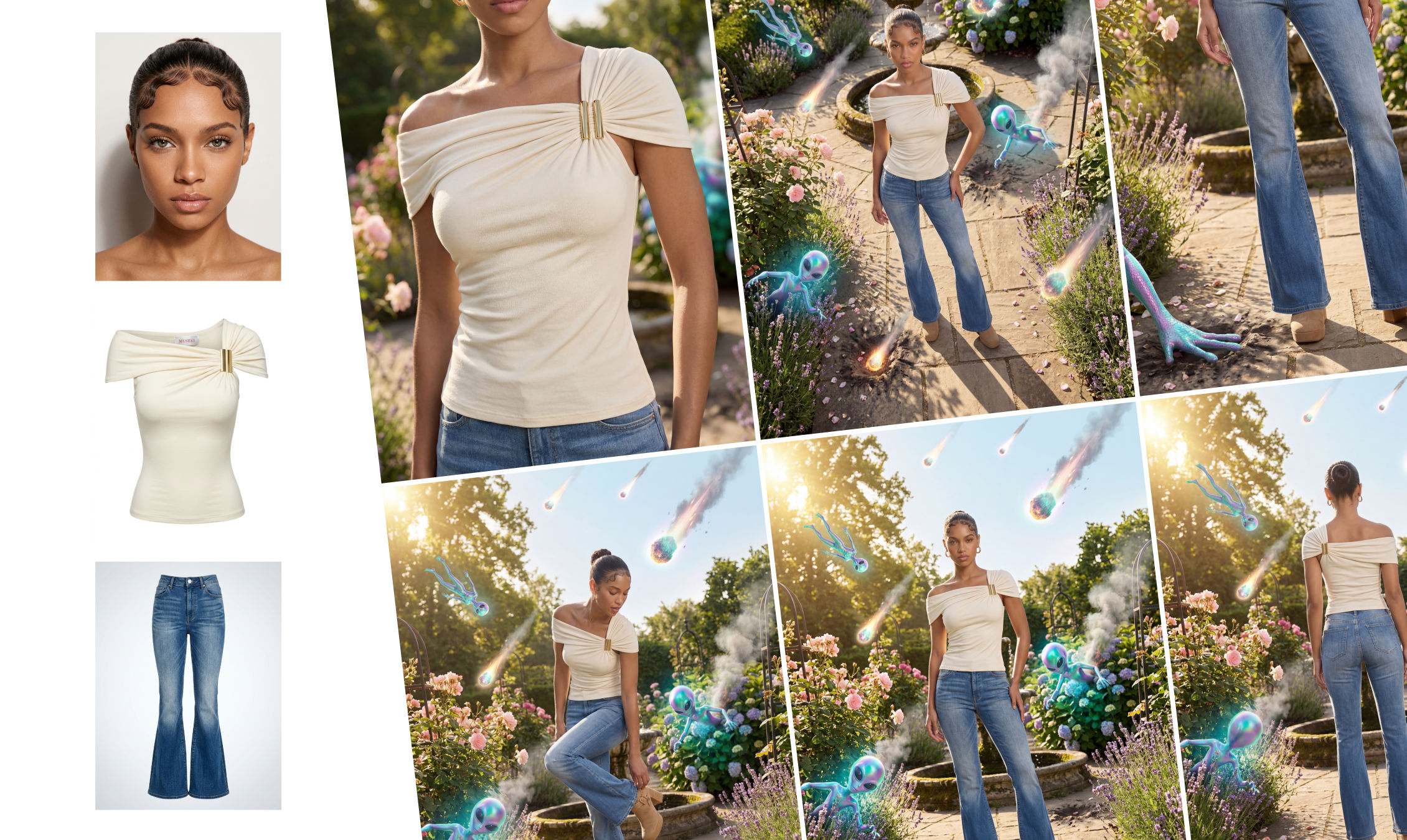 Outfit to CampaignUpload a model, outfit, and environment to generate a complete fashion campaign. The system creates full-body shots, styled scenes, close-ups, and product visuals with consistent, realistic results.
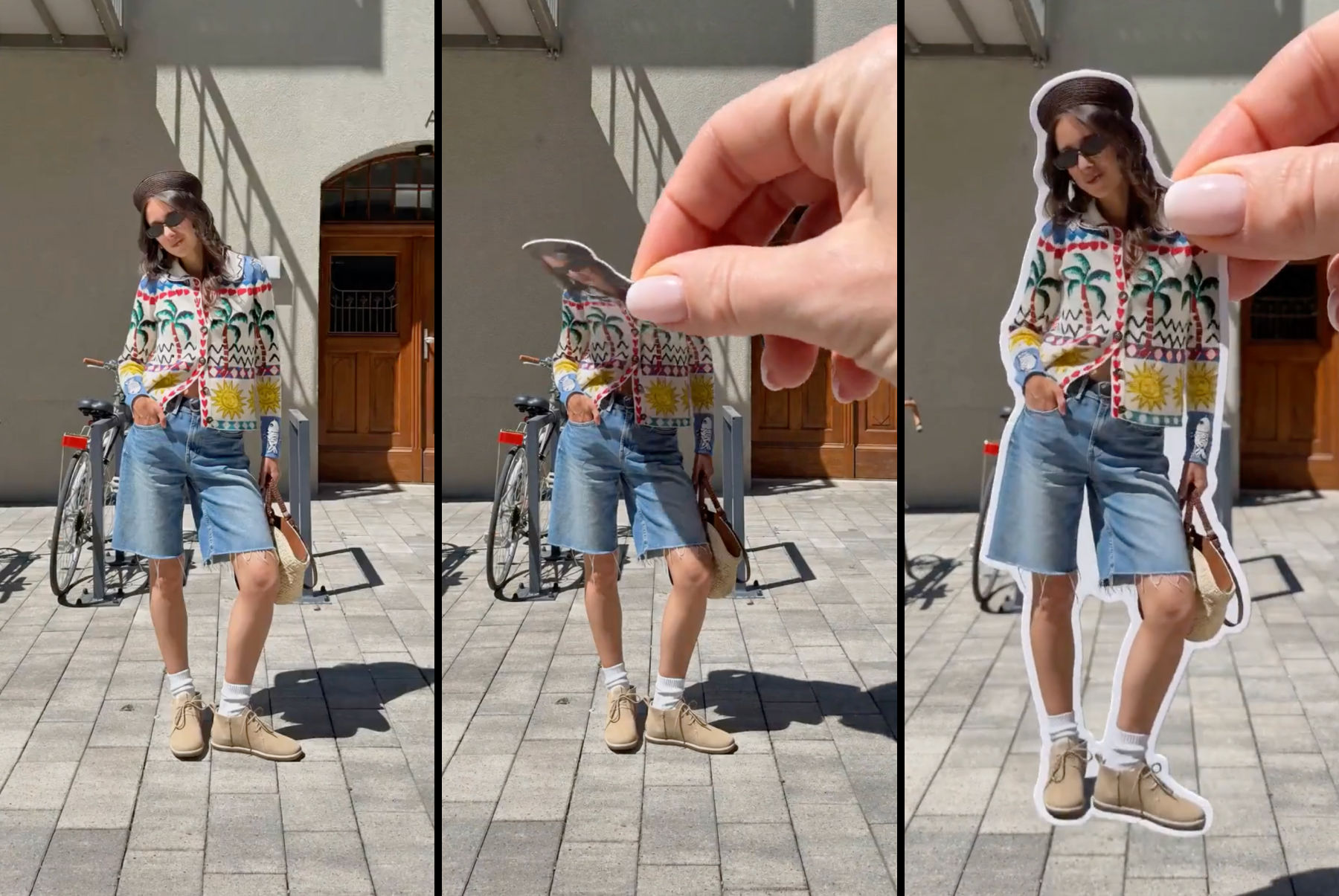 Sticker Peel-Away EffectTurn any outfit photo into a cinematic 3-second Reel where a hand peels you out of the frame like an editorial paper sticker. Built for fashion creators, lookbooks, and elevated brand content.
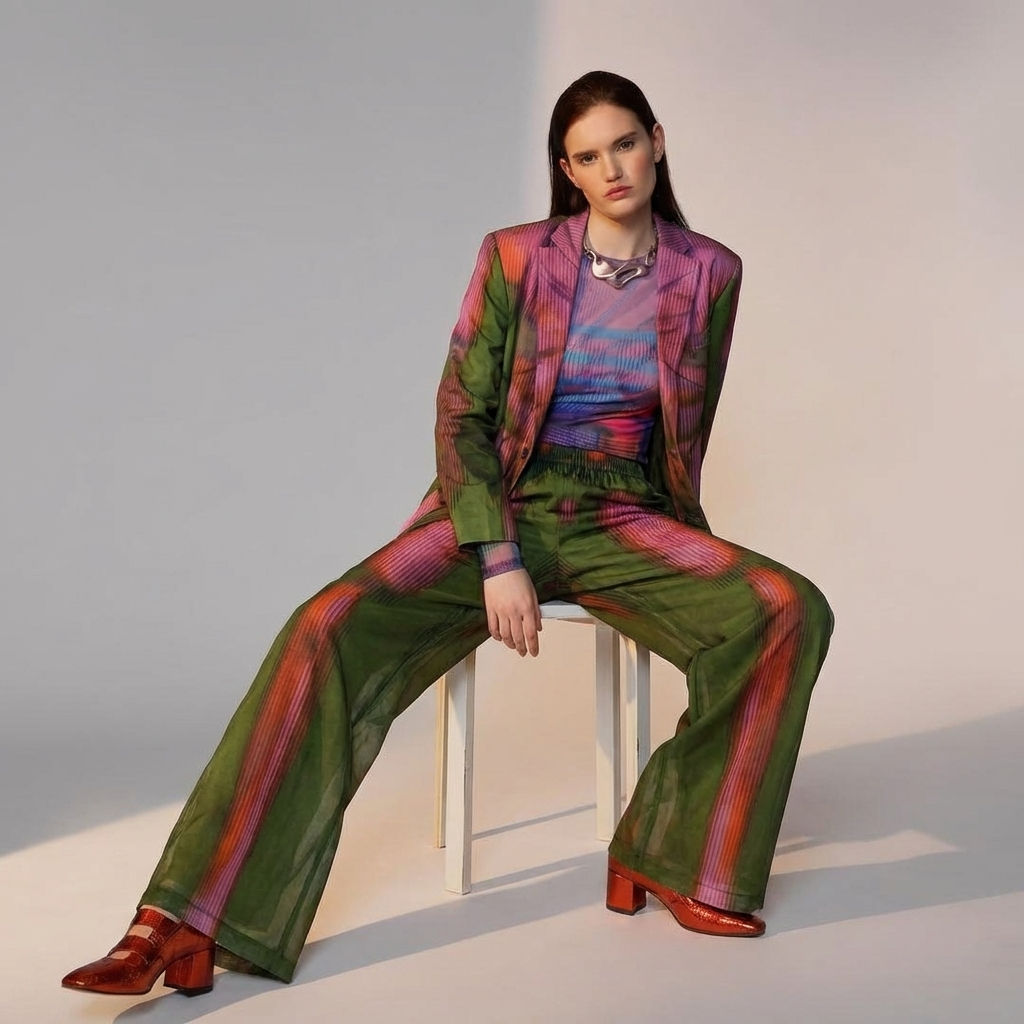 Fit CheckExtract outfits & swap onto new looks
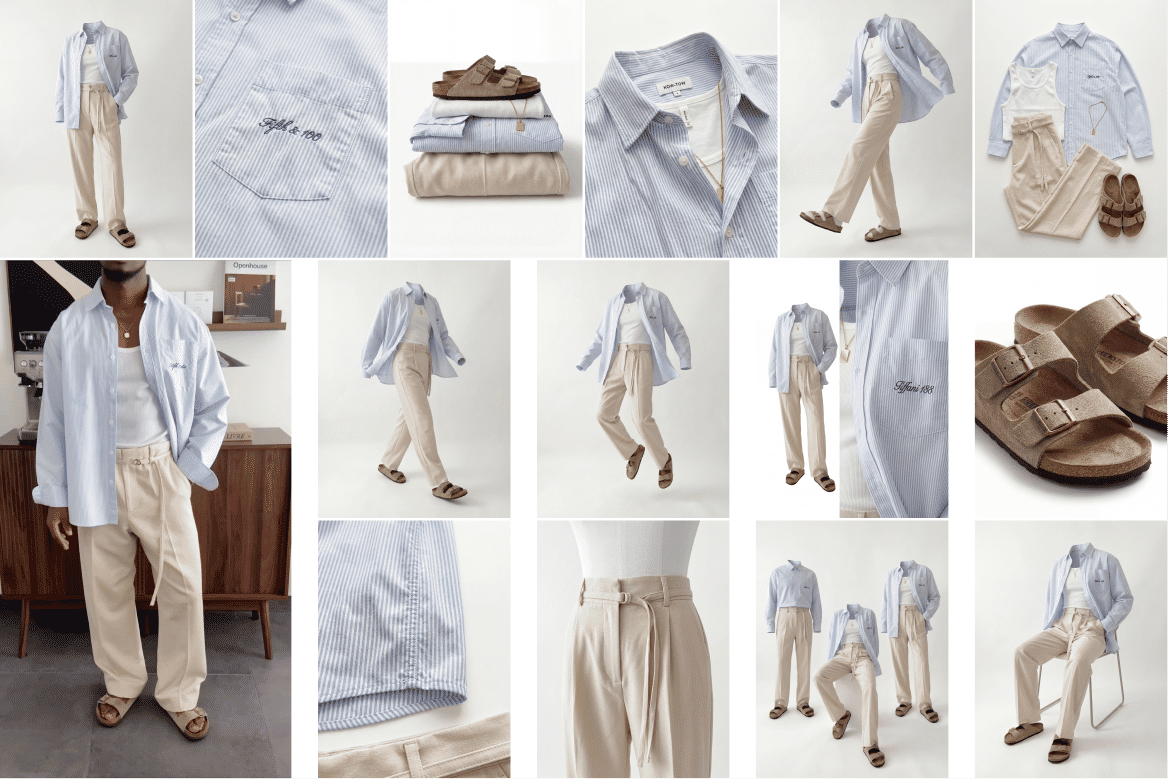 Ghost Mannequin SystemTurn any outfit image into ghost mannequin shots, physics poses, and detailed product visuals. Built for fashion brands, designers, and e-commerce workflows.
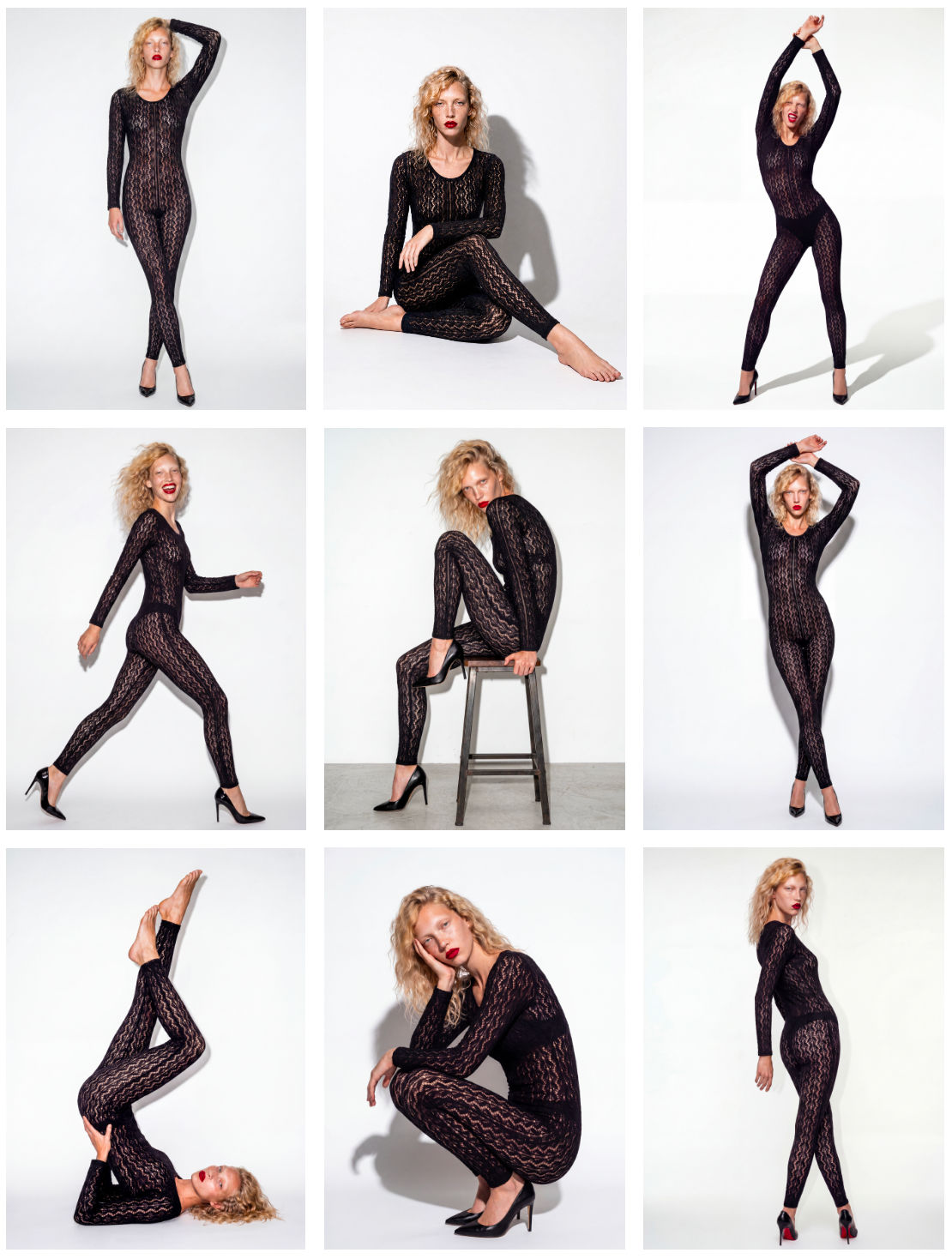 Model PosesTurn a dressed model into 10 poses.
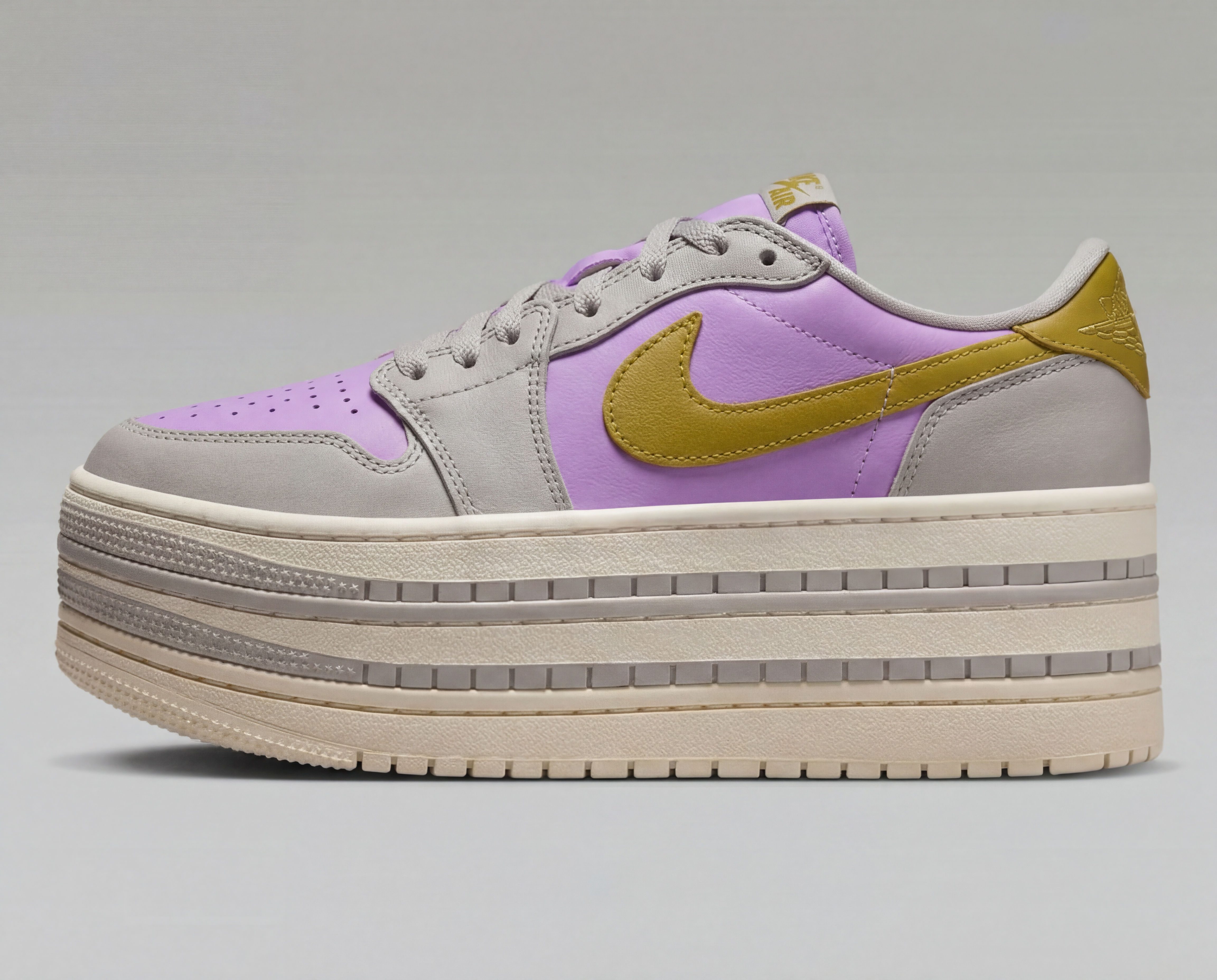 Product recolorBring in your product image and color palette for easy and quick recolor
From One Photo to a Full Commercial
Turns one passport photo into a 9-shot cinematic storyboard, then into a fast-cut commercial video. Perfect for generating multiple angles and poses from a single reference image.

Bernardo Lickfold