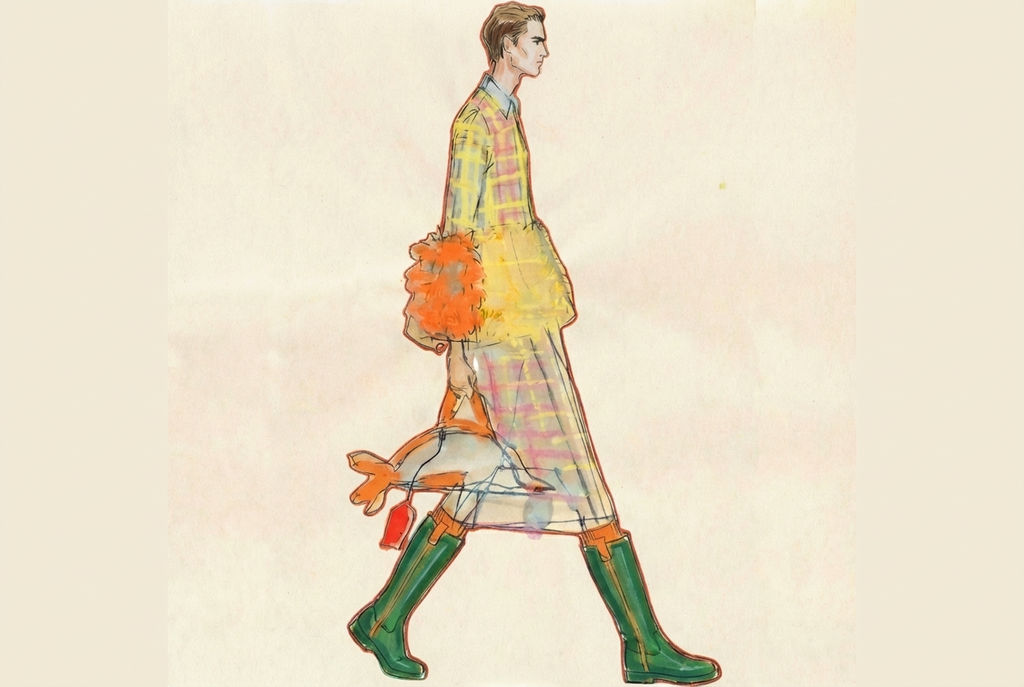
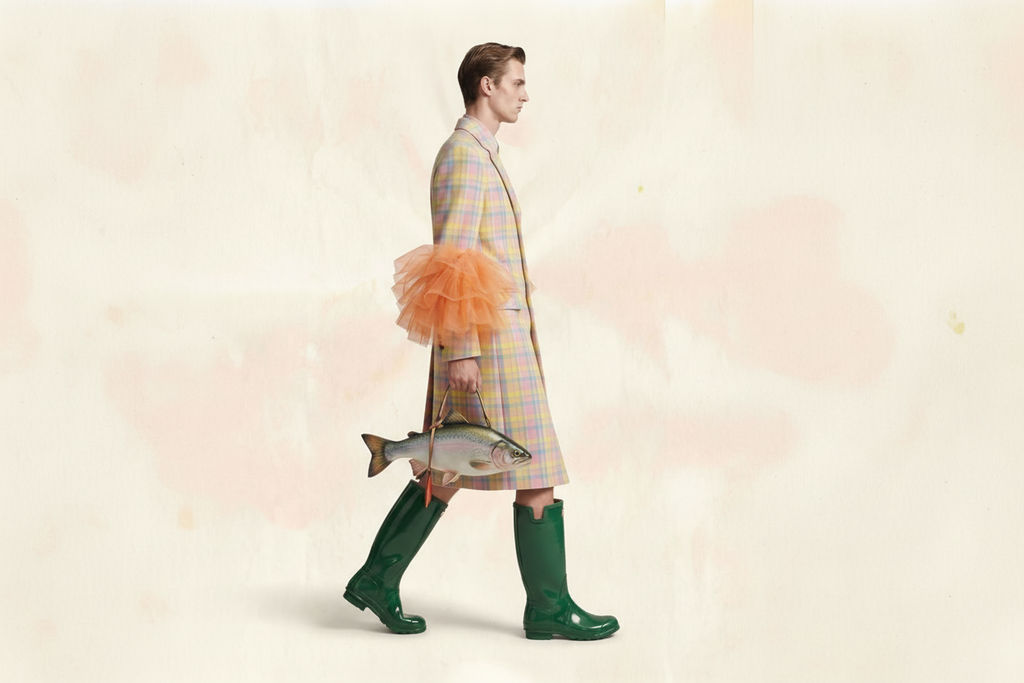
Upload a hand-drawn or digital sketch and the Technique returns one 3:2 image of the finished garment, ready to refine on the FLORA canvas.

Fashion Designers
Fashion designers use this AI fashion design step to see a sketch rendered as a finished garment, making it a strong pick for anyone comparing the best AI for fashion design tools.

Concept Development
Studios building early concepts turn rough sketches into AI generated fashion designs, using the AI fashion rendering as a visual reference before sampling or sourcing.

Sketch-to-Render Workflow
Designers who sketch first reach for fashion sketch-to-image AI tools to convert hand-drawn or digital fashion sketches into clean, photorealistic renders.
How to use Techniques?
Discover how to utilize Garment Sketch for different scenarios.

Add inputs
Upload images, videos, or type in the prompts to get started.

Generate outputs
Next, hit the "Generate" button to start generating your outputs.

Edit and export
Refine your outputs on canvas, or download them directly.
Frequently asked questions
All you need to know about Garment Sketch
What fashion sketch-to-image AI tools do to a drawing
Fashion sketch-to-image AI tools take a flat drawing and give it back as a photographed garment. The silhouette holds, the seam lines stay where you put them, the proportions carry over, and fabric weight, drape, and light get added on top. The sketch is still the design. The render only shows what that design looks like once it exists.
That gap is why these caught on. A sketch reads perfectly to you and to the two people who've worked beside you for years. It doesn't read to a buyer, a founder, or a factory contact seeing it cold, and the distance between "I can see it" and "they can see it" is usually a sample you haven't cut yet. You can start free on FLORA and put a drawing through it before you commit to fabric.
How the model reads an AI fashion sketch, or a hand-drawn one
Whether the input is an AI fashion sketch you generated or a pencil drawing photographed on your desk, the model is doing the same work. It's pulling three things out of marks that never state any of them.
Volume is one. A line curving out from the waist means something different from the same line dropped straight down, so the model has to decide where the garment stands off the body and where it lies against it.
Construction is another. Every mark gets read as a seam, a dart, a pleat, a hem, a fold, or a shadow, because a seam renders as two panels joined and a fold renders as one piece of fabric bending. Get that wrong and the garment looks built wrong, even when the outline is perfect.
Then there's material. A stiff canvas and a bias-cut silk can be drawn at the same width, and it's the quality of the line, how you described the fall, that says which one you meant. Loose gestural drawings and tight technical ones can share a silhouette and still come back looking like different garments. A clean scan or a straight overhead photo also gives the model less to guess at than a sketch shot at an angle with your hand shadowing the page.
What AI fashion rendering gets right, and what it doesn't
The expensive part of designing was never the drawing. It's the wait between a private idea and something other people can respond to. AI fashion rendering shortens that to about as long as it takes to upload, which means feedback lands while the design is still cheap to change, rather than on a sample that took six weeks and a minimum order.
There's a line worth keeping in view, though. A render isn't a tech pack, a fit session, or a grading spec. It won't tell you the sleeve pitches wrong on a real body or that the closure fights the fabric. Photoreal output is convincing enough that it gets mistaken for a verified design, usually by whoever sits furthest from production, and they won't draw that line for you. The render's job is getting the design approved and the sample worth cutting. Everything after that is still pattern work.
Fashion illustration AI and a photoreal render solve different problems
Fashion illustration AI is about style. Elongated croquis, loose gouache, a hard editorial line, the kind of image that belongs on a moodboard or a lookbook spread. It communicates attitude, and it's allowed to distort the body to do it.
A photoreal render is about belief. It has to hold up as a photograph, which means correct proportion, plausible lighting, and fabric that behaves. Ask for the wrong one and the result feels off without anyone being able to say why, so decide which you're after before you upload anything. For the styling side, pull a palette from a reference or build the moodboard first, then render against it.
Where AI-based fashion design fits between concept and sample
Most of the noise around AI enabled fashion design imagines it arriving at the end and replacing someone. It lands earlier than that, in the stretch between a sketchbook and a sampling decision, which has always been the slowest part of a season and the part nobody outside the studio ever sees.
A working sequence looks like this. Concept and colorway come first. The sketch stays yours. The render turns it into something shareable. From there the same silhouette can carry a different print or pattern without redrawing it, match textures so a range reads as one family, and get upscaled for a deck or a linesheet. Once pieces are approved, a lookbook grid turns them into a presentation.
Because all of it runs on one canvas, the render doesn't dead-end as a file you export and email to yourself. It stays live next to whatever you decide next, and the version with the changed hemline sits beside the original instead of replacing it. That's the difference between fashion sketch-to-image AI tools and a one-off generator, where the render is the last thing that happens.
Explore the FLORA AI image generator for the models behind it, or the roundup of the best AI image generators if you're still deciding what to design with.
Related techniques
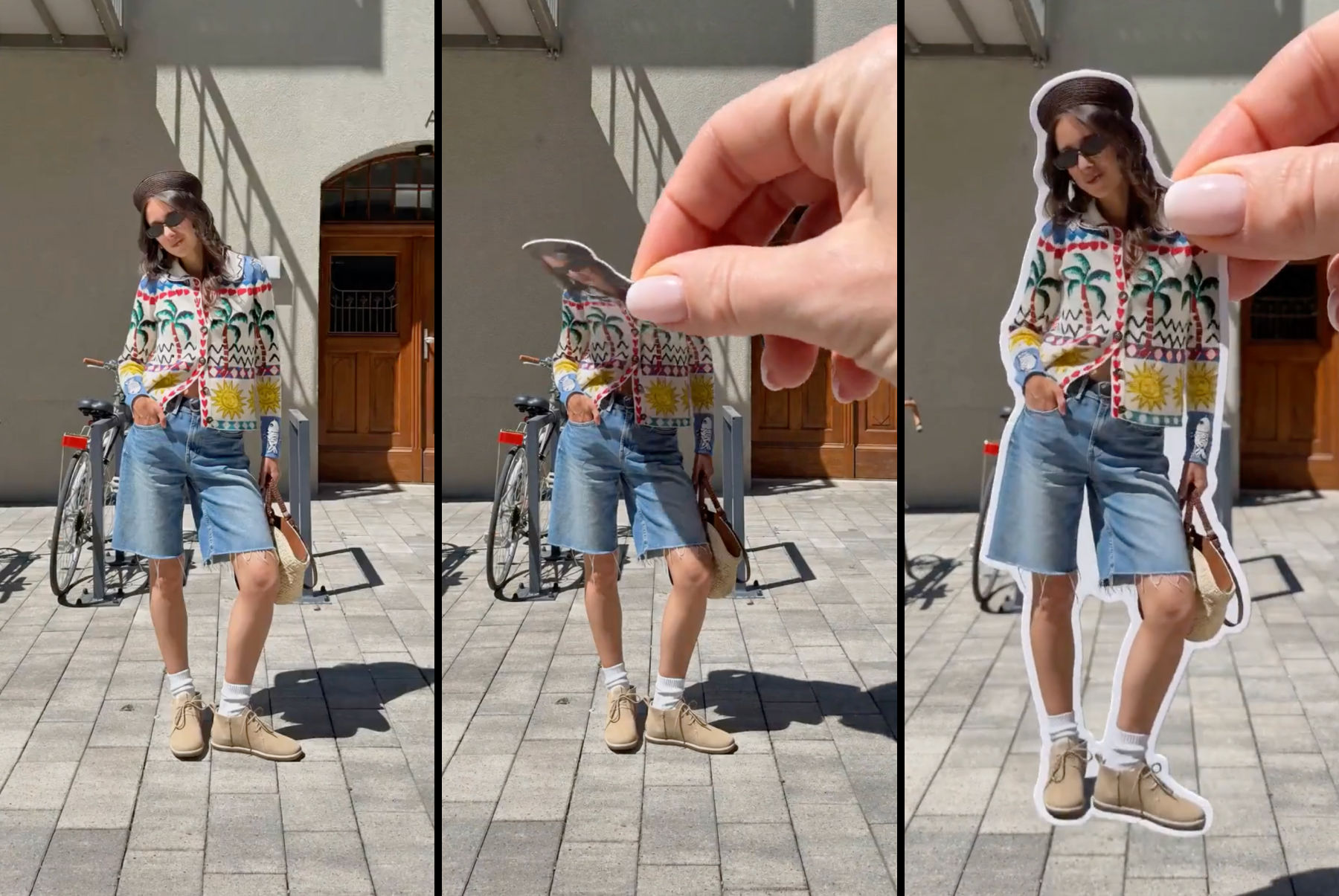 Sticker Peel-Away EffectTurn any outfit photo into a cinematic 3-second Reel where a hand peels you out of the frame like an editorial paper sticker. Built for fashion creators, lookbooks, and elevated brand content.
 Fit CheckExtract outfits & swap onto new looks
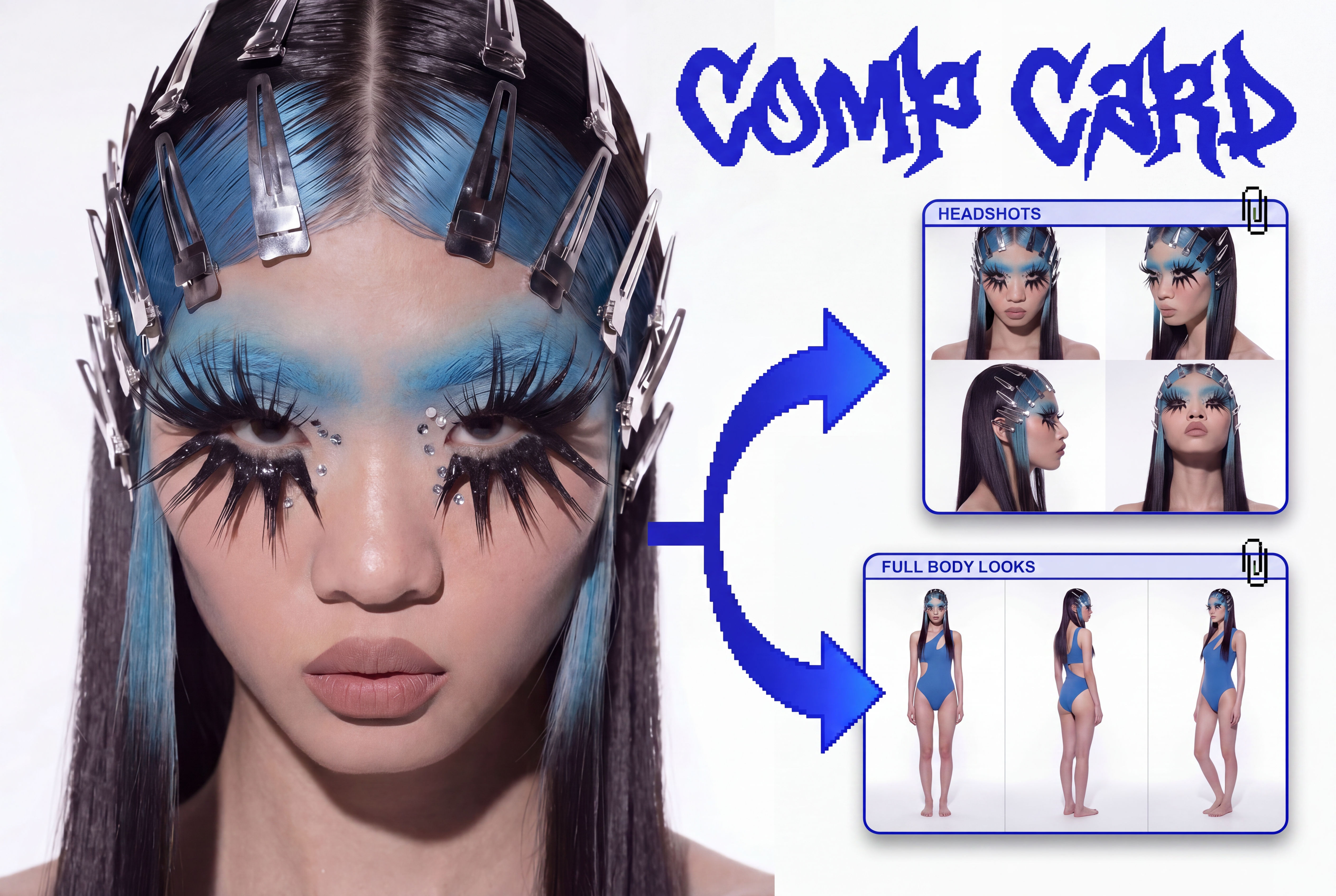 Comp CardTurns a single photo into a full identity kit: a 2x2 headshot grid and a full-body contact sheet.
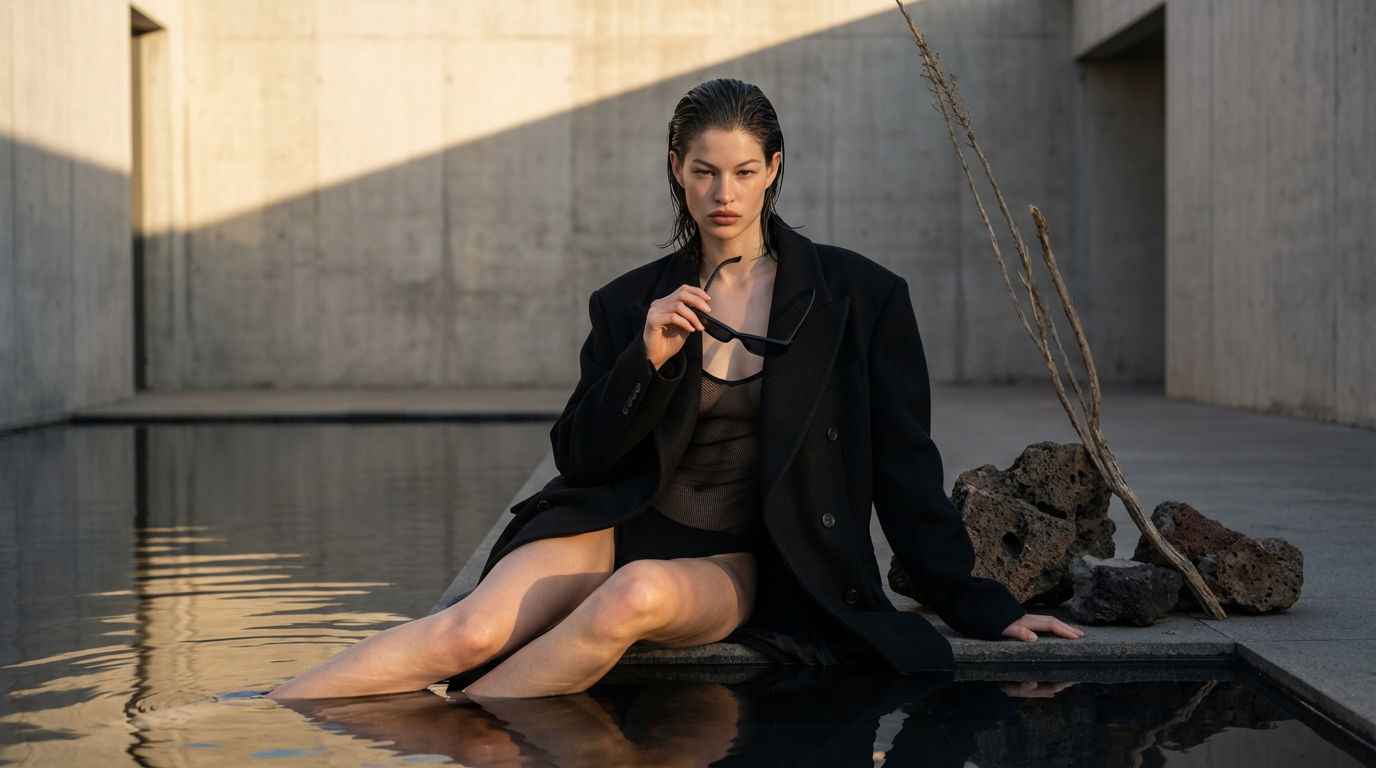 Editorial Fashion Shoot ReplicatorReplicate any editorial shot with a custom face
 Footwear to VectorTurn any footwear into a SVG flat.
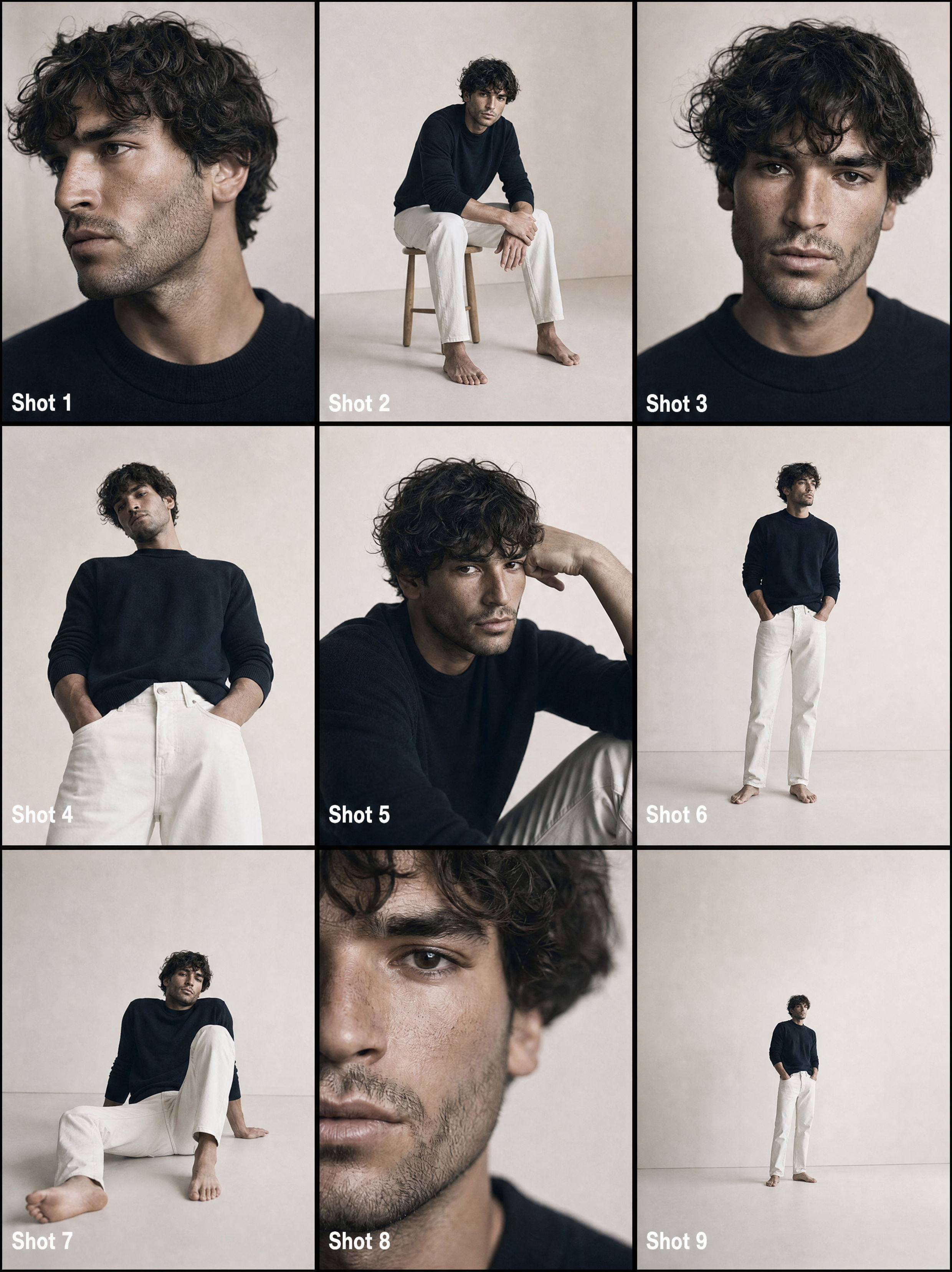 From One Photo to a Full CommercialTurns one passport photo into a 9-shot cinematic storyboard, then into a fast-cut commercial video. Perfect for generating multiple angles and poses from a single reference image.
Fashion Sketch-to-Image AI Tools: Turn Sketches into Photoreal Garment Renders
One sketch, one final garment.
Kate Burmatnova from FLORA