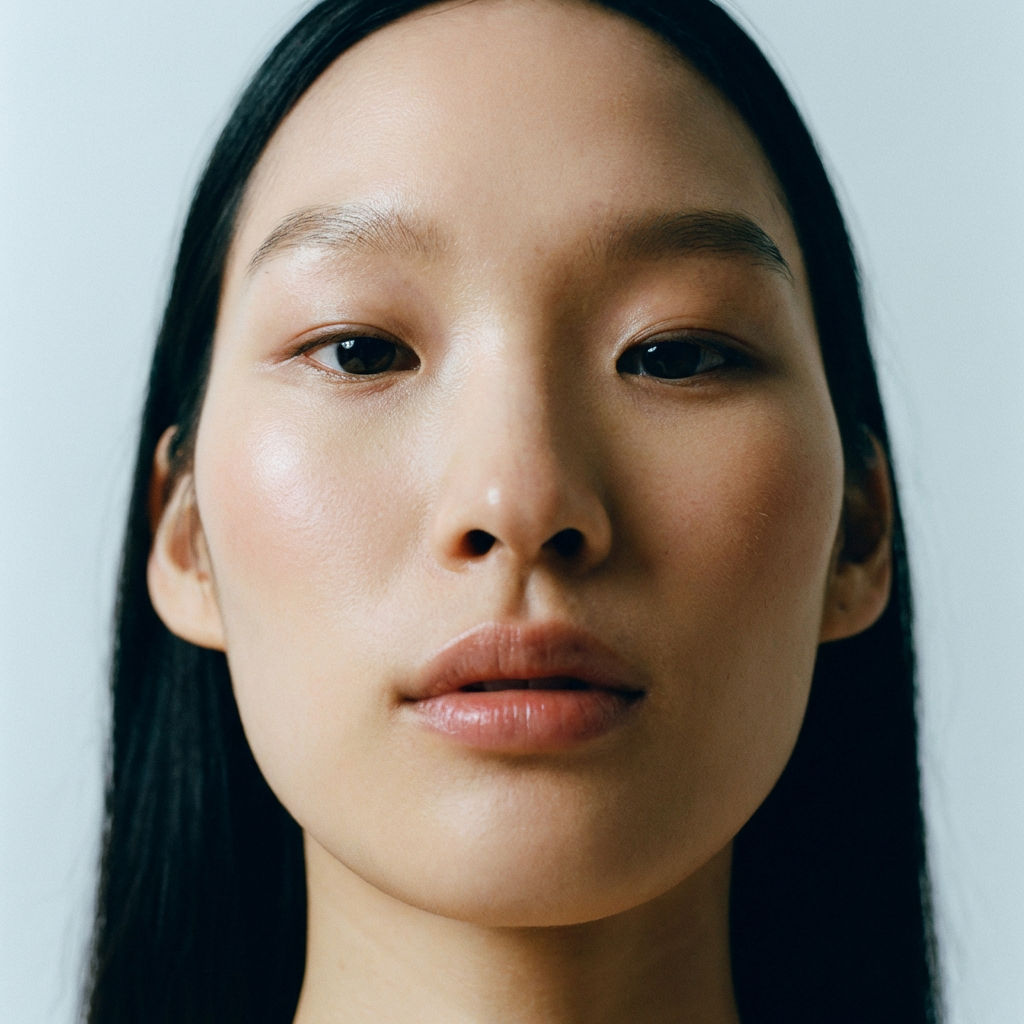
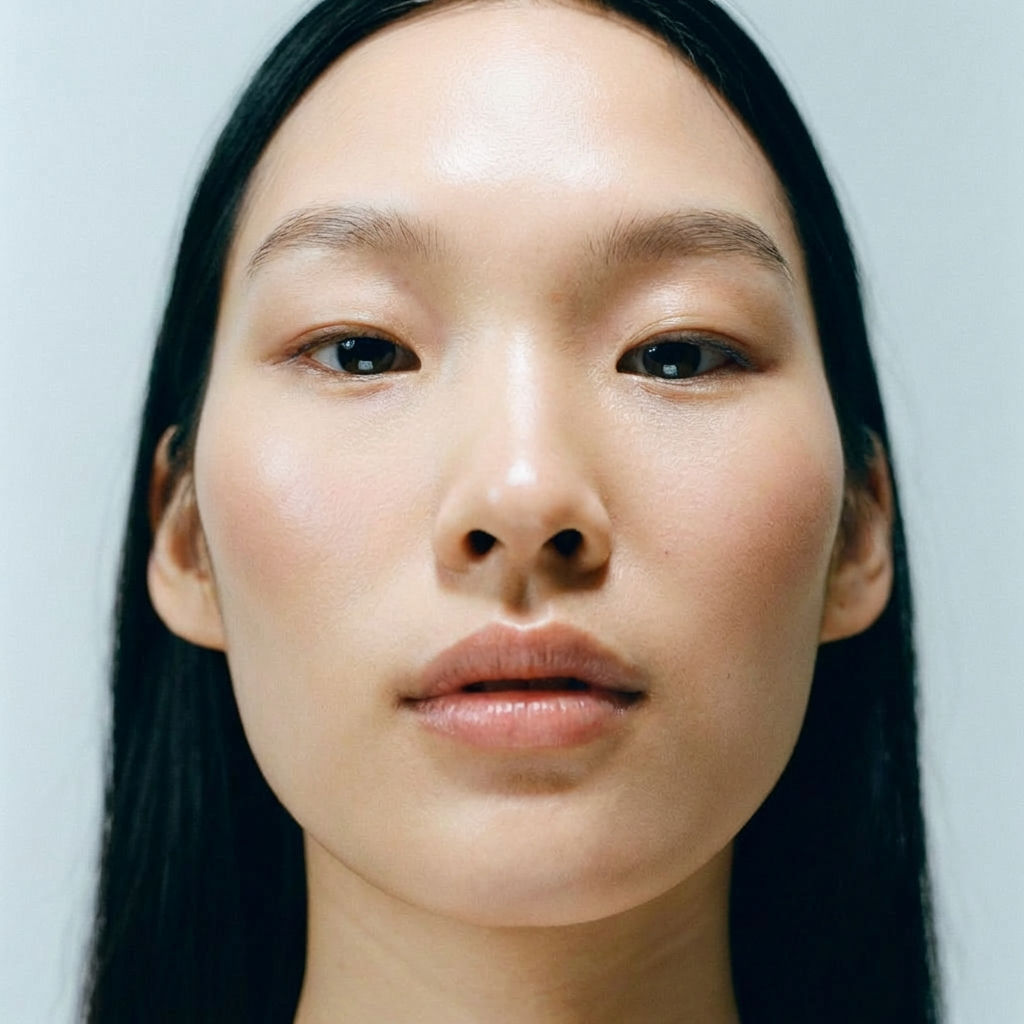
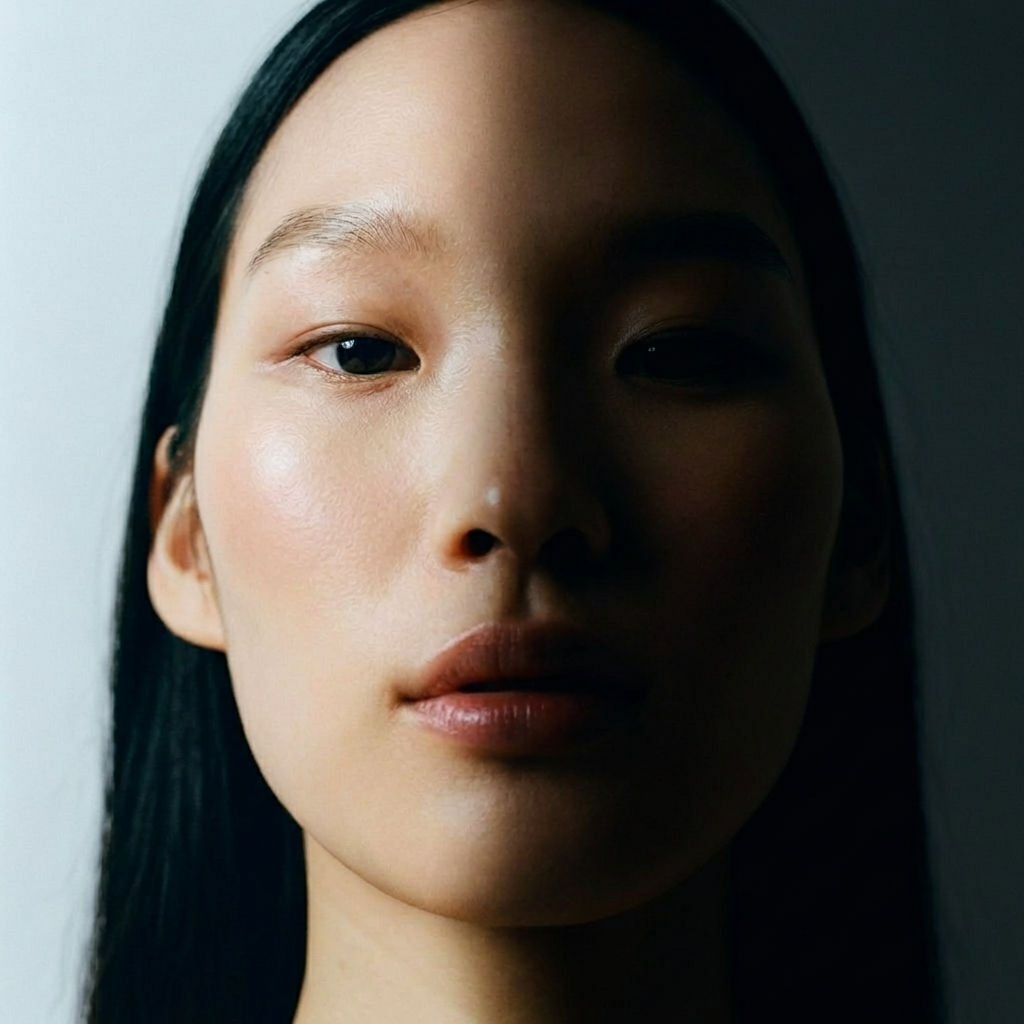
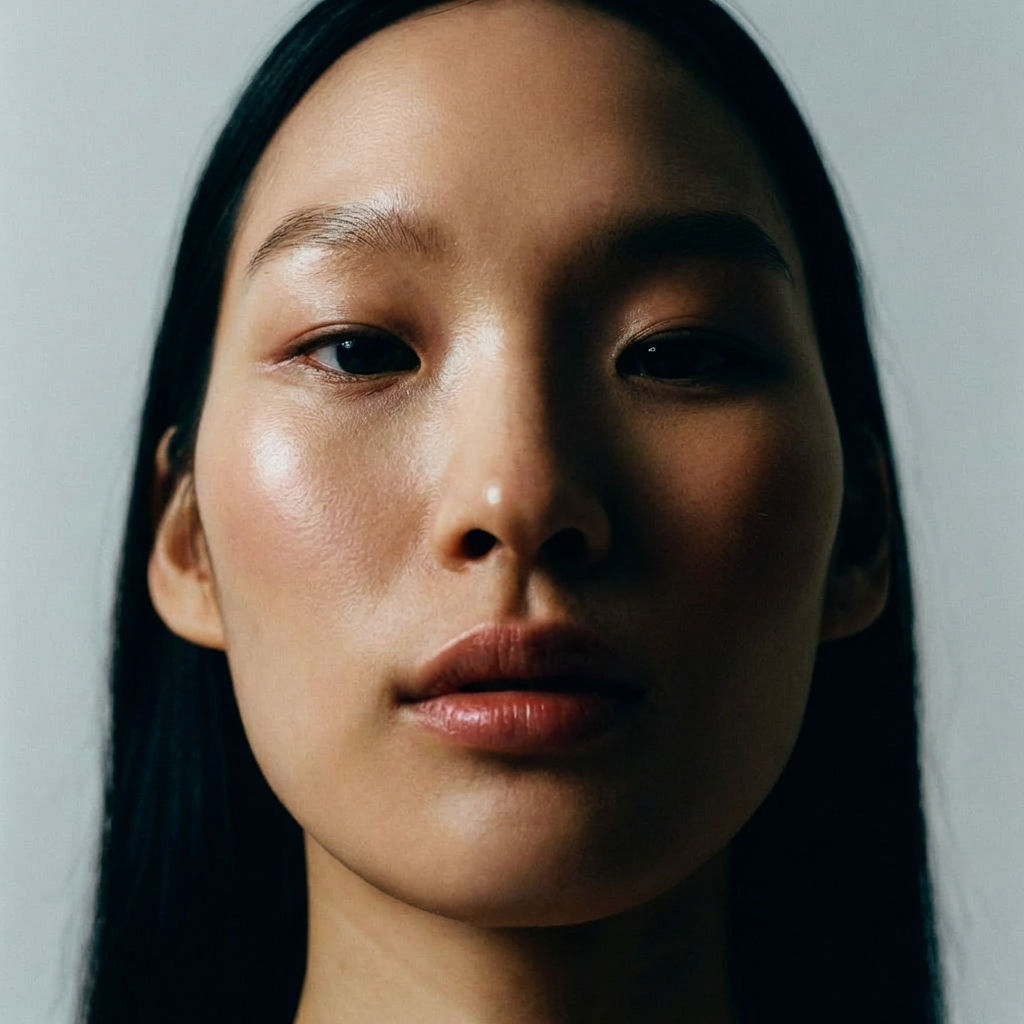
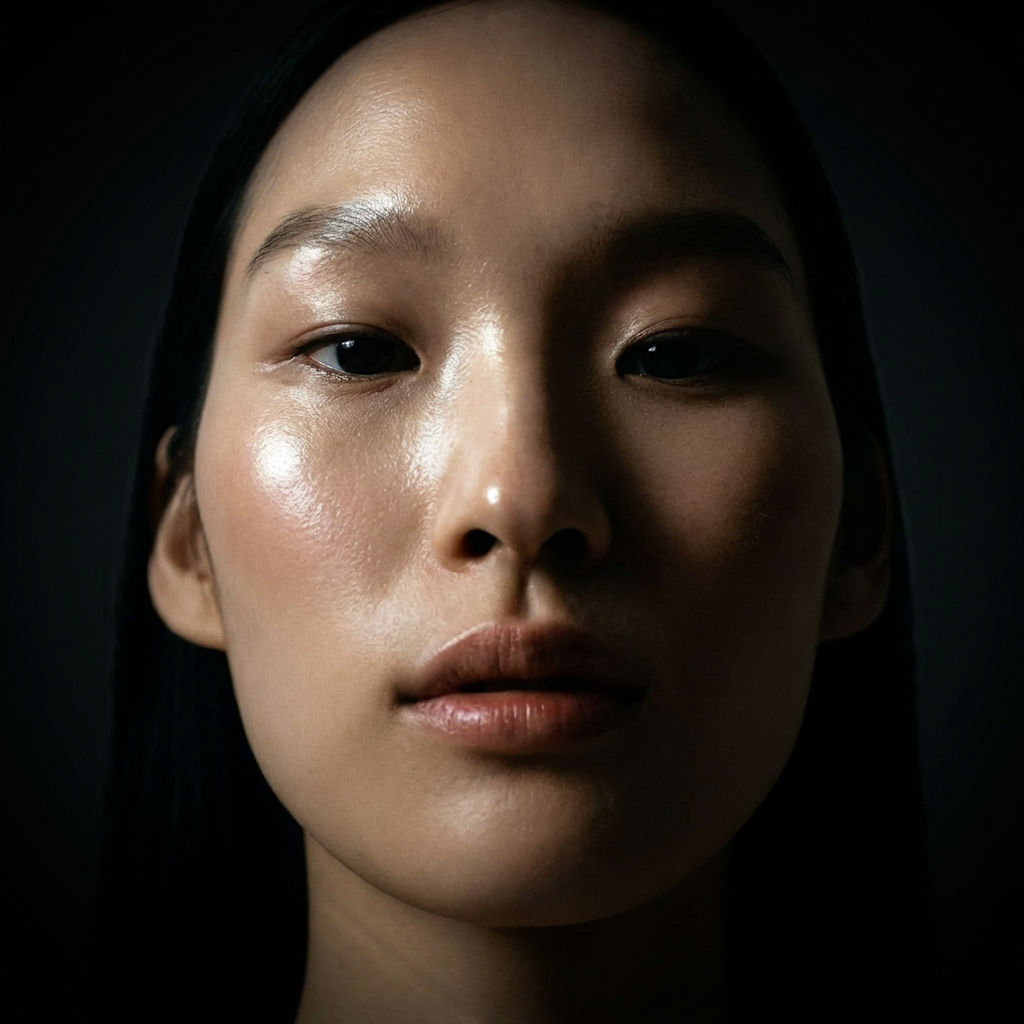
Upload a product or portrait image and get 4 relit versions back, each with a different pre-set professional lighting setup.

Product Photography
E-commerce teams use AI relighting to generate multiple lighting variations of a product photo, finding the best presentation without re-shooting.

Portrait Enhancement
Photographers run the Technique to relight photo shoots after the fact, exploring different lighting moods on portraits and producing dramatic, soft, and studio-lit variations from a single image.

Creative Direction
Art directors run an AI relight on a single visual to show how lighting changes affect its mood and feel, guiding photoshoot planning and creative decisions.
How to use Techniques?
Discover how to utilize Relighting for different scenarios.

Add inputs
Upload images, videos, or type in the prompts to get started.

Generate outputs
Next, hit the "Generate" button to start generating your outputs.

Edit and export
Refine your outputs on canvas, or download them directly.
Frequently asked questions
All you need to know about Relighting
What AI relight does to an existing photo
AI relight is a way of changing the lighting in a photo after it has been taken. A model studies the image, estimates the shape and surface of the subject, and redraws the highlights and shadows as if the light were coming from a different direction or had a different quality. The subject, pose, and framing stay the same. Details such as which side of a face is brighter, or how hard the shadow under a bottle looks, can change from one version to the next.
Photographers have long had ways to relight a photo after a shoot, such as dodging and burning in a darkroom or painting in light by hand in an editor. Those methods are slow, and they can brighten or darken areas but can't easily move a shadow from one side of a subject to the other. AI relighting does that work automatically, so you can compare several lighting setups on the same image before deciding which one to use. You can create a free FLORA account and run the Relighting Technique on one of your own product or portrait shots to see the results.
How relighting models interpret a photo
An image file stores color values for each pixel and nothing about depth, so a relighting model has to estimate the three-dimensional form of the subject from the picture alone. Most current approaches estimate how far each part of the subject sits from the camera and which way each surface is facing. On a portrait, for example, the model works out that a cheekbone angles toward one side and that the jaw curves away from the lens. With that estimate, it can predict which surfaces would catch light from a new position and which would fall into shadow.
The model also has to tell the existing lighting apart from the subject's own colors. A red jacket in shade and a darker red jacket in direct sun can have very similar pixel values, and the model needs to know which situation it is looking at before it adds new light, or the jacket's color will shift along with the lighting. Relighting tools differ a lot in how well they handle this part, and when it goes wrong, surfaces can look a little flat or waxy in the relit result.
After estimating shape and color, the model renders the new light over the subject. A soft, diffused setup produces gradual transitions across a face or product and shadows with faint edges. A harder source produces sharper shadows and brighter highlights on shiny areas. If the new light is tinted, the color shows up mostly on the lit side of the subject, and the shadowed side stays closer to the original.
What makes a photo easier to relight
Since the model is estimating shape from the image, source photos that show shape clearly give it more to work with. A subject in sharp focus, with clean edges against the background, usually relights more convincingly than a soft or low-contrast photo. Evenly lit images are also easier to start from than photos with strong, hard shadows, because the model has to interpret those shadows and partly remove them before it can add new light.
Glass, chrome, and liquids are harder to relight because they reflect and bend light from their surroundings. How they should look under new light depends on the room or scene around them, and the model can't see any of that. Fine hair, fur, and sheer fabric involve more guesswork too. You can still get usable results with these subjects, and if the first set of variations doesn't work, running the Technique again on the same image gives you a new set to choose from.
The size and quality of the file affect the result as well. A small or heavily compressed image has less detail for the model to read, and the relit version will carry that lack of detail into the output. If the version you pick is going into a large layout or a print piece, you can run it through the Image Upscaler afterwards.
Where AI relighting fits in a product or portrait workflow
Consistency is one of the main reasons teams relight image files. Product catalogs are often shot over several days, sometimes by different photographers, and small changes in lighting can make a grid of products look mismatched. Relighting each shot and choosing the variants that sit closest together can bring the set back in line without booking more studio time. The Product Lookbook Grid is a good way to check how a relit set looks when the products are arranged side by side.
Compositing is another frequent use. When a product or a person is cut out and placed onto a new background, the light on the subject usually doesn't match the light in the new scene, and the difference tends to show in the final image. One common sequence is to isolate the subject with the Background Remover, place it on a new scene with Swap Background, and then review relit versions to find one where the light direction suits the setting.
With portraits, the lighting has a large effect on how the person comes across. The same headshot can look warm and approachable under soft light from the front, or more dramatic with strong light from one side. Photographers and art directors use AI relight variations to show a client these options before planning a reshoot, using the client's own photo as the example. If you want a more styled portrait overall, you can also try Glam Shots on the same headshot.
Other names for relighting
The words people use for this task depend a lot on their background. Photographers often talk about wanting to relight photo sets or fix the lighting after a shoot. Designers and e-commerce teams are more likely to ask how to relight image assets for a store or a campaign. People who work in 3D or video may call it AI relighting or virtual lighting, since the idea borrows from how lights are placed in a 3D scene. Many people search for the result they want, with phrases like changing the lighting on a photo, making a photo look studio lit, or fixing harsh shadows on a face. The Relighting Technique covers each of these requests.
Taking a relit image further on the FLORA canvas
Each run of the Relighting Technique returns a set of pre-set lighting variations. Once you've picked a version, you can move it to the FLORA canvas, where it sits alongside the rest of your project and can be passed into other image and video models. From the canvas you can change a product's color with Product Recolor, soften the background with Studio Blur, or create additional shots with the AI image generator. Every step stays visible on the canvas, so if a later edit doesn't work out, you can go back to a different AI relight variation and continue from there.
Related techniques
 Product Lookbook GridTurn products into styled grid layouts
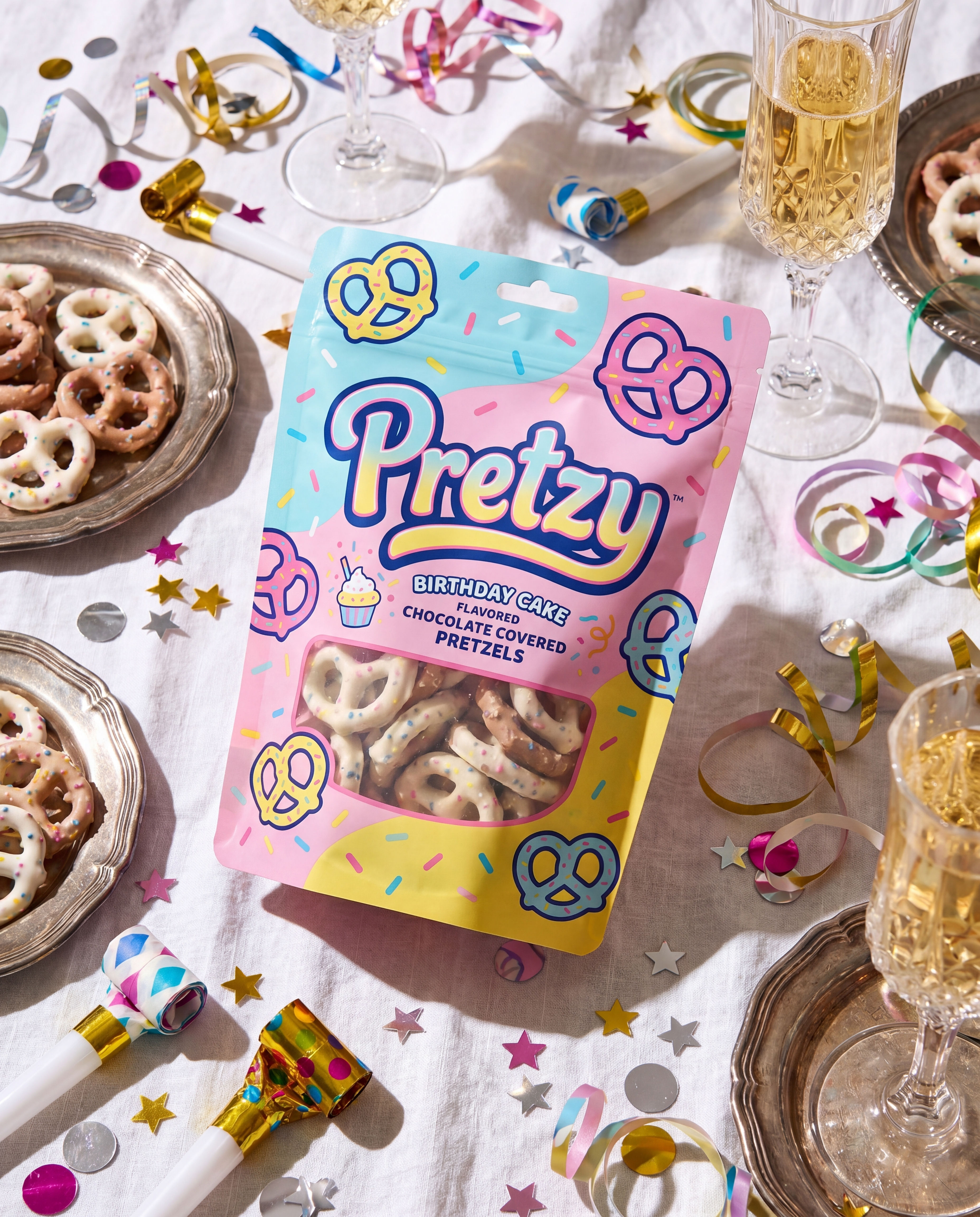 Product in Scene GeneratorCreate User Object Interaction (UOI) images of your product that can be used for e-commerce.
 Storytelling EngineIt takes a single approved key visual and instantly builds out a cohesive 9-frame editorial campaign treatment
 UGC CreatorCasual, phone-shot clips of your product
 Memoji MeTurn any face into a custom memoji
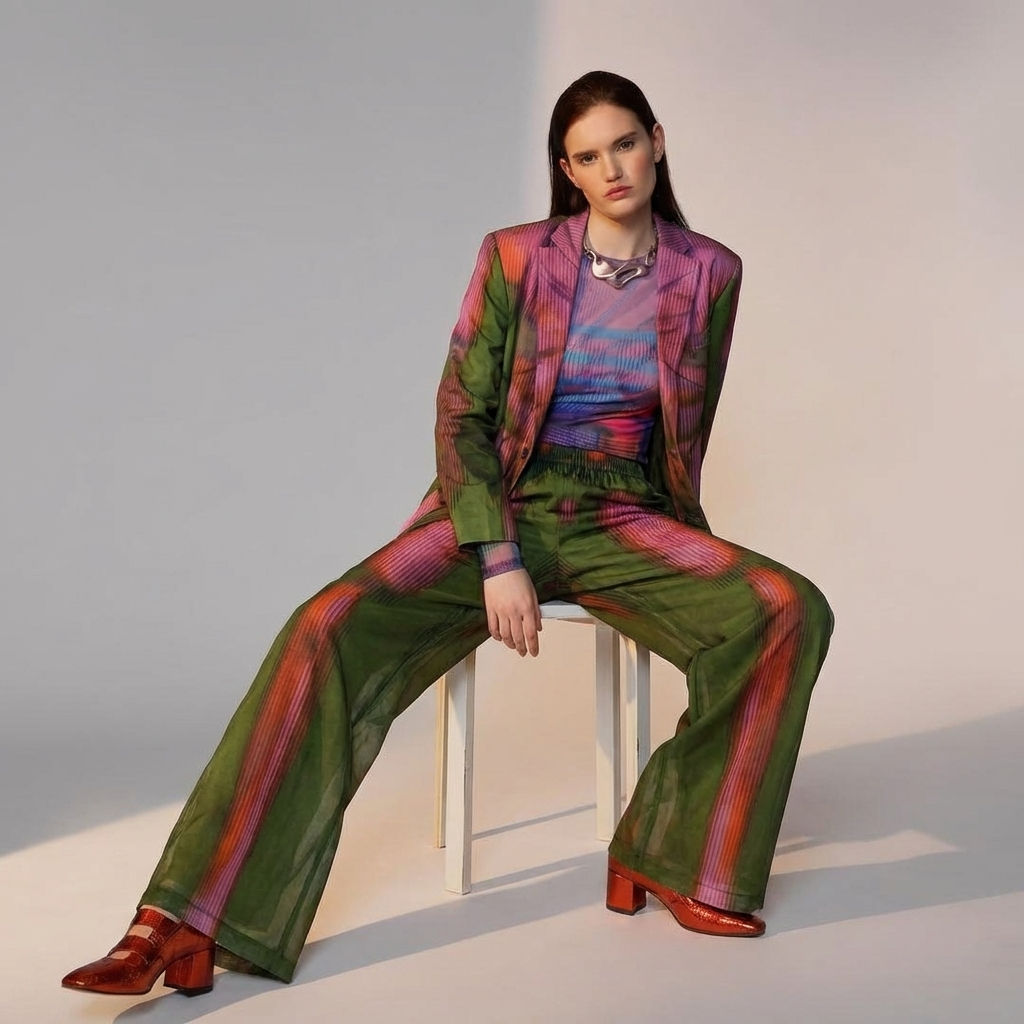 Fit CheckExtract outfits & swap onto new looks
AI Relight Any Product or Portrait Photo in One Click
Relights your photo
Michelle Ma from FLORA