
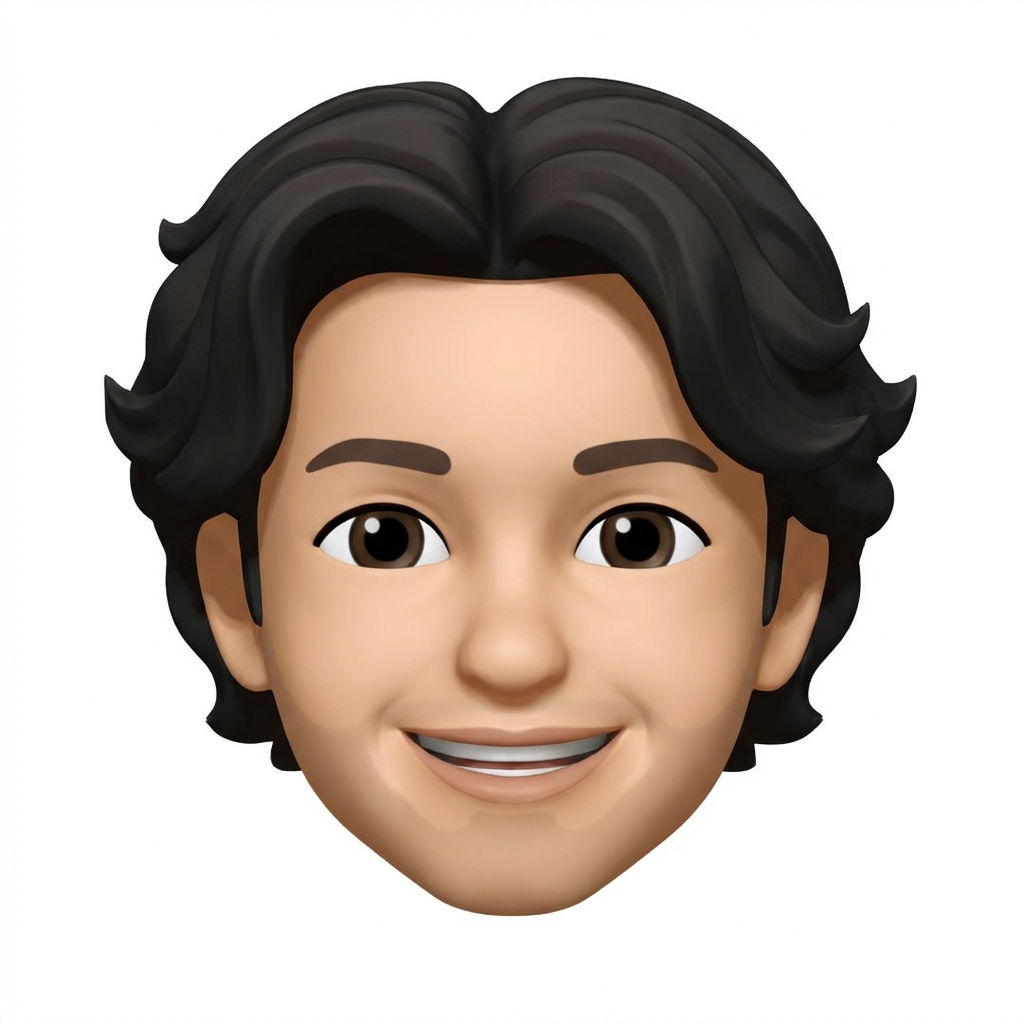
Upload a selfie or portrait and get a custom memoji-style character image in 1:1 format, generated in one click.

Profile Pictures
Users create personalized memoji-style avatars from selfies with this memoji maker online, ready for social media profiles, messaging apps, and online communities.

Team & Event Branding
Companies run the Memoji Me technique with employee headshots to create fun, unified avatar sets for team pages, event badges, and internal communications.

Creative Content
Content creators use this memoji creator to generate cartoon versions of themselves for thumbnails, channel branding, and merchandise designs.
How to use Techniques?
Discover how to utilize Memoji Me for different scenarios.

Add inputs
Upload images, videos, or type in the prompts to get started.

Generate outputs
Next, hit the "Generate" button to start generating your outputs.

Edit and export
Refine your outputs on canvas, or download them directly.
Frequently asked questions
All you need to know about Memoji Me
What is a memoji generator, and how does it work?
A memoji generator turns a photo of a face into a stylized 3D cartoon character that still reads as the person. It picks up the details that carry identity, face shape, hair, skin tone, brows, glasses, facial hair, then rebuilds them in the smooth, rounded, animated-film style the format is known for. What you get back is an avatar you can use anywhere a real photo feels too literal: a profile picture, a team page, a sticker set, a slide.
The appeal is that it skips the slider menus. Traditional avatar builders make you assemble a face from parts, a nose from one list, a hairstyle from another, an eye color from a third, and the result usually lands somewhere near you without ever quite being you. A memoji generator inverts that. It starts from your actual face and stylizes outward. You can try FLORA free and generate one from a single selfie.
How an AI memoji creator reads a face
An AI memoji creator is doing two jobs at once. First it reads the face, mapping proportion, spacing, and the specific features that make someone recognizable. Then it re-renders those features in a consistent illustrated style: soft geometry, large eyes, simplified shading, clean edges, no texture noise.
The tension between those two jobs is what separates good output from bad. Push the style too hard and everyone comes out looking like the same character. Hold too close to the source photo and you get an uncanny half-render instead of a cartoon. The results that work keep a small set of identity anchors intact, usually face shape, hairline, and one or two distinctive features, then let the style absorb everything else.
What to expect from a memoji maker online
A browser-based memoji maker online wants one clear, front-facing photo: even light, both eyes visible, nothing covering the face. From there, a few things are worth knowing before you upload.
- Expression carries over. A neutral photo produces a neutral avatar. If you want a grin, start with a grin.
- Accessories usually survive. Glasses, earrings, and a distinctive haircut tend to make it through, because those are strong identity markers.
- Angle matters more than resolution. A sharp profile shot is a worse input than a slightly soft straight-on one.
- One face at a time. Crop group photos down before you run them.
If the first result feels close but not right, the fix is almost never a better photo. It is another generation or two, since small variations in the same style tend to converge on the version that actually looks like you.
How to create memoji online without an iPhone
The style became popular through Apple's built-in feature, which tied it to Apple hardware and to a face you assembled by hand. Generative models removed both constraints. You can create memoji online from any browser on any device, working from a photo rather than a menu, which matters when the people you are making avatars for are spread across platforms.
That also opens up uses the original was never built for: a whole team rendered in one consistent style for an about page, a cast of characters for a product walkthrough, a set of reaction stickers that all share a look, a personal avatar that stays the same across every profile you own.
Because FLORA runs on an infinite canvas, the avatar is a starting point rather than an endpoint. The same face can branch into a set of expressions, pick up headwear and accessories, go through an upscale for print, or sit next to a matching icon pack so your avatars and your interface share one visual language. A memoji generator handles the first move. The canvas handles what comes after. For the wider set, see the FLORA AI image generator or our roundup of the best AI image generators.
Related techniques
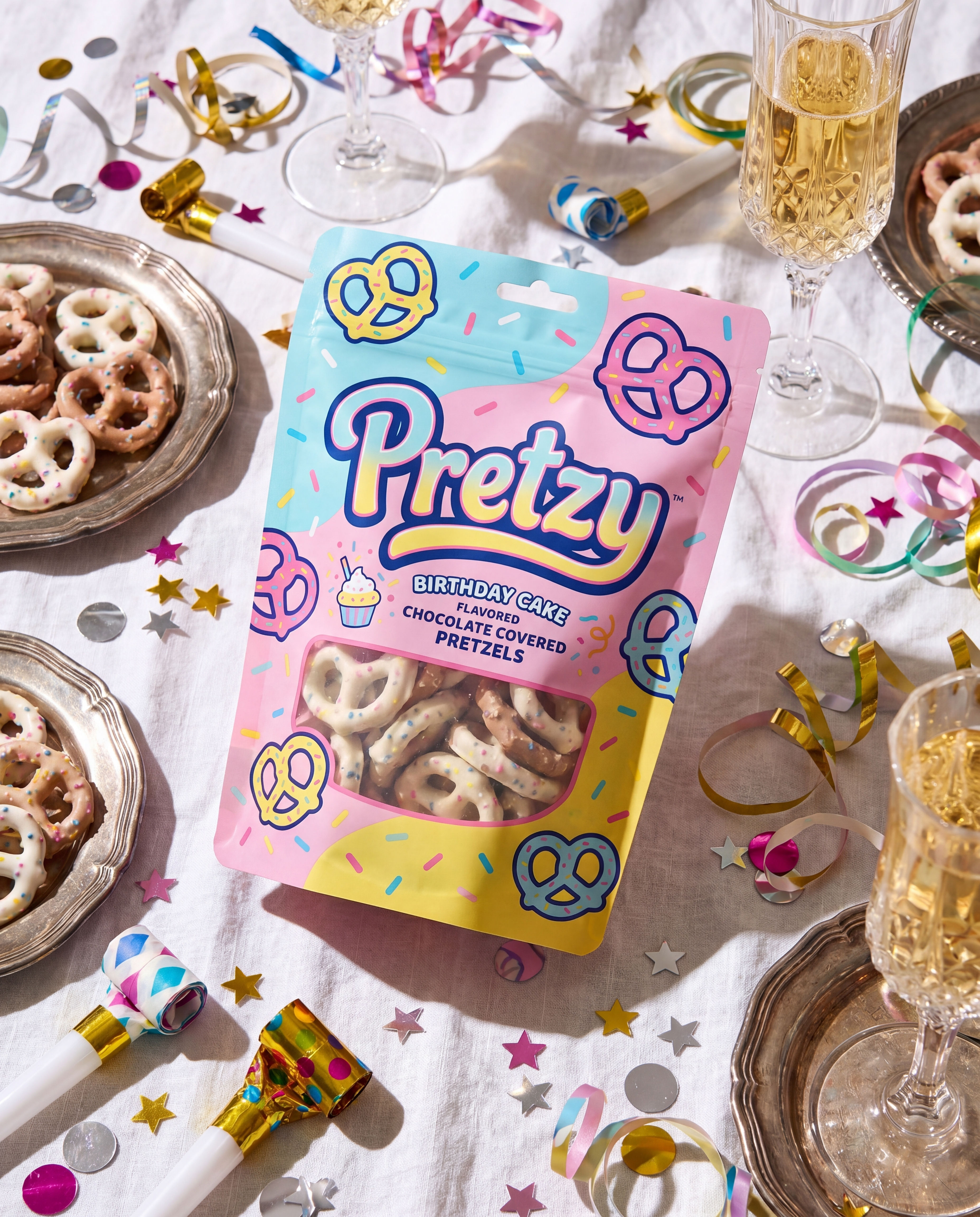 Product in Scene GeneratorCreate User Object Interaction (UOI) images of your product that can be used for e-commerce!
 Storytelling EngineIt takes a single approved key visual and instantly builds out a cohesive 9-frame editorial campaign treatment
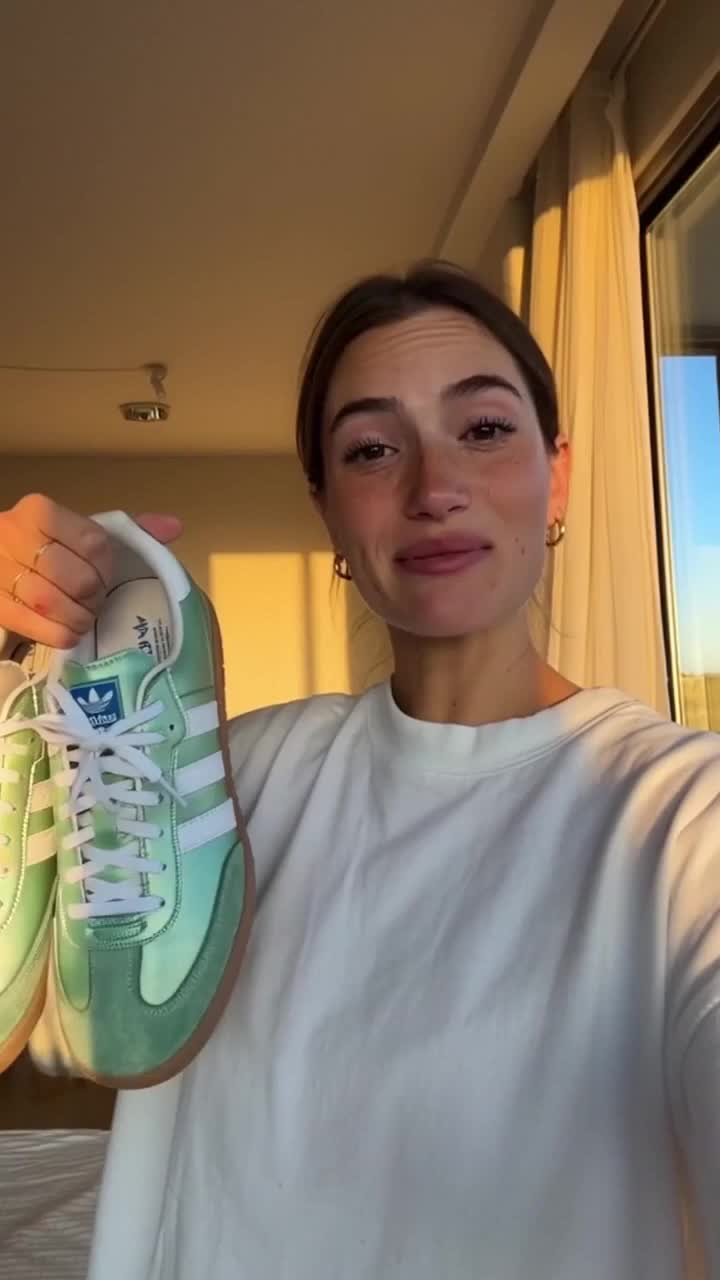 UGC CreatorCasual, phone-shot clips of your product
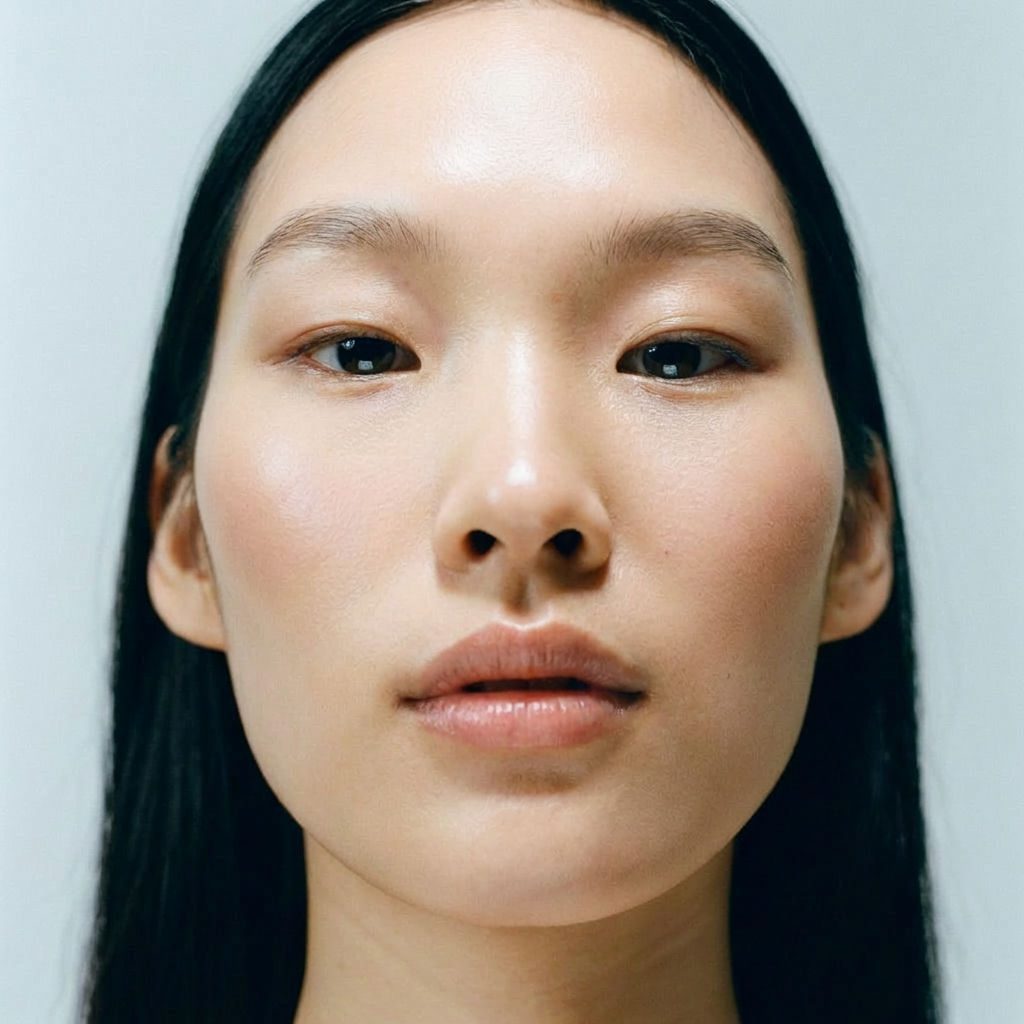 RelightingRelights your photo
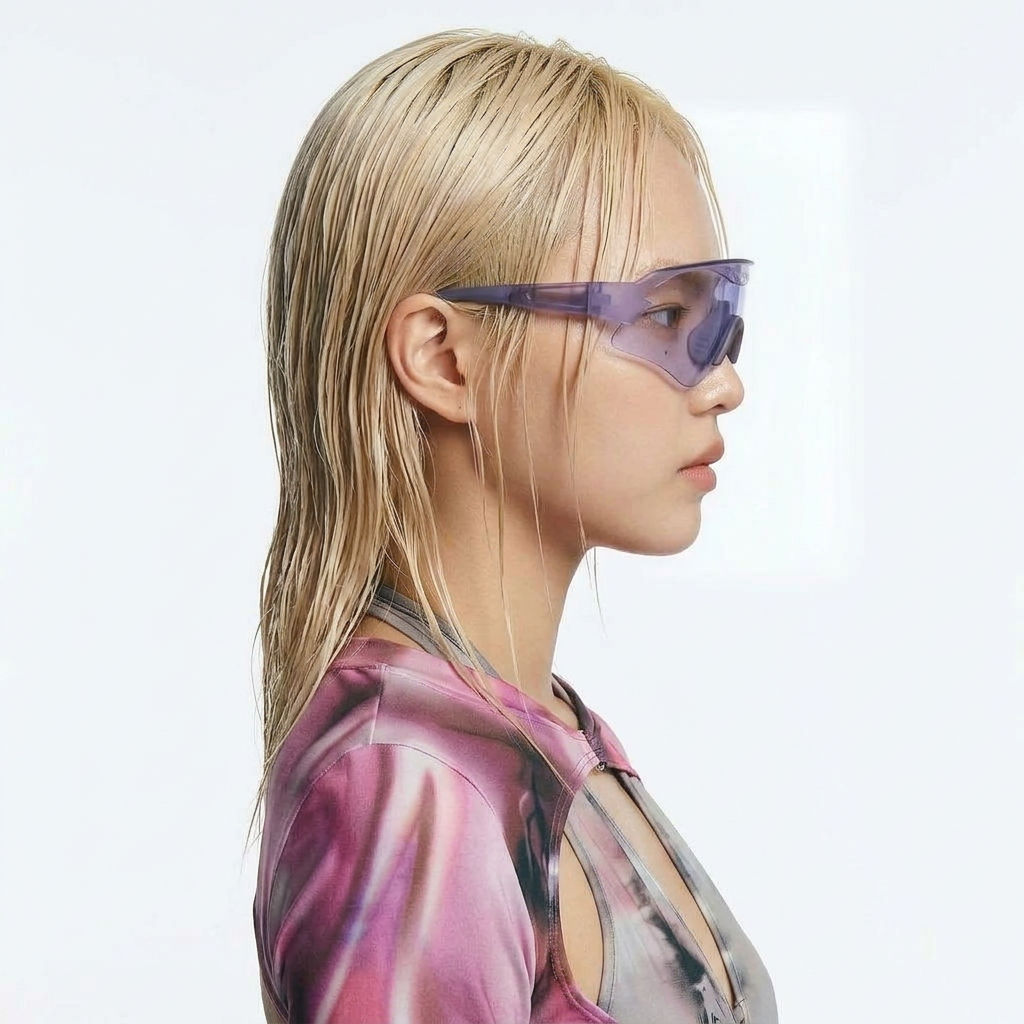 Character LockOne character, 6 different angles
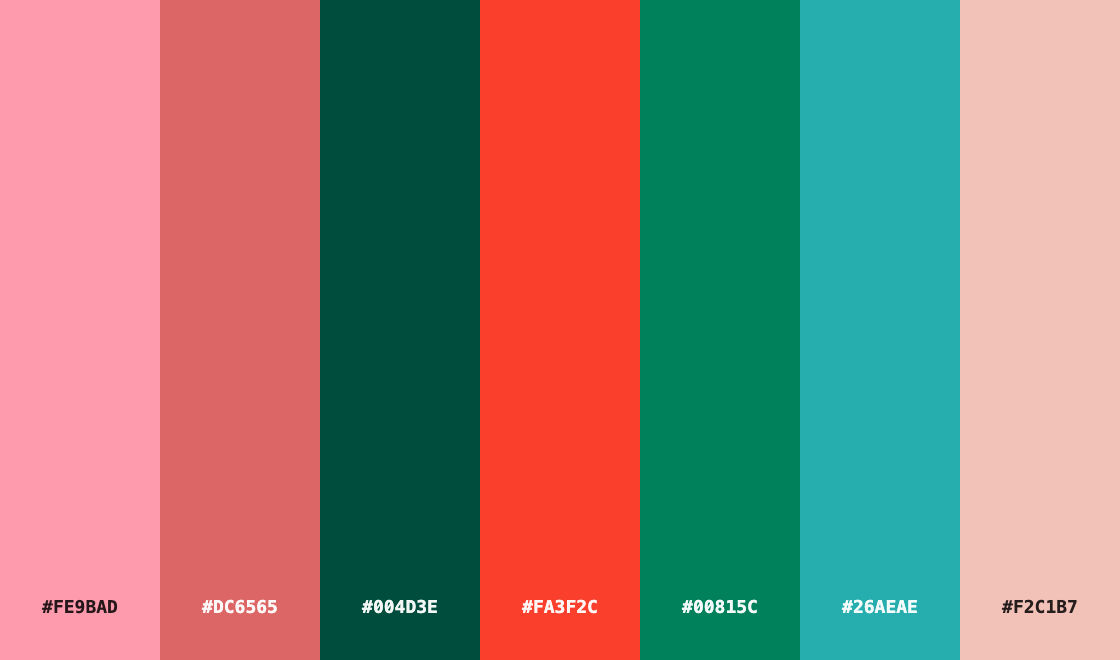 Color Palette ExtractionExtract color palettes from any image
Memoji Creator: Turn Any Selfie into a Custom Memoji
Turn any face into a custom memoji
DJ Kim from FLORA