



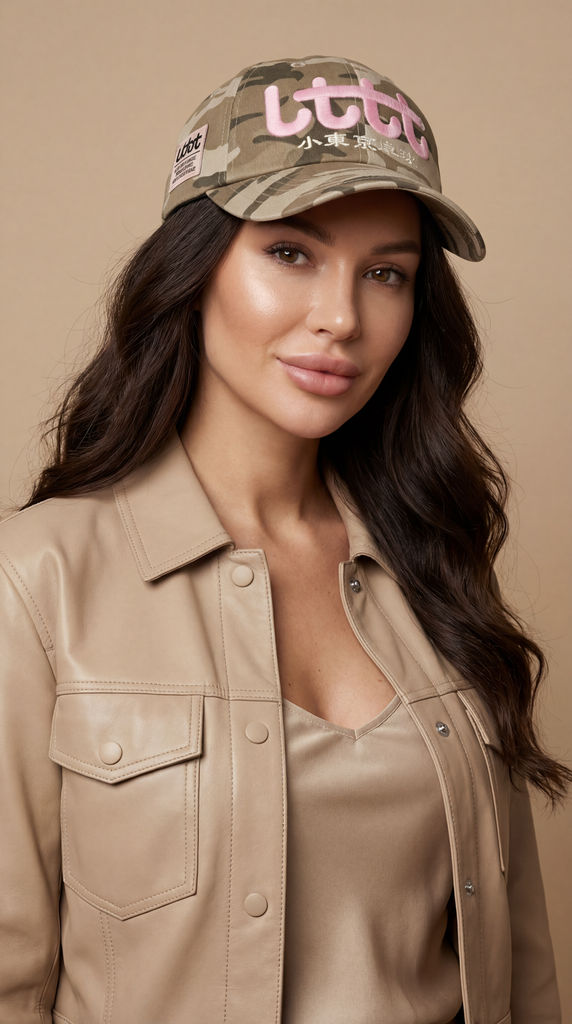

Upload a hat image and a selfie portrait for hat product photography that returns five on-model looks in seconds.

Accessory Brands
Hat and accessory brands preview finished hat designs on lifelike models, building product and lifestyle shots with no hat product photoshoot on the calendar.

Social Creators
Creators and stylists drop a hat onto a selfie to test looks for posts, thumbnails, and costume ideas before committing.

E-Commerce Listings
Online sellers generate on-model hat product photos for listings and ads, showing fit and styling from a single product photo.
How to use Techniques?
Discover how to utilize Headwear Accessory for different scenarios.

Add inputs
Upload images, videos, or type in the prompts to get started.

Generate outputs
Next, hit the "Generate" button to start generating your outputs.

Edit and export
Refine your outputs on canvas, or download them directly.
Frequently asked questions
All you need to know about Headwear Accessory
What hat product photography has to solve
Hat product photography is the job of shooting headwear so a buyer can read three things at once: what the piece is, how it's built, and how it will sit on an actual head. That last one is the hard part. A hat is a hollow, three-dimensional object that only takes its intended shape when someone wears it, so a photo of it resting on a table shows a slightly collapsed version of the thing you're selling.
Every other product category gets to be honest lying flat. Headwear doesn't. A cap's crown slumps, a brim curls in a direction it was never meant to hold, and a wide-brim hat casts a shadow straight across the logo you were trying to feature. That gap between the flat object and the worn object is why on-model imagery carries so much weight here, and why so much of the work happens after the shutter closes. You can try FLORA free and start from a hat image you already have.
Why a flat lay is never the whole answer
A flat product shot is still worth taking. It's the cleanest way to show colorway, stitching, hardware, and the shape of an embroidered logo, and it's what most marketplaces want in the first slot. What it can't do is answer the question the buyer is quietly asking: will this look right on me?
Three problems show up in flat headwear shots:
- The crown loses volume. Structured caps hold up reasonably well. Unstructured caps, bucket hats, and beanies read as fabric puddles unless something fills them out.
- The brim tells the wrong story. Shot from above, a curved brim flattens into a straight line and a flat brim can look curved, so shoppers misjudge the silhouette they're buying.
- Scale disappears. Without a head in frame, nothing says whether a brim is modest or oversized, or where a beanie is meant to sit.
Photographers solve this with head forms, invisible mannequins, propping, or a live model. Each costs time or budget, and all of them get redone the moment a new colorway lands.
The set of shots headwear listings actually need
Most strong headwear listings converge on the same sequence, whatever the brand:
- The clean product shot. Front-on, evenly lit, plain backdrop. This is the reference image everything else gets built from.
- The detail shot. Close on the stitching, the underbill, the label, the texture of the weave.
- The on-model shot. The piece worn, at an angle that shows both the crown and the brim, with a face for scale and context.
The third absorbs most of the effort, because it's the only shot that shows fit and the only one that gets redone for every style and every colorway.
Caps deserve their own note. Cap product photography lives or dies on the brim angle: a flat brim needs to be shot square enough that the straight edge reads as deliberate, while a curved brim needs a three-quarter turn or it just looks bent. Get the angle wrong and a snapback and a dad cap photograph almost identically, which is exactly the distinction a shopper is trying to make.
The same job, described a dozen ways
Search behavior here is scattered, because nobody agrees what to call it. These all point at one task:
- "Hat product photos"
- "Product photography hats"
- "Cap product photography"
- "How to shoot hats on a model"
Briefing a studio or looking for a faster route, the ask is the same: headwear that looks worn, in focus, and consistent across a range.
Where AI changes the sequence
The traditional fix is to book a hat product photoshoot: a model, a studio, a photographer, a half day, and a retouching pass afterward. For a hero campaign that's still the right call. It's a poor fit for the long tail, where a brand has thirty styles in four colorways and needs each of them on a head.
An AI try-on shortens that loop. Rather than generating a hat from a description, this Technique works from the product image you already own and places it onto a portrait, matching head angle and lighting so the result reads as a photograph rather than a paste-on. The product stays exactly the product. What changes is that a colorway which never justified studio time gets the same treatment as the flagship style, which is usually where hat product photos are thinnest.
What happens either side of the shot
On-model imagery is rarely the last step, and the surrounding work matters as much as the shot:
- Put the product image on a clean white background first, since a tidy input gives the Technique less to work around.
- Use the background remover to lift a hat off a busy studio backdrop before you feed it in.
- Extend the same approach to the rest of an outfit with fit checks, or build a full product lookbook grid once the individual looks exist.
- Push the final selects through the image upscaler so they hold up at full listing size.
All of it sits on the same canvas, which is the point. Hat product photography stops being a booking on a calendar and becomes a step you can run, look at, and run again. For the wider picture, explore the FLORA AI image generator.
Related techniques
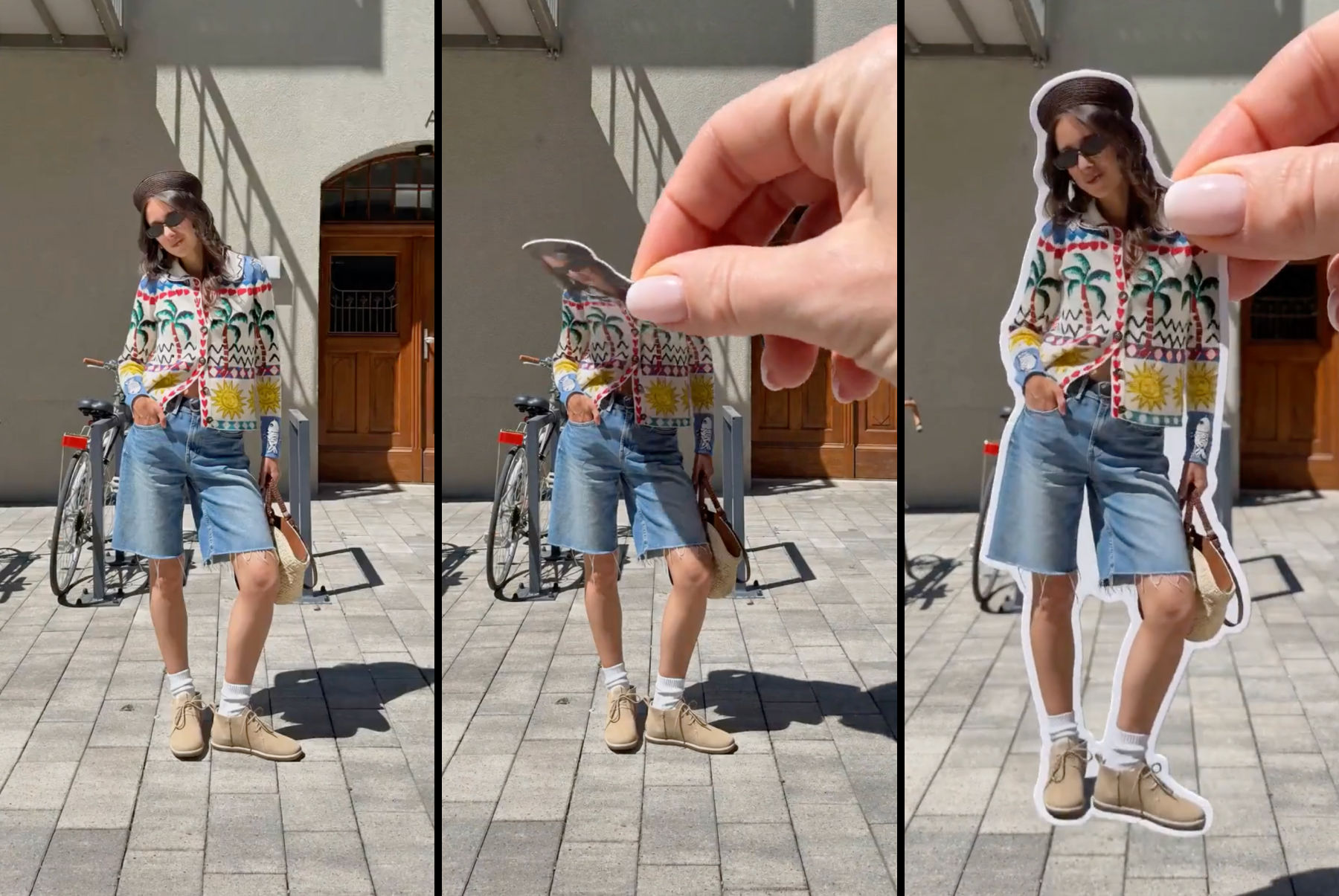 Sticker Peel-Away EffectTurn any outfit photo into a cinematic 3-second Reel where a hand peels you out of the frame like an editorial paper sticker. Built for fashion creators, lookbooks, and elevated brand content.
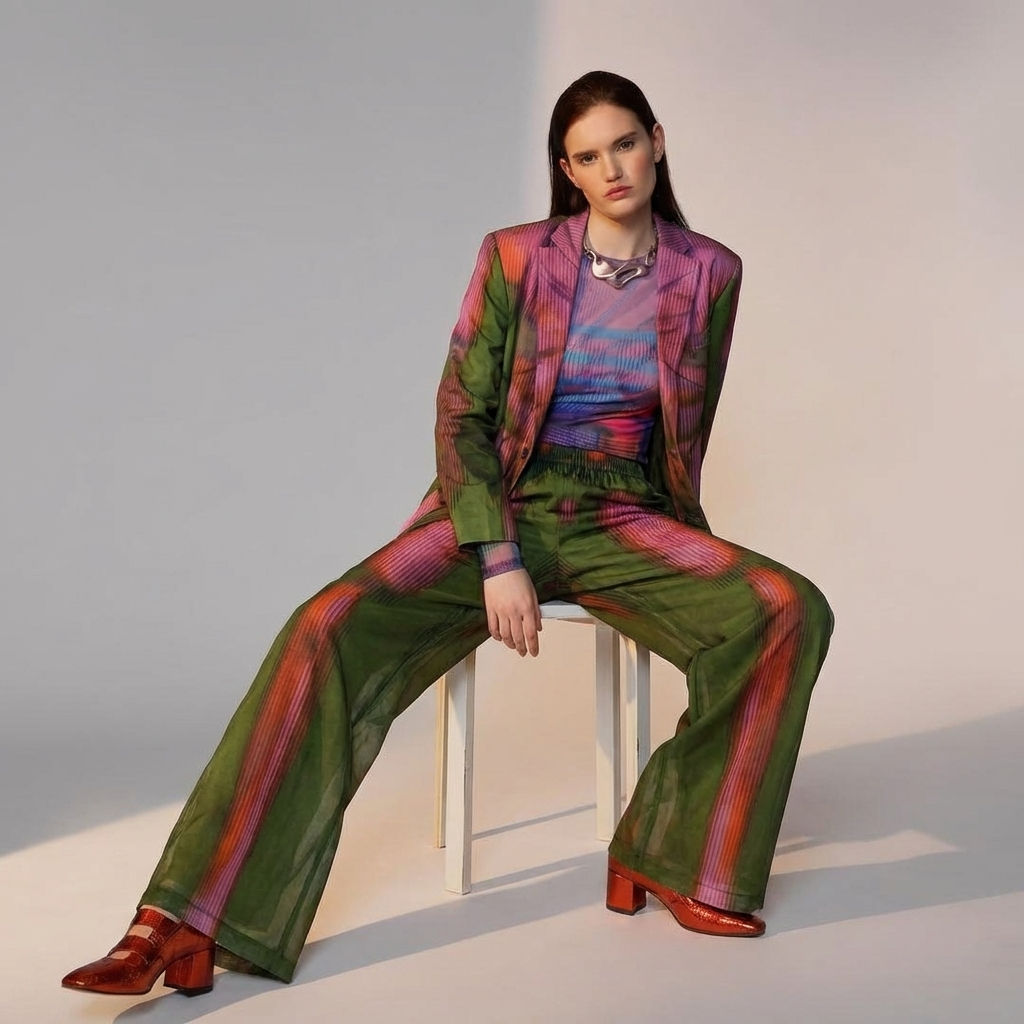 Fit CheckExtract outfits & swap onto new looks
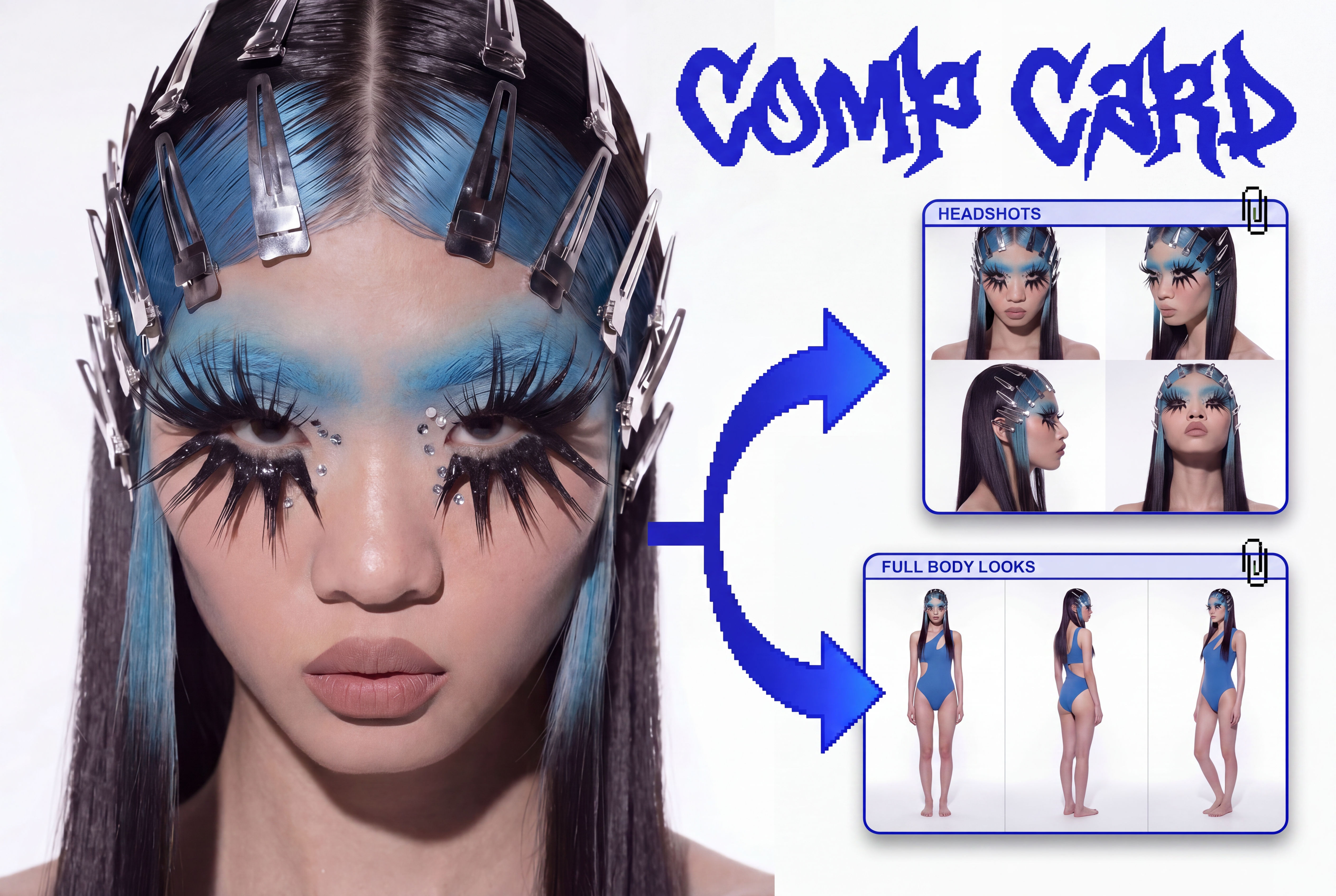 Comp CardTurns a single photo into a full identity kit: a 2x2 headshot grid and a full-body contact sheet.
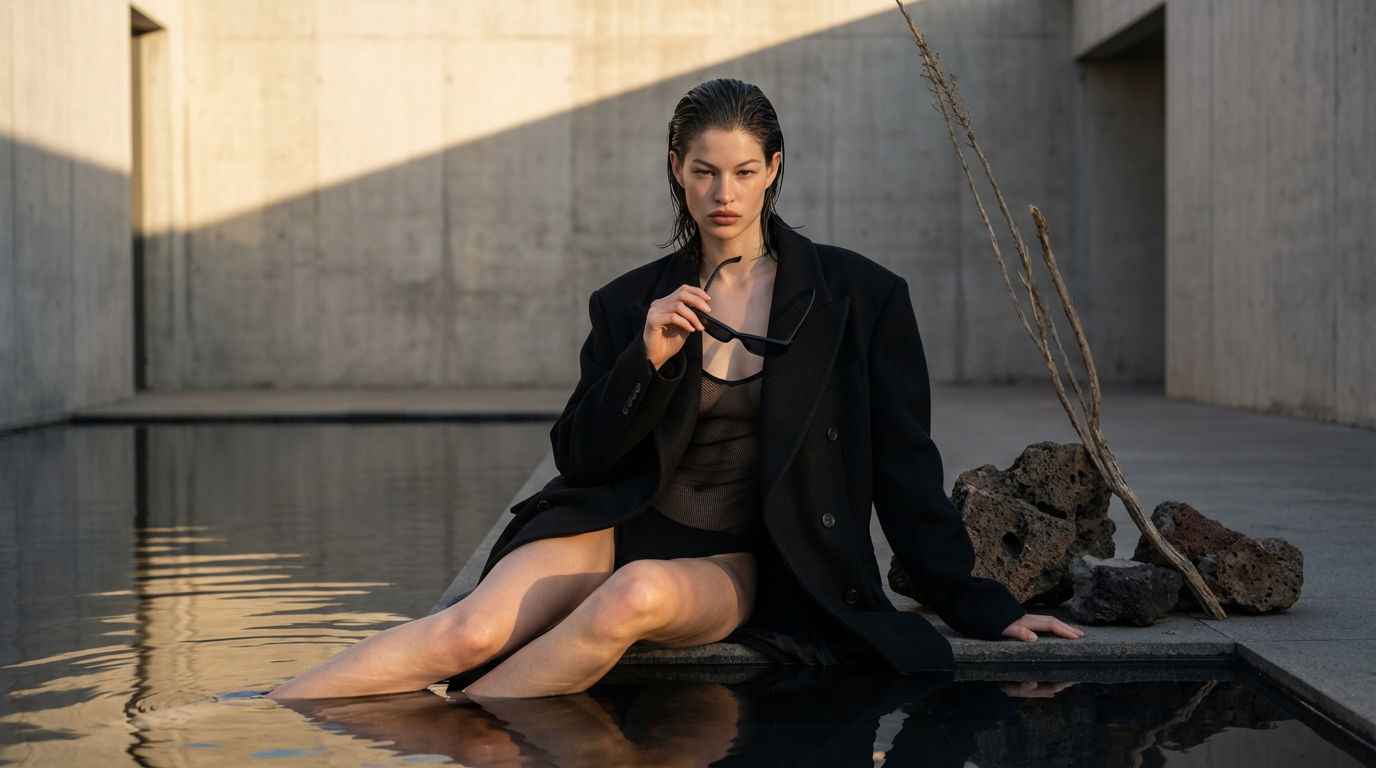 Editorial Fashion Shoot ReplicatorReplicate any editorial shot with a custom face
 Footwear to VectorTurn any footwear into a SVG flat.
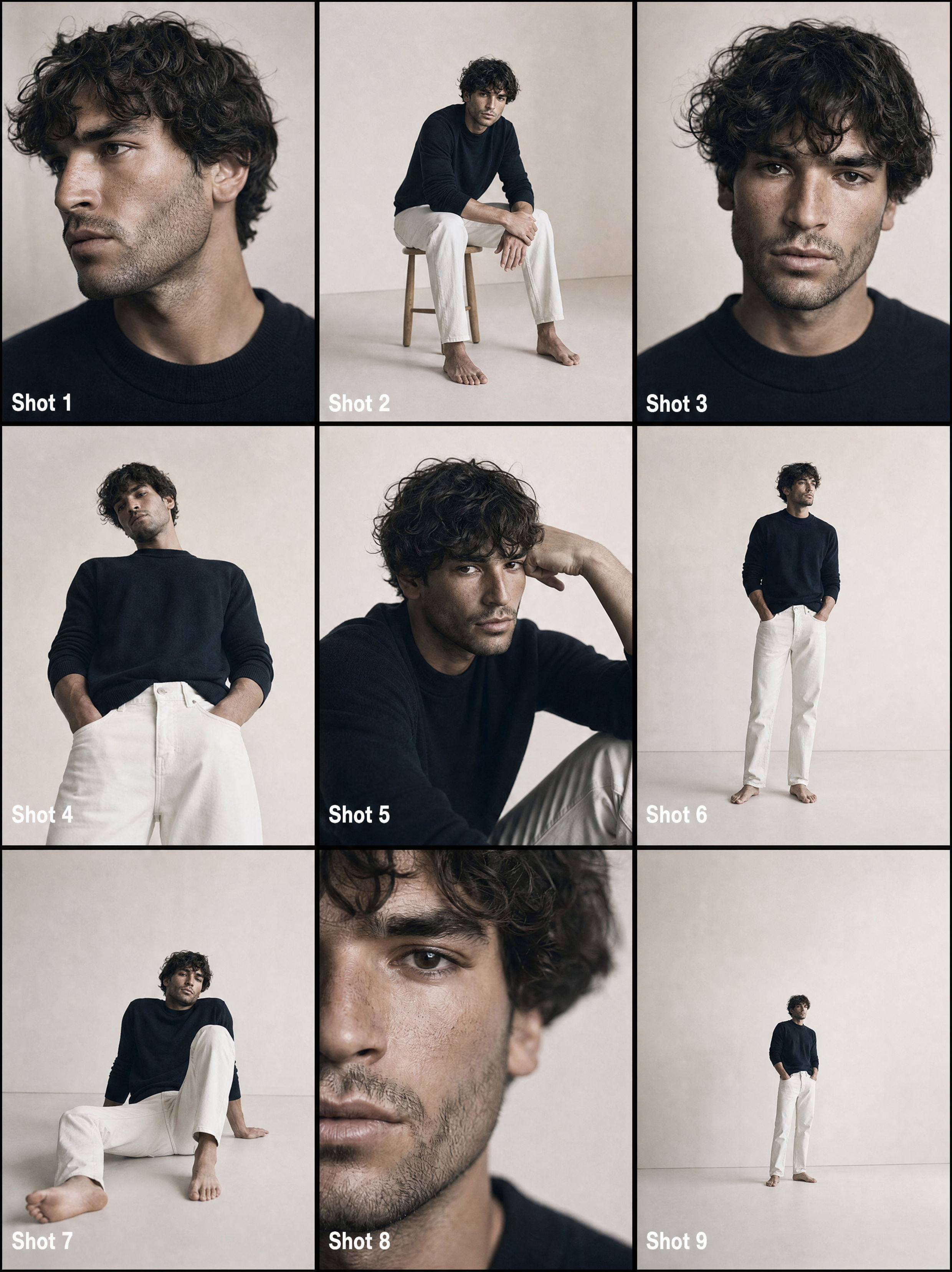 From One Photo to a Full CommercialTurns one passport photo into a 9-shot cinematic storyboard, then into a fast-cut commercial video. Perfect for generating multiple angles and poses from a single reference image.
Create Hat Product Photography Without a Studio Shoot
Headwear on Model

Phil Franco from AI Did That