
A glamour shot generator for makeup products. Upload one product photo and get three video scenes: outdoors, indoors, and with a model.

Beauty Brand Marketing
Cosmetics brands use this glam shot maker to produce polished video content for product launches, creating three distinct scenes from a single product photo.

Social Media Beauty Content
Beauty influencers and social media managers create AI glam shots of new products, getting professional-looking videos without a full video production setup.

E-Commerce Product Pages
Online beauty retailers use the technique to add dynamic video content to product listings, showcasing products in lifestyle and model scenarios.
How to use Techniques?
Discover how to utilize Glam Shots for different scenarios.

Add inputs
Upload images, videos, or type in the prompts to get started.

Generate outputs
Next, hit the "Generate" button to start generating your outputs.

Edit and export
Refine your outputs on canvas, or download them directly.
Frequently asked questions
All you need to know about Glam Shots
What AI glamour shots are, and how the AI builds them
AI glamour shots are ad-grade scenes generated around a product photo you already have. Upload one makeup item and the model builds the setting, the lighting, and the camera move around it, then returns short video scenes rather than a single flat still. Your product is the only fixed element in the frame, and everything surrounding it gets invented to suit it.
The term is older than the technique and points somewhere else entirely. A glamour shot used to mean a soft-focus studio portrait of a person. In beauty marketing it now tends to describe the product: the lipstick resting on wet stone, the compact catching window light, the serum bottle held mid-gesture. That is what this technique makes. Start with a product photo in FLORA and the first pass takes a few minutes.
Why AI glam shots work better in motion than as stills
Finish is difficult to judge from a still frame. A slow push toward an eyeshadow compact shows the shimmer shifting as the angle changes, and a camera move along a glass bottle gives away how thick the liquid inside it is. Texture and weight behave the same way, which is why AI glam shots come back as short video scenes rather than frames. It also lines up with where beauty content gets viewed, on feeds and product pages built for video.
What a glamour shot generator reads in a product photo
Everything the model invents depends on what it can work out about the object first. A glamour shot generator starts from silhouette, the outline that tells it whether it is holding a tube, a jar, a compact, or a dropper bottle. Material matters next, since glass, frosted plastic, and brushed metal each bend light differently and want a different key light to look right. Finish is the awkward part for beauty products, where a matte cap and a mirrored one on the same object ask for opposite treatments. Label legibility tends to be the first casualty, because fine type on a curved surface is the hardest detail to carry through a generation intact.
What to feed a glam shot maker, and what to fix first
Whatever you upload sets the ceiling on what comes back. A glam shot maker can build an entire environment around a product, though it cannot recover detail that was never captured. Use the sharpest version you have, with the label facing camera and the cap sitting the way you want it read. Busy surroundings pull the model's attention, so running the source through a background remover first hands it a cleaner object to work from. If the only file on hand is a small web export, an image upscaler pass before you generate is worth the extra minute.
Where AI glamour shots fit in a beauty campaign
Three scenes is rarely where a product photo stops. AI glamour shots tend to be the first thing a beauty team generates, and the same asset carries into product motion for tighter loops, into UGC creation for the handheld social cut, and into longer edits through FLORA's AI video generator. Because all of it lives on one canvas, the approved look stays a reference point for every variation instead of something your team rebuilds each time.
Related techniques
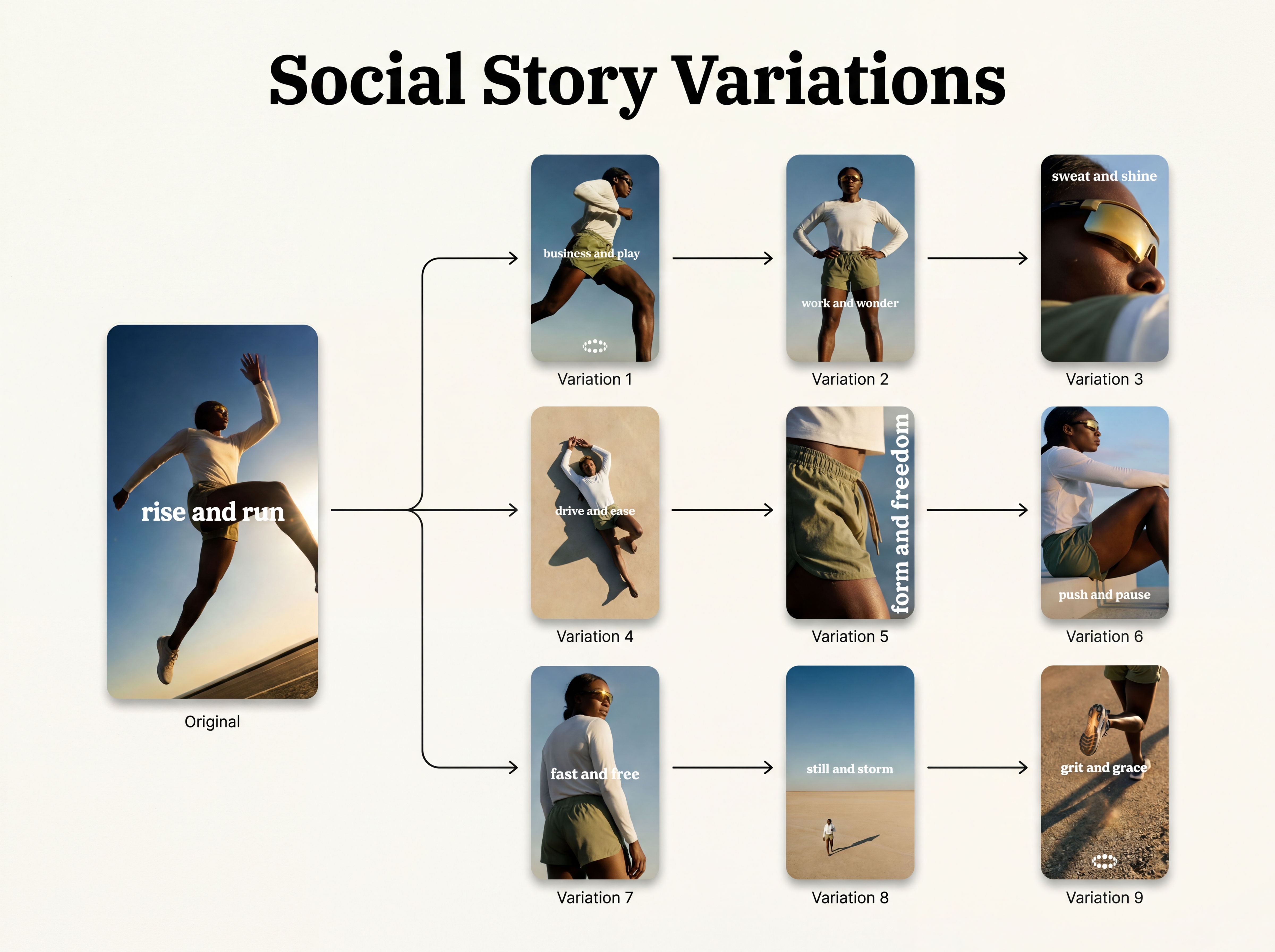 Instagram Story VariatorOne IG story in, nine variations out.
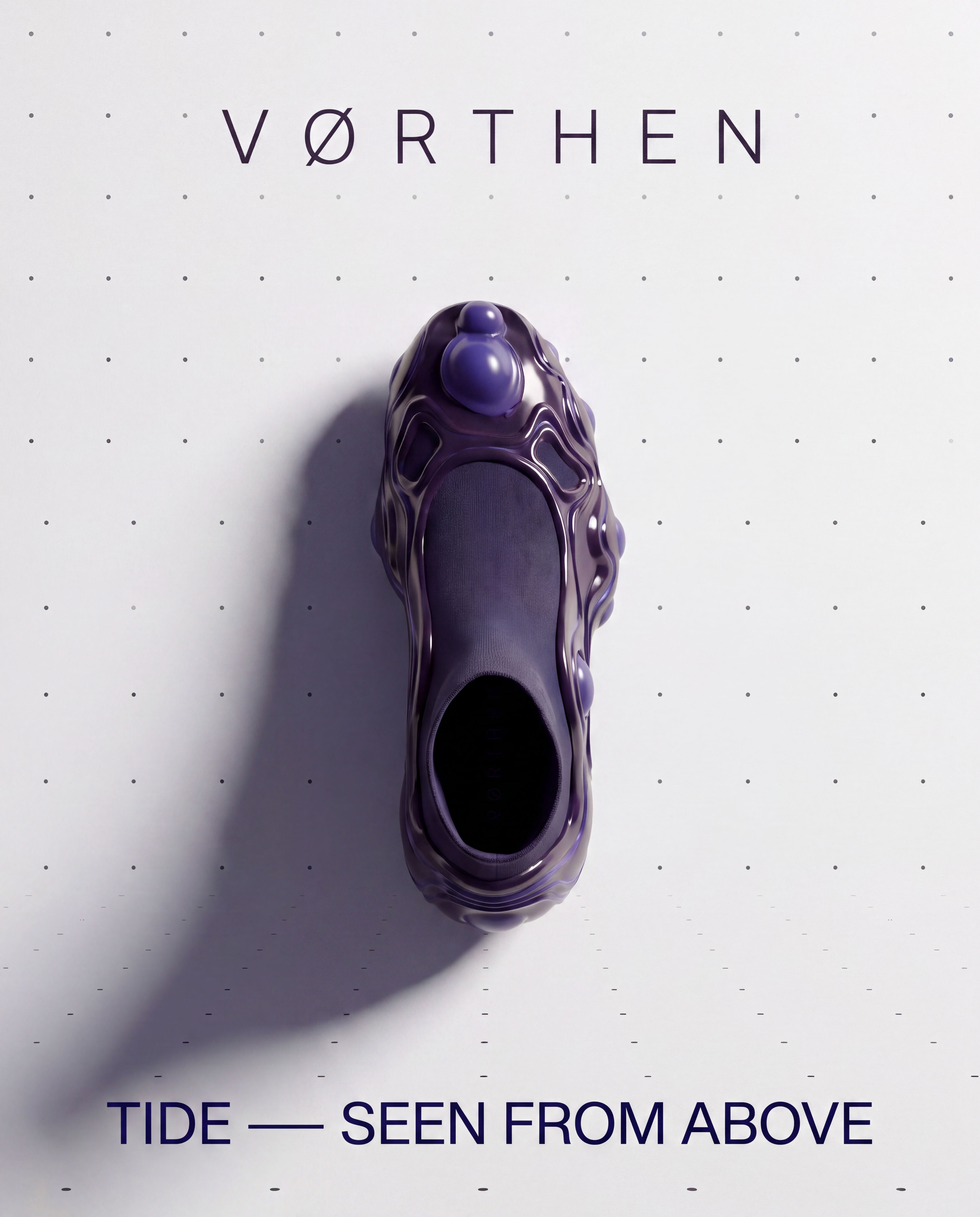 Meta Ad VariatorOne ad in, nine variations out.
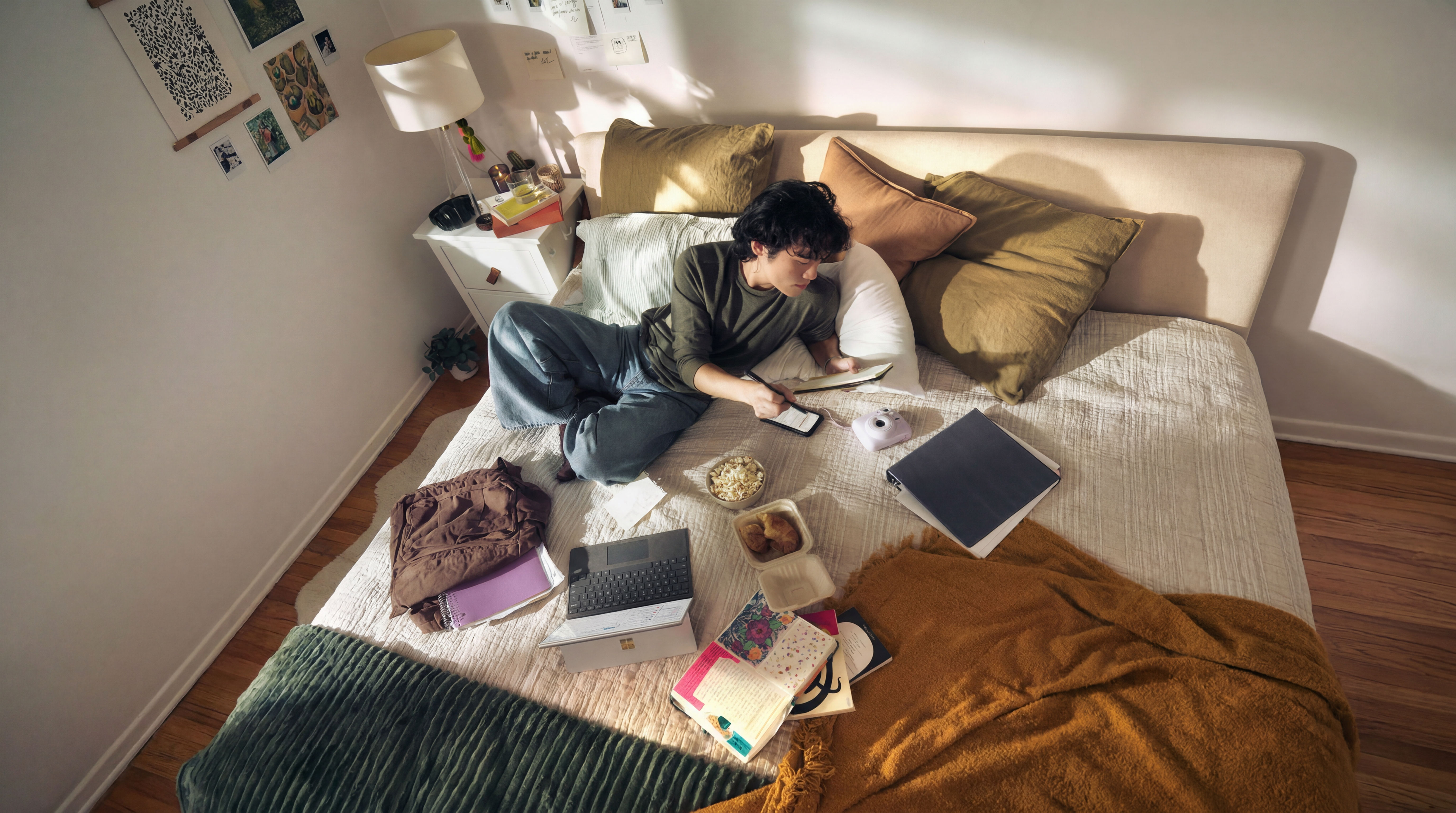 Photography/Image Aspect Ratio ChangeWorks best with photography or images without text.
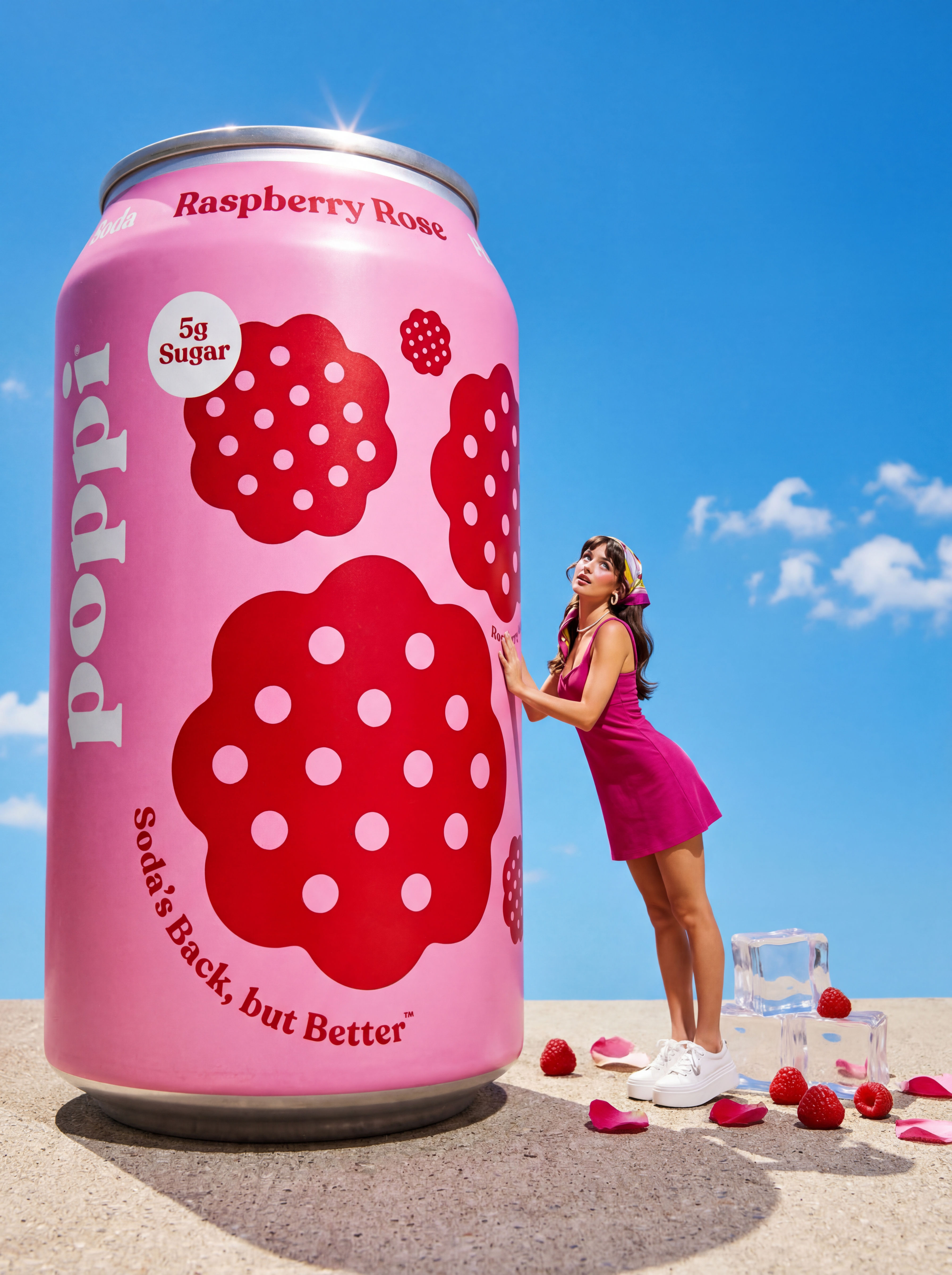 Product to Ad VisualsMake a compelling ad campaign of 4 visuals from 1 product shot
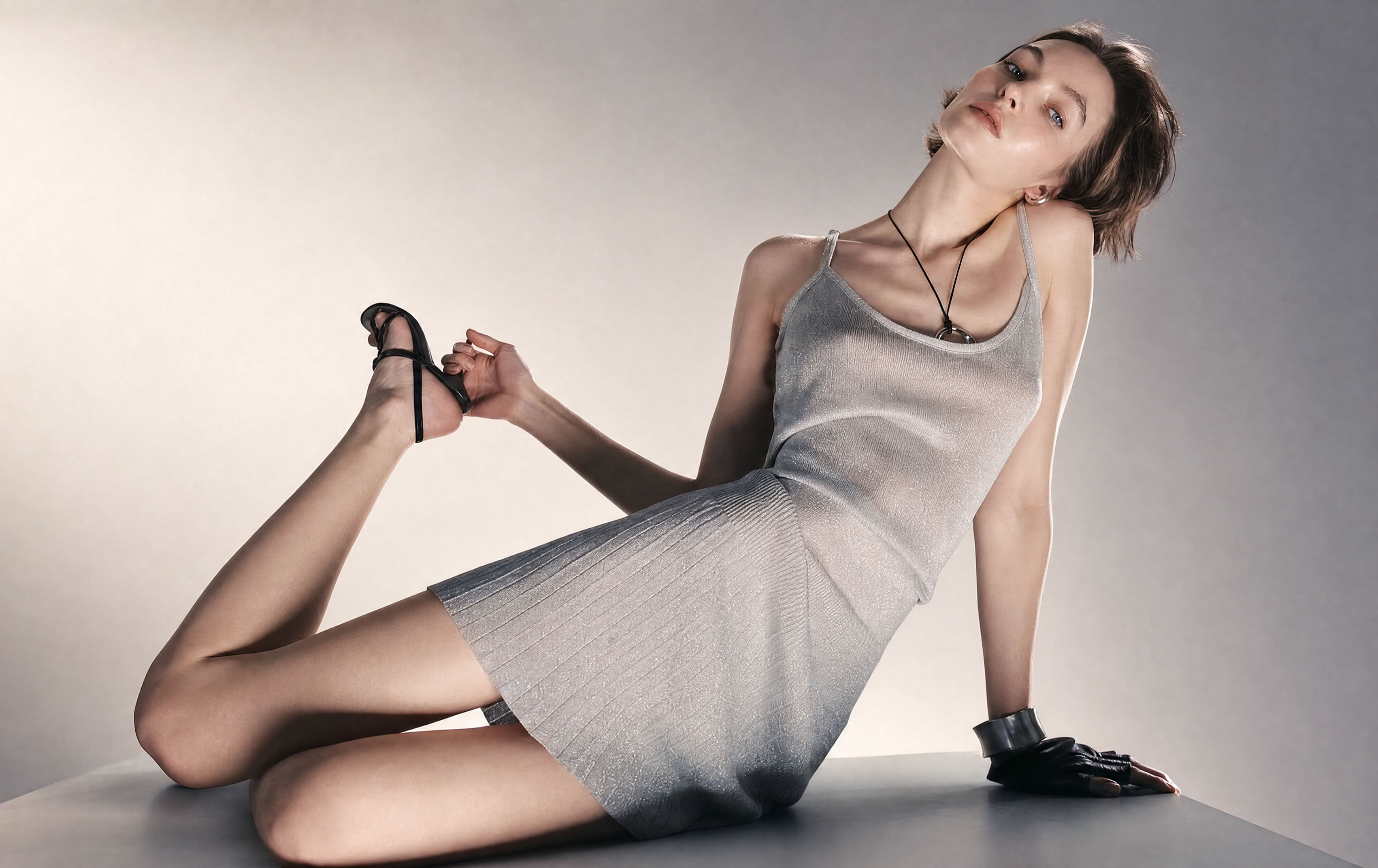 Relighting Photoshootconfirm the lighting with your team/client and have a lighting diagram to share with your team.
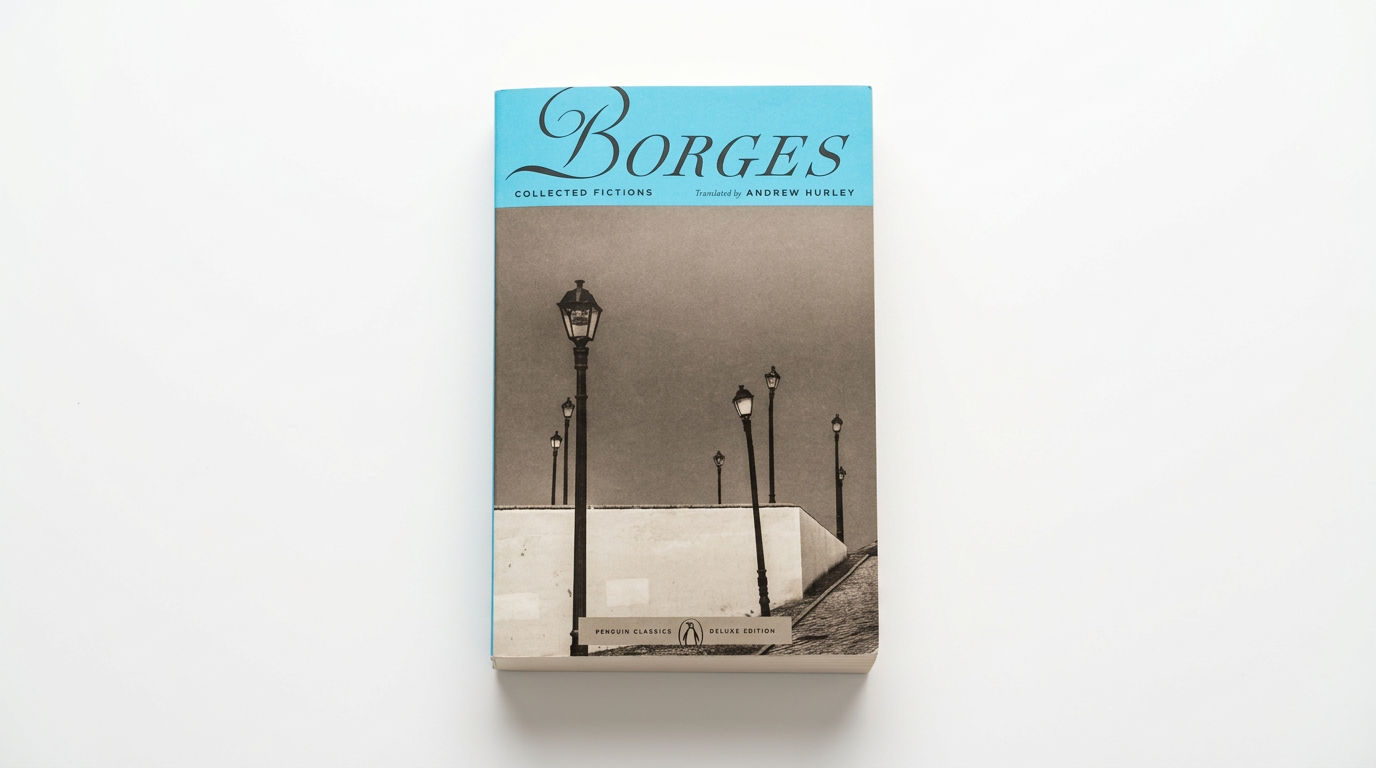 Book DropMocks up front and back book covers
Create AI Glamour Shots From a Single Makeup Product
Create polished makeup ads instantly

Jeffrey Blum