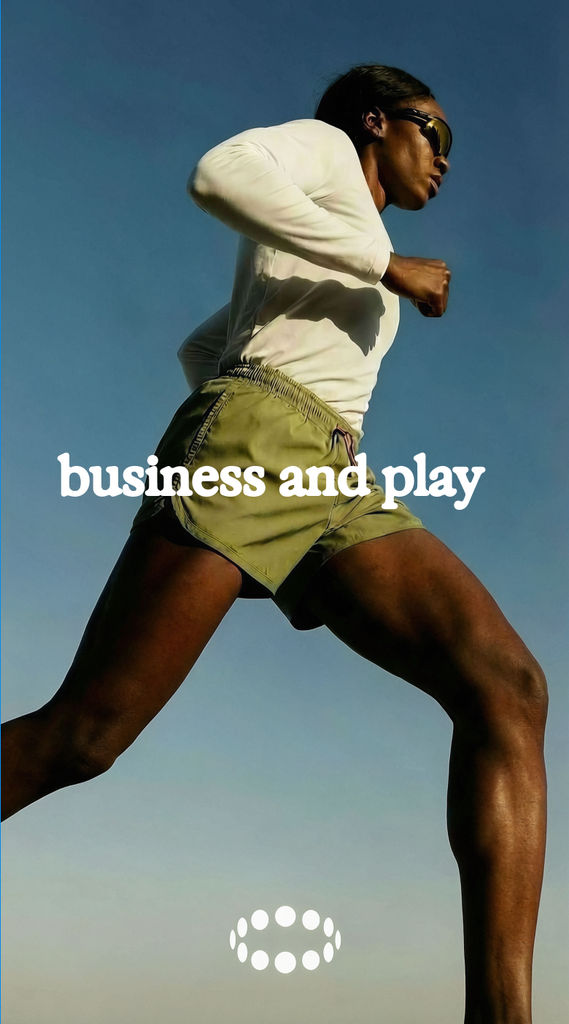
Variation Direction
More of the same creative world, seen differently.
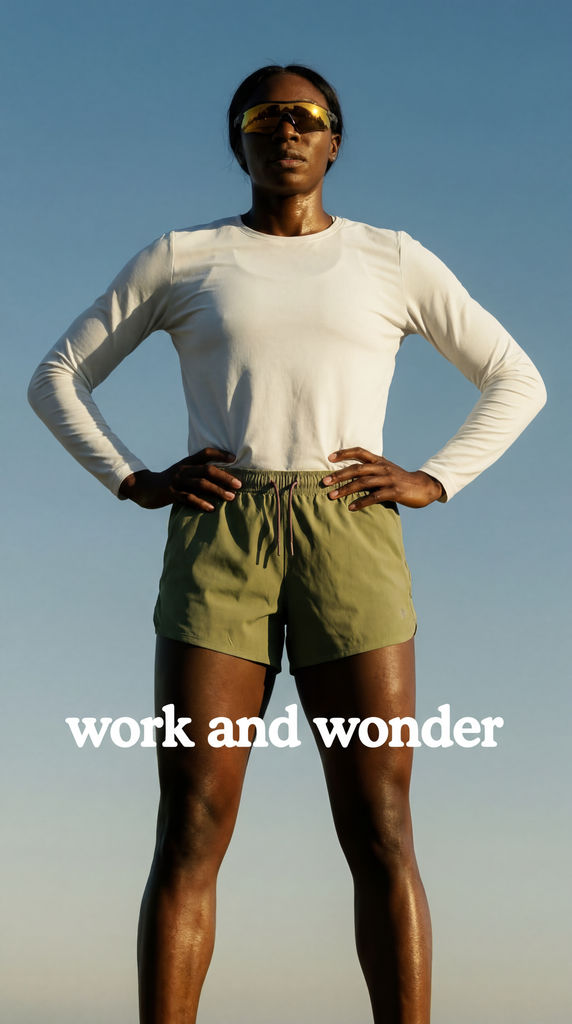
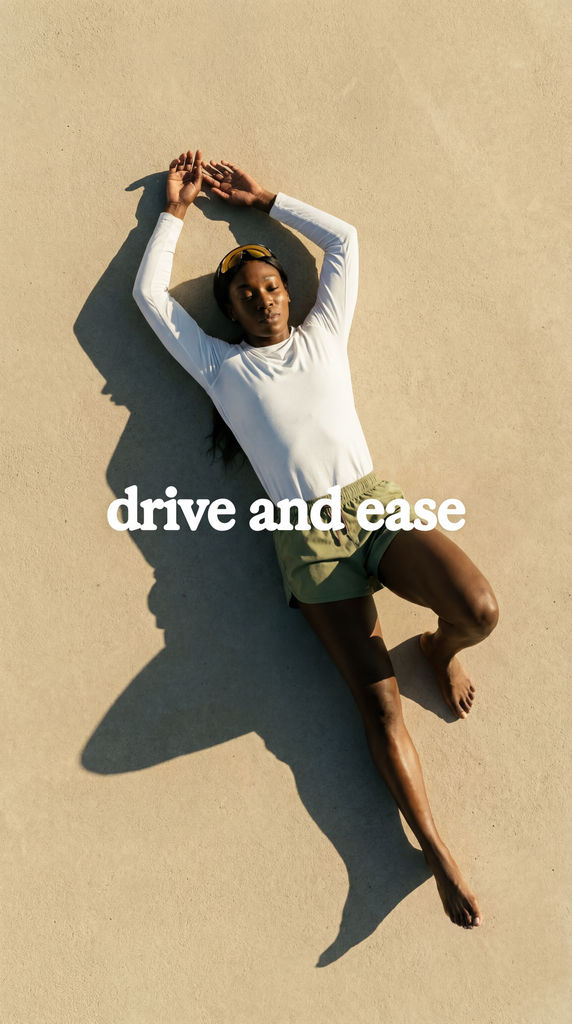


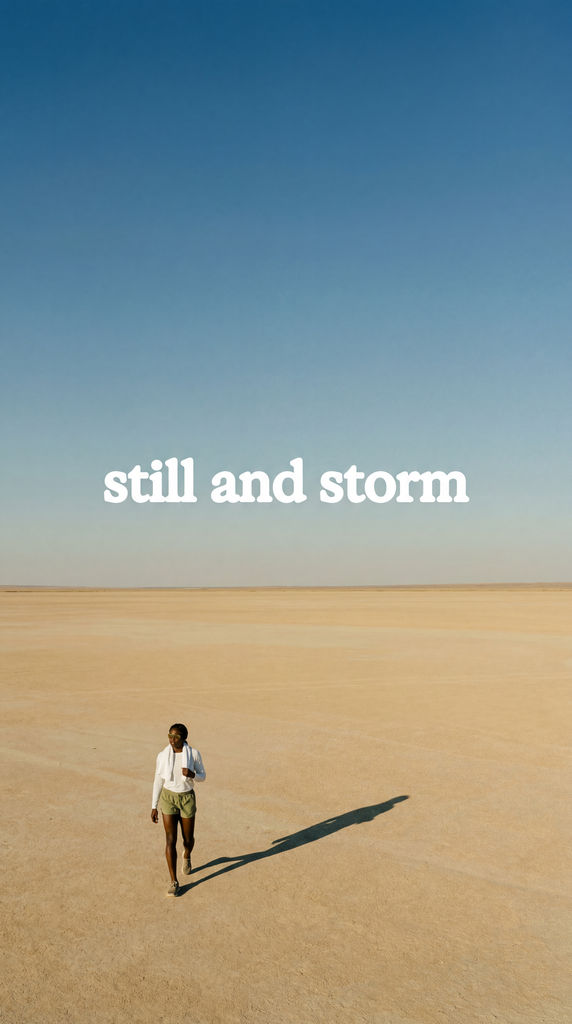
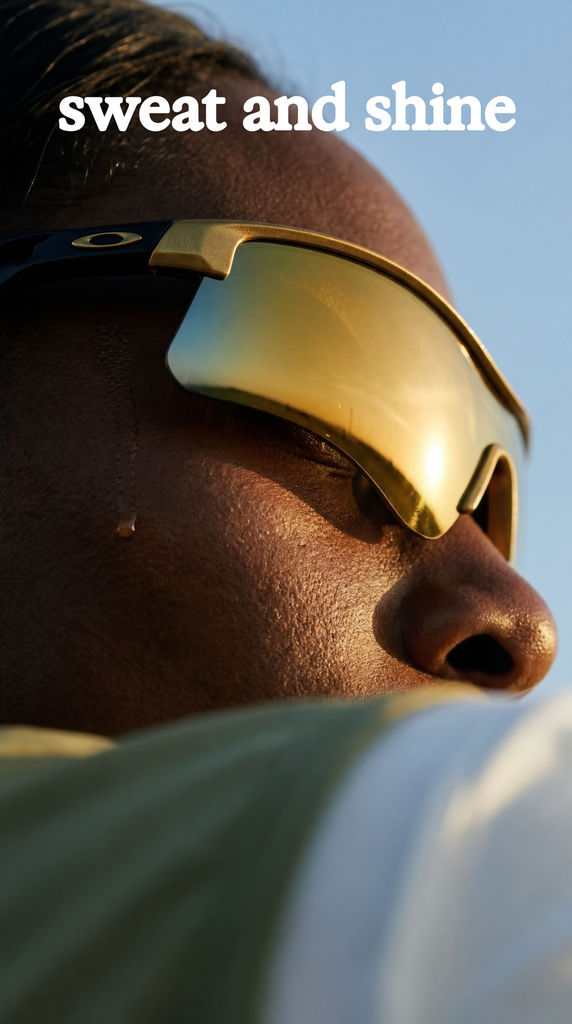
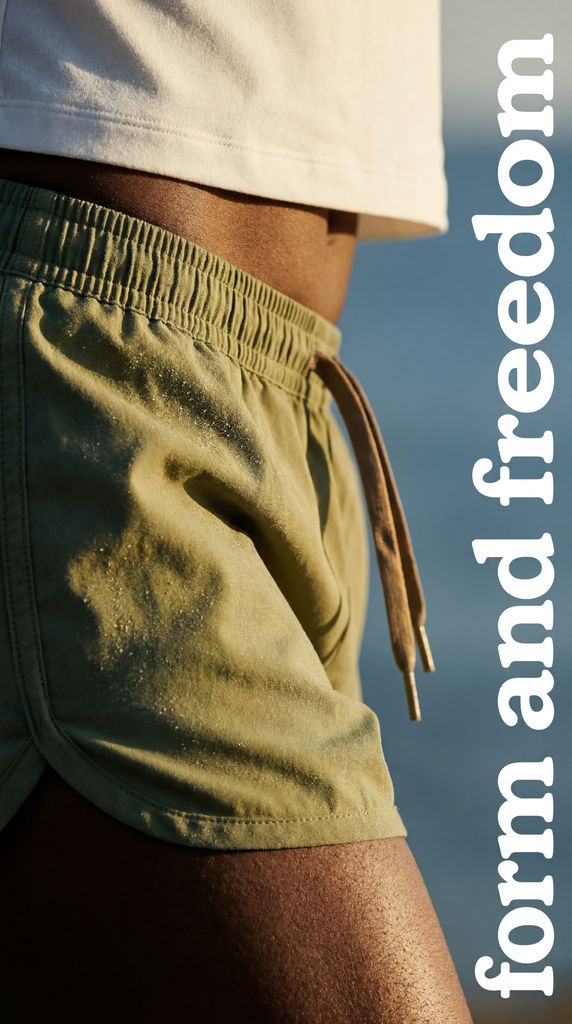
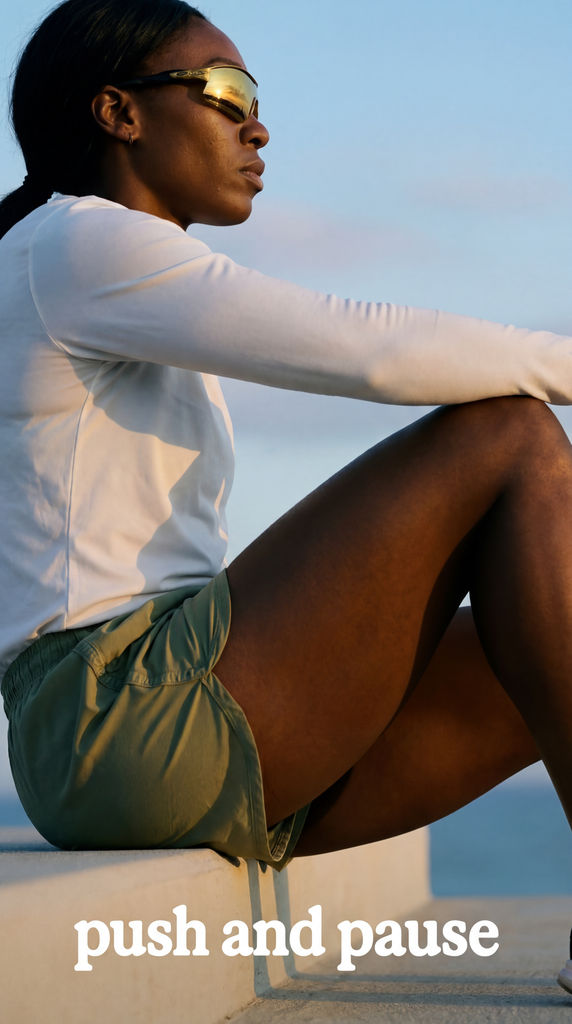
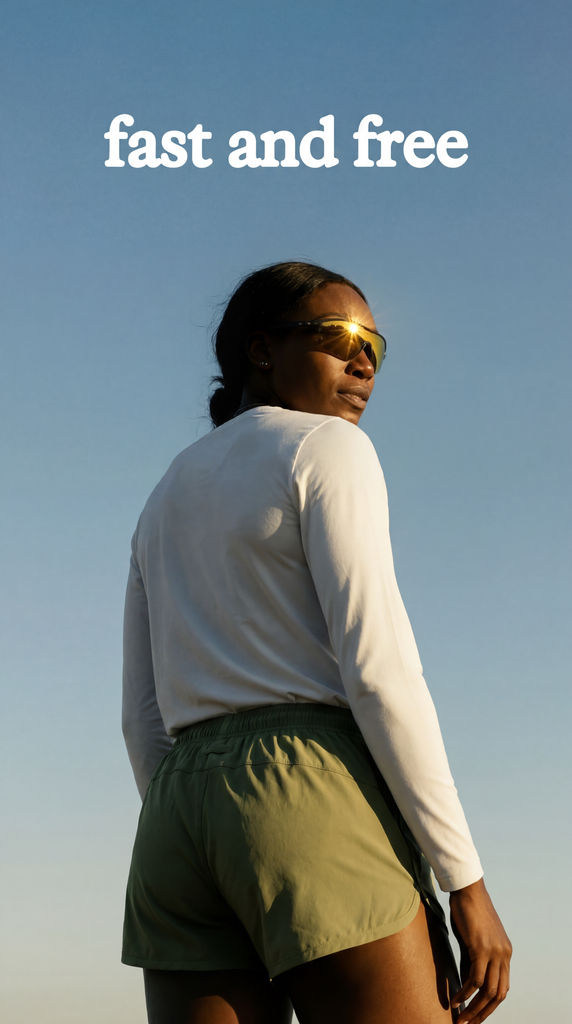
Upload a single story post and get back nine fresh shots of the same subject, from a tight close-up to a wide and a closing shot.

Brand Social Teams
Social teams use the Technique as an Instagram story generator for campaign weeks, turning one approved hero image into nine frames built around the same subject.

Creators and Influencers
Creators posting every day use it as an Instagram story creator, getting a close-up, a candid and a wide from a single photo instead of staging a new shoot.

Product Launches
Shops announcing a new product turn one product story into a full run of frames, from a texture macro of the details to a closing shot for the last slide.
How to use Techniques?
Discover how to utilize Instagram Story Variator for different scenarios.

Add inputs
Upload images, videos, or type in the prompts to get started.

Generate outputs
Next, hit the "Generate" button to start generating your outputs.

Edit and export
Refine your outputs on canvas, or download them directly.
Frequently asked questions
All you need to know about Instagram Story Variator
What an Instagram story maker does when it starts from your photo
Most tools sold as an Instagram story maker give you a blank vertical frame and a library of layouts to fill. This Technique starts from a story image you already have. You upload one finished shot, and the AI generates nine new frames of the same subject, so one photo becomes enough material for a full sequence of stories.
Fonts and stickers are easy to add in Instagram itself. Having several strong images of the same product, place or person is harder, and that usually means another shoot. If you want to see what it does with your own photo, create a FLORA account and try it on a picture you've already posted.
Why one image rarely carries a whole story
People watch stories one tap at a time. If every frame shows the same picture with different text on top, viewers start skipping before they reach the end. When each frame shows a new angle of the same subject, there is something new to look at on every tap, and the sequence still reads as one story.
Photographers plan for this with a shot list. They take a wide shot to set the scene, closer shots for detail, a relaxed moment that feels unposed and a clean final image to end on. An Instagram story generator that works from your image gives you a similar spread of shots from one upload. You can then choose the ones that fit the story you want to tell.
If you plan stories ahead, it can help to sketch the order of frames first. The Storyboard Maker is useful for mapping out a longer sequence before you post.
How to put the frames in order
The nine variations come back as a grid, and you can post them in any order. This simple order works for most stories:
- Start wide. Use the wide shot or the in-context shot so viewers know where they are.
- Move closer. Follow with the close-up and the texture macro to show details the first frame didn't.
- Add a candid moment. The candid shot or the unexpected angle changes the pace so the sequence doesn't feel like a product catalog.
- End on the strongest image. Put your link sticker, poll or call to action on the signature frame or the closing shot.
You don't need to use all nine. Five or six frames is often enough for one story. Save the rest for a second story later in the week, or use them in a feed post.
How the AI makes each variation
The AI looks at your upload and picks out the subject, the lighting, the colors and the setting. It then generates new shots that keep those elements and change the camera position, distance and crop. Each frame is newly generated, so a close-up can show more detail than the original photo had, and a wide shot can show more of the surroundings.
Because the frames are generated, small details can change between them. Before you post, check anything that has to be exact, such as a logo, a label or printed text on a product. If one frame needs a fix, open it on the FLORA canvas and edit it there.
Image quality matters too. A sharp, well-lit photo with one clear subject gives the AI more to work with than a dark or busy one. If your favorite variation looks a little soft, run it through the Image Upscaler before posting.
Other ways people search for this
People look for this kind of tool under several names. They are usually trying to do the same job:
- an Instagram story creator that turns one photo into a sequence
- a free Instagram story maker for posting more often without a new shoot
- an AI tool for "more angles of the same photo"
- a way to make story variations from a single product shot
The main difference between these tools is the starting point. Template tools start from a layout. This Technique starts from your photo, and you add text and graphics afterwards in whichever app you already use.
Where to take the frames next
Once you have your frames, a few other FLORA Techniques can help you use them in more places:
- To fit a frame to a different shape for a feed post or ad, run it through Quick Reframe.
- If you sell a product, Product Animator can add motion to a still, which works well as the first frame of a story.
- If you work with creators, UGC Creation helps you make content in the casual style people expect from creator posts.
- If you don't have a photo yet, start with the AI image generator and bring the result back here.
All of these run on the FLORA canvas. You can turn one story image into a full sequence, a motion opener and resized versions for ads in the same workspace.
Related techniques
 Meta Ad VariatorOne ad in, nine variations out.
 Photography/Image Aspect Ratio ChangeWorks best with photography or images without text.
 Product to Ad VisualsMake a compelling ad campaign of 4 visuals from 1 product shot
 Relighting Photoshootconfirm the lighting with your team/client and have a lighting diagram to share with your team.
 Book DropMocks up front and back book covers
 Auto TranslateTranslate text in images instantly
Use the Instagram Story Maker to Get Nine Variations From One Image
One IG story in, nine variations out.

Sasha Zabegalin from FLORA