Subject
a trail runner: a woman caught mid-stride, her face unchanged, wearing a teal windbreaker and a black cap
Motion
the runner keeps driving forward at a steady pace, hair and jacket rippling in the wind, fine dust lifting off the trail behind each footfall
Scene
a golden-hour alpine ridge trail — warm low-sun backlight and haze, a distant ridgeline and drifting clouds in the sky above, rocky singletrack with scree and low alpine grass on the ground
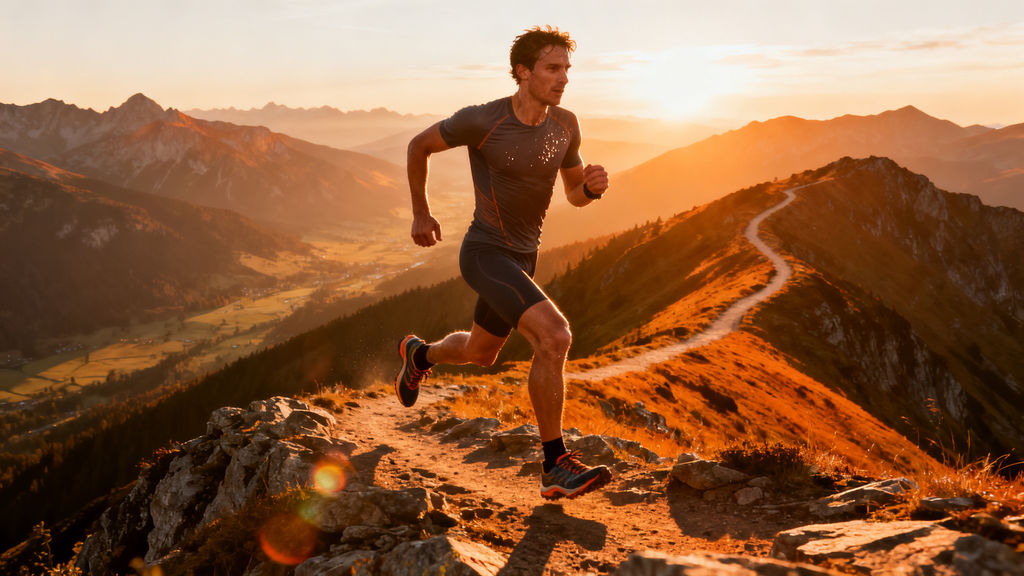
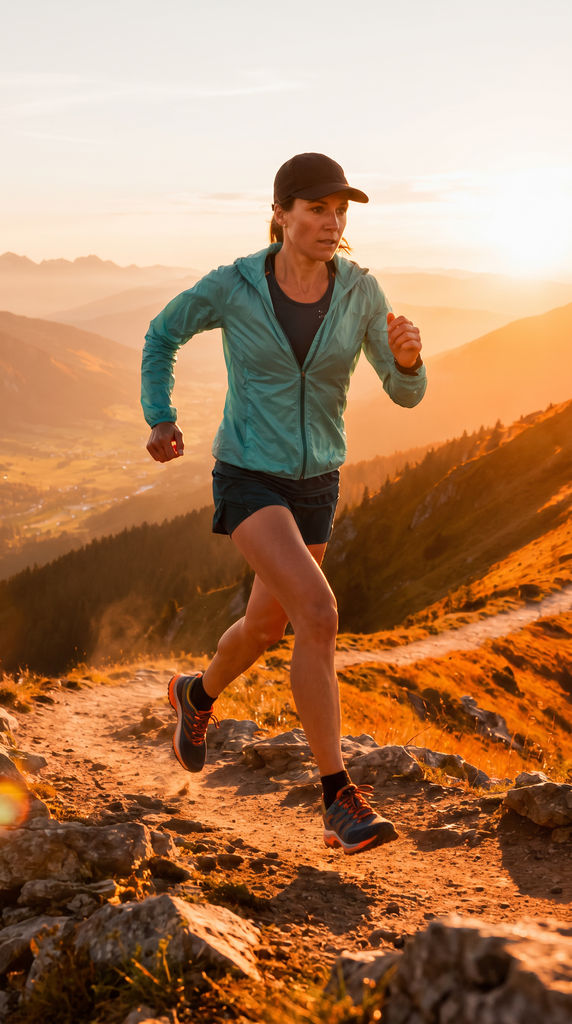
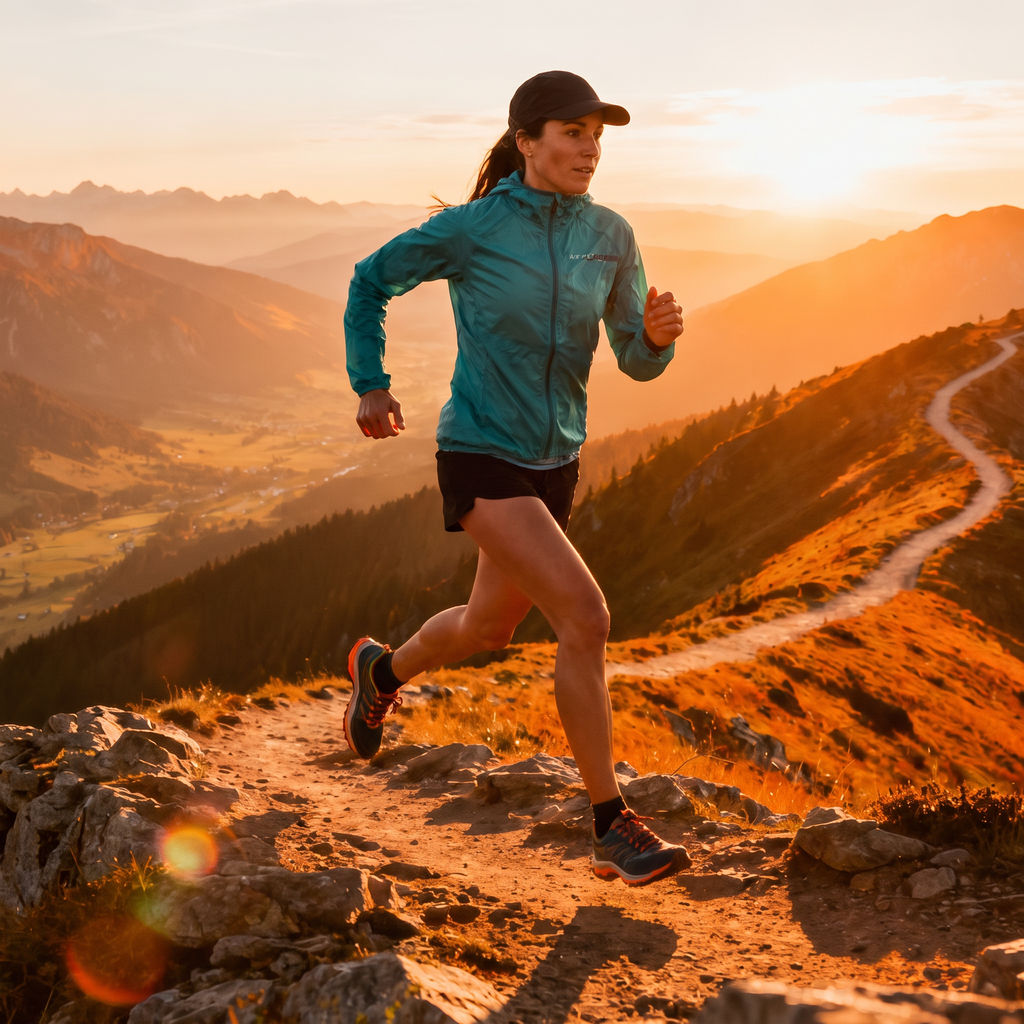
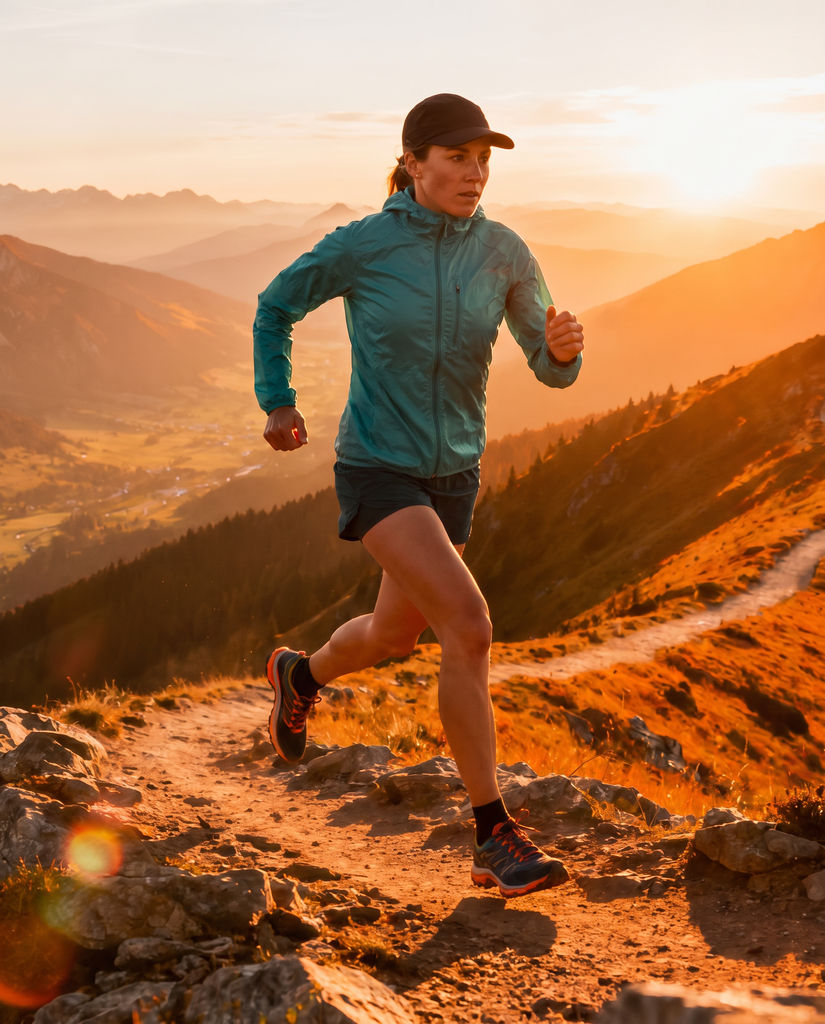
One 16:9 hero clip becomes a 9:16 vertical, a 1:1 square and a 4:5 portrait, with the subject kept centered.

Short-Form Social
Social teams resize video for TikTok, Reels and Shorts from the same landscape master, keeping the subject centered in a 9:16 frame instead of cropped at the edge.

Editorial Workflows
Editors run one video resize pass on a master clip rather than exporting each aspect ratio by hand in the timeline.

Editorial Workflows
Editors run one video resize pass on a master clip rather than exporting each aspect ratio by hand in the timeline.
How to use Techniques?
Discover how to utilize Video Resizer for different scenarios.

Add inputs
Upload images, videos, or type in the prompts to get started.

Generate outputs
Next, hit the "Generate" button to start generating your outputs.

Edit and export
Refine your outputs on canvas, or download them directly.
Frequently asked questions
All you need to know about Video Resizer
What a video resizer actually does, and why reframing beats cropping
A video resizer rebuilds footage shot in one aspect ratio so it works in another, which is how a single 16:9 master ends up running as a vertical Reel, a square feed post and a 4:5 portrait ad without three separate edits. Getting the dimensions right is trivial. Deciding what survives inside them once you've lost most of the width is where the actual work sits.
That's the decision this Technique handles on FLORA's canvas. You describe the subject, the motion and the scene, add a frame, and the outputs come back composed around whatever you named. Start on the free plan and the full set of ratios generates in one pass.
Why a straight crop breaks a 16:9 shot
A conventional video resizer holds a smaller rectangle over the footage and discards whatever falls outside it. On a locked-off interview shot that's fine. Everywhere else it tends to go wrong fast: subjects drift out of frame partway through a take, on-screen text loses its right-hand third, and exports get padded with black bars so the dimensions add up. In a feed built for full-bleed vertical, those bars just look like a mistake.
Reframing changes what the box is anchored to. The subject description tells the model what has to stay in shot, so a trail runner holds the center of a 9:16 cut while she moves across the ridge. What comes back is a new composition drawn from the same material, closer to a reshoot than a crop.
The same job, described a dozen different ways
Almost nobody uses the same words for this. Some people want to resize video online without installing an editor. Others go looking for a way to resize video online free before committing to a subscription seat. A social producer usually just needs to resize video for TikTok because the shoot was booked wide and the brief changed after. In post it's a video resize pass, and in paid media it's cutting placements.
That vocabulary spread shapes what people expect on arrival. If you've come from file-conversion tools, you're probably hunting for a dimensions field and a download button. A video resizer built on generative models works differently. There's no box to type 1080x1920 into, and the framing decision happens in the prompt instead.
If the asset is a still rather than a clip, use the aspect ratio converter instead: it regenerates the scene around the subject at the new ratio, so an image can go from 16:9 to 9:16 without losing what matters. This page is the video half of that pair.
How the Technique decides what to keep
Four inputs shape the result:
- Subject. The field that does the most work. Framing anchors to it, so "a trail runner caught mid-stride" holds up far better than "a person."
- Motion. How the subject moves through the shot tells the model where the frame needs to travel.
- Scene. The surrounding context, which decides how much environment survives the tighter ratios.
- Frame. A JPG, PNG or WEBP still that sets the look everything else is generated against.
Most off-center results trace back to a subject line that was too general for the model to act on.
Where the output goes next
The resized clips land on the canvas as nodes, so they stay editable and connectable:
- Extend one clip into a full sequence with Video Scene Builder.
- Stitch versions into a continuous cut using Seamless Transition.
- Reshape a still image instead of footage with Aspect Ratio Converter.
- Build a longer narrative edit around the same material in Cinematic Movie Generator.
- Give a product its own motion pass through Product Motion.
- Compare what the models handle across FLORA's AI video generator.
Ratios are usually only the first ask. The client sees the 9:16 cut, wants a fifteen-second version of it, then wants a second subject in the same setup. Keeping every version on one canvas means the next request starts from work that already exists.
Related techniques
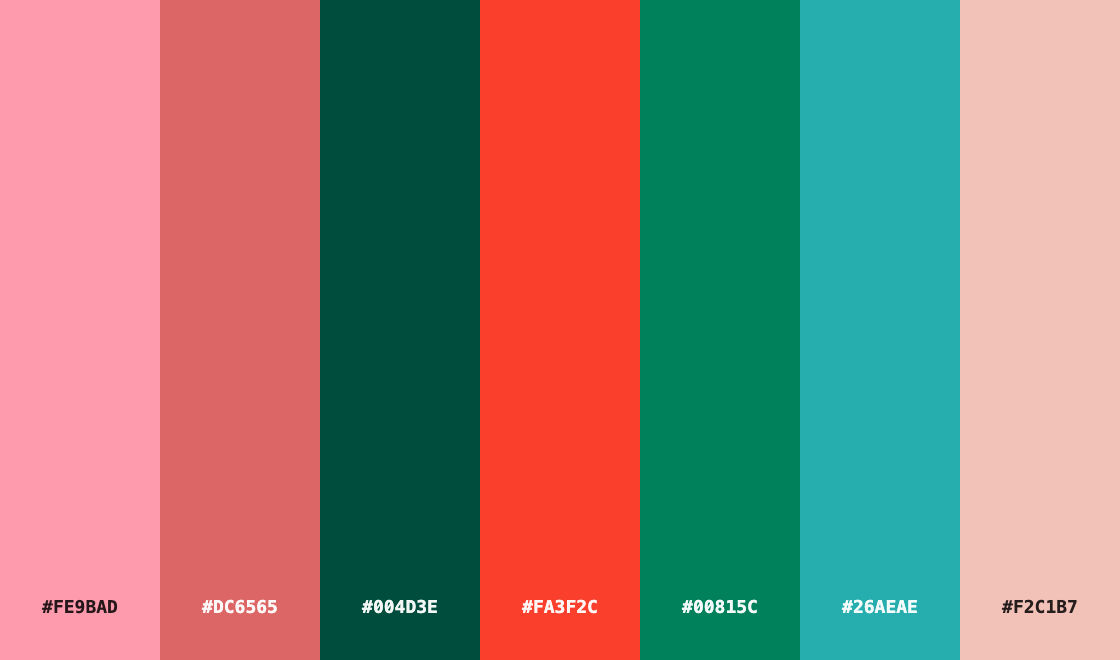 Color Palette ExtractionExtract color palettes from any image
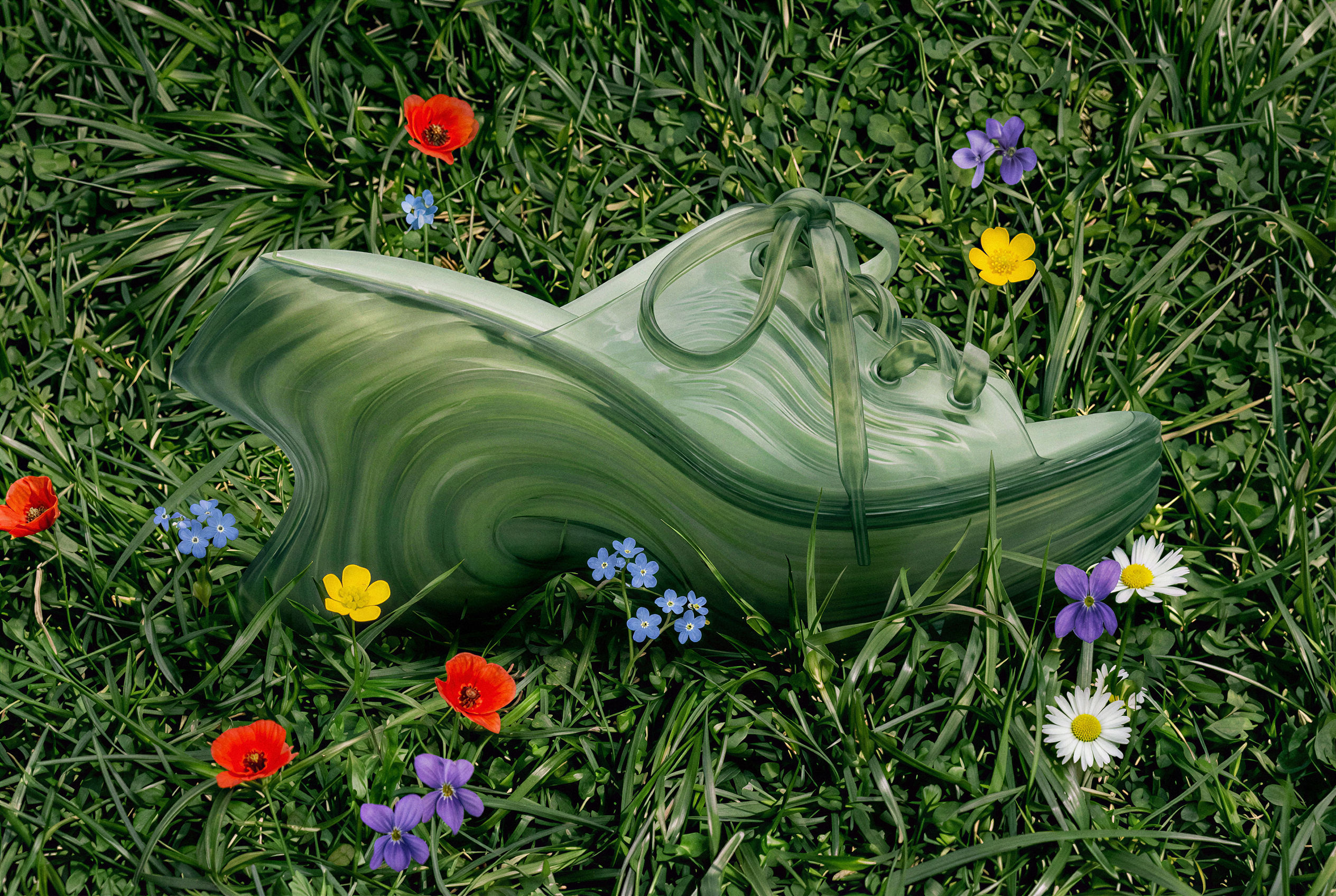 Image UpscalerUpscale any image to a higher resolution in one click.
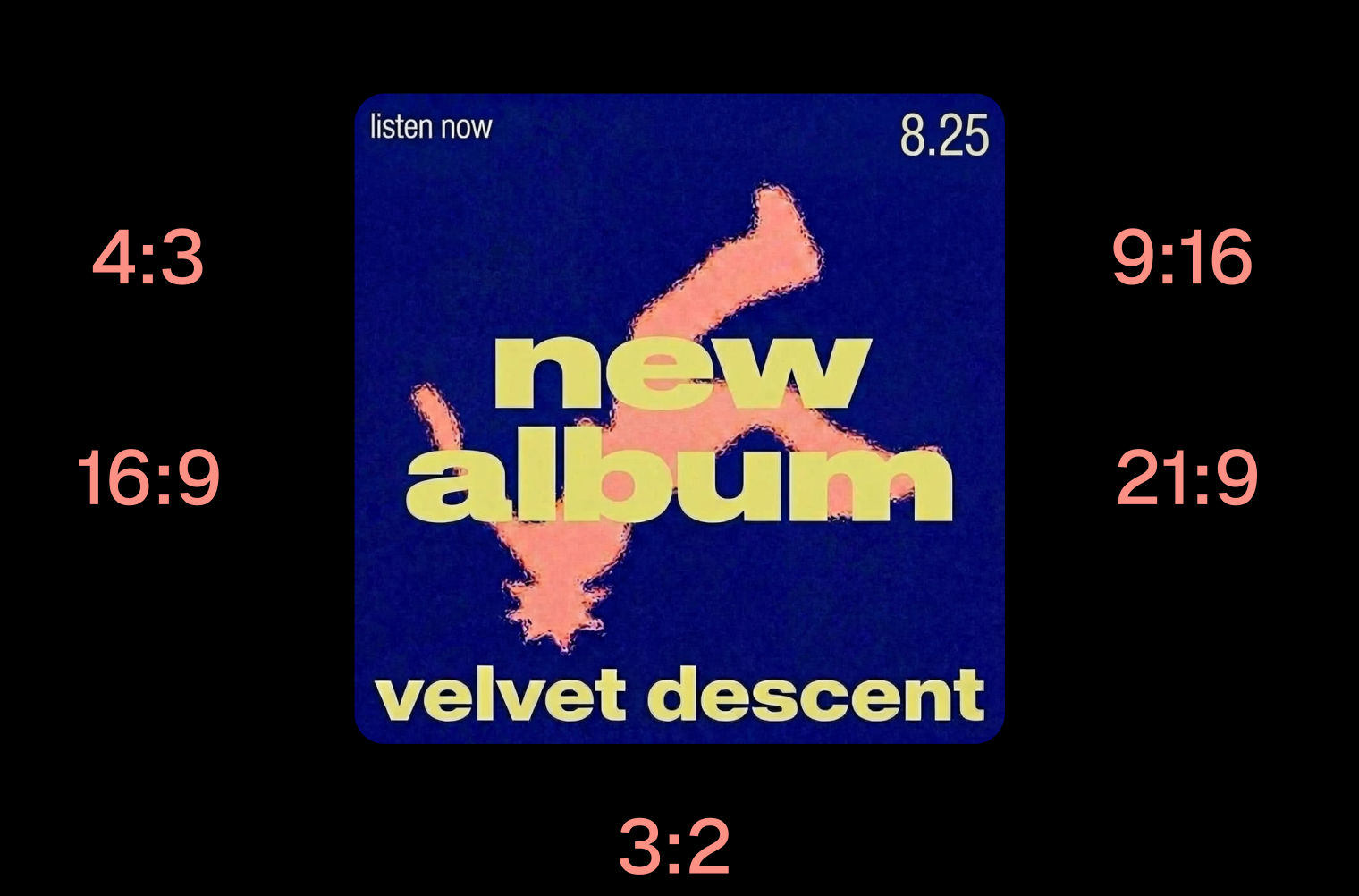 Layout ResizerResize layouts for any aspect ratio
 Prompt ExtractorReverse-engineers any image into a prompt
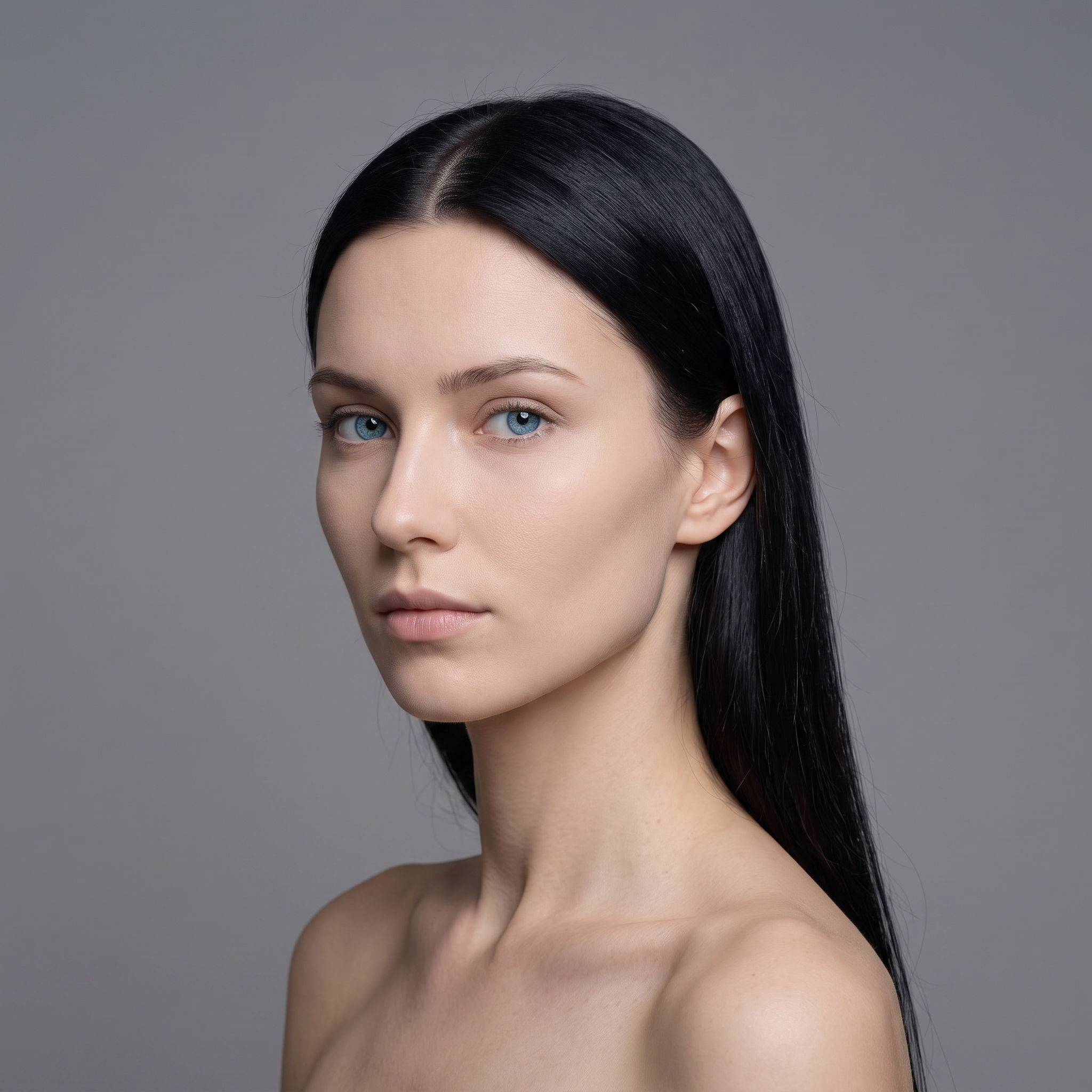 3 Angle ShootFront shot in, 45, 90, and 180 angle back
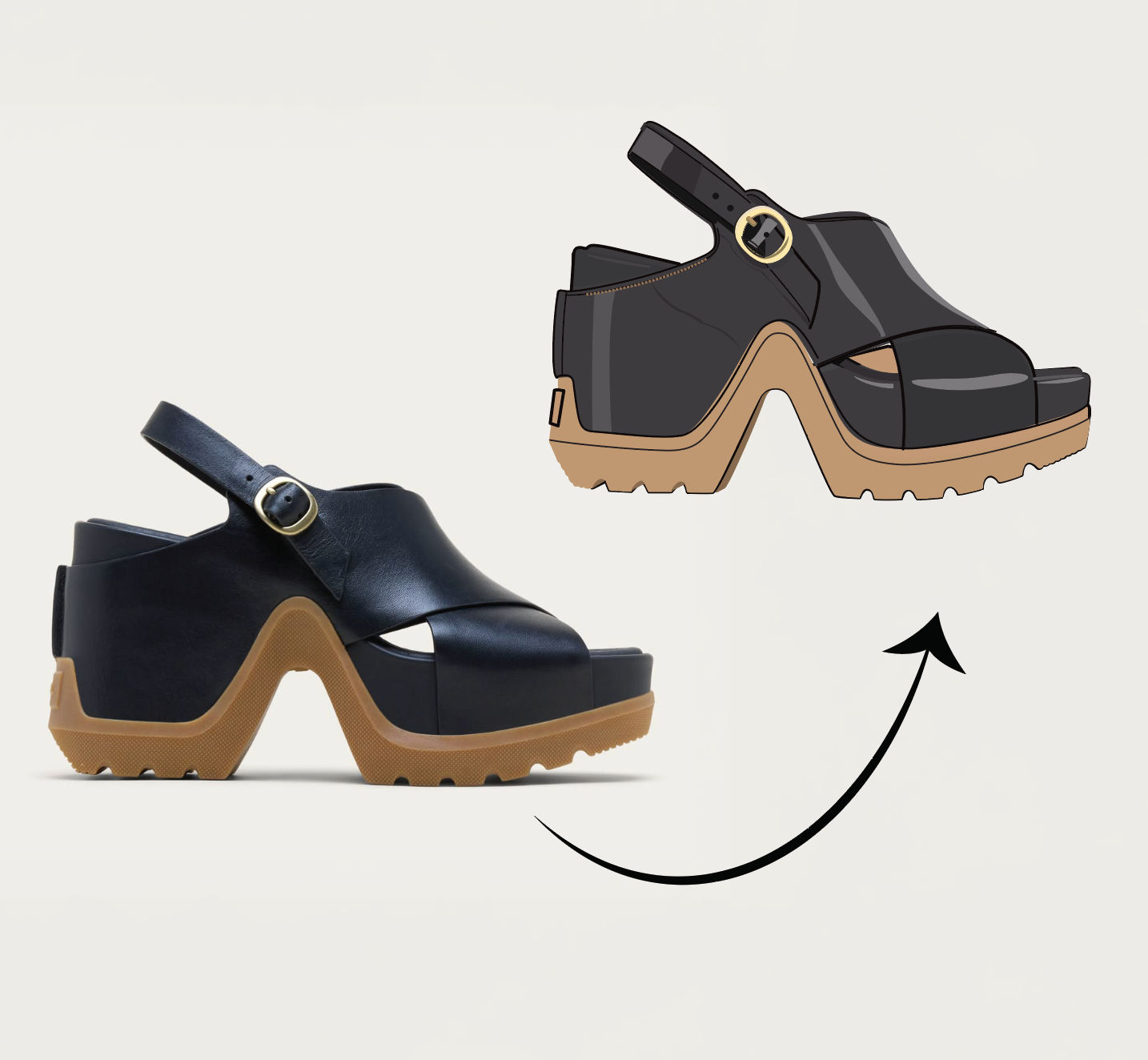 Anything to VectorTurn any image into a SVG vector illustration.
Use the Video Resizer to Reframe One Clip for Every Platform
reframe ONE landscape clip into every platform aspect ratio without black bars or a brutal crop. Useful for: social / performance marketers and editors who shot one 16:9 hero clip and now need a 9:16 Reel/TikTok, a 1:1 feed square and a 4:5 portrait post — all from the same footage, with the subject kept perfectly centered.

Louis Anderson