

Blur photo background distractions in seconds. Upload an image, and clutter behind your subject melts into a soft, natural finish that looks professionally shot.

Product Photography Enhancement
E-commerce sellers use auto blur background on product shots to push shelf clutter out of focus, so the item stays the clear hero of the frame.

Portrait Enhancement
Photographers add a smooth blur background behind portraits shot on a flat lens, giving bokeh-style separation that reads as real studio depth.

Social Media Content
Content creators run this automatic blur background step to make everyday phone photos feel cinematic, lifting the subject off a busy scene for feeds and stories.
How to use Techniques?
Discover how to utilize Studio Blur for different scenarios.

Add inputs
Upload images, videos, or type in the prompts to get started.

Generate outputs
Next, hit the "Generate" button to start generating your outputs.

Edit and export
Refine your outputs on canvas, or download them directly.
Frequently asked questions
All you need to know about Studio Blur
What blur background AI is actually doing to your photo
Blur background AI separates the subject from everything behind it, then softens the backdrop while the subject stays sharp. The result mimics a shallow depth of field, the look you get from a fast lens on a full-frame camera, except the separation is calculated from a single flat image rather than captured through glass.
The difference shows up in how the blur is distributed. A camera blurs by distance, so a chair a foot behind the subject goes slightly soft while a building across the street goes very soft. That falloff is the part that has to be imitated. Run a shot through FLORA and you can compare a few versions on the same canvas before committing to one.
Depth of field, not a flat blur photo background filter
The oldest way to blur photo background content is a uniform Gaussian pass over everything outside a mask. It works, but it flattens the scene. Everything behind the cutout line gets the same treatment regardless of how far away it sits, and the eye reads that as fake.
Blur background AI ramps instead of switching. Distance drives how soft each region becomes, which is why a properly blurred shot still communicates the space the subject was standing in.
Why edge detection decides how good auto blur background looks
Auto blur background is only as good as the mask underneath it. Hard-edged subjects, a bottle or a phone, are straightforward. Hair, fur, lace, glasses frames, and anything semi-transparent are where cheap masking shows itself, usually as a halo or a chunk of missing strands.
If a subject needs to be lifted off the scene entirely rather than softened, Background Remover is the more direct route, and a White Background pass is what most marketplaces ask for anyway.
Where automatic blur background ends and a blur background editor begins
Automatic blur background handles the common case in one pass: one clear subject, one busy backdrop, a sensible amount of softening. That covers most product shots and most portraits.
A blur background editor earns its place on the edge cases. Two people at different distances, a subject holding something at arm's length, a reflection in a window that should stay legible. When you want the backdrop replaced rather than softened, New Background Generator is the better call.
What makes a smooth blur background read as real
A smooth blur background is not just a heavier blur. Real bokeh has shape, comes from the aperture blades, and turns bright points into discs rather than smears. It also keeps highlights bright instead of averaging them into a grey wash.
Whether those bright points survive as shapes is the quickest tell. The other giveaway is grain. A blurred region that is perfectly clean sitting next to a subject with visible noise looks composited, and matching the two keeps the frame from looking assembled. That gets easier to spot after an Image Upscaler pass at full resolution.
Blur background online, or an app that blurs background photos
Working in a browser means nothing to install and no storage taken up, and it keeps the file wherever the rest of your assets already live. An app that blurs background photos on your phone wins on speed at the moment of capture, right there in the camera roll.
Neither is strictly better. The deciding factor is usually where the image goes next: if it heads into a product page, a lookbook, or an ad, staying in the same environment where you will crop and export saves the round trip. Quick Reframe is often the very next step.
What a photo background blur online free search is usually after
Someone typing photo background blur online free wants to see the result before committing to anything, which is fair. A blur background free trial run on your own photo tells you more than any sample gallery, because your lighting, your subject, and your clutter are the actual test.
People land on this from a dozen different phrasings. Blur background, blur photo background, bokeh effect, portrait mode, depth of field, studio blur: the request underneath is the same one, make the mess behind the subject stop competing for attention. When the goal is closer to a full retouch than a backdrop fix, Glam Shots covers that ground.
Blur background AI is rarely the last edit a photo needs. Keeping the blur, the crop, the upscale, and the export on one canvas means the version you approve is the version that ships.
Related techniques
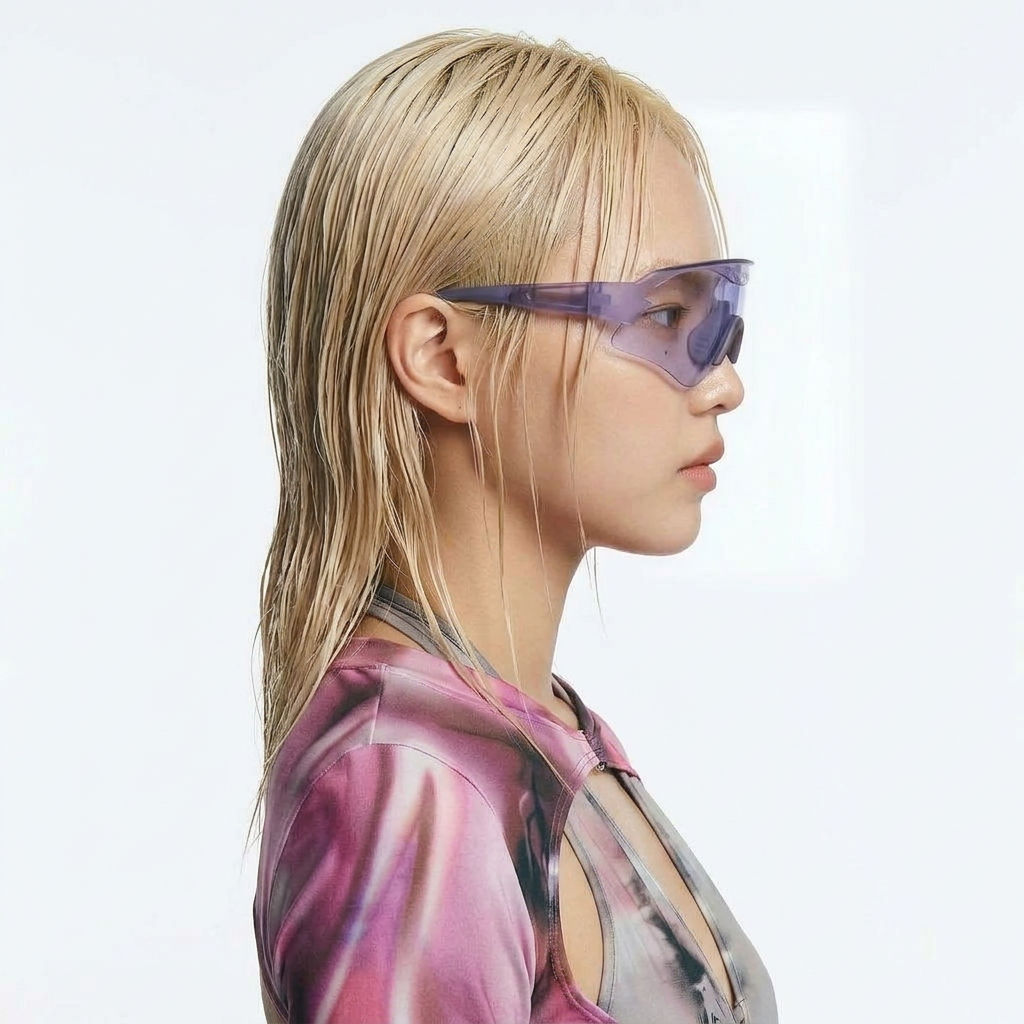 Character LockOne character, 6 different angles
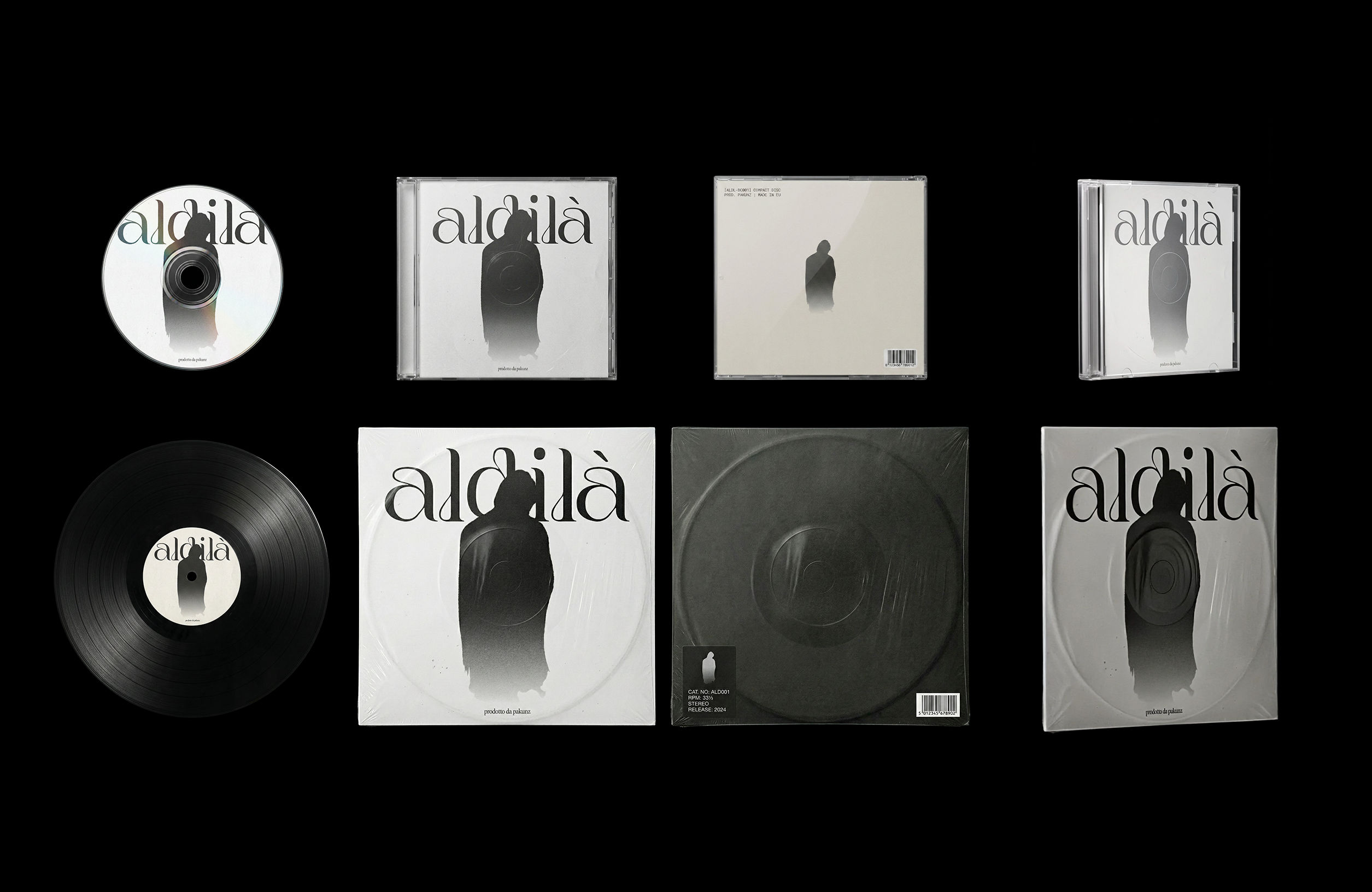 CoverArtTransform a single artwork into a full set of physical music assets.
CD, vinyl, posters: all consistent, clean, and ready to use.
CoverArtTransform a single artwork into a full set of physical music assets.
CD, vinyl, posters: all consistent, clean, and ready to use.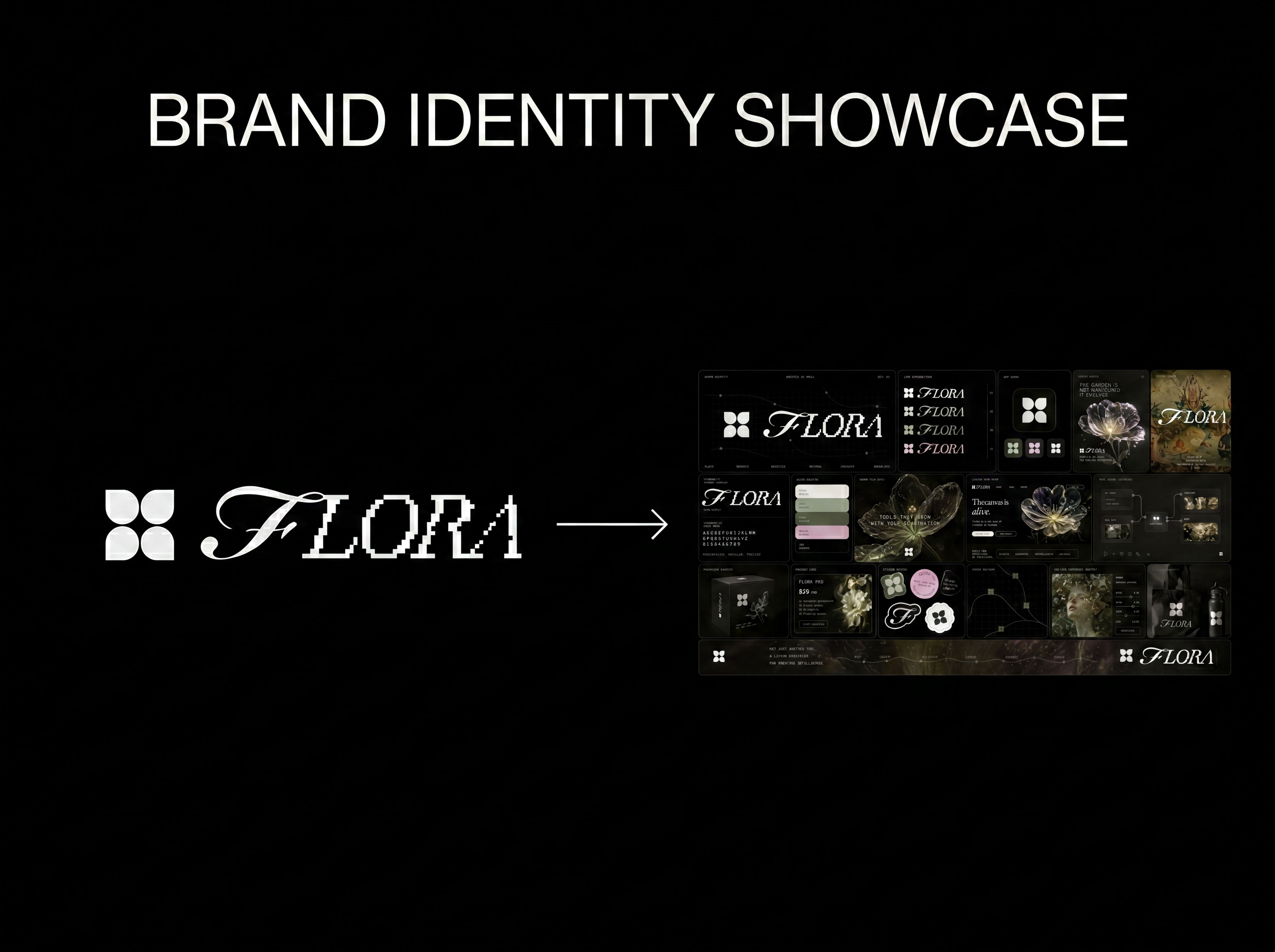 Logo to Brand IdentityUpload any logo. The technique analyzes its letterforms, construction, color, and finish to infer the brand's category, audience, and visual direction.
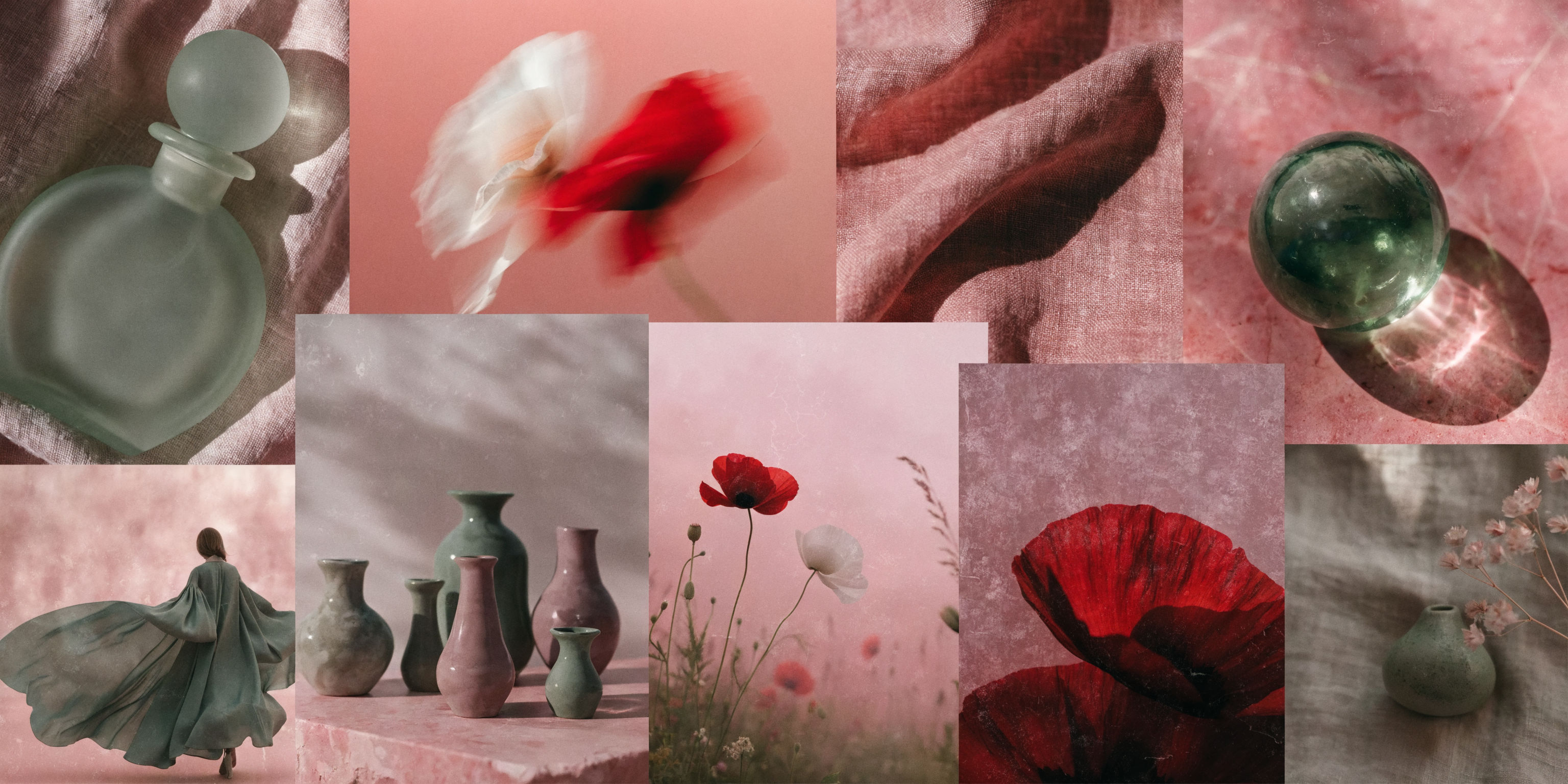 Mood Board MakerEclectic mood board from a photo
 Font BuilderDesign a whole font from a single letterform.
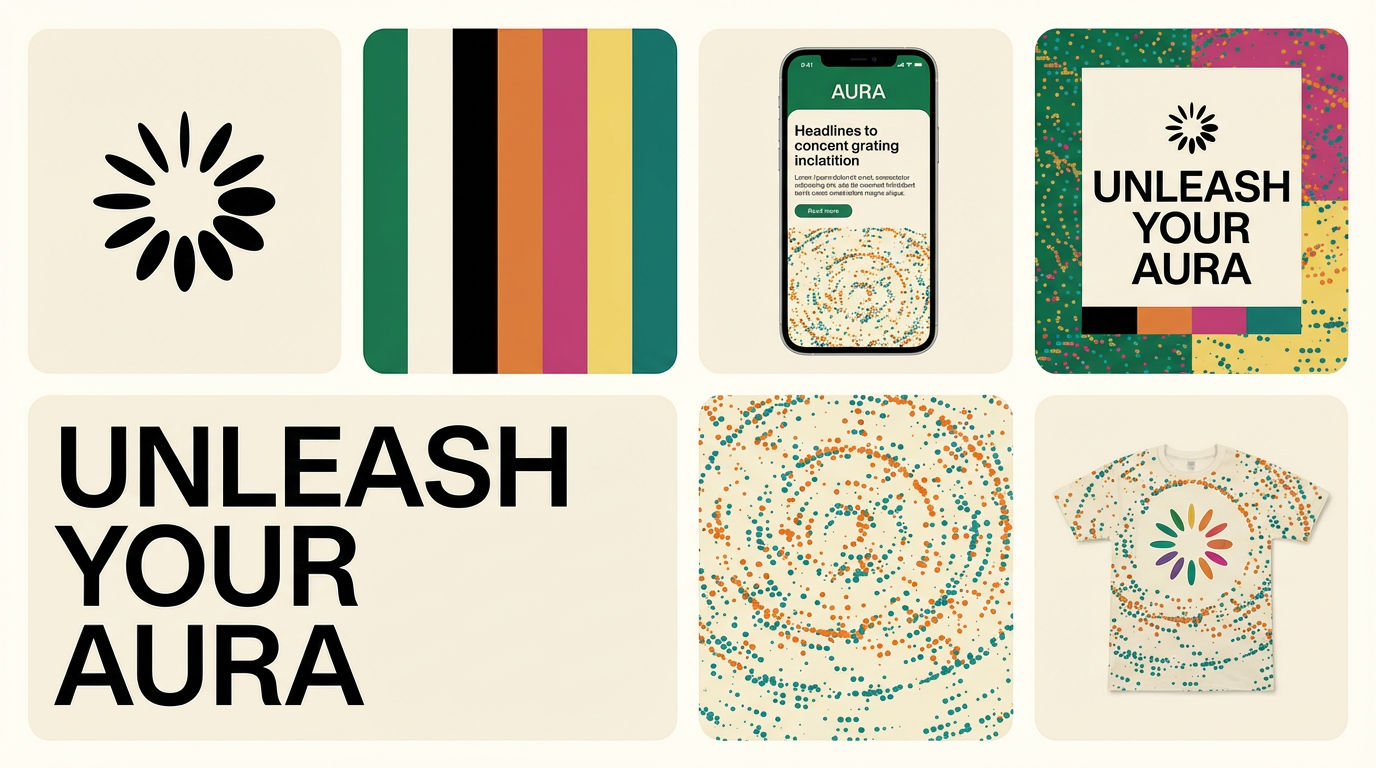 Brand Extension GeneratorDrop brand details, get identity boards
Blur Background AI Tool: Add Studio Depth of Field
Add pro depth-of-field blur to photos

DJ Kim from FLORA