Flavor Two
deep-purple 'WILD BERRY'
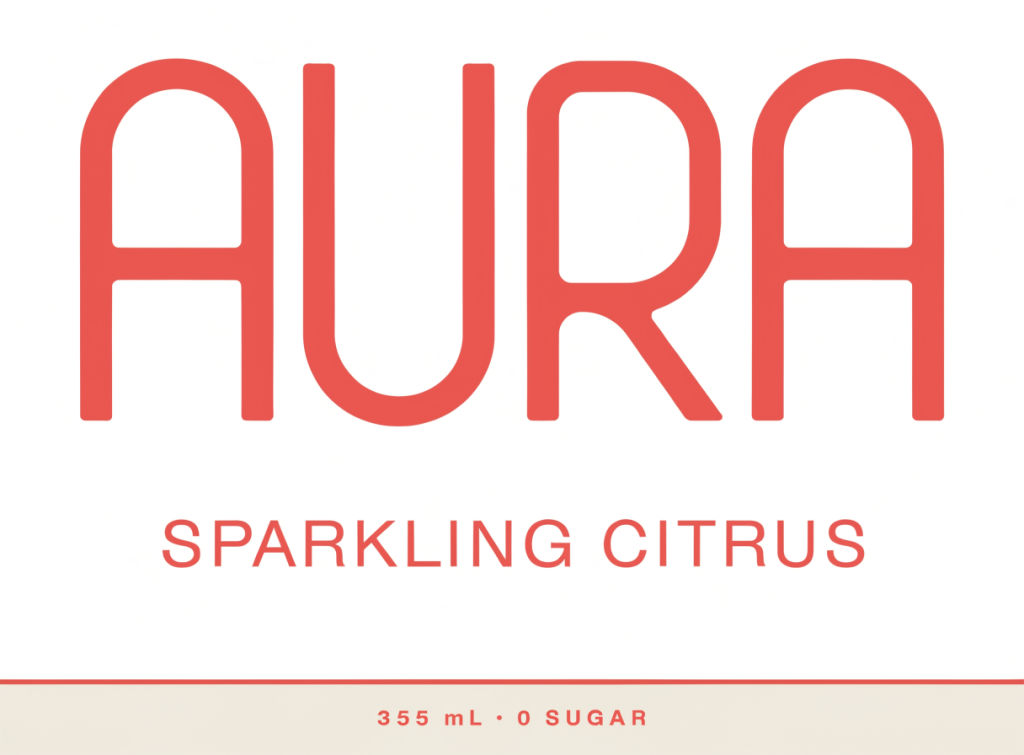
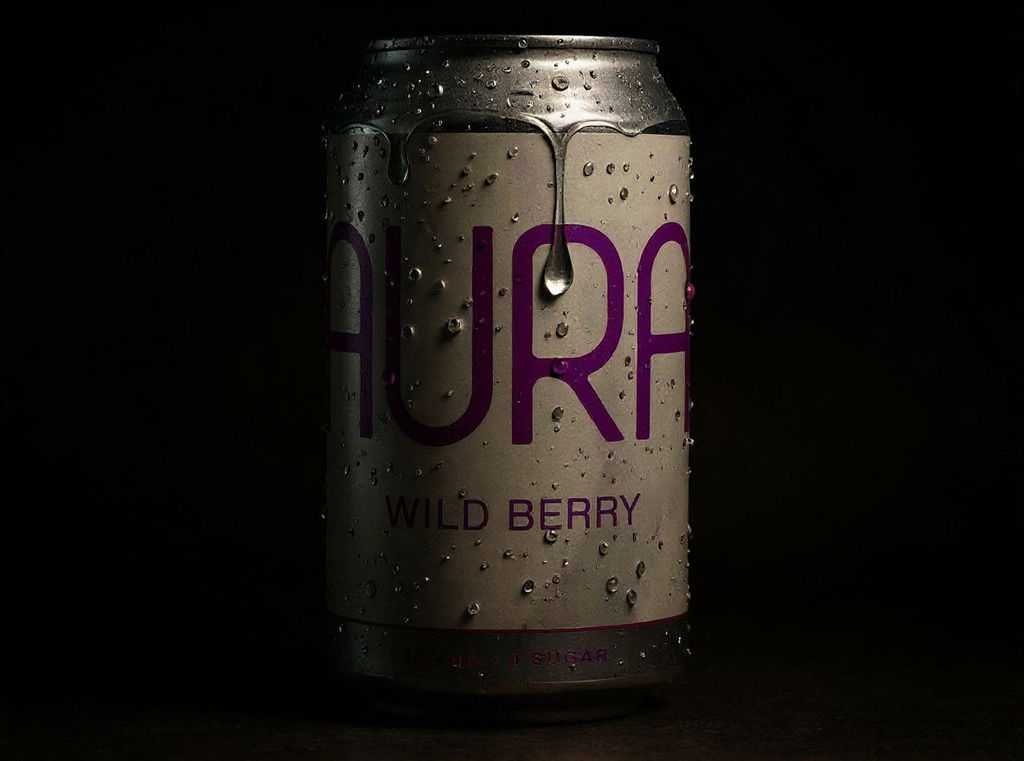
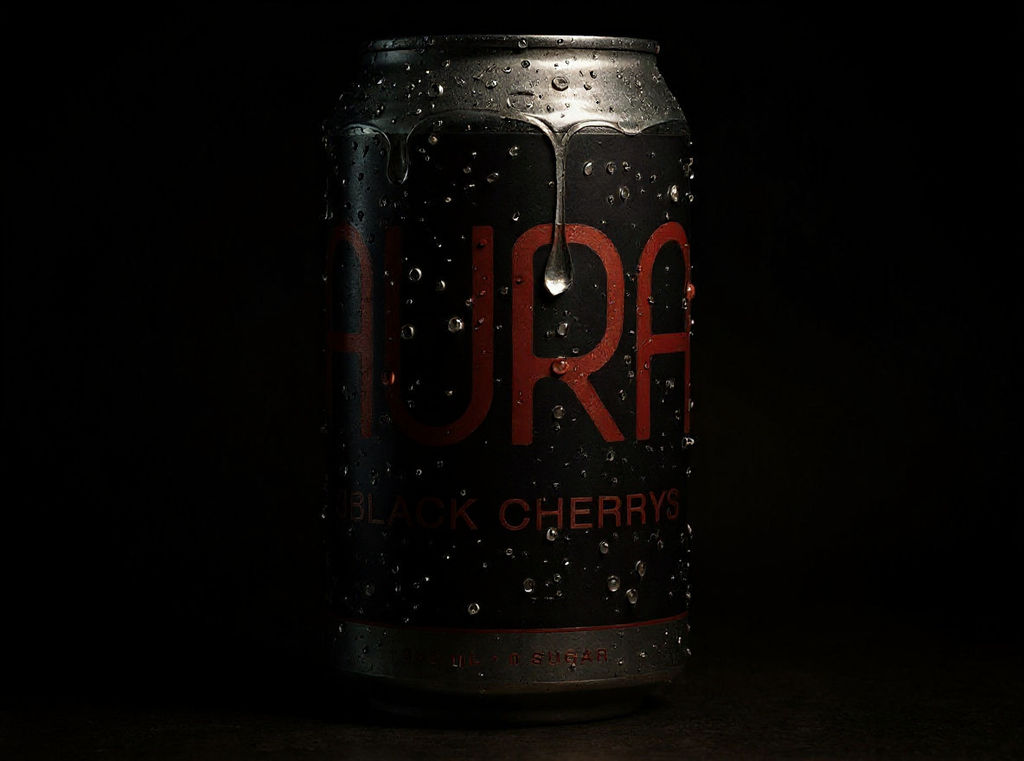
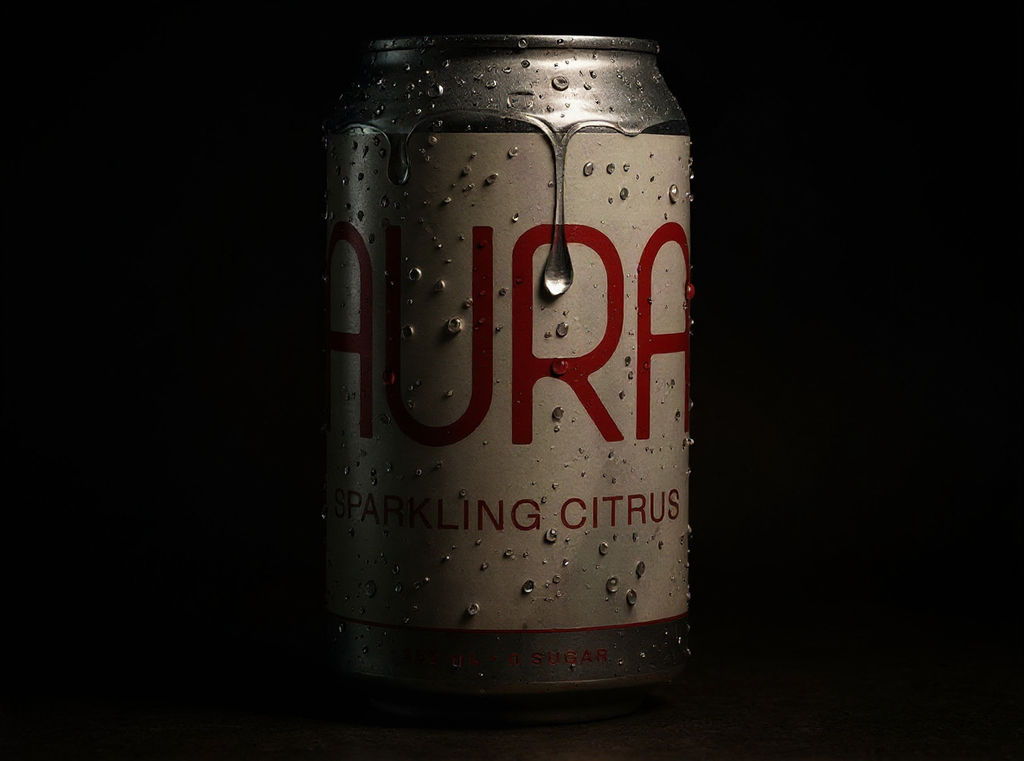
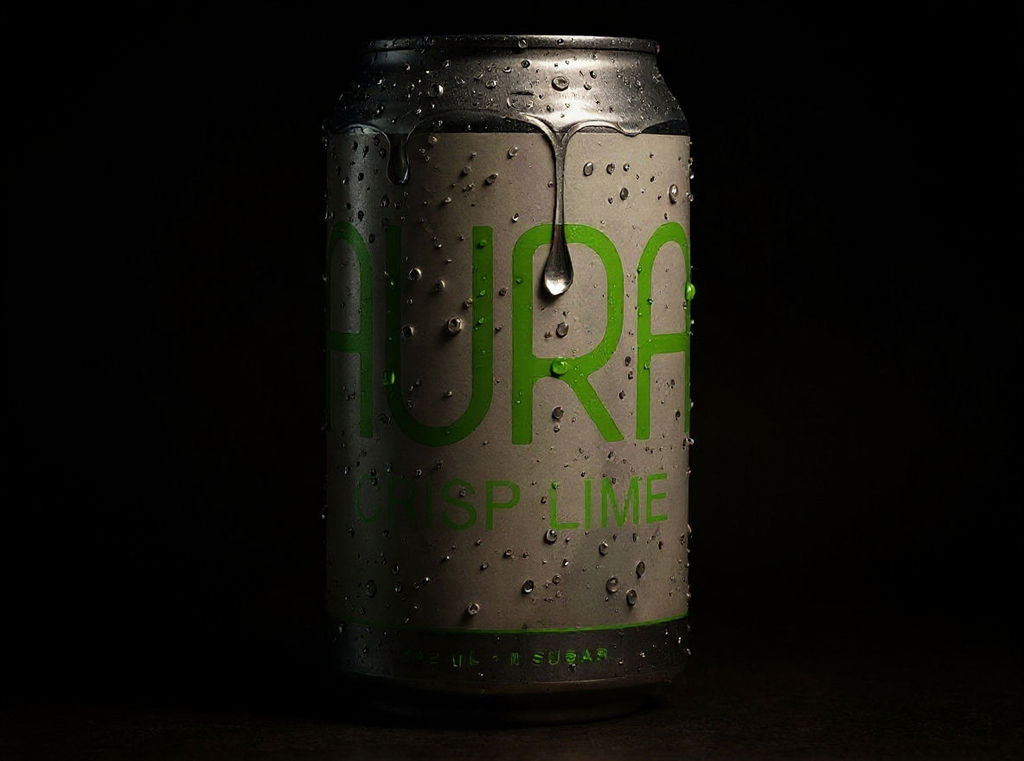
Describe a flavor and color, and the Technique returns a photoreal beverage can mockup with its wrap label and a motion beauty shot.

Beverage Brand Launches
Beverage brands preview a new flavor as a can drink mockup before any packaging goes to print, then check how it sits next to the rest of the range.

Packaging Design Pitches
Packaging designers show clients a soda can label mockup on a photoreal 355ml can without building a Photoshop file, and run the Technique again to compare color directions.

Agency Concept Decks
Agencies place a mockup soda can and its motion beauty shot into pitch decks and social concepts before the client signs off on production.
How to use Techniques?
Discover how to utilize Soda Can Mockup for different scenarios.

Add inputs
Upload images, videos, or type in the prompts to get started.

Generate outputs
Next, hit the "Generate" button to start generating your outputs.

Edit and export
Refine your outputs on canvas, or download them directly.
Frequently asked questions
All you need to know about Soda Can Mockup
What is a soda can mockup?
A soda can mockup is a realistic image of a drink can with a label design on it, made before any cans are printed. Beverage brands use one to review a new flavor or to show packaging to a retail buyer ahead of production. Designers and agencies also put these images into pitch decks and launch pages while the printed cans are still being made.
The usual way to make one is to place your own flat artwork into a template file. This Technique works from a short written description of a flavor, so you can get a can on screen before any label artwork exists. One run returns the wrap label, a graded hero can on a standard 355ml can, flavor lineup images that show the same can in other colors, and a motion beauty shot. You can create a free FLORA account and run the preset, a deep-purple Wild Berry can, to see a full set of outputs before you write your own description.
What makes a can look real in a mockup
A can is round, so the artwork bends away from the viewer on the left and right. Text close to either edge looks squeezed as it turns out of view. A good soda can label mockup shows that curve and keeps the flavor name easy to read in the middle of the can.
Aluminum reflects its surroundings. On a real can you see bright vertical highlights where light hits the metal and darker bands where the room behind the camera is darker. The top and bottom of most cans are bare metal, with a rolled lip at the rim and a pull tab on the lid. If the lid looks like plastic, or a highlight appears where no light source could put it, people tend to read the image as a render.
Most production cans are printed straight onto the aluminum, and the bare metal shows through anywhere the design leaves unprinted. Brands making smaller runs often use shrink sleeves or stick-on labels. A sleeve covers more of the can and usually has a seam at the back. The two methods look different on a shelf, so it helps to know which one the finished can will use before you judge a mockup.
PSD templates and generated mockups
The usual soda can PSD mockup is a layered Photoshop file. The designer opens a smart object, pastes in flat label artwork and saves it. The template then wraps that artwork around a can it has already lit and shaded. Stock and mockup sites carry many versions, and a lot of people start by searching for a soda can mockup free download. A soda can Photoshop mockup suits the point in a project when final artwork exists and the team wants to see that exact file on a can, at the size and angle the template author chose.
This Technique fits in earlier, when a brand is still working out what a flavor should look like. It generates the label and the can together from your flavor description. It doesn't take uploaded artwork, and it doesn't produce a PSD. If you run it a few times with different descriptions, you get several color and naming ideas to review before anyone draws final art. Once the artwork is approved, a soda can mockup PSD template is the tool to use for checking it at print accuracy. A free soda can mockup from this Technique uses credits from the free plan like any other run, and the cost shows before you generate.
Keeping a flavor lineup consistent
Beverage brands often launch several flavors together. The cans in a range usually share a layout and typeface, and each flavor gets its own color and name. If each can is mocked up separately, the files can drift apart. The lighting angle might change from one file to the next, or the logo might sit a few millimeters higher on one can. Placed side by side, those cans no longer look like they came from the same brand.
In this Technique the lineup is built from the hero can generated earlier in the same run. The flavor lineup images use the same can shape and lighting, and the color changes from can to can. Teams planning a range can use them to see whether each flavor is easy to pick out on a shelf. If two colors come out too similar, you can run the Technique again with a description that names a clearer color. To try one new colorway on an existing product photo, the Product Recolor Technique changes the color of that image. Palette Pull can help before that, when a brand is picking flavor colors from a reference image.
The motion beauty shot
Drink ads often use a slow shot of one can turning against a dark or graded background. As the can rotates, light moves across the metal and the reflections slide over the label. Brands use short loops like this on social channels and at the top of product pages.
The last output of this Technique is a motion beauty shot of the graded hero can. You can drop it into a launch deck or concept presentation next to the still images. For longer clips or other camera moves, the Product Motion Technique and the AI video generator can both start from the hero can image on the FLORA canvas.
Other names people search for
People search for this kind of image using different word orders. Some type mockup soda can, with the format first, and others search can soda mockup. Can drink mockup and beverage can mockup are broader terms, and they also cover energy drinks and sparkling water, which often come in the same can sizes. People looking only for a label design tend to add the word label to their search.
Taking the cans further on the FLORA canvas
You can move any output to the FLORA canvas, where it sits next to FLORA's other image and video models. From there a team can put the hero can into a scene or build a sell-in deck for a retail buyer. The AI image generator can use the hero can as a reference image if you want to show it on a café table or inside a fridge door. If a drink range needs matching merchandise or multipack designs, the Brand Extension Generator applies an existing brand to new products. Teams who currently download mockup templates from stock sites can see how the two approaches compare on the Freepik alternative page.
Related techniques
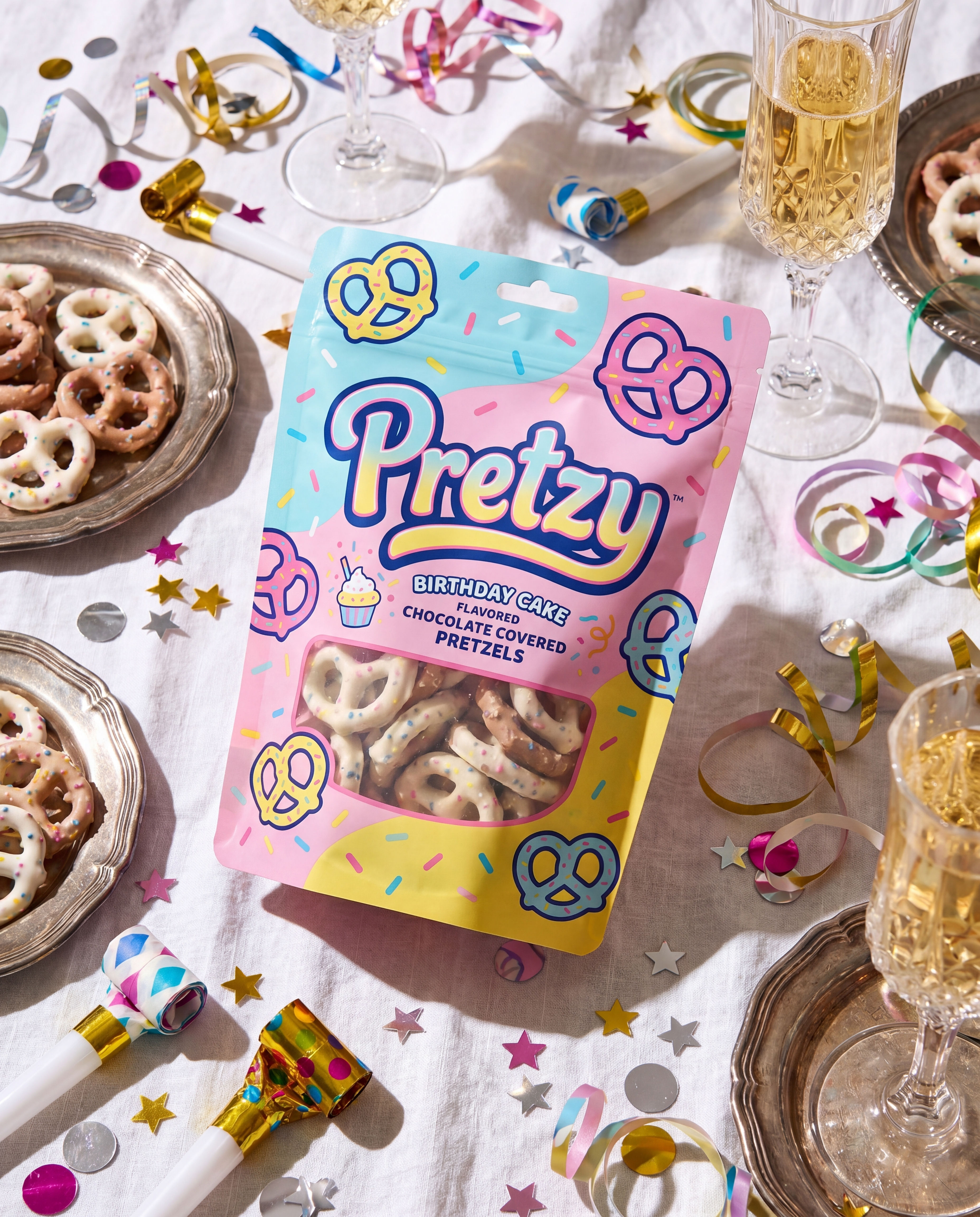 Product in Scene GeneratorCreate User Object Interaction (UOI) images of your product that can be used for e-commerce!
 Storytelling EngineIt takes a single approved key visual and instantly builds out a cohesive 9-frame editorial campaign treatment
 UGC CreatorCasual, phone-shot clips of your product
 Memoji MeTurn any face into a custom memoji
 RelightingRelights your photo
 Character LockOne character, 6 different angles
Create a Soda Can Mockup and Matching Flavor Lineup in One Run
one photoreal hero can, then an identity-locked flavor lineup + a motion beauty shot. Useful for: beverage brands, packaging designers, and agencies who need a realistic 355ml can render and a matching flavor family (same can, different color) without shooting a single frame.

Louis Anderson