Brand
BRUJA
Flavor
Habanero + Mango
Product
small-batch fermented hot sauce, medium heat
Bottle Desc
148ml amber-glass hot-sauce bottle, tall slim woozy shape, black tamper cap
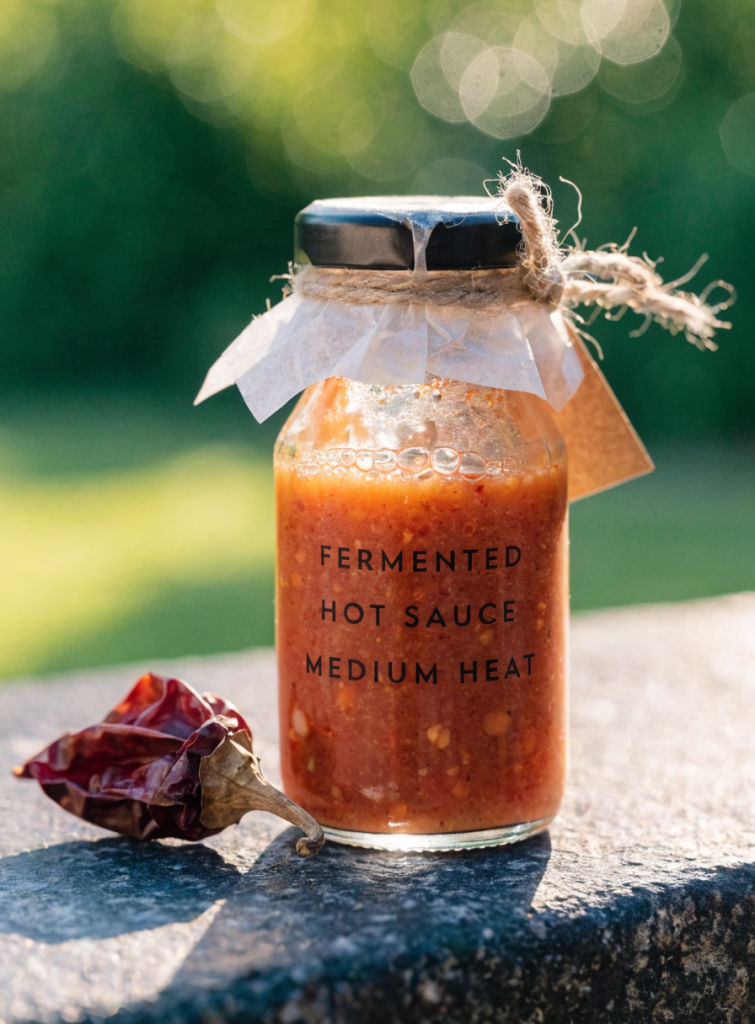
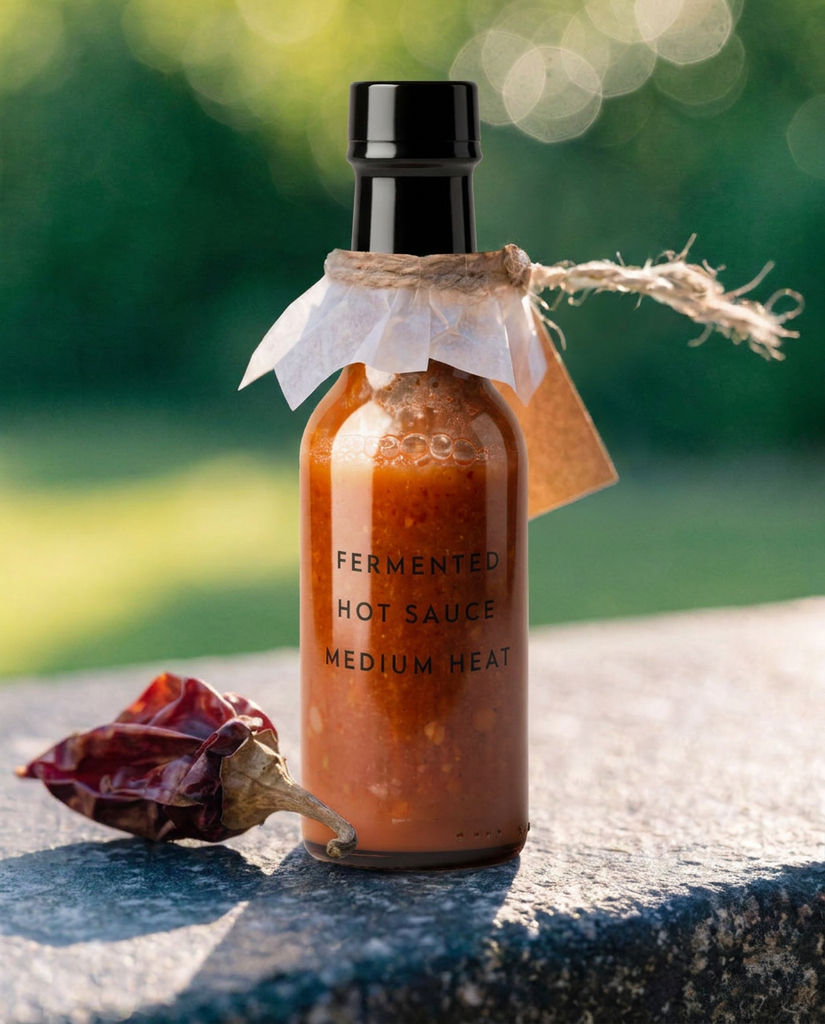
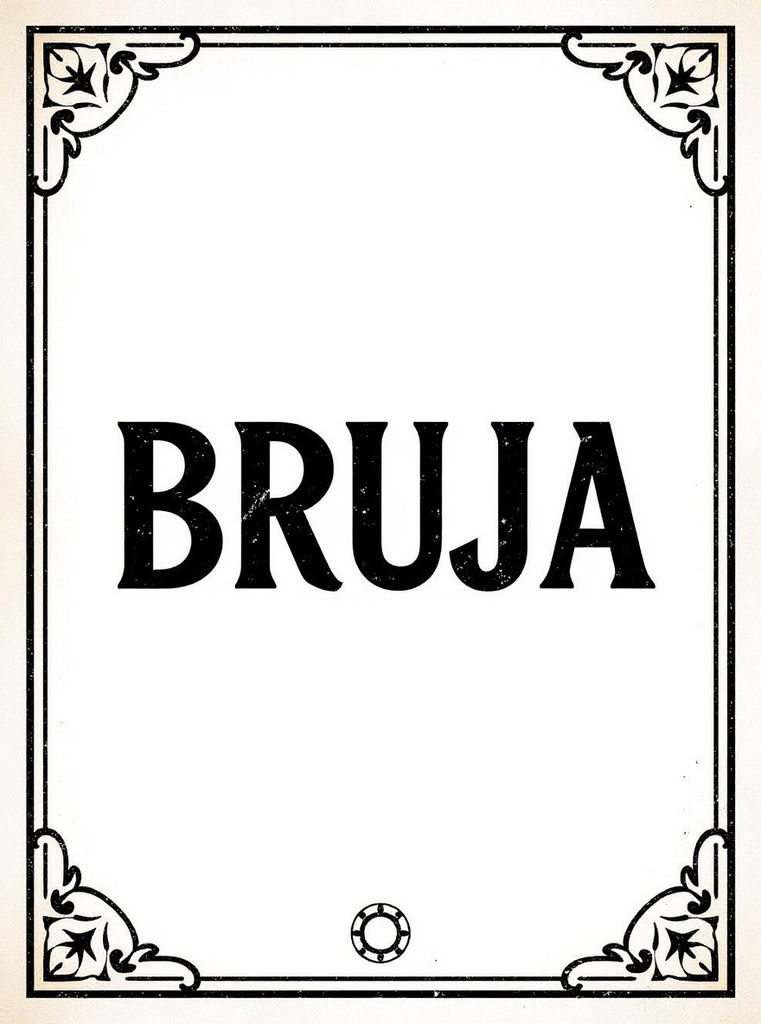
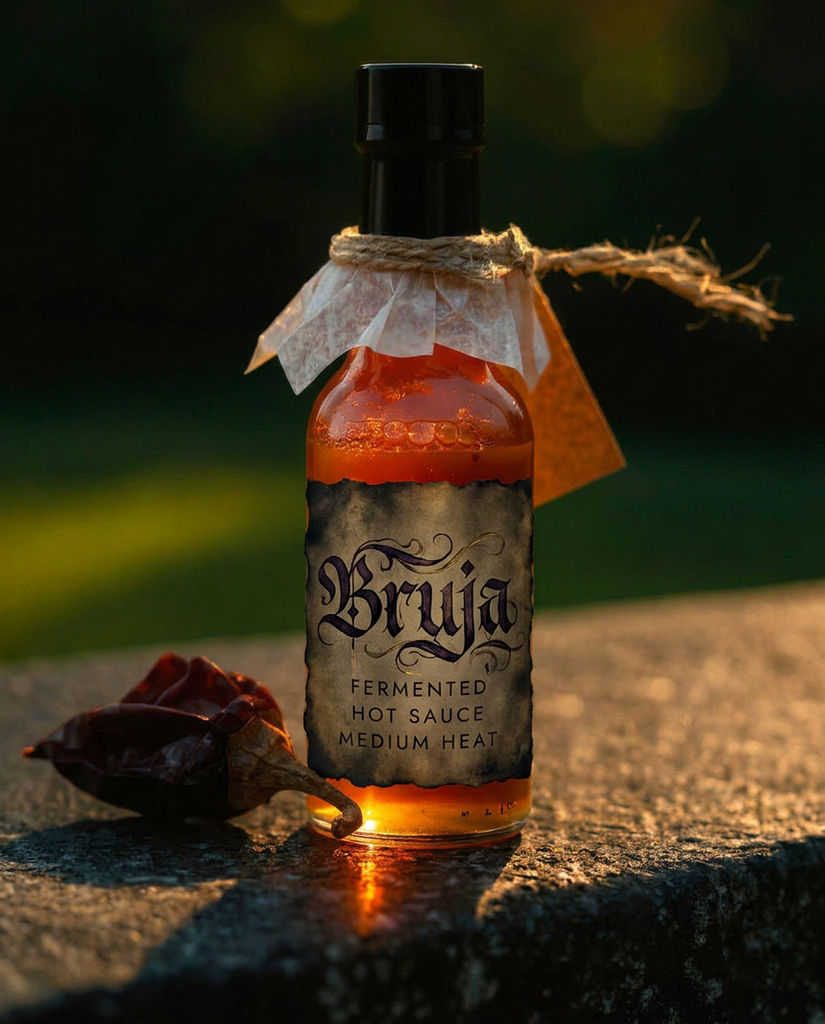
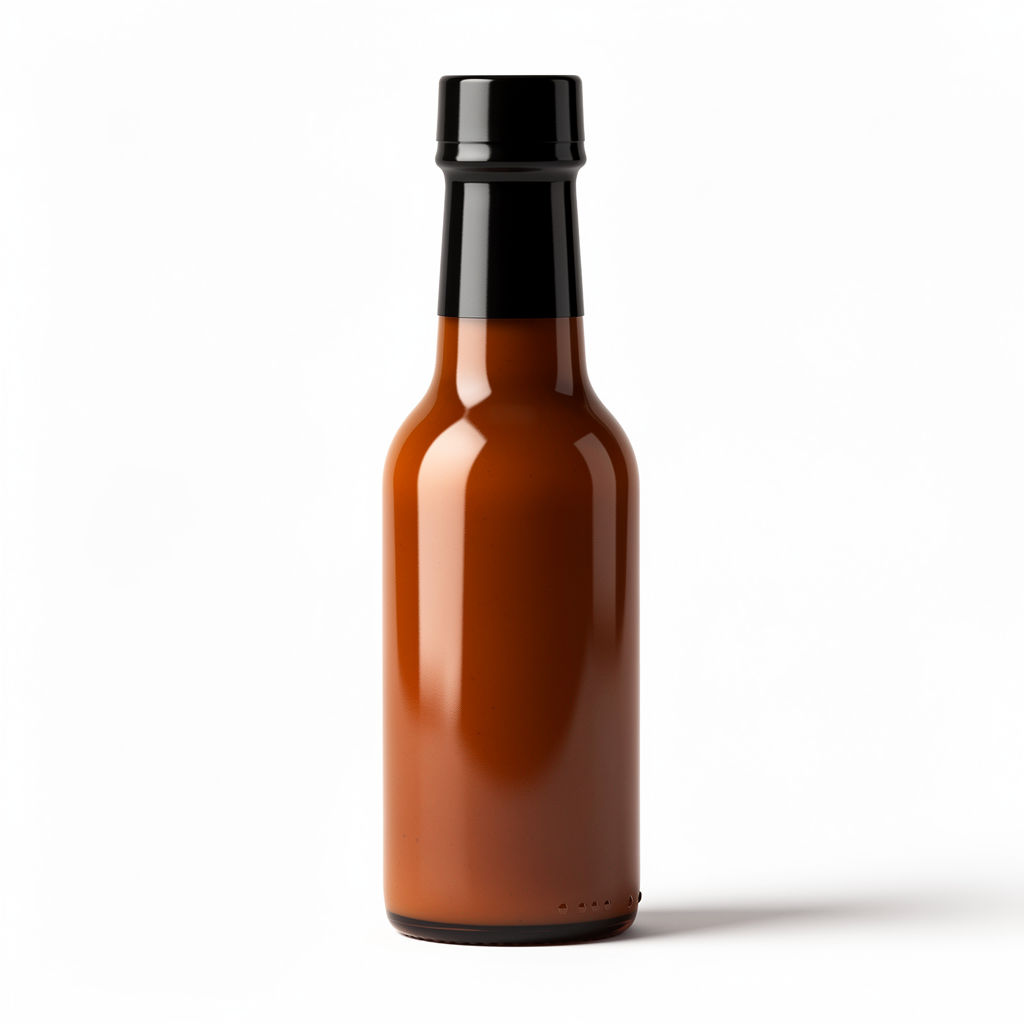
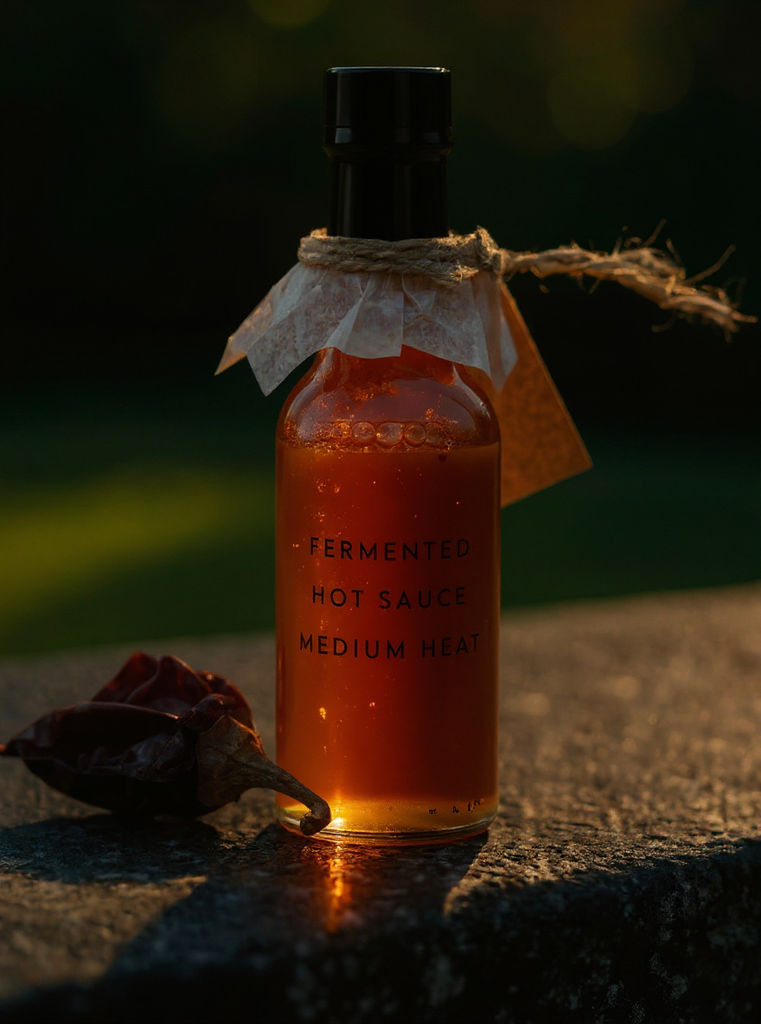
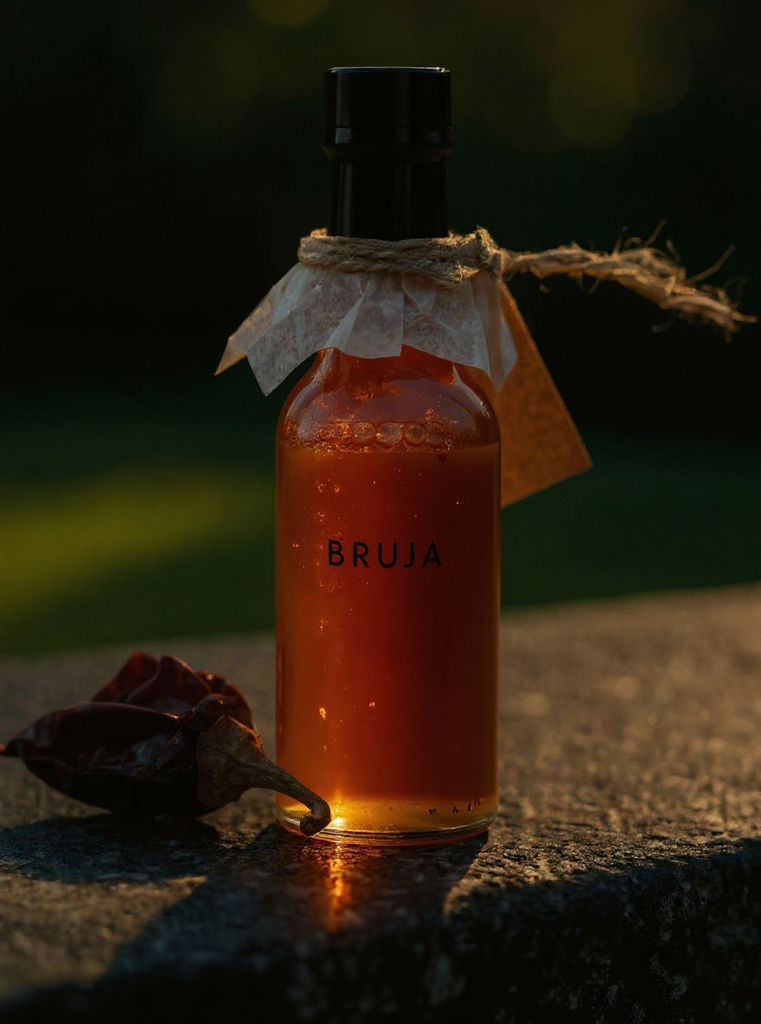
One design comes back flat, wrapped onto a photoreal bottle, and repeated across variants that stay in one family.

Beverage Brand Concepts
Founders and brand designers pitch a full flavour range, generating labels for a hot sauce, a soda and a cold brew that all read as one family on the shelf render.

Packaging Studios
Design teams use it as a bottle label design maker for client rounds: three directions on the actual bottle in one afternoon, then the winner rebuilt in production software.

Private Label and DTC
Small makers and private-label brands test a bottle label design before a print run, checking the wrap, the cap and the label edges on a photoreal render first.
How to use Techniques?
Discover how to utilize Bottle Label Maker for different scenarios.

Add inputs
Upload images, videos, or type in the prompts to get started.

Generate outputs
Next, hit the "Generate" button to start generating your outputs.

Edit and export
Refine your outputs on canvas, or download them directly.
Frequently asked questions
All you need to know about Bottle Label Maker
What a bottle label maker actually has to get right
A bottle label maker takes a design and puts it where it will really live: curved around glass or plastic, seen from a few feet away, sitting next to a dozen other bottles that all want the same attention. Nobody studies a label. It gets half a second of attention, often upside down, in bad light, from the wrong angle, while the person holding it is already reaching for something else.
So a design that looks good flat on a screen has passed the easy test. The real one comes when it is wrapped around a bottle and standing next to its competition. You can try FLORA free and see the bottle label design rendered on the bottle before committing to a print run.
Legibility is the whole job
Most weak labels fail on hierarchy. They give equal weight to the brand name, the flavor, the volume, the tagline, the certification badges, and a short paragraph of origin story, and the eye has nowhere to land. Strong labels pick three things and let everything else recede: the product, the brand, and whatever separates this bottle from the one beside it.
Water and spirits bottles add a problem that wine and beer do not have. The bottle is transparent and the liquid is clear, so whatever sits behind the bottle shows straight through it. A label that reads beautifully against a white studio wall can disappear against a wooden table or a crowded room. Designs for clear bottles need either enough opacity to hold their own or enough contrast in the type to survive whatever is behind them.
Condensation is the other thing worth designing around. A bottle that has been sitting in ice sweats the moment it comes out, and a label that looked crisp in the file can wrinkle, lift at the corners, or go cloudy once it is wet. Ask whoever is printing about waterproof stock and adhesive before the artwork is locked, because it can change how much fine detail is worth including.
A flat design will lie to you
This is the part that catches people out, and it is the best argument for running a bottle label maker instead of approving a flat file. A label is a rectangle when you design it and a cylinder once it is applied. The middle of the design stays more or less true. The left and right thirds curve away from the viewer and compress, so anything parked near the side edges foreshortens into something narrower and harder to read than it looked in the file.
Logos suffer most, because they tend to get placed on the edge of a layout where there is room. Long words have a similar problem, since the tail of a word can bend out of view before it finishes. Centered lockups survive best, which is why so many drinks brands look centered even when the designer wanted something asymmetric.
Shrink sleeves behave differently again. They distort to fit the shape of the bottle, so the artwork stretches unevenly where the bottle narrows at the neck and the base. Seeing that before it goes to print saves the round of proofs where everyone discovers the wordmark has gone slightly oval.
What "one family" means across a flavor range
Designing a range is less about the individual labels than about what they have in common. A shelf of six flavors reads as one brand when exactly one element changes between them and everything else holds still.
Pick the variable deliberately. Usually it is color, sometimes it is an illustration or a pattern, occasionally it is a single word. Then lock the rest: the same type, the same layout, the same label shape, the same position for the brand name. Shoppers recognize the skeleton before they read a word of it, which is what lets someone spot your brand and then find the flavor they want in one motion rather than two.
A bottle label maker that generates the whole set at once helps here, because the family relationship gets decided while the set is being made rather than reverse engineered afterwards.
Seeing the wrap before anything is printed
The second job this Technique does is the mockup. Most label problems only show up once the artwork is on the bottle: type that runs into the curve, a mark that sits under the cap shoulder, a label edge that lands on the widest point and puckers. An online bottle label maker that returns the wrap alongside the flat file catches those before a printer does.
It also changes the client conversation. Three directions on the actual bottle, side by side, get a decision in one meeting. Three flat rectangles get a request for mockups.
The constraint is the one events and retail share: one design has to be signed off quickly and printed in a run you cannot easily redo. Seeing the mockup early is worth more than another round on the flat artwork.
The many ways people ask for this
People do not agree on what to call this. The same request turns up as all of these:
- "Bottle label generator"
- "Bottle label design maker"
- "Online bottle label maker"
- "Water bottle label maker"
They all describe one job: getting a design onto a bottle and seeing whether it works before anyone spends money on it. Whether you need one water bottle label or a full retail range, the question underneath is the same.
Where the label goes next
Most of the time the label is one piece of a bigger packaging job, and the pieces have to agree with each other.
- Palette Pull fixes the color system first, which is what the flavor variants will vary against.
- Product Recolor and Print Pattern Replacement push a design through alternates once the layout has settled.
- Product Lookbook Grid arranges the finished range into the grid that ends up in a deck or a listing.
- Brand Extension Generator carries the same identity onto the packaging, the carton, and everything else the bottle ships with.
- Product Motion turns the winning bottle into something that moves for a feed.
All of it sits on one canvas, so the label and everything built from it stays in the same place instead of scattering across folders and exports. For the wider view, there is the FLORA AI image generator and the roundup of the best AI image generators.
Related techniques
 Product in Scene GeneratorCreate User Object Interaction (UOI) images of your product that can be used for e-commerce!
 Storytelling EngineIt takes a single approved key visual and instantly builds out a cohesive 9-frame editorial campaign treatment
 UGC CreatorCasual, phone-shot clips of your product
 Memoji MeTurn any face into a custom memoji
 RelightingRelights your photo
 Character LockOne character, 6 different angles
Bottle Label Maker: Design the Label and See It on the Bottle in One Run
design a legible label flat, wrap it onto a photoreal bottle, then fan out flavor variants that stay one family. Useful for: craft-beverage and CPG makers who need a print-ready label AND a shelf-ready product shot of it on the actual bottle — plus a full flavor lineup that reads as one brand, not four random gens.

Louis Anderson