Building
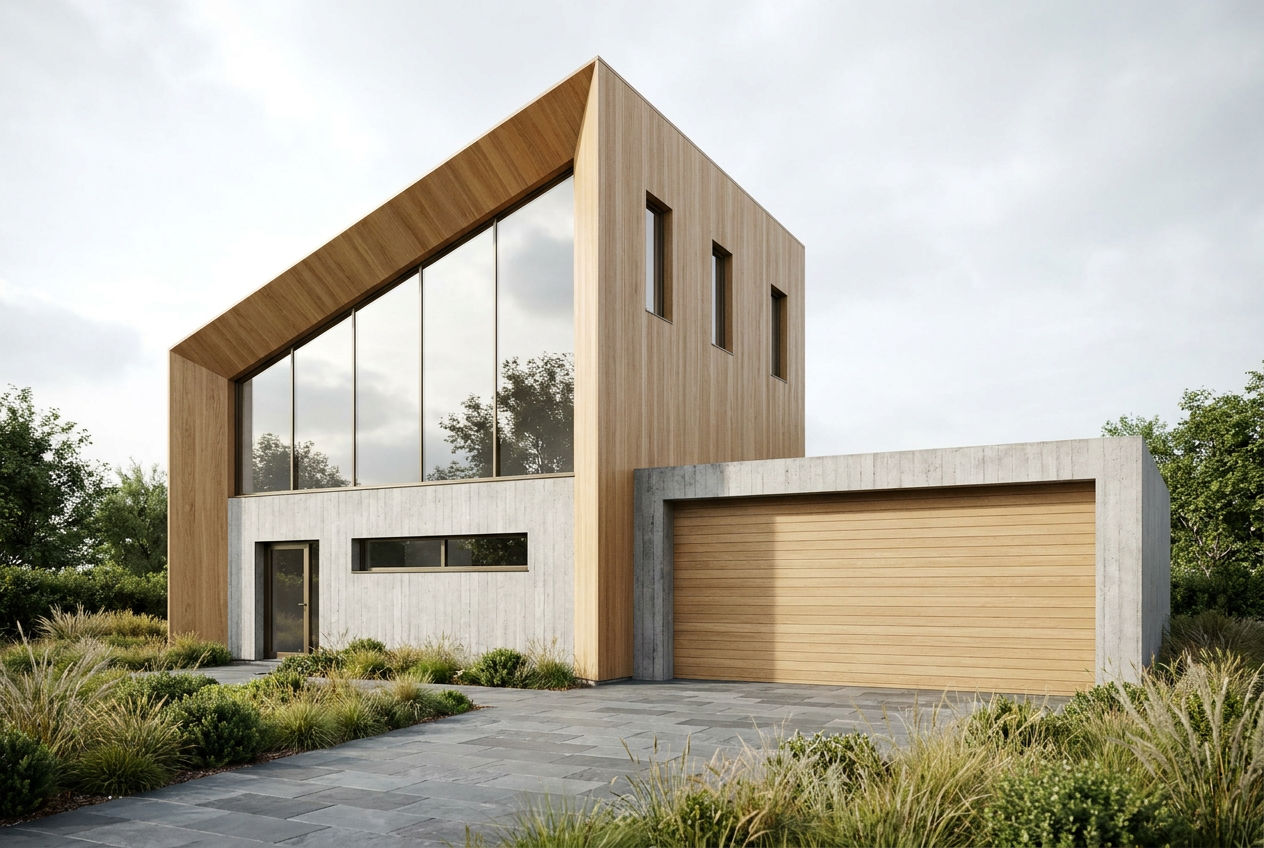
'Casa Ladera', a modern hillside residence: two cantilevered board-formed concrete volumes, floor-to-ceiling glazing, warm white-oak soffits, an infinity pool in the foreground
Setting
coastal chaparral landscaping, distant ocean haze
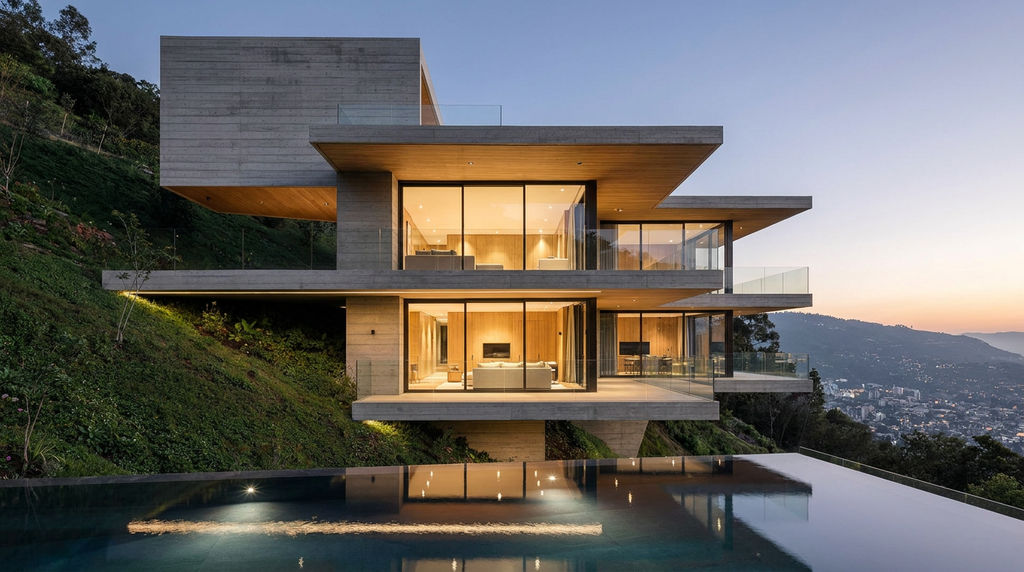
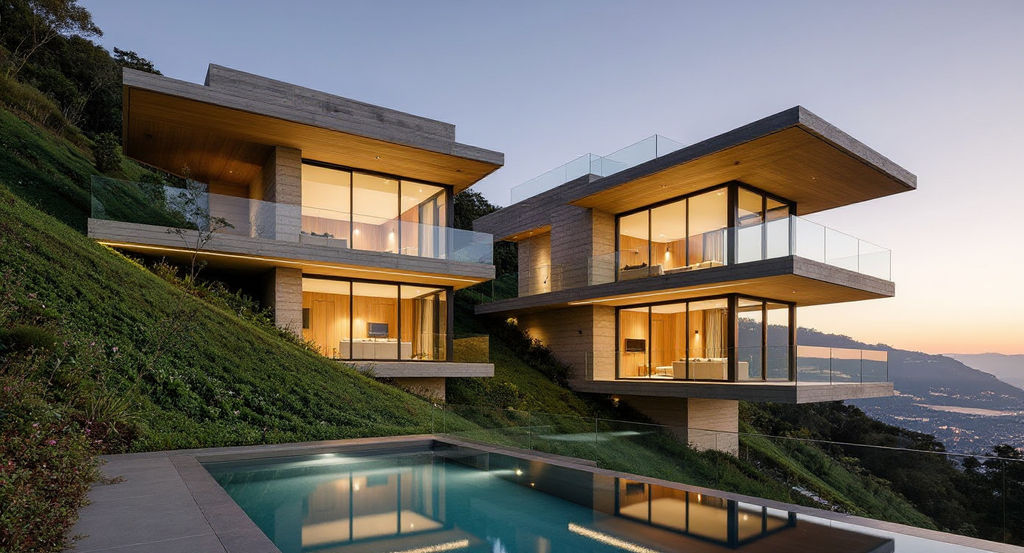
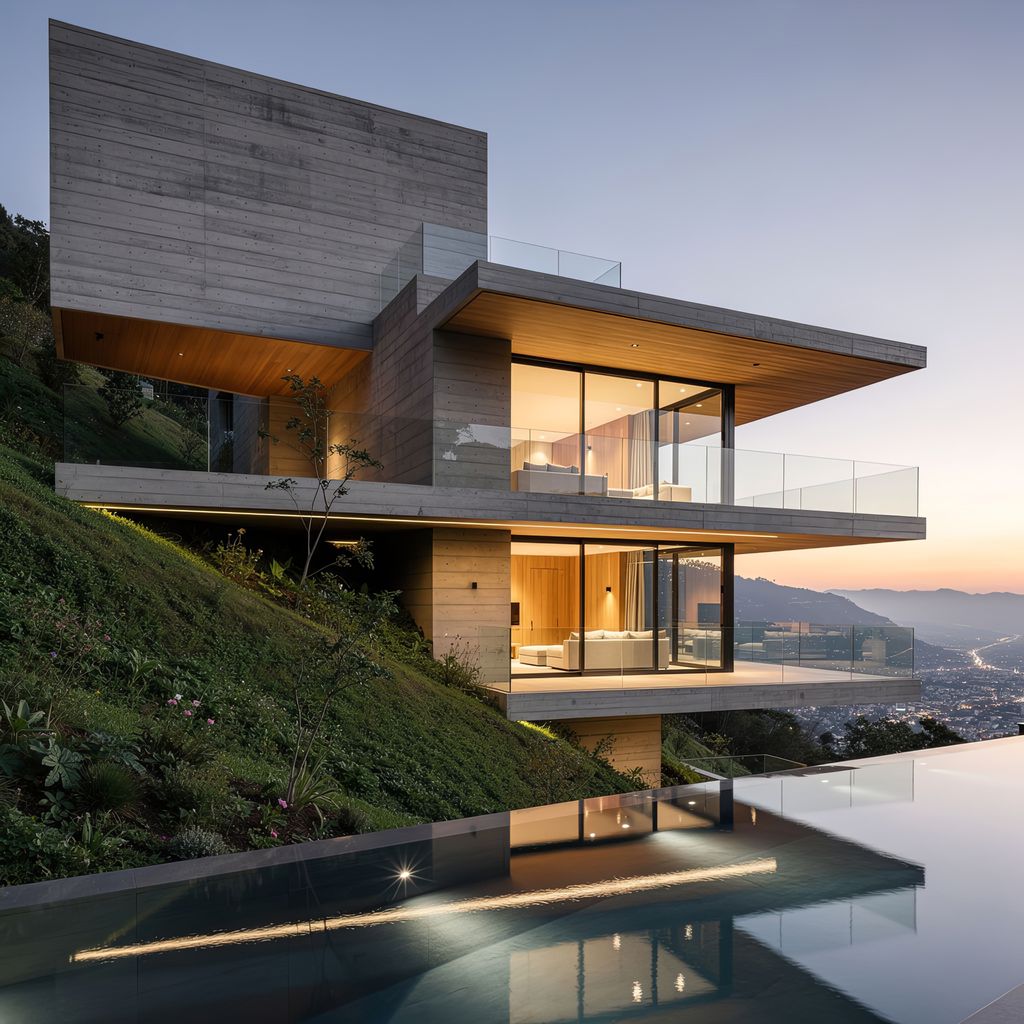
Describe the building and its setting to get architectural 3D animation, dusk variants, and still frames from a single run.

Client and Competition Pitches
Architects add 3D architectural animation to early client pitches and competition boards, showing form and materials in motion before a full model is budgeted.

Off-Plan Property Marketing
Developers use the Fly-Through and Dusk Reveal clips as architecture 3D animation for listing pages and Instagram reels while the building is still on paper.

Archviz Concept Previews
Archviz studios generate architectural rendering animation as a quick mood preview for a client, then move the outputs to the FLORA canvas for further refinement.
How to use Techniques?
Discover how to utilize Architectural Visualization Animation for different scenarios.

Add inputs
Upload images, videos, or type in the prompts to get started.

Generate outputs
Next, hit the "Generate" button to start generating your outputs.

Edit and export
Refine your outputs on canvas, or download them directly.
Frequently asked questions
All you need to know about Architectural Visualization Animation
What is architectural visualization animation?
Architectural visualization animation is video of a proposed building, usually filmed from a virtual camera that moves toward the building, around it, or past it. Architects and developers use it to show a design before construction starts, in client meetings, planning consultations, sales suites, and property listings. It has been the moving counterpart to the still render for as long as architects have had 3D software.
Most of this work has traditionally been built from a full 3D model, so it tends to be commissioned late in a project once the design is fixed and there is budget for it. This Technique works from two written descriptions, one of the building and one of its setting, and returns still frames, video clips, and an audio track from a single run. You can create a free FLORA account and try the preset hillside house first to see what a full set of outputs looks like.
Common shots in architectural animation
Studio reels tend to reuse a small number of camera moves. A fly-through opens wide on the site and travels in toward the building, which tells the viewer where the building sits before they see any close detail. An approach shot covers similar ground at eye level, roughly what a visitor would see walking up to the entrance. An orbit circles the building so each side of it is visible in turn.
Residential and hotel projects often include a dusk reveal. The camera holds on the exterior as the daylight fades and the interior lights come on, and the glazing changes from reflecting the sky to showing the lit rooms behind it. Editors usually cut short detail shots between these longer moves, such as a close view of a roof edge or a stair, to show the quality of the materials.
This Technique returns two moving shots, a Fly-Through and a Dusk Reveal, and two stills called Close Frame and Print Master that suit presentation boards and print. The set of shots is the same on every run.
Why motion changes how a building is read
In a still render the viewer has to work out depth from one fixed angle. When the camera moves, objects at different distances shift at different speeds. Planting in the foreground passes quickly, the facade passes more slowly, and hills in the distance barely move. That difference in speed, called parallax, makes the building's position on the site clear without any labels or site plan. It also helps with cantilevers and deep overhangs, which can look flat in a straight elevation but show their depth once the camera passes beneath or beside them.
Changing light has a similar effect. During a dusk sequence, timber and board-formed concrete look warmer as the sun goes down, and the glass becomes see-through once the interior is lit. Developers who already have good stills of a project often add architectural animation to a listing for this reason. The Ambient Bed output adds a quiet background track to the clips, which is useful when they autoplay on a phone or a sales-suite screen.
Writing a brief that animates well
Since both inputs are plain text, the wording of each description affects the result more than anything else you can change. Describing the overall shape of the building before its finishes usually helps. A line such as "two stacked rectangular volumes, the upper one cantilevered over the entrance" gives the camera a clear form to travel around. A description made up mostly of material names often comes back as a fairly generic building with those materials applied to it.
It also helps to mention the materials that look different as the light changes. Glass and still water change the most during a dusk reveal, and warm timber changes noticeably too. Matte plaster and flat cladding change very little, so there is less for the clip to show. If the design includes a pool or a glass balustrade, put it in the description.
For the setting, describe things at more than one distance from the building. Planting near the camera and a ridge or coastline far behind the building give the fly-through separate layers to move through, which makes the parallax easier to see. The preset setting, "coastal chaparral landscaping, distant ocean haze," does this with a near layer and a far one. A general phrase like "nice surroundings" gives the Technique no distances to work from.
A brief works best when it describes a single building. If you want to compare two material options, run the Technique twice and change only the Building text. Both runs then share the same setting, which makes the difference between the two options easier to judge.
Other names for architectural visualization animation
People describe this work in many different ways, and the search terms vary even more. Some call it architectural animation, and some call it animation for architecture. People with a rendering background often write architectural rendering animation. 3D artists may say 3D architectural animation, architectural 3D animation, or architecture 3D animation. In search, the words often appear in a looser order, such as 3D animation architecture, animation architecture 3D, or architecture visualization animation. In academic writing about the practice, the usual term is animation in architecture.
These terms describe the same kind of output. The wording matters more when you ask a studio for a quote. A 3D studio will usually price an "animation" as a model-based film with a camera path designed for the project. A request for a short moving hero shot of an early design is much closer to what this Technique produces.
Using the outputs
The clips work well anywhere a short video plays near the top of the page or feed, such as a property listing, an Instagram reel, or the first slide of a pitch deck. The Print Master still can go on a printed board or a brochure cover. All of the outputs come from the same pair of descriptions, so the stills and the video show the same building on the same site.
Some changes are outside what the Technique does, for example replacing the sky in one frame or cutting a clip together with other footage. For those, move the outputs to the FLORA canvas, where other image and video models are available. If you already have a 3D model and want a still from it, AI rendering for architecture is a closer fit, and SketchUp rendering works from a screenshot of a SketchUp scene. Location Scouter can help you look at a site from several viewpoints before you write the setting description. Room Render turns floor plans into interior views. The AI tools for architects page lists more of the architecture options on FLORA, and the AI video generator covers video work more generally.
For a full set of stills from one building design to sit beside the clips, run architectural visualizations on the same brief.
Because the Technique only needs text, you can produce architectural visualization animation at the first massing stage and run it again whenever the design changes. Any clip that needs more editing can then go to the FLORA canvas.
Related techniques
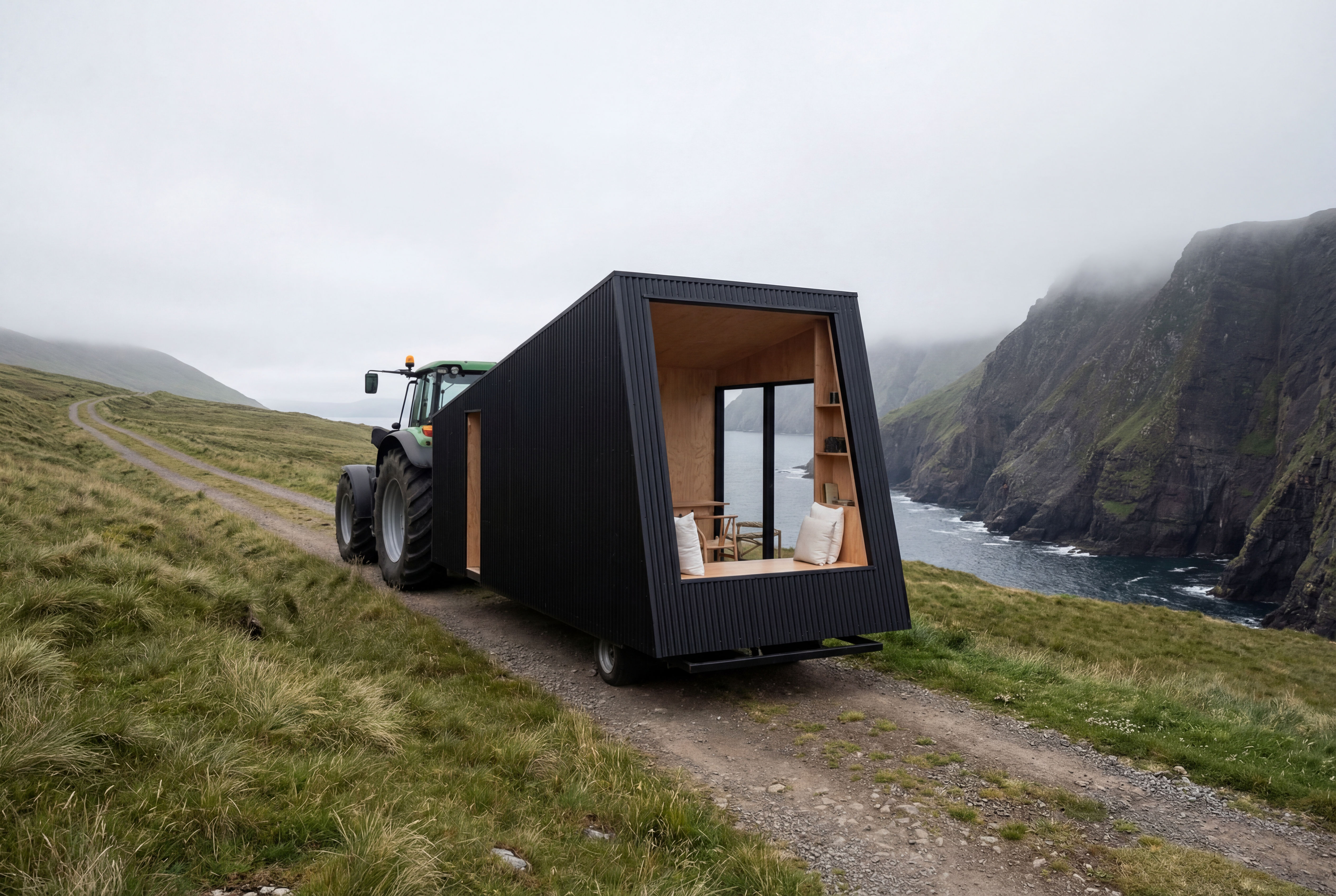 Recreate as PhotoTurn any 3D render, CG scene, or ai concept into photorealistic photography. Preserves exact camera angle, framing, composition, layout, and object placement. Works with SketchUp, Blender, V-Ray
 Sketchup renderingTake a Sketchup screenshot and quickly render environment several variations
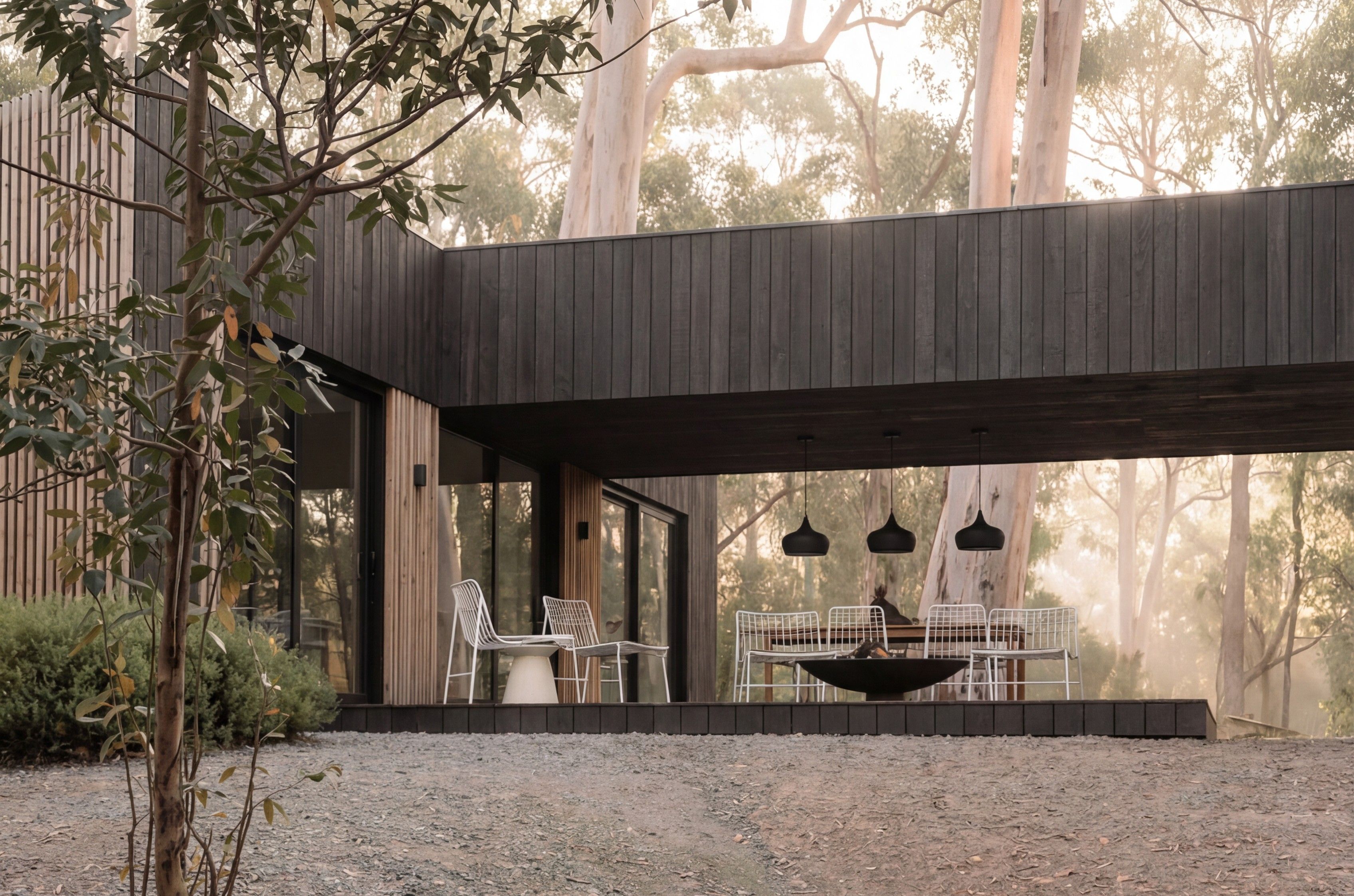 SketchUp Scene to Photoreal PhotoUse this workflow to turn a SketchUp, clay, massing, or simplified 3D scene into a believable photographic image while preserving the original camera angle, framing, layout, architecture.
 Location ScoutScouts five views from a single location
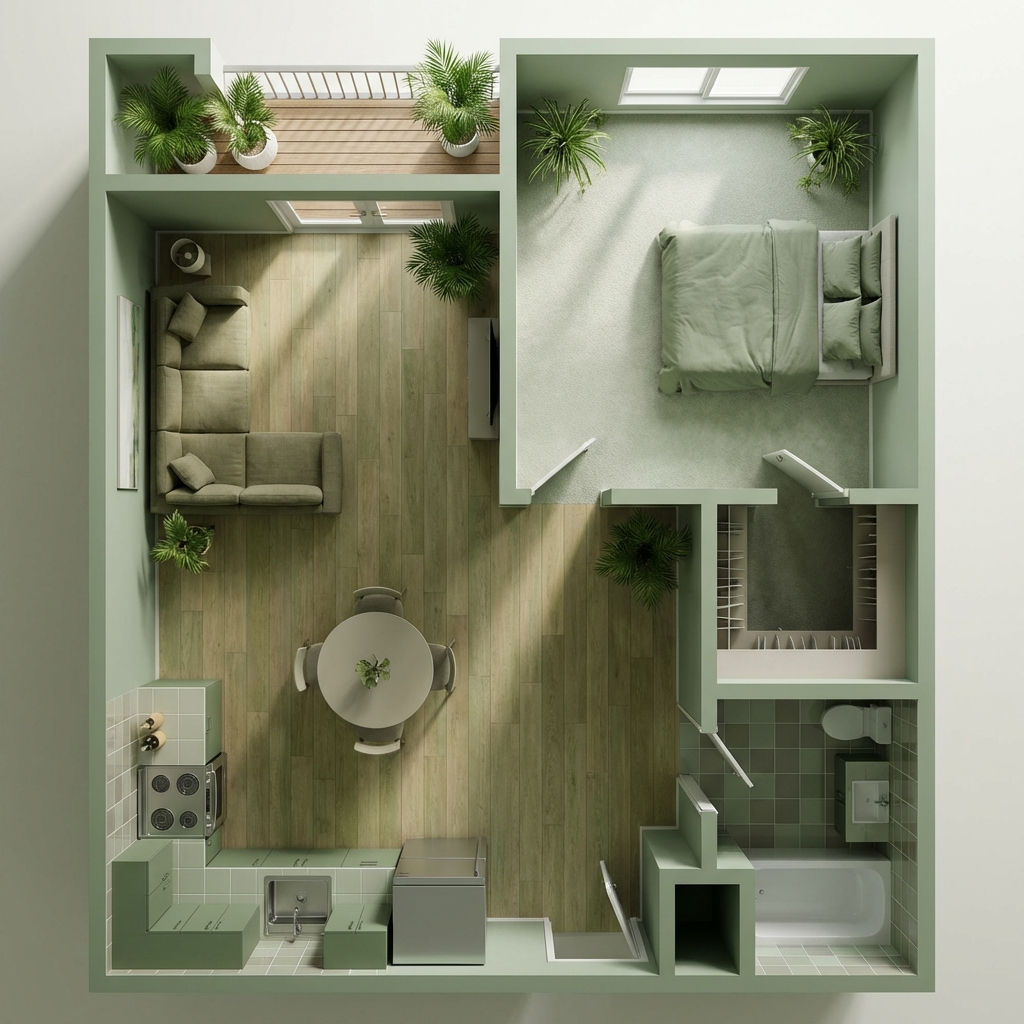 Room RenderTurn floor plans into realistic rooms
 Facade SwapReskin buildings with new materials
Turn a Building Description Into Architectural Visualization Animation
turn one hero render into a cinematic building fly-through. Useful for: architects, developers, and archviz studios who need a moving hero shot for a pitch, listing, or Instagram reel without booking a 3D animator or a real drone.

Louis Anderson