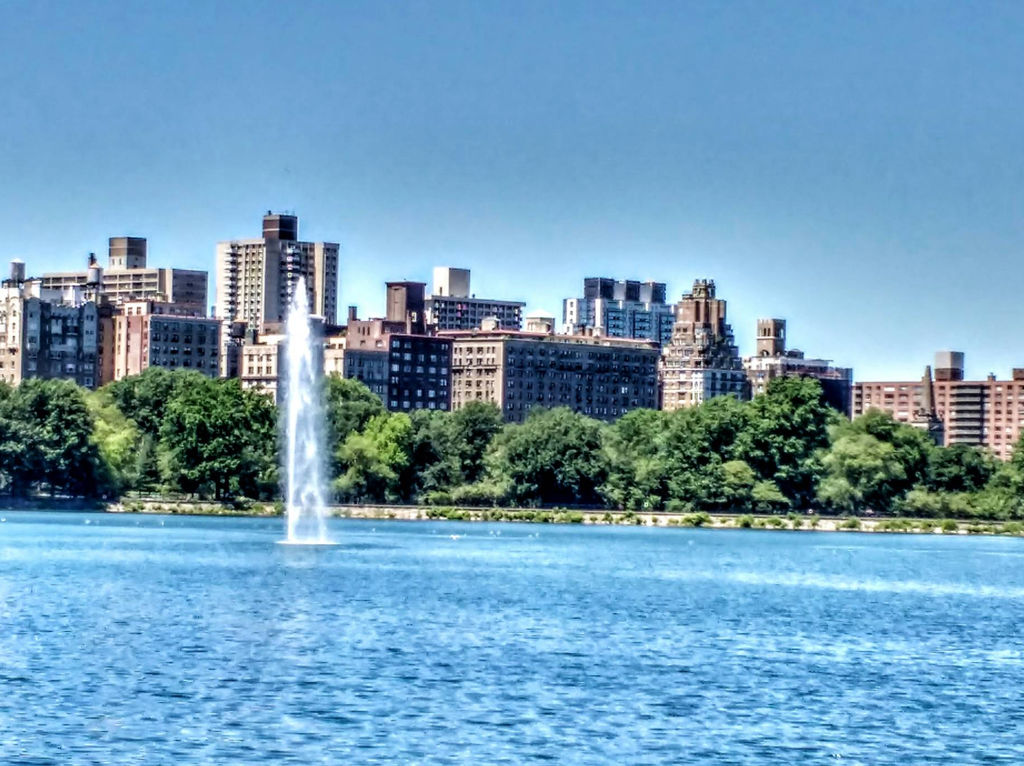
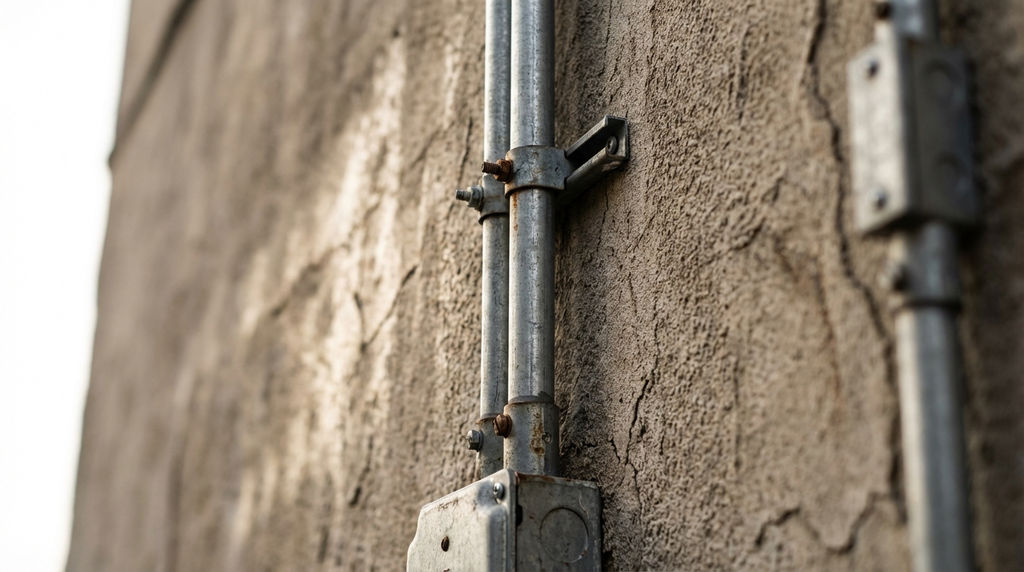
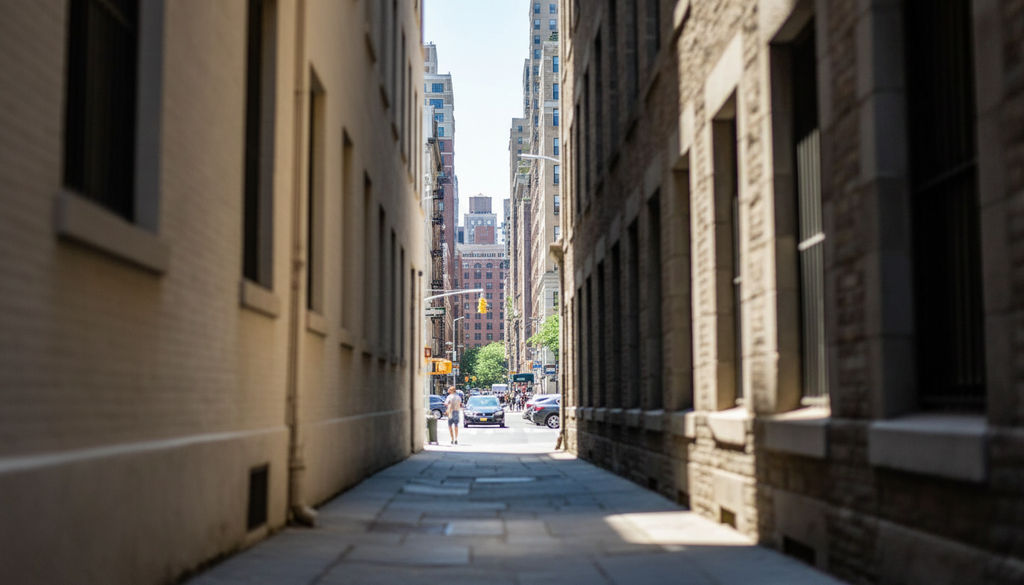
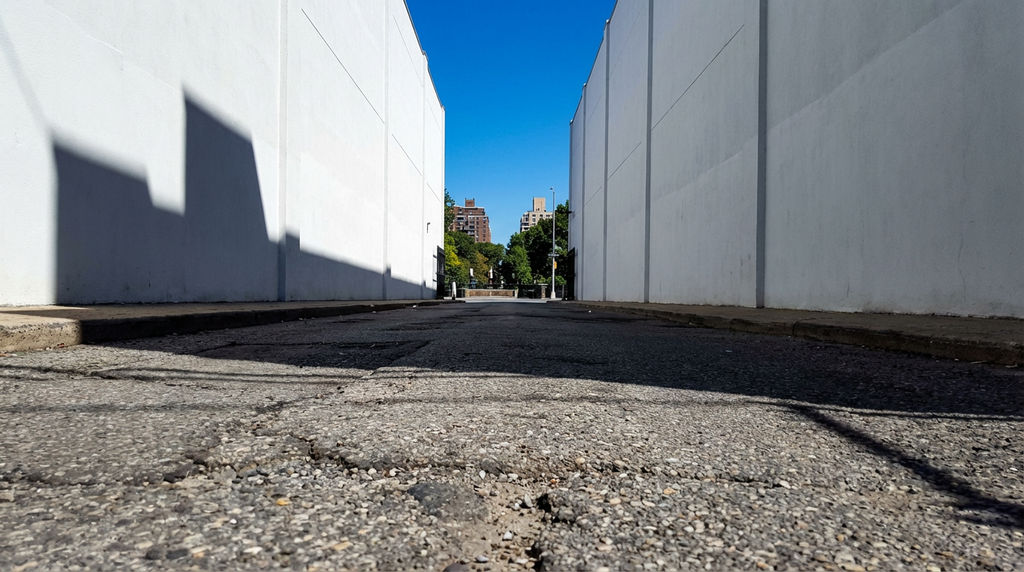
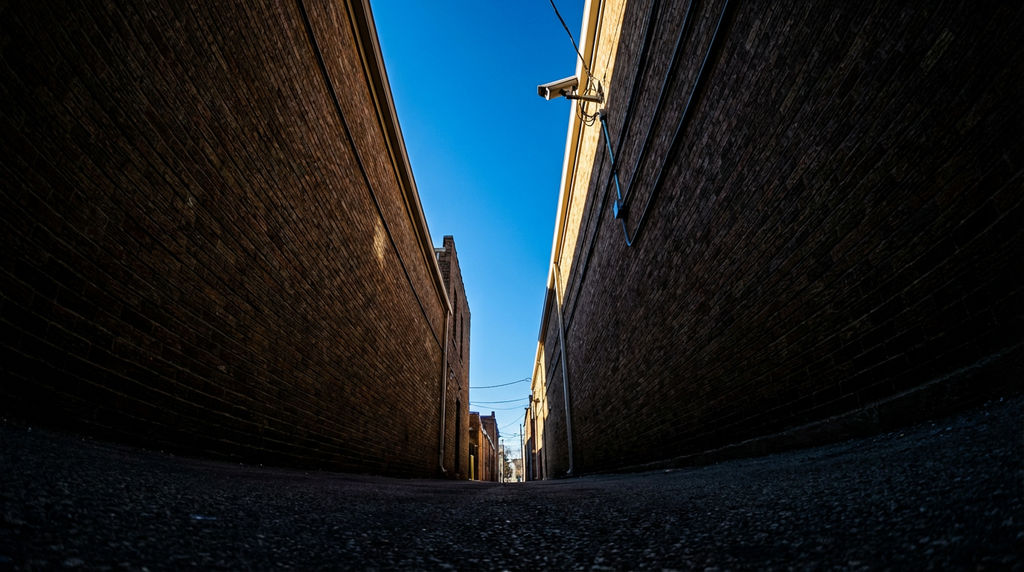
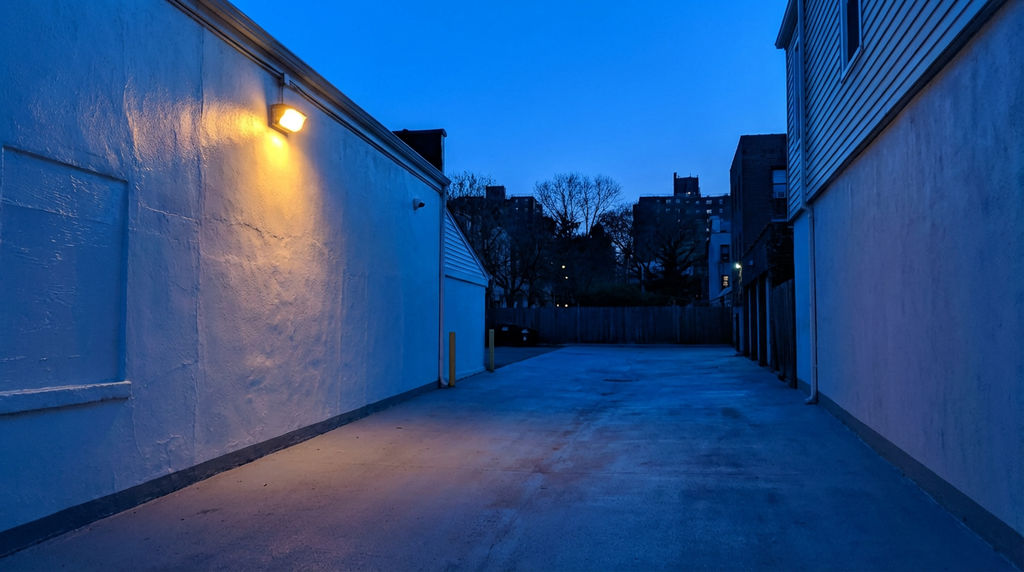
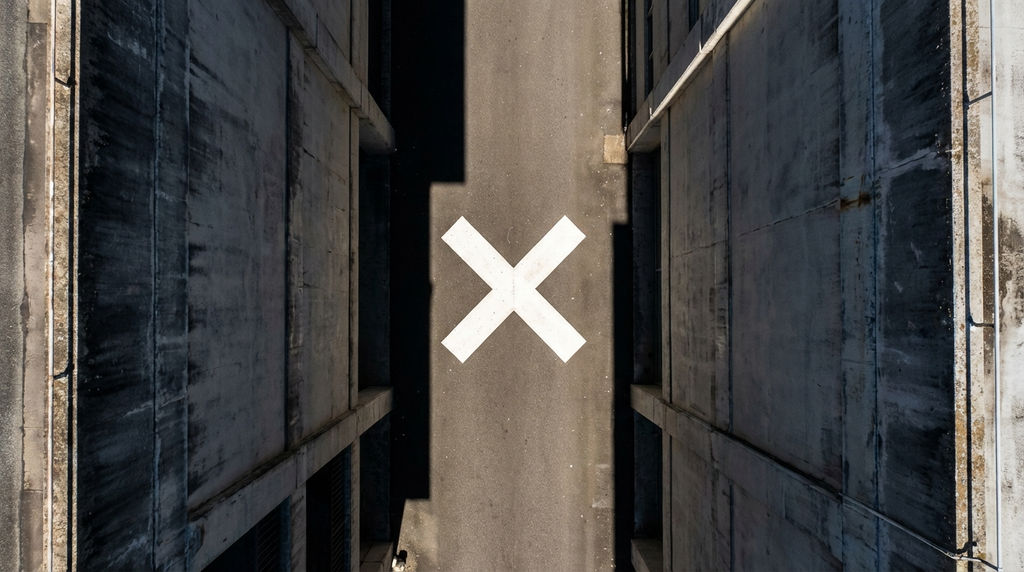
Upload any location image and the AI location scout returns six 16:9 views without a physical trip.

Film & Video Production
Directors and producers use the Technique for AI location scouting, generating different views of a location from one reference photo and saving time on physical scouting trips.

Real Estate Marketing
Real estate agents run the technique to generate multiple perspective views of a property or neighborhood from one photo, enriching listings with more visual content.

Travel & Tourism Content
Tourism marketers use the technique to create varied location imagery from a single destination photo for campaigns and destination guides.
How to use Techniques?
Discover how to utilize Location Scout for different scenarios.

Add inputs
Upload images, videos, or type in the prompts to get started.

Generate outputs
Next, hit the "Generate" button to start generating your outputs.

Edit and export
Refine your outputs on canvas, or download them directly.
Frequently asked questions
All you need to know about Location Scout
Related techniques
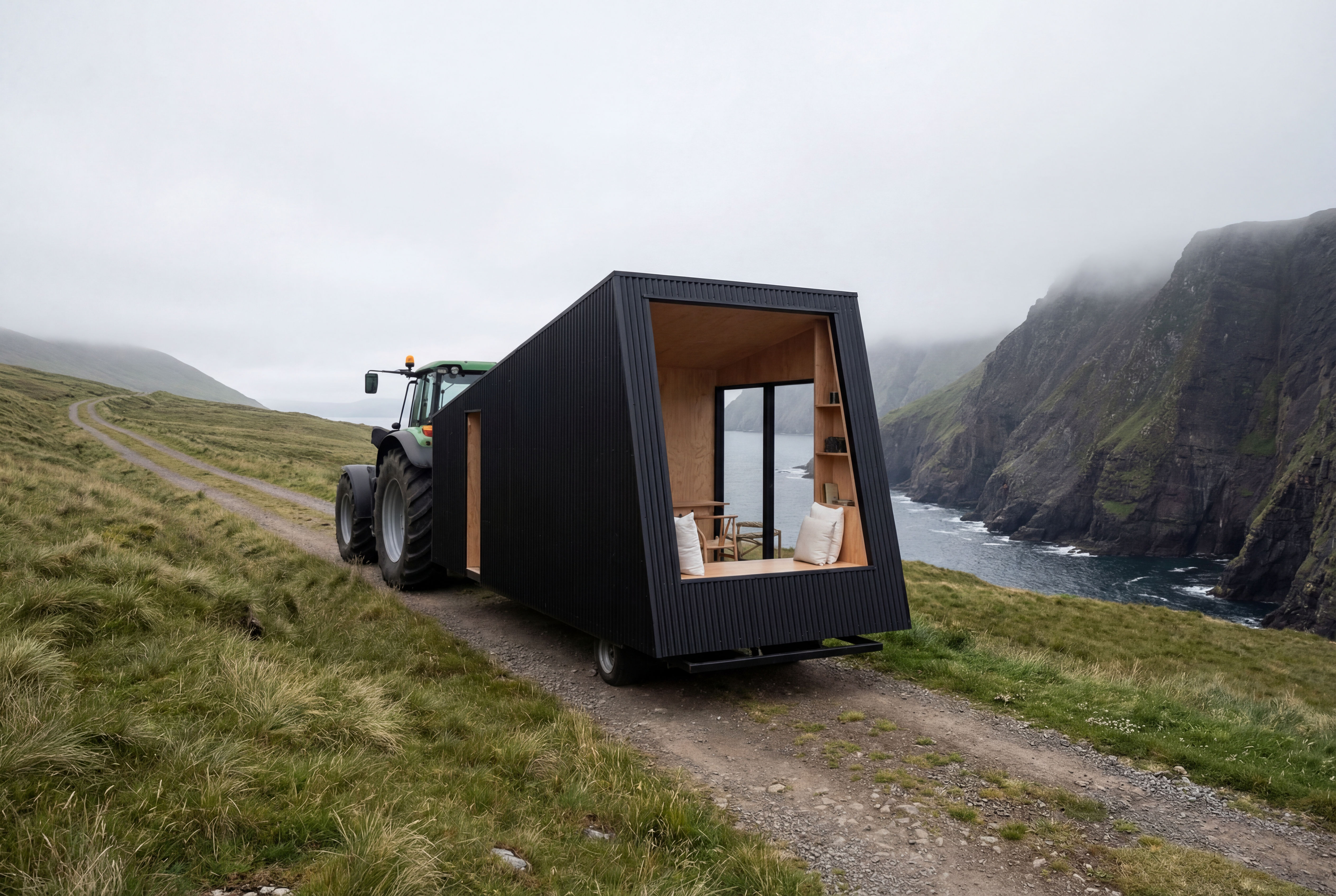 Recreate as PhotoTurn any 3D render, CG scene, or ai concept into photorealistic photography. Preserves exact camera angle, framing, composition, layout, and object placement. Works with SketchUp, Blender, V-Ray
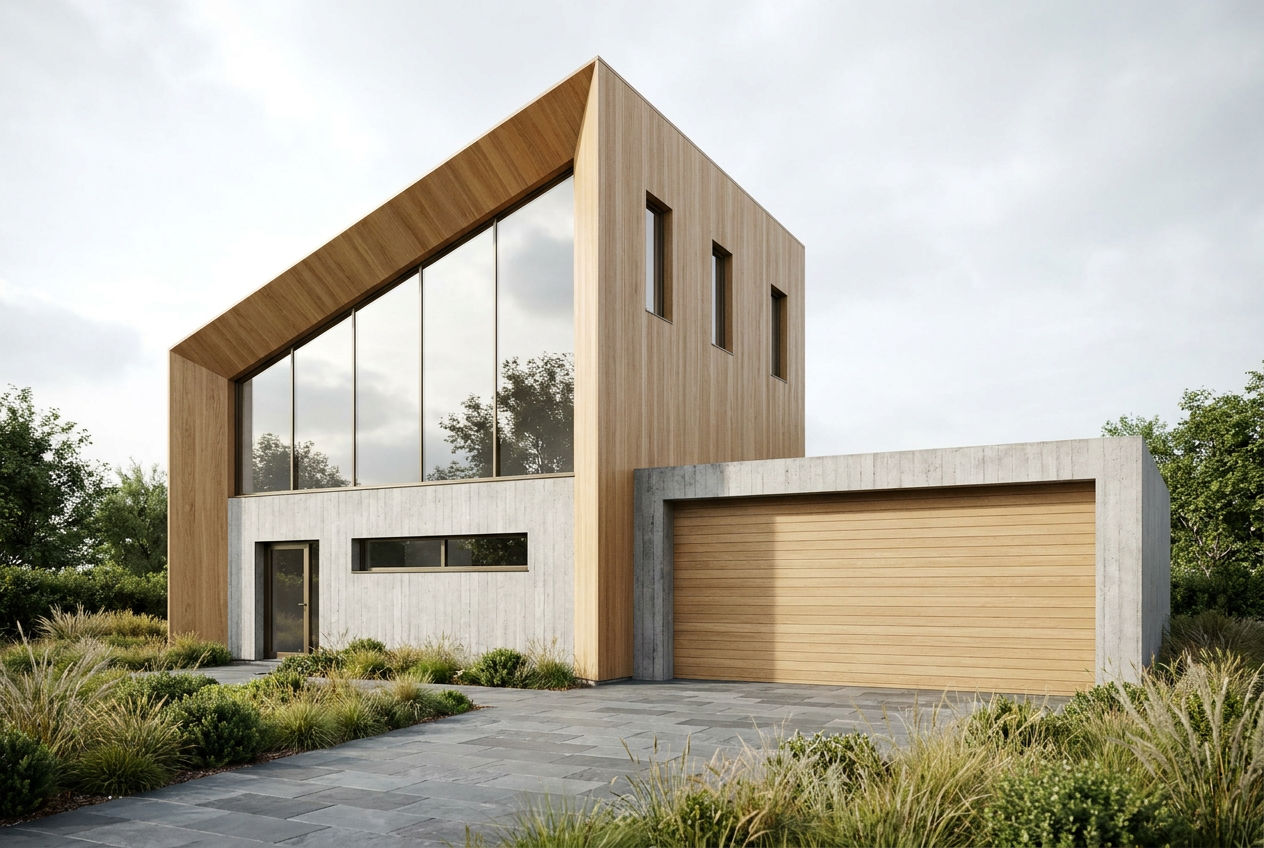 Sketchup RenderingTake a Sketchup screenshot and quickly render environment several variations
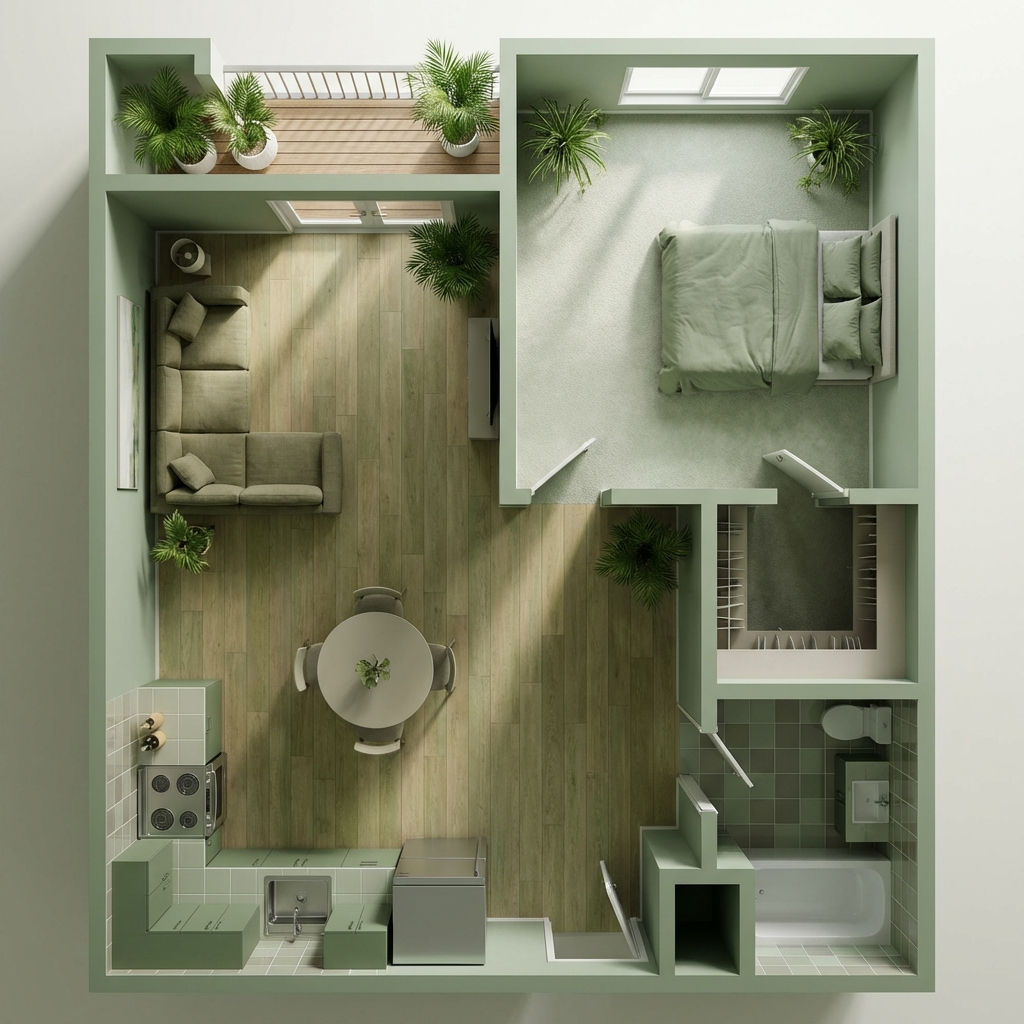 Room RenderTurn floor plans into realistic rooms
 Facade SwapReskin buildings with new materials
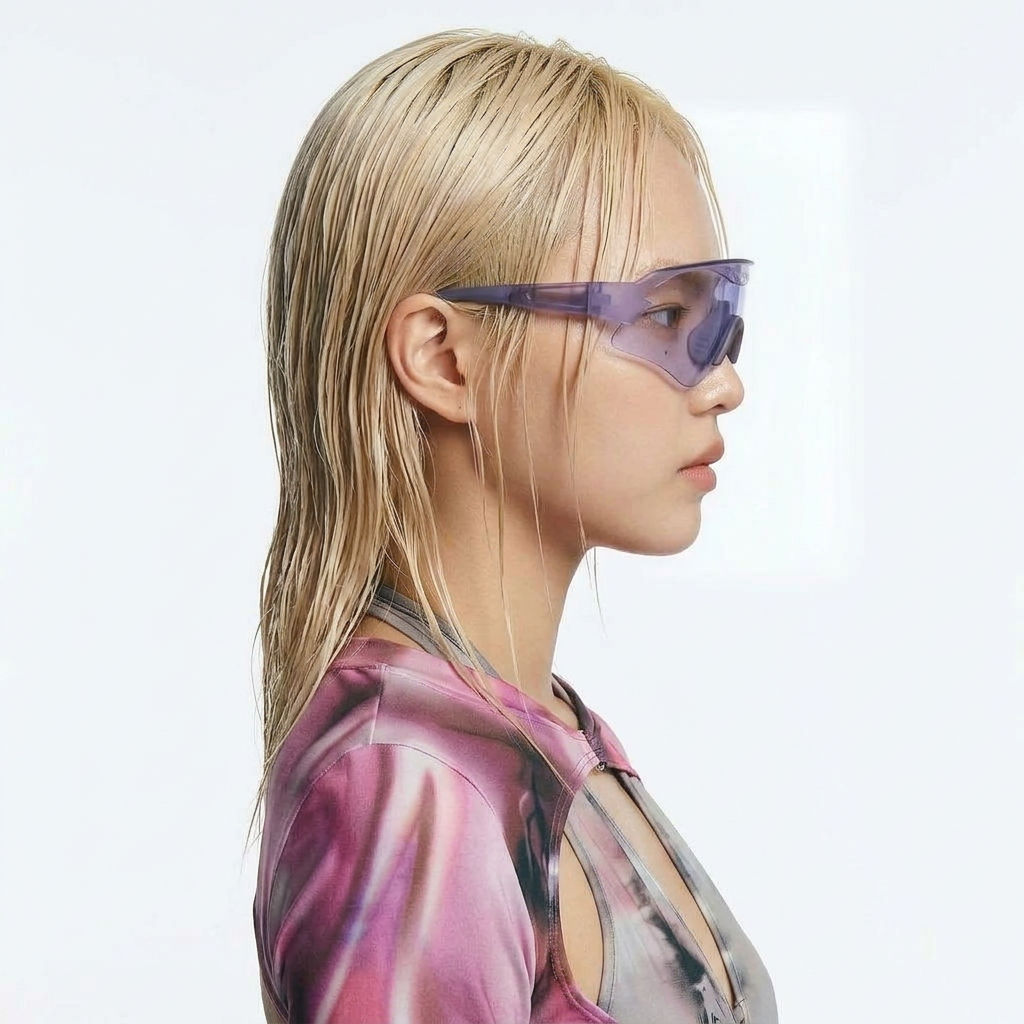 Character LockOne character, 6 different angles
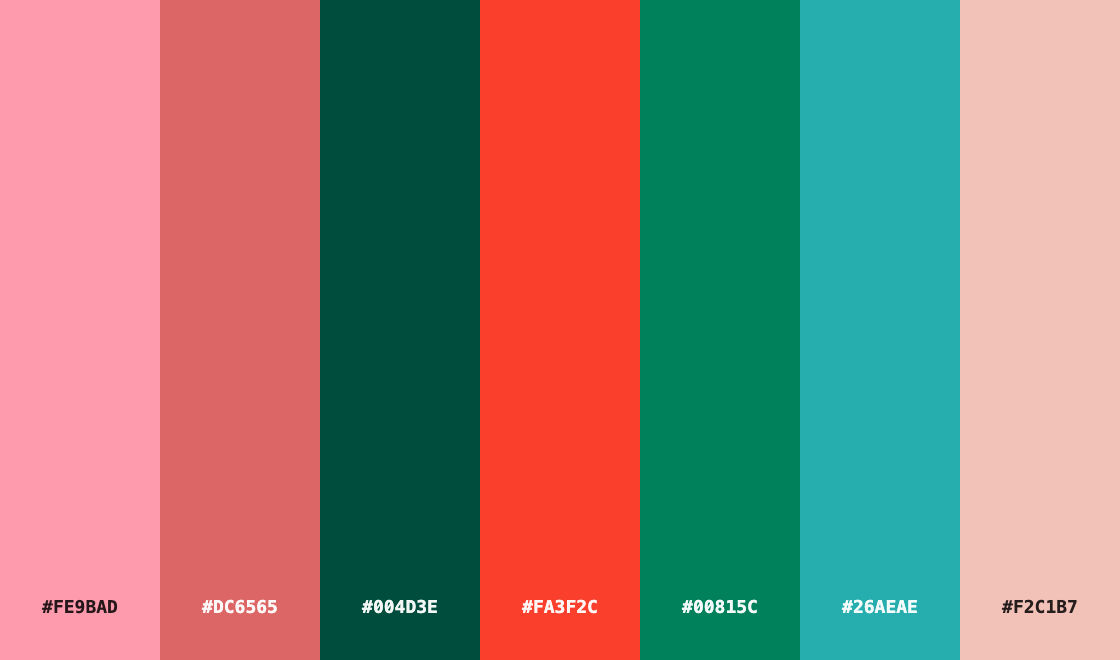 Color Palette ExtractionExtract color palettes from any image
Use AI Location Scouting to Get 6 Views from One Photo
Scouts five views from a single location
Raza Ahmad from Niantic