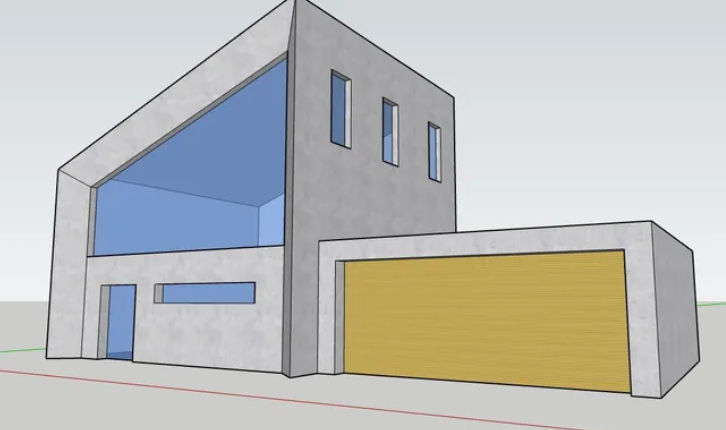
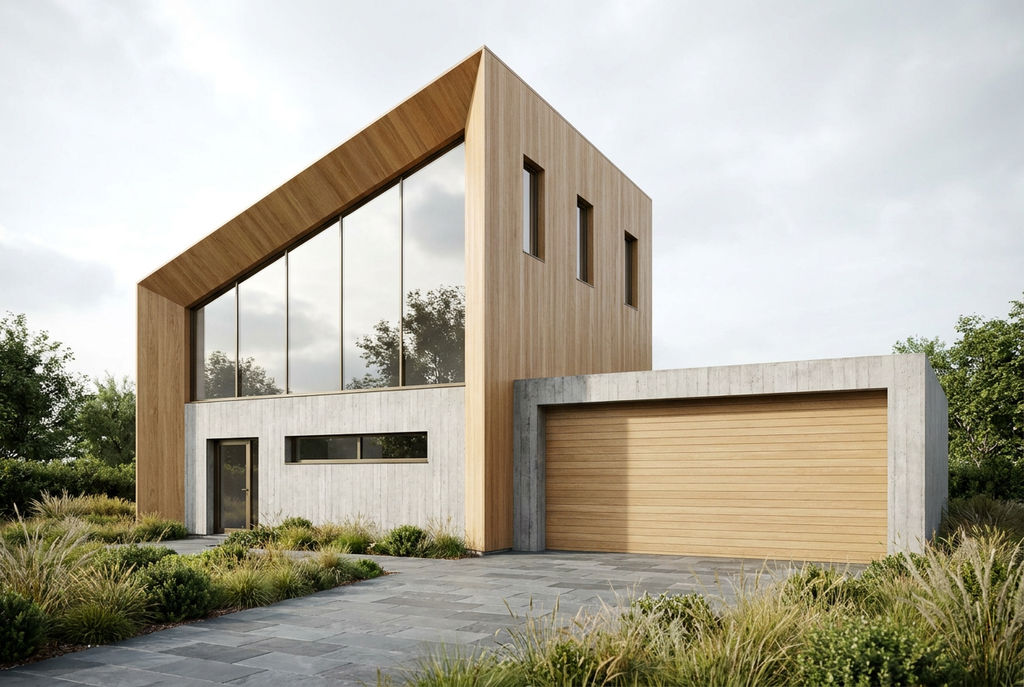
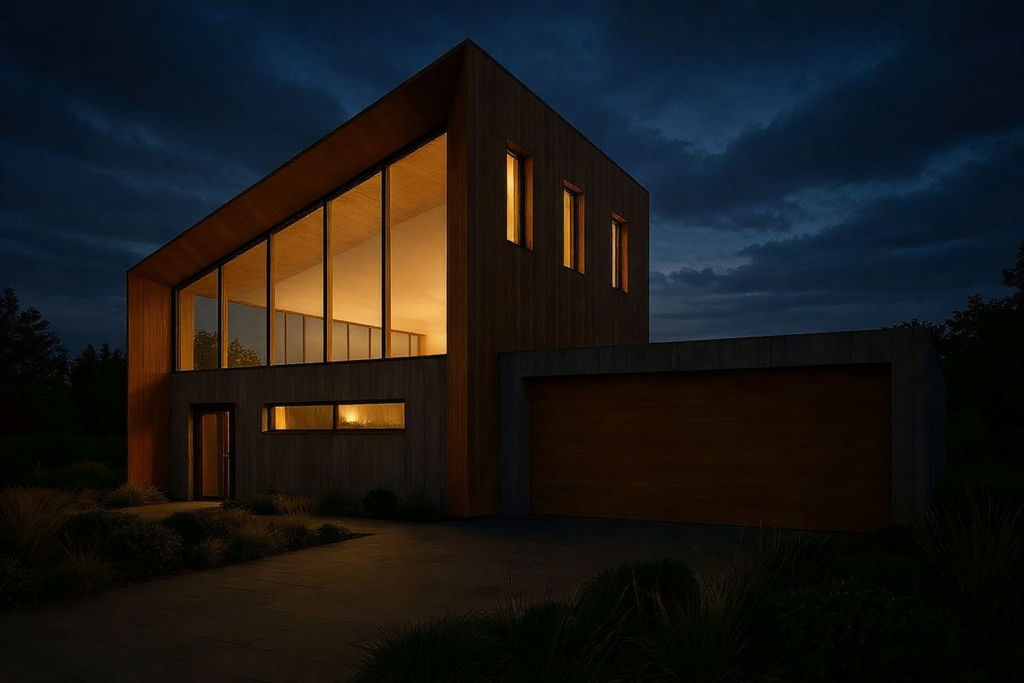
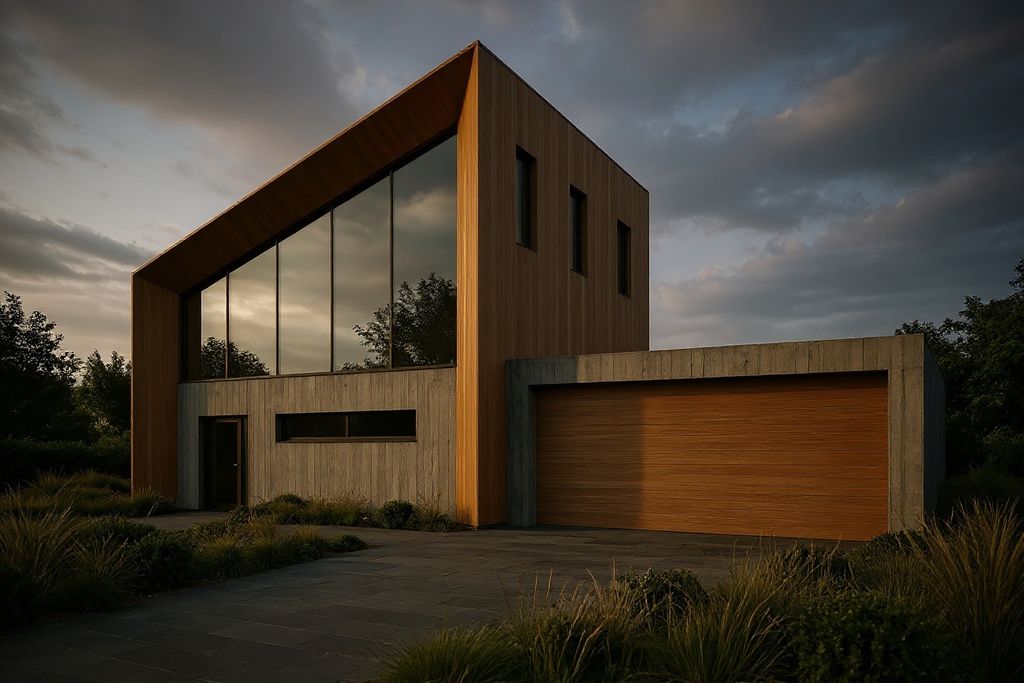
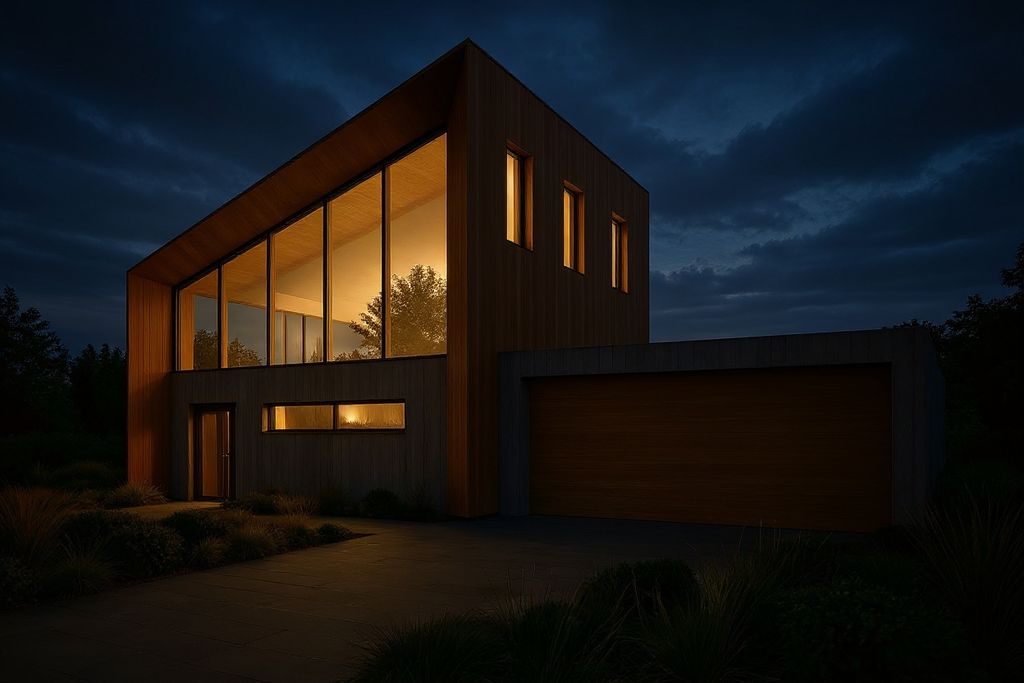
Upload a single model screenshot and get back a set of rendered lighting variations, from daylight to night, plus a short pan video.

Architectural Concept Reviews
Architects share a SketchUp 3D rendering of a massing concept with clients, showing the same view at several times of day without rebuilding the scene.

Interior Design Presentations
Interior designers turn a flat viewport capture into a SketchUp render that carries material, light, and mood in a client-ready image.

Studio and Student Work
Students and small studios produce a SketchUp Pro render for portfolios, crits, and competition boards without renting GPU time.
How to use Techniques?
Discover how to utilize Sketchup Rendering for different scenarios.

Add inputs
Upload images, videos, or type in the prompts to get started.

Generate outputs
Next, hit the "Generate" button to start generating your outputs.

Edit and export
Refine your outputs on canvas, or download them directly.
Frequently asked questions
All you need to know about Sketchup Rendering
What SketchUp rendering is, and how AI does it without a render engine
SketchUp rendering is the step that turns a flat model view into an image that reads as a real place, with light and materials that behave the way they do on site. The traditional path is long: assign materials, place lights, set a sun angle, tune the environment, then hand the scene to a render engine and wait. FLORA collapses that into one upload. A single screenshot of your model goes in, and a set of lit, photoreal variations comes back on the canvas.
Your geometry holds. The AI reads the camera angle, the massing, the window openings, and the surface breaks in your capture, then paints light and material onto that exact frame. Open a canvas and try it with a model you've already built, since seeing your own view come back lit beats any description of it.
What a SketchUp render changes, and what it leaves alone
A SketchUp render keeps your composition and replaces everything that sells realism. Shadow edges soften and fall off with distance. Glass picks up sky and context instead of sitting flat grey. Concrete finds its grain, and metal finally has something to reflect. Ambient bounce and a real horizon fill in the space around the building so it stops floating.
The thing you spent hours on doesn't move. Wall positions, roof pitch, floor plate depth, mullion spacing, and the camera you framed all survive the pass. That's the difference between a render and a fresh AI image of a building that just looks a bit like yours.
How to render SketchUp models straight from a viewport capture
A SketchUp rendering run is only as good as the capture you feed it, so the prep is worth two minutes:
- Set your camera first. Choose the view you would present, then leave it alone. Perspective at a slightly lowered eye height usually reads better than a raw axonometric.
- Turn off the visual noise. Hide guides, section planes, dimension text, and heavy edge styles. A shaded view with soft edges gives the AI cleaner surfaces to interpret.
- Leave shadows on. Even SketchUp's default sun tells the model where your light is coming from, and the output follows it.
- Export a straightforward JPG, PNG, or WEBP screenshot at the largest size you comfortably can.
- Upload, generate, then keep iterating on the versions that hold up.
Why SketchUp 3D rendering used to eat an afternoon
Classic render engines solve for physics. Path tracers such as V-Ray, or real-time tools like Enscape, Lumion, and Twinmotion, trace light through the scene and resolve it sample by sample. The images are gorgeous. They also cost you a material library to set up and a queue to sit through, and one revision request sends you back to the start of it.
Diffusion models come at it from the opposite direction. They don't simulate photons at all. They've learned what buildings photograph like at every hour and in every weather, then apply that to the frame you hand them. SketchUp 3D rendering stops being a phase at the end of the project and becomes something you can run at concept stage, on a model that's still rough.
What a SketchUp Pro render is worth when it costs nothing to redo
Once SketchUp rendering takes minutes, variation stops being a luxury. The same view comes back at midday, at dusk, and after dark, so you can walk a client through mood options instead of defending the single frame your budget covered. A SketchUp Pro render that once justified a GPU rental now sits alongside four alternates in a client deck, with a short pan clip to give the board a moment of motion.
That also changes review meetings. When someone asks what the facade looks like on an overcast morning, you answer in the meeting instead of in the next one.
Where a SketchUp 3D render goes after the first pass
The lit frame lands on the canvas with everything else still open to you. Push interiors further with room render, test material direction against a moodboard or a pulled palette, swap a finish without remodelling it using texture matchers, bring a still up to board resolution with the image upscaler, and extend a single view into motion with the video scene builder.
All of it runs on the same infinite canvas, across the AI image generator and AI video generator models FLORA carries, so every version stays in the same project as the model that started it.
Related techniques
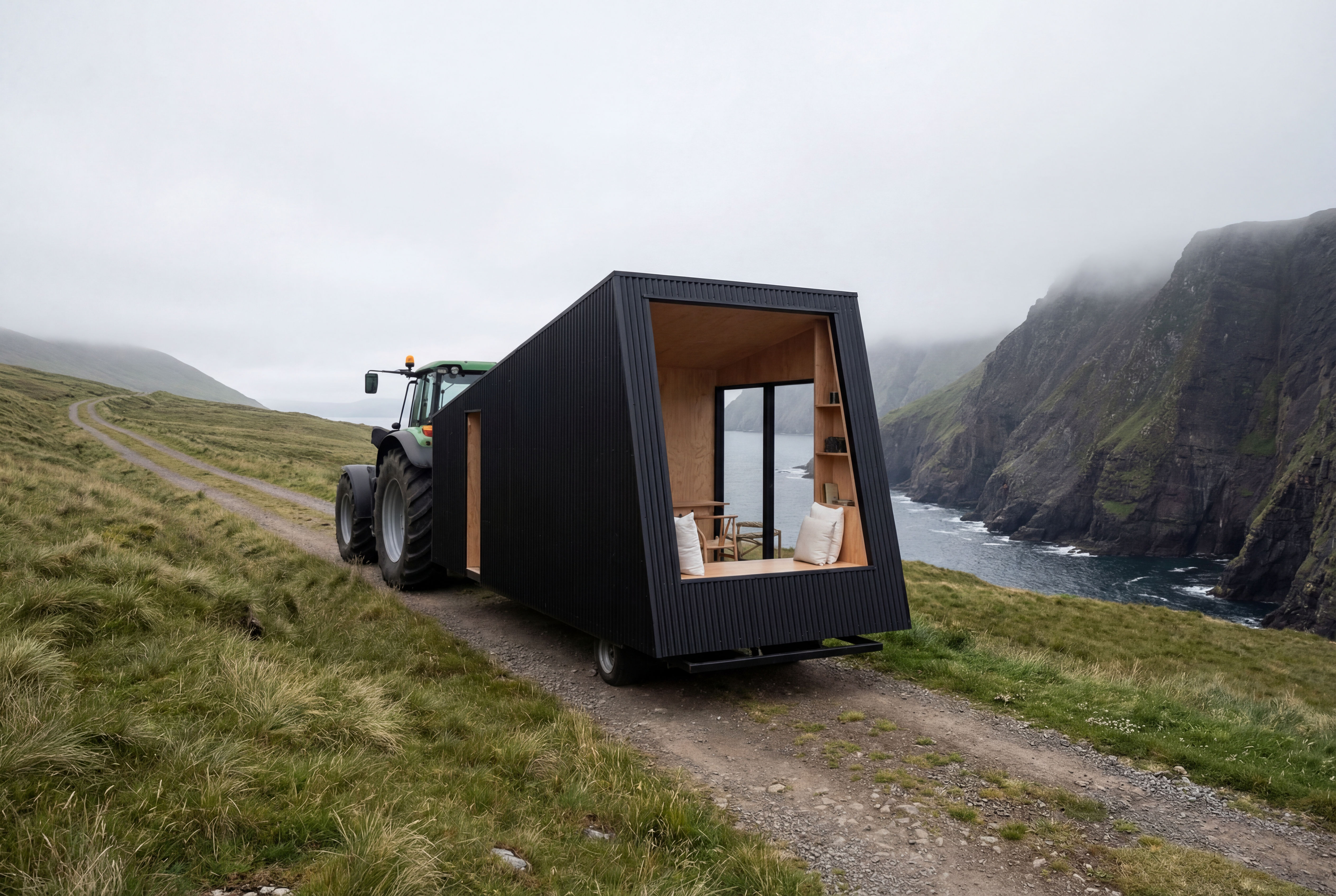 Recreate as PhotoTurn any 3D render, CG scene, or ai concept into photorealistic photography. Preserves exact camera angle, framing, composition, layout, and object placement. Works with SketchUp, Blender, V-Ray
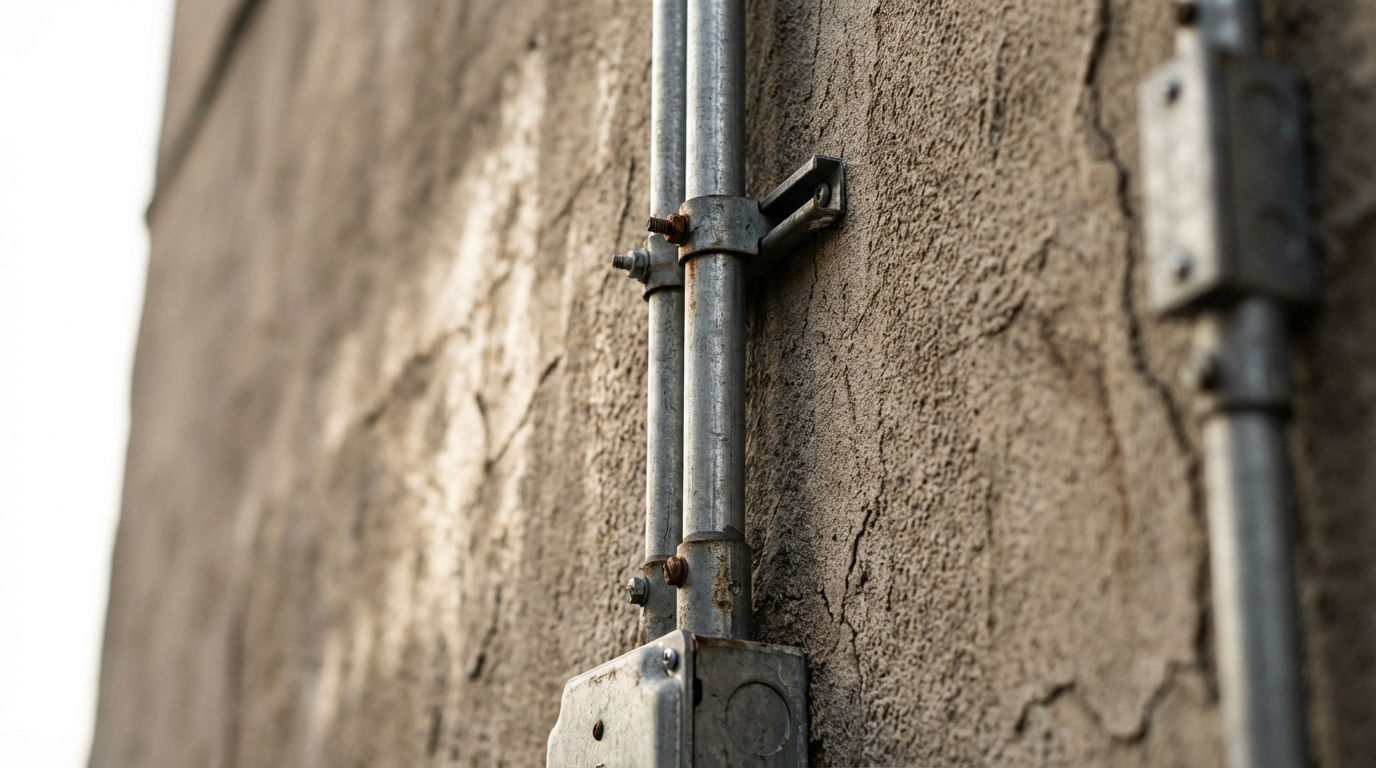 Location ScoutScouts five views from a single location
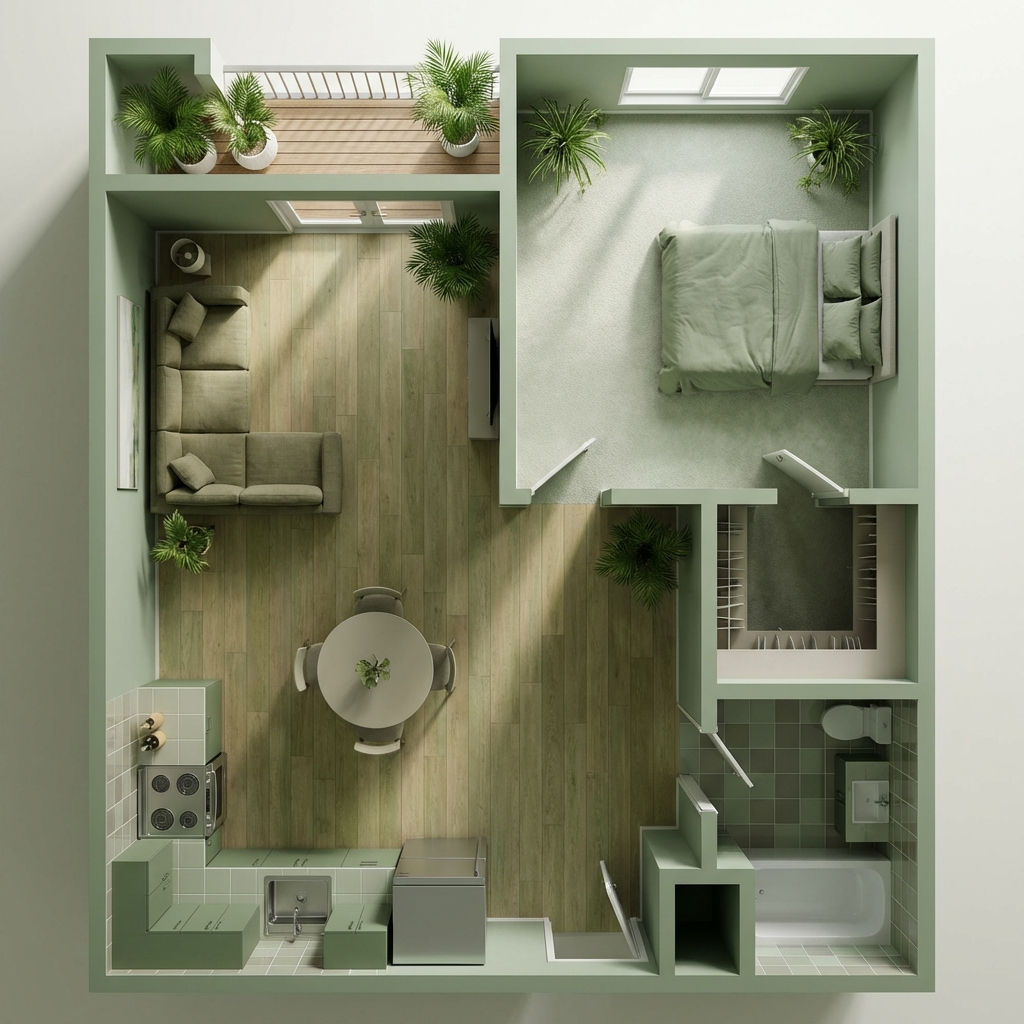 Room RenderTurn floor plans into realistic rooms
 Facade SwapReskin buildings with new materials
 Character LockOne character, 6 different angles
 Color Palette ExtractionExtract color palettes from any image
Create a Photorealistic SketchUp Rendering in One Click
Take a Sketchup screenshot and quickly render environment several variations

Louis Anderson