
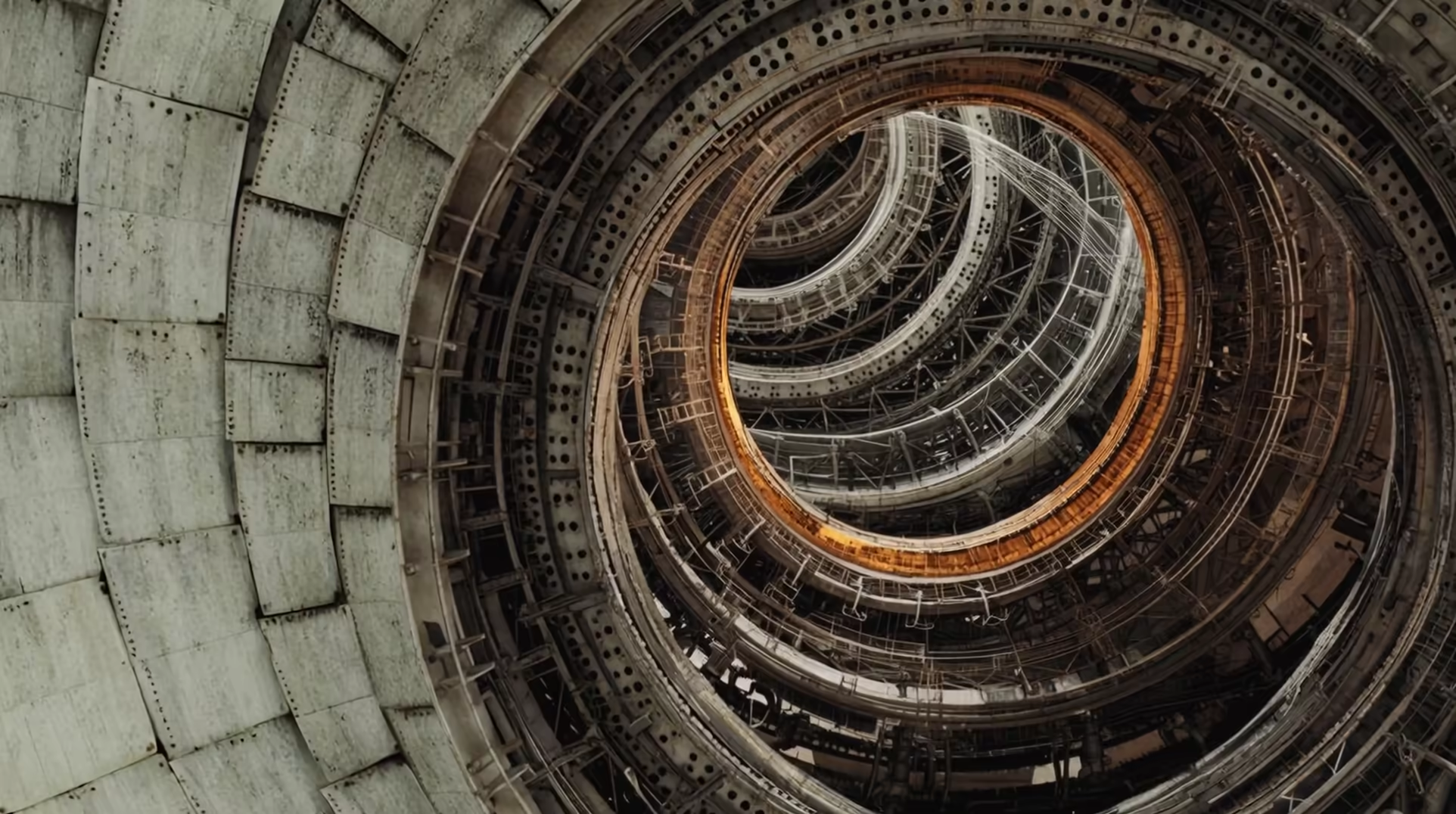
FLORA x ASTRA MCP
Sculptural Type
Use Astra to turn a flat letter into a sculpture, a world and a camera move, all from the font outline.
Add the FLORA server
Two commands: add the server, then sign in through the browser.
Start creating
The prompt points Codex at the skill, then at the job.
Paste into Codex’s chat.
Download the skill
Unzip it into your agent's skills folder (~/.codex/skills for Codex, ~/.claude/skills for Claude Code), then ask for a letter.
Copy the FLORA connector URL
You'll paste this URL into ChatGPT in the next step.
Go to ChatGPT → Apps
In ChatGPT, open Settings → Apps and add a custom app. Name it FLORA and paste the URL.
Sign in and start creating
Opens ChatGPT with the prompt ready — say what you want made.
Start creatingRequires steps 1-2 completed first.
Download the skill
Unzip it into your agent's skills folder (~/.codex/skills for Codex, ~/.claude/skills for Claude Code), then ask for a letter.
Keep the letter. Change what it is made of.

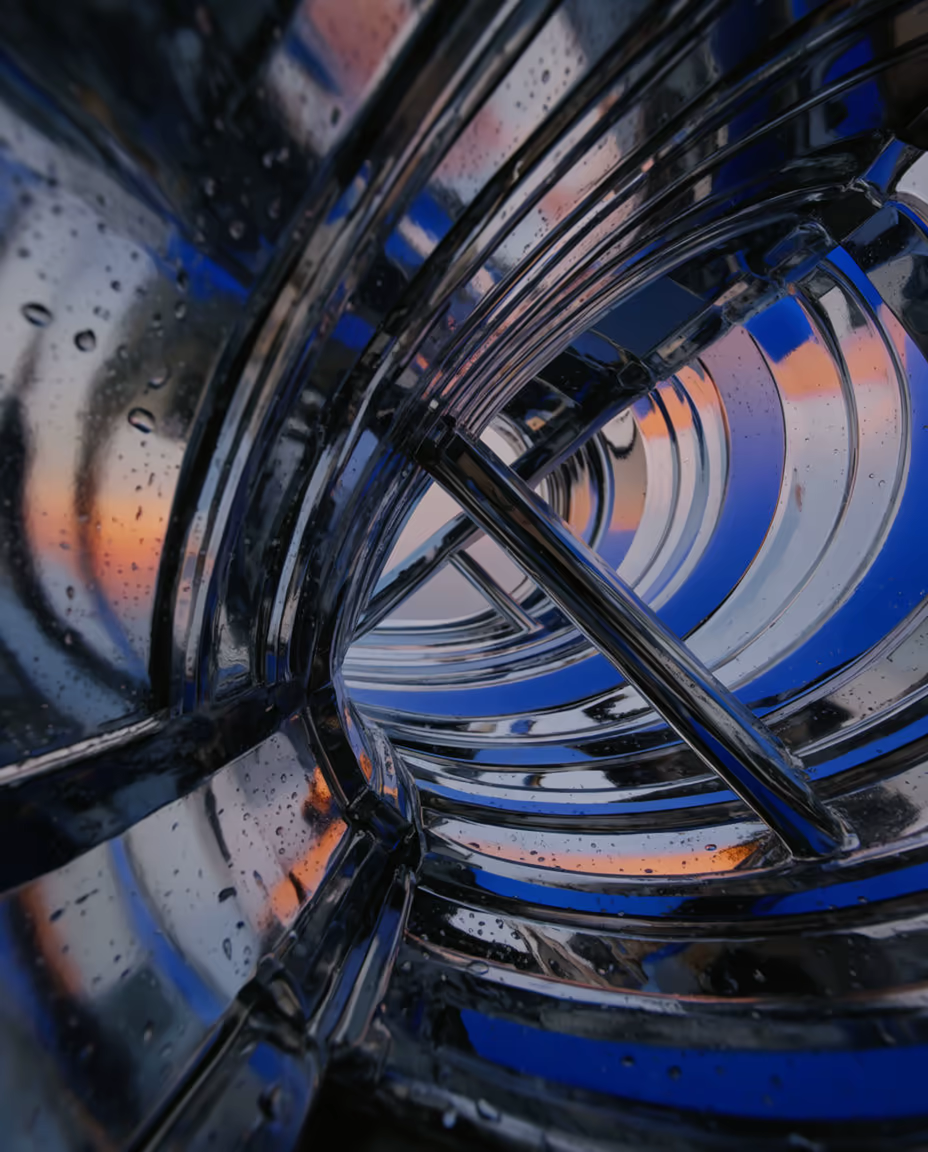
Turn any letters into an interactive video sculpture
How can I use this?
Add the plugin to Codex using the installation instructions. In ChatGPT, add FLORA MCP as a custom plugin and paste https://agents.flora.ai/mcp. In Claude, add FLORA as a custom connector under Customize → Connectors with the same URL.
What exactly does it give me back?
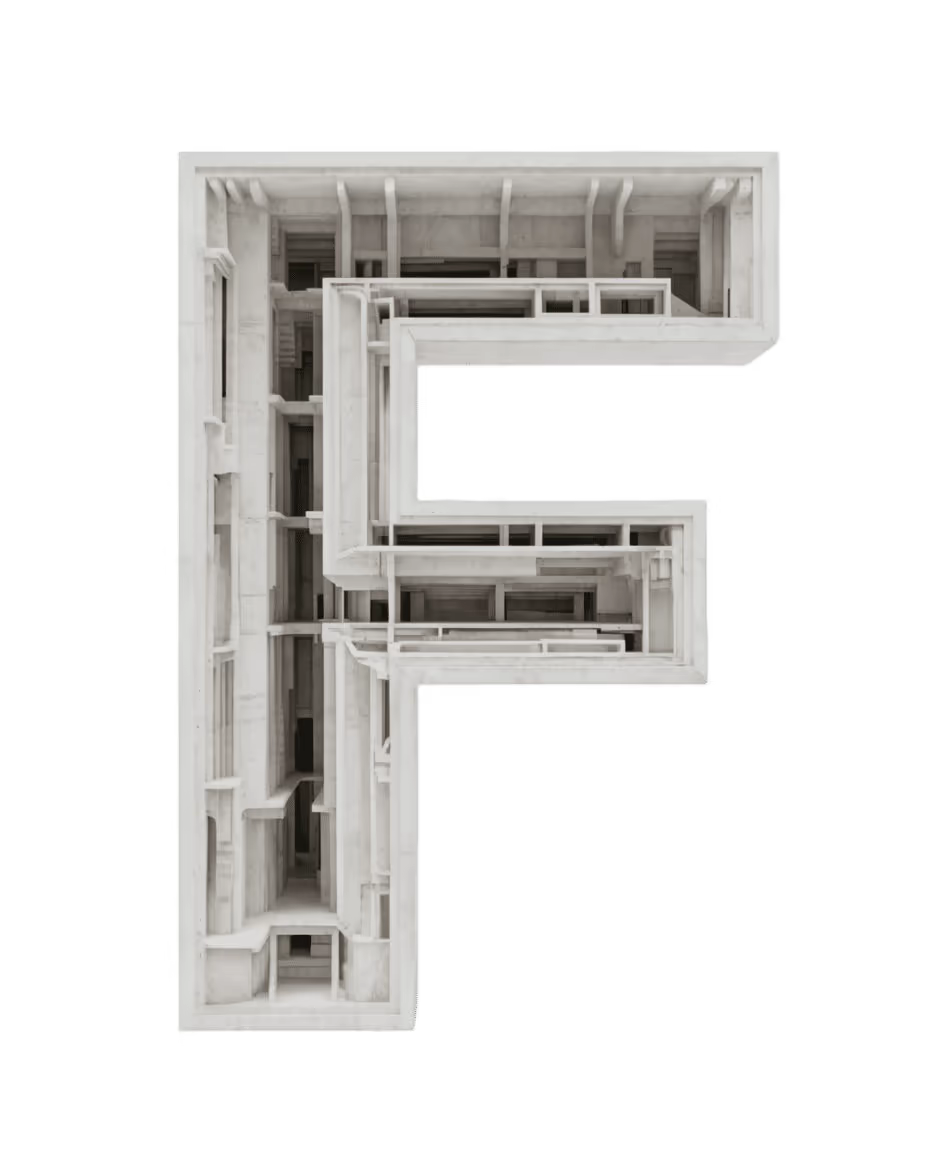
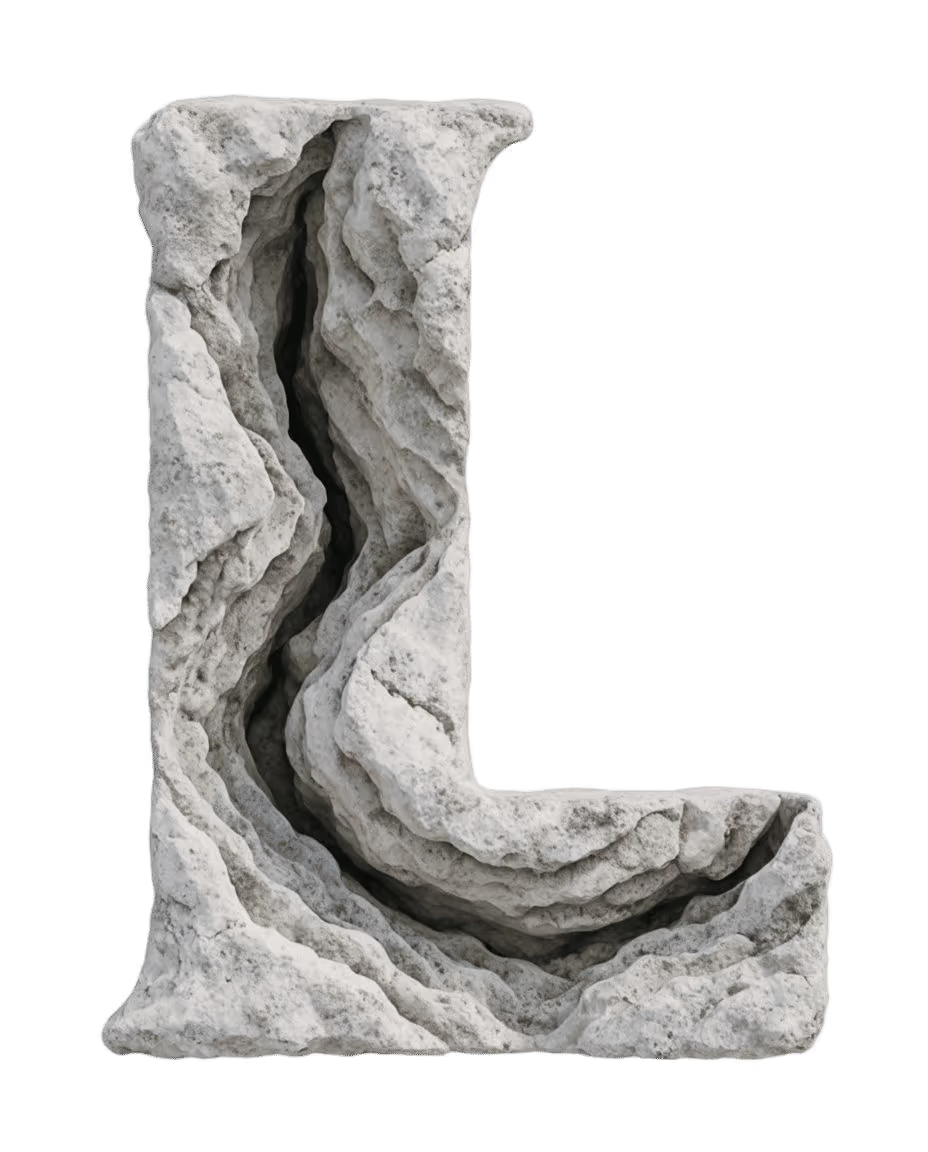
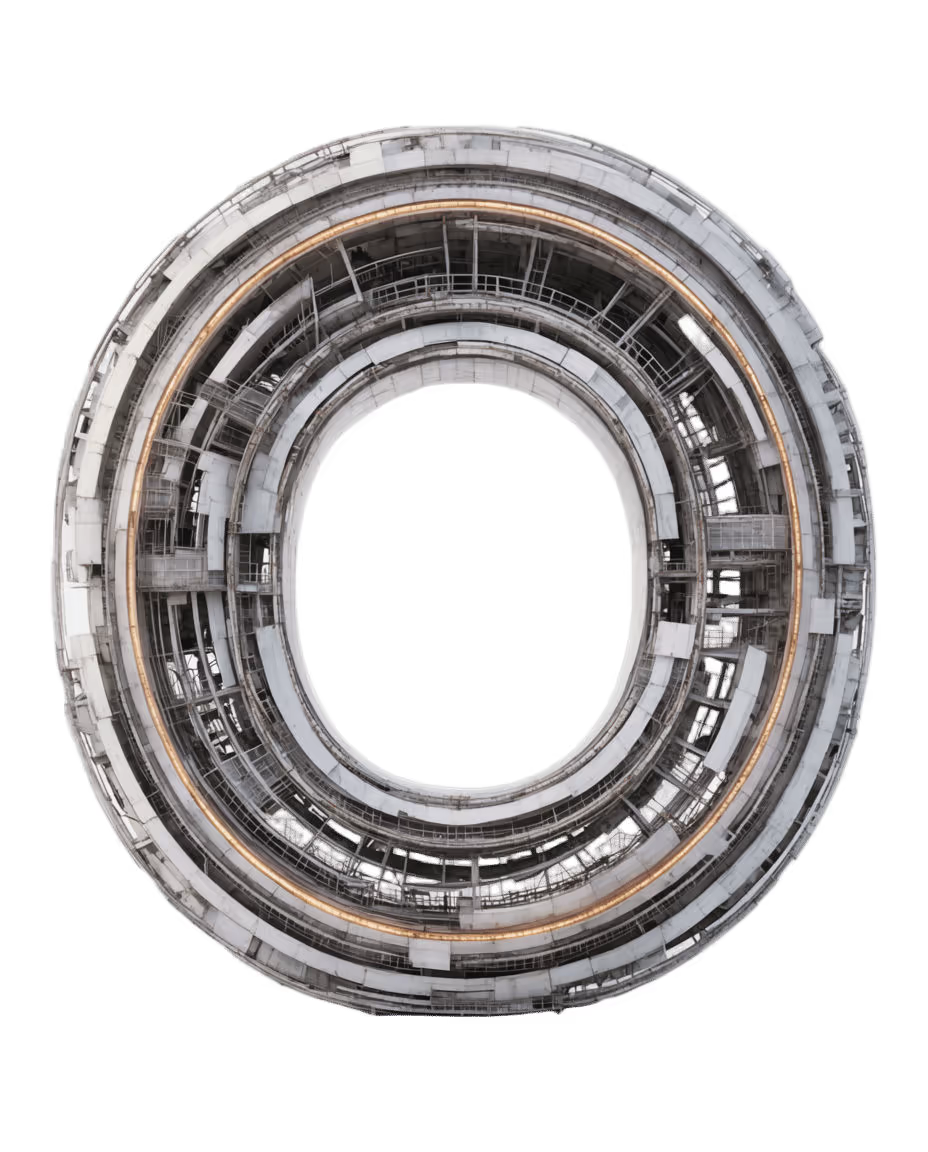
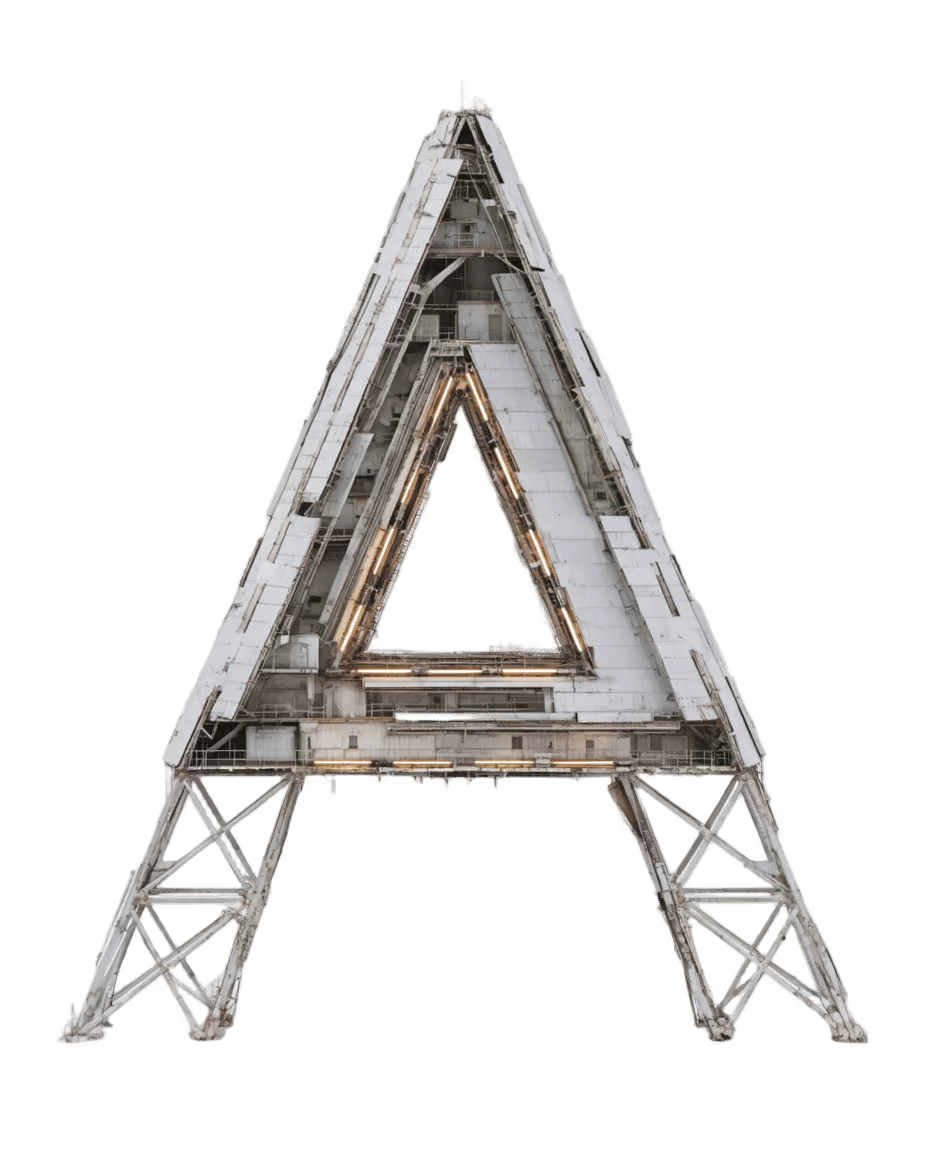
Per letter: a sculpture on white, an interior world in the same material, and a five-second clip where only the camera moves. Run a whole word and you get one branch per letter on your canvas, laid out and ready to cut into a 4:5 edit.
Does the letter change shape?
No. The skill starts from the real font outline, not AI-rendered text, and every prompt carries the silhouette with it. The counters stay open and the letter reads from the front; what changes is the material and what is inside.
Which fonts and materials?
Any glyph you can export black on white. The defaults are Geist Bold with one material per letter: concrete, limestone, a layered reactor, wet chrome and a steel observatory. Bring your own wordmark and a material reference and it builds from those instead.