Skip to content
FLORA

Brand OS: the intelligent brand system

Turn your brand guidelines into a system for your team and every AI tool to follow.

Request early access

Where should we send your Brand OS invite?

For years, a brand lived in a coffee table book that no one actually referenced.

A PDF, a Figma file and a few colleagues knew the brand guidelines by heart, but over time those guidelines drifted until the next brand refresh years later. Today, AI tools can do creative work for teams, but the context they need lives scattered.

Brand OS turns your guidelines into one system your team and every agent work from: the rules, the logos, fonts, margins and much more all live in one place. Your brand also shouldn’t wait for a refresh every few years. You can update and push your brand every day.

Now, your brand doesn’t just live in a coffee table book or with a few designers. Your sales team can build decks, your marketing team can build landing pages, and your events team can create activations, all while staying on brand. Meanwhile, your creatives and designers can shift their focus and passion to the work that really matters.

Woman in a glossy red vinyl suit reaching toward the camera, with motion blur and film grain
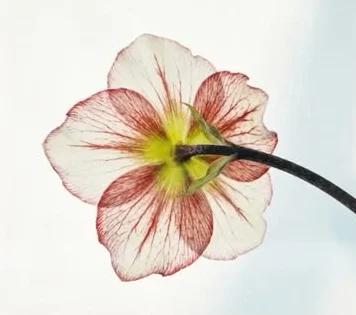
A pale hellebore seen from behind against a soft sky
Hand gripping a metal jump-rope handle, wearing a FLORA sweatband
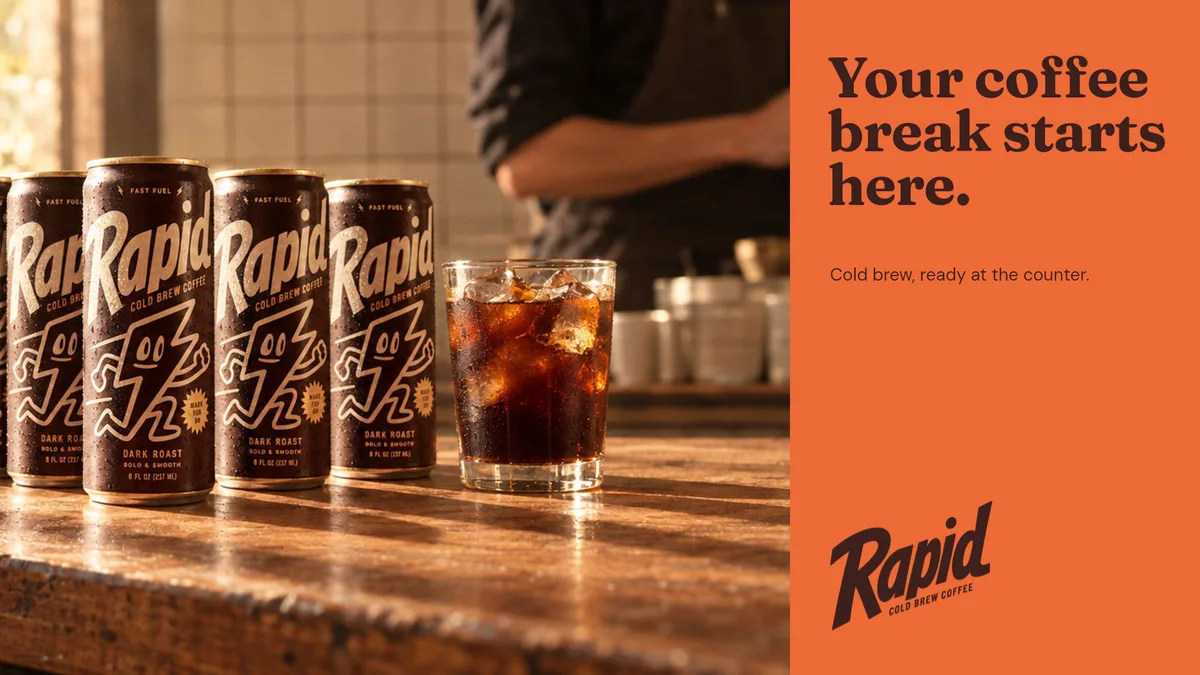
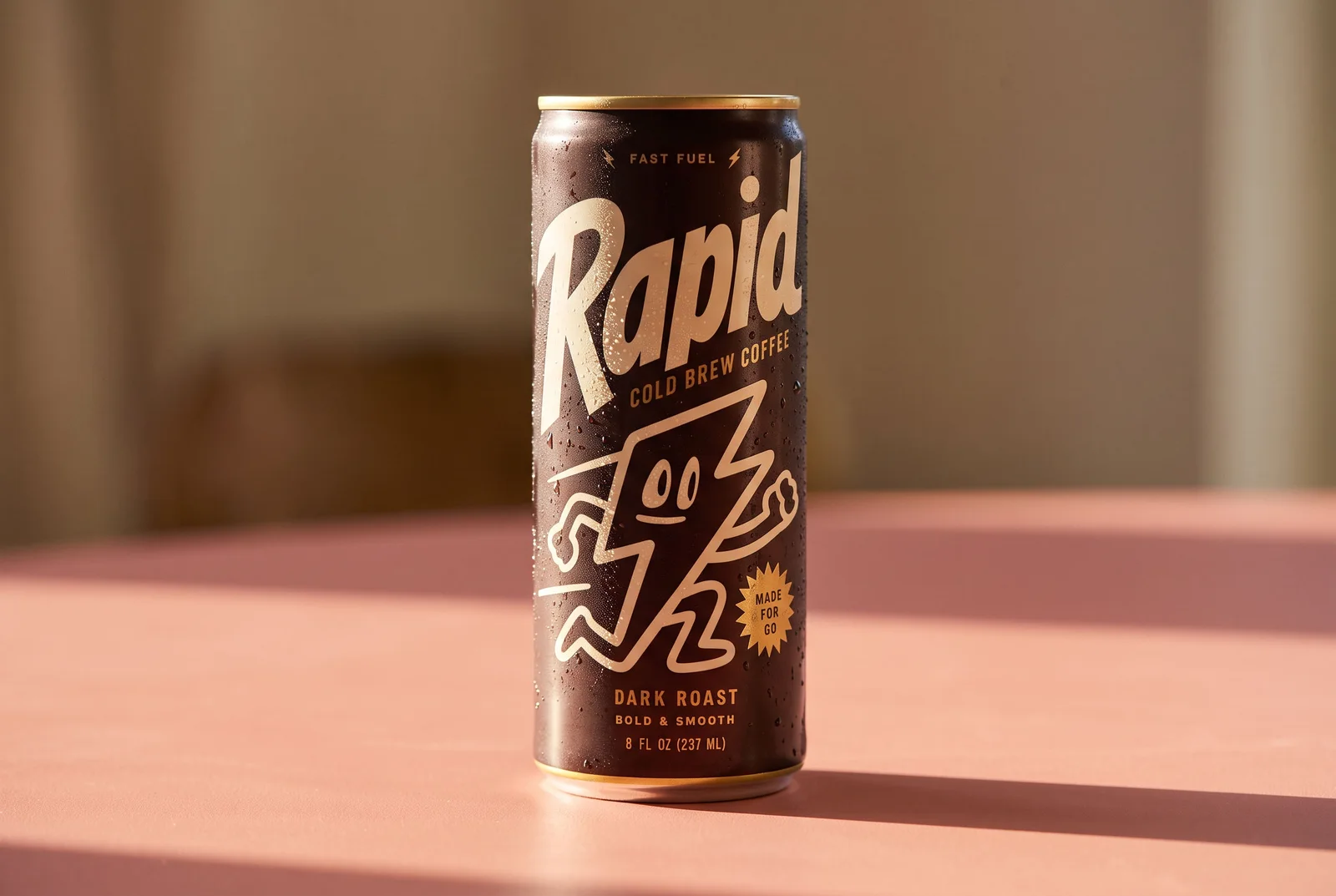
Rapid cans and an iced cold brew on a sunlit café counter beside an orange panel reading "Your coffee break starts here."
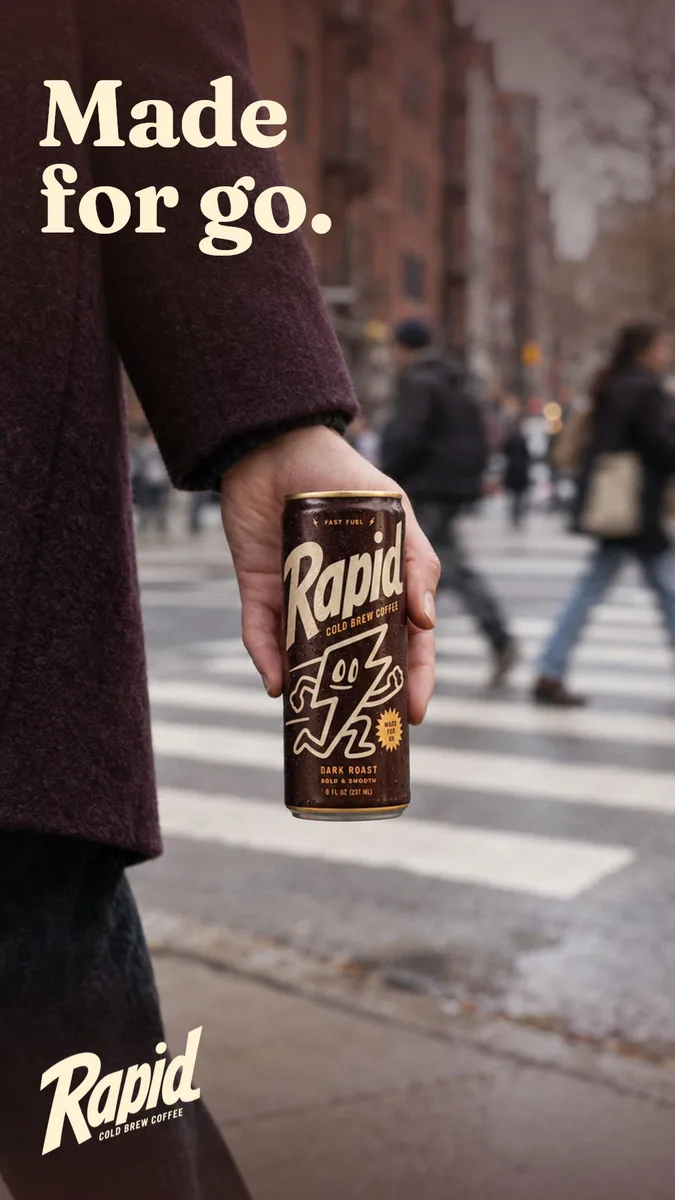
Street photo of a hand in a plum coat holding a Rapid can at a crosswalk, headlined "Made for go."
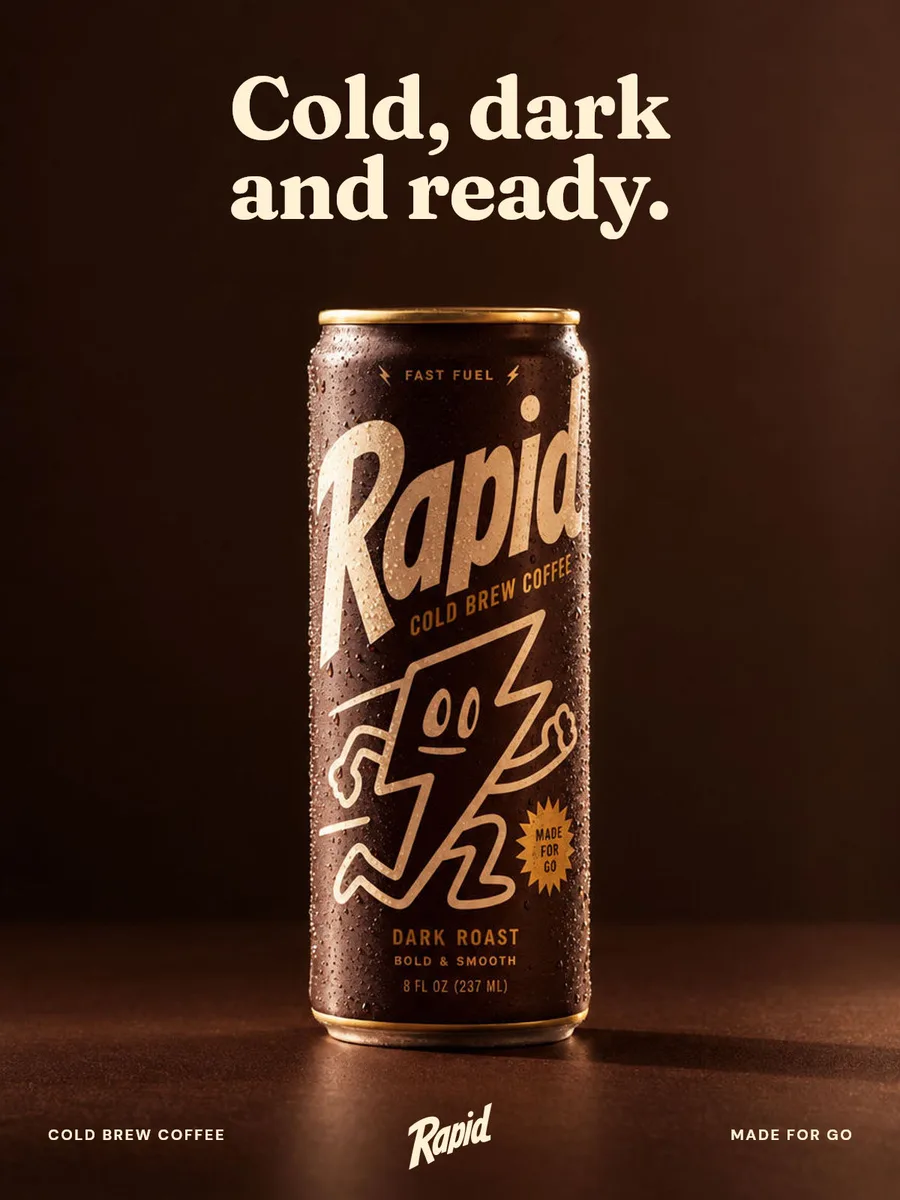
Low-key studio shot of a Rapid can covered in condensation on deep brown, headlined "Cold, dark and ready."
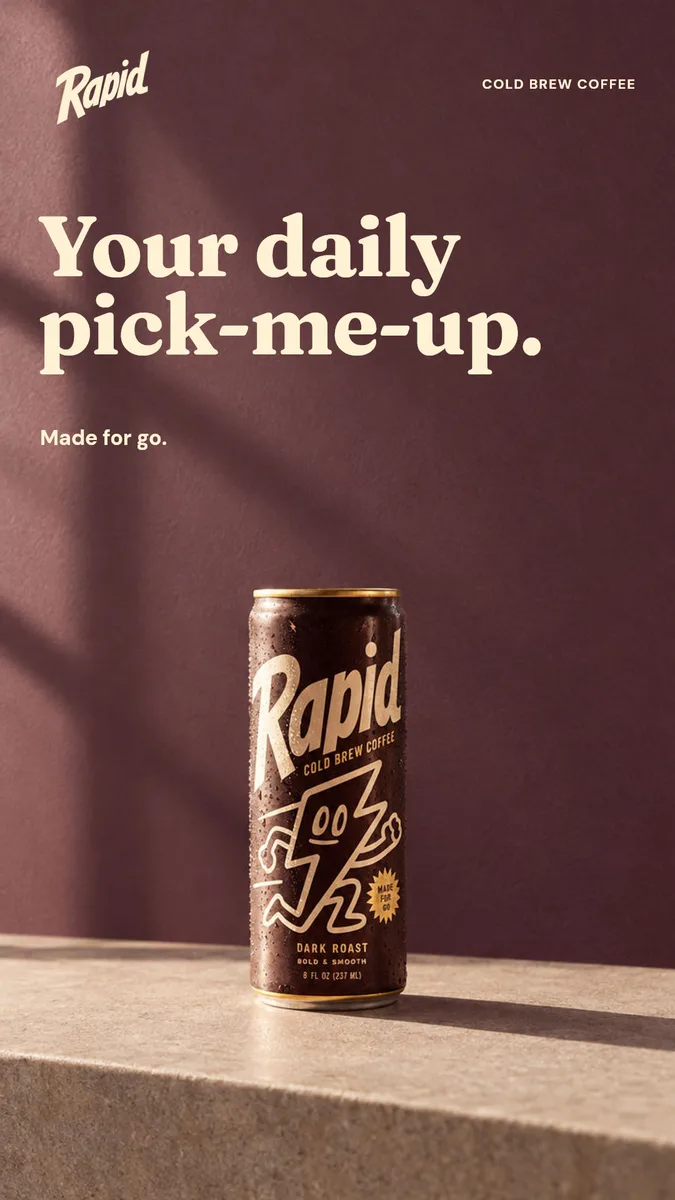
A Rapid can on a stone ledge against a sunlit plum wall, headlined "Your daily pick-me-up."
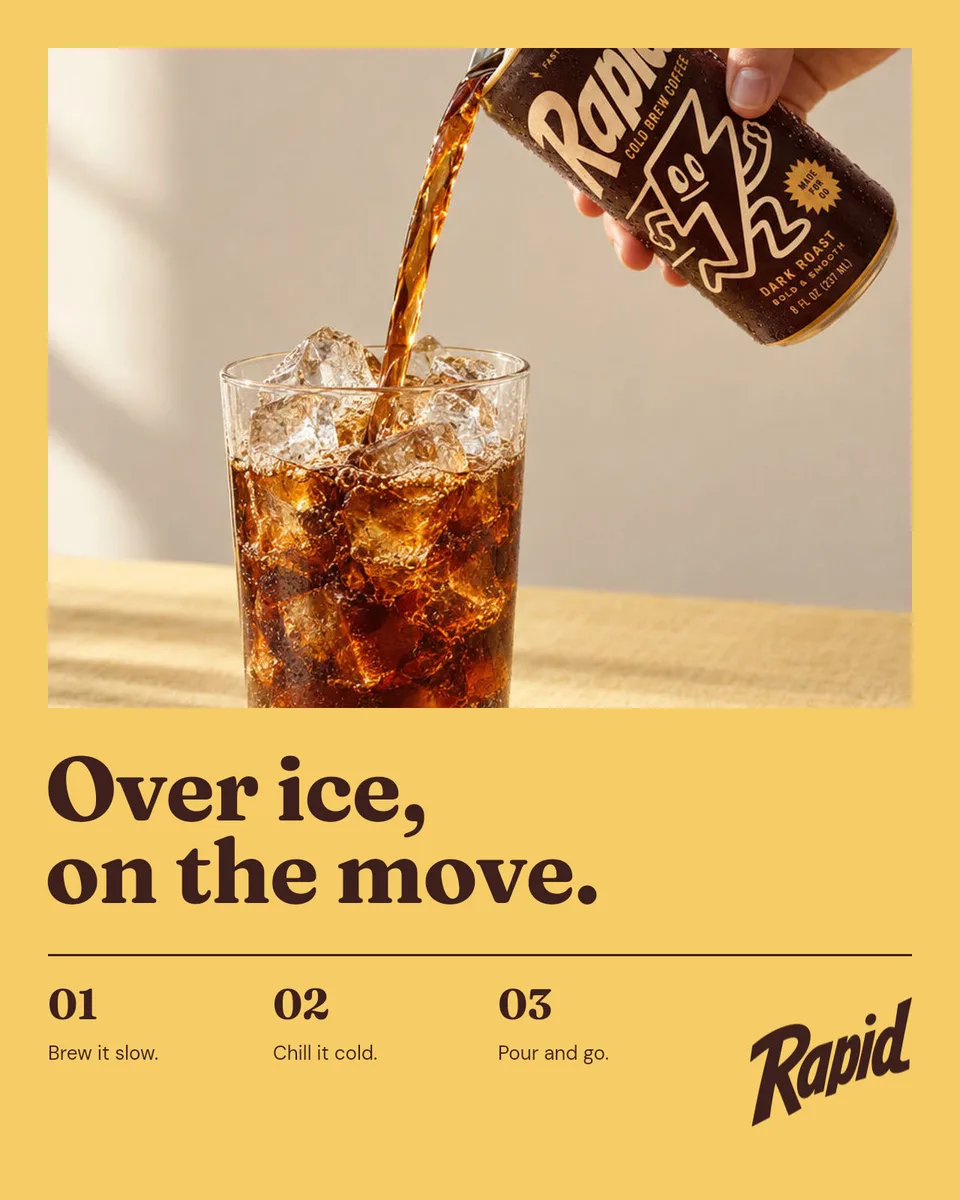
Butter-yellow poster of cold brew poured from a Rapid can into an iced glass, headlined "Over ice, on the move."
Wind-combed field of pale green grass, seen from low over the blades
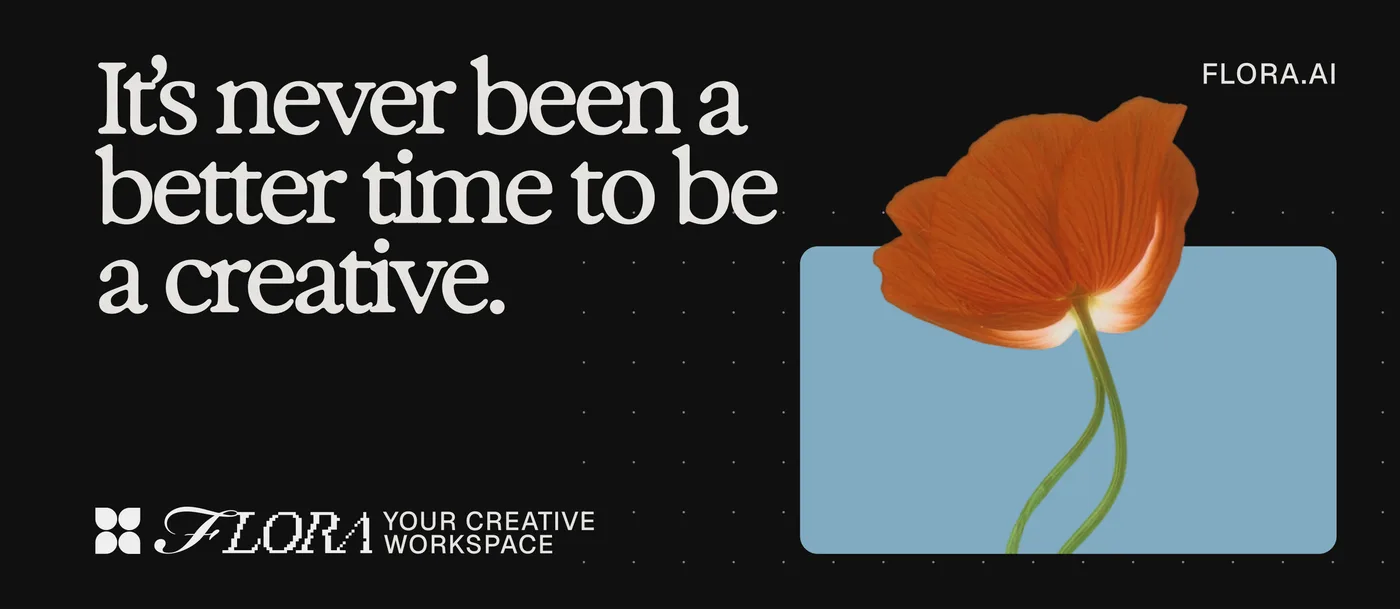
FLORA billboard: “It’s never been a better time to be a creative.” beside an orange poppy on a pale blue panel
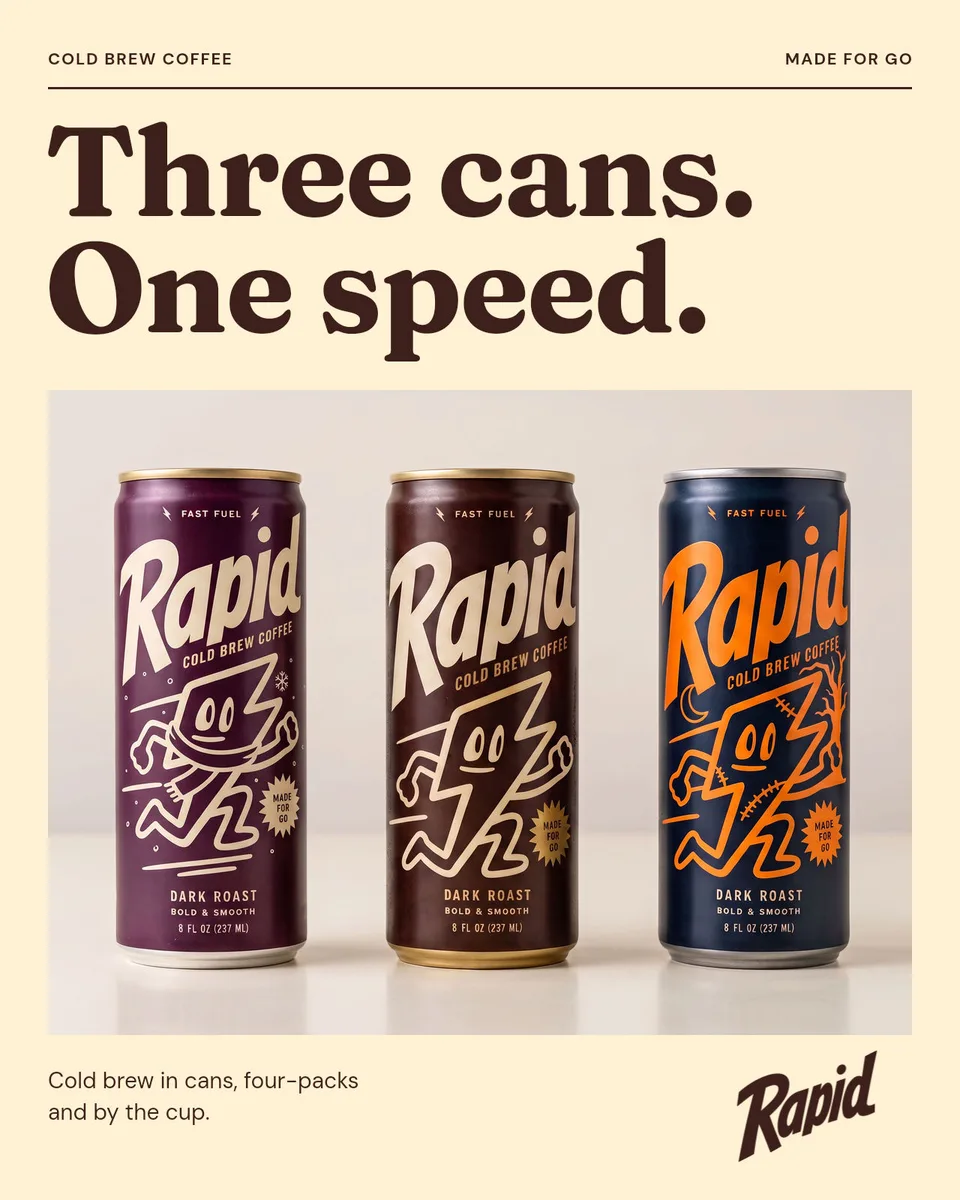
Cream poster headlined "Three cans. One speed." above a photo of three Rapid cans in plum, roast and navy
FLORA wall design: “Don’t let that idea pass you by.” with a woman in a flowing orange dress beside a line drawing of it
FLORA post on plum: Made for designers, over a single orange dahlia
Woman crouching beside a green dirt bike in a warehouse
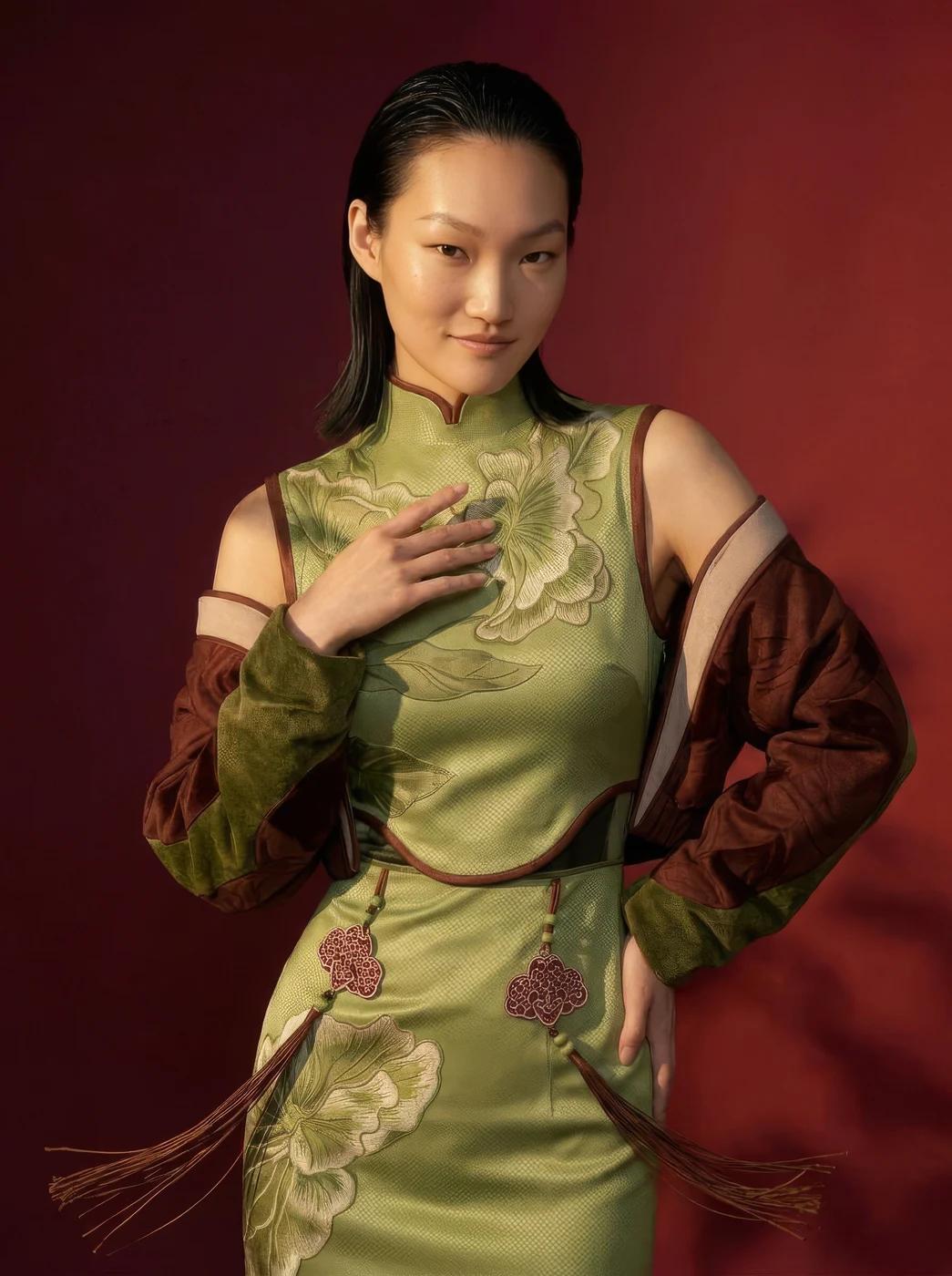
Model in a green embroidered qipao-style dress against a red backdrop
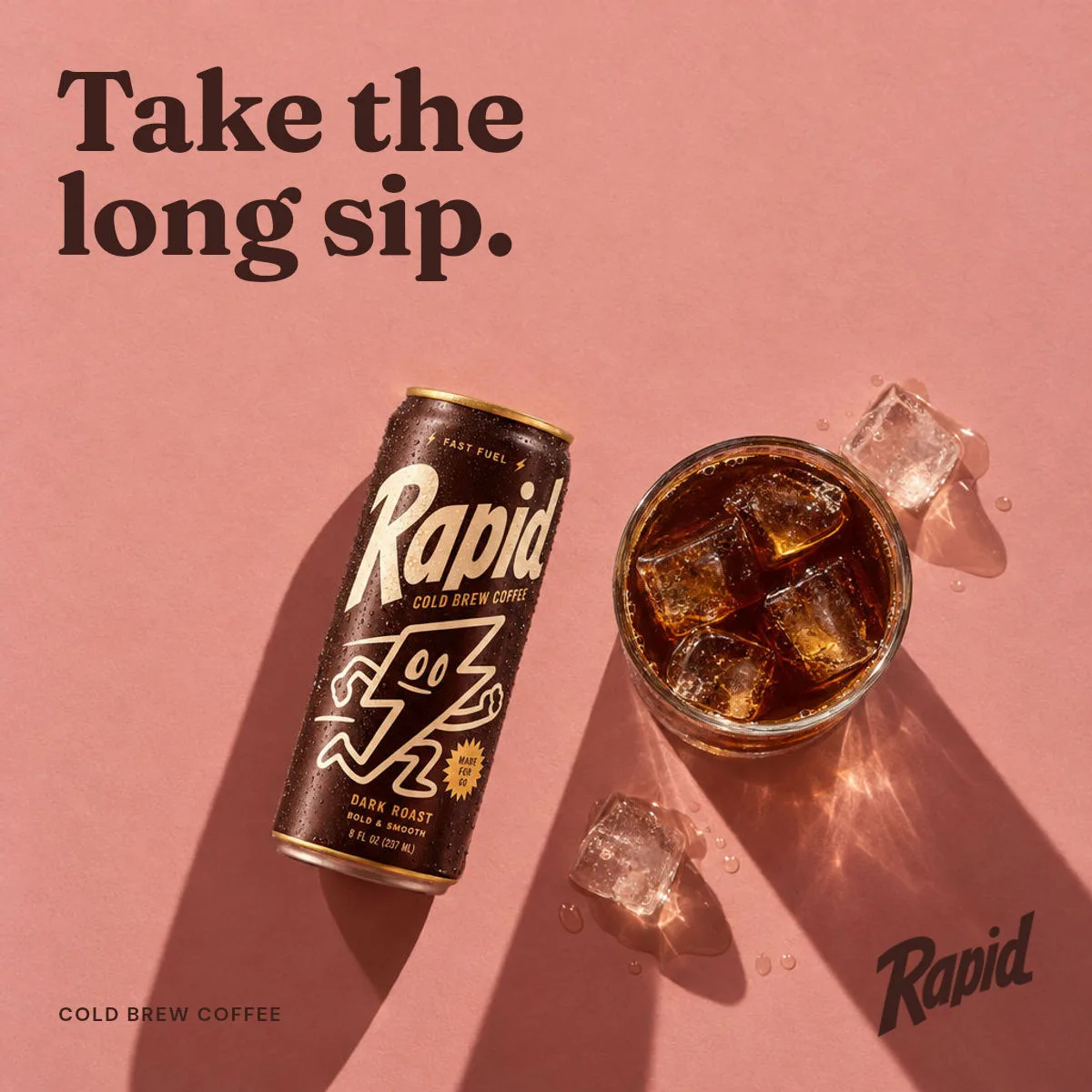
Overhead shot of a Rapid can and a glass of iced cold brew on dusty pink paper in hard sunlight, headlined "Take the long sip."
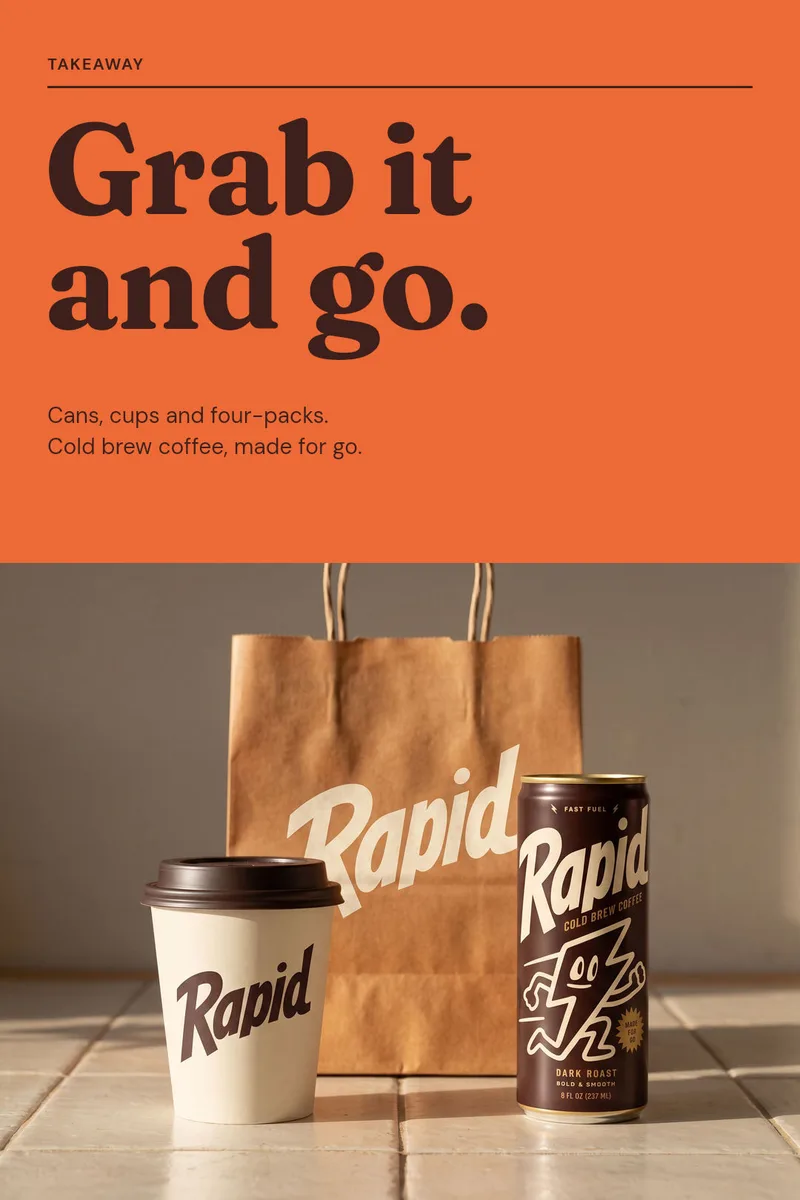
Orange poster headlined "Grab it and go." above a Rapid takeaway cup, paper bag and can
Model in a sculptural red bubble coat on a green hillside
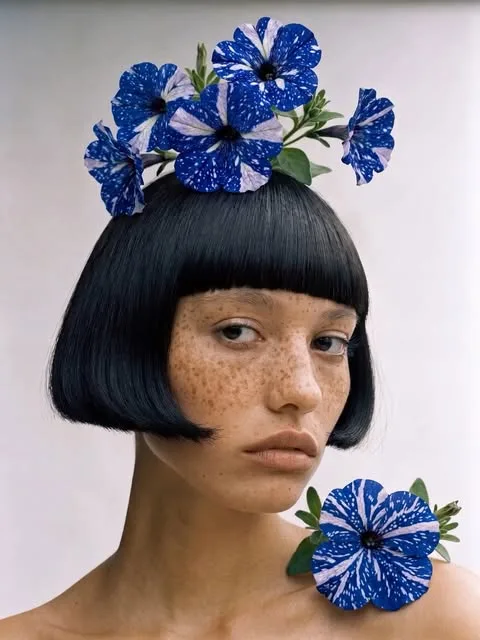
Freckled woman with a black bob crowned with blue-and-white starred petunias
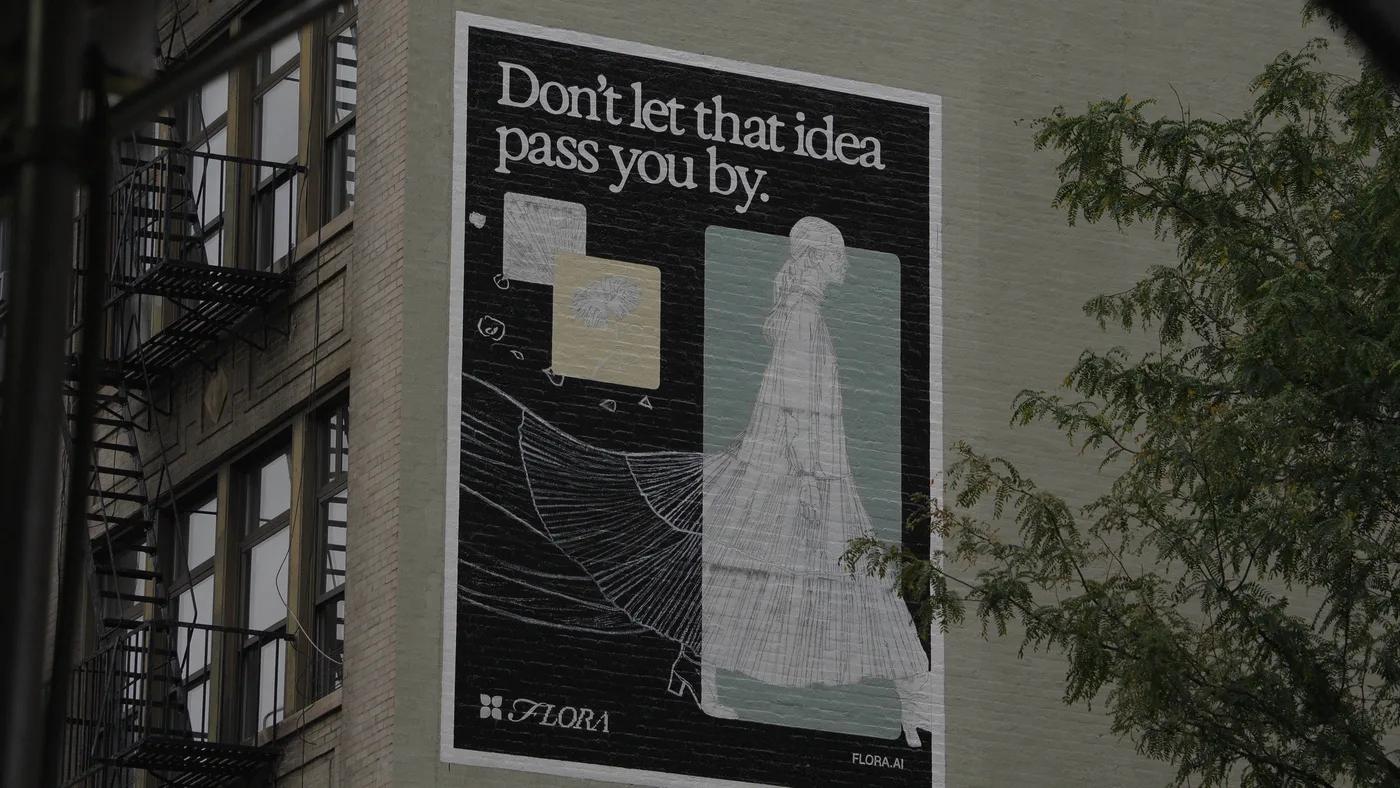
A hand-painted FLORA mural reading “Don’t let that idea pass you by.” on a SoHo building wall, framed by a fire escape and a tree
Two allium heads on curling stems in black and white
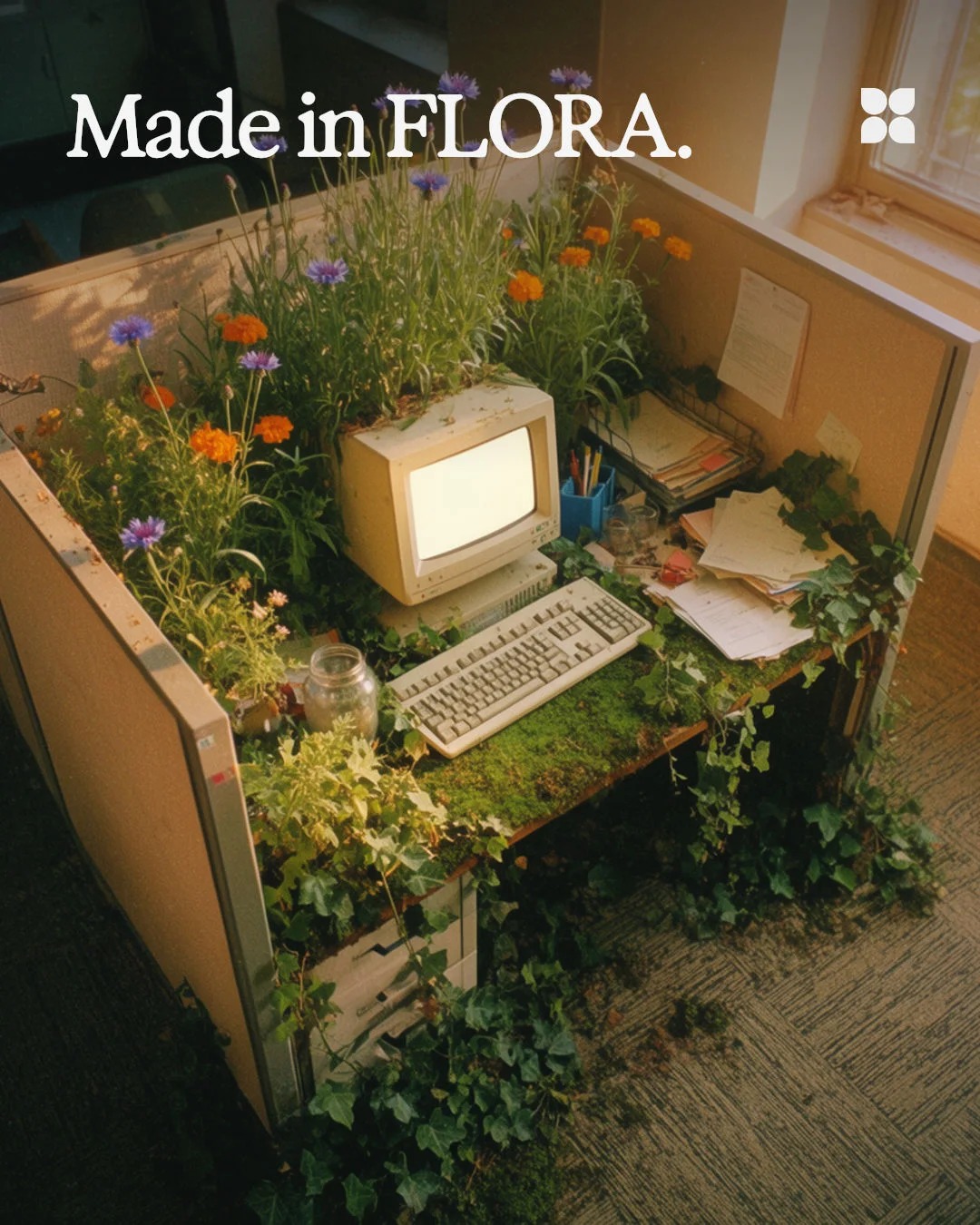
FLORA poster: Made in FLORA, over an office cubicle overgrown with flowers
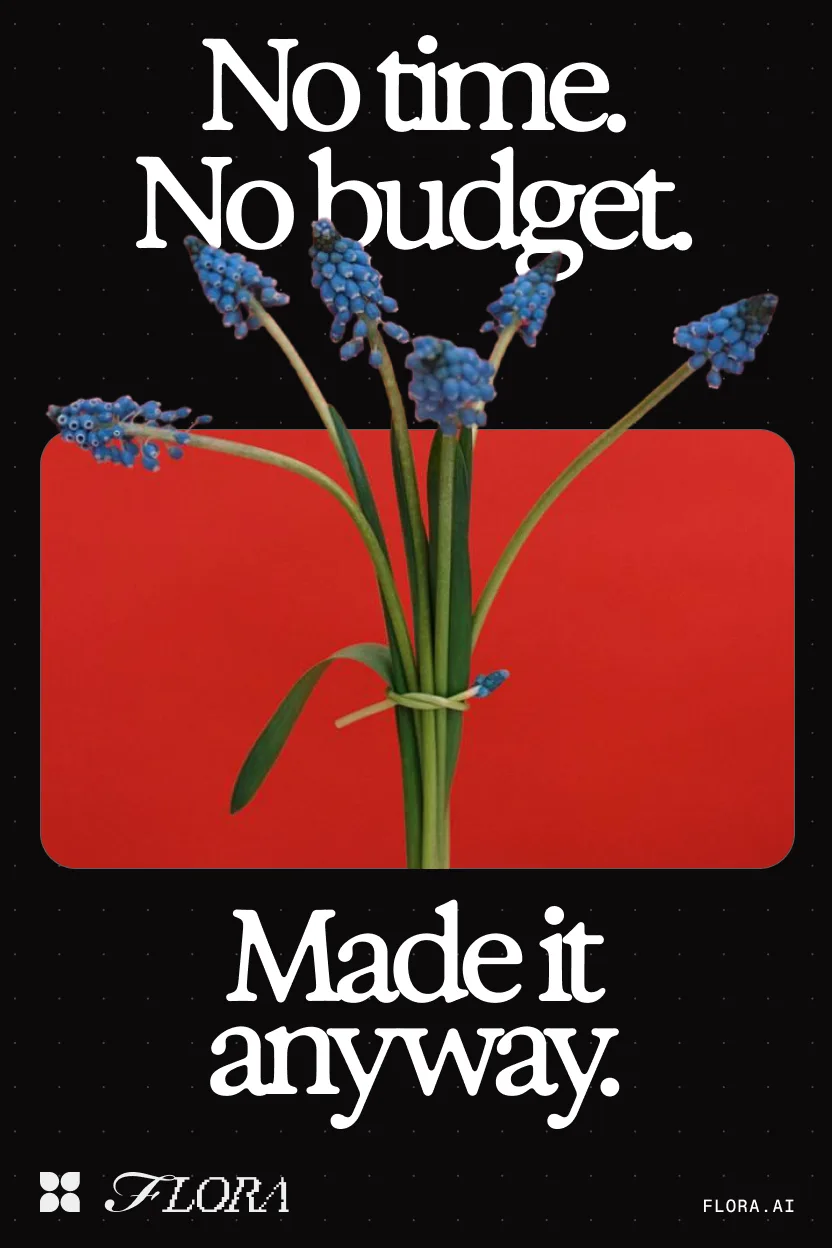
FLORA poster: “No time. No budget. Made it anyway.” with blue grape hyacinths over a red panel

Your brand, all in one place

Brand OS turns your guidelines into linked rules for logo, color, type, voice, imagery and layout.

How it works

  1. 01

    Bring your brand

    Upload your brand book or connect Figma. Brand OS turns it into one numbered book of rules, each linked to the page it came from.

    Rapid Coldbrew's brand book in the Brand OS Read view, paging from Contents through the Wordmark, Color and Typography chapters

  2. 02

    Share it with every tool

    Publish a brand site for your team. Claude, Codex and Cursor read the same brand through the FLORA MCP, added once with one URL.

    FLORA MCPhttps://agents.flora.ai/mcp

    Works in Claude, Claude Code, Codex, Cursor and any tool that connects over MCP.

    The Publish Site tab in Brand OS, with a template picker beside a live preview of Rapid's brand site that cycles through three templates while Claude reads it over the FLORA MCP

  3. 03

    Review what comes back

    Drop in anything your team made. Brand OS flags what’s off, names the rule and suggests the fix.

    The Brand OS Review view asking whether a Rapid social post is on brand. It flags the logo filled in Orange, cites color-system.rule-1 and suggests Cream

Use cases

Every team makes on-brand work the day you publish.

  • Marketing

    Ads and social posts in every size

    Every format follows the same palette, voice and imagery rules.

  • Finance

    Letterhead, invoices and reports

    Every document carries the right logo and colors, not a screenshot of them.

  • Sales

    A pitch deck for every account

    Claude builds the deck in your layouts, with the real logo and type.

  • Product

    Pages and product UI

    Cursor and Codex build with your tokens, so the site matches the brand book.

Questions

How does it work?

Brand OS has three parts. The Builder reads your brand book, Figma files and assets and turns them into structured rules for voice, color, type, logo and more, each cited to the page it came from, with do and don’t examples, design tokens and the exact asset files.

The Context engine gives an agent only what its task needs: a caption gets voice and vocabulary, a deck gets layout, type and logos, all pinned to one published version. The Checker reviews finished work against those rules and returns each issue with the rule it breaks and a fix.

Isn’t this just a design.md file?

No. A design.md is one file someone keeps current by hand, and an agent reads all of it for every task. Brand OS keeps your brand as versioned rules with sources, examples, tokens and assets, and sends each task only the parts it needs.

It still exports a package with a DESIGN.md, a skill file and tokens as DTCG, CSS and JSON, so tools that read files stay in sync.

Do I need the FLORA MCP?

Yes, for Claude, Codex, Cursor and other AI tools. They read your published brand through the FLORA MCP. Add it once with https://agents.flora.ai/mcp and it works in every chat.

Which tools can read our brand?

FLORA, Claude, Claude Code, Codex, Cursor and any tool that connects over MCP. There’s an API too, and each published version downloads as rules, tokens and a skill file.

Do we have to replace Frontify or our Figma library?

No. Your assets and design files stay where they are. Brand OS turns the guidelines into something your AI tools can act on.

Bring your brand book. We’ll set it up with you.

Request early access

Where should we send your Brand OS invite?

Book a demo