

FLORA x ASTRA MCP
Product Deconstruction
Use Astra to explode your product into its parts and put it back together, all from one still.
Add the FLORA server
Two commands: add the server, then sign in through the browser.
Start creating
The prompt points Codex at the skill, then at the job.
Paste into Codex’s chat.
What you type
Once FLORA is connected, the skill runs from a sentence.
Copy the FLORA connector URL
You'll paste this URL into ChatGPT in the next step.
Go to ChatGPT → Apps
In ChatGPT, open Settings → Apps and add a custom app. Name it FLORA and paste the URL.
Sign in and start creating
Opens ChatGPT with the prompt ready — say what you want made.
Start creatingRequires steps 1-2 completed first.
What you type
Once FLORA is connected, the skill runs from a sentence.
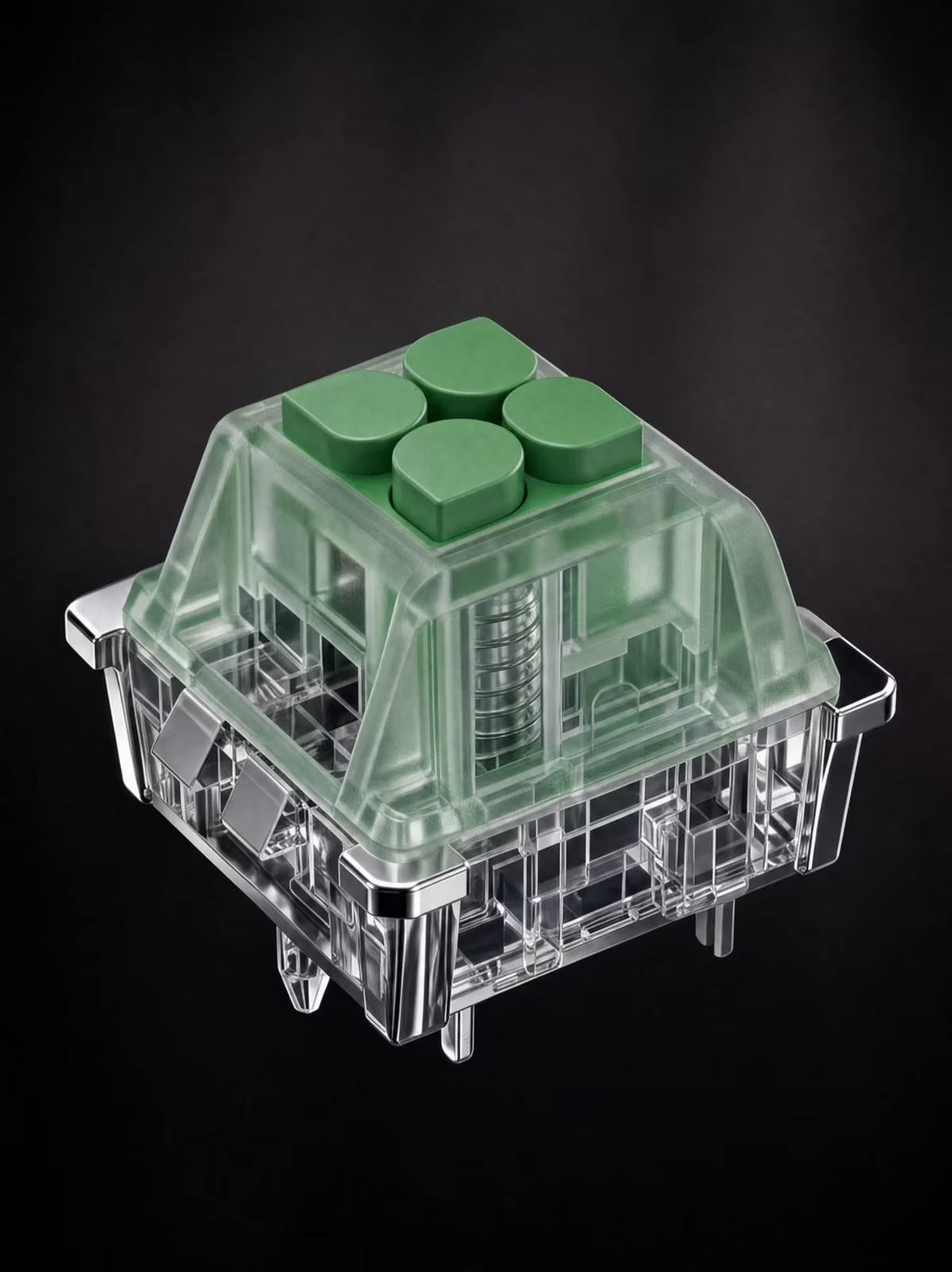
Deconstruct the product from a single image
How can I use this?
Add the plugin to Codex using the installation instructions. In ChatGPT, add FLORA MCP as a custom plugin and paste https://agents.flora.ai/mcp. In Claude, add FLORA as a custom connector under Customize → Connectors with the same URL.
What exactly does it give me back?
A short clip of your product coming apart into its pieces, then going back together. Send several products and you get one clip each.
Does the product change in any way?
No. Every part looks exactly as it does in your photo. Only where it sits changes.