
FLORA MCP Skill
PDP Creator
Turn a single product photography image into a whole PDP brief and assets ready to go immediately for your E-commerce shop.
Copy the FLORA connector URL
You'll paste this URL into Claude in the next step.
Add FLORA as a custom connector
In the Claude desktop app or claude.ai, open Customize → Connectors, then + Add → Add custom connector. Name it FLORA, paste the URL and click Add. It also works in Claude Code sessions in the desktop app.
Sign in and start creating
Click Connect on FLORA and sign in, then open Claude with the prompt ready — say what you want mocked up.
Start creatingRequires steps 1-2 completed first.
What you type
Once FLORA is connected, the skill runs from a sentence.
Install FLORA
Adds the marketplace, then the plugin — the MCP server and every FLORA skill.
Connect and start creating
Sign in, then ask Claude Code to build a PDP set from a product photo.
What you type
Once FLORA is connected, the skill runs from a sentence.
Add FLORA to your MCP config
Drop this into ~/.cursor/mcp.json, or the project's .cursor/mcp.json.
Start creating
Cursor signs in through the browser the first time it calls a FLORA tool.
Paste into Cursor’s chat.
What you type
Once FLORA is connected, the skill runs from a sentence.
Add the FLORA server
Two commands: add the server, then sign in through the browser.
Start creating
The prompt points Codex at the skill, then at the job.
Paste into Codex’s chat.
What you type
Once FLORA is connected, the skill runs from a sentence.
Before step 1, enable Developer mode in Settings.
- Profile icon, bottom-left → Settings → Apps (or Connectors).
- Scroll to Advanced settings, then toggle Developer mode on.
Copy the FLORA connector URL
You'll paste this URL into ChatGPT in the next step.
Go to ChatGPT → Apps
In ChatGPT, open Settings → Apps and add a custom app. Name it FLORA and paste the URL.
Sign in and start creating
Opens ChatGPT with the prompt ready — say what you want made.
Start creatingRequires steps 1-2 completed first.
What you type
Once FLORA is connected, the skill runs from a sentence.
Input
- A product photoA packshot or a single sample frame, attached to the chat or already sitting on your FLORA canvas.
- Optionally, a model frameAdd a person and the same identity, hair and wardrobe carry through every on-model view.
Output
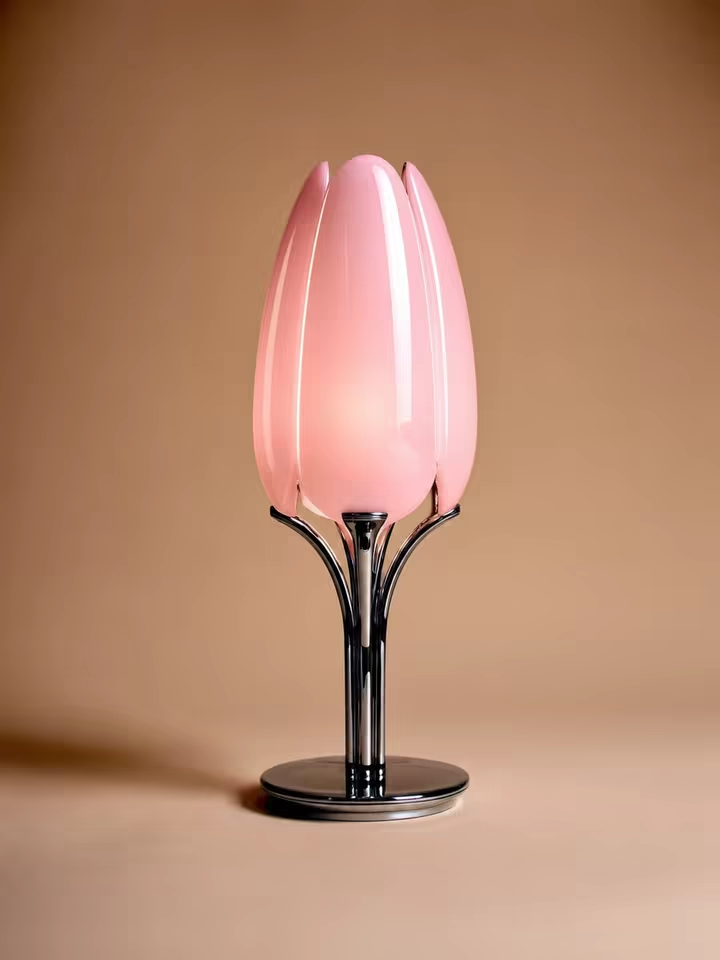
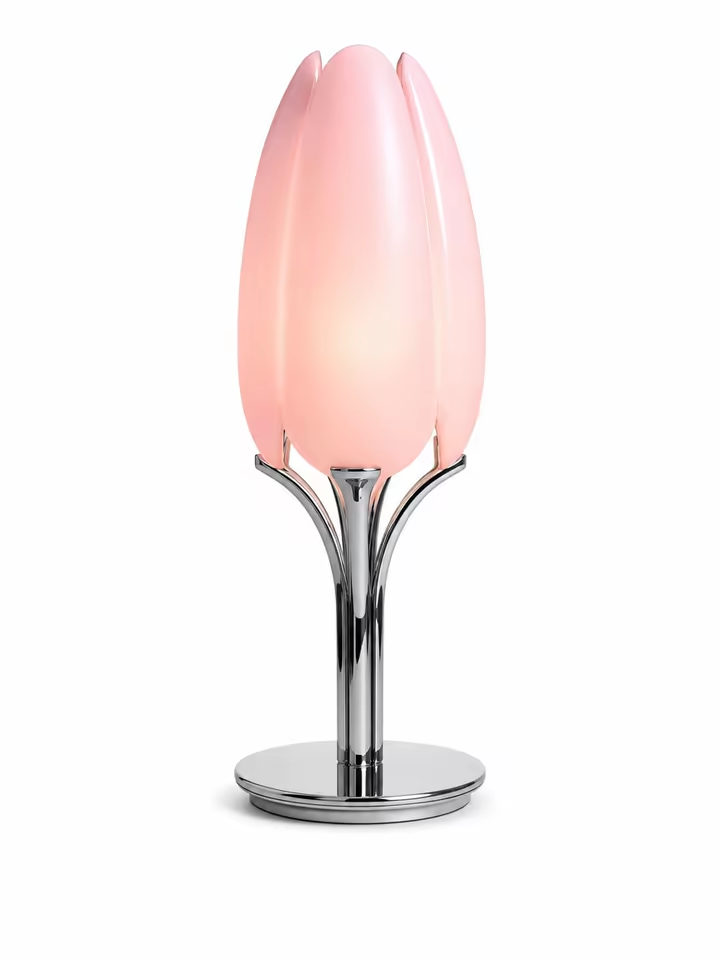
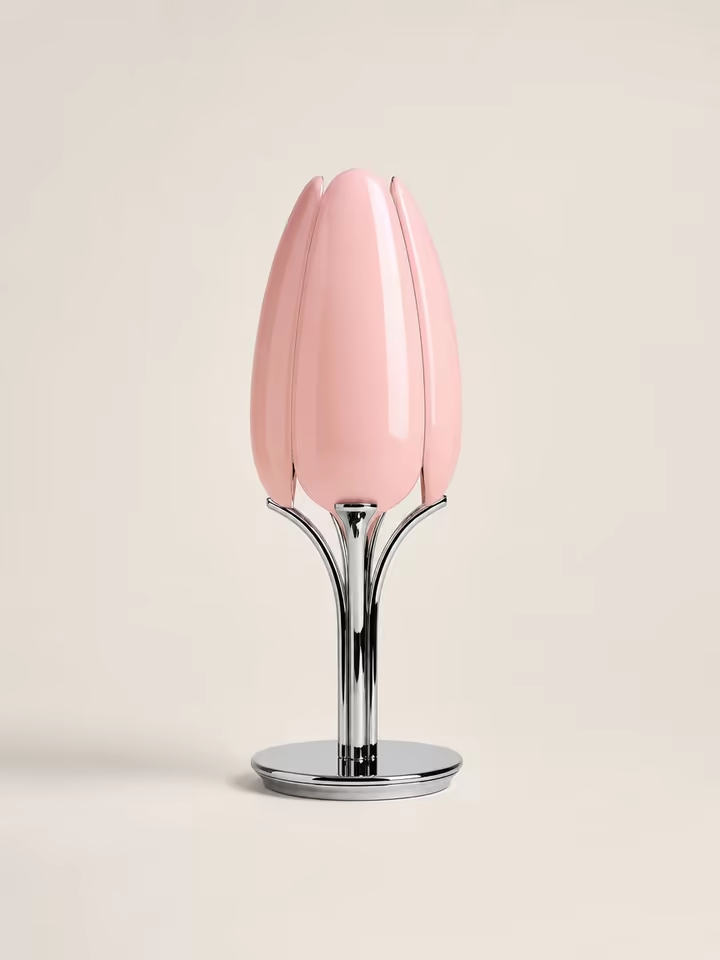
- 1Studio plateThe product clean on a seamless white backdrop — one per real photograph you hand it.
- 4PDP viewsOff, on at desk scale, in the room it lives in, and a macro on the detail that sells it.
- 1Key visualA 16:9 campaign frame with the product to one side and clean negative space reserved for headline copy.
- 1Annotated PDFA cover, the plate, a contact sheet, then one page per view with the shot brief printed beside it, and the key visual to close.
See your whole product page
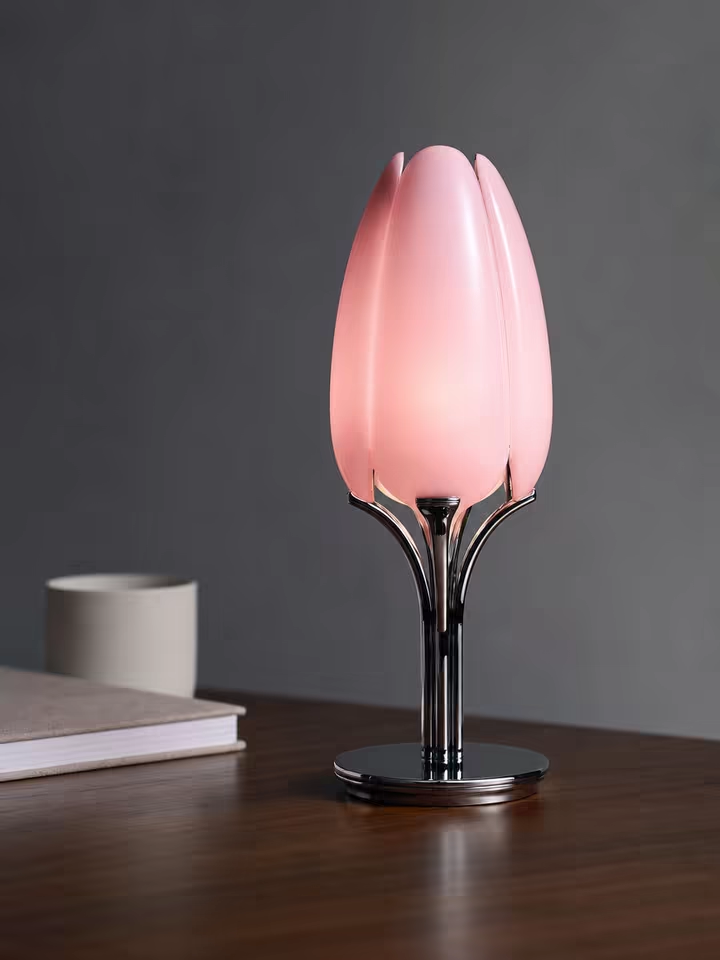
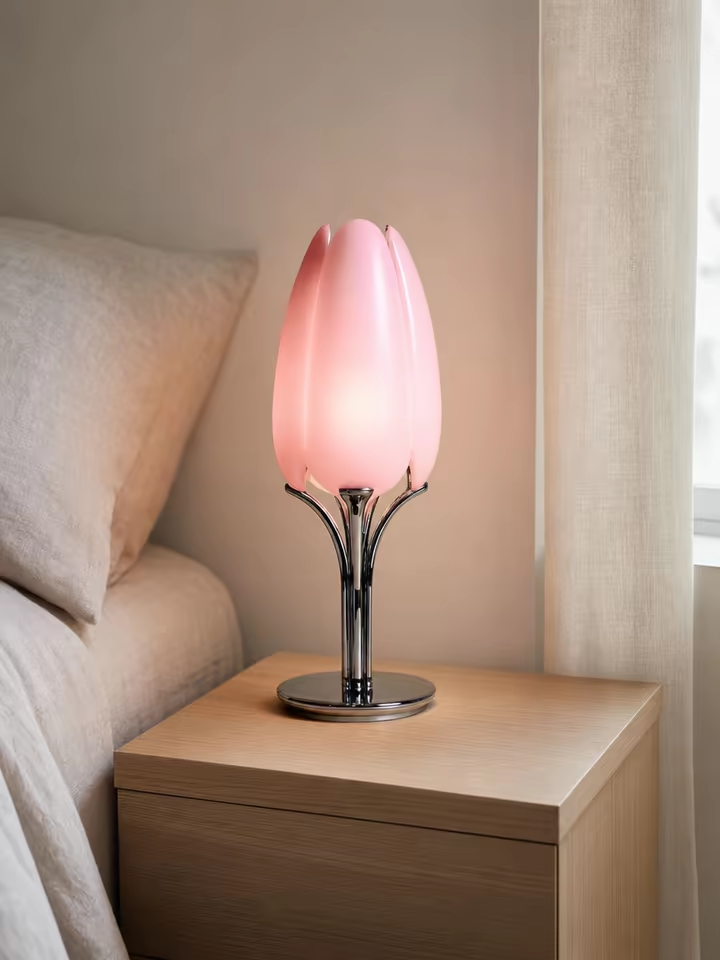
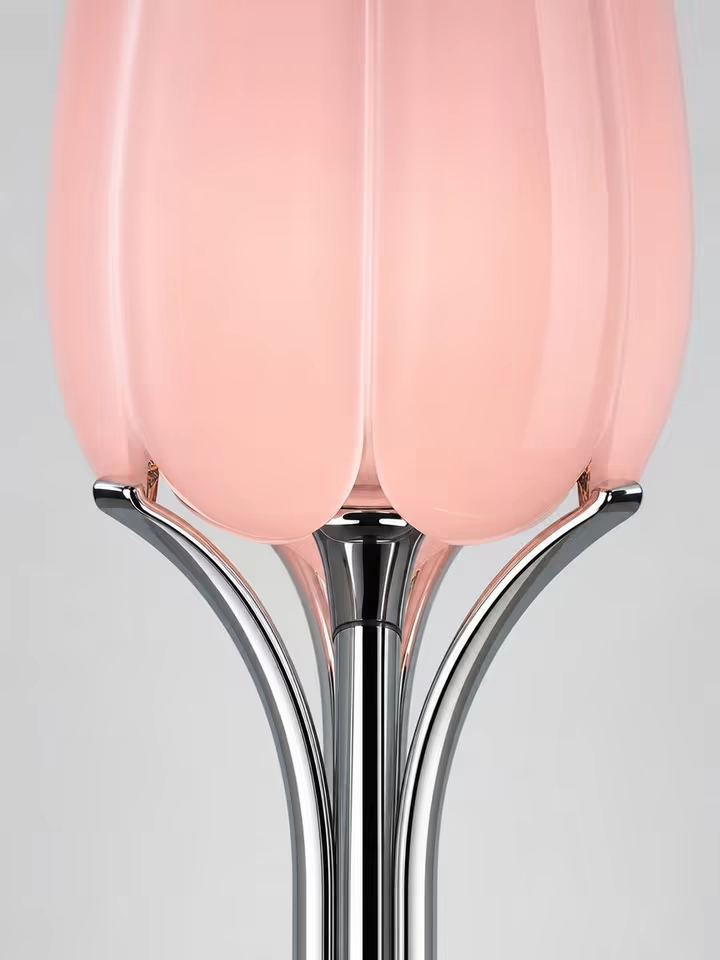
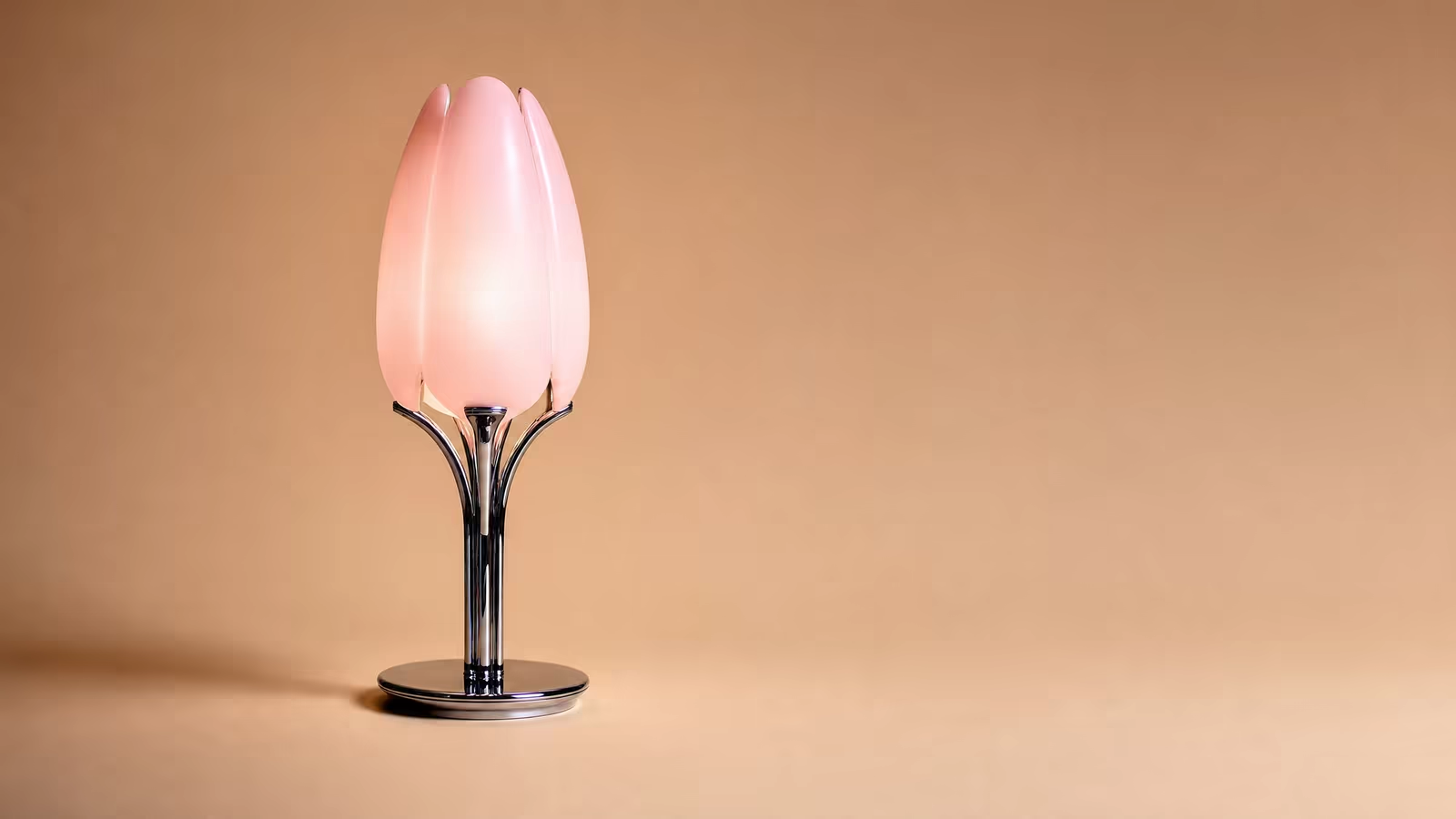
What is this?
PDP Creator is a FLORA skill you run from Claude, ChatGPT, Cursor or Codex. Give it a product photo and it returns a clean studio plate, on-model and in-context views, and an A4 PDF laid out one page per view.
How can I use this?
In the Claude app — desktop or claude.ai — add FLORA as a custom connector and run it from any chat. Attach the product photo or point at an asset in a FLORA project. Claude Code, Cursor and Codex connect the same way, and ChatGPT does too once Developer mode is on.
Or use it in the browser with nothing installed at all. Open your canvas project in FLORA and click "Open in Agent": the agent drives that live canvas over WebMCP. The open canvas is the context, so "build a PDP set from the packshot on this canvas" is the whole prompt.
What exactly does it give me back?
A clean studio plate of the product, on-model and in-context views split by what the product actually does, and an A4 deck laying all of it out — one page per view, with the shot brief printed beside it so the set is actionable rather than just pretty.
Does it redraw my product?
No. The product is reference-locked and never re-described — the world and the pose are generated around it. A seam moving, a strap ending somewhere new or a colour drifting is treated as a failure, not a variation.
Can it work from a single photo?
Yes, and that is the normal case. One thing worth knowing up front: a single reference cannot be rotated by asking, so the skill generates one plate rather than four near-identical angles, and spends the rest on on-model and context frames where the composition genuinely changes.
Hand it several real photographs and you get one plate per photograph on top of that.
Can I shoot it on a person?
Attach a model frame alongside the product and the same person carries through every on-model view — identity, hair and wardrobe held constant while the product stays locked to your reference.
Can it remove the branding?
Yes. De-branding is stated as the one permitted deviation from the reference, so every other pixel stays binding and the product comes back plain rather than reinvented.
Which agents can run it?
Claude Code, Claude AI, Cursor, Codex and ChatGPT all connect to the FLORA MCP server directly. In the browser there is WebMCP, where the agent drives your live canvas with nothing installed at all.
Do I need a FLORA project set up first?
No. You can attach the product photo straight to the chat and the skill will work from that. If you already have a project, you can point at an asset inside it instead, and in the browser the open canvas is the context.
What plan do I need?
The MCP server requires a FLORA paid plan, Starter and above. The skills themselves are open source and live in the flora-mcp-skills repo.