Garment
premium heather-gray heavyweight cotton
PrintBrief
Screen-print t-shirt graphic, vintage 1970s outdoor-athletic style. A bold circular badge: a hand-drawn Ponderosa pine mountain range at center. Arched top text 'CEDAR & ASH' in a heavy condensed slab serif; bottom arc 'TRAIL CO. — EST. 2019'; a small '/// PACIFIC NORTHWEST ///' banner across the middle. Three-color palette only: burnt orange, cream, forest green. Distressed halftone texture, thick confident linework, high contrast, every word crisp and legible, generous margins, centered composition on a plain flat white background. Flat 2D artwork seen perfectly straight on — no shirt, no fabric, no mockup, no perspective, no photographic elements, no watermark.
Scene
a young hiker standing at a misty forest trailhead at golden hour, soft evergreen bokeh behind them

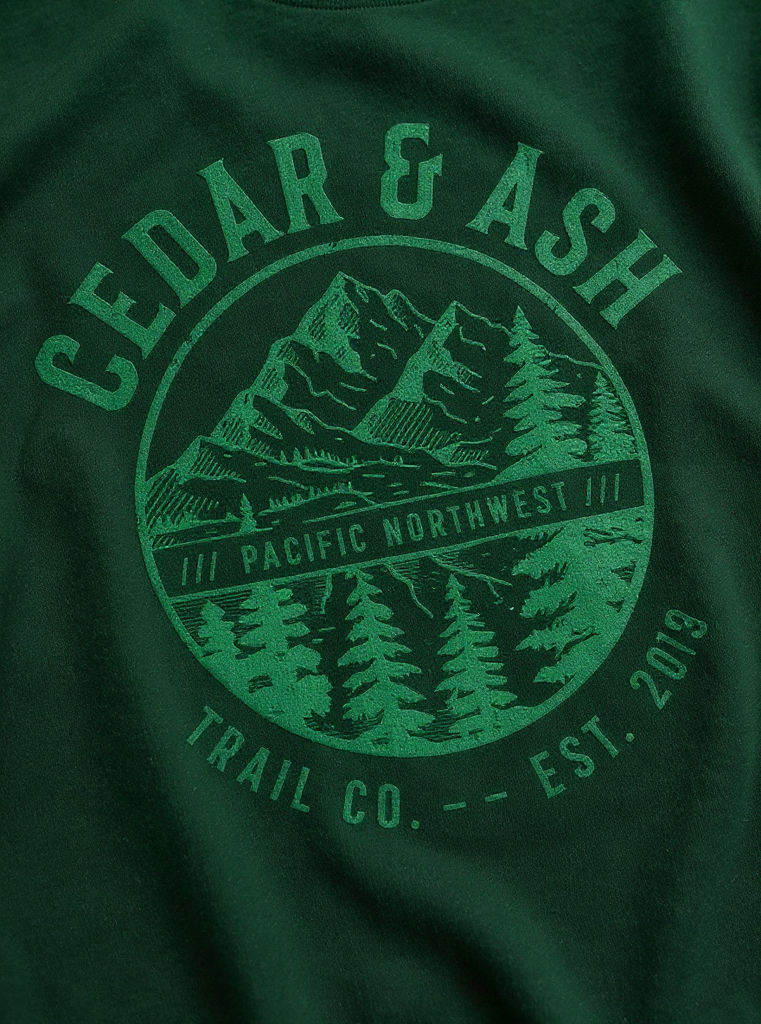
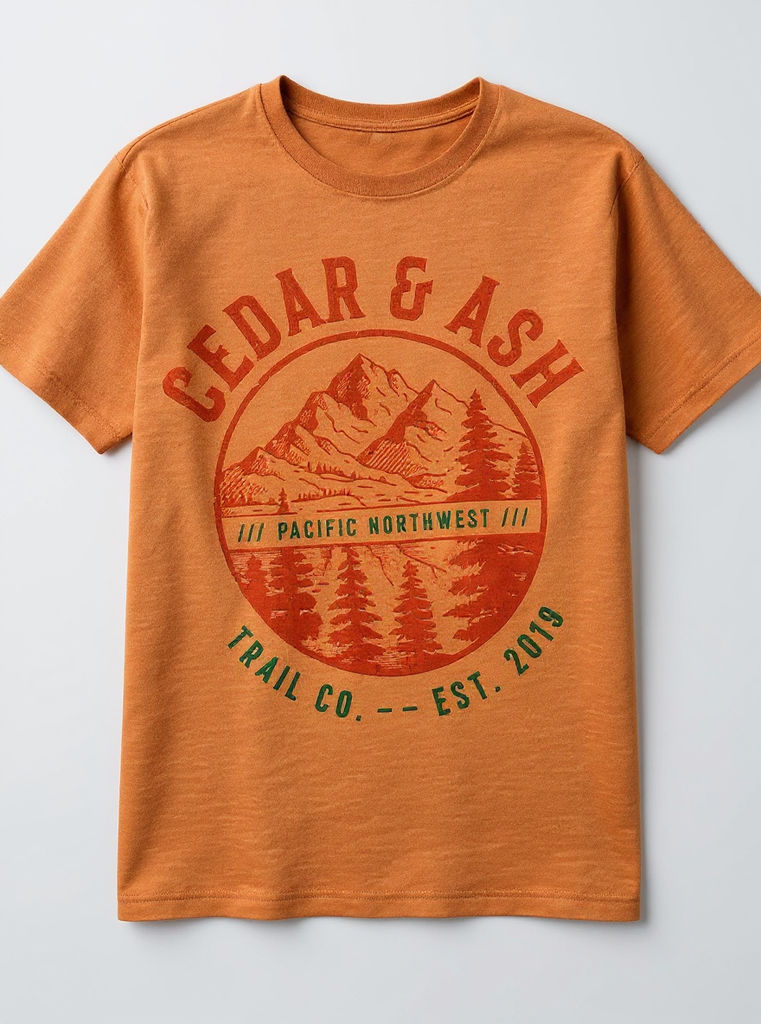
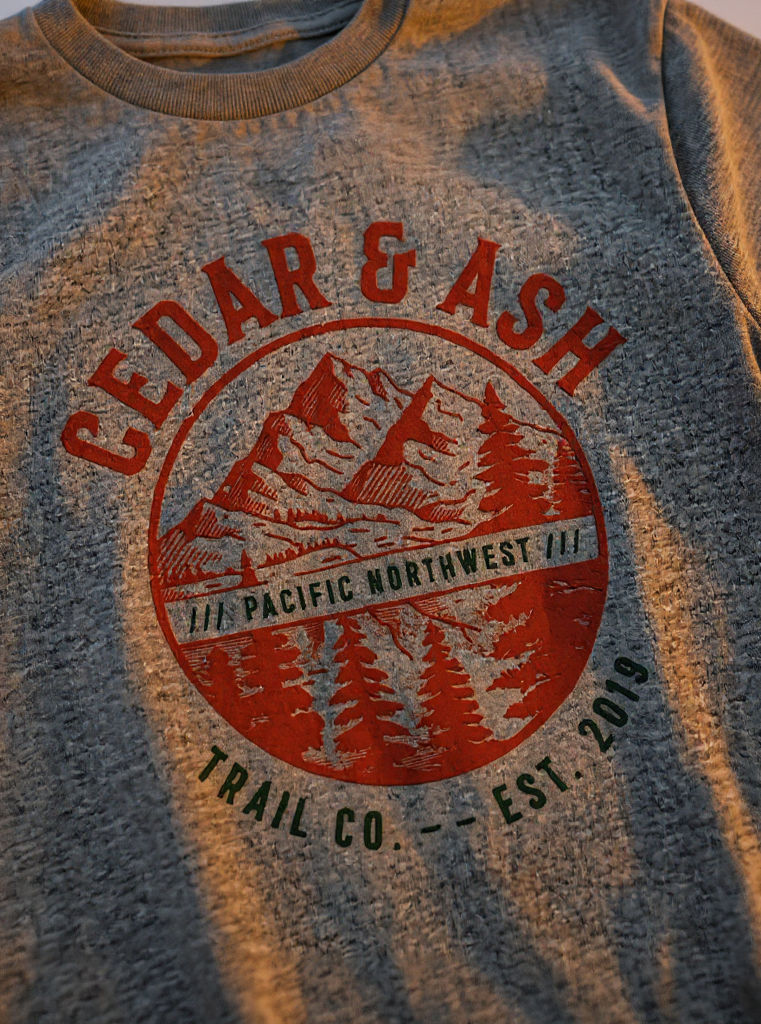
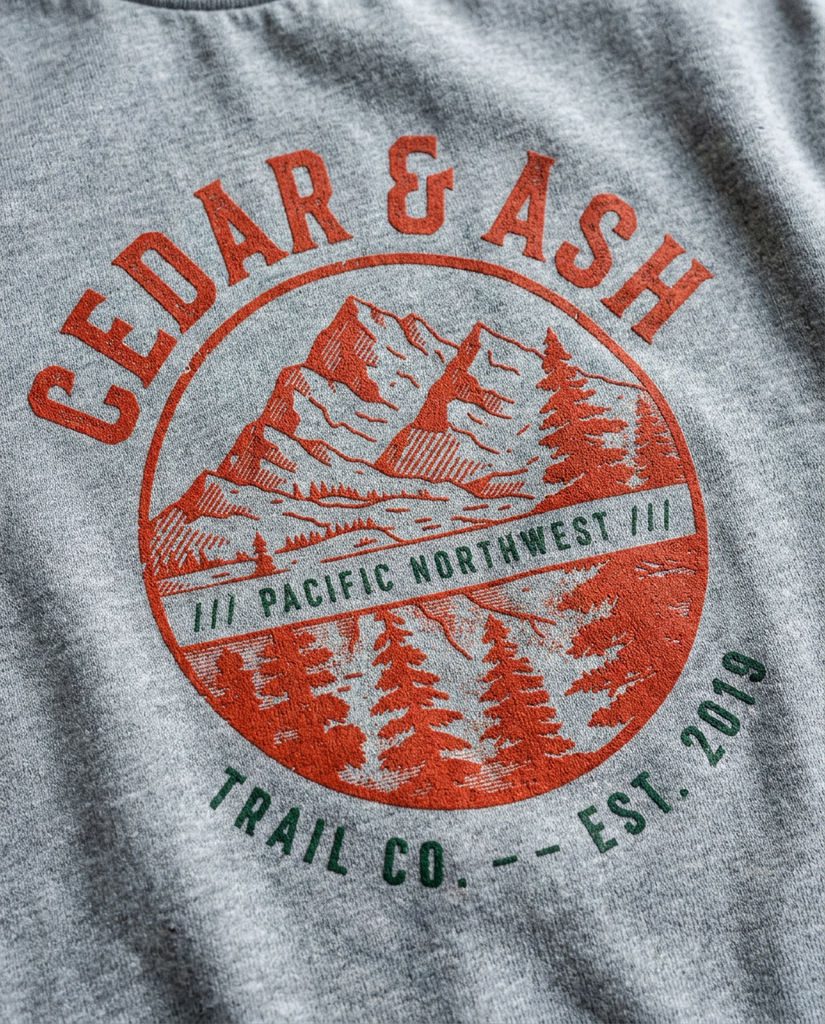
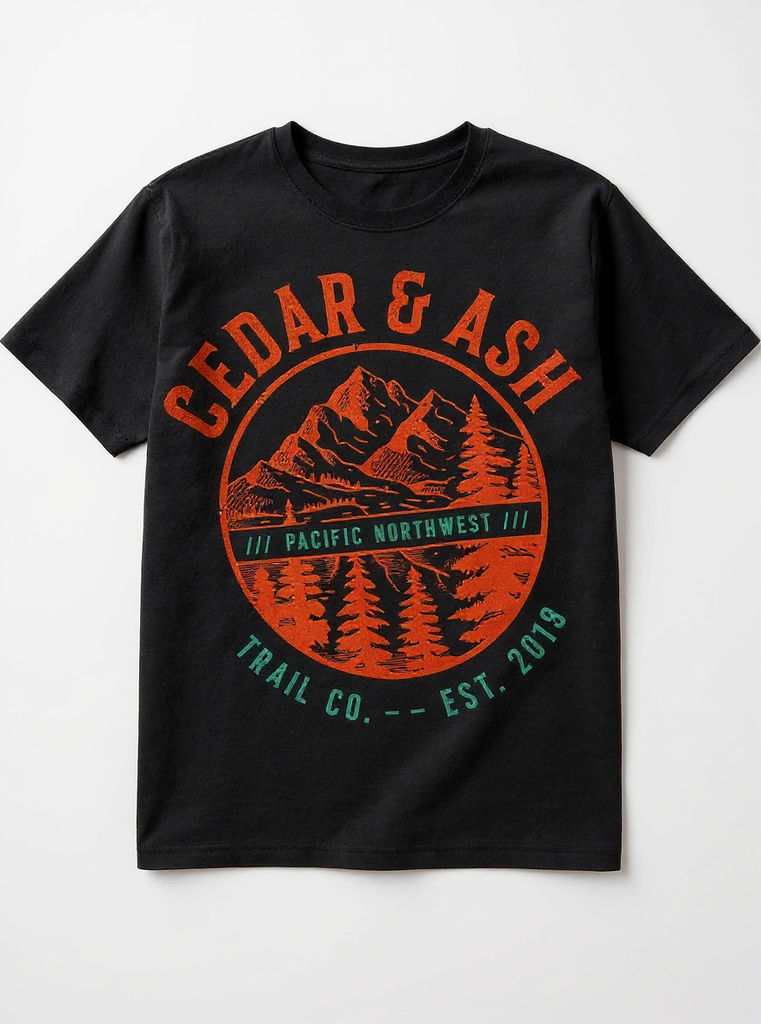
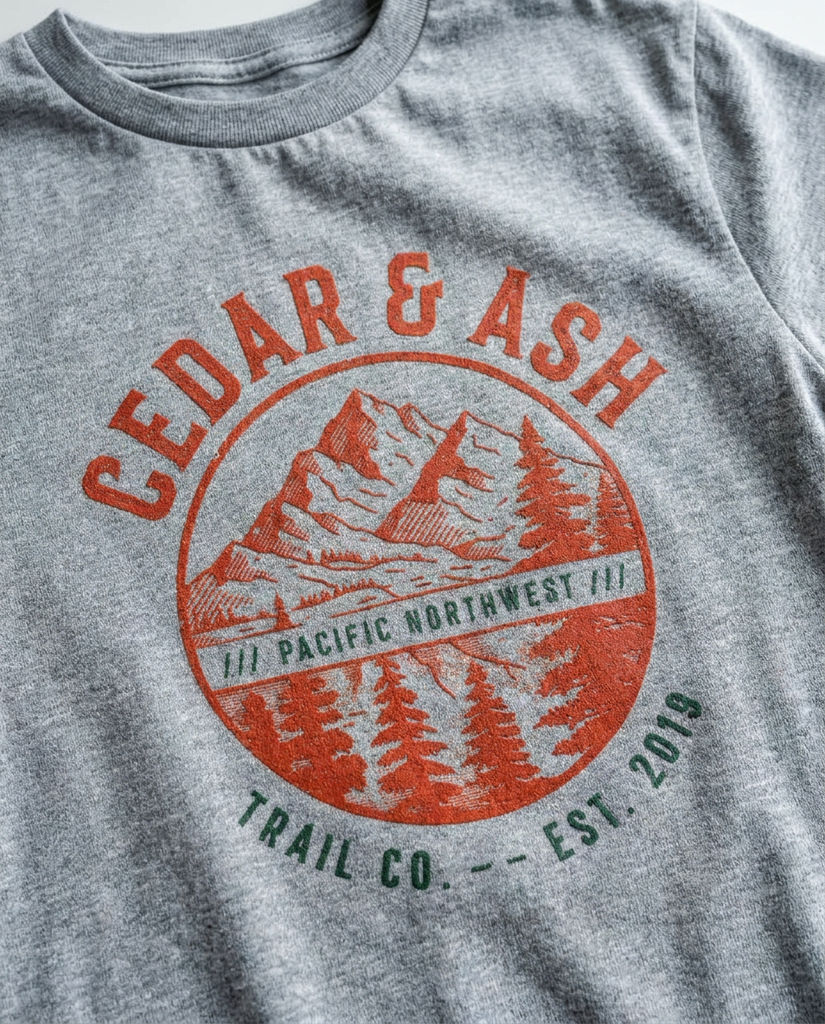
Give the Technique a garment, print brief, and scene to design a shirt online, and it returns artwork, colorways, and an on-model shot.

Merch Drop Prep
Design your own custom t shirts online for a merch drop, then hand the colorways and on-model shot straight to your store or pre-order page.

Print-on-Demand Listings
Create your own t shirt design online and use the matching mockups to fill out a product listing without booking a photo shoot.

Apparel Brand Concepts
Design your own tee shirts online to test graphic directions with the team, running the Technique again for each new print brief you want to compare.
How to use Techniques?
Discover how to utilize Design A Shirt for different scenarios.

Add inputs
Upload images, videos, or type in the prompts to get started.

Generate outputs
Next, hit the "Generate" button to start generating your outputs.

Edit and export
Refine your outputs on canvas, or download them directly.
Frequently asked questions
All you need to know about Design A Shirt
What it means to design a tshirt with AI
When you set out to design a tshirt, you are really taking on two jobs at once. There is the artwork, the graphic that gets printed across the front. Then there is the garment it lives on: a specific blank in a specific color, with ink sitting on woven cotton, photographed well enough that someone believes they could buy it. Most tools are built for one job or the other. AI handles both in the same pass, which is why the workflow above asks for a garment, a print brief, and a scene instead of handing you an empty canvas.
The bottleneck in merch was never the idea. It was the stretch between having a graphic and having something sellable to show for it. You can design a shirt online in an afternoon and still have nothing a customer would click on. If you want to see what closing that gap looks like, start on FLORA free and watch a written brief come back as artwork, colorways, and an on-model shot.
Why flat artwork and a photoreal tee are different problems
A graphic on a white rectangle is a design file. A graphic on a shirt is a physical object being photographed, and your eye clocks the difference before you can explain it. Ink on cotton jersey picks up the weave. The print bends where fabric folds across the chest. Seams and shoulder slopes bow lines that should be straight. Studio light falls unevenly down the torso, so the top of a print reads brighter than the bottom.
This is where most people trying to design a tshirt get caught. They export a crisp PNG, drop it onto a stock mockup, and the result looks pasted on. The graphic stayed flat while everything around it gained depth. On-garment rendering exists as its own step for that reason, and it is not something you can fake with a filter at the end.
How the AI gets from a print brief to a wearable image
The brief does more work than it looks like it does. A line of text has to become art, and then that art has to survive being wrapped around a body.
It starts flat. Subject, art style and mood turn into a graphic generated as its own layer, so the artwork exists on its own before any shirt is involved. That layer then gets warped onto the surface of the blank, following the drape and the seams and the curve of the chest. Edges soften where they meet the weave, the way screen print or DTG behaves on real cotton. The scene input sets the light, and the shirt is relit to match it so the highlights agree with the background rather than floating on top of it. Last comes the colorway pass, where the blank changes color while the print holds its own values. That step is harder than it sounds. A dark graphic on a dark tee is the case that breaks most mockup generators.
Consistency across the set is the thing to judge it on. One good mockup is easy. Six images where the same graphic reads identically across different garment colors and two lighting setups is what separates a product page that looks like a brand from one that looks like a side project.
The same job, described a dozen ways
People search for this using whatever words match the step they are stuck on:
- "Create t-shirt design online"
- "Design your own custom t shirts online"
- "Design your own tee shirts online"
- "Create your own t shirt design online"
They read as synonyms. The intent underneath is not the same. Someone working out how to design shirts online for the first time needs the artwork solved before anything else. Someone asking where to create t shirt designs already has the idea and wants somewhere to execute it. And someone comparing where to design shirts online is usually trying to work out whether the tool returns product photography too, because that is the bill that arrives later, once the design is done and the listing still has nothing in it.
Where the design goes after the run
A finished tee is rarely the end of the job. It is the first asset in a drop, and everything after it has to match:
- Move the same graphic onto other garments with print pattern replacement.
- Push the colorways further, or fix one that came back muddy, with product recolor.
- See the piece worn in context through fit checks.
- Start from a hand drawing instead of a written brief with sketch to garment.
- Lay the range out as a product lookbook grid once there is more than one style.
- Pull the drop's palette straight off a reference image with palette pull.
All of it lands on the same infinite canvas, so nothing has to be exported and re-uploaded to reach the next step. The graphic sits next to the mockups, which sit next to the lifestyle shot, next to the models that made them. For the wider view, see the FLORA AI image generator or the roundup of the best AI image generators.
Related techniques
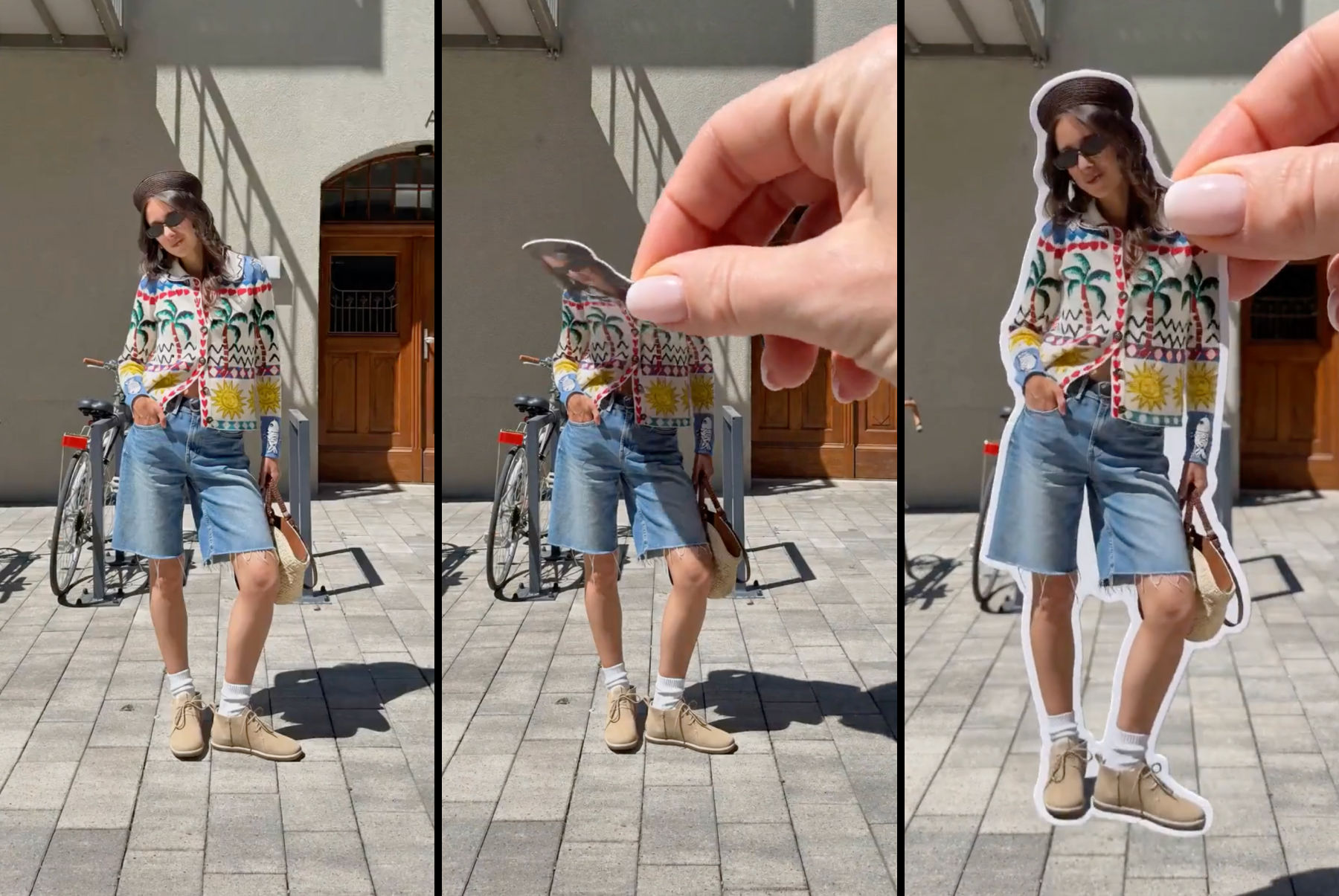 Sticker Peel-Away EffectTurn any outfit photo into a cinematic 3-second Reel where a hand peels you out of the frame like an editorial paper sticker. Built for fashion creators, lookbooks, and elevated brand content.
 Fit CheckExtract outfits & swap onto new looks
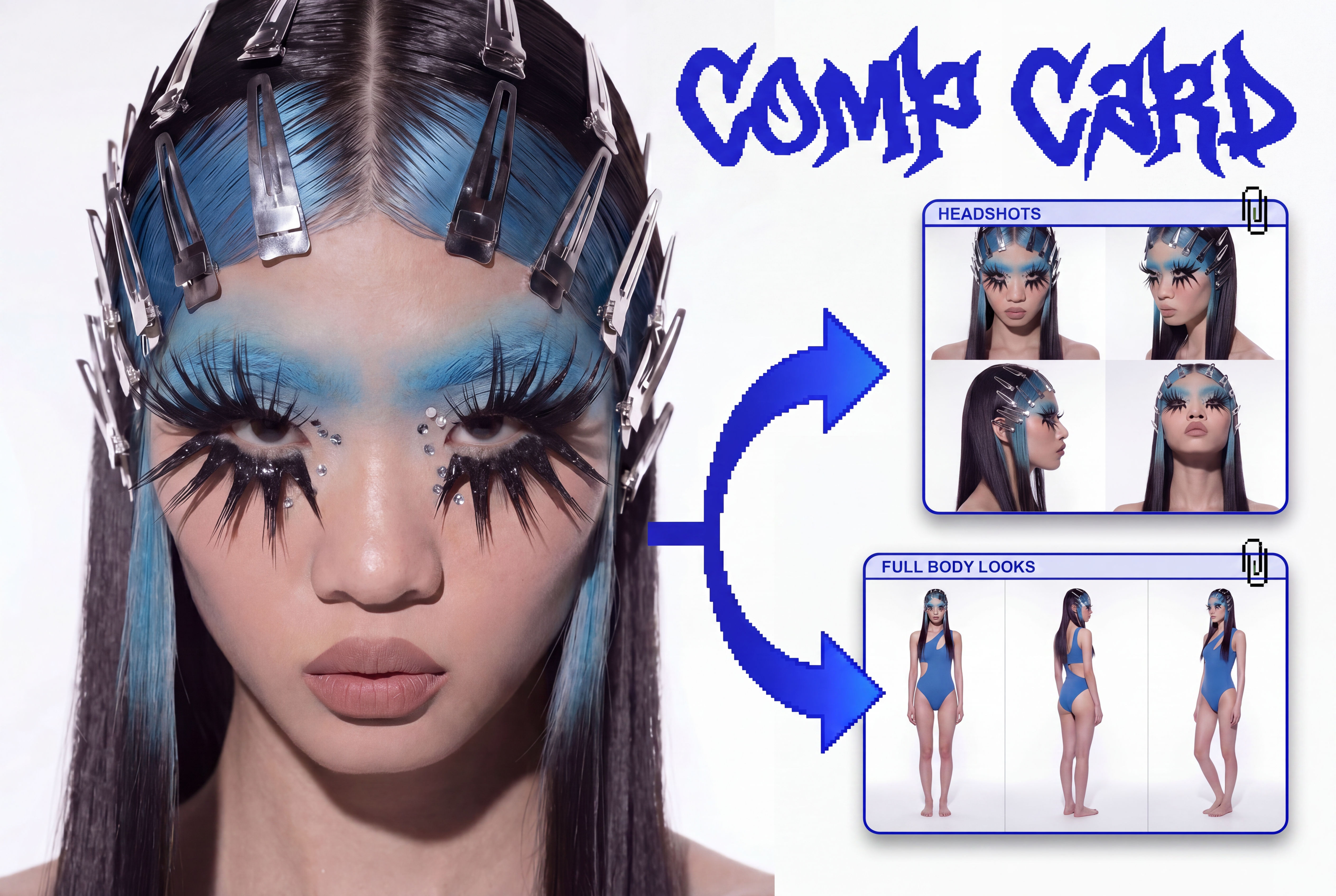 Comp CardTurns a single photo into a full identity kit: a 2x2 headshot grid and a full-body contact sheet.
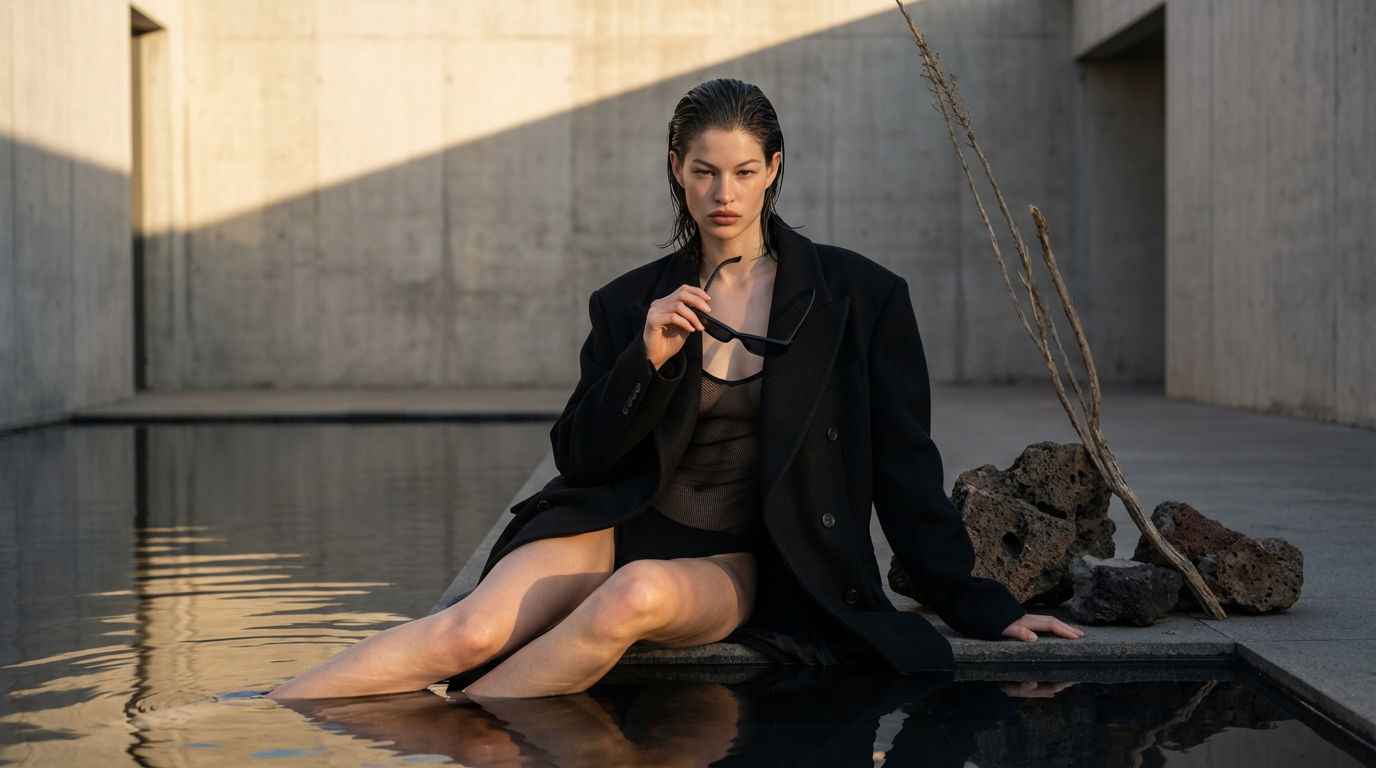 Editorial Fashion Shoot ReplicatorReplicate any editorial shot with a custom face
 Footwear to VectorTurn any footwear into a SVG flat.
 Garment to VectorTurn any garment into a SVG flat.
Design a Tshirt Graphic and Get Photoreal Mockups in One Run
draw the front graphic, print it onto a photoreal tee, then fan out colorways and an on-model lifestyle shot. Useful for: apparel brands, merch drops, and print-on-demand sellers who need a finished tee design + sellable product shots in one pass.

Louis Anderson