Product
a 30ml frosted amber-glass serum dropper bottle, matte black pump-dropper cap, minimalist cream label
Tagline
BOTANICAL RENEWAL SERUM
Brand
AURELIA
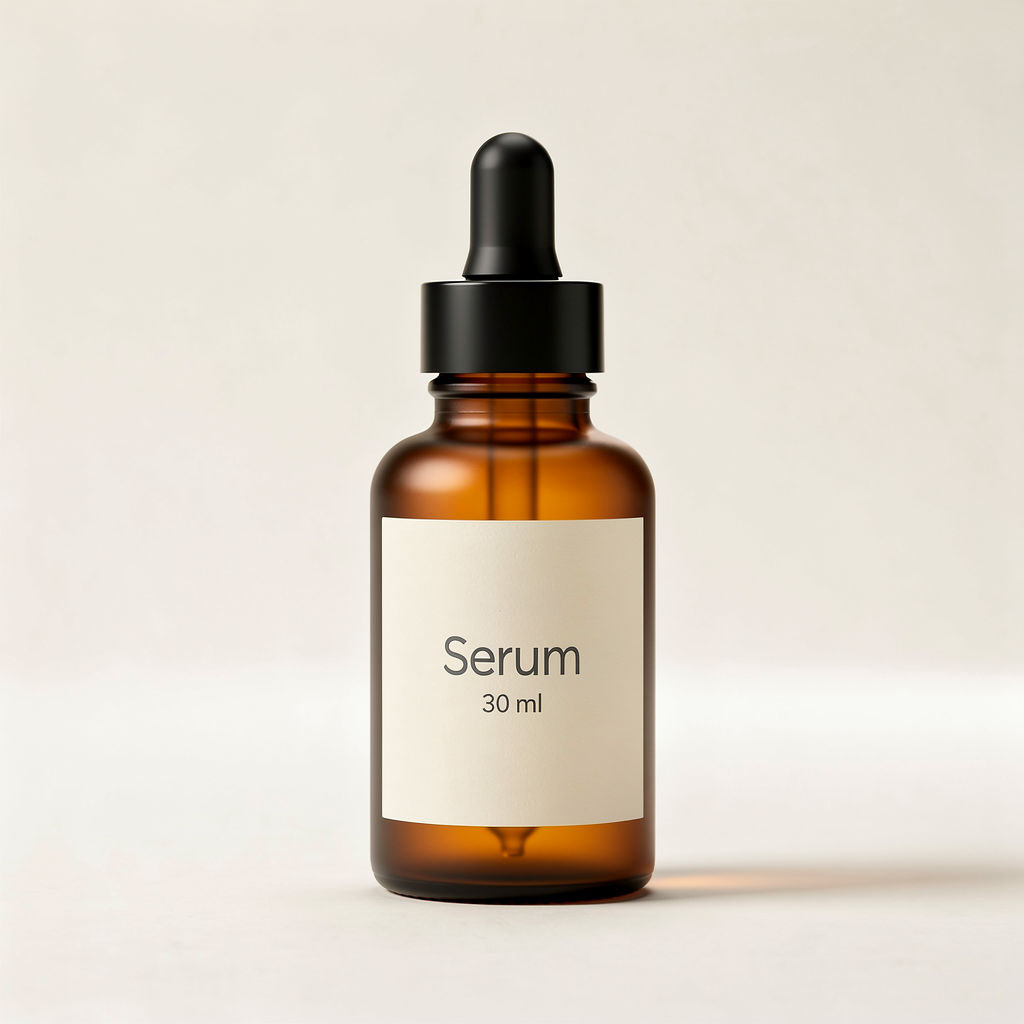
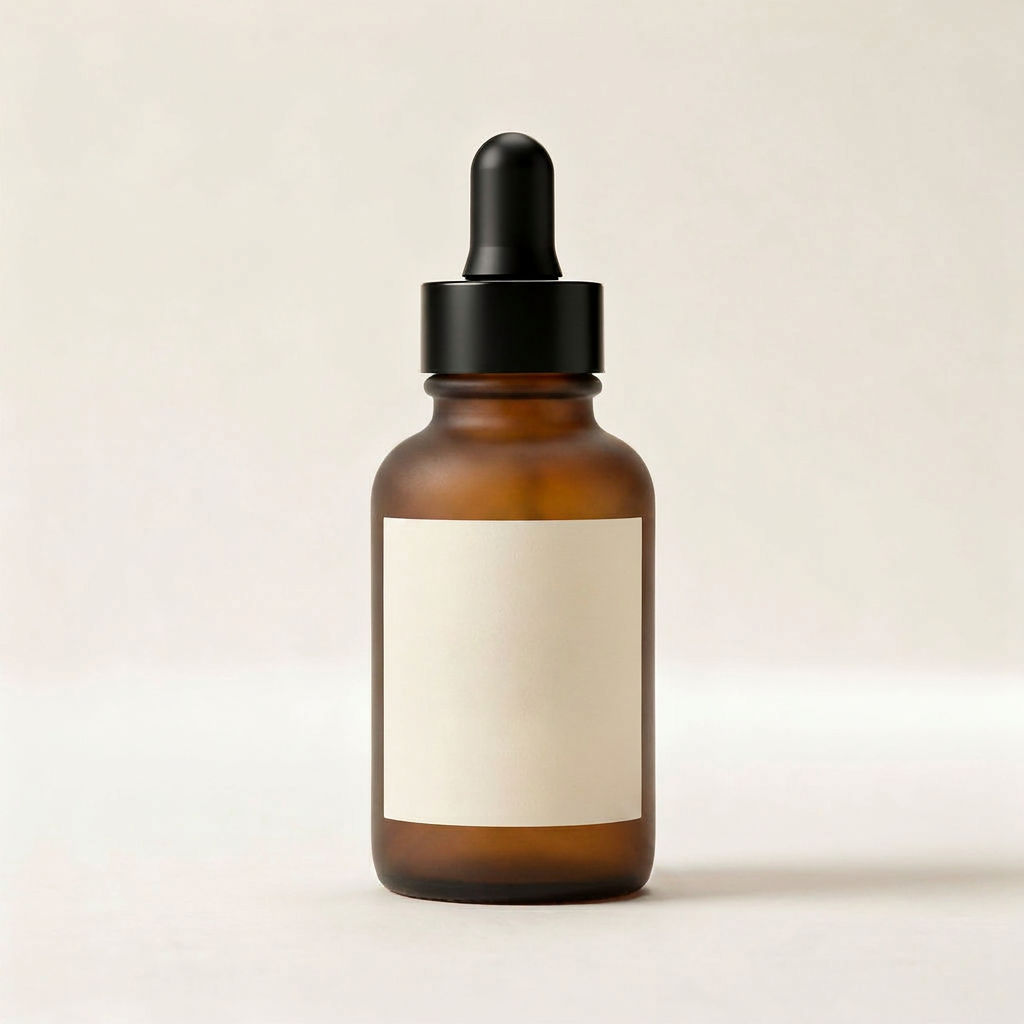
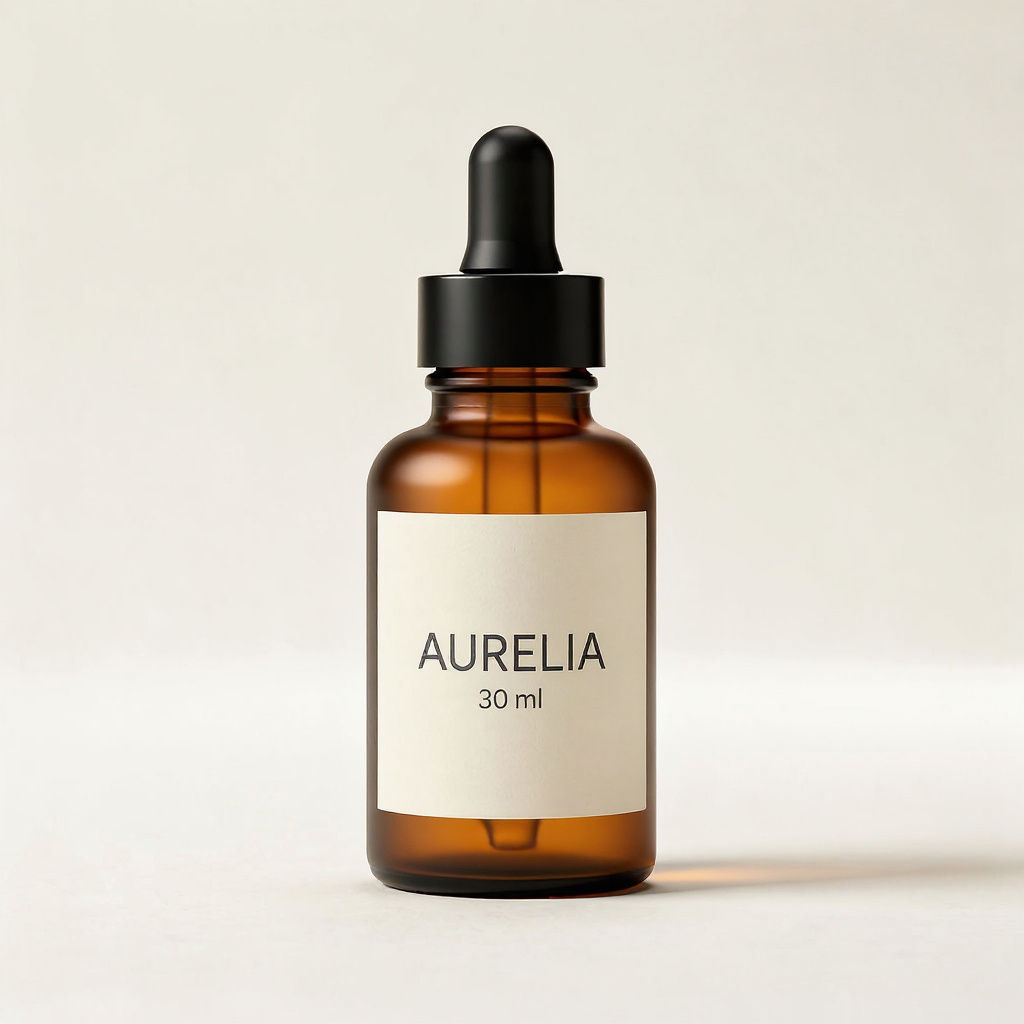

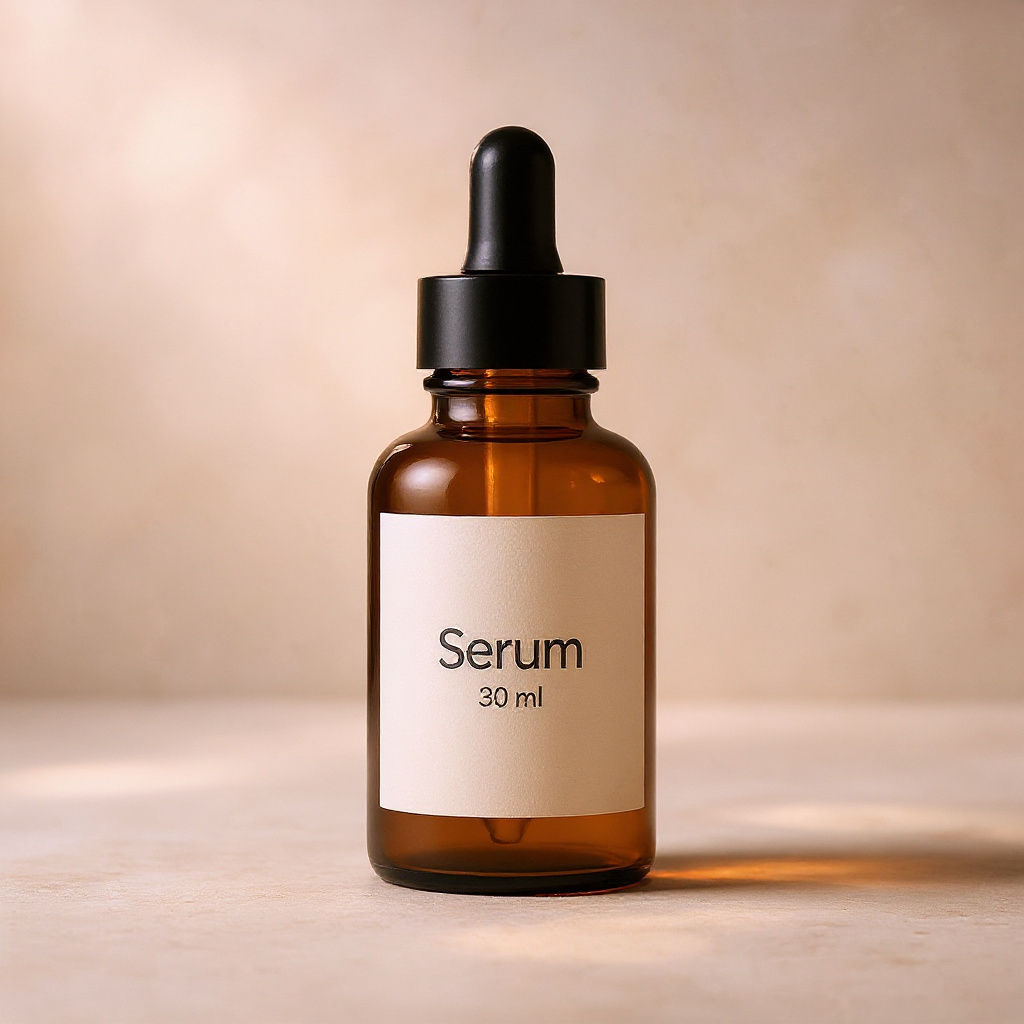
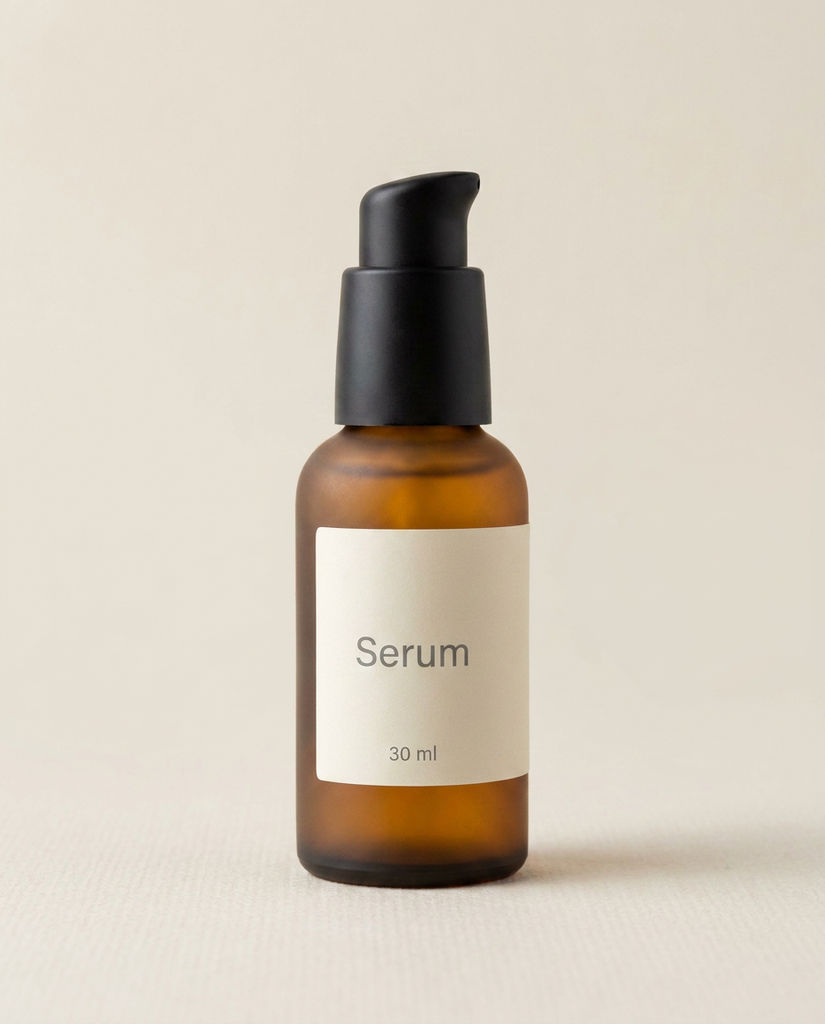
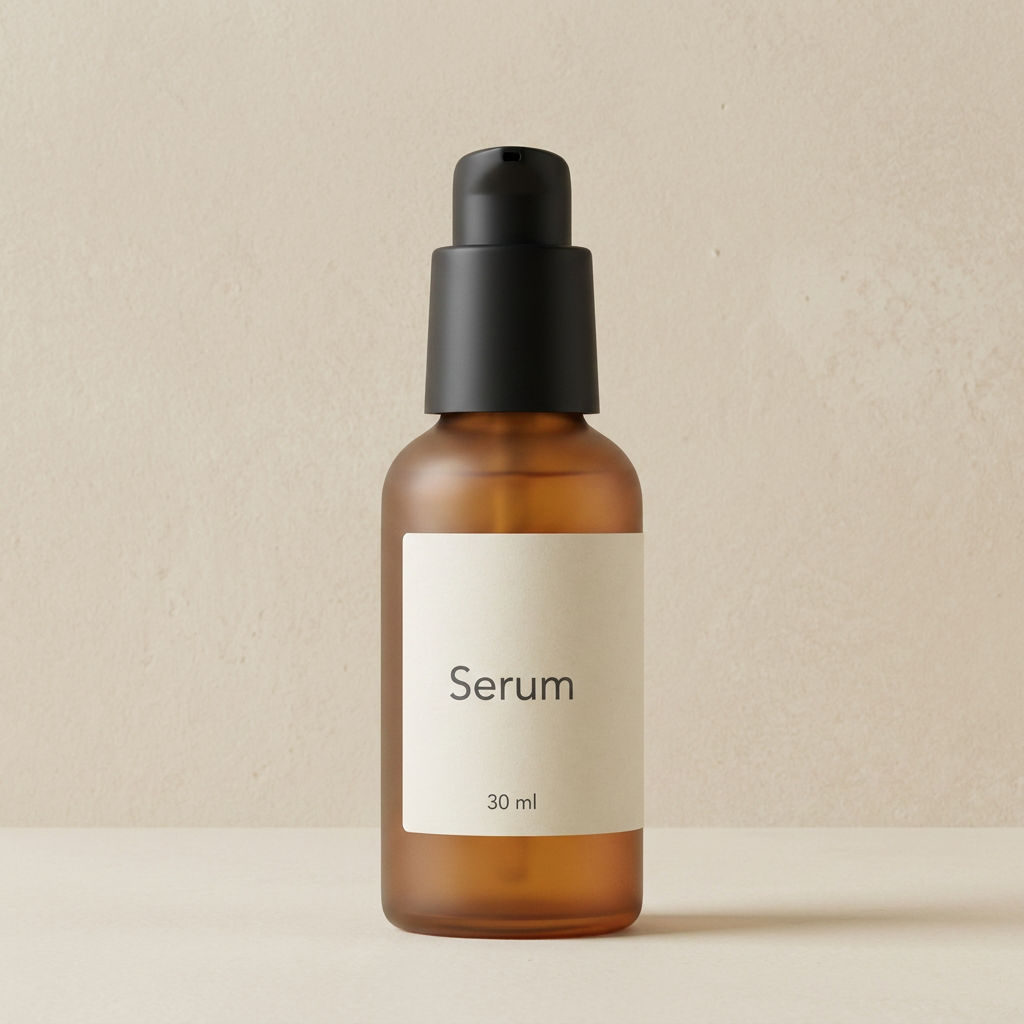
Enter a product, brand, and tagline to get anchor shots, scene and colorway variants, a macro close-up, and a 5s motion clip.

Skincare Brand Launches
Skincare brands build a launch set around a single SKU, pairing an anchor hero image with scene variants so beauty product photography stays consistent across the drop.

Cosmetics Catalogs
Beauty teams generate cosmetics product photography for shade ranges and catalog grids, with colorway variants and a label plate that keep every listing on brand.

Agency Campaign Sets
Agency creatives return product photography cosmetics clients can run across paid social, landing pages, and pitch decks, including a macro texture close-up and a short motion clip.
How to use Techniques?
Discover how to utilize Beauty Product Photography for different scenarios.

Add inputs
Upload images, videos, or type in the prompts to get started.

Generate outputs
Next, hit the "Generate" button to start generating your outputs.

Edit and export
Refine your outputs on canvas, or download them directly.
Frequently asked questions
All you need to know about Beauty Product Photography
What is beauty product photography, and how does AI build a full set?
Beauty product photography is the craft of shooting skincare and cosmetics products so the packaging, the texture and the finish all read clearly in one frame. Most of the difficulty is lighting. Frosted glass, matte plastic, foil-stamped labels and a glossy serum each catch light differently, and a single setup has to flatter all of them at once. A traditional beauty shoot solves it with a studio and a retoucher, which is part of why it's weeks of lead time for a handful of assets.
An AI version starts from a description. You give the product, the brand name and the tagline, and the model generates the frames a launch needs. You can try FLORA free and get a full campaign set back from one product entry, then keep working on the results in the same place.
Why beauty product photography works better as a set
Very few launches run on a single photo. The product page needs a clean hero, paid social needs something that moves, and a retail deck needs the label readable at thumbnail size. Each frame in the set covers a different one of those jobs:
- The anchor. A straight hero shot that carries the product on its own, with the light shaped to the material.
- Scene and angle variants. The same product staged differently, so your landing page and your ads don't run the identical image.
- A colorway variant. This one matters most for cosmetics, where one formula ships across a shade range and every shade still has to look related.
- A label plate and brand lockup. Where the name and tagline get tested at the size a shopper actually sees them.
- A grade pass. A color-graded version, which is what makes a whole range feel like one campaign.
- A macro texture close-up. The frame that sells how the product feels, like the peak on a cream or the drag of a thicker serum.
- A short motion clip. A few seconds of liquid glow or slow rotation, sized for the scroll.
How the model reads a product description
How specific your input is drives how good the set looks. The description does the job a brief would do on a real shoot, and the model works through it in layers:
- Material and finish. "Frosted amber glass with a matte black pump" tells the model how the surface should scatter light. "Serum bottle" leaves that open.
- Form and proportion. Height, cap style and shoulder shape decide how the product sits in frame and where its shadow falls.
- Brand elements. The name and tagline stay consistent across every frame, which is what lets the label plate match the hero.
- Lighting logic. Once the material is clear, the treatment can commit: soft and diffused for skincare, harder and more specular for a compact or a metallic tube.
That's also why one technique can handle a cream jar and a lipstick without separate presets.
What to check before a frame ships
A generated set gets you most of the way. A few things are worth checking before anything goes live:
- Label legibility. Shrink the label plate down to thumbnail size. If the tagline drops out, that one's better used as a secondary placement.
- Blown highlights. Glossy caps and foil stamping can pick up a hotspot that swallows the detail around it. The grade pass often reads cleaner here than the anchor does.
- Shade accuracy. Cosmetics product photography depends on the shade reading true, so check the colorway variant against your swatch or Pantone reference, not against the hero frame.
- Geometry. Dropper collars, pump necks and compact hinges are where small distortions show up first. Compare the angle variant back to the anchor.
Anything that needs a fix stays on the canvas, where you can crop or composite individual frames without regenerating the whole set.
The words people use for the same job
Search language splits by team, and the same set of frames gets requested under several names:
- Skincare product photography
- Makeup product photography
- Product photography cosmetics teams brief for a listing refresh
- Beauty product photoshoot
- Cosmetics photography
The brief underneath doesn't change: the product has to look like the brand it belongs to, in every placement it lands in.
Where to take the set next
On the canvas, the set connects straight into the rest of the campaign:
- Turn a hero still into a spot with the beauty ad generator.
- Lay a full range out as a product lookbook grid for a catalog page or a retail deck.
- Add movement to any frame with product motion or the product animator.
- Try a shade range without booking a reshoot using product recolor.
- Drop the anchor onto a clean white background for a marketplace listing.
- Soften a busy backdrop with studio blur when the scene competes with the product.
Because all of it happens on one canvas, beauty product photography can run on the launch calendar: generate a set early in the week and have the placements built out by the time the copy lands. The FLORA AI image generator covers the wider toolkit, and our roundup of the best AI image generators has the model-by-model comparison.
Related techniques
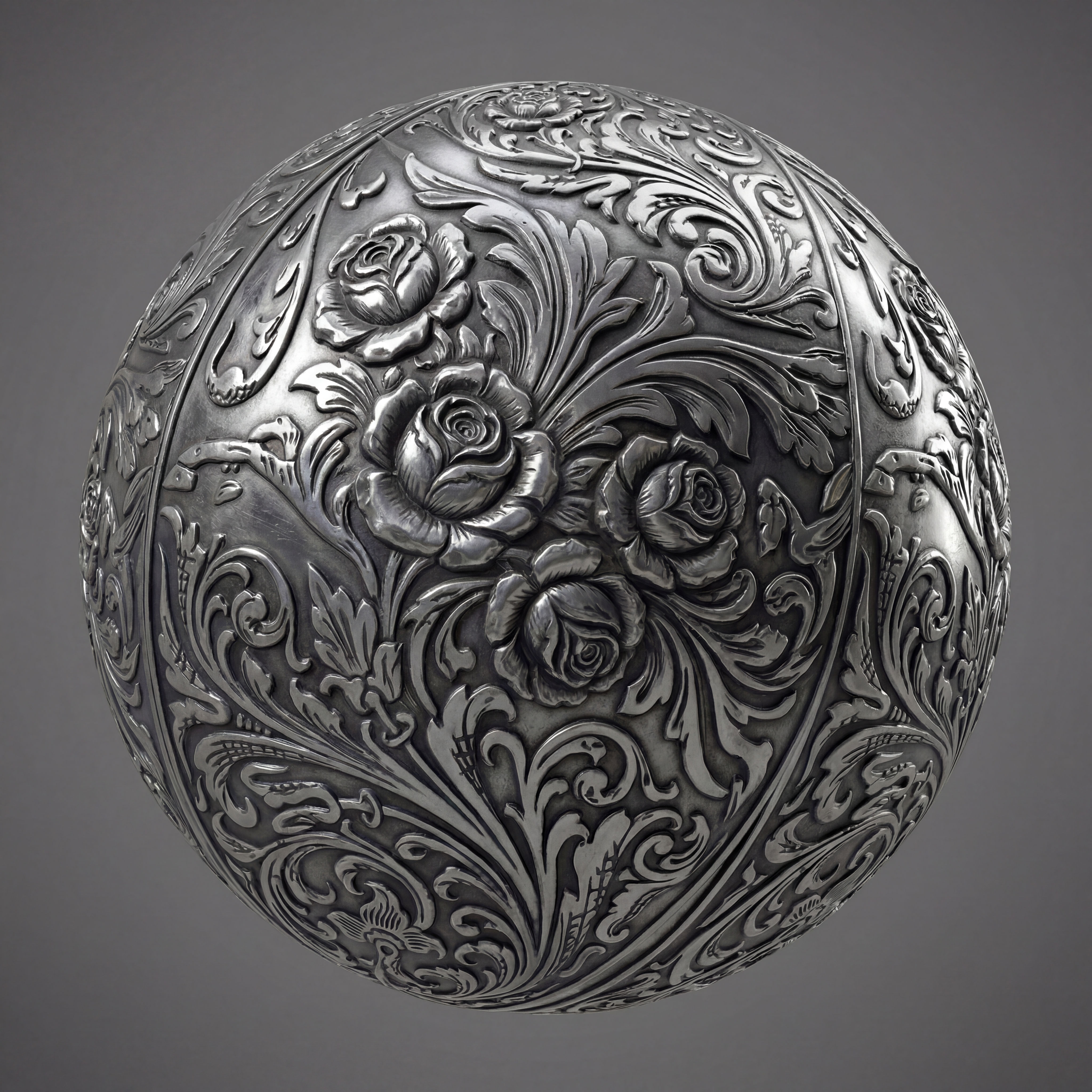 Texture Pack ExtractorExtracts the main material of an object in an image and transforms it into usable textures for 3D projects
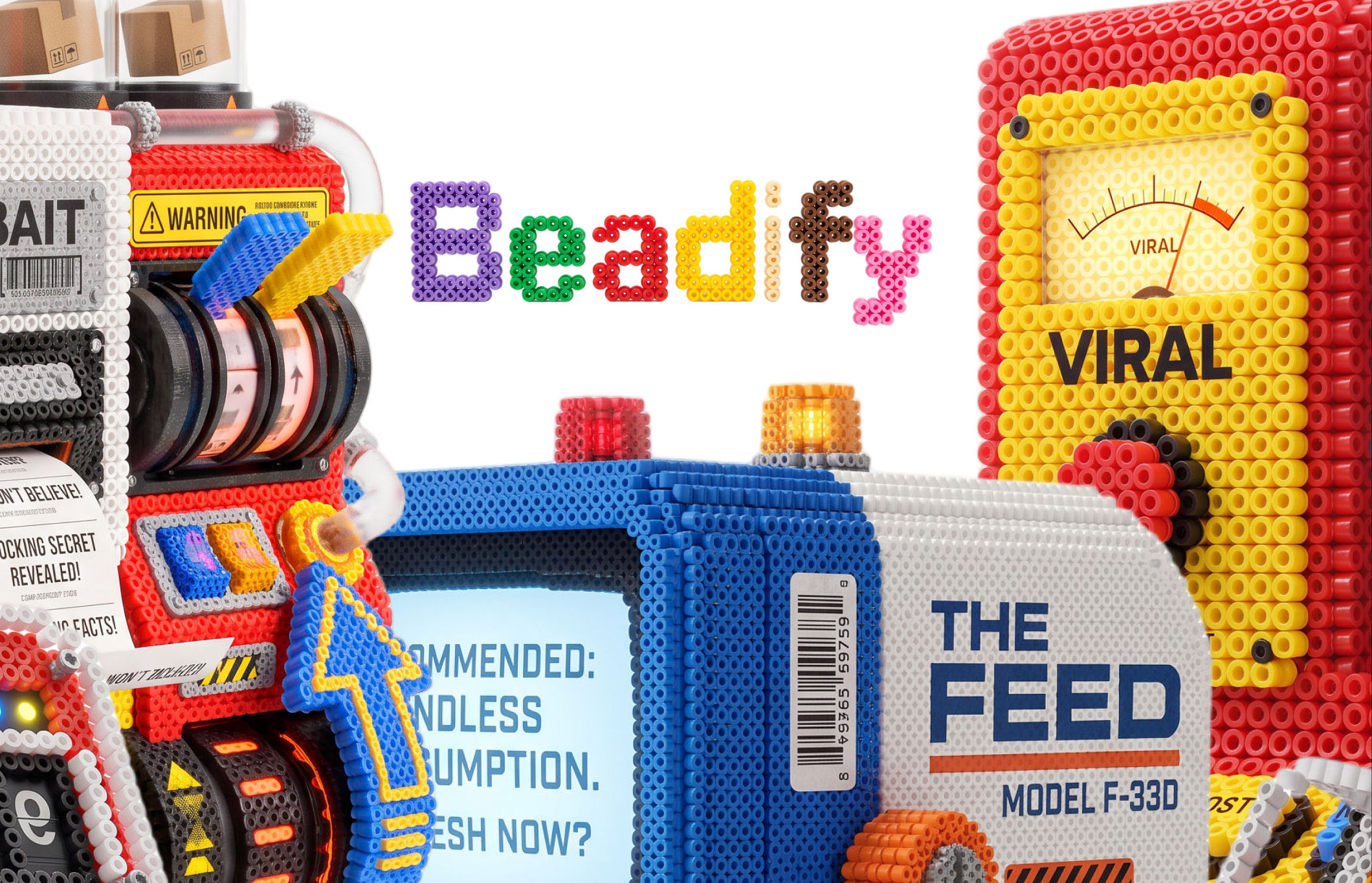 BeadifyTurn any object or 3D render into a physical Perler bead mosaic. Upload a photo — get back a beaded version of it
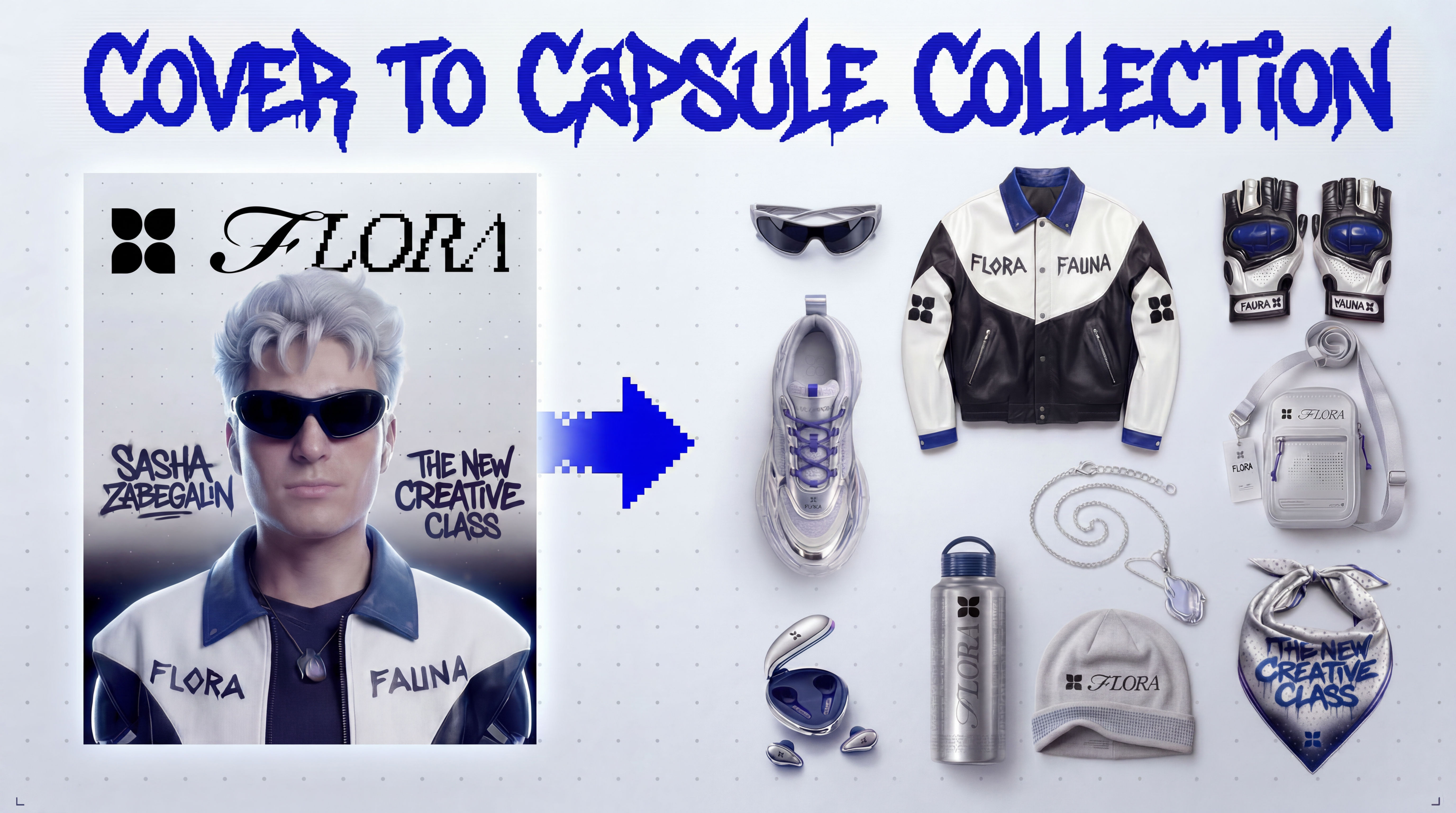 Cover to Capsule CollectionTurn any magazine cover into a 12-piece capsule collection.
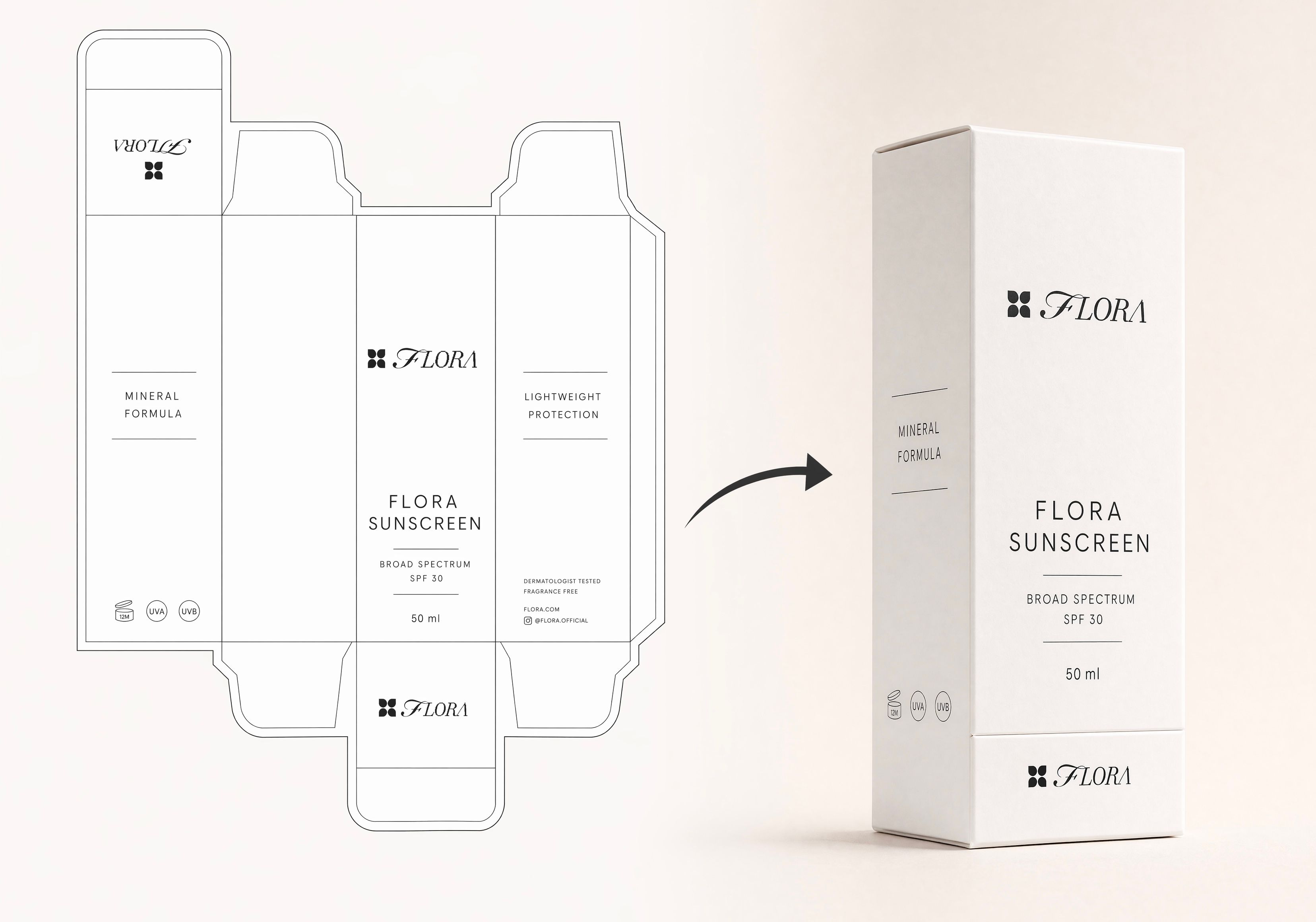 Dieline to 3D PackageTurn any flat package dieline into a production-ready 3D package render.
 Rosé RamblerMake your own custom Cannes Character, presented by Red Antler x FLORA
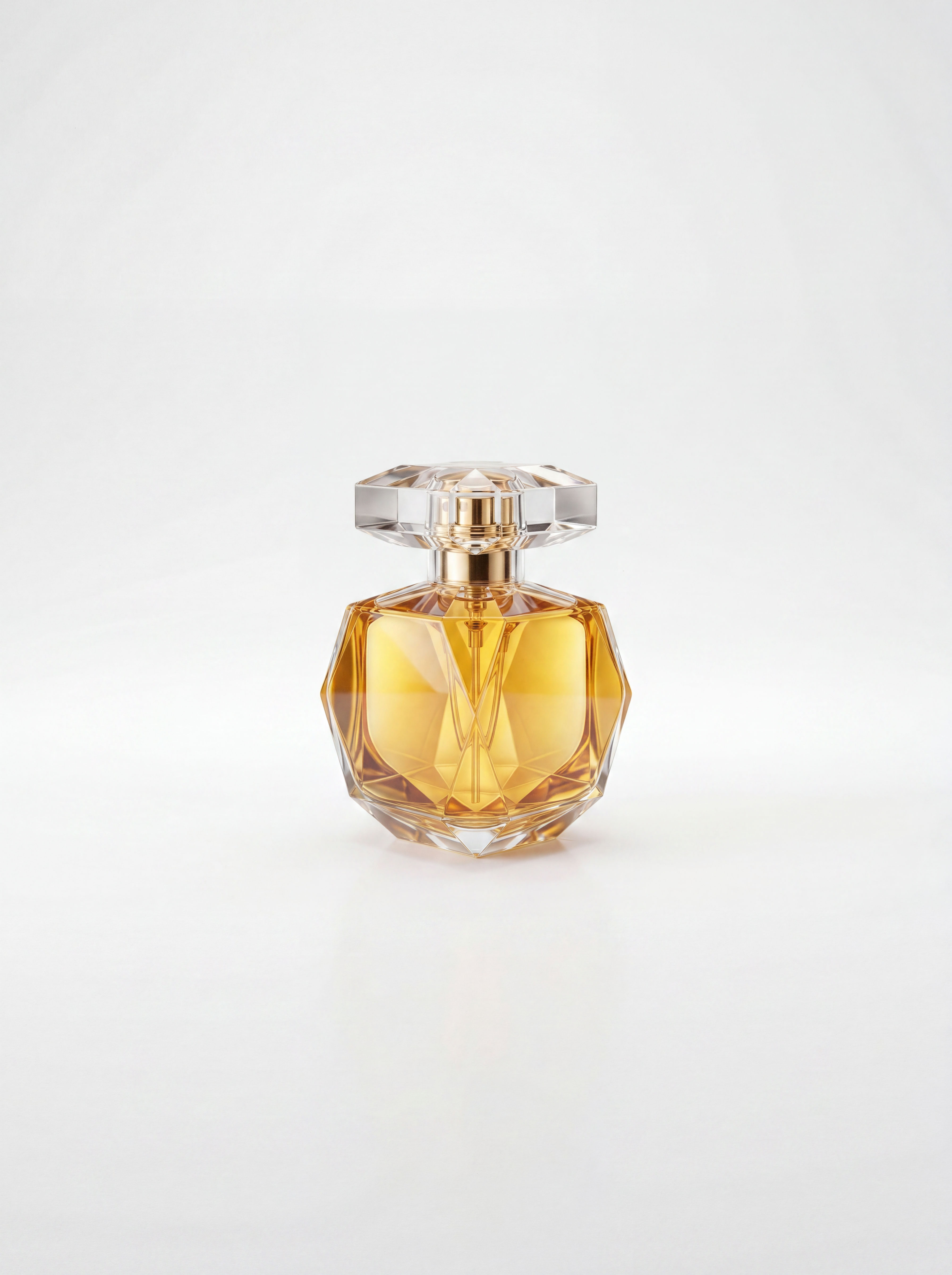 Sketch to Photorealistic Product RendererUpload any product sketch and a style reference.
Get 9 photorealistic renders — rare angles, texture
close-up, top, bottom and underside shots.
Any product. Label-free. Production-ready.
Sketch to Photorealistic Product RendererUpload any product sketch and a style reference.
Get 9 photorealistic renders — rare angles, texture
close-up, top, bottom and underside shots.
Any product. Label-free. Production-ready.Create Beauty Product Photography for a Full Campaign From One Product
turn one serum bottle into a full campaign set: hero glamour shot, scene variants, a macro texture close-up, a color-flavor line, plus a label plate and a 5s liquid-glow motion clip. Useful for: skincare/cosmetics brands, DTC founders, and beauty-agency creatives who need consistent, editorial-grade product imagery from a single SKU without a studio, stylist, or retoucher.

Louis Anderson