

Skip to content
FLORA
← All skills

Halftone Poster Series

A matched set of halftone posters from one image.

Input for three posters, three inks
In
Red halftone on cream
Out

Three posters, three inks

Make a halftone poster series from this portrait with the Image Filter action: three posters, dots sized to about 1% of the image width, red #b3261e on cream #f1ece1, navy #1f3a5f on stone #e9e4d8, and black on yellow #e8c547: media.flora.ai/…
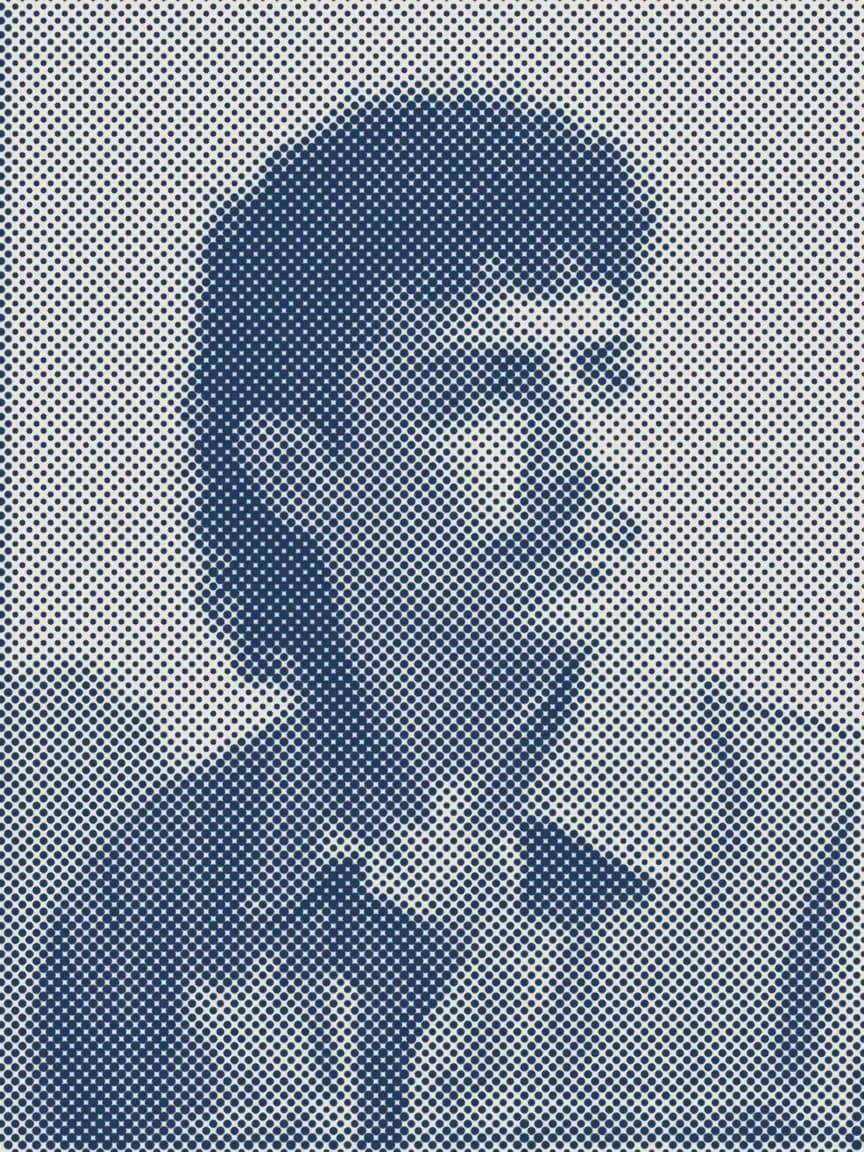
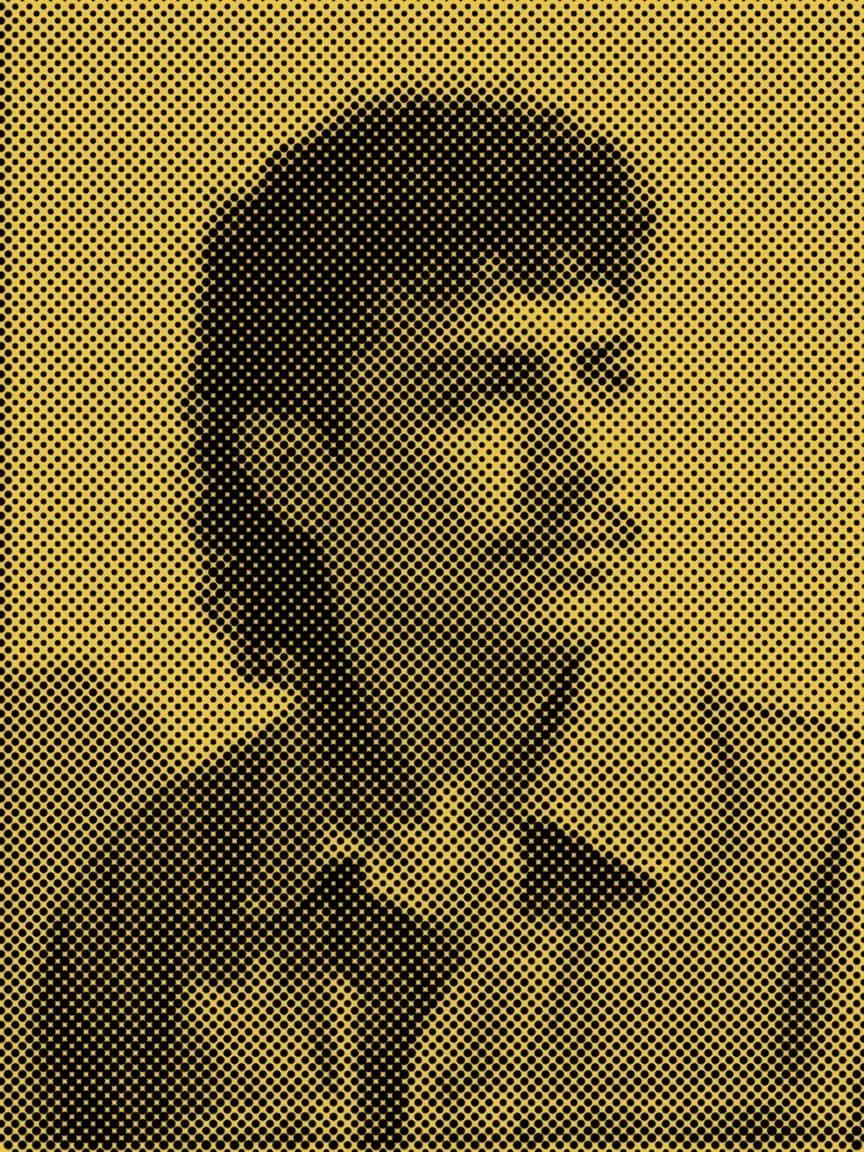
  • Navy halftone on stone
  • Black halftone on yellow

Download skill

Connect FLORA to your agent

  1. Copy the FLORA connector URL

    You'll paste this URL into Claude in the next step.

    https://agents.flora.ai/mcp
  2. Add FLORA as a custom connector

    In the Claude desktop app or claude.ai, open Customize → Connectors, then + Add → Add custom connector. Name it FLORA, paste the URL and click Add. It also works in Claude Code sessions in the desktop app.

  3. Sign in and start creating

    Click Connect on FLORA and sign in, then open Claude with the prompt ready to make a halftone poster series.

    Start creating

    Requires steps 1-2 completed first.

  4. Keep the skill

    Optional: the prompts work without it. Unzip it into your agent's skills folder, or upload the zip to Claude.

Full setup guide in the FLORA docs