
Tasting Notes: Arrow 2 Telos
 FLORA
FLORA
Tasting Notes is where the FLORA team reviews the latest text, image, and video models.
Arrow 2 Telos is the first SVG model built for real designers
For most of the last two years, an AI vector was a picture wearing an .svg extension. You generated a PNG, ran it through image trace and got back a few hundred anonymous paths that looked right until somebody opened the file. Any edits or changes meant redrawing the entire thing, whether it was just a typo in the headline or a recolor on a jacket.
Arrow 2 Telos is the first model we've tested that draws like it knows someone is going to open the file. It's the flagship SVG model from QuiverAI, with an extra refinement pass for complex briefs. We ran ten briefs through it on one FLORA canvas, and every file came back as something that felt actually usable. For us, that moves generated vectors from an export format to a working file.
Why this model stands out:
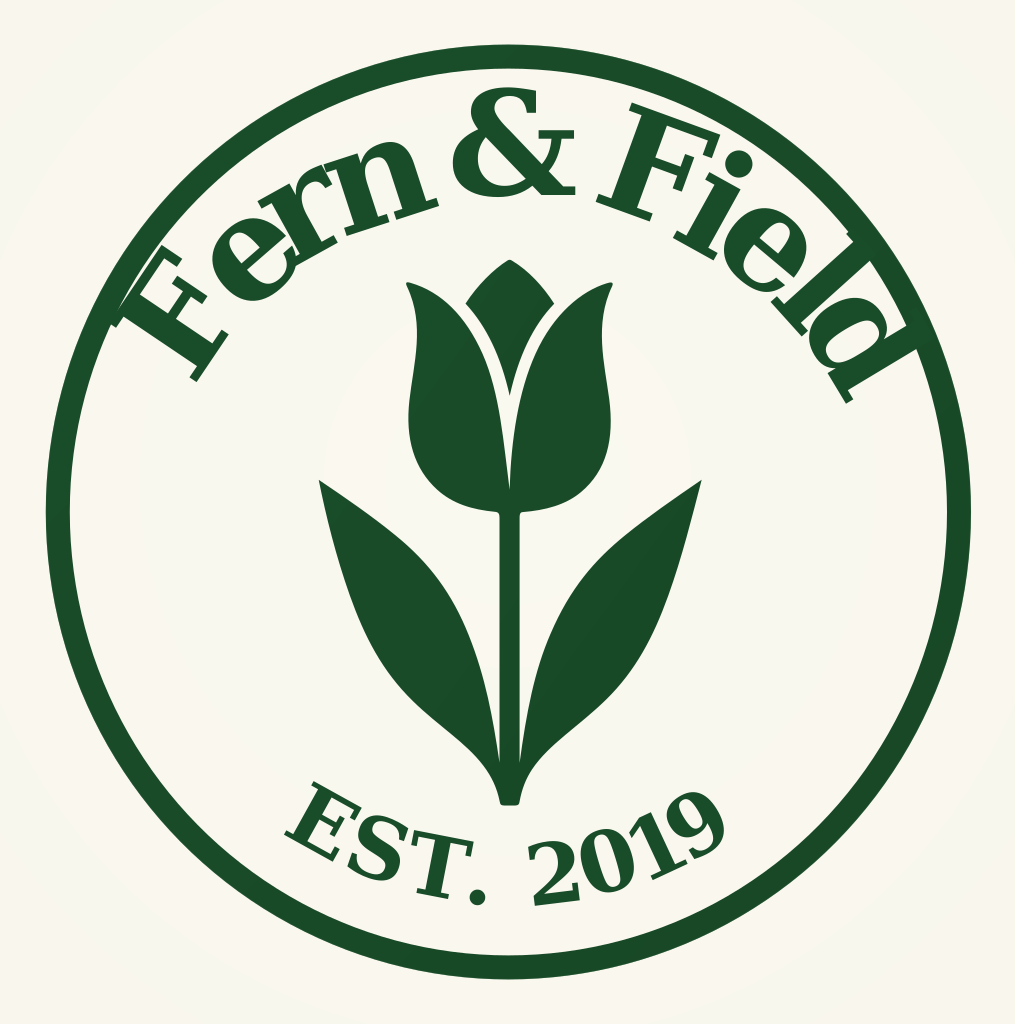
- Logo marks. The coffee monogram is seven clean shapes. It drops into a brand file ready to refine, with nothing to rebuild.
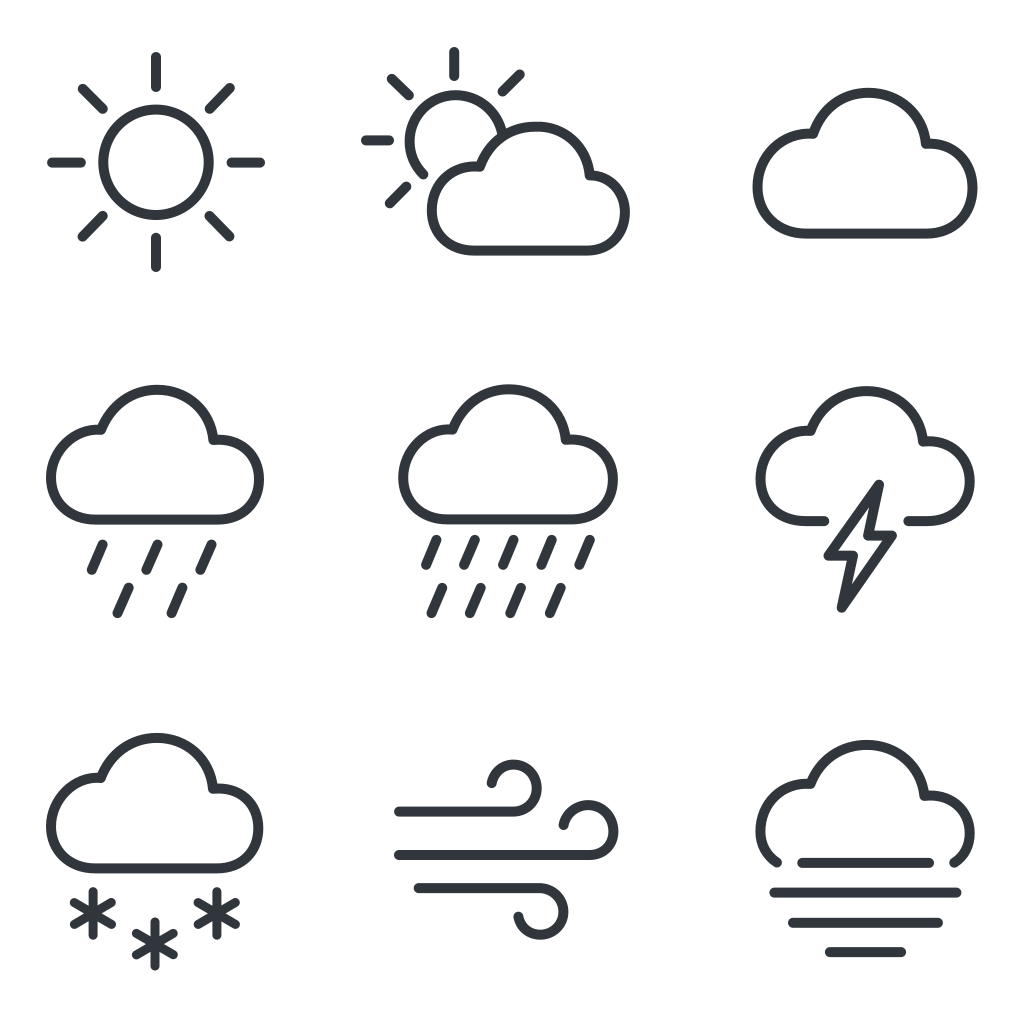
- Icon systems. Nine weather icons in one generation, one stroke weight, each in its own named group and ready to split into components.
- Editorial illustration. The commuter spot came back with 68 named layers, down to hair-teal and open-book, so a recolor is a find and replace.
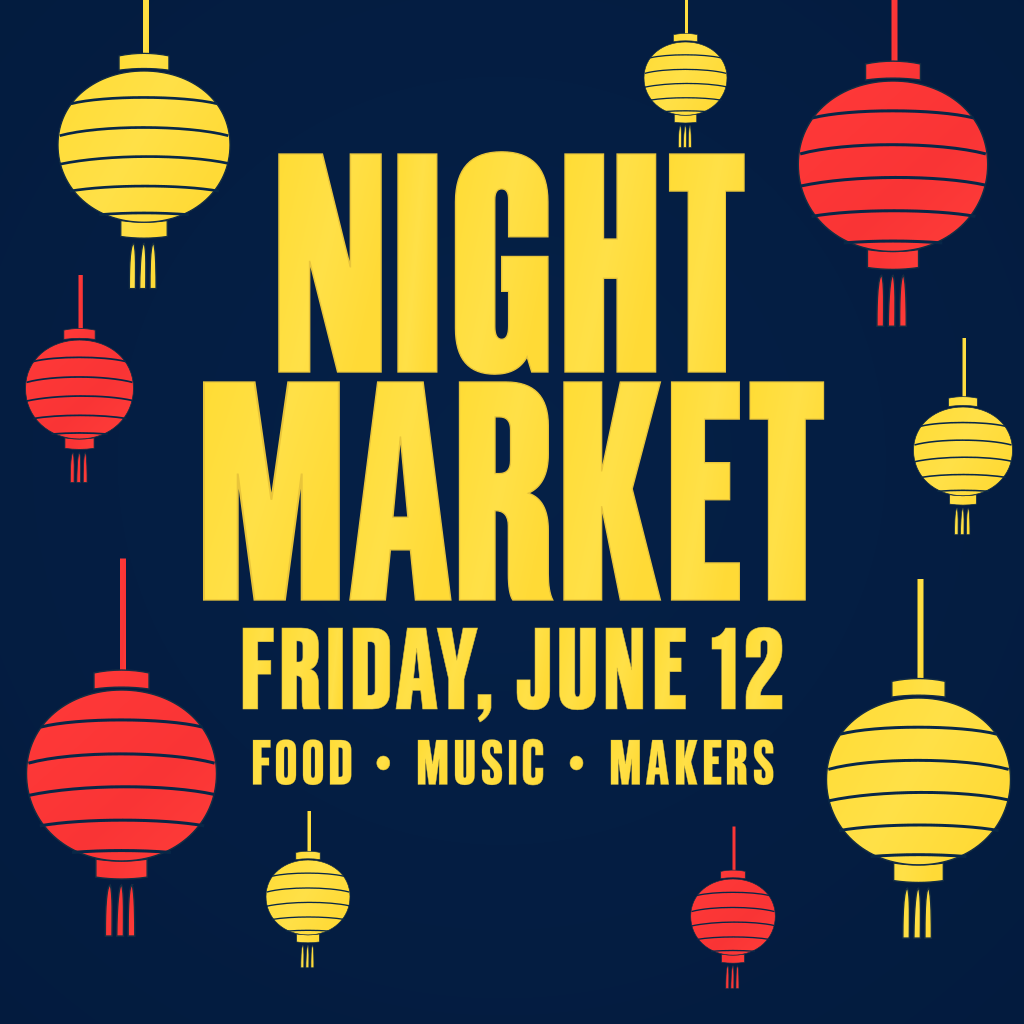
- Lettering and posters. Every word spelled right, one path per letter, so the kerning is still yours to adjust.
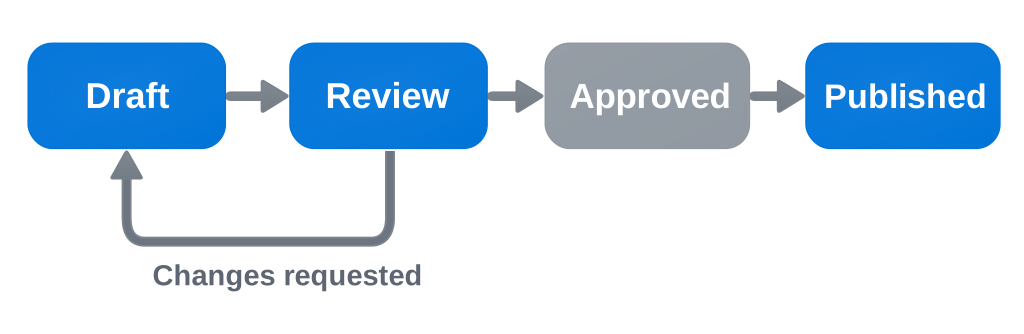
- Diagrams. Labels arrive as live text, so renaming a step is a retype.
See for yourself
Click any shape below to select its layer, then drag it, pull its points or retype its text. Flip to the file view to see the layer tree it sits in.
What Telos handles well
- Logo marks. A logo is the one asset nobody wants as a PNG. Telos hands it back as a clean SVG you can drop straight into a brand file.
- Icon systems. The right stroke weight, caps and joins held across the whole set, so every icon reads as part of one family.
- Editorial illustration. Complex scenes come back with every element named, so a recolor is a find and replace.
- Lettering and posters. Every word spelled right and kept editable, down to the single letter.
- Diagrams and infographics. Labels stay live text, which gives you more fidelity and control over the final layout.




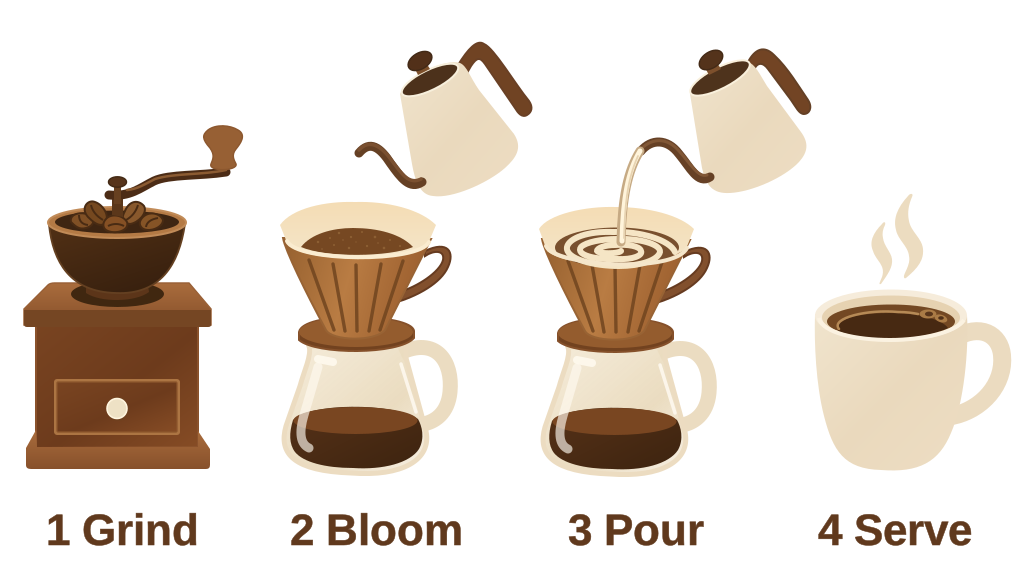
Explore with Arrow 2. Finish with Telos.
Inside FLORA, the answer to "which SVG model is best" is always "for which node." Arrow 2's node is the sketch round, where you want a lot of directions quickly. Telos's node is the last one before handoff. If the file is leaving FLORA for Figma, Illustrator or a codebase, we'd make it with Telos.
Arrow 2 Telos Prompt Pack
Open a prompt to read it, then copy it straight into a Telos node.
Logo mark for '': a monogram of the letters and intertwined with , two colors ( and ), clean geometric construction, works at favicon size


