Subject
A lone surfer paddling out at dawn off a volcanic black-sand beach in Iceland, seen from a low water-level angle. Wet neoprene wetsuit beaded with saltwater, a single glassy wave curling behind.
Music
Cinematic sunrise cue: soft airy pad swell, a single resolving piano note, distant sub-bass, hopeful and expansive, building gently. No drums.
Motion
the surfer pulls one slow paddle stroke as the swell lifts under the board, spray drifting through the backlight and the wave crest curling behind
Soundscape
Gentle ocean ambience: lapping water against a wetsuit, a soft paddle stroke, distant wave breaking, faint wind.
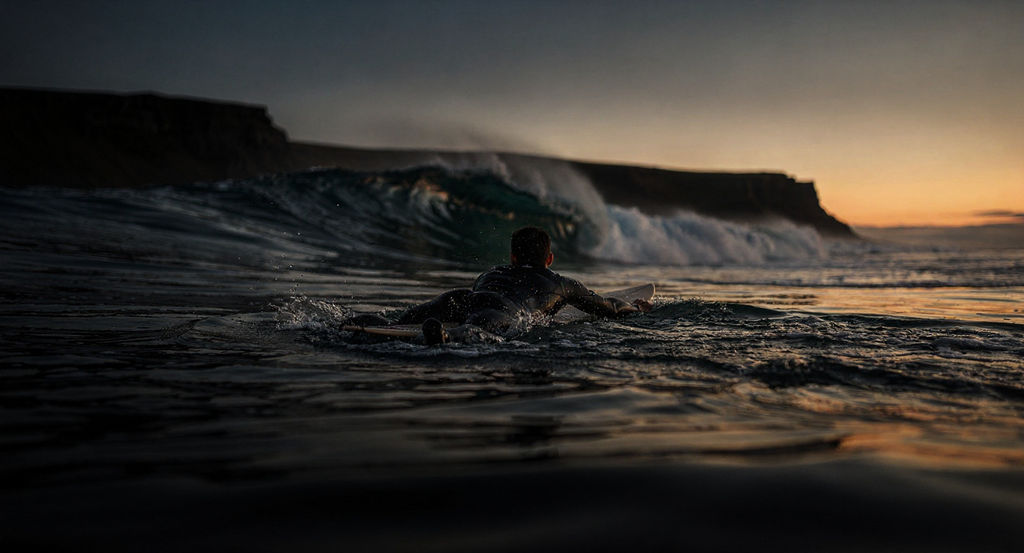
Describe a subject, its motion, and the sound you want, and the Technique returns a graded still plus short cinematic clips.

Social Video Production
Social teams use the online video creator to turn a written concept into a scroll-stopping short clip that arrives with its own score and ambience, no camera or edit suite needed.

Brand Campaign Concepts
Marketers describe the scene, the motion, and the mood they want, then use the graded frame and motion passes to pitch a campaign idea before a shoot is booked.

Independent Creators
Solo creators start on the free video creator to test a concept, generating a finished clip from a written prompt within the free plan's usage limits.
How to use Techniques?
Discover how to utilize Video Creator for different scenarios.

Add inputs
Upload images, videos, or type in the prompts to get started.

Generate outputs
Next, hit the "Generate" button to start generating your outputs.

Edit and export
Refine your outputs on canvas, or download them directly.
Frequently asked questions
All you need to know about Video Creator
What a video creator actually does
A video creator builds a finished video clip out of a written description. You say what's in the shot, how it moves, and what it should sound like, and the models handle framing, grade, motion, and audio in a single pass. You don't assemble a timeline and you don't upload footage, so a scene can exist within minutes of someone thinking of it.
Most of the value shows up at the concept stage. Historically, the only way to find out whether an idea works on screen was to shoot it. Start a project on FLORA and you can test the same idea a dozen ways before anyone books a camera.
Why this one asks for four prompts
Most prompt-to-video models give you one text box and return silent footage, so scoring and sound design happen later, in another application. The Video Creator splits the request across four fields: Subject, Motion, Music, and Soundscape.
Subject carries the world of the shot: location, light, materials, lens feel. Motion carries the one thing that changes across the clip. Music describes the cue you want underneath. Soundscape describes the ambient layer that makes a place feel physical, like water against a wetsuit or room tone behind a voice.
Four separate fields keep the picture and the sound from fighting each other. Ask a single prompt to handle a black-sand beach at dawn and the piano cue over it, and one of them usually wins while the other drifts. With four fields, each decision gets its own space and the model doesn't have to choose between them.
Why the output arrives in layers
A run gives back more than the clip. You also get a graded frame, a score bed, and an atmosphere pass, which means the picture and the two halves of the audio all arrive separately.
That matters as soon as a brief changes. The graded still works as a thumbnail or key art with no second render. Keeping the score and the atmosphere apart lets you replace the music when a client likes the room tone and hates the piano. All of it lands on the FLORA canvas, where you can re-cut a clip, extend it, or feed it into another technique.
Writing prompts the model can actually render
Concrete detail does more work here than mood. Name a place, a time of day, a light source, and a material, and the model has something specific to grade. Words like cinematic and beautiful describe how you want to feel about the result, and the model fills the gap with its own defaults.
Motion is the field people tend to overload. One clearly described action holds up across a short clip. Three stacked actions compete for the same frames and none of them reads. Describe the swell lifting the board, and leave out the sun clearing the ridge and the bird crossing frame.
Audio prompts behave the same way. "Epic music" produces whatever the model considers epic. Naming an instrument, a tempo feel, and where the cue resolves gets you something closer to a brief.
Where generated video fits in a production
Generated clips do their best work when the idea matters more than the specifics: pitch films, mood pieces, social cuts, anything that has to exist before a budget is approved. A written prompt can carry a concept far enough for a client to react to it.
A shoot still wins when accuracy is the point. Exact product geometry, a licensed face, a real location that has to be documented, packaging a legal team has signed off on: those are jobs for a camera, or for techniques built around a supplied image like Product Motion and Product Animator. UGC Creation sits between the two when a clip has to look filmed on a phone.
The same job, described a dozen ways
People come at this from different angles. Some want an online video creator because the alternative is a large install and a machine that can render. Some want a free video creator to see whether generated footage holds up on their channel before any budget goes near it. Others search for an AI video generator, a text to video tool, or a faster route to an approved social cut. The underlying request is consistent: a watchable clip built from an idea, with no crew.
Where the clip goes next
- Cinematic Movie Generator for longer narrative shots.
- Video Scene Builder when a sequence needs several shots that hold together.
- Storyboard Maker to plan the beats before generating any of them.
- Seamless Transition for joining two clips into one continuous move.
- FLORA's AI video generator for the full range of video models on the canvas.
Those all run on the same canvas as this technique, so the clip you generate stays editable while the rest of the work happens around it.
Related techniques
 Video Scene BuilderCompose video scenes from still assets
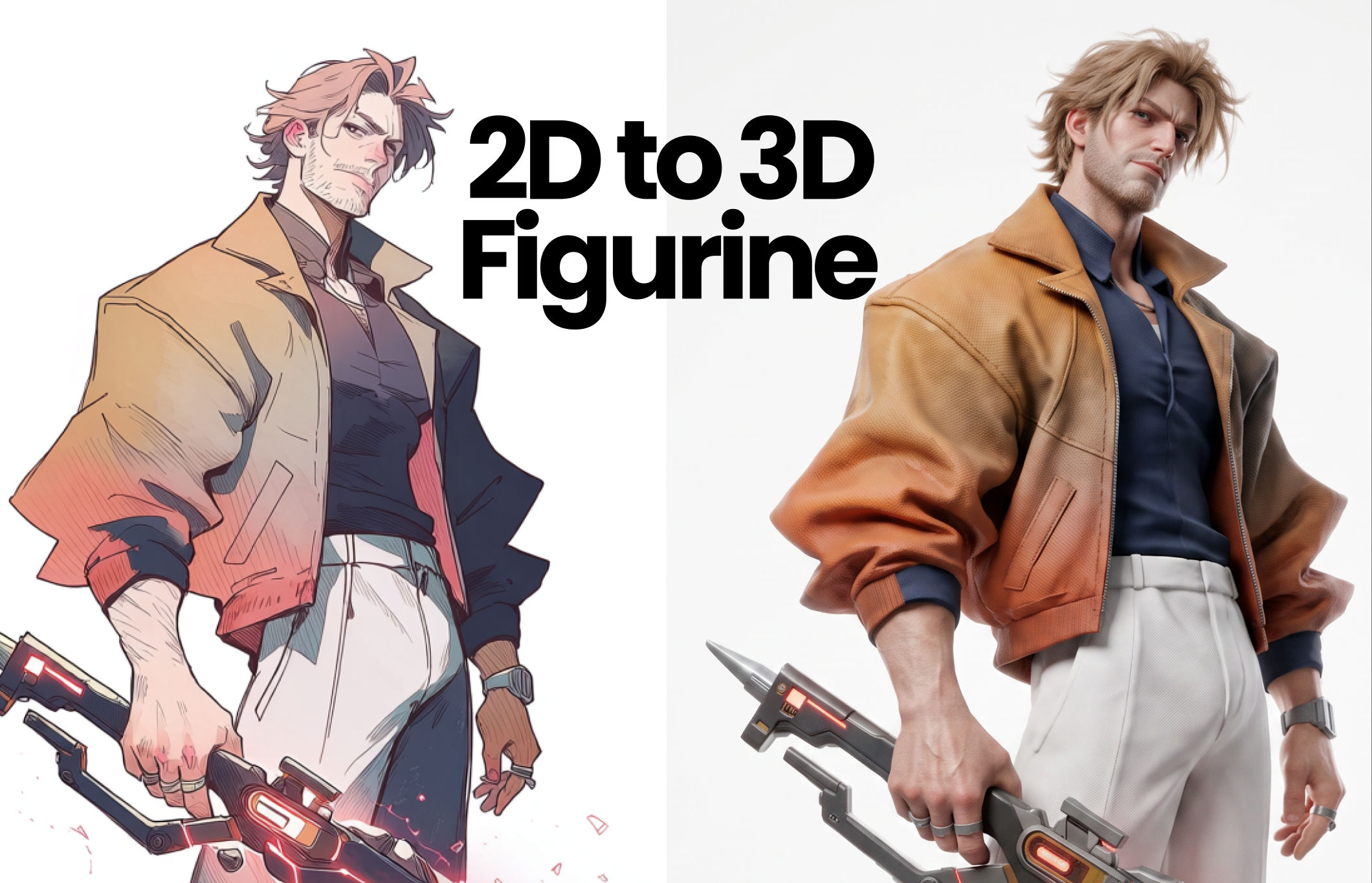 2D to 3D FigurineTurns 2D character art into a hyper-realistic 3D CGI collectible figurine studio-lit, PBR materials, and premium detail, with original colors, pose, and design exactly preserved.
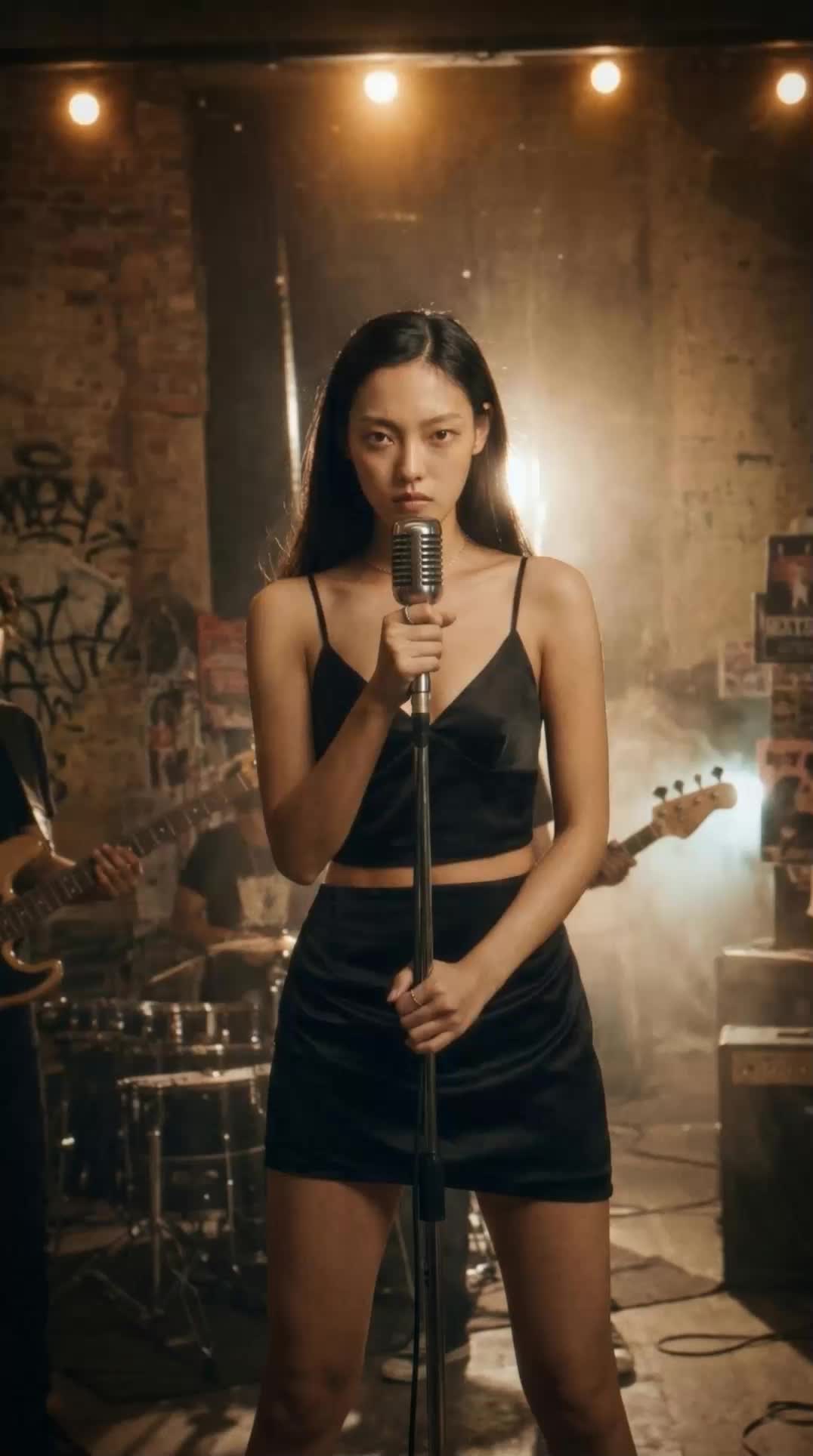 Album Art VisualizerMake a cool looping video based on your album art image
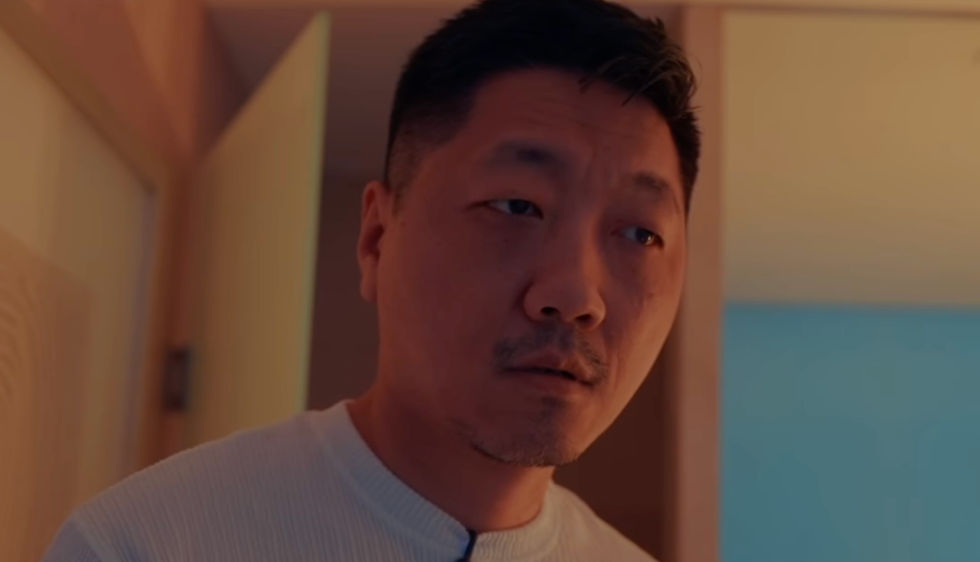 Blake Ridder's Cinematic PlateCreate a video in Blake Ridder's Cinematic Style
 Cinematic Sizzle Reel CreatorMake a cinematic fast paced reel out of multiple videos. Technique built by DJ Kim
 DreamscapeCreate dreamy realism images and loop animation backgrounds for tech and SaaS hero sections.
Turn One Prompt Into a Finished Clip With the Video Creator
turn one idea into a finished, sound-designed cinematic clip you can post as-is. Useful for: creators, social teams, and brands who need a scroll-stopping short video from a single prompt — no camera, no editor.

Louis Anderson