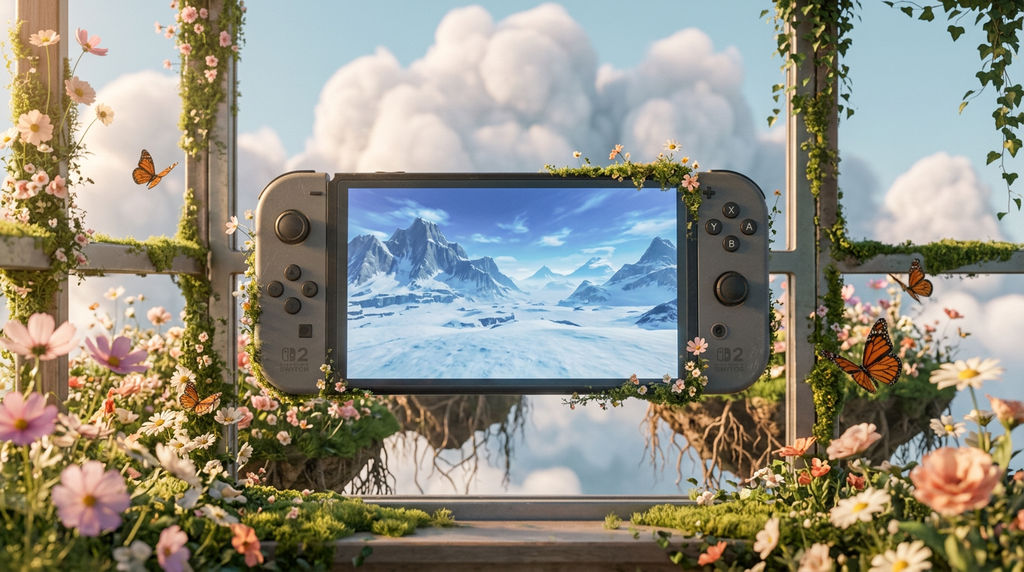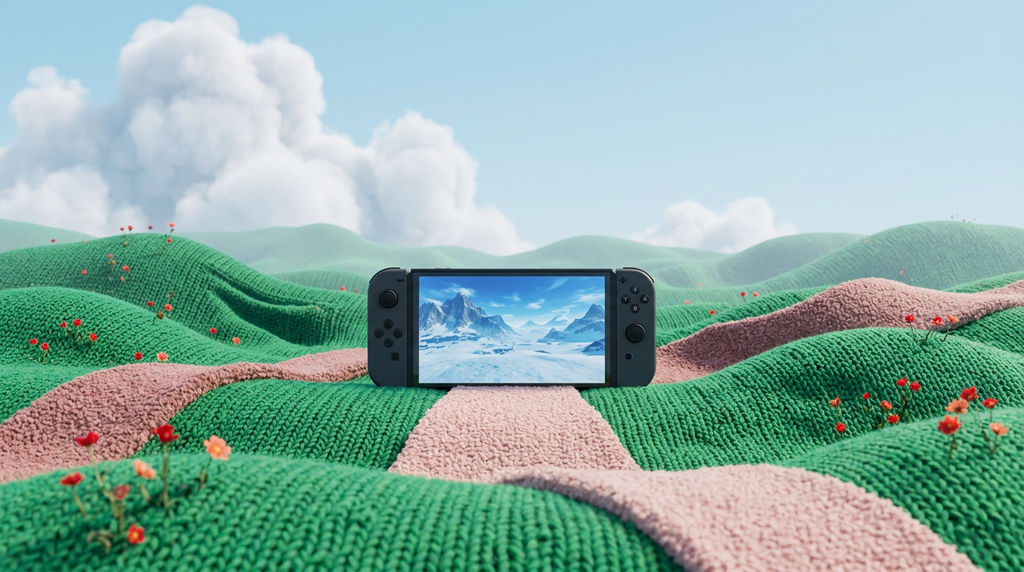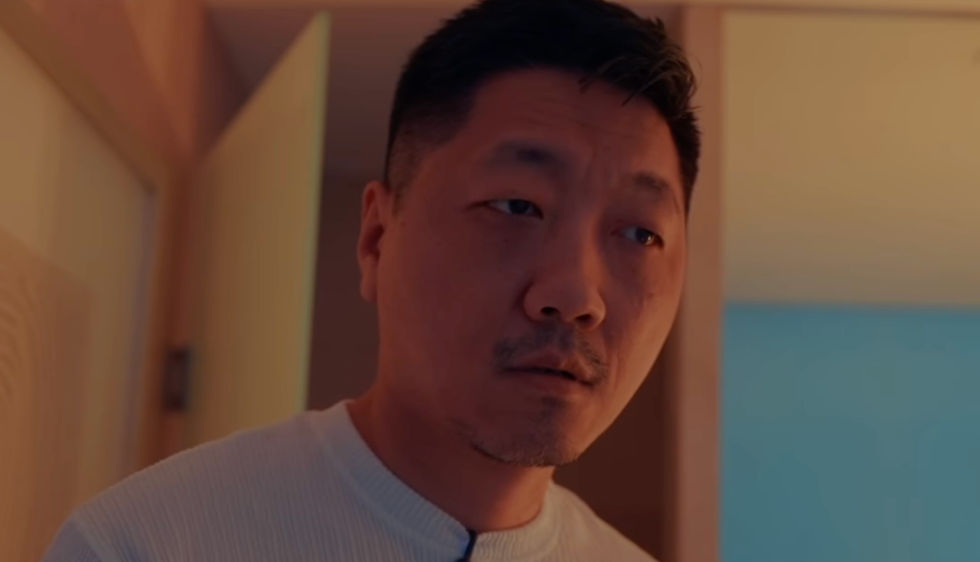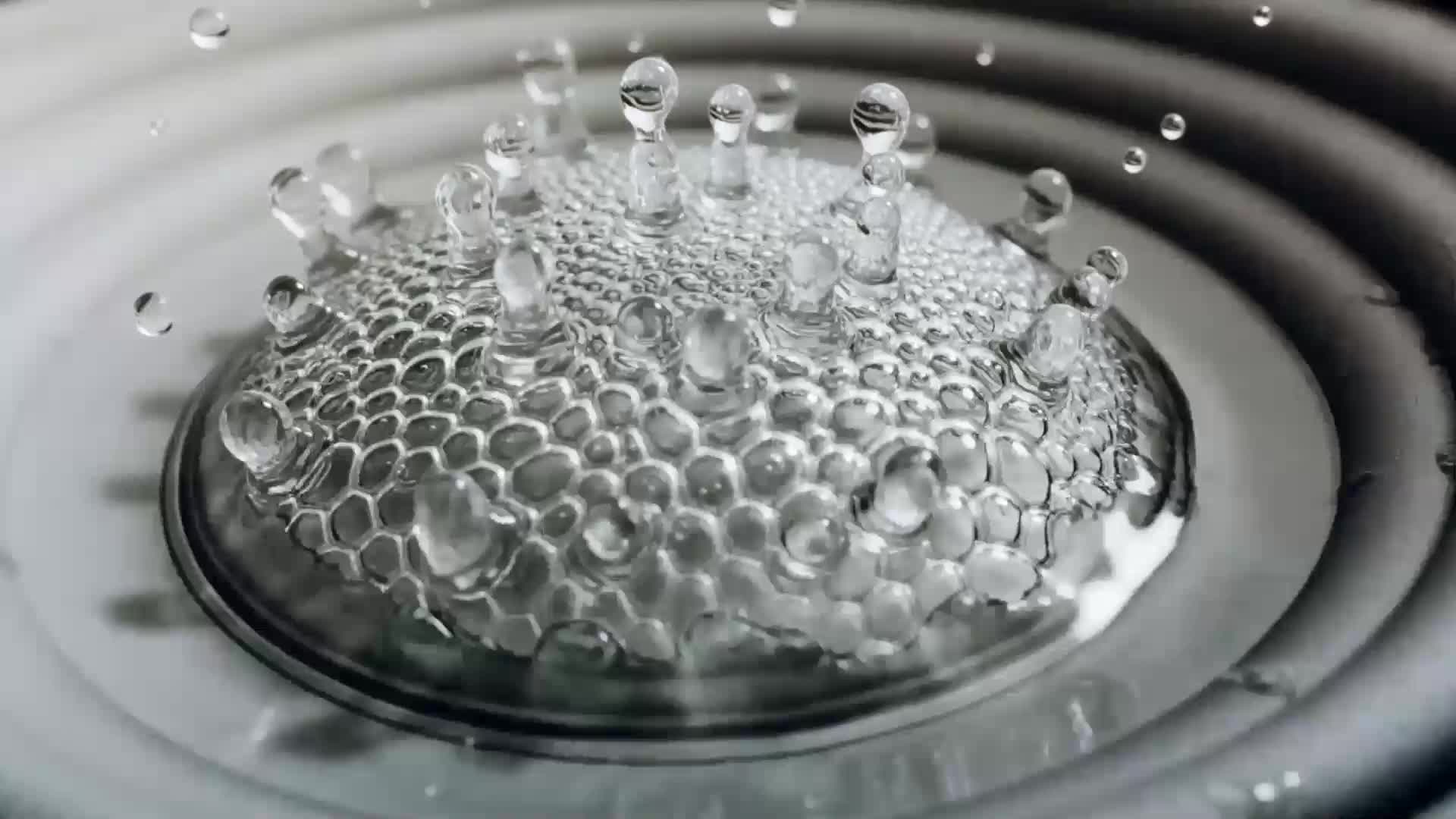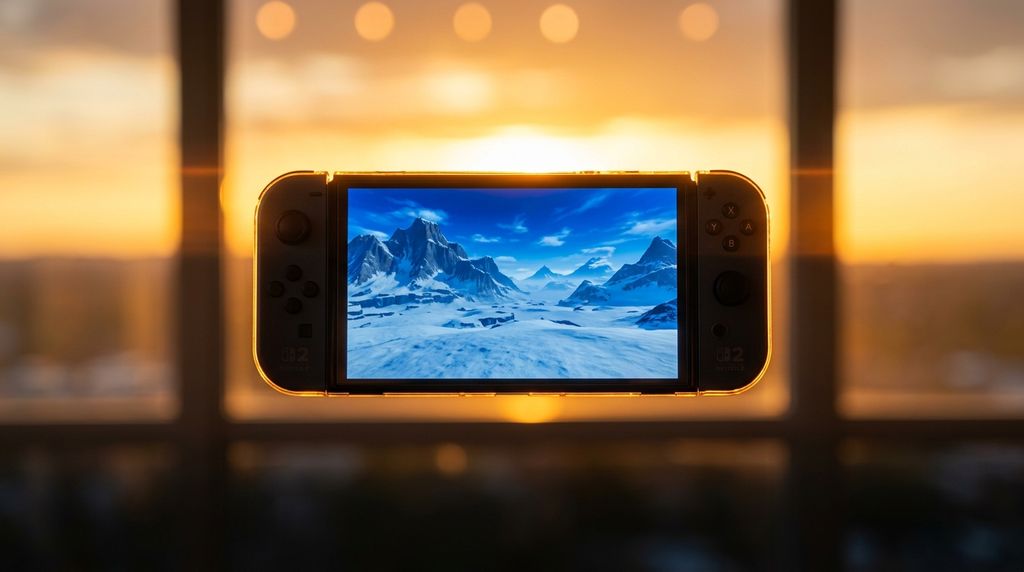


The Technique reworks an uploaded image into dreamy realism stills and looping backgrounds built for tech and SaaS hero sections.

SaaS Hero Sections
Product and web teams place a digital dreamscape loop behind hero copy, giving landing pages ambient motion without commissioning a video shoot.

Campaign and Brand Imagery
Marketing teams turn a single brand or product shot into dreamscape photos for ad sets, social posts, and seasonal campaign refreshes.

Creative Exploration
Designers and art directors run reference images through Dreamscape AI to test dreamy realism directions before committing to a full concept.
How to use Techniques?
Discover how to utilize Dreamscape for different scenarios.

Add inputs
Upload images, videos, or type in the prompts to get started.

Generate outputs
Next, hit the "Generate" button to start generating your outputs.

Edit and export
Refine your outputs on canvas, or download them directly.
Frequently asked questions
All you need to know about Dreamscape
Related techniques
Video Scene BuilderCompose video scenes from still assets
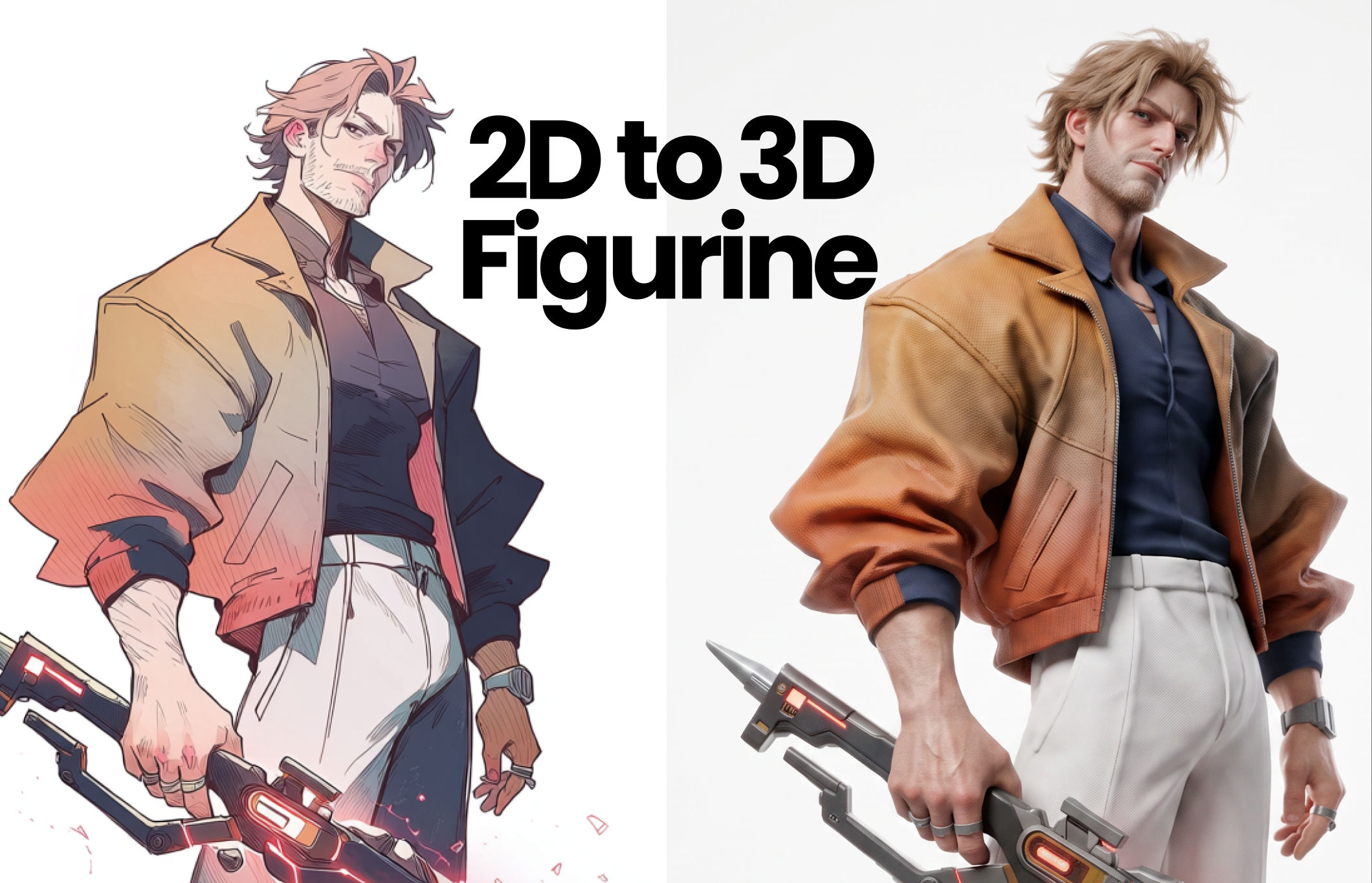
2D to 3D FigurineTurns 2D character art into a hyper-realistic 3D CGI collectible figurine studio-lit, PBR materials, and premium detail, with original colors, pose, and design exactly preserved.
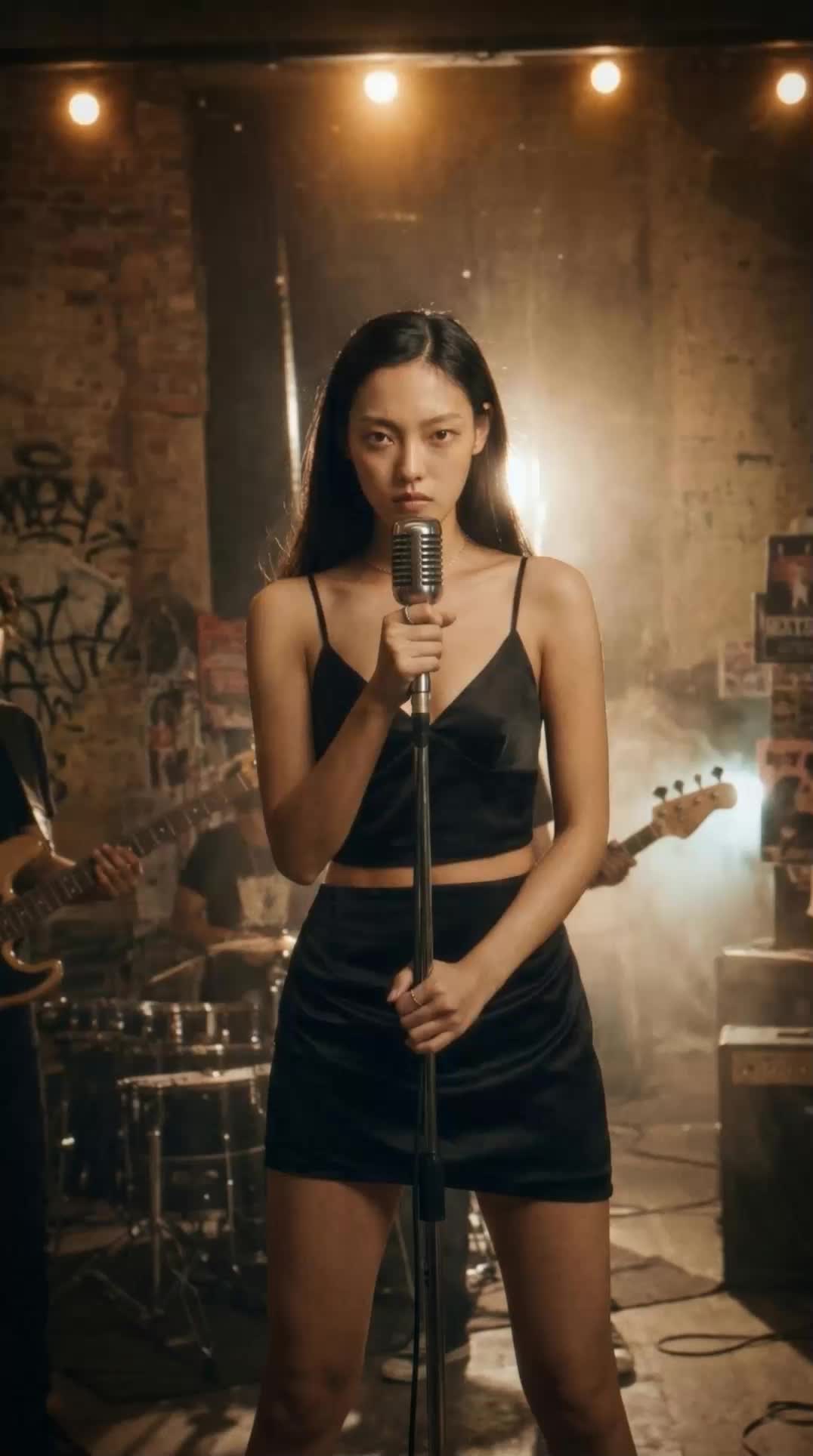
Blake Ridder's Cinematic PlateCreate a video in Blake Ridder's Cinematic StyleCreate Dreamscape AI Visuals From One Source Image
Create dreamy realism images and loop animation backgrounds for tech and SaaS hero sections.
Asif Bashir