Hero Style
a 3D animated-movie character in the style of a modern Pixar / DreamWorks feature, stylized into cel-lit CG: soft subsurface skin, large expressive eyes, gently exaggerated but flattering proportions, clean rounded forms; warm three-point studio lighting, soft rim light, shallow depth of field, simple softly-blurred pastel background — ultra detailed, polished animated-feature render
Comic Style
a Western comic-book hero panel: bold black ink outlines, dramatic cross-hatching, Ben-Day halftone dot shading, punchy saturated flat colors, dynamic comic lighting; off-white comic-page background with subtle action lines — classic inked comic art
Anime Style
a Japanese anime character, modern cel-shaded style: clean bold linework, flat cel shading with crisp highlight and shadow blocks, large luminous anime eyes, detailed hair strands; soft anime sky-and-clouds background, gentle bloom — high quality anime key-visual
Sticker Style
a flat vector cartoon sticker: simplified flat-color shapes, minimal shading, a clean thick uniform outline, cheerful friendly proportions, die-cut sticker with a thin white border, plain solid mint-green background — modern messaging-app sticker look
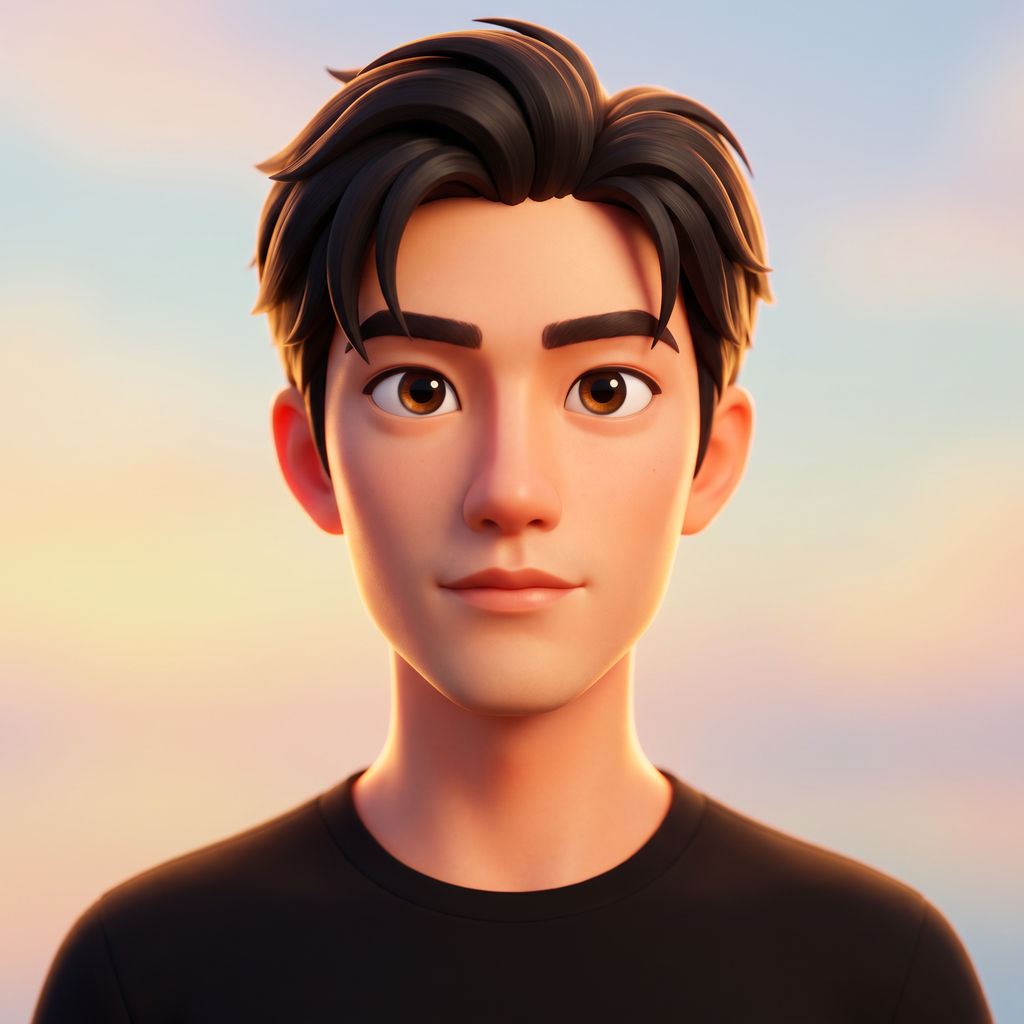
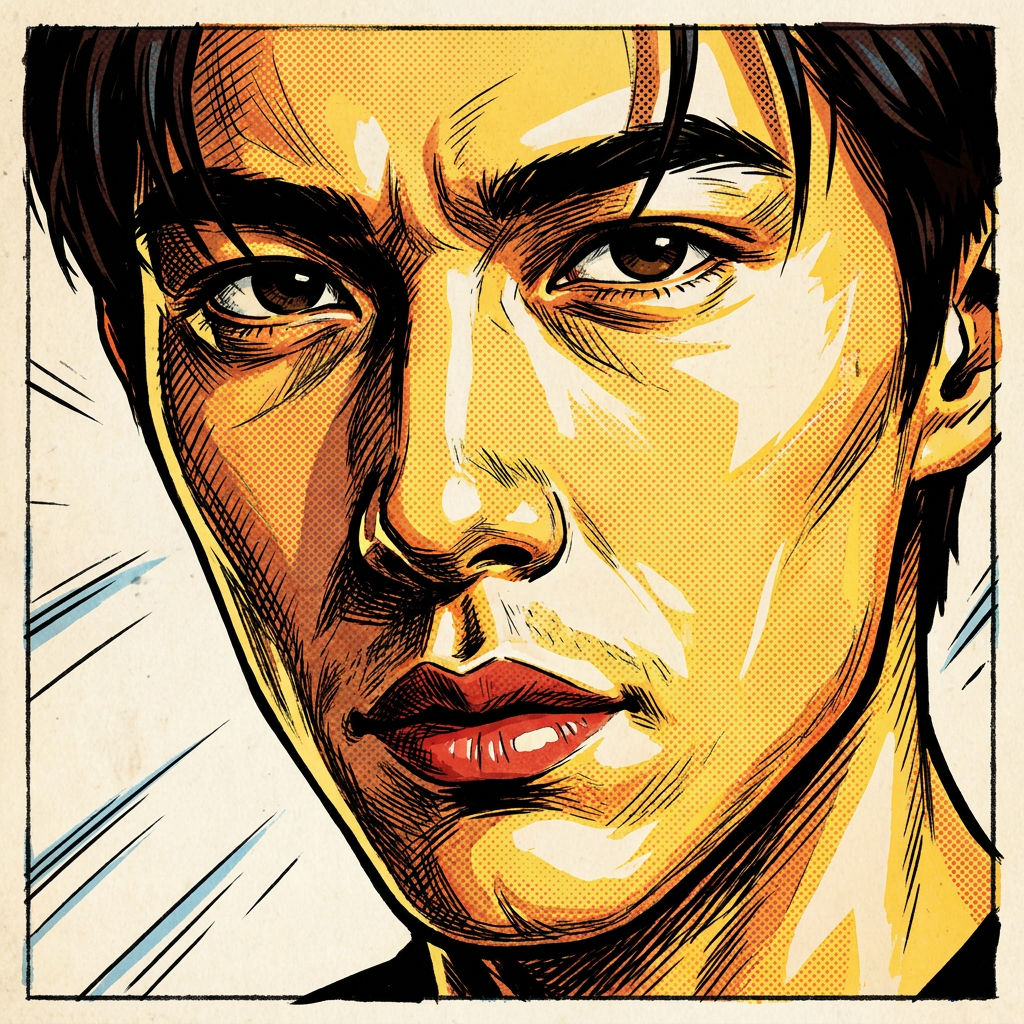
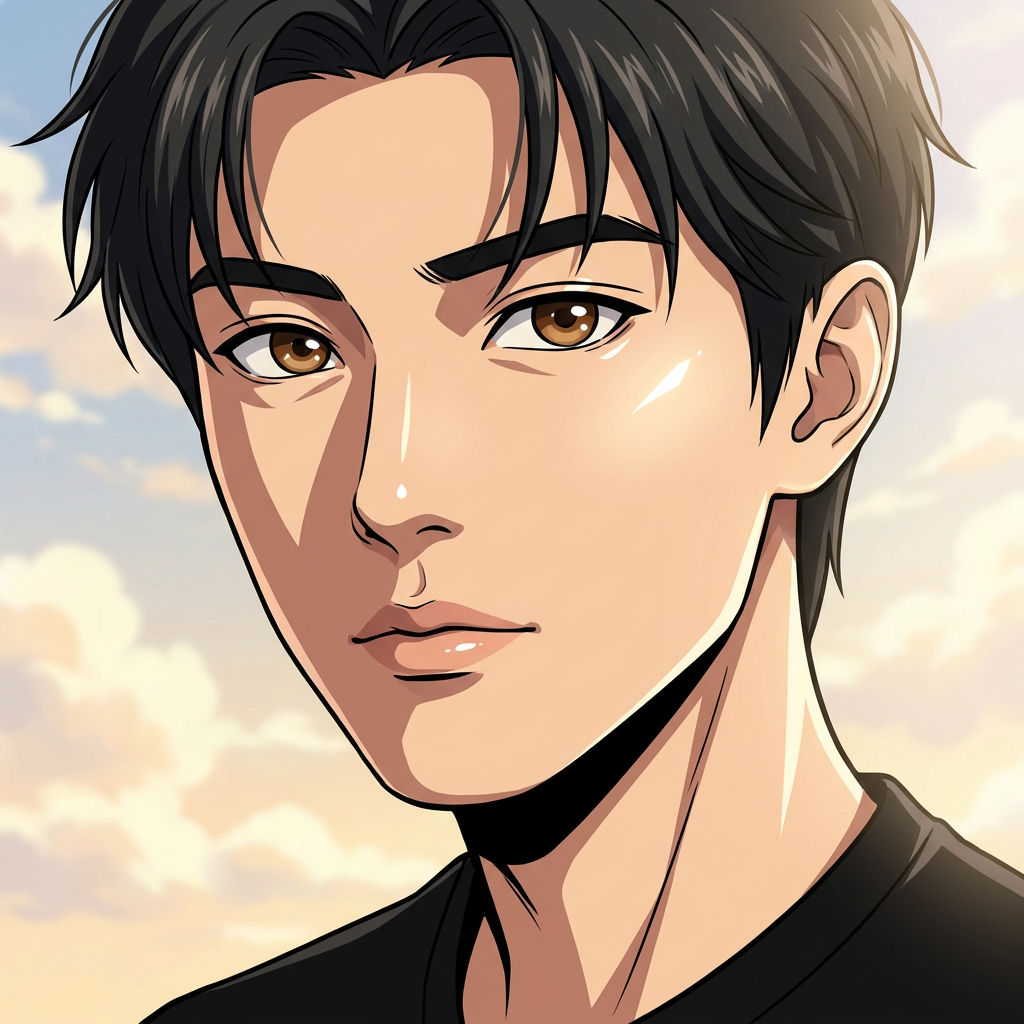

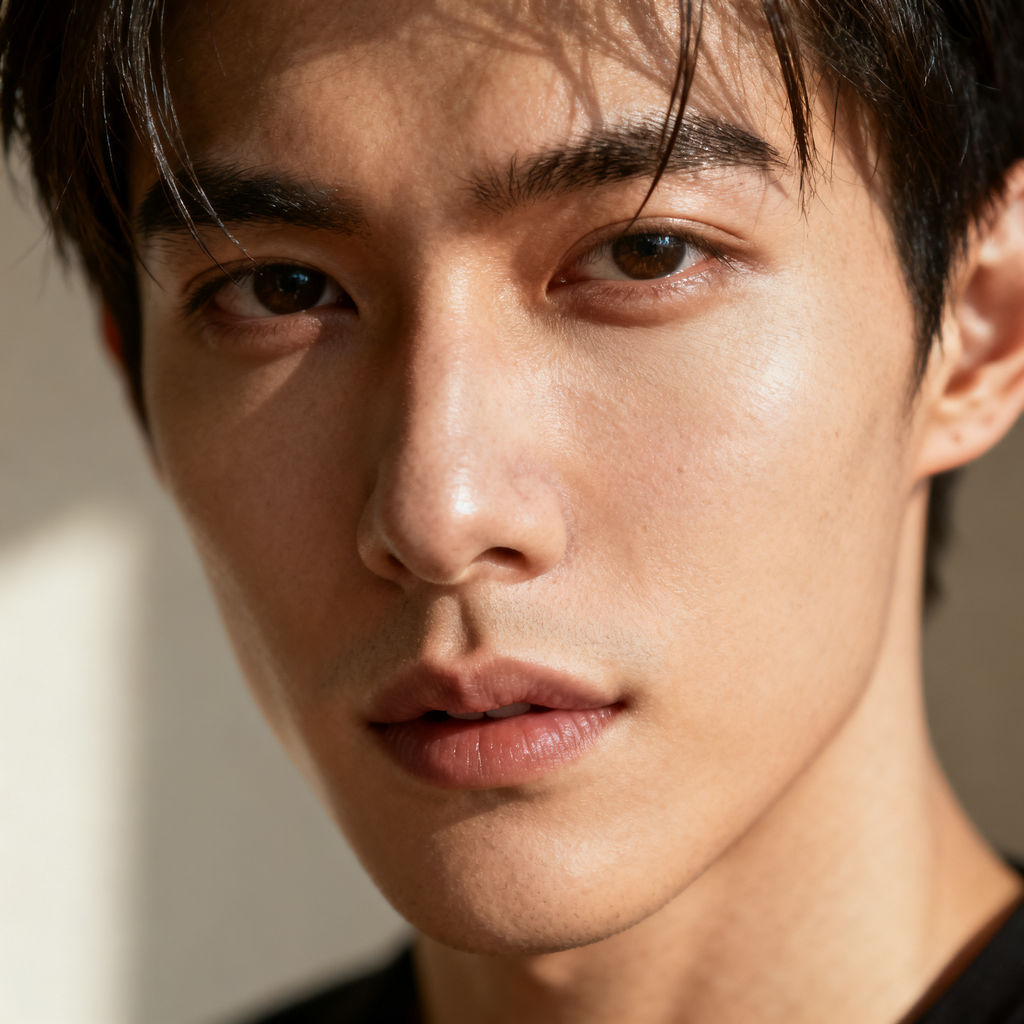
Upload one portrait and the Technique returns four cartoon versions in different art styles, each still recognizable as the person.

Social Media Avatars
Creators convert photo to cartoon avatars for a Discord, Slack, or Instagram profile picture that still reads as them at thumbnail size.
Stickers and Gifts
Use the Technique as a photo to cartoon converter for sticker packs, birthday cards, and personalized gifts built from a friend's selfie.

Founder and Brand Mascots
Small brands restyle a founder headshot into a cartoon mascot for an About page, packaging, or a launch announcement.
How to use Techniques?
Discover how to utilize Turn Photo Into Cartoon for different scenarios.

Add inputs
Upload images, videos, or type in the prompts to get started.

Generate outputs
Next, hit the "Generate" button to start generating your outputs.

Edit and export
Refine your outputs on canvas, or download them directly.
Frequently asked questions
All you need to know about Turn Photo Into Cartoon
What it takes to turn photo into cartoon art that still looks like you
Tools that turn photo into cartoon art throw away almost everything the camera recorded. Fewer colors, softer shadows, simplified shapes. What has to survive that reduction is the small set of measurements people actually recognize you by: the spacing of your eyes, the width of the jaw, where the hairline sits, the way your mouth rests when you aren't doing anything with it. Miss those and you've got a nice illustration of a stranger.
The question of how to turn a photo into a cartoon had a slow answer for a long time. You hired an illustrator, or you spent an afternoon with a pen tool. An AI model now makes the same calls about what to exaggerate and what to leave alone, in seconds instead of hours. You can try FLORA free and run a portrait through on the same canvas where you'll edit the result.
Why likeness is the hard part
Flattening colors, thickening outlines, dropping in halftone dots: that's the easy half, and almost any model manages it. Identity is where cartoonizers come apart. The output drifts toward the average face in the training data, so round faces get rounder, distinctive noses go generic, and you end up looking at a character who happens to resemble you.
Models that turn photo into cartoon art well use your upload as a structural reference. Proportions from the photo constrain the drawing, so the character gets built around your actual face. That's why the source shot carries more weight than most people expect. A front-facing photo with even light gives the model unambiguous geometry. A steep angle, a hard shadow across one side, or a pair of sunglasses takes away the landmarks it needs most.
The same request, phrased a dozen ways
People reach for whatever words come to mind first, and they're all describing one job:
- "Convert photo to cartoon"
- "Cartoonize a selfie"
- "Photo to cartoon online free"
- "Make me into an animated character"
Every photo to cartoon converter is answering that same brief.
Why one upload is worth several styles
A 3D animated-feature render, a comic panel with ink outlines and halftone shading, a cel-shaded anime frame, and a flat vector sticker are four separate visual languages, and they suit different jobs.
The 3D render reads warmly at a large size and works for a gift, a poster, or an About page. The comic panel carries energy and survives being printed. The anime frame copes best with an imperfect source photo, since the style leans on line work more than on modeled form. The flat sticker is built to be shrunk: at 48 pixels it still reads, where the other three tend to turn to mush.
Getting several styles from one upload saves you a guess, since the right pick usually comes down to where the image ends up.
What to do when the first set misses
The styling isn't adjustable mid-run, so the useful lever is the input. A tighter crop that fills more of the frame with the face gives the model more to work with than a full-body shot where the head is a few hundred pixels across. A neutral or lightly smiling expression cartoonizes more cleanly than a wide open-mouth laugh, which pushes the model toward caricature. Hats, heavy fringes, and anything covering the brow line all cost you a landmark.
Run it again with a different photo and you get a fresh set. Once you have a version worth keeping, the FLORA canvas is where you change colors, fix a detail, or combine two results into one.
Where the cartoon goes next
A stylized portrait is rarely the end of the job:
- Push it further toward illustration with photo to drawing, or build a Memoji-style avatar.
- Cut out the subject so the sticker version drops cleanly onto any chat background.
- Upscale the keeper so it holds up on packaging, a print, or a large profile header.
- Switch to real photography with glam shots when the brief calls for a polished portrait.
All of that sits on one canvas, which starts to matter the moment a single avatar becomes a set: a sticker pack that matches, or a team page where everyone's drawn the same way. There's more in the FLORA AI image generator and in our roundup of the best AI image generators.
Related techniques
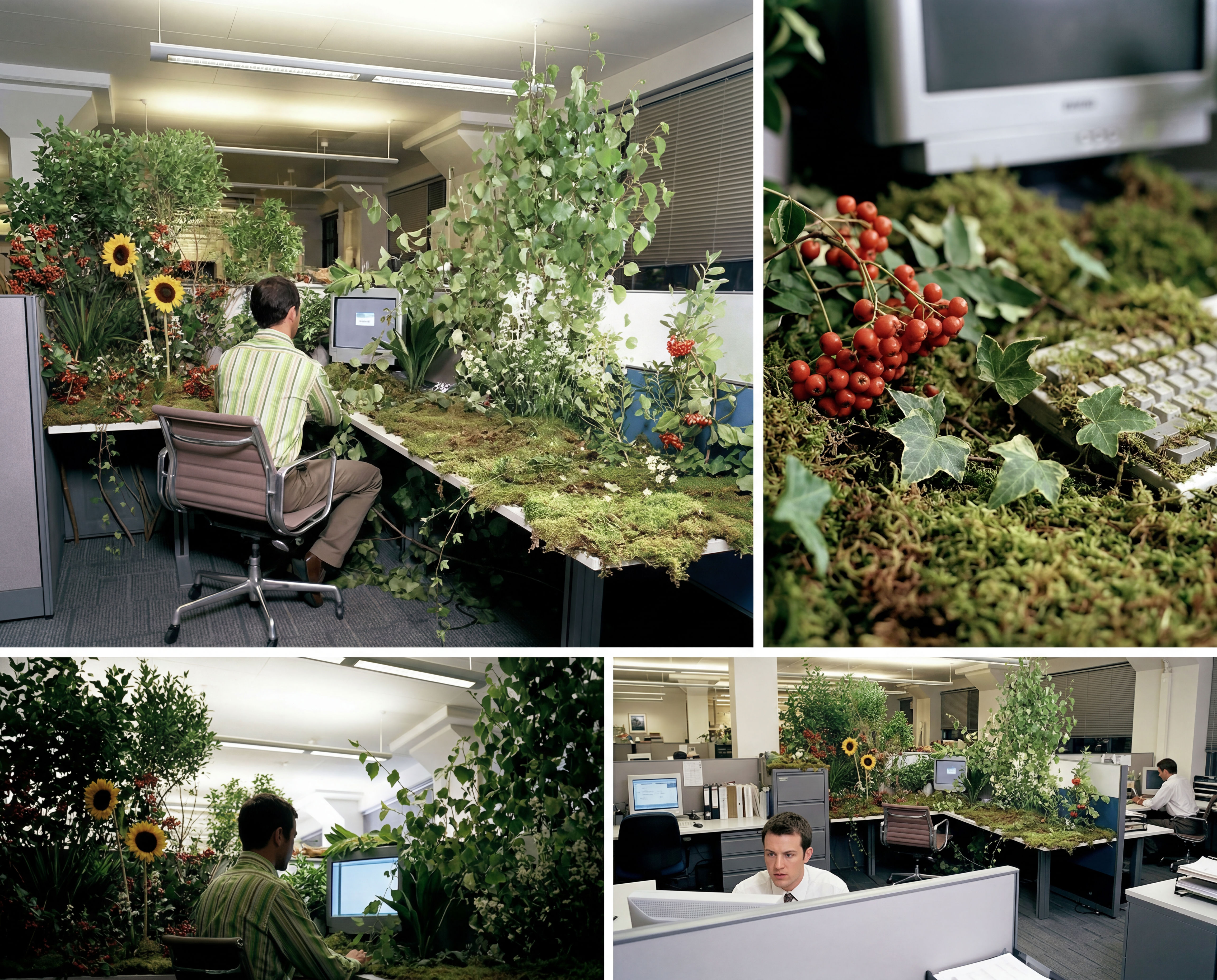 Storyboard MakerInput one image and creates cohesive 9 storyboard shots
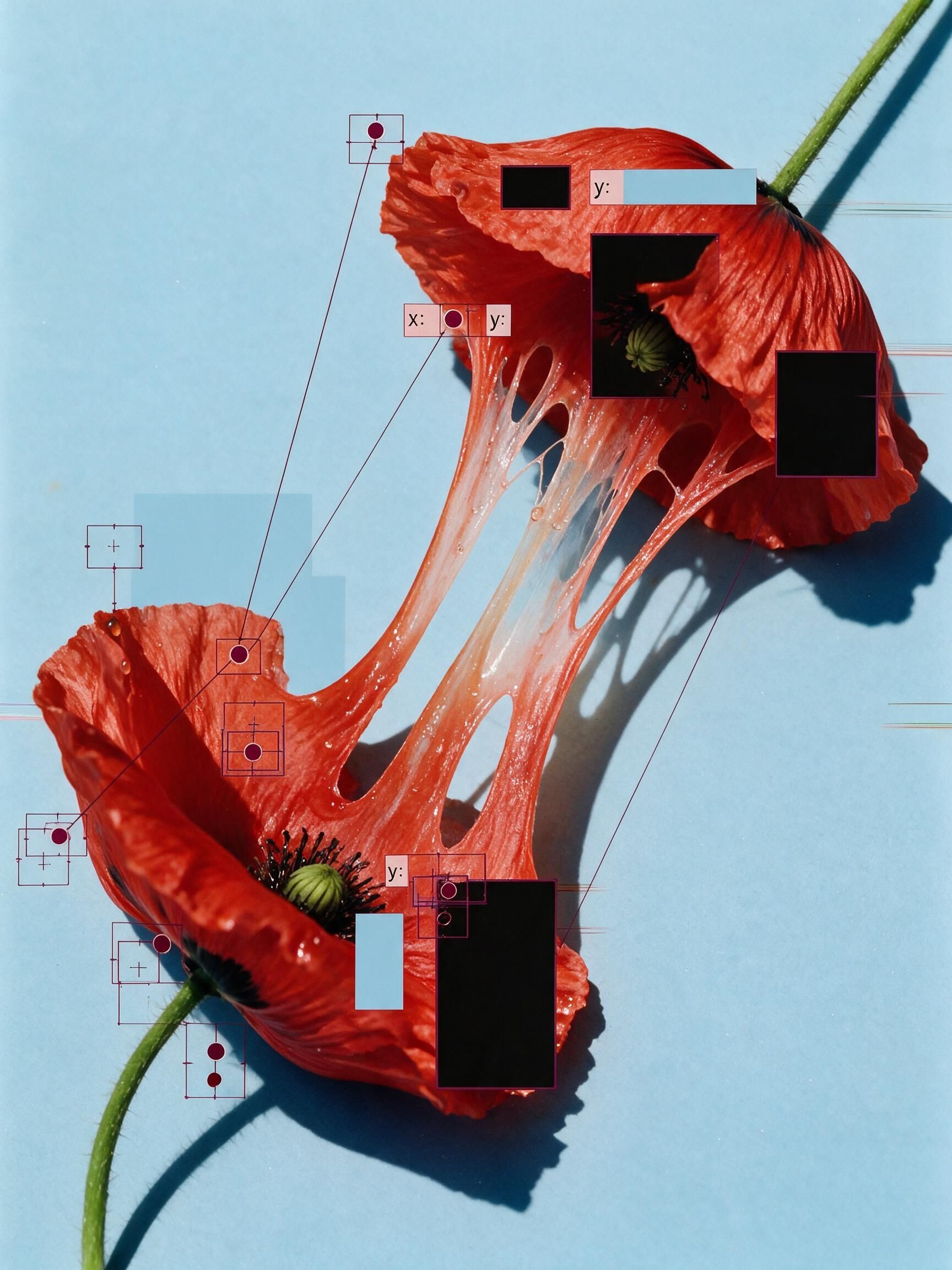 'Pollen CheeseAn editorial still-life of your flower pulled apart, like cheese.
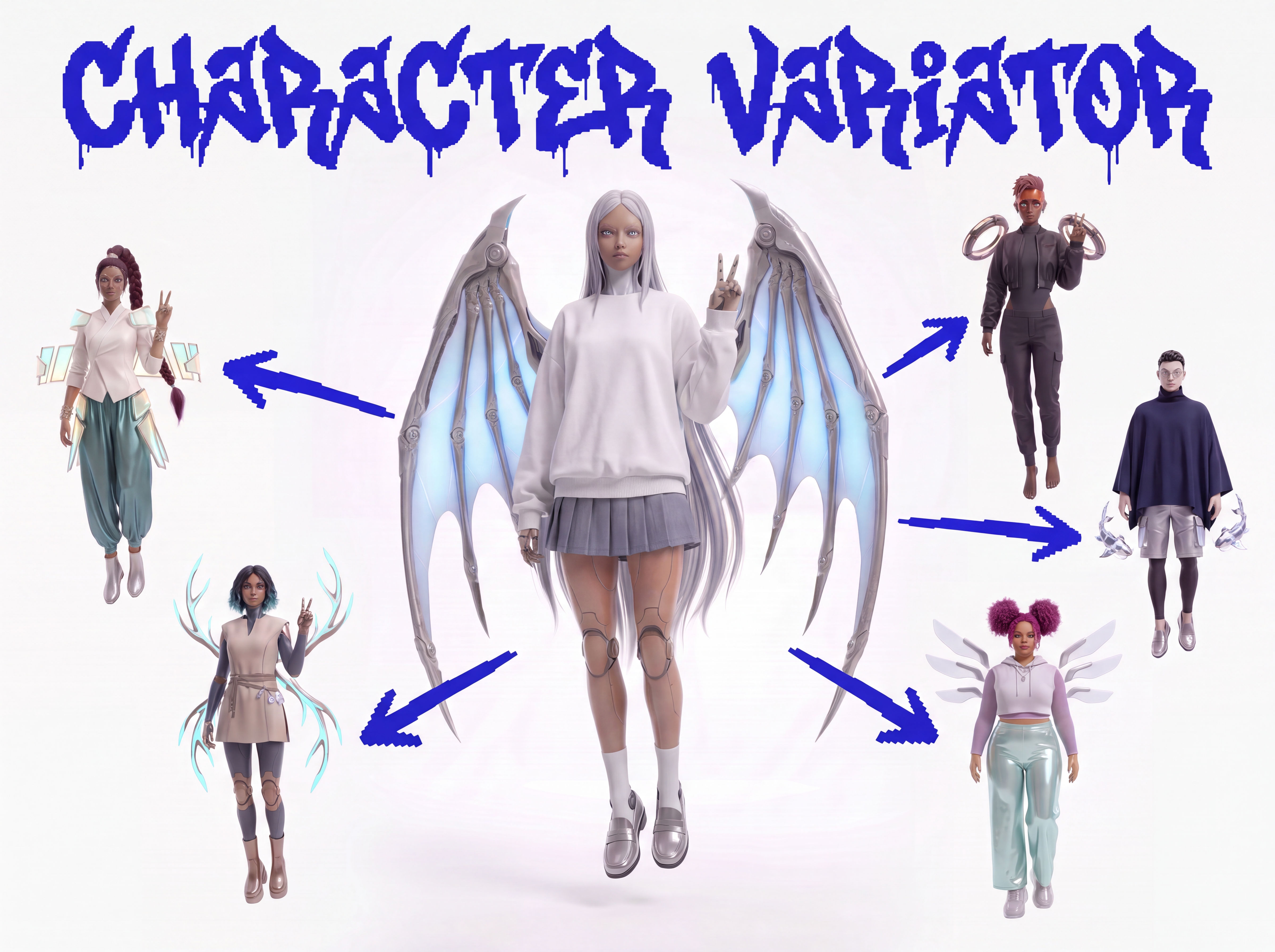 Character VariatorTurn one character into a roster of five.
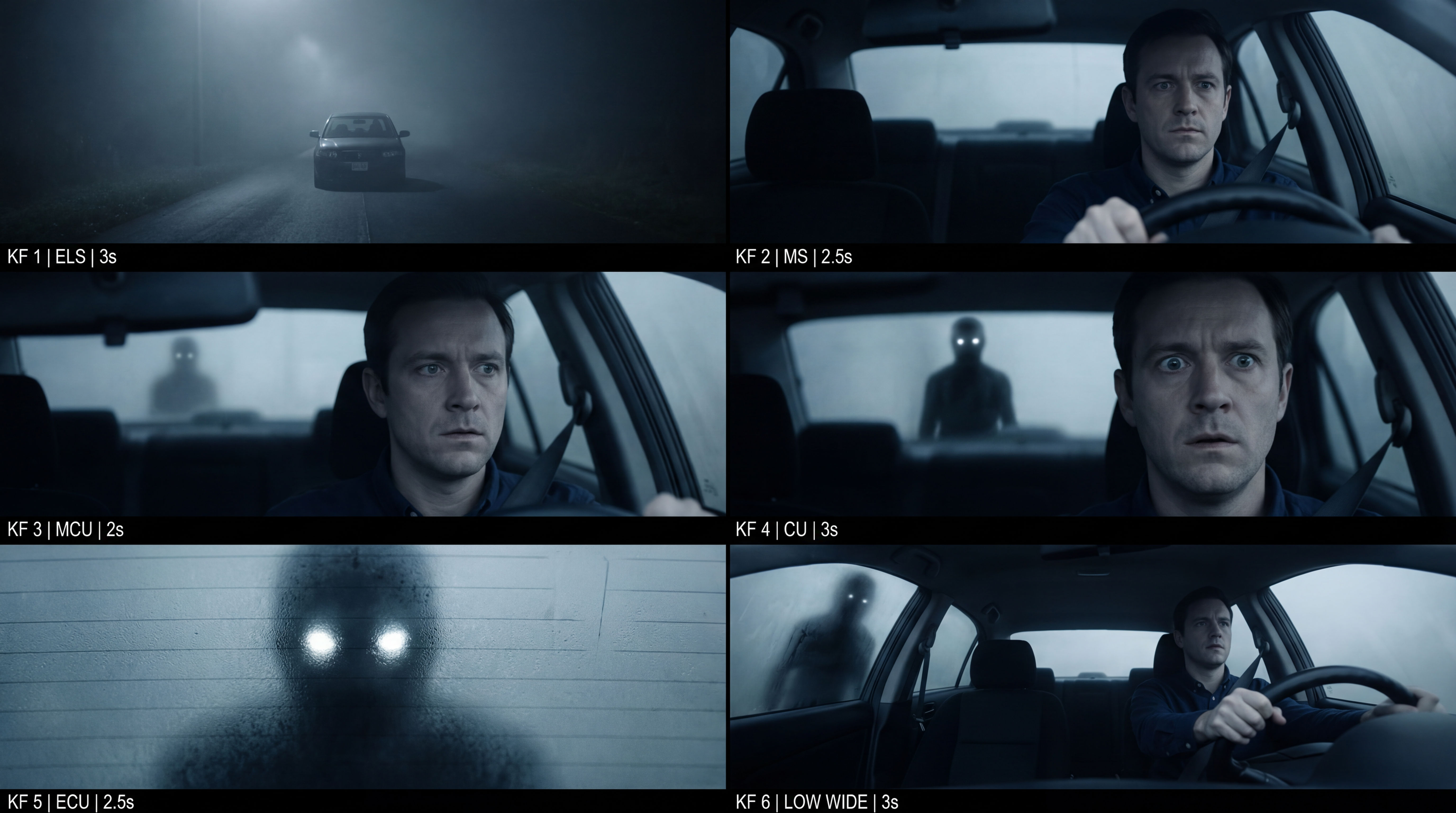 Frame the Mood for CreativesTurn a single reference image and a mood description into a complete set of production-ready visual assets, in one run. You get 7 assets total: 1 full storyboard + 6 individually exported keyframes.
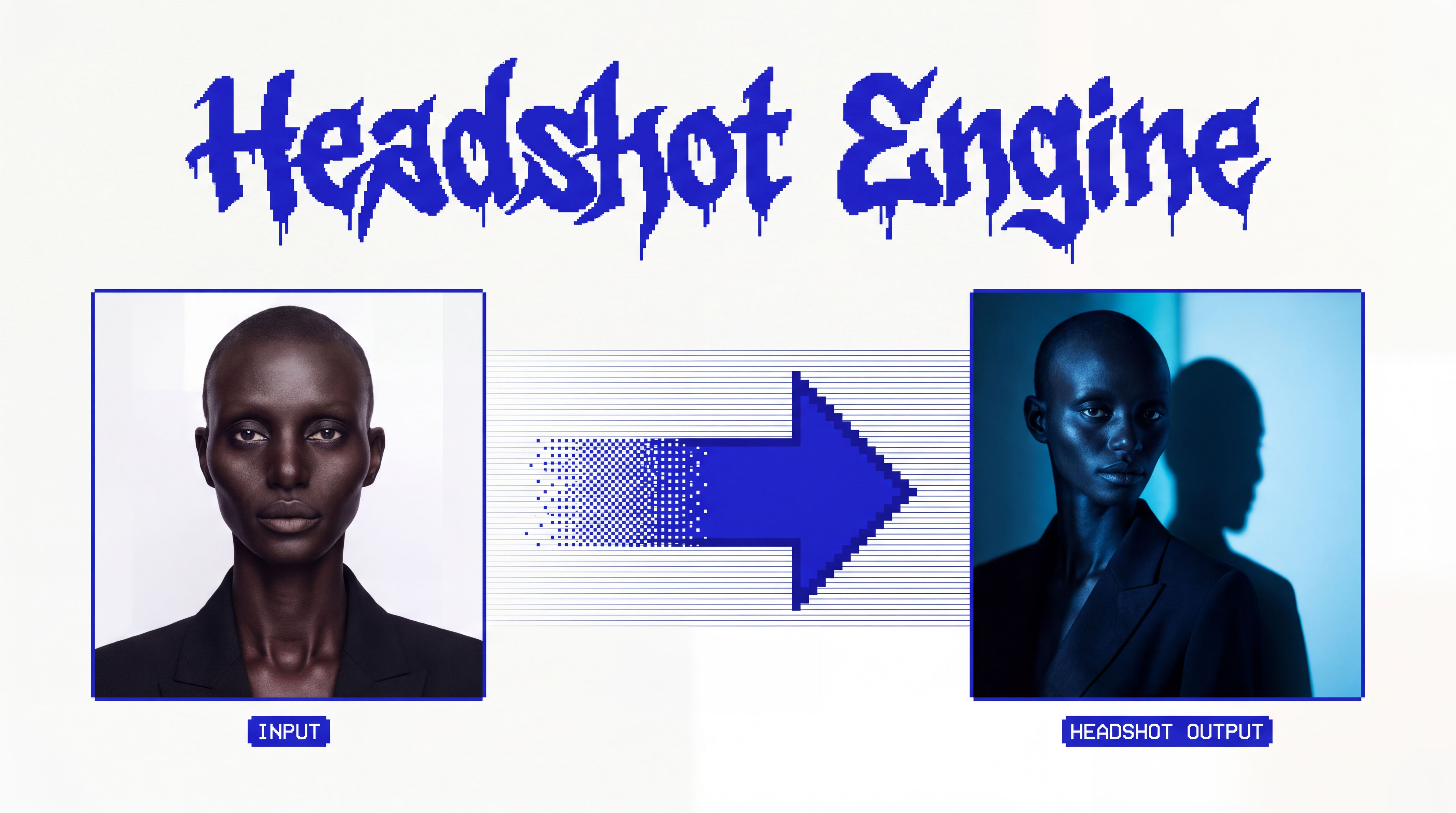 Headshot EngineAny photo of a person, reshot in the style of any headshot you feed it.
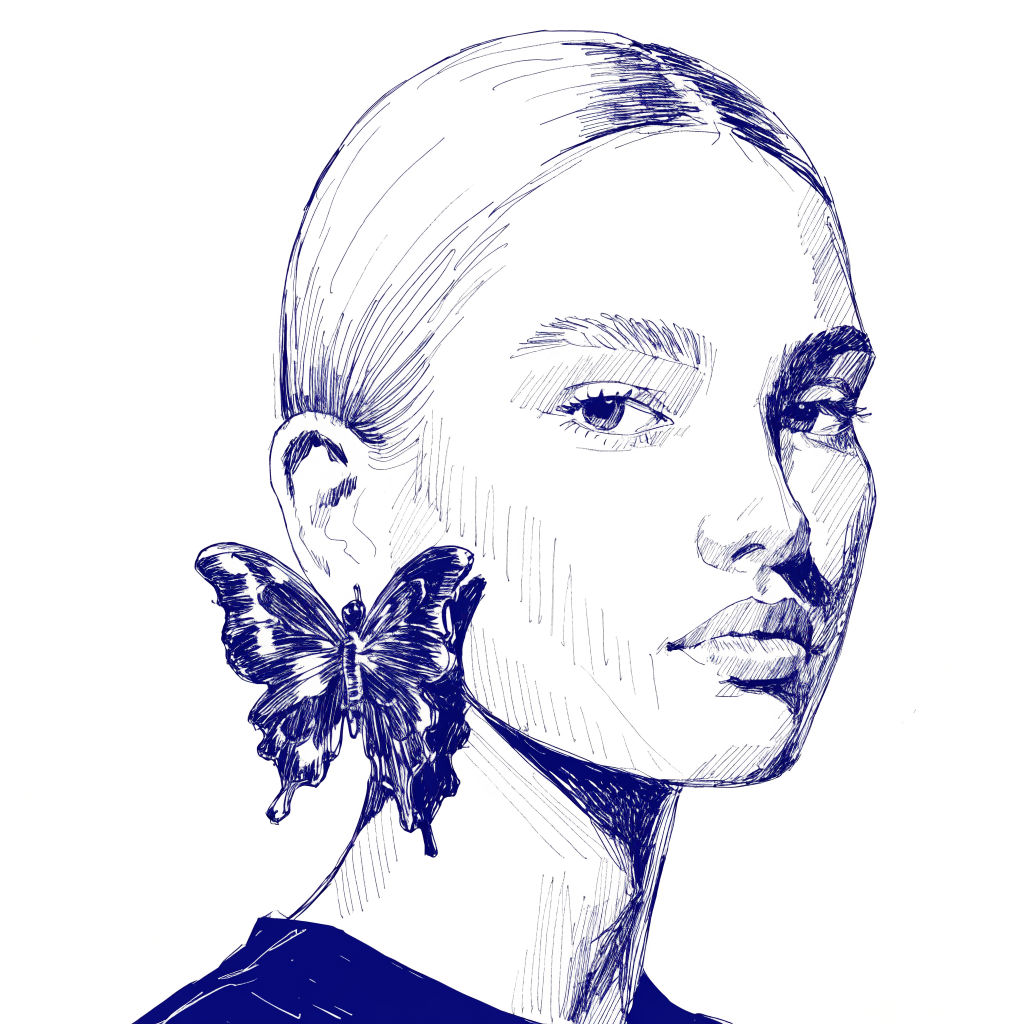 InkCreate ink sketches for storytelling and animation.
Turn Photo Into Cartoon Characters That Still Look Like You
restyle one real portrait into cartoon characters that still look like the person, in four distinct styles, then bring the favorite to life. Useful for: anyone with a selfie or headshot who wants a cartoon avatar, sticker, or animated profile pic — for socials, a Discord/Slack pfp, a birthday gift, or a brand mascot from a founder's photo.

Louis Anderson