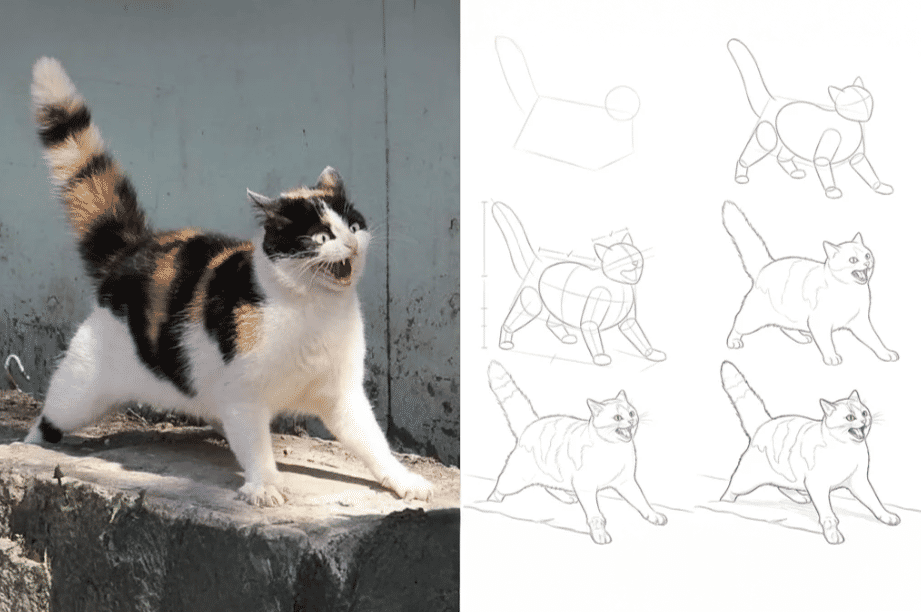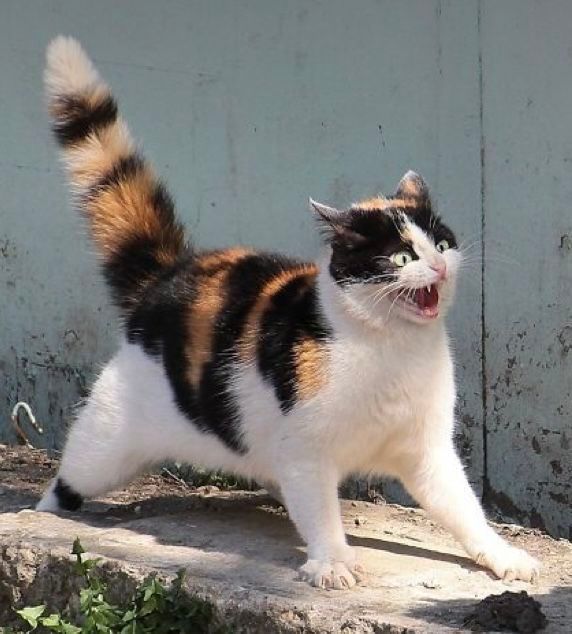
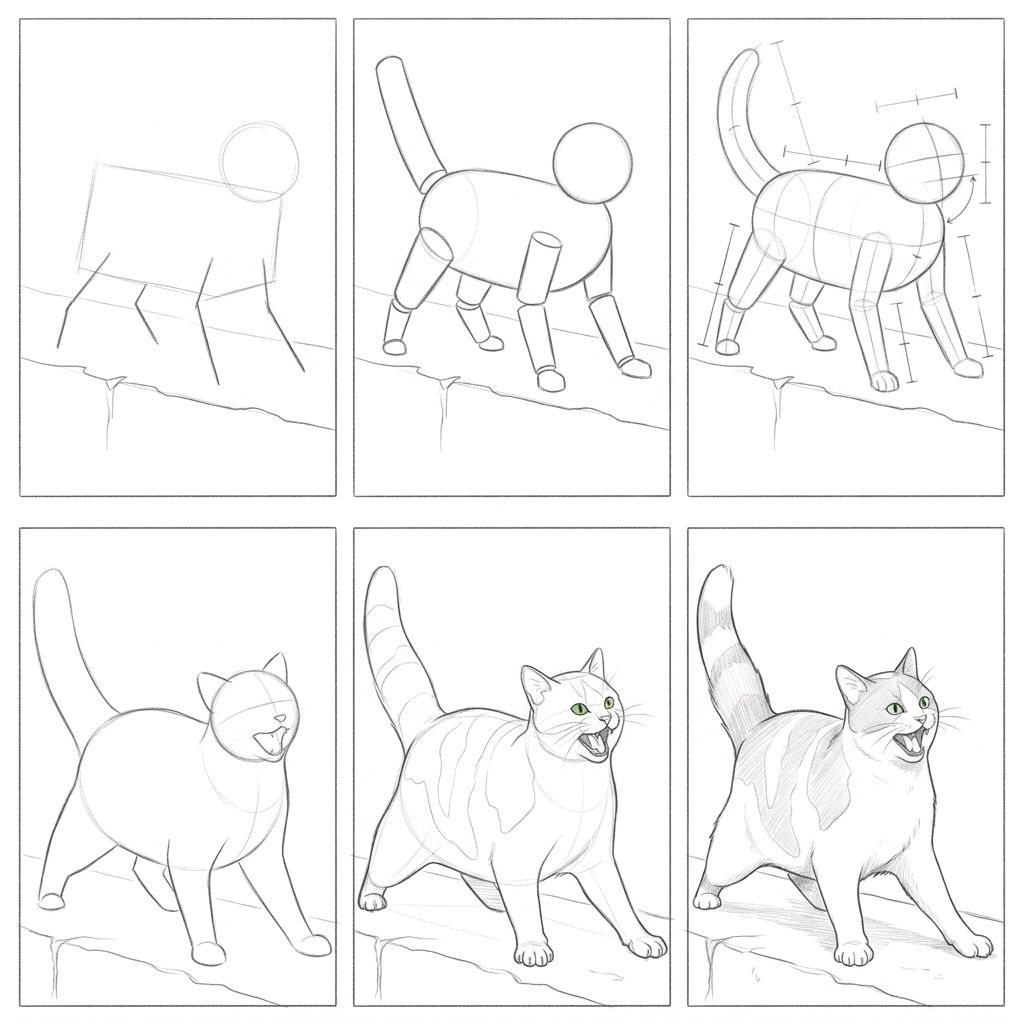
Drop in a photo and this image to sketch converter online returns a drawing you can download or refine on the FLORA canvas.
Social and Profile Art
Content creators use the image to sketch generator to turn selfies and portraits into hand-drawn profile art for social feeds.

Prints and Gifts
Makers turn a picture into drawing keepsakes, printing pet portraits and family photos as pencil-style wall art and cards.
Design and Content
Designers reach for a photo to drawing converter online to turn product shots and brand imagery into illustrated assets for layouts and canvas edits.
How to use Techniques?
Discover how to utilize Photo to Drawing Guide for different scenarios.
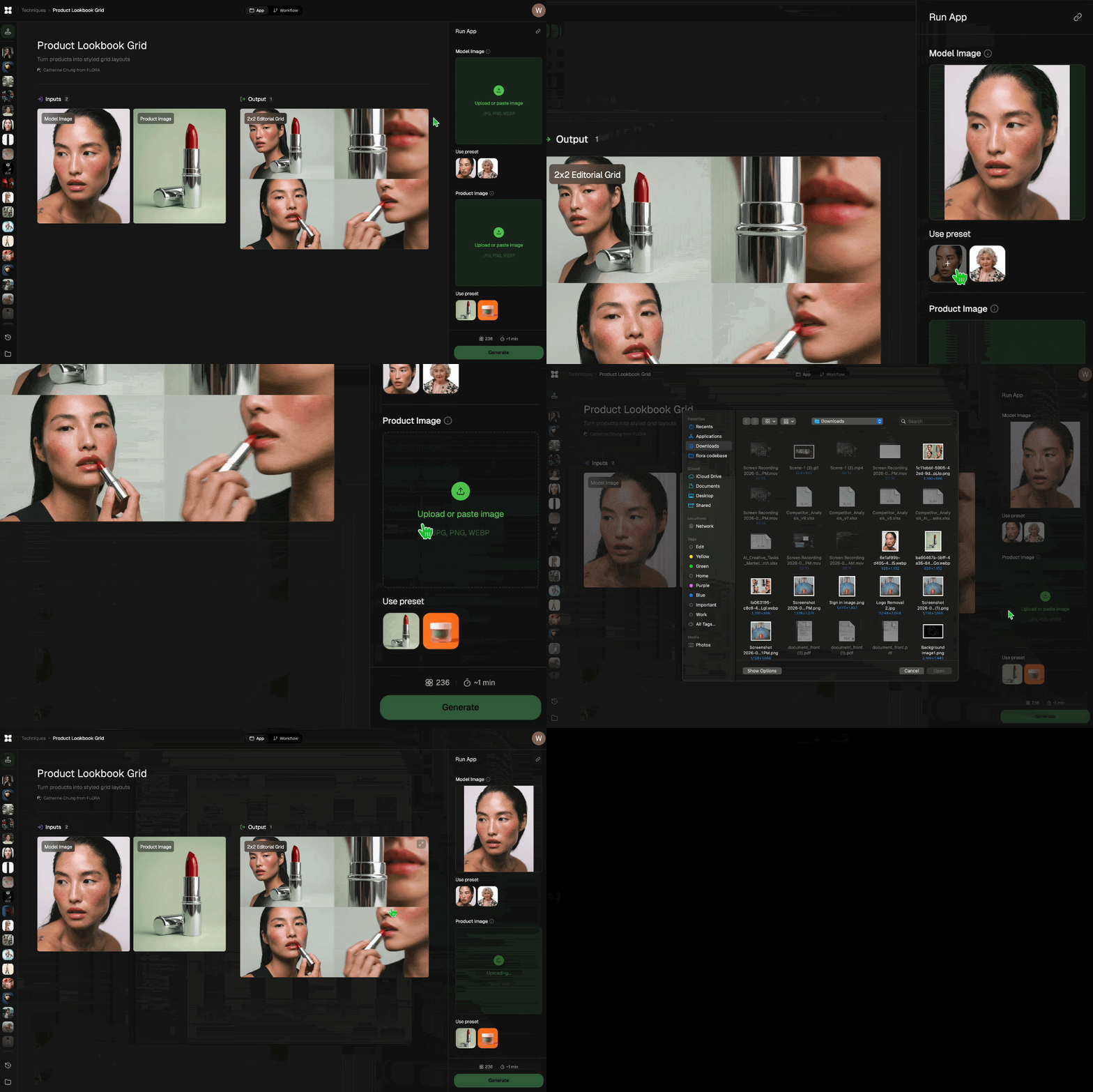
Add inputs
Upload images, videos, or type in the prompts to get started.
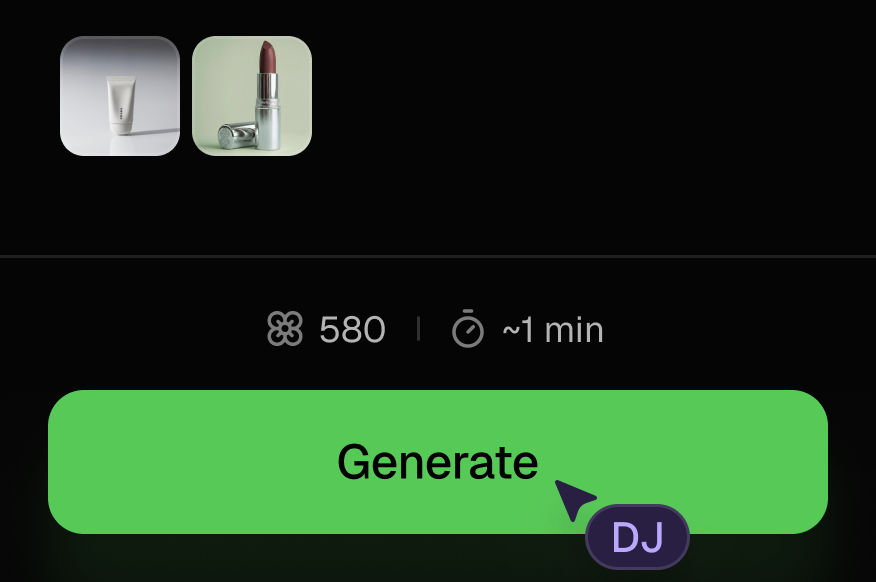
Generate outputs
Next, hit the "Generate" button to start generating your outputs.
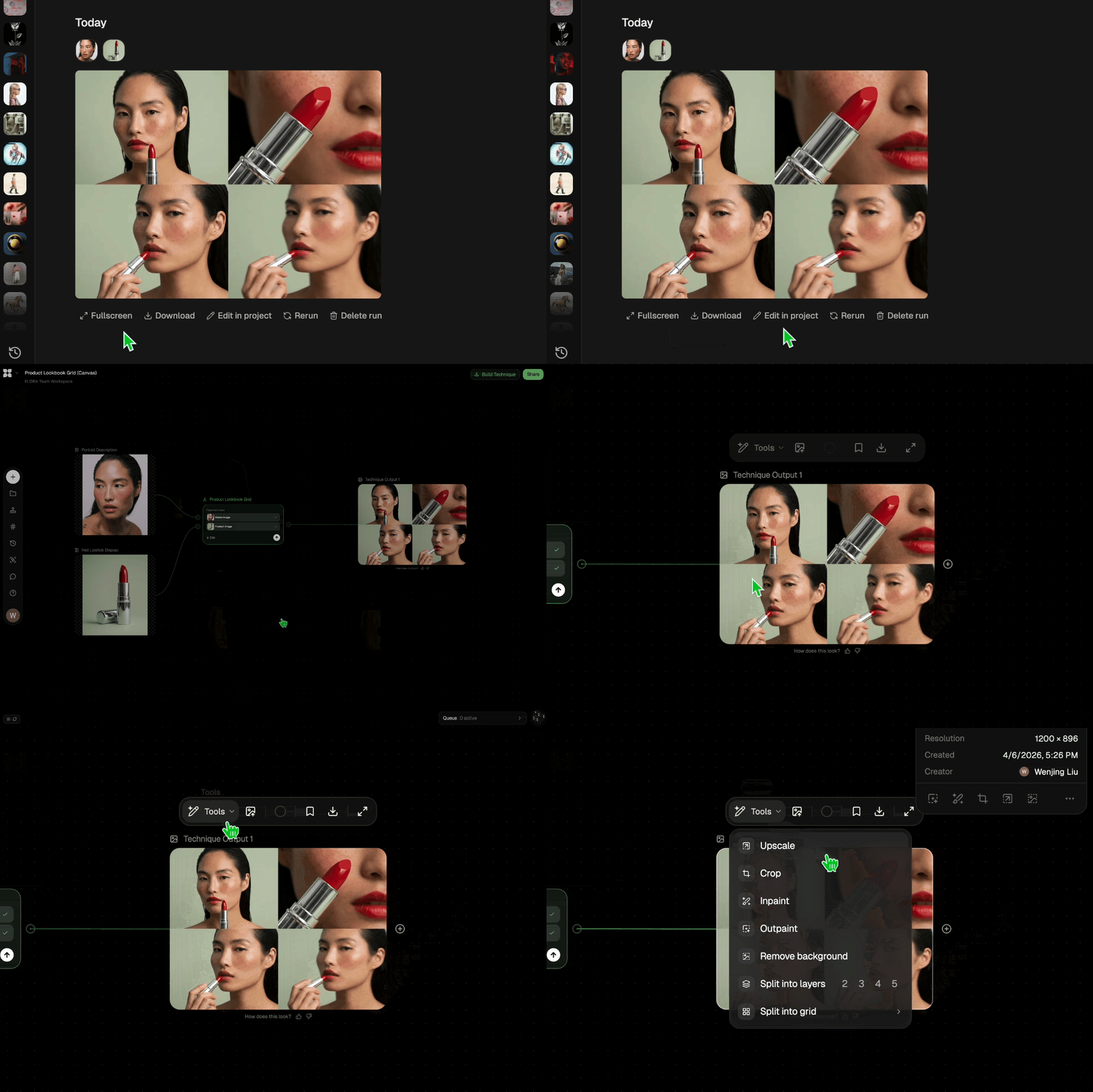
Edit and export
Refine your outputs on canvas, or download them directly.
Frequently asked questions
All you need to know about Photo to Drawing Guide
What a photo to drawing conversion actually does
A photo to drawing conversion rebuilds a photograph as line art. The tool reads the edges, shapes, and shading in your image, decides which of them a human artist would bother to draw, and redraws the picture the way a pencil, pen, or charcoal would put it on paper. You upload a photo, choose how illustrated you want the result to look, and get back a sketch that still reads as the original subject.
Drawing a portrait by hand takes years of practice and hours per piece. A photo to drawing converter online compresses that into a few seconds, which is why you see it on everything from profile pictures to wedding gifts. You can start on FLORA free and convert pic to sketch online straight from your browser, then keep working on the same canvas.
Why two photos produce very different sketches
The model throws away most of a photograph's information and keeps only the marks that carry the likeness. Whatever it can see clearly in your upload is what ends up on the page.
That makes the source image do most of the work:
- Contrast and light. Strong, directional light gives the model obvious edges to trace and clear shadow shapes to shade. Flat, even lighting gives it very little to hold on to, and the sketch comes back soft.
- Background clutter. A busy backdrop competes with your subject for line weight. A plain wall or a shallow depth of field keeps the drawing focused.
- Resolution. Fine detail like eyelashes, fur, and fabric texture only survives if it was sharp to begin with.
The style you pick changes the result as much as the photo does. A photo to sketch outline keeps only the contours, which is what you want for logos, coloring pages, tattoo references, and anything you'll add color to yourself. A pencil or graphite treatment fills in the tonal shading for you, so the drawing arrives finished.
The same job goes by a dozen names
People search for this in a lot of different ways, and all of them land on the same tool:
- "Image to sketch converter online"
- "Convert image into sketch online"
- "Convert pic into sketch online"
- "Online photo to sketch converter"
- "Picture to sketch online"
- "Image to sketch generator"
Some of those phrasings come from photographers, some from designers, some from people who just want a good print of their dog. Turning a picture into drawing form and running an image to sketch generator describe the same few seconds of work.
How the AI reads your photograph
Early photo to drawing filters did this arithmetically. They ran edge detection, inverted the result, and produced a high-contrast outline that looked mechanical because every edge got treated as equally important. Diffusion models handle it differently. They've been trained on photographs and real illustration side by side, so they carry a sense of how artists actually draw.
In practice the model works through three stages:
- Reads the structure. It identifies the subject, its pose, its planes, and where the light is coming from, so it understands the photo as a scene instead of a grid of pixels.
- Decides what to keep. It weights the lines an illustrator would emphasize, a jawline over a skin pore, the fold of a sleeve over a wrinkle in the fabric.
- Renders in a medium. It applies the marks of the style you picked, from clean vector-like contours to graphite hatching with visible paper grain.
Step two is what separates a real sketch from a filtered photo. The model is making editorial choices about emphasis, so the same portrait can come back as a delicate line study or a bold graphic print depending on the style you ask for.
Where the sketch goes next
For most people the drawing is the first asset in a longer job:
- Upscale the sketch so the line work stays crisp at poster size.
- Pull a palette from the original photo and color the drawing in a way that still matches the source.
- Turn recurring shapes into a matching icon pack for a brand system.
- Push the stylization further with Wonder-fy or a portrait-native look like Memoji Me.
- Collect the variations into a moodboard before you commit to a direction.
- Take a fashion sketch the other way and render it as a finished garment with sketch to garment.
None of that needs an export. Because every model FLORA runs sits on the same canvas, your sketch stays live next to the photo it came from while you recolor it, restyle it, or scale it into a full set. The FLORA AI image generator runs the models behind this technique, and our best AI image generators roundup breaks down what each one is good at.
Related techniques
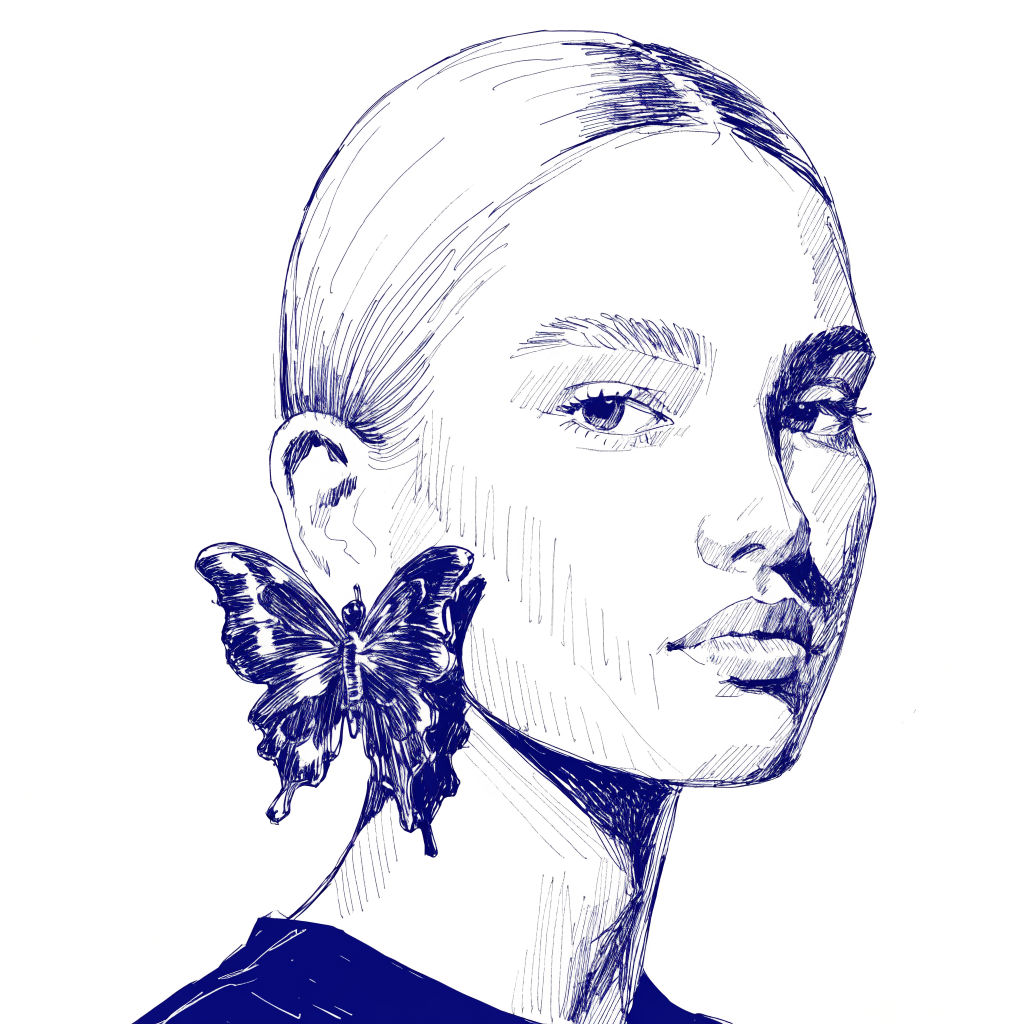 InkCreate ink sketches for storytelling and animation.
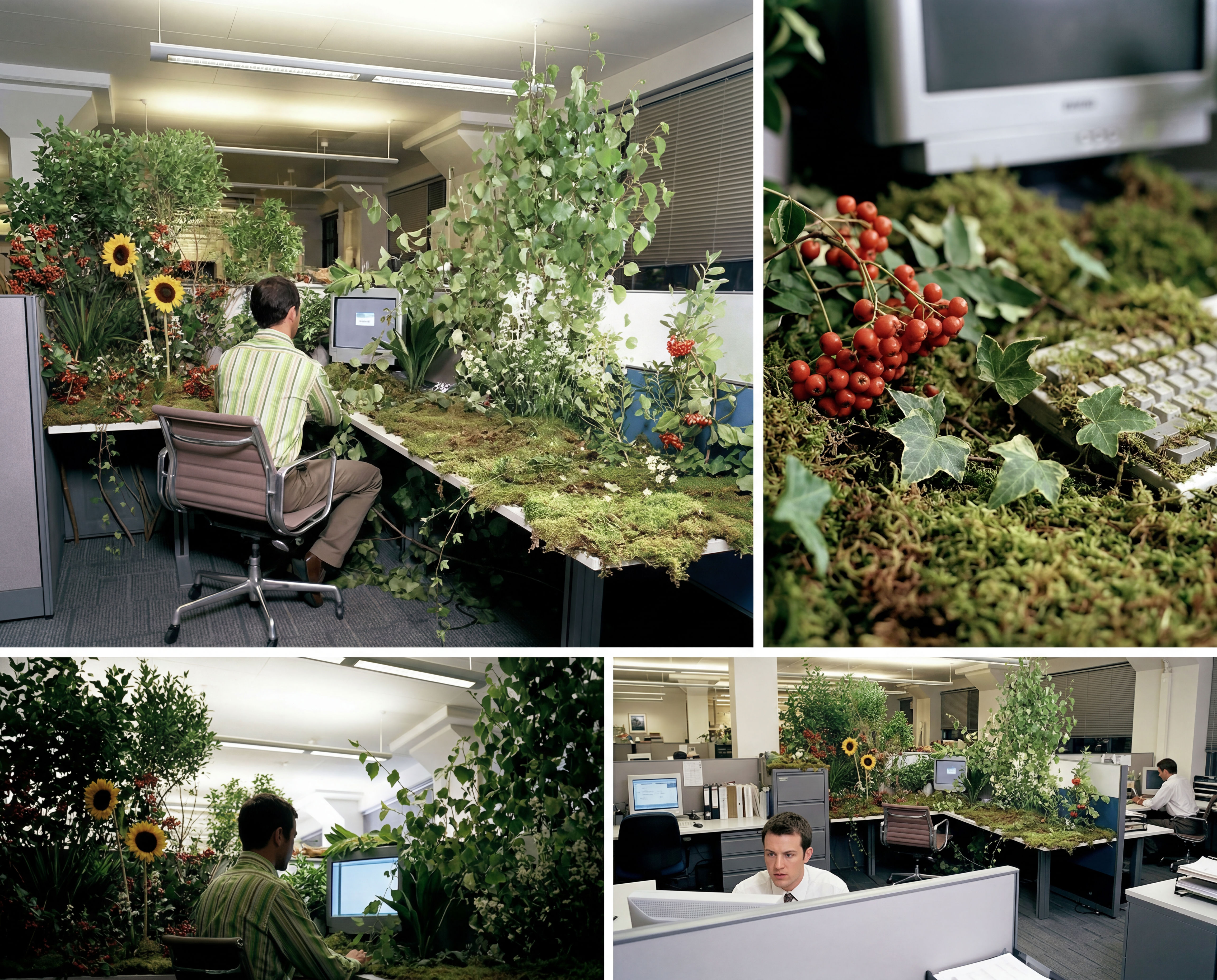 Storyboard MakerInput one image and creates cohesive 9 storyboard shots
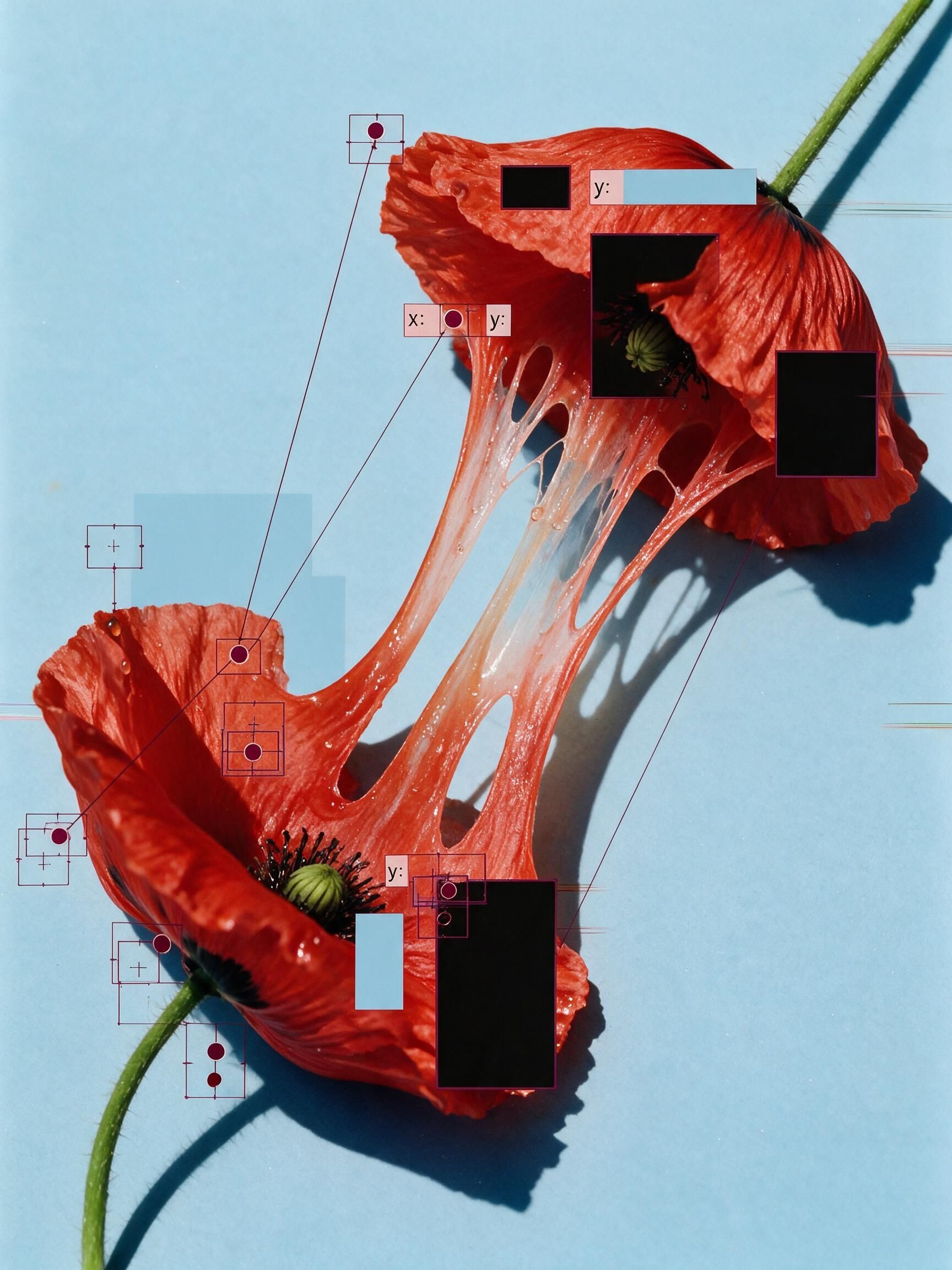 'Pollen CheeseAn editorial still-life of your flower pulled apart, like cheese.
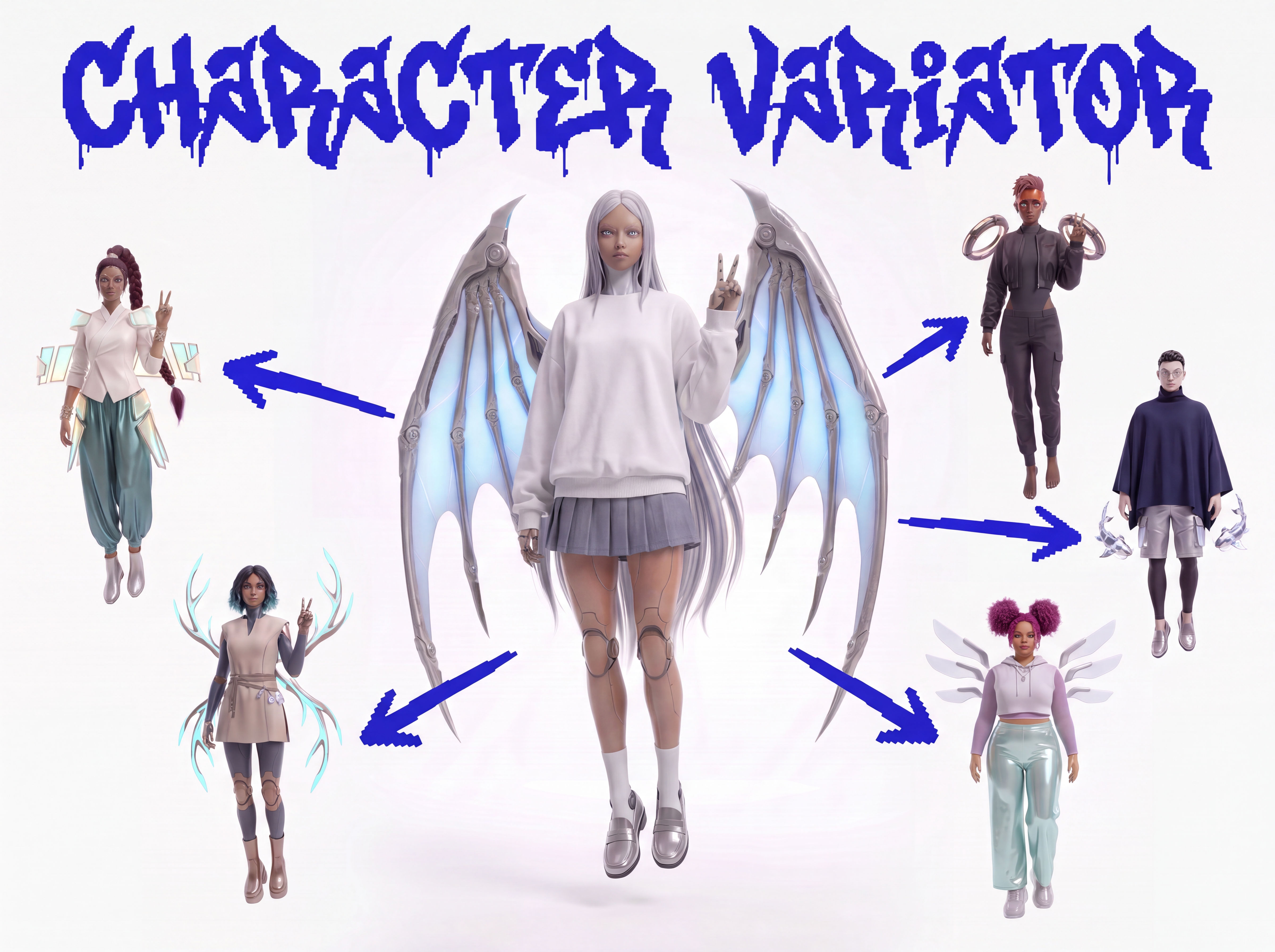 Character VariatorTurn one character into a roster of five.
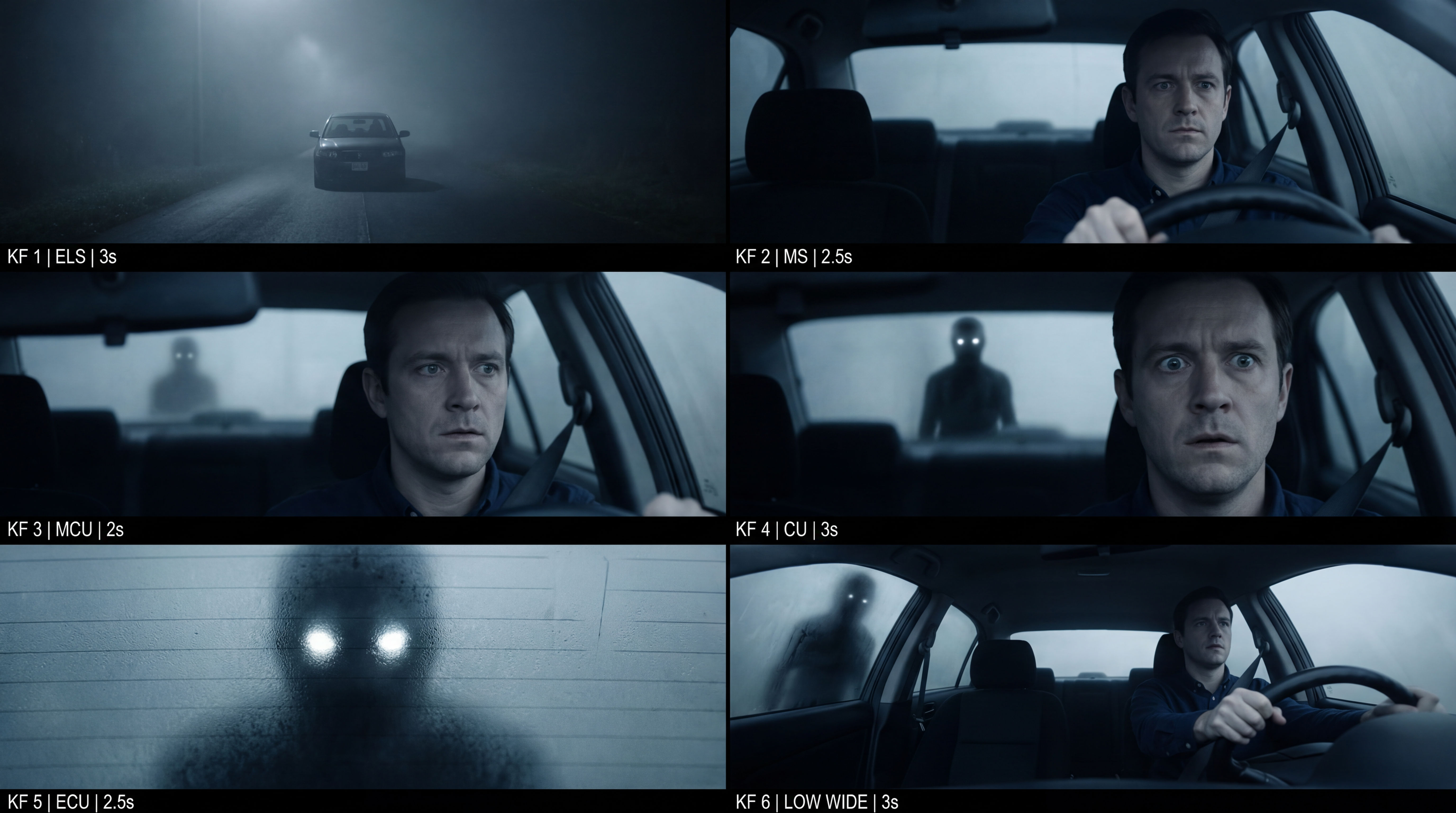 Frame the Mood for CreativesTurn a single reference image and a mood description into a complete set of production-ready visual assets, in one run. You get 7 assets total: 1 full storyboard + 6 individually exported keyframes.
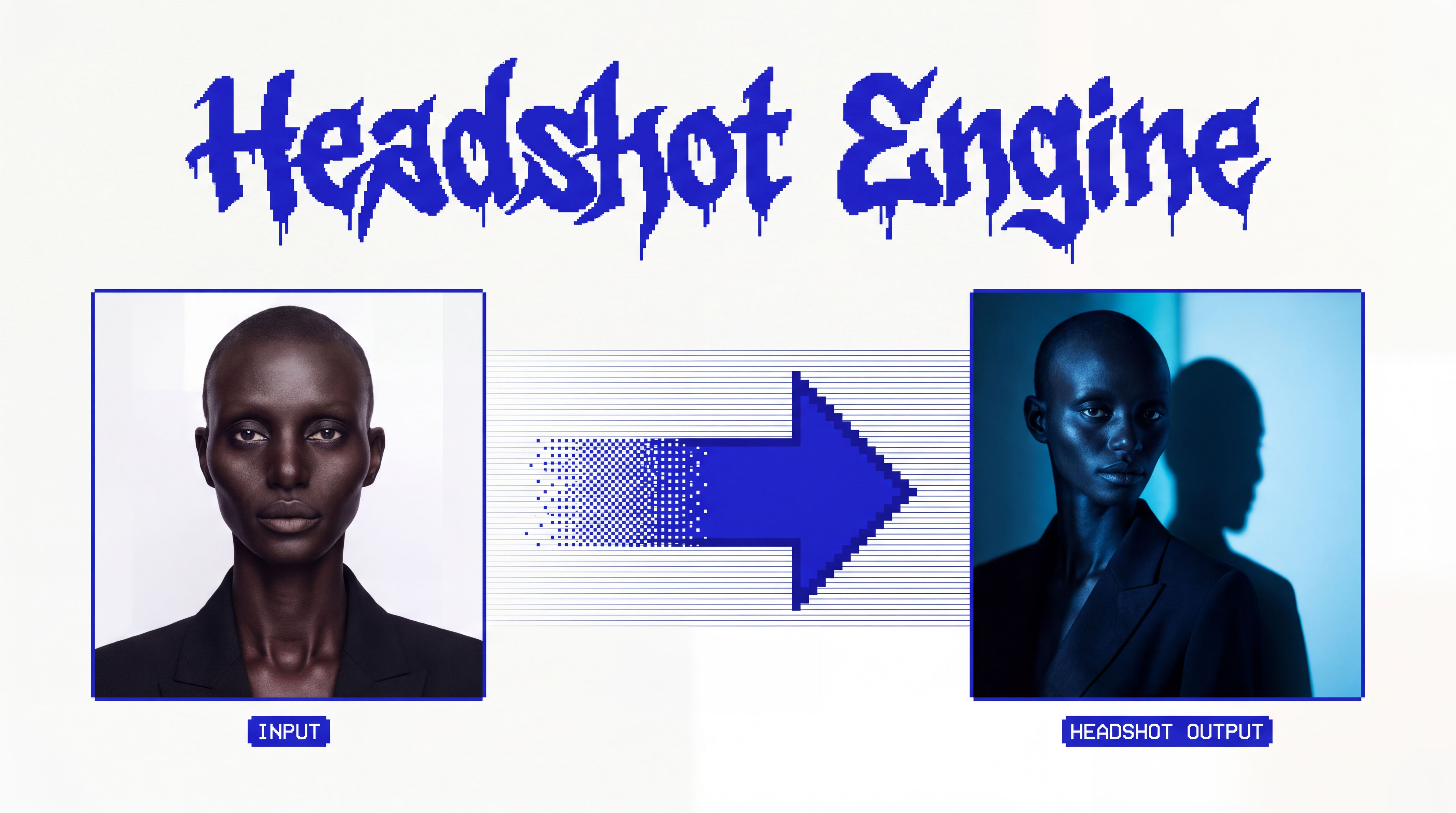 Headshot EngineAny photo of a person, reshot in the style of any headshot you feed it.
Turn Any Photo to Drawing in One Click
Turns any reference image into a clear 6-step drawing guide that helps you understand the shapes, proportions, and structure needed to draw it with greater accuracy.

Anna Vereshchak from Flora