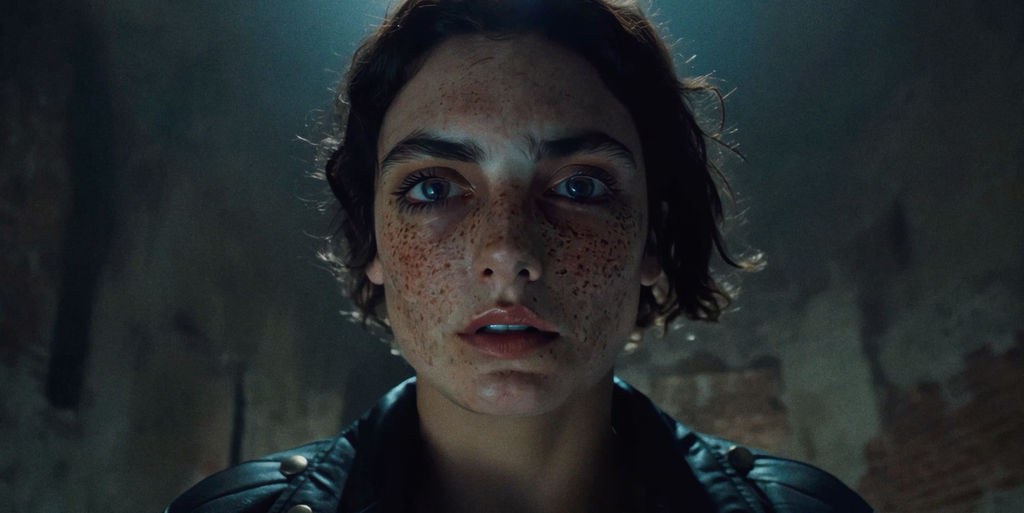
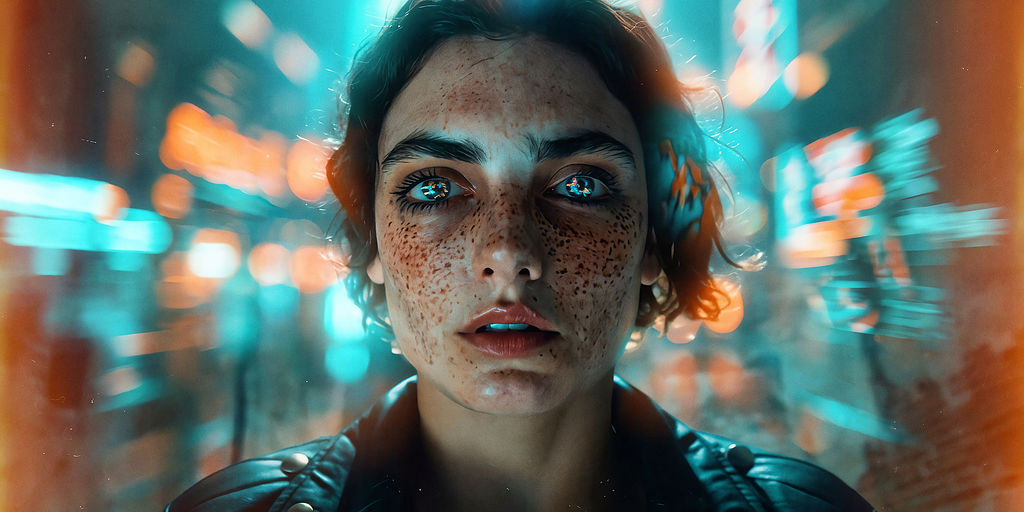
Upload a photo and the Technique returns Wonder Studios' cinematic style as a movie-grade image to download or refine on the FLORA canvas.

Social Content Creators
Content creators add a cinematic photo effect to everyday shots, turning casual snaps into scroll-stopping frames for social feeds.

Film-Style Portraits
Photographers give portraits a movie-grade color story, so headshots and lifestyle shots read like stills pulled from a film.

Product and Brand Visuals
E-commerce and brand teams apply the cinematic filter to product photos, giving catalogs and ads a consistent, filmic mood.
How to use Techniques?
Discover how to utilize Wonder(fy) for different scenarios.

Add inputs
Upload images, videos, or type in the prompts to get started.

Generate outputs
Next, hit the "Generate" button to start generating your outputs.

Edit and export
Refine your outputs on canvas, or download them directly.
Frequently asked questions
All you need to know about Wonder(fy)
What a cinematic filter actually changes in your photo
A cinematic filter is a treatment that reshapes a photo's color, contrast, and light so the frame reads like a moment from a film instead of a snapshot. Wonder(fy) applies Wonder Studios' take on that look: skin tones stay warm and believable, shadows get depth without going flat black, highlights roll off softly, and competing colors settle into one deliberate palette. None of the content in the frame moves or gets replaced, only the way light sits on it.
Most tools that promise a movie look are really just stacked presets. They apply identical math to every pixel, which is why the same preset that flatters an indoor portrait wrecks a bright outdoor product shot. FLORA runs this as a model-driven pass on the canvas instead, so you can start with a photo and get a graded result that responds to what is actually in the frame.
Why a cinematic photo effect reads as film and not as a filter
A convincing cinematic photo effect copies several things film does at once, which is why one slider never gets you there. Color separation is the biggest tell: cool shadows against warm skin give the image the sense of two light sources, the way a set is actually lit. Contrast is close behind. Film rarely clips to pure white or pure black, so a slight lift in the shadows and a soft highlight shoulder do more for the mood than any saturation slider.
Texture does the rest. Grain, a faint halation around bright edges, and a slight falloff toward the corners all point to a lens and a film stock rather than a phone sensor. Spread evenly across a frame they just look like noise, so where they land is what separates a good grade from a heavy-handed one.
What people mean when they search take a picture filter movie
The vocabulary here is all over the place. People search for a take a picture filter movie app, a movie filter for photos, a film look, a Hollywood color grade, a way to make a picture look like a movie still, or simply a cinematic filter. Photographers call it color grading, editors call it a LUT, and most creators just call it a vibe.
They are all describing one job: take a real photo and give it the color, contrast, and light of a motion picture frame. Wonder(fy) is that job as a single upload with Wonder Studios' grade already dialed in, which saves you from rebuilding a look node by node every time.
Getting a stronger result from your source image
The grade works with whatever you hand it, so the source photo matters more than most people expect.
- Start with a clean, well-exposed original. A photo that already has a heavy filter baked in gives the model two competing looks to reconcile.
- Give the frame a clear subject. Faces, products, and architecture all hold the treatment well because there is something for the light to fall across.
- Keep some detail in the shadows. Crushed blacks in the source cannot be recovered, and the film-style shadow lift will only reveal that they are empty.
- Feed it the highest resolution you have. If your original is small or soft, run it through the image upscaler first.
Consistency across a set is the real payoff. Run the same treatment over a full shoot and every frame belongs to the same story, which is what a color-graded campaign is after. If you want to lock that story down before you start, pull the exact hex values out of a reference frame with Palette Pull, or build the reference itself with the Mood Board Maker.
Where the look goes next
A graded still is often the first frame of something longer. Once the color story is set, the same visual language can carry into motion with the Cinematic Movie Generator, or into a full sequence with the Video Scene Builder. Portrait work can go the other direction and pick up studio lighting through Glam Shots before the grade lands on top.
Applying a cinematic filter inside FLORA saves you the export-and-reimport loop between apps. The graded image lands on an infinite canvas next to the 50+ image and video models you might reach for after, so the look you just settled on can carry straight into whatever you build with it.
Related techniques
 Wonder(fy)Apply Wonder's cinematic style to images
 Cinematic Movie StillsGenerate film-quality scene stills
 Blake Ridder's Cinematic PlateCreate a video in Blake Ridder's Cinematic Style
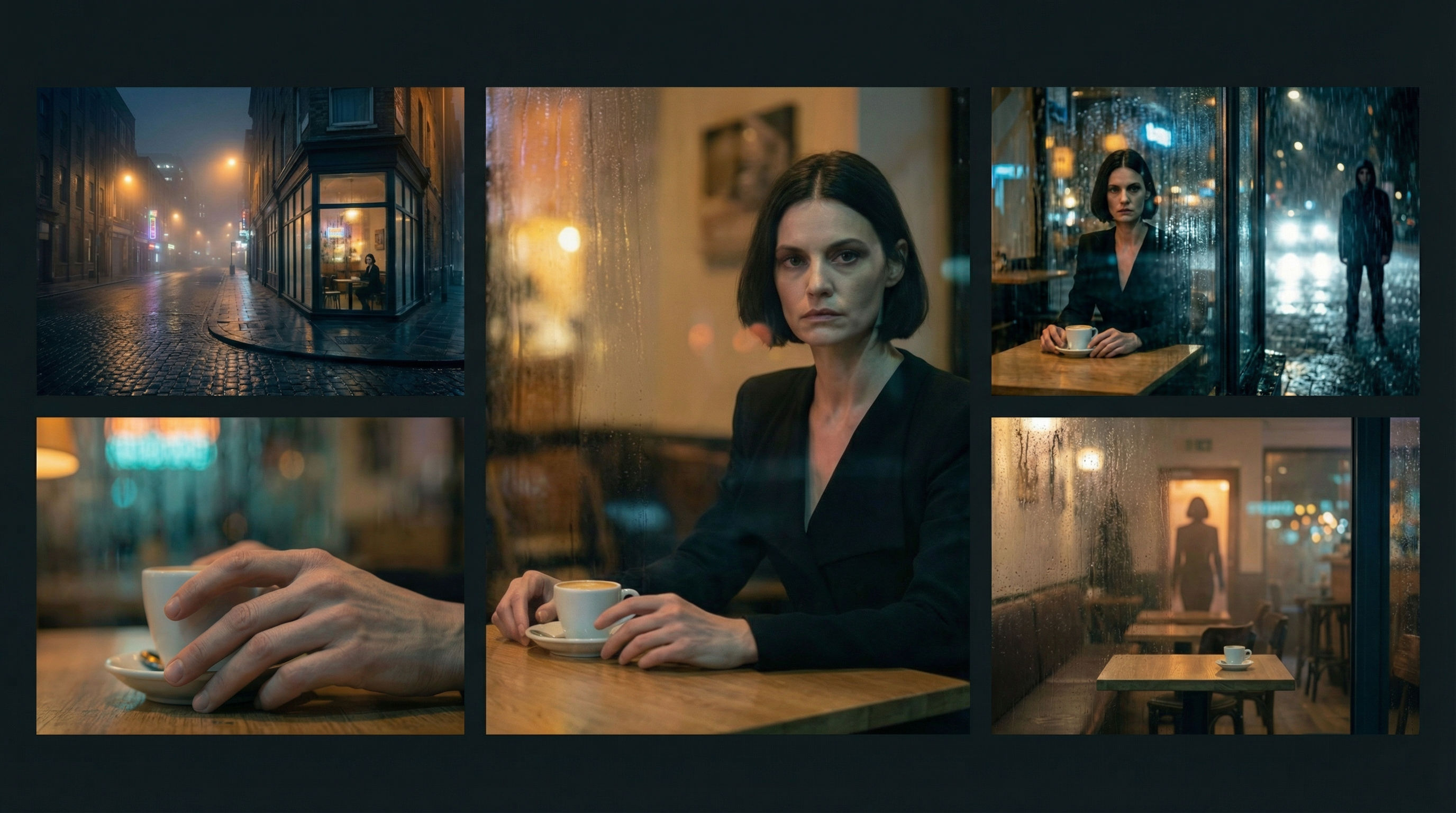 Scene Continuity LockFrom one finished cinematic frame, you get the surrounding shots that would make a coherent edited sequence. It's about editorial continuity, the shots an editor would need to build a scene.
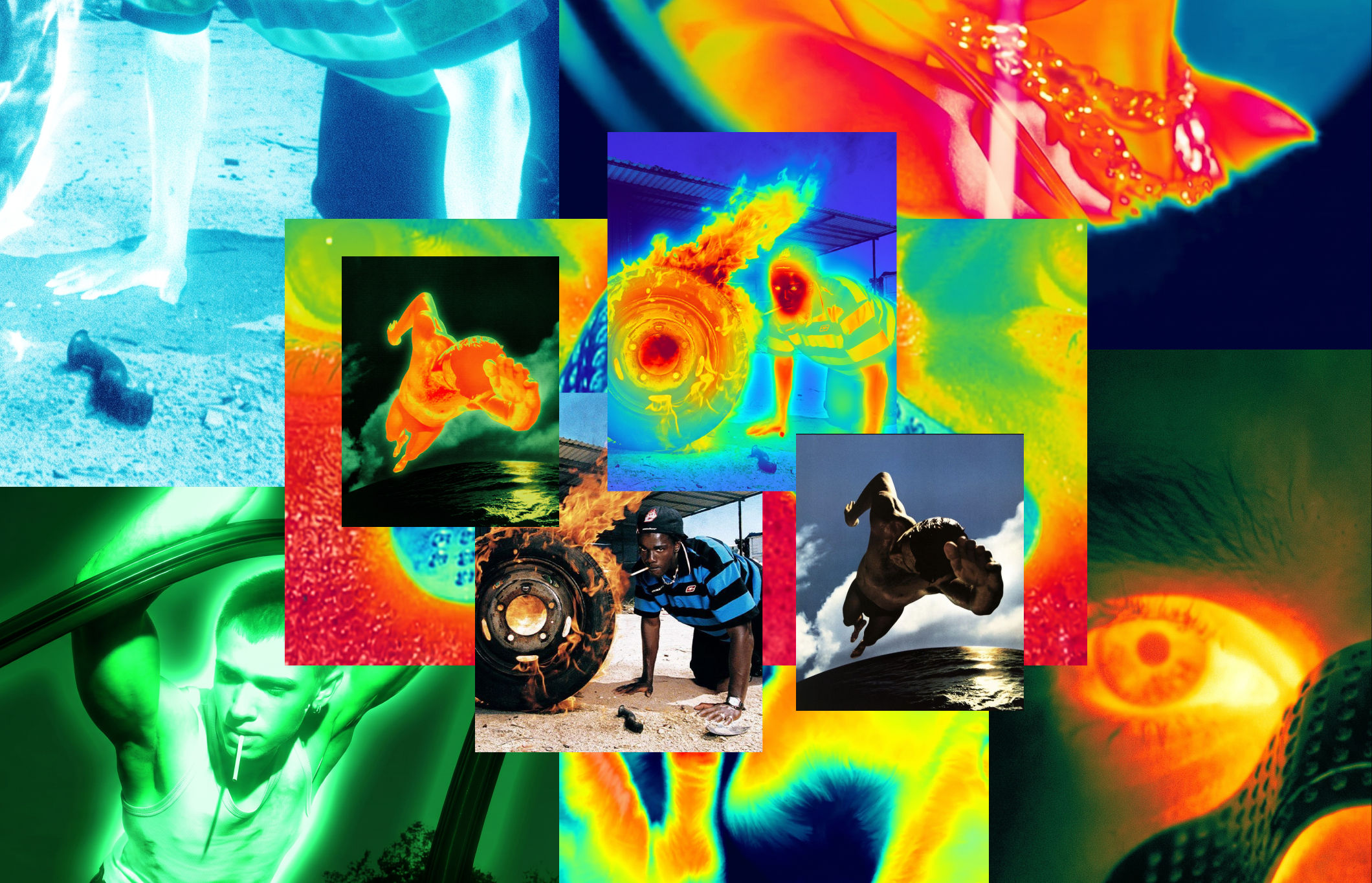 Thermal Vision Photo ConverterTurn any photo into thermal/night-vision imagery.
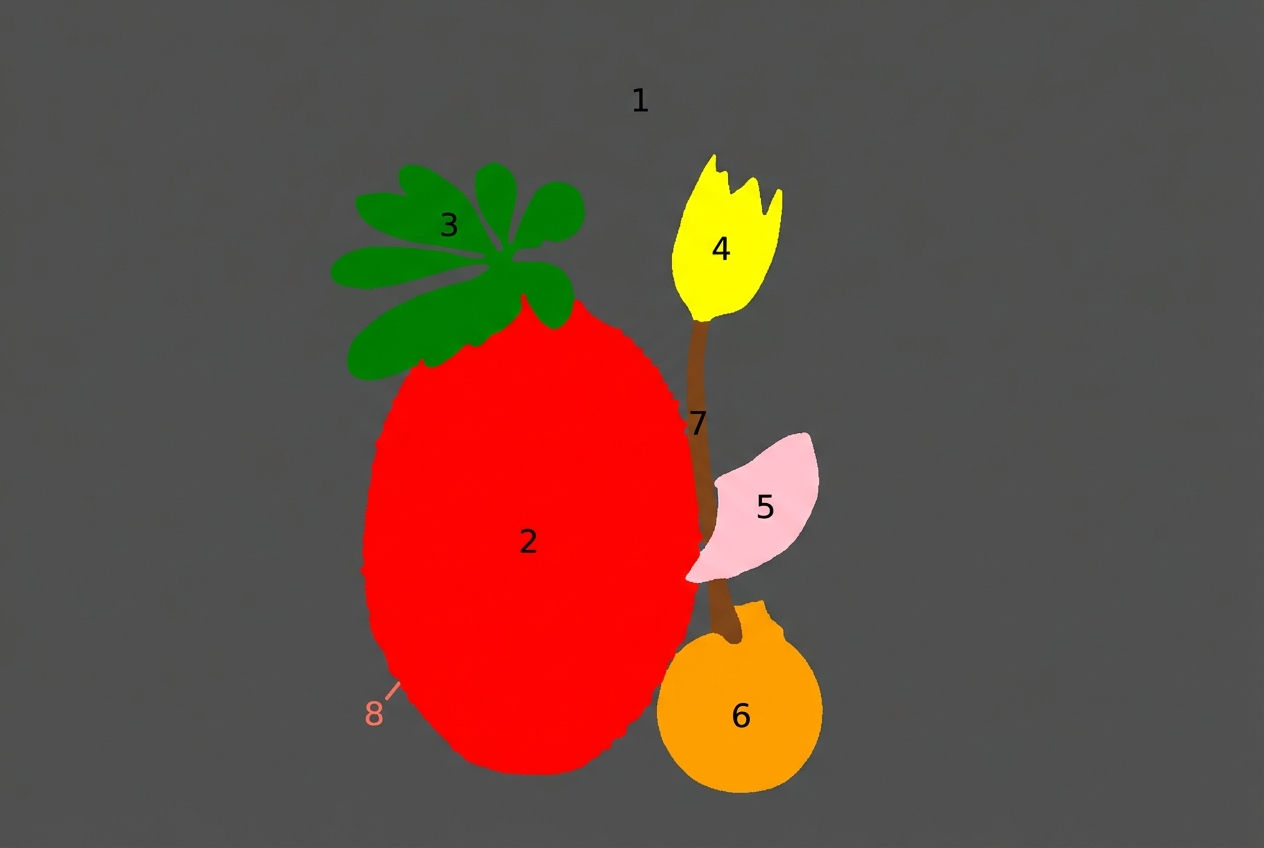 Segment MapperColor-codes every element in your image
Apply a Cinematic Filter to Any Photo in One Click
Apply Wonder's cinematic style to images

Wonder Studios from Flora