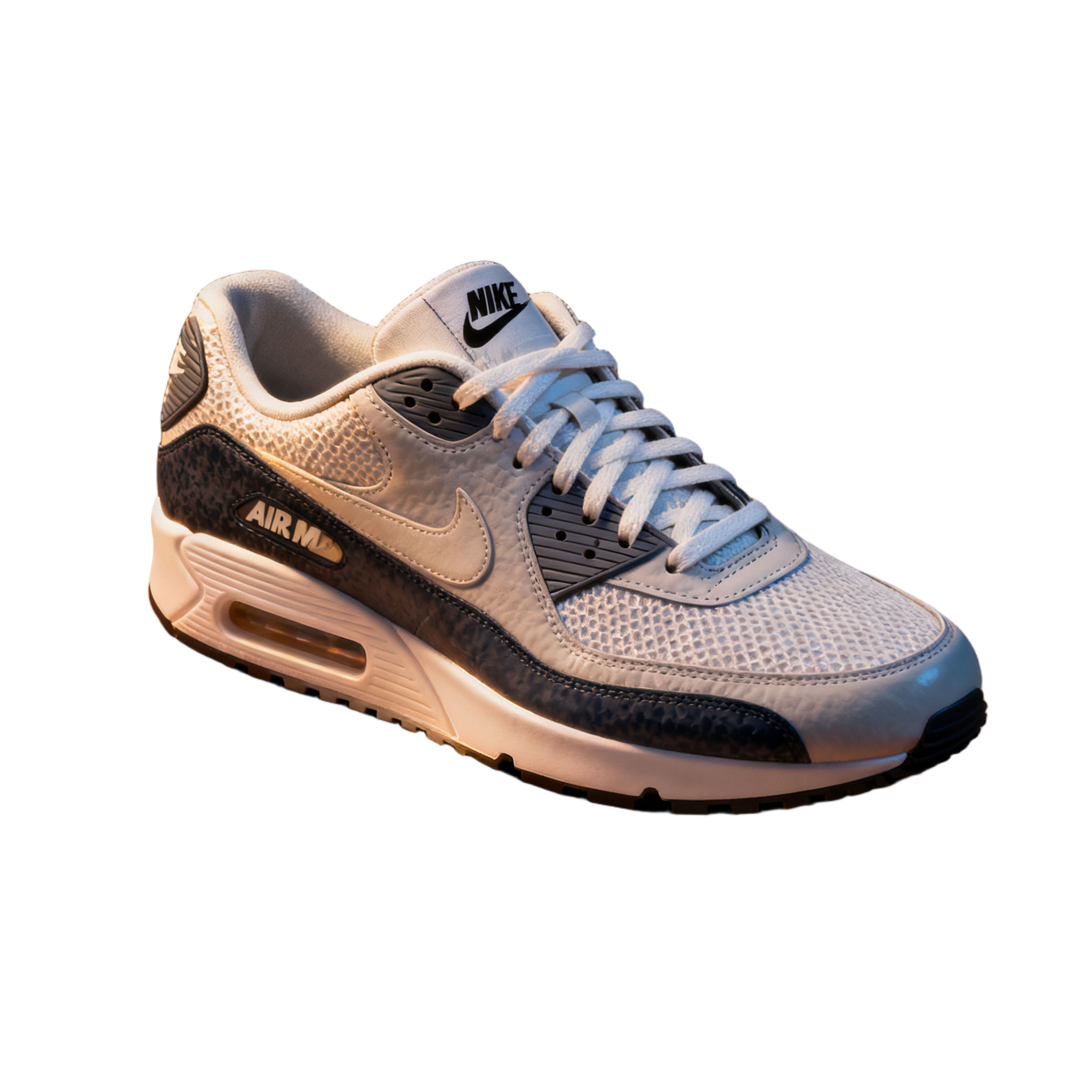
Product
a white and grey safari-print low-top sneaker with white laces, a grey mesh side panel and a visible air-cushion unit in the heel
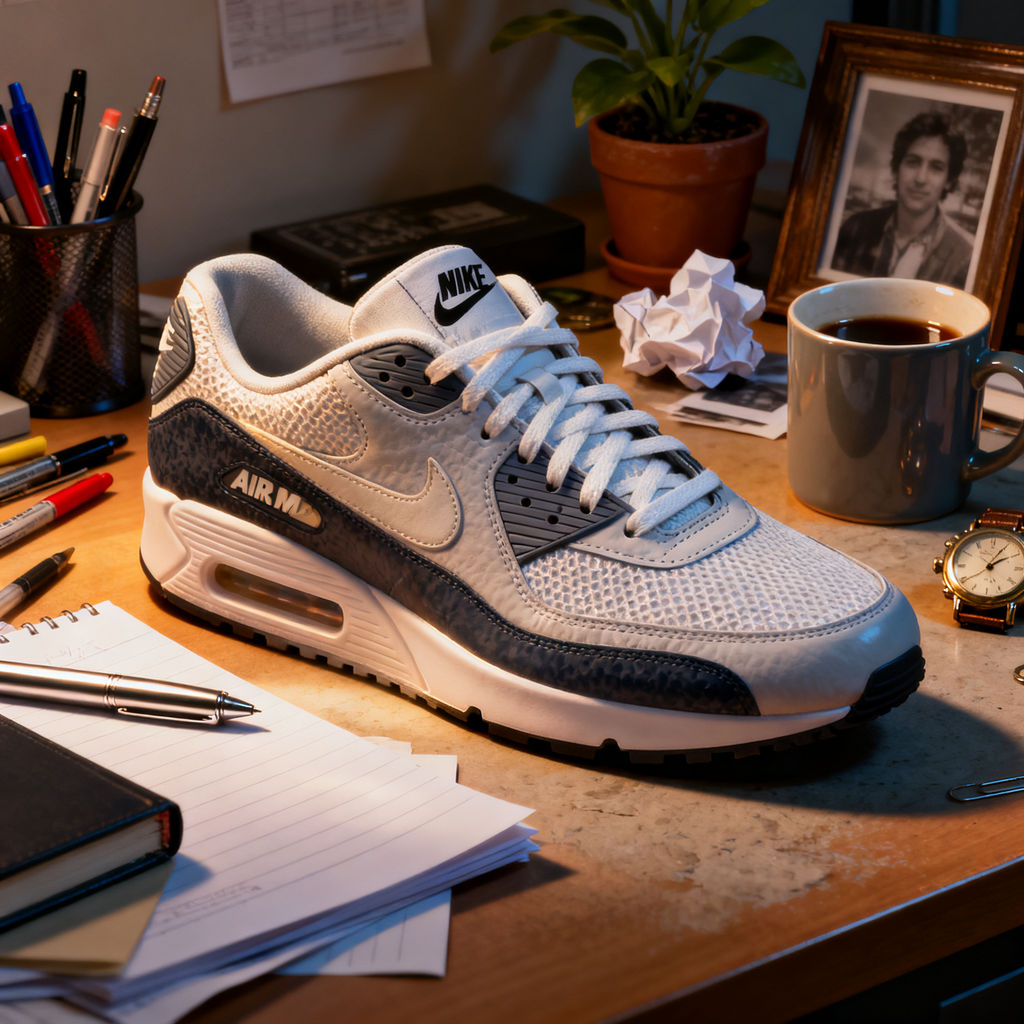

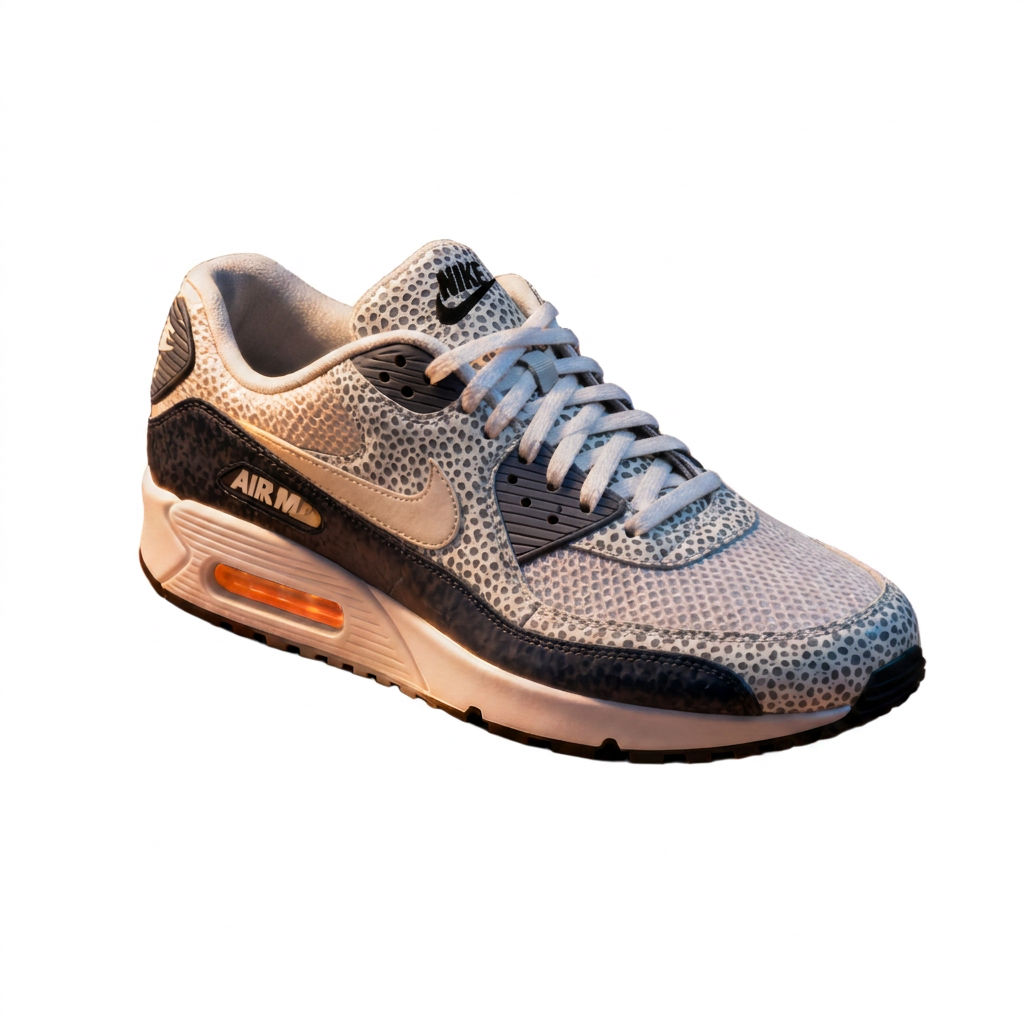
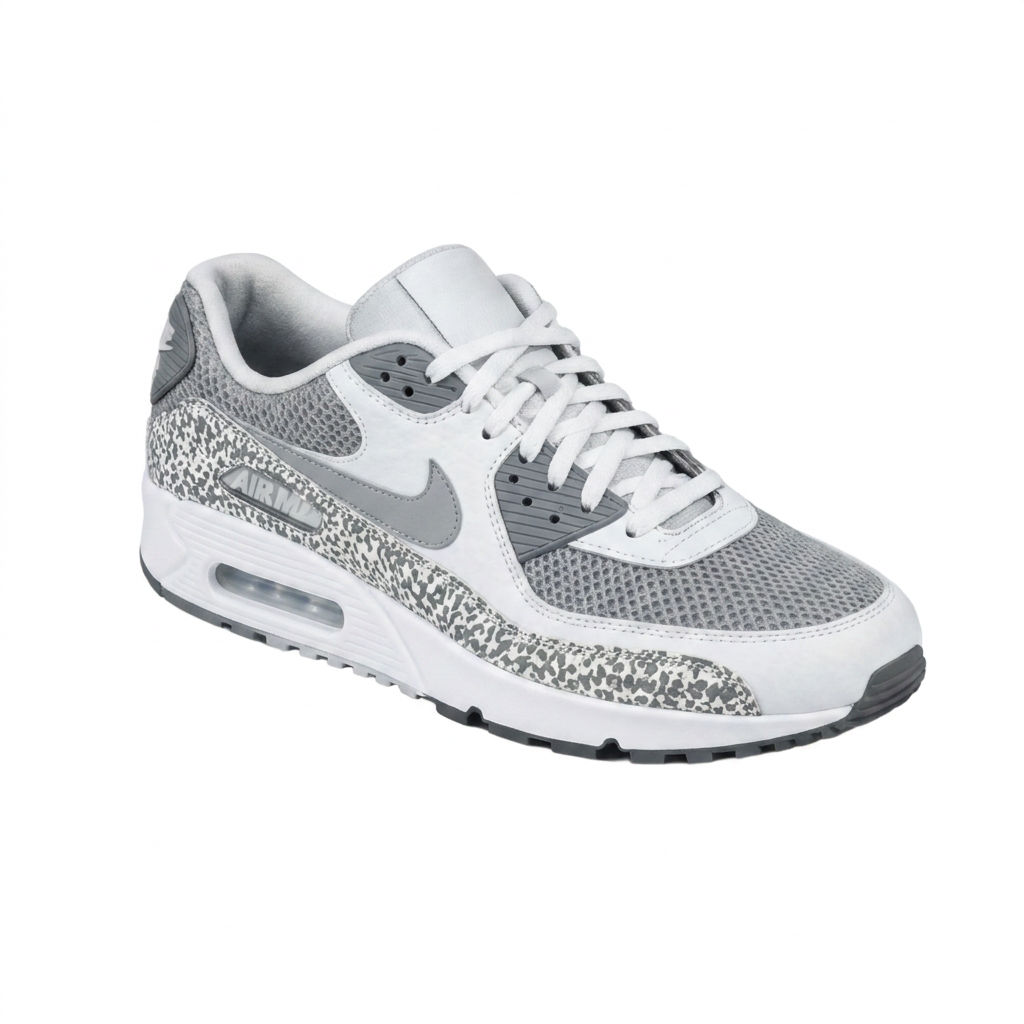
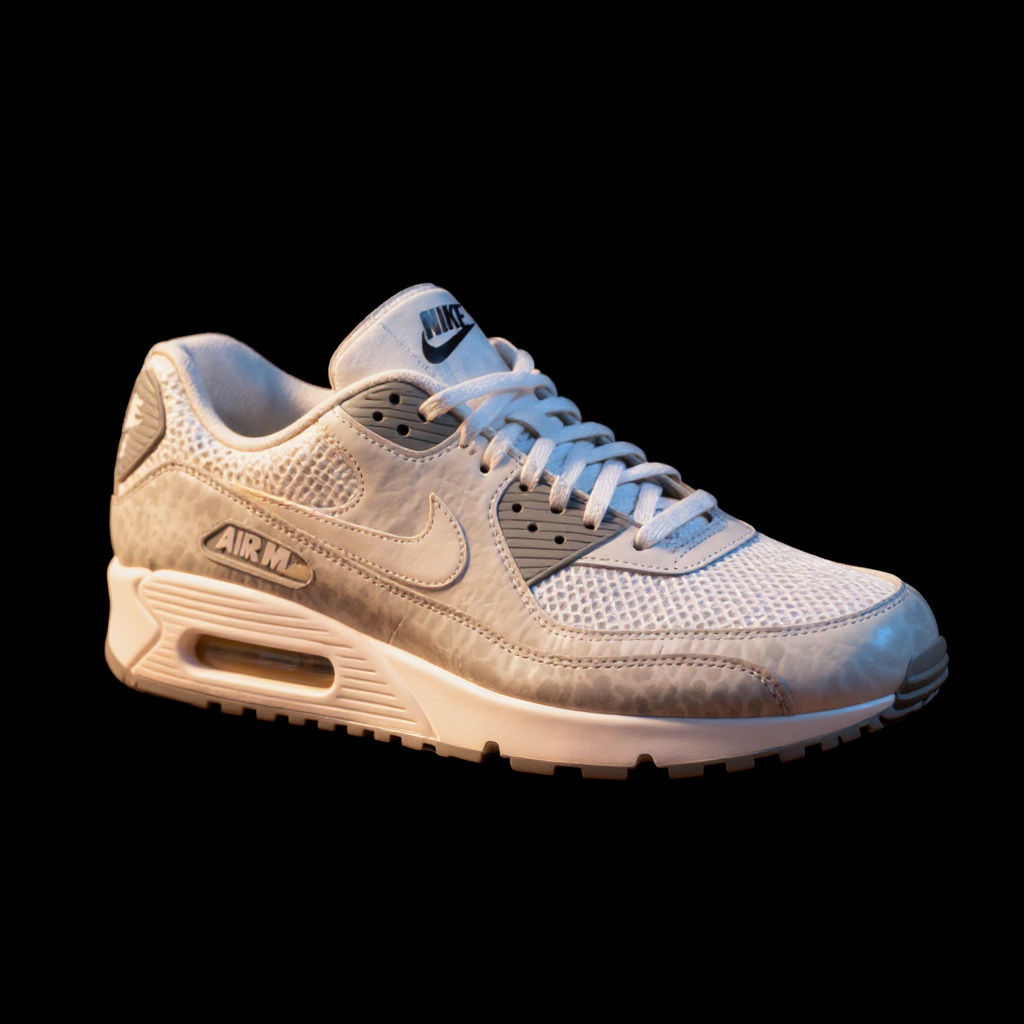
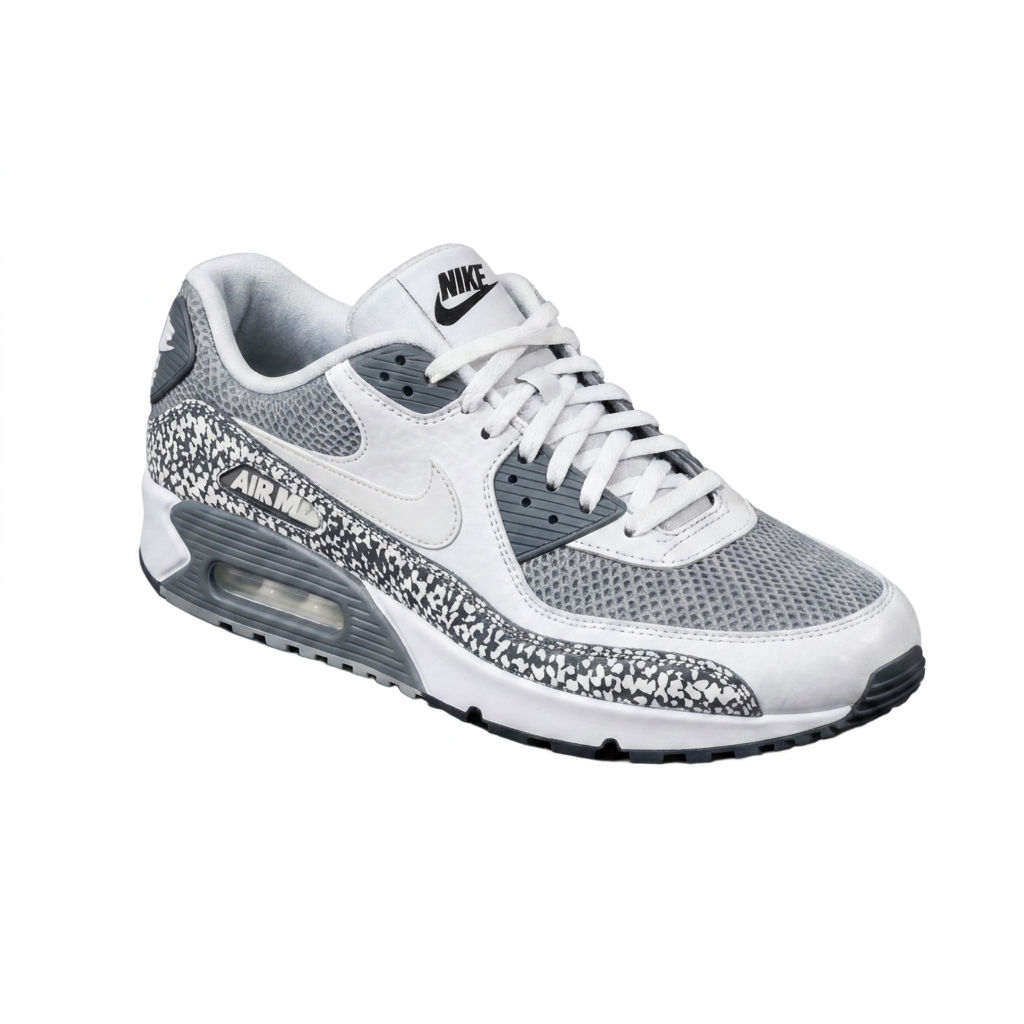
Upload a product photo and the Technique returns a clean PNG with real alpha, proven against fresh scenes.

E-Commerce Product Shots
Online sellers make image transparent background files out of catalog photos, so one product shot works on every marketplace backdrop.

Marketing and Ad Creative
Marketing teams create transparent background versions of a hero product and drop them into banners, social posts, and ad layouts without a reshoot.

Design and Mockups
Designers make transparent background assets for mockups, decks, and packaging comps, layering the product over gradients, textures, or flat color.
How to use Techniques?
Discover how to utilize Transparent Background Generator for different scenarios.

Add inputs
Upload images, videos, or type in the prompts to get started.

Generate outputs
Next, hit the "Generate" button to start generating your outputs.

Edit and export
Refine your outputs on canvas, or download them directly.
Frequently asked questions
All you need to know about Transparent Background Generator
What a transparent background maker actually does to your image
A transparent background maker separates the subject of a photo from everything behind it, then saves the result to a file that has no background at all. The empty space is held in an alpha channel, a fourth layer of information that sits alongside red, green and blue and records how opaque each pixel is. Pixels covering the product stay solid. Pixels where the background used to be get emptied out. Pixels along the edge, where hair or glass or soft focus blurs the boundary, land somewhere in between.
That in-between value is what separates a usable cutout from a bad one. A white box behind the subject looks correct on a white page and breaks the moment you place it on a colored slide, a textured banner or a photo of a shelf. A true cutout works anywhere you put it. In FLORA the technique runs on the same infinite canvas as every other model, so the file lands next to the work it belongs to instead of at the bottom of a downloads folder. You can start on the free plan and put a product shot through it before committing to anything.
Why the file format decides whether transparency survives
Transparency is a property of the file, not of the image. PNG and WebP both carry an alpha channel. JPG never has. That is why a clean cutout saved as a JPG comes back with a white rectangle behind it. If you make image transparent background files and they keep arriving solid, check the format before you blame the cutout.
Preview windows cause a second round of confusion. A lot of viewers, chat apps and email clients flatten transparency onto white before they show you a thumbnail, so a perfectly good file can look like it failed. The test that settles it: place the image over a saturated color or a busy photo and see whether the background shows through.
How the AI separates the subject from everything else
The work happens in three passes:
- Segmentation. The model reads the image semantically and decides which pixels belong to the subject. This is why it copes with a cluttered desk or a hand holding the product, where a magic wand keyed to color would give up.
- Matting. Along the boundary it estimates partial opacity instead of a hard yes or no. That step is what preserves flyaway hair, mesh, steam and the soft falloff at the edge of an object with no shadow under it.
- Compositing. The subject is written onto an empty layer, so none of the original scene survives as a halo of leftover color around the edge.
An eraser that keys on color only ever gets the first pass right, which is why its edges look acceptable in a thumbnail and come apart at full resolution.
The same job, described a dozen different ways
Search behavior for this task splits across a lot of phrasings, and the words people reach for tend to depend on the software they learned first:
- transparent background maker or transparent background generator, from anyone who has used a browser tool before
- make transparent background, the shorthand of people who already know what they want
- create transparent background, common among designers describing one step inside a larger layout
- free transparent background maker and transparent background maker free, from people comparing options before they commit to a subscription
- how to make a transparent background, typed by someone meeting the concept for the first time
All of them point at one job. A subject goes in, and the same subject comes out with nothing behind it.
Where transparency gets difficult
Some materials resist a clean cut, and it pays to know which ones before you shoot. Glass, acrylic and tinted bottles carry the color of whatever sits behind them, so a cutout can hold a faint tint of the original scene. Fine mesh, lace and loose hair sit at partial opacity across hundreds of pixels at once. Contact shadows read as part of the background and leave with it, which is the correct call but can leave a product looking like it floats until you rebuild the shadow.
Input quality does most of the work. A subject shot against a background of a similar tone gives the model very little contrast to work with. Separation in the original frame, even rough separation, buys a better edge than any amount of cleanup afterwards.
Checking a cutout before you build on it
Two minutes of checking saves a reprint. Drop the file over a mid-tone color and look at the edge at 100 percent, not at fit-to-screen, because leftover background shows up as a thin bright fringe that disappears when the image is small. Pay attention to the parts of the subject that were close in color to the background, since those are the areas the model had the least to go on. Check the inside of handles, straps and any gap the subject encloses, which are the spots most often left filled in. If the asset is heading for print or a large display, run upscaling after the cutout instead of before, so the model is enlarging a clean edge and not a soft one.
Where the cutout goes next
A transparent PNG is usually a starting point, not a finished asset. With the subject free of its original scene you can set it on a clean white background for a marketplace listing, swap in a new environment, generate a fresh scene around it, or put it on a flat brand color for a campaign set. If all you need is the background gone and the alpha has no use afterwards, the background remover covers that narrower job, and the wider AI image generator covers the work that comes after.
On the FLORA canvas all of this happens in one place. The cutout stays live, each new version branches off it, and the whole chain from a single product photo to a full set of placements sits in front of you at once.
Related techniques
 Color Palette ExtractionExtract color palettes from any image
 Image UpscalerUpscale any image to a higher resolution in one click.
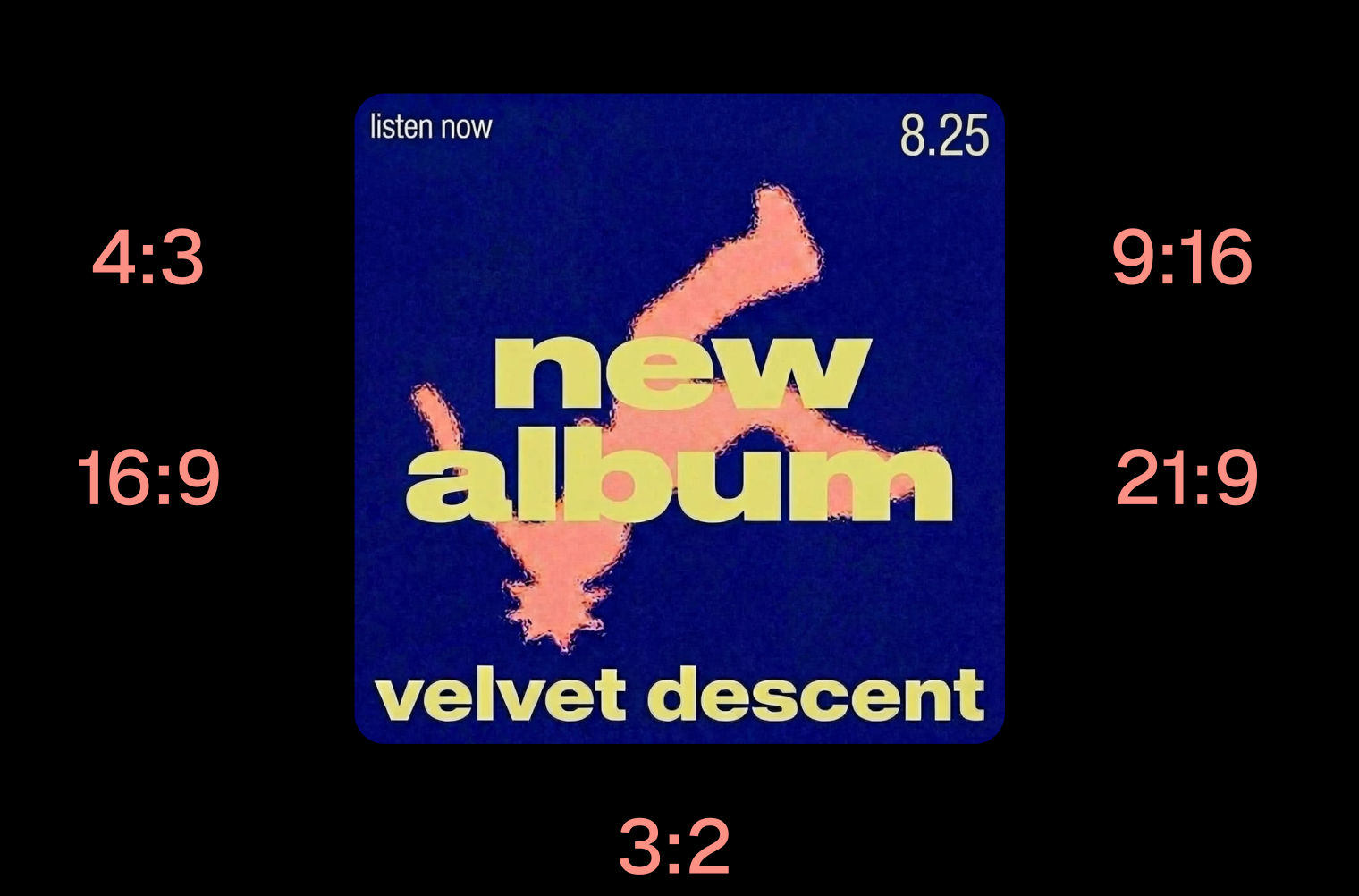 Layout ResizerResize layouts for any aspect ratio
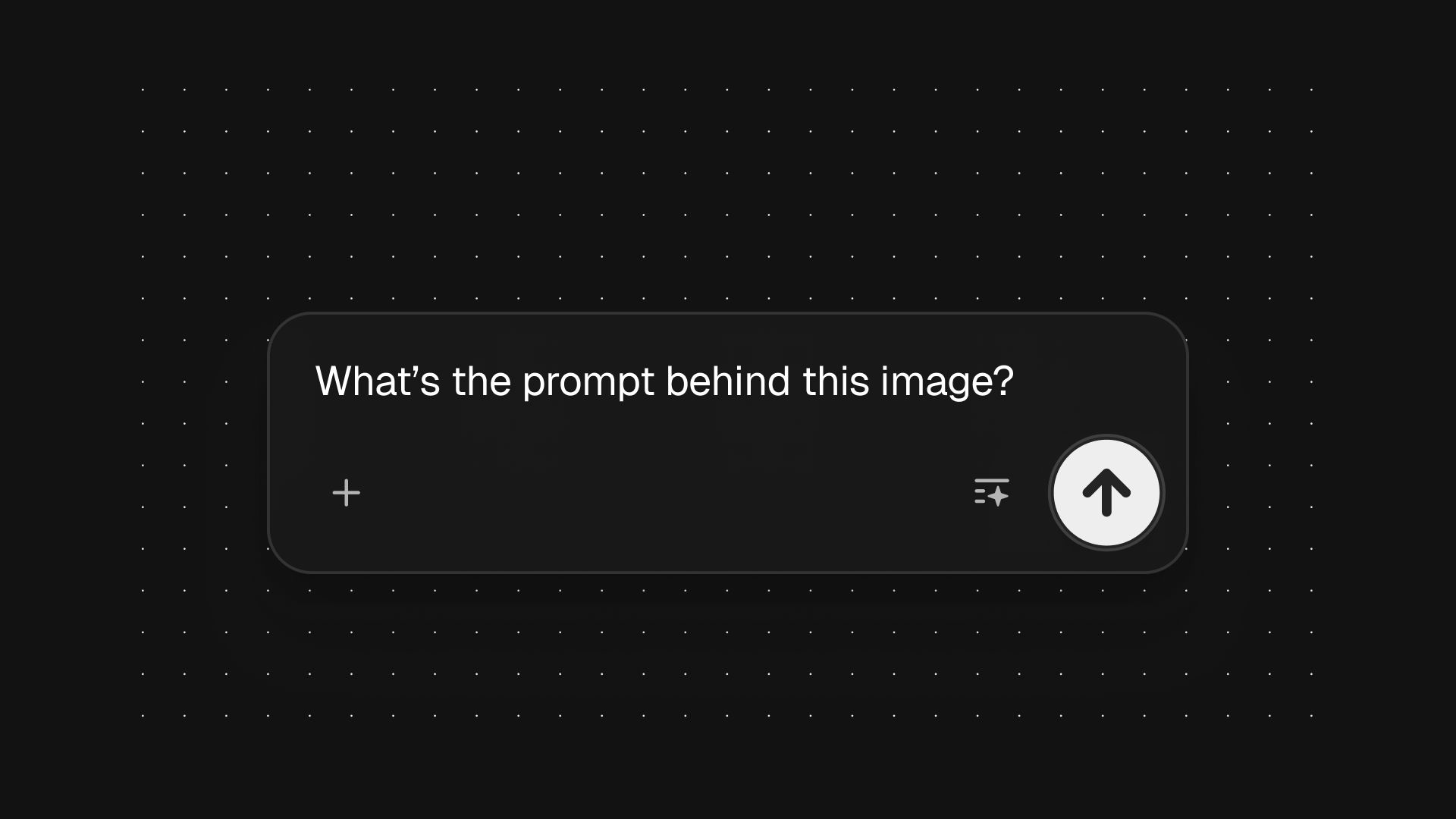 Prompt ExtractorReverse-engineers any image into a prompt
 3 Angle ShootFront shot in, 45, 90, and 180 angle back
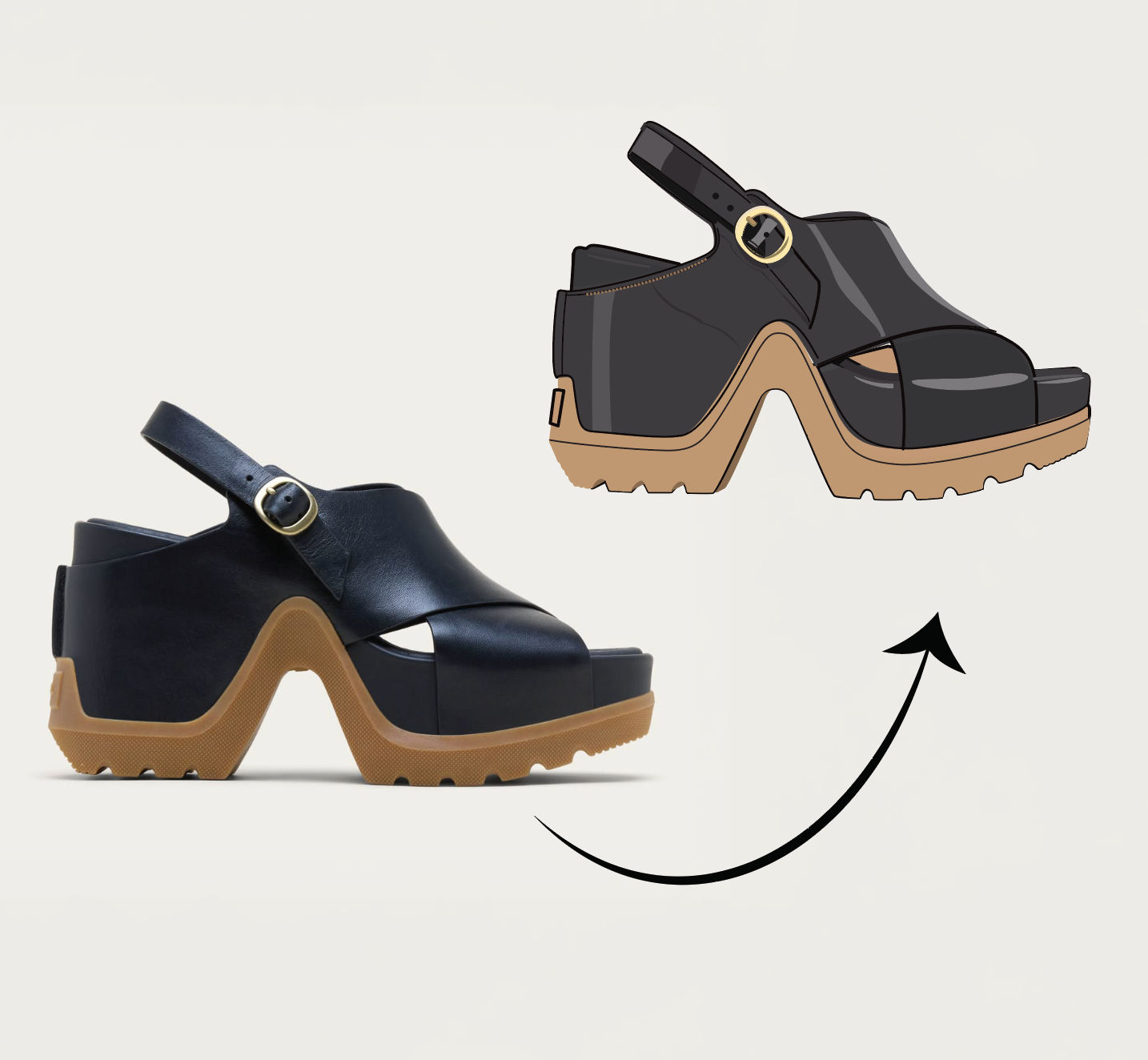 Anything to VectorTurn any image into a SVG vector illustration.
Transparent Background Maker: Cut Any Product Out of Its Photo
cut any product out of its photo into a clean transparent PNG, then prove the alpha by dropping it into new scenes. Useful for: e-commerce sellers, marketplace/Amazon listers, and designers who need a crisp cutout (no white halo, clean edges) they can composite anywhere.

Louis Anderson