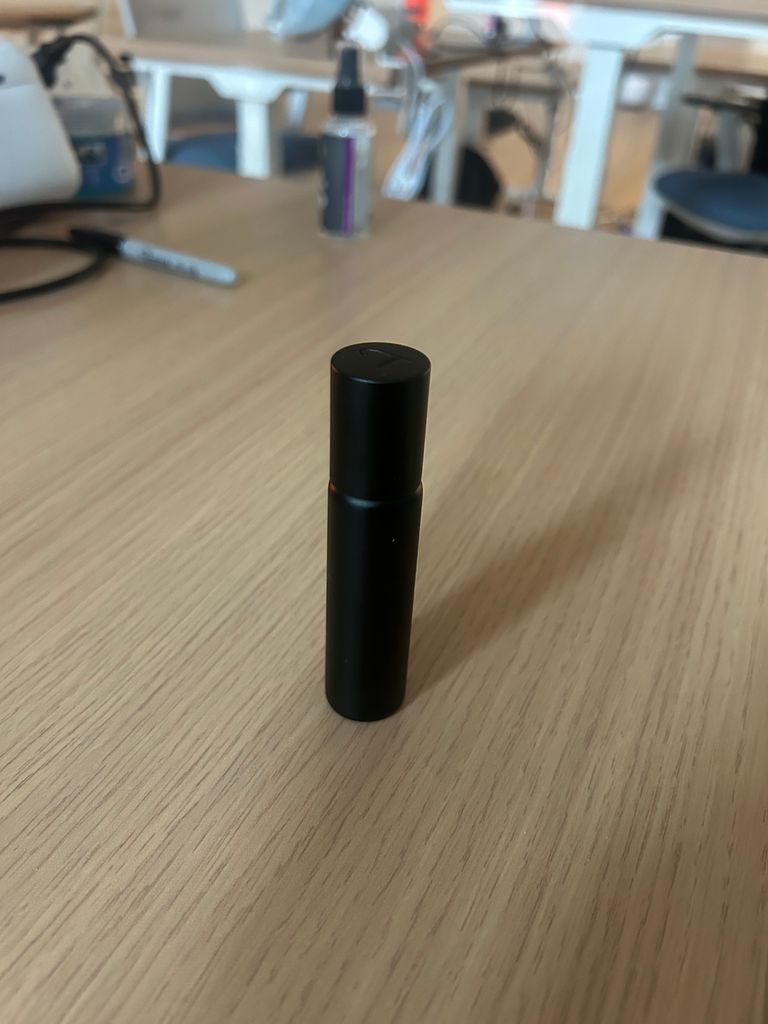
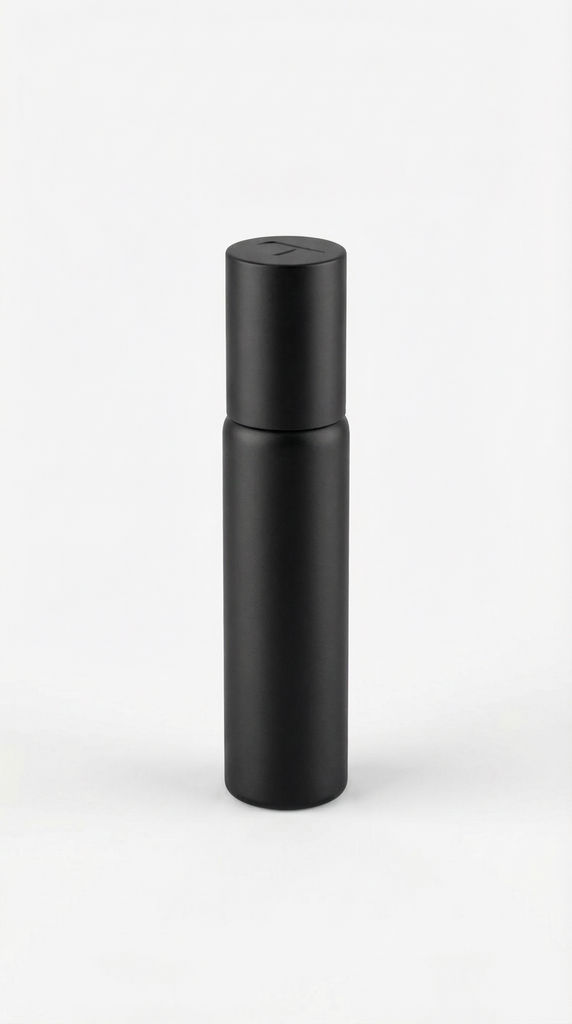
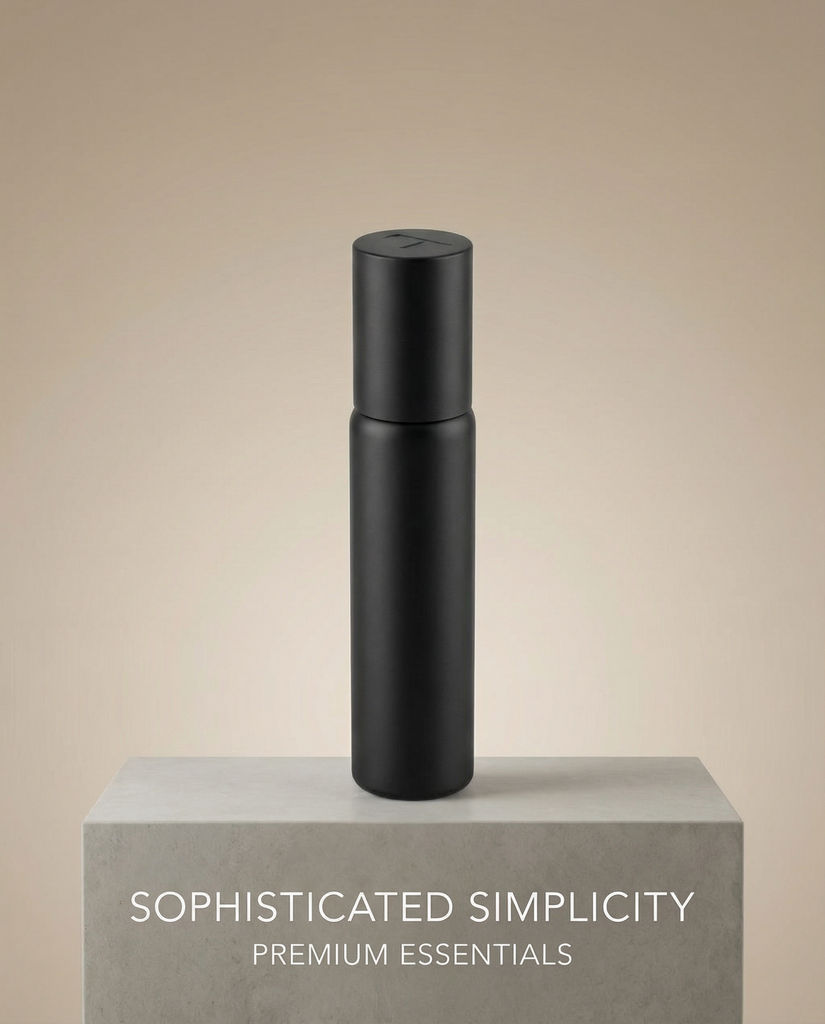
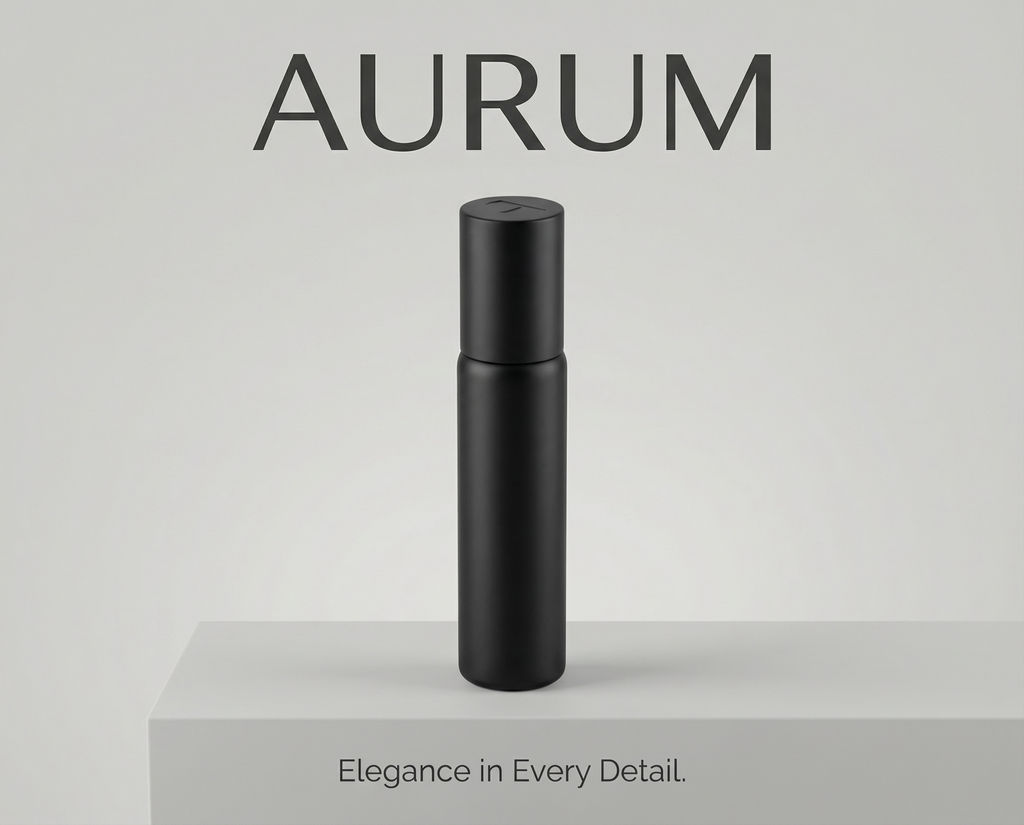
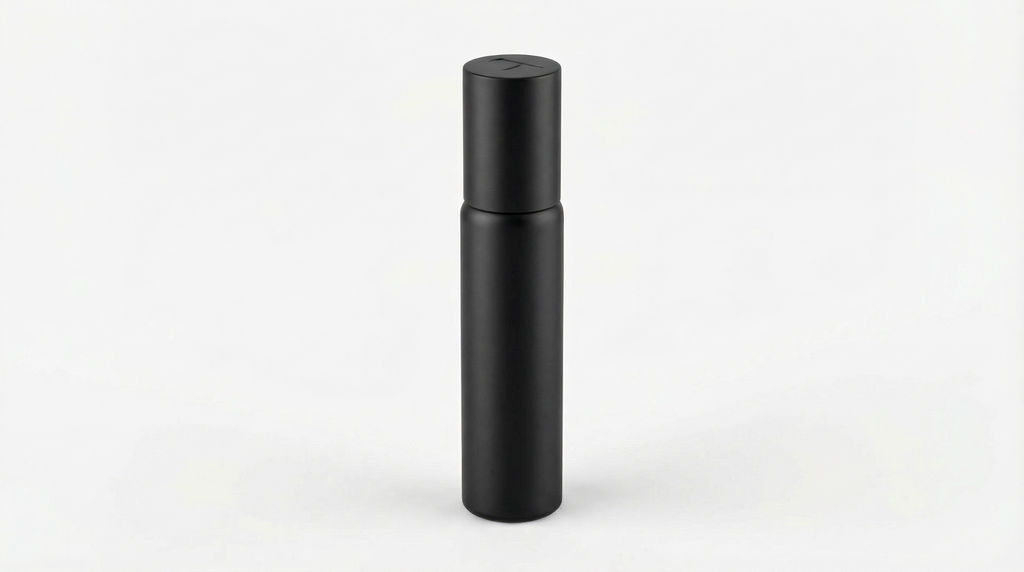
Upload a product image to Studio Shot and receive 4 studio-lit photographs at 9:16, 5:4, 4:5, and 16:9, all generated in one click.

E-Commerce Listings
Product teams use the Studio Shot technique to turn a plain product photo into a clean product shot in multiple aspect ratios for marketplaces, catalogs, and web stores.

Marketing Collateral
Marketing teams run the technique to get studio-lit images sized for different placements: vertical for stories, widescreen for web banners, and 4:5 or 5:4 for social feeds.

Product Launch Assets
Brands use the technique to quickly create polished product imagery across formats for launch day, reducing the need for multiple studio sessions.
How to use Techniques?
Discover how to utilize Studio Shot for different scenarios.

Add inputs
Upload images, videos, or type in the prompts to get started.

Generate outputs
Next, hit the "Generate" button to start generating your outputs.

Edit and export
Refine your outputs on canvas, or download them directly.
Frequently asked questions
All you need to know about Studio Shot
What makes a product shot look like it came from a studio
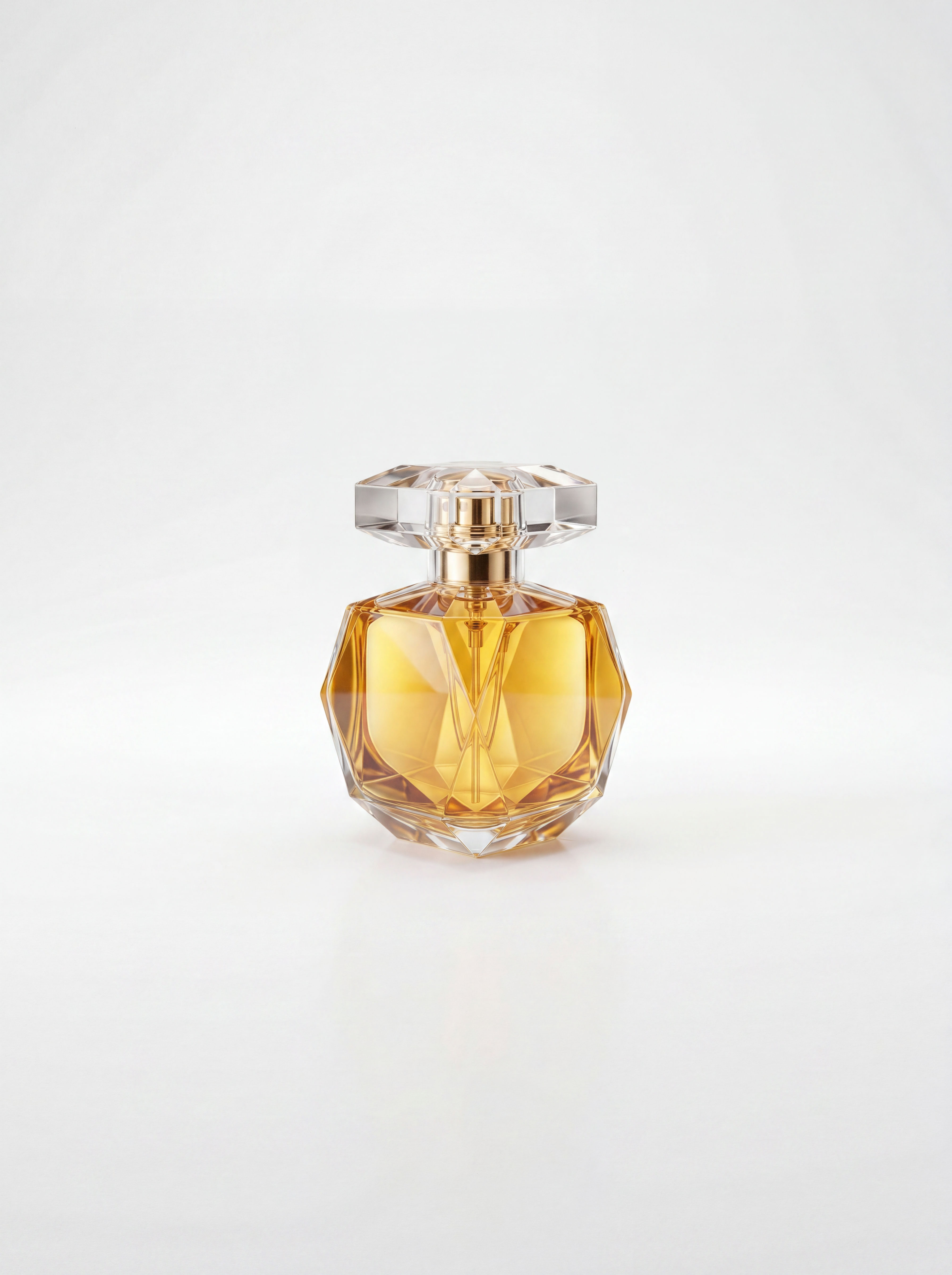
A product shot is a photo made to sell one thing. The product fills the frame, the light is controlled, and there's nothing else in the picture pulling attention away. Studio Shot gives you that from a product image you already have, returning four studio-lit versions in different sizes. A photo taken on a kitchen counter can end up looking like it belongs on a store page.
You can try it free on FLORA with a single image. Before you do, it helps to know what makes studio photos look the way they do, and how to pick a source photo that gives the technique the most to work with.
How studio lighting changes a photo
Most of what makes a studio photo look expensive comes down to light. Photographers use large, diffused light sources that wrap around the object, so its edges stay easy to read and its shadows fade out gradually. Compare that with a photo lit by a window or an overhead lamp, where one side of the product is bright, the other falls into shadow, and the background picks up a color cast from the room.
Reflections are the next giveaway. Glossy packaging, glass bottles, and metal caps reflect whatever is around them. In a studio those reflections are placed on purpose as clean highlights that show off the shape. At home they tend to pick up the ceiling light, the window, or the phone itself.
The last detail is the shadow under the product. A soft shadow where the object meets the surface makes it look like it's really sitting there. Without one, the product can look cut out and pasted onto the background.
Studio Shot handles this lighting for you. There are no lights to arrange or settings to adjust, because the technique reads your photo and makes those calls itself. If you'd like a different look afterward, move the result onto the FLORA canvas and keep editing there.
Picking a source photo that works
The technique can relight a product, but it can only work with what's in the photo you upload. A few habits make a real difference.
Get the whole product in frame. If a corner is cropped off or a hand covers part of the label, the technique has to guess at what's missing, and guesses show.
Make the product easy to see. An object that stands out from its surroundings is easier to read than one sitting on a surface of almost the same color. If your background is busy, it's worth running the photo through Background Remover first.
Shoot the angle you want customers to see. The technique starts from your photo, so a straight-on front view and a three-quarter view will give you different results. Pick the one you'd put first on a product page.
Check small text and logos once the shots come back. Fine print on labels is where generated images most often drift, so compare the outputs against the real packaging before you publish.
Why you get four sizes
Each of the four aspect ratios matches a place where product images tend to end up.
A 9:16 frame fills a phone screen, which suits stories, reels, and vertical ads. A 4:5 frame is a common tall size for social feed posts. A 5:4 frame runs slightly wide and sits well in marketplace grids and catalog tiles. A 16:9 frame works for website hero images, banners, and email headers.
Getting all four from one run means the product looks the same everywhere it appears, with matching light in every frame. The usual alternative is cropping one photo four ways, which tends to cut off something important in at least one of them. If you need a size that isn't in the set, Quick Reframe can extend a frame to a new ratio.
Where a product shot goes next
For most product pages, a clean studio photo is where the work starts. Once you've picked the shot you like best, the rest can happen on the same canvas.
If the image is headed for print or a large screen, run it through the Image Upscaler for extra resolution. Marketplaces that ask for a plain backdrop can be covered with White Background. To turn the still into a short clip for ads or a product page, try Product Animator. When you're shooting a whole range, Product Lookbook Grid lays several items out together in one consistent set.
Some projects need more than a studio frame, like lifestyle scenes, colorways for every SKU, or a full launch campaign. For that kind of work, see how teams use FLORA for AI product photography across an entire catalog.
Wherever the image ends up, the product shot you approve stays on the same canvas as everything you make from it, so later edits start from the version you already signed off on.
Related techniques
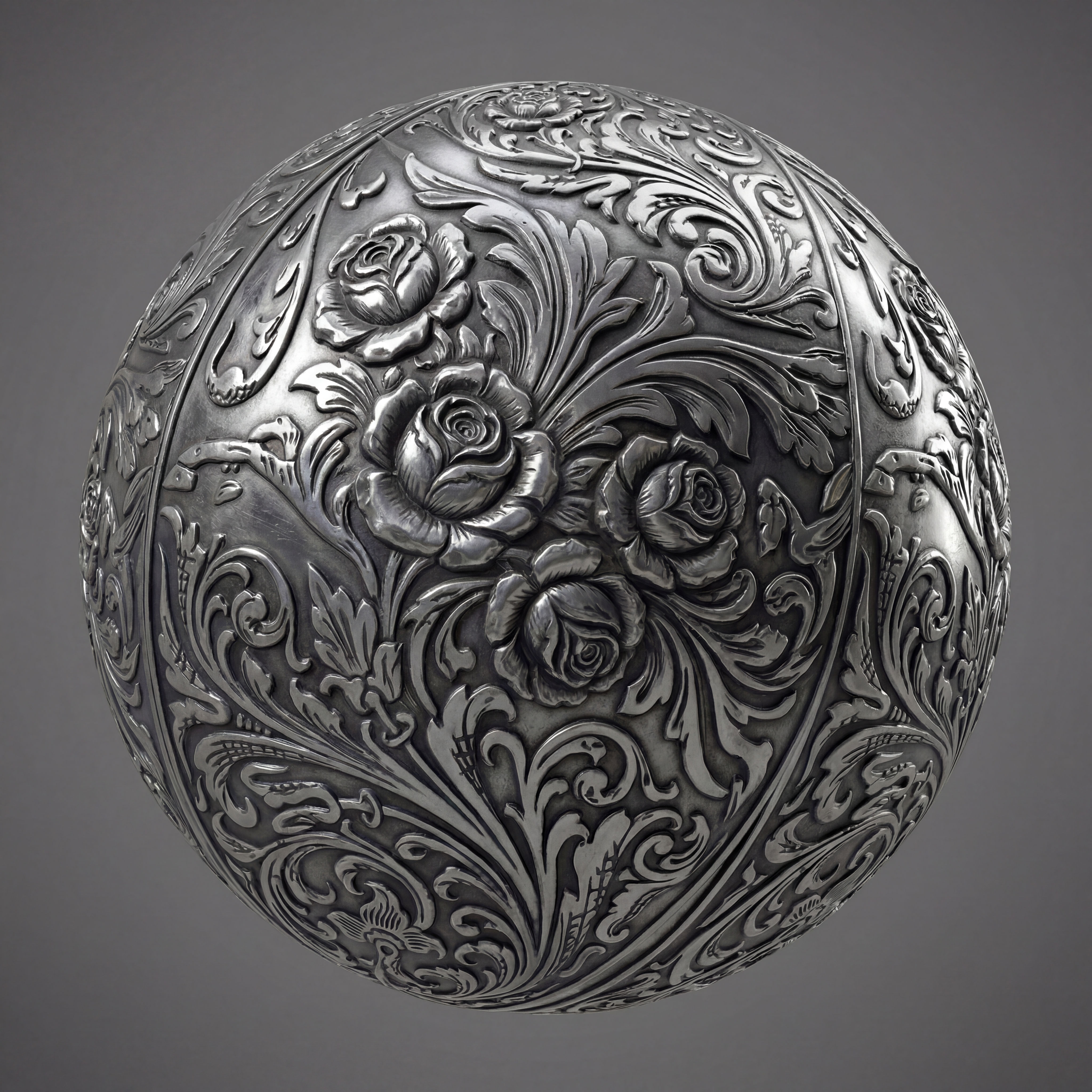 Texture Pack ExtractorExtracts the main material of an object in an image and transforms it into usable textures for 3D projects
 BeadifyTurn any object or 3D render into a physical Perler bead mosaic. Upload a photo — get back a beaded version of it
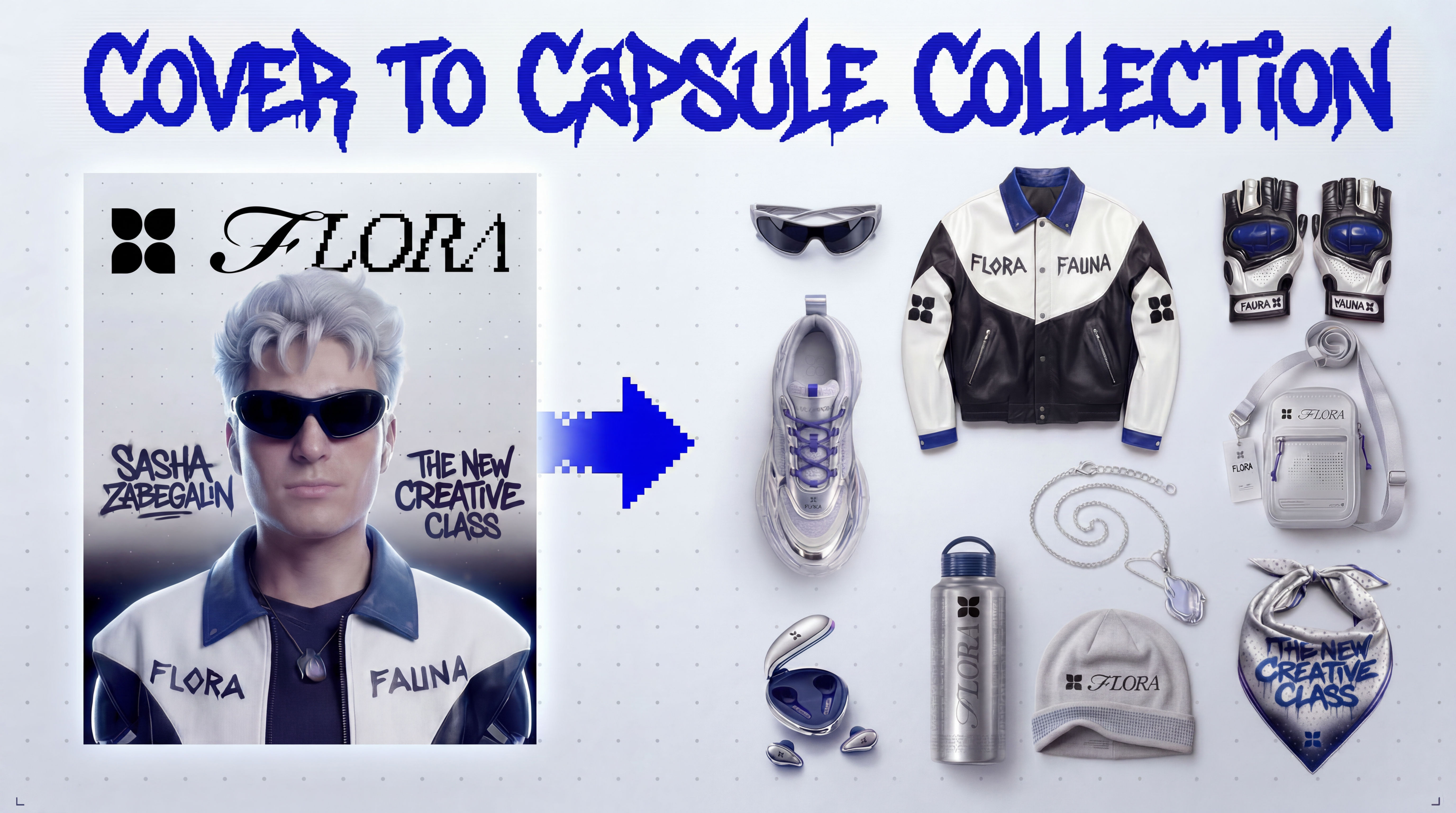 Cover to Capsule CollectionTurn any magazine cover into a 12-piece capsule collection.
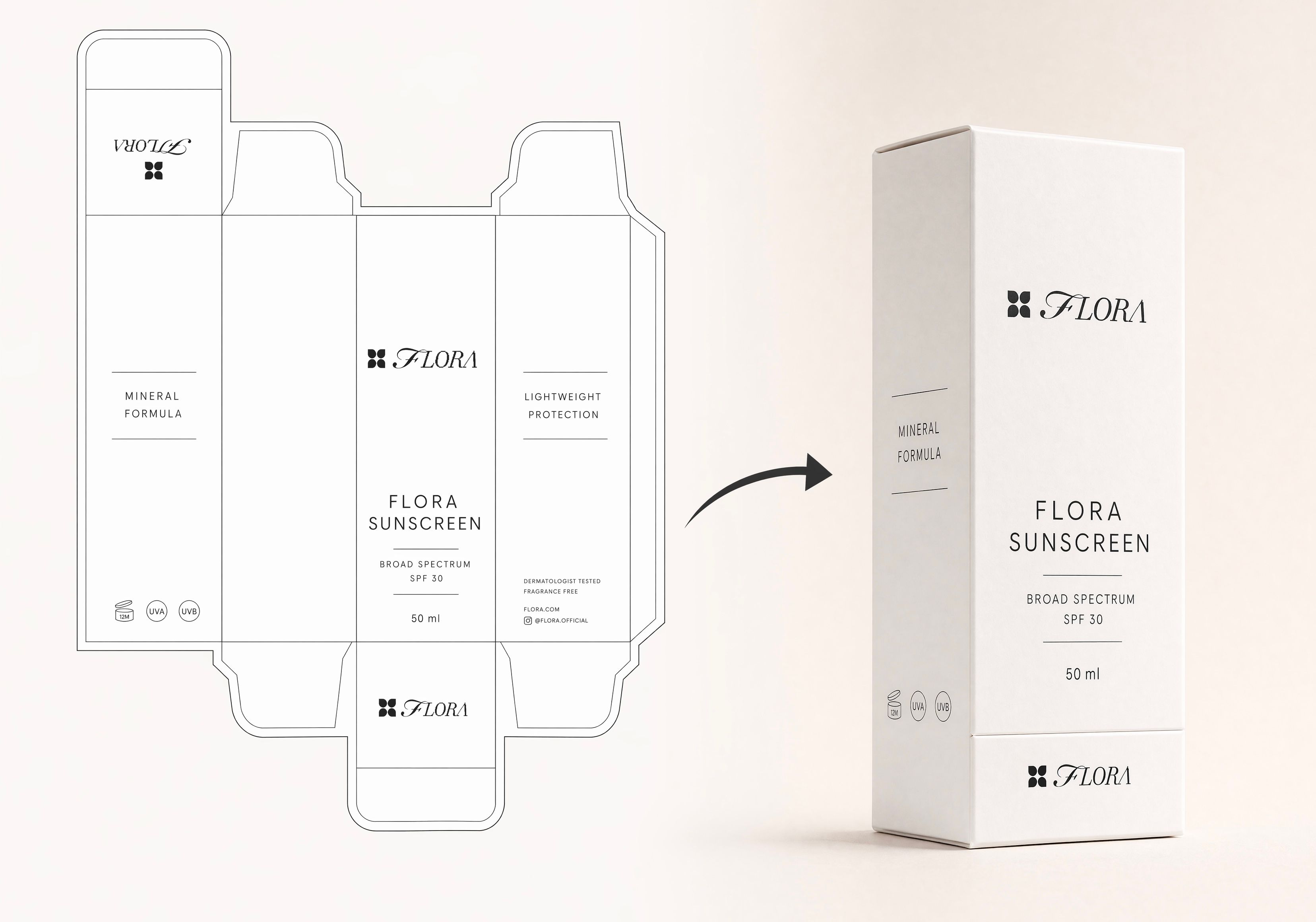 Dieline to 3D PackageTurn any flat package dieline into a production-ready 3D package render.
 Rosé RamblerMake your own custom Cannes Character, presented by Red Antler x FLORA
 Sketch to Photorealistic Product RendererUpload any product sketch and a style reference.
Get 9 photorealistic renders — rare angles, texture
close-up, top, bottom and underside shots.
Any product. Label-free. Production-ready.
Sketch to Photorealistic Product RendererUpload any product sketch and a style reference.
Get 9 photorealistic renders — rare angles, texture
close-up, top, bottom and underside shots.
Any product. Label-free. Production-ready.Turn Any Product Photo into a Studio Product Shot
Turns any product into a studio-lit shoot
DJ Kim from FLORA