Surface
the sunlit golden meadow grass running down the hillside slope, with the darker shadowed rock and scrub at the right edge


The Technique can remove text from image files, clearing captions, watermarks, logos, and signage from the surface underneath.

Product Listing Cleanup
Resellers and e-commerce teams remove text from photo listings, clearing seller watermarks and price stickers so a supplier shot reads as their own catalog image.

Campaign Asset Reuse
Marketing teams remove text from image assets that already carry burned-in headlines, freeing the artwork for a new message, language, or channel.

Screenshot and Mockup Prep
Designers and documentation writers clear labels, tooltips, and interface copy from screenshots, leaving a clean plate to annotate later.
How to use Techniques?
Discover how to utilize Remove Text From Picture for different scenarios.

Add inputs
Upload images, videos, or type in the prompts to get started.

Generate outputs
Next, hit the "Generate" button to start generating your outputs.

Edit and export
Refine your outputs on canvas, or download them directly.
Frequently asked questions
All you need to know about Remove Text From Picture
Remove text from picture: what happens underneath
When you remove text from picture files, two separate jobs have to get done. The lettering comes off, and the surface it was covering has to be put back. Deleting the pixels takes no effort at all. Rebuilding the wall, sky, fabric, or product finish that a caption or watermark was sitting on is where the difficulty lives, and it is what separates a usable result from an obvious patch.
Text in a finished image is rarely a layer you can switch off. It has been flattened into the photo, so every letter is made of the same pixels as the scene behind it. Try FLORA free and you can remove text from image files in the browser, then keep building on the result without exporting it somewhere else.
Covering lettering is different from clearing it
Three older habits still turn up. Cropping the lettering out changes the composition and the aspect ratio, which breaks a product grid where every tile has to line up. Blurring it draws the eye to the exact spot you wanted people to skip past. Pasting a solid box over it reads as a solid box. All three leave the original surface missing, so all three fall apart the moment someone opens the file at full size.
Inpainting takes a different route. The model treats the lettered area as missing information and generates new pixels for it based on what surrounds it. You get back the original framing and the original subject, with nothing left to suggest anything was ever written across the frame.
The same job under different names
The wording shifts depending on the file and who is asking:
- "Remove text from photo" when it came off a camera roll
- "Remove text from image" for a design export or a screenshot
- "Remove text from picture" when someone was sent it and wants it clean
- "AI remove text from image" once they have tried doing it by hand
Watermarks, subtitles, timestamps, price stickers, shop signage, and interface labels all belong to the same request. So does a burned-in campaign headline, which is the version marketing teams run into whenever an asset needs to go out again somewhere else.
How the model rebuilds what was underneath
The work happens in three steps. The model locates the lettering first, which has a signature the rest of a photo does not: high-contrast edges, repeated stroke weights, regular spacing and baselines. It then masks that area out, so it stops reading the letters and starts reading the gap they leave behind. Last, it fills the gap, pulling texture, gradient, shadow direction, and grain from the pixels immediately around it.
Difficulty tracks the background rather than the lettering. A watermark over a plain wall or open sky disappears completely, because the model only has one surface to continue. The same watermark over foliage, brickwork, a crowd, or patterned fabric is harder, since some of that detail has to be invented rather than inferred, and a close crop can reveal a soft seam. Contrast matters as well. Pale grey type over a busy photo gives the model less to work with than white type over a dark product.
Where a clean plate goes next
Clearing the text is usually a setup step for something else:
- Take out a supplier's watermark, then remove the background so the product sits on your own catalog backdrop.
- Strip a burned-in headline and auto-translate the artwork for another market.
- Clear a distracting element in the same pass with the object remover.
- Upscale the result so the rebuilt area holds together at print size.
- Reframe it for a new placement, now that no lettering is anchoring the crop.
All of this runs in the browser, so you can remove text from image online with nothing to install, and remove text from image free within the free plan's usage limits. Anyone who wants to remove text from picture online free can start there and move up when the volume calls for it.
A clean plate is worth more when it stays where the rest of the work is happening. On FLORA's canvas the cleaned image sits alongside everything else in progress, so the same asset can pick up a new headline, a different background, or another language without leaving the workspace. The wider FLORA AI image generator workflow covers what that looks like from first idea to finished campaign.
Related techniques
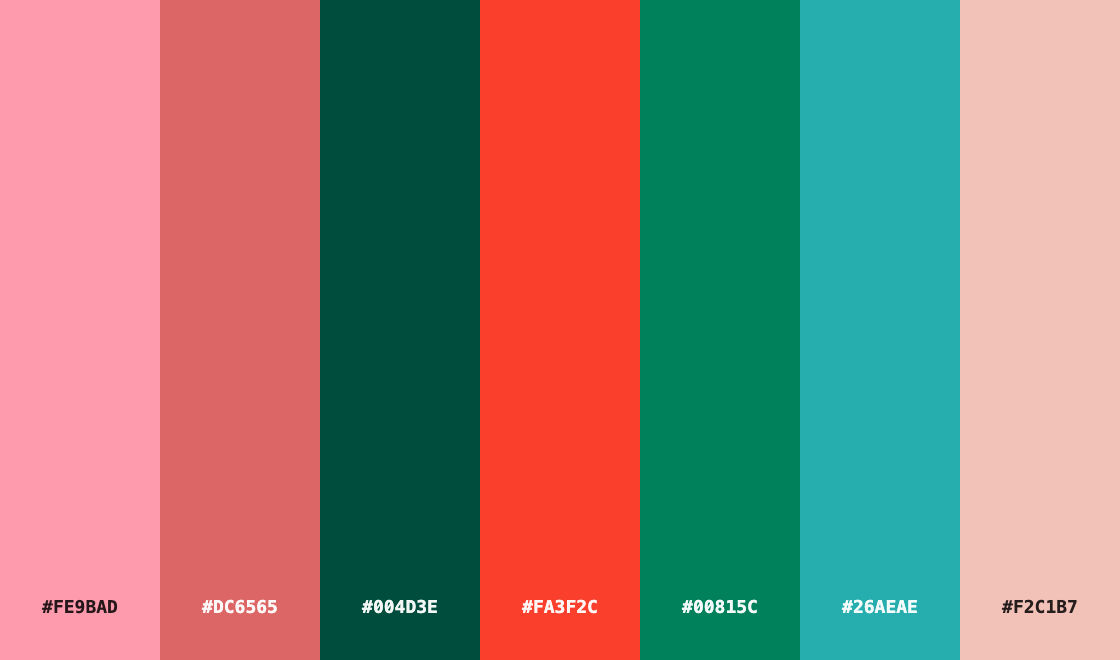 Color Palette ExtractionExtract color palettes from any image
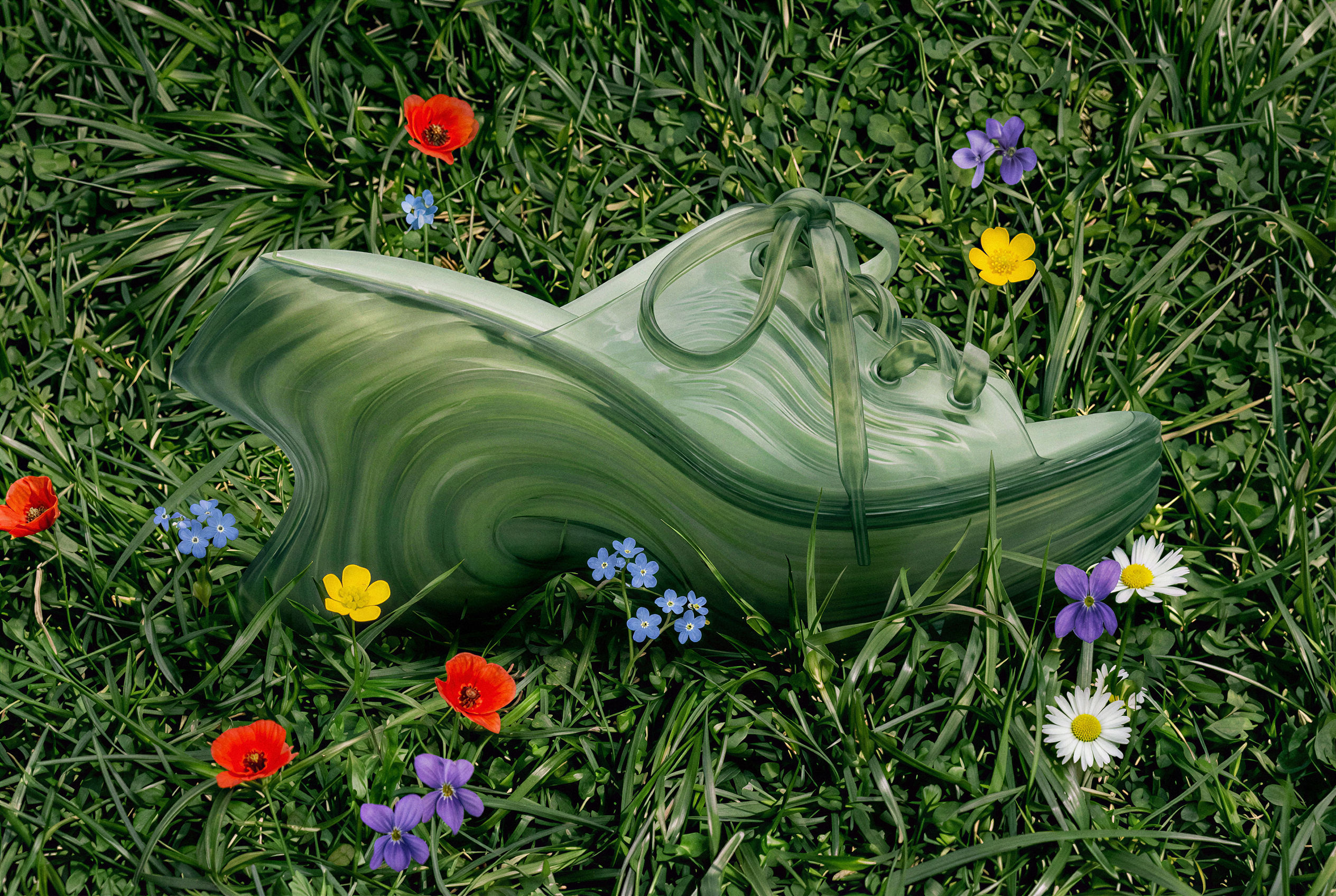 Image UpscalerUpscale any image to a higher resolution in one click.
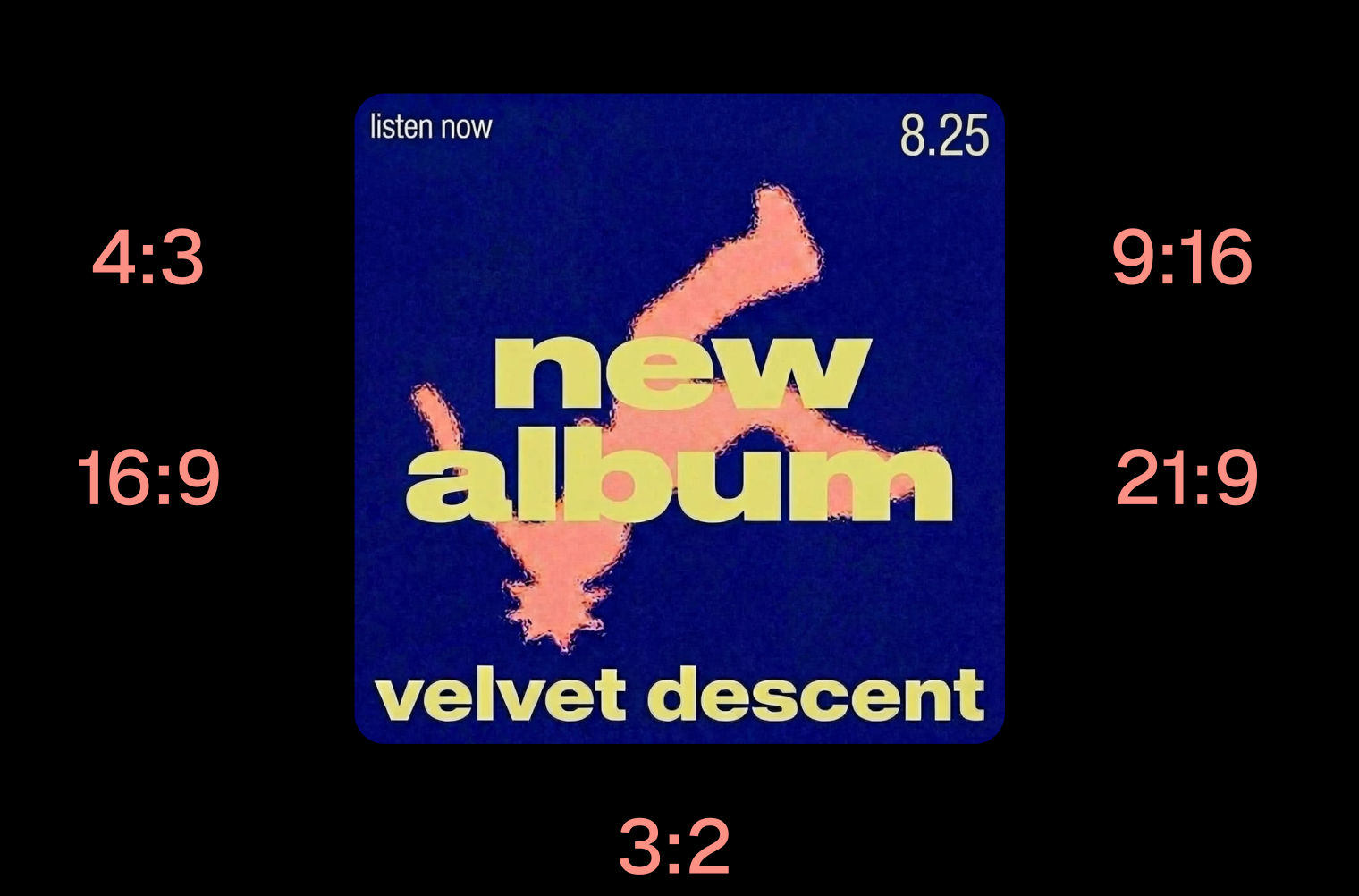 Layout ResizerResize layouts for any aspect ratio
 Prompt ExtractorReverse-engineers any image into a prompt
 3 Angle ShootFront shot in, 45, 90, and 180 angle back
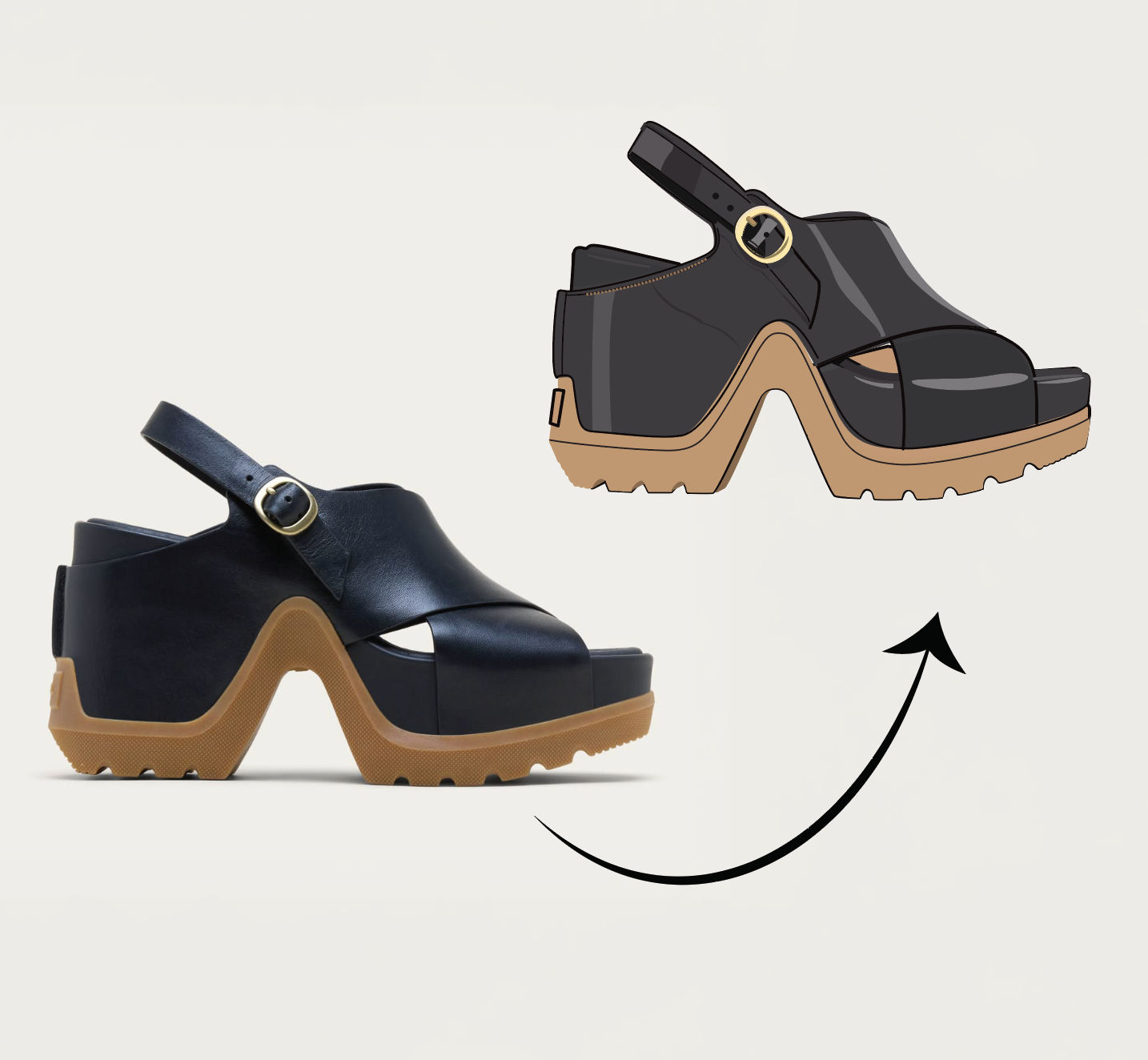 Anything to VectorTurn any image into a SVG vector illustration.
Remove Text From Picture Without Leaving a Blurred Patch
erase captions, watermarks, logos or signage from a photo and rebuild the surface behind them. Useful for: designers, marketers and resellers who need a clean plate from a stock/product/screenshot image — text gone, the texture underneath convincingly reconstructed, then a second sweep pass that catches anything left behind.

Louis Anderson