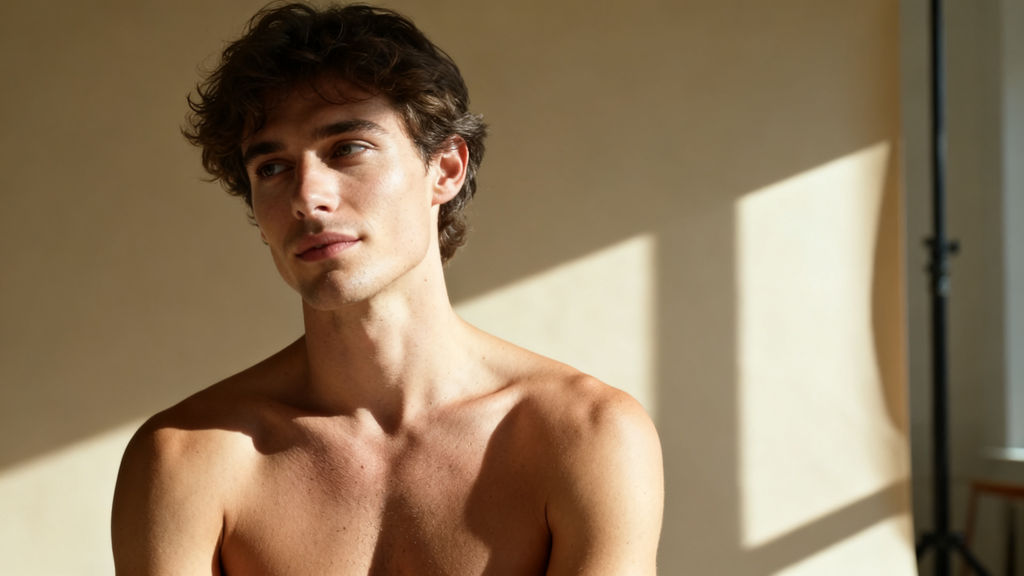
Shot Hero
a slim young man with tousled dark-brown hair and bare shoulders, framed chest-up and turned three-quarters looking off camera, warm beige plaster wall behind him with a soft sunlit window shape falling across it, hard warm afternoon sunlight
Motion
he turns his head a few degrees toward the lens and blinks once, settling into the faintest confident smile
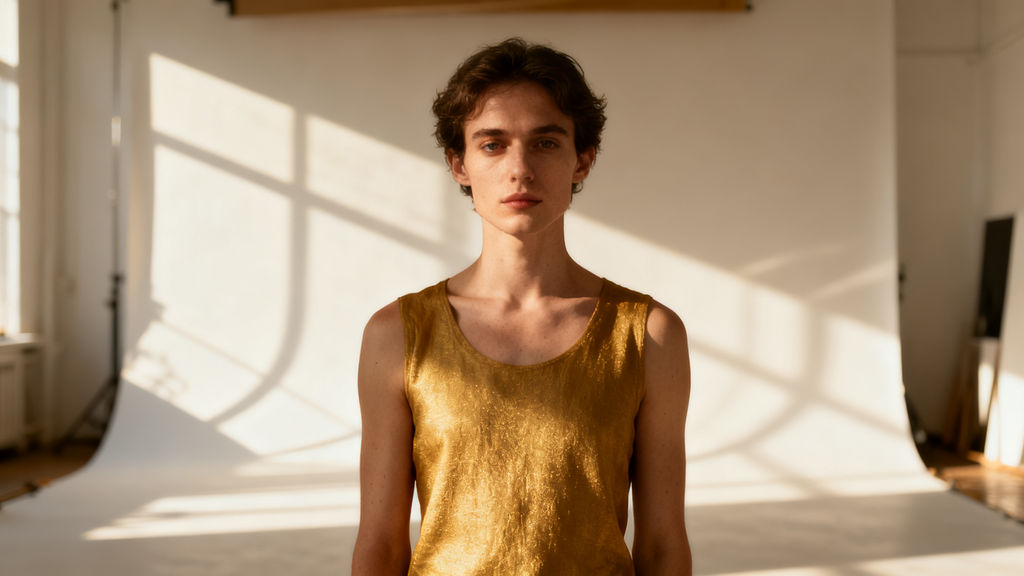
Shot Two
the same slim young man in a gold lame sleeveless tank top, standing centred and facing camera in a white photo studio, white seamless backdrop with hard diagonal window-frame shadows raking across it, warm low sun from the left
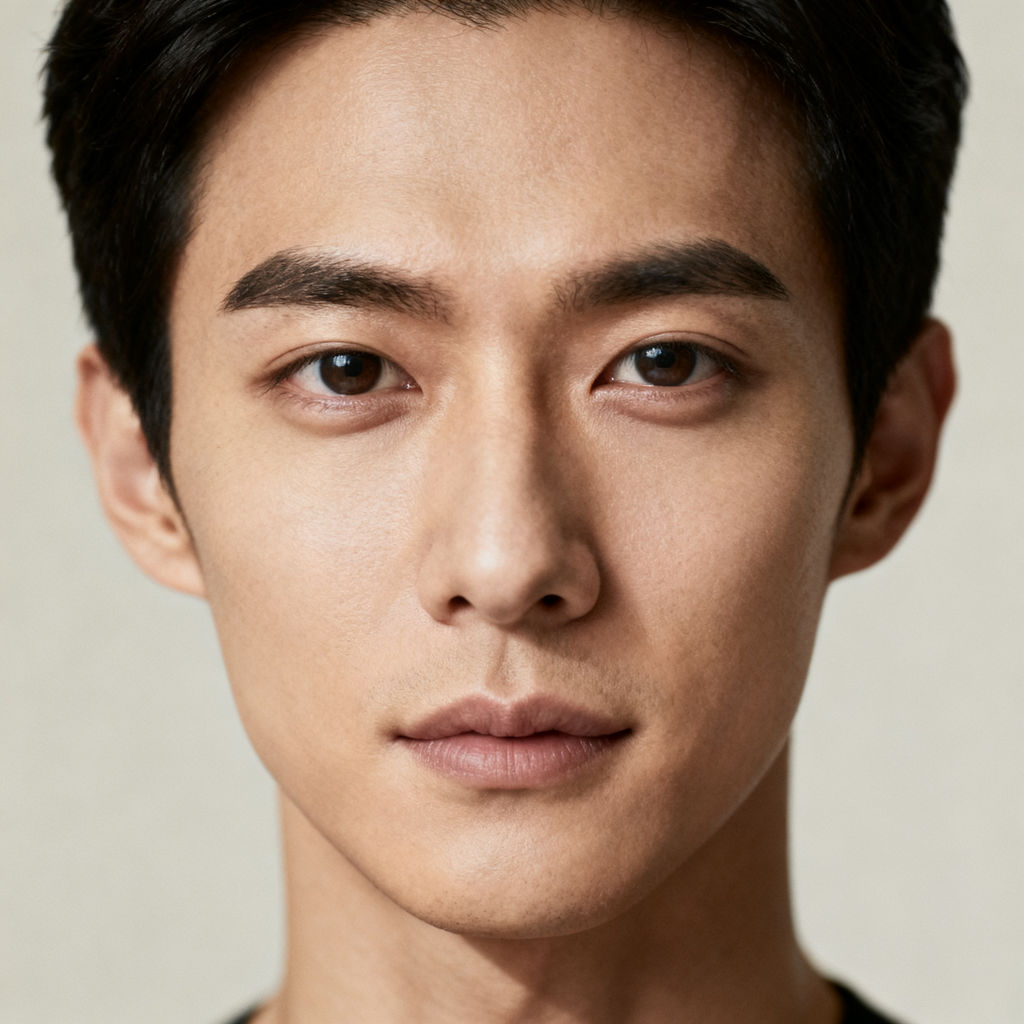
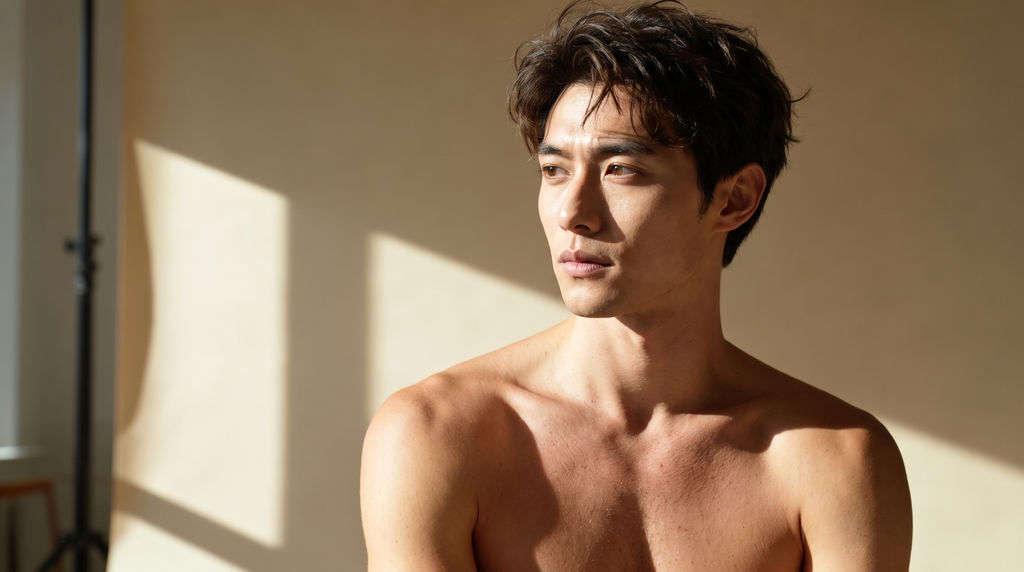
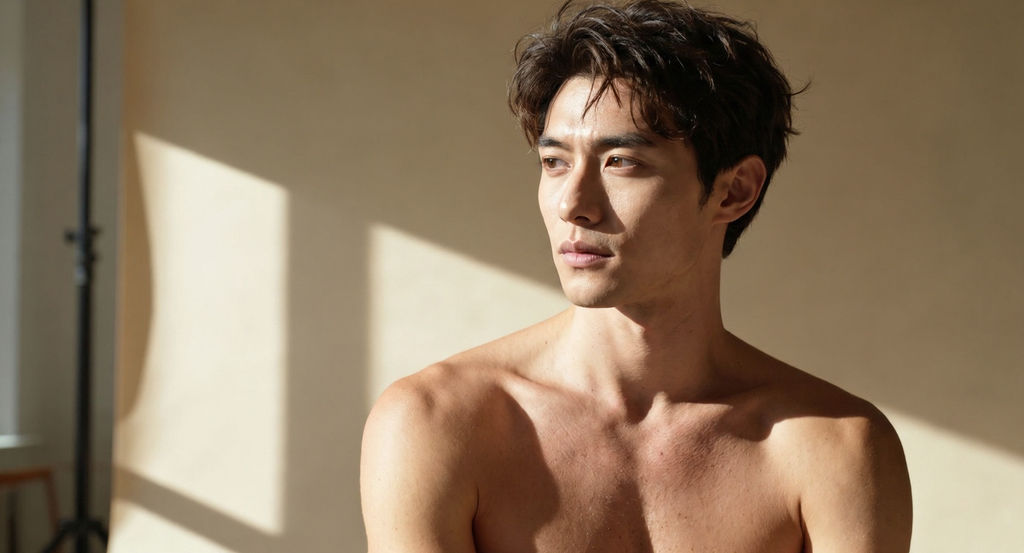
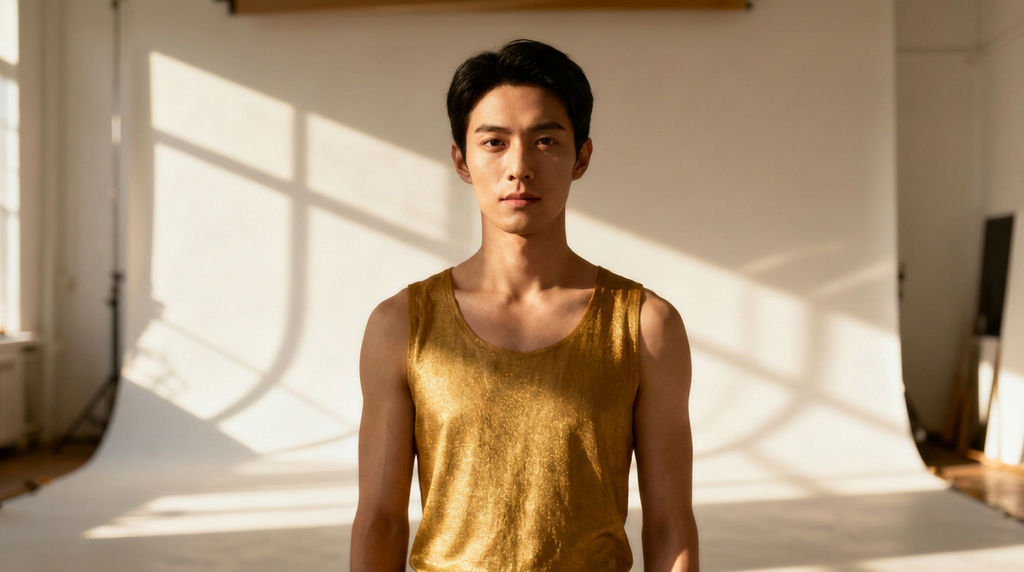
Upload one source face plus a start and end frame from your shot, and the Technique returns a swapped still and two short generated clips.

Social Content
Creators building an AI face swap video for TikTok or Reels start from a single selfie and a frame from footage they already shot, skipping the VFX round trip.

Meme and Reaction Clips
Meme-makers and community teams run this video face swap AI on a grabbed frame to drop a friend's face into a familiar moment, then let the result move.

Concept and Previs
Production teams preview casting or wardrobe ideas by swapping a face onto a still from a shot, generating a moving version before committing to a full edit.
How to use Techniques?
Discover how to utilize Free AI Video Face Swap for different scenarios.

Add inputs
Upload images, videos, or type in the prompts to get started.

Generate outputs
Next, hit the "Generate" button to start generating your outputs.

Edit and export
Refine your outputs on canvas, or download them directly.
Frequently asked questions
All you need to know about Free AI Video Face Swap
What a free AI video face swap actually does
A free AI video face swap takes the face from one still image and maps it onto the person in footage you already have, then keeps that face locked to them as the shot moves. You give it a source face, a frame from the clip you want to change, and a short line describing the motion. Everything after that is on the model: the blend, the lighting match, and holding the face steady between frames.
That work used to live in After Effects. You'd track the head, mask the face, match the grade, then go back and fix every frame where the tracker slipped. A free AI video face swap turns the same job into an upload and a generate click, which is why it tends to get used on same-day turnarounds. You can try FLORA free and run it in your browser without installing anything.
Why the swap happens on a frame before it happens in the video
The face doesn't get swapped into the video directly. It gets swapped into one still frame, and the clip gets built out from there.
There's a reason for that order. A still frame gives the model a clean, high-resolution surface to solve the identity on, without motion blur or compression artifacts or a half-turned head to guess at. Once that blended frame looks right, it becomes the anchor for everything that moves, so the face you approved is the face you get. Adding a start frame and an end frame narrows it further: the clip now has somewhere to begin and somewhere to land instead of drifting wherever the prompt takes it.
Because identity gets solved on a still and then animated, the result holds through a turn or a blink rather than being re-decided every frame.
What the model is matching
Four things decide whether an AI face swap video reads as real.
- Geometry. The model reads facial landmarks on both faces and fits the source face to the target's head shape, angle, and proportions instead of pasting it on flat.
- Light. Skin tone, color temperature, and key light direction get matched to the plate. A face lit from the left dropped into a shot lit from the right looks wrong immediately, even if the viewer can't say why.
- Edges. The hairline, jaw, and ears are where seams show up. The blend has to sit inside the face rather than cutting across a boundary the eye is already following.
- Continuity. Each frame has to agree with the one before it. Flicker, warping, and identity drift are the usual failure modes of weaker video face swap AI models.
Source photos that are sharp, well lit, and shot near front-on give the model the most to work with. A blurry, heavily filtered, or steeply side-on selfie gives it less, and you'll see the difference in the output.
The same job, described a dozen ways
People type whatever phrasing comes to mind first, and it all lands on the same task:
- "AI face swap video"
- "Video face swap AI"
- "Swap a face into a clip"
- "Put my face in this video"
All four want one person's face in someone else's footage, moving convincingly.
Use footage you have the right to use
This one's worth saying plainly, because the output is good enough now that it matters. The technique is built for your own footage, your own face, or material where everyone on camera has agreed to be in it. Putting a real person's face into a clip they never consented to, especially one that implies they said or did something, is not what this is for, and it can land whoever posted it in real trouble. Consent plus a license to the source clip covers nearly everything people actually make with a free AI video face swap, from a birthday edit to a brand shooting campaign variants.
Where it goes next on the canvas
A swap is rarely the finished asset. The output stays live on FLORA's canvas, so the next step is one node away:
- Build the shots around it with the video scene builder so the clip sits inside a real sequence.
- Cut between takes using a seamless transition.
- Stretch a single clip into a full narrative with the cinematic movie generator.
- Push the same edit into other markets with auto translate.
- Prep a cleaner source portrait first with glam shots, or go stylized instead with Memoji me.
With 50 plus models running in one place, you can swap the face, restyle the shot, and export the cut without moving files between apps. For the wider set, explore the FLORA AI video generator or the roundup of the best AI video generators.
Related techniques
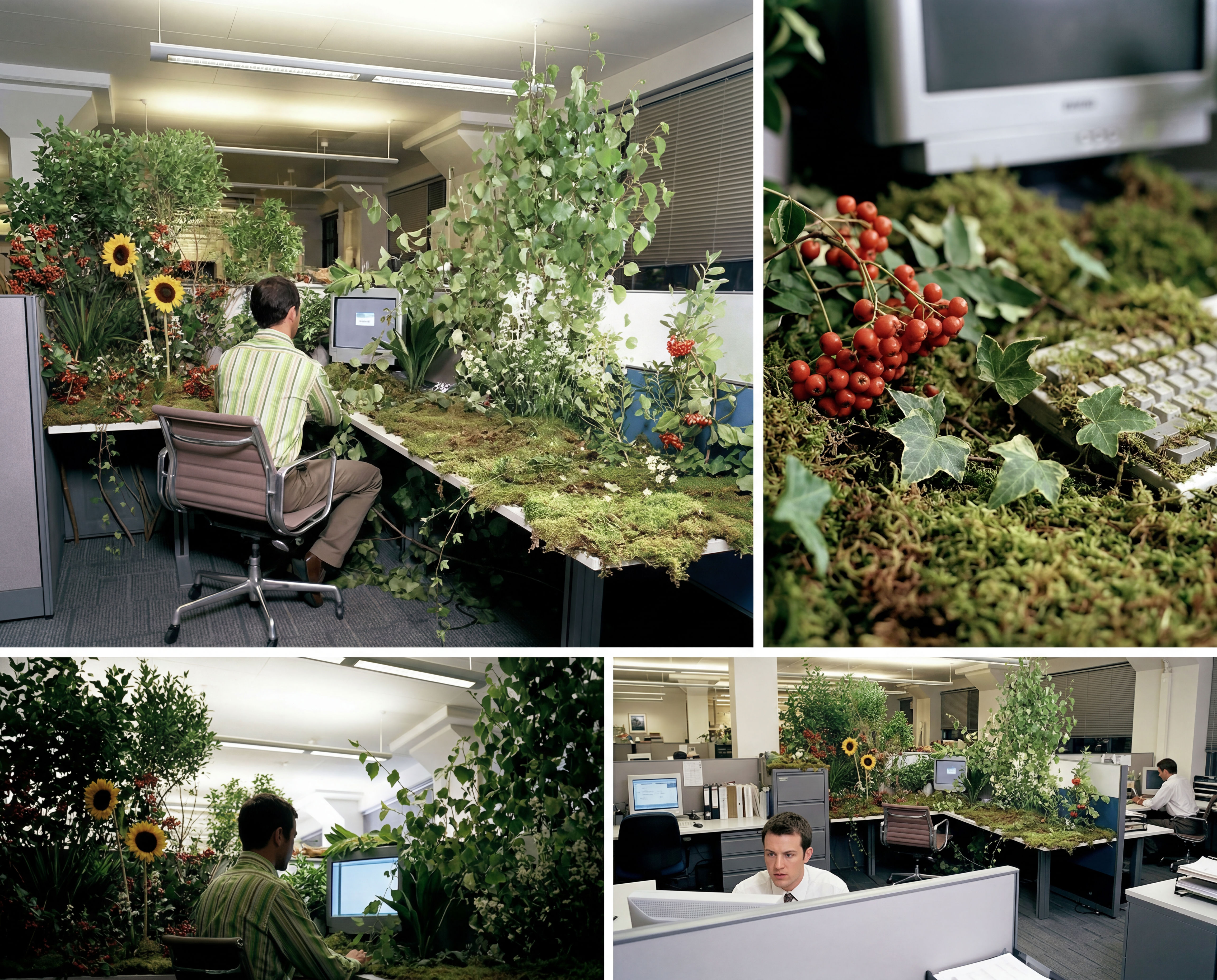 Storyboard MakerInput one image and creates cohesive 9 storyboard shots
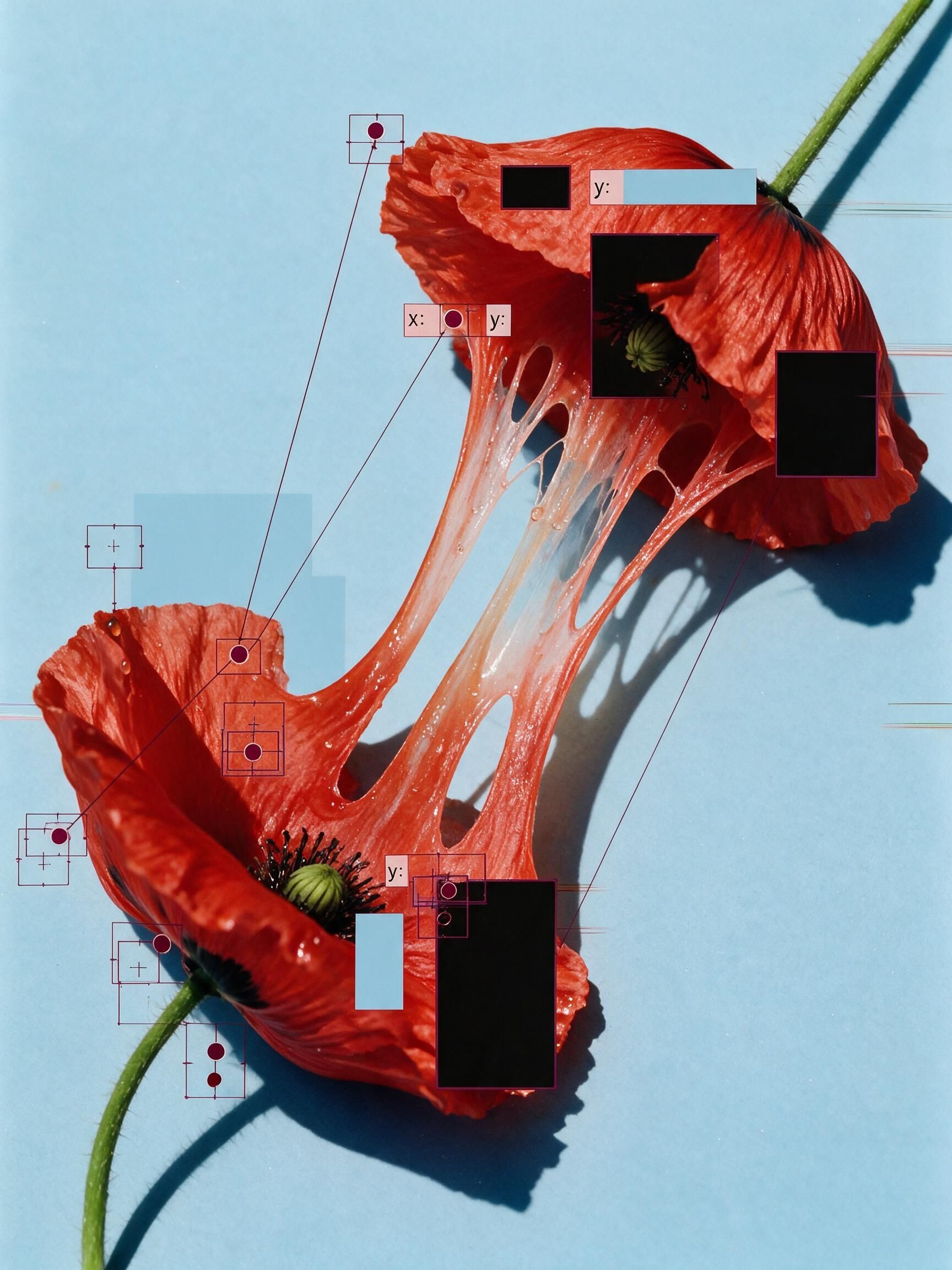 'Pollen CheeseAn editorial still-life of your flower pulled apart, like cheese.
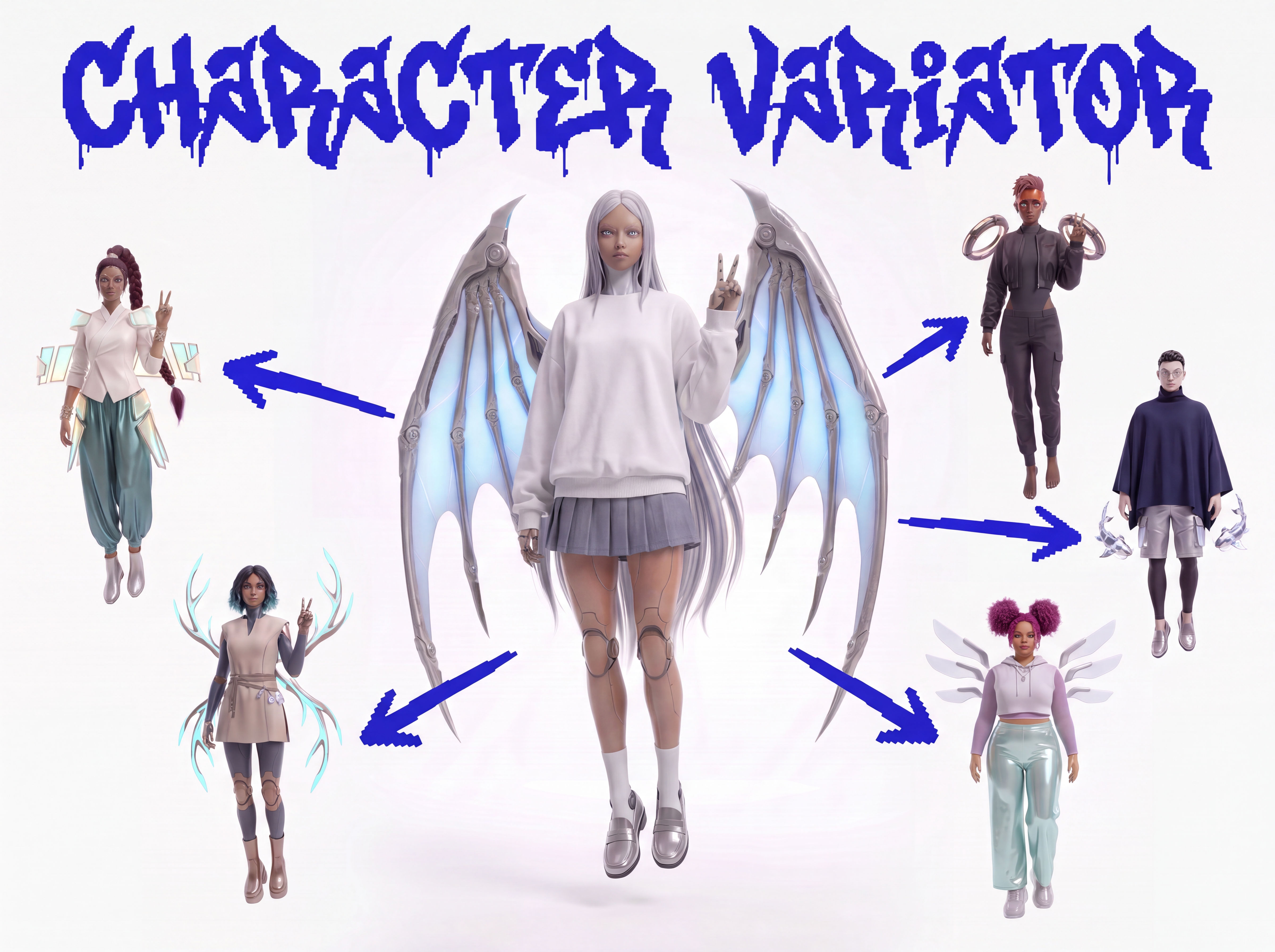 Character VariatorTurn one character into a roster of five.
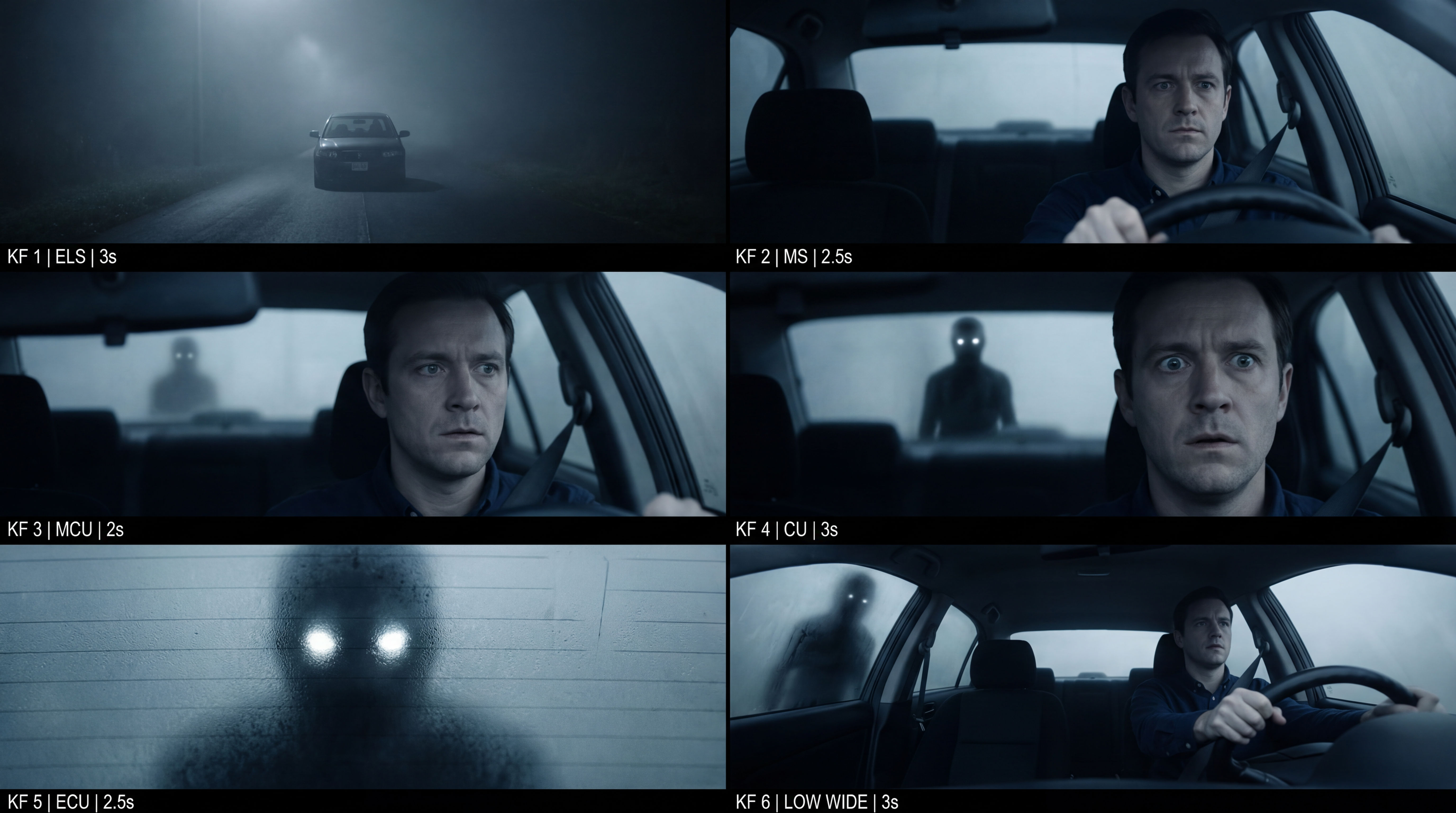 Frame the Mood for CreativesTurn a single reference image and a mood description into a complete set of production-ready visual assets, in one run. You get 7 assets total: 1 full storyboard + 6 individually exported keyframes.
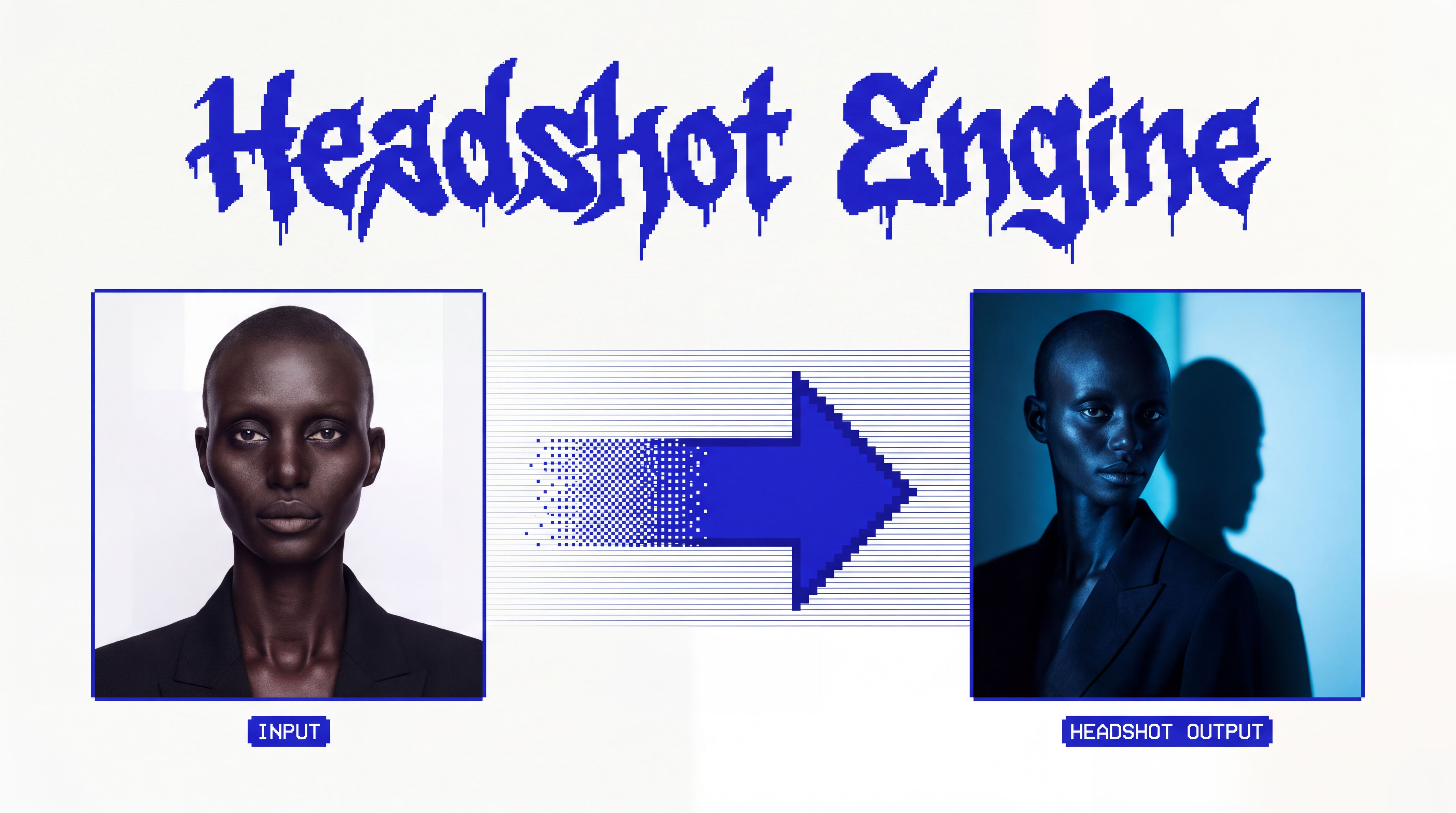 Headshot EngineAny photo of a person, reshot in the style of any headshot you feed it.
 InkCreate ink sketches for storytelling and animation.
Use the Free AI Video Face Swap to Put a New Face Into Your Footage
put one person's face into footage you already shot, then let it move. Useful for: creators, meme-makers, and social teams who want a face swapped into a real clip without After Effects, a VFX artist, or a paid face-swap app — starting from one selfie and one frame grab.

Louis Anderson