Subject
a person holding a product in hand: face visible, styled wardrobe, clean studio lighting


Upload a clip and the Technique returns a frame-accurate 9:16 cut, ready for Reels, TikTok, and Shorts.

Social Media Repurposing
Social teams crop a video shot in landscape into a vertical cut for feed and story placements, without opening a manual timeline editor.

Ad Creative Testing
Performance marketers run a video crop online to reframe one hero cut for vertical ad placements, then test it against the original landscape version.

Creator Workflows
Independent creators reframe long-form footage into vertical clips in the browser, so a single shoot produces cuts for more than one platform.
How to use Techniques?
Discover how to utilize Crop Video for different scenarios.

Add inputs
Upload images, videos, or type in the prompts to get started.

Generate outputs
Next, hit the "Generate" button to start generating your outputs.

Edit and export
Refine your outputs on canvas, or download them directly.
Frequently asked questions
All you need to know about Crop Video
What it means to crop video, and how AI picks the new frame
To crop video is to change the shape of the frame, keeping one part of the picture and discarding everything outside it. Nothing about the timing changes. The clip runs exactly as long as it did before, at the same speed, with every frame still in place. All that changes is how much of each frame you keep, which is how a wide studio shot ends up as a tight vertical portrait without a single cut being touched.
Most footage is still shot horizontally. Most of it now gets watched on a phone held upright. Those two habits have been pulling against each other for years, and cropping is what reconciles them: one scene, framed twice, for two screens that want different things from it. You can try FLORA free and crop a video in your browser, then keep working on the result in the same place rather than exporting it into a separate editor.
Cropping, trimming, and resizing are three different jobs
These three words get swapped around constantly, usually by people who mean quite different things by them.
- Cropping cuts into the frame itself. You keep a region of the picture and lose whatever falls outside it, which costs you resolution, because fewer pixels survive, and changes the composition, because the subject now sits somewhere new inside a different shape.
- Trimming has nothing to do with the frame. It cuts into the timeline, so the picture stays exactly as shot and the clip simply starts later or finishes sooner.
- Resizing scales everything up or down without discarding any of it. The dimensions change, the content does not, and when the new shape fails to match the old one you are usually left with bars filling the difference.
For a vertical feed you want the first of the three. Scale a 16:9 frame down until it fits a 9:16 canvas and you get a thin band of picture stranded in the middle of the screen, with dead space above and below it. A crop fills the screen properly, which is what the format was designed for.
What a vertical frame costs you
Hold the height steady and a 9:16 frame keeps a little under a third of the width of a 16:9 one. That is the part people tend to underestimate. Everything the camera operator put in the outer two thirds of the shot is gone. Two people talking to each other become one person talking. A product on the left of the frame and a model on the right cannot both make it through.
Footage that is destined to go vertical is worth shooting accordingly. Keep the action near the middle, avoid parking anything important at the edges, and leave a little headroom so the crop has somewhere to move. It is also worth remembering what gets stacked on top of a vertical video once it is live. Captions, usernames, follow buttons, and progress bars all occupy the top and bottom strips of the screen, so a subject pushed hard toward either end can end up half hidden behind the interface rather than framed by it.
How AI cropping decides what to keep
The manual version of this job is tedious in a specific way. You drag a box over the frame, and the moment your subject moves, you start keyframing that box to follow them around, over and over, for as long as the clip runs. Anyone who has done it on a two minute talking head knows how quickly the time adds up.
AI cropping comes at the problem from the other direction. Instead of being told which coordinates to keep, the model looks at the picture and works out what the shot is actually about: a face, a product, the one thing moving while everything else holds still. It then keeps that region in view as the clip plays, so the new framing stays steady rather than drifting or snapping between positions. Because the crop is applied identically to every frame, motion and audio land exactly where they did in the source footage.
On FLORA that arrives as a single step. You hand over the clip, a vertical cut comes back, and anything you want to change about the framing happens afterwards on the canvas, where the output sits next to the rest of the work it belongs to.
The many ways people ask for this
The vocabulary around this is all over the place. The same request turns up as:
- "Crop video online"
- "Video crop online"
- "Crop video online free"
- "Crop video free"
Underneath the wording the expectation is consistent. People want the work to happen in a browser tab, without an install, without learning a timeline, and with a file at the end that is ready to post.
Where the cropped clip goes next
Cropping usually sits in the middle of a job rather than at the end of one. The cut that comes back still has to fit into something bigger.
- Quick Reframe solves the same problem for stills, which matters when a campaign runs a film and a set of images side by side and both have to sit in the same feed.
- Storyboard Maker belongs before the shoot, when you are working out which shots can survive the move to a vertical frame at all.
- Video Scene Builder builds the shots around your cut, and Seamless Transition joins them together without a visible seam.
- Auto Translate takes the finished vertical into another market when the same clip has to run in more than one language.
All of it happens on one canvas, so a cropped clip stays attached to the project it came from instead of sitting in a folder somewhere waiting to be found again. For the wider view, there is the FLORA AI video generator and the roundup of the best AI video generators.
Related techniques
 Color Palette ExtractionExtract color palettes from any image
 Image UpscalerUpscale any image to a higher resolution in one click.
 Layout ResizerResize layouts for any aspect ratio
 Prompt ExtractorReverse-engineers any image into a prompt
 3 Angle ShootFront shot in, 45, 90, and 180 angle back
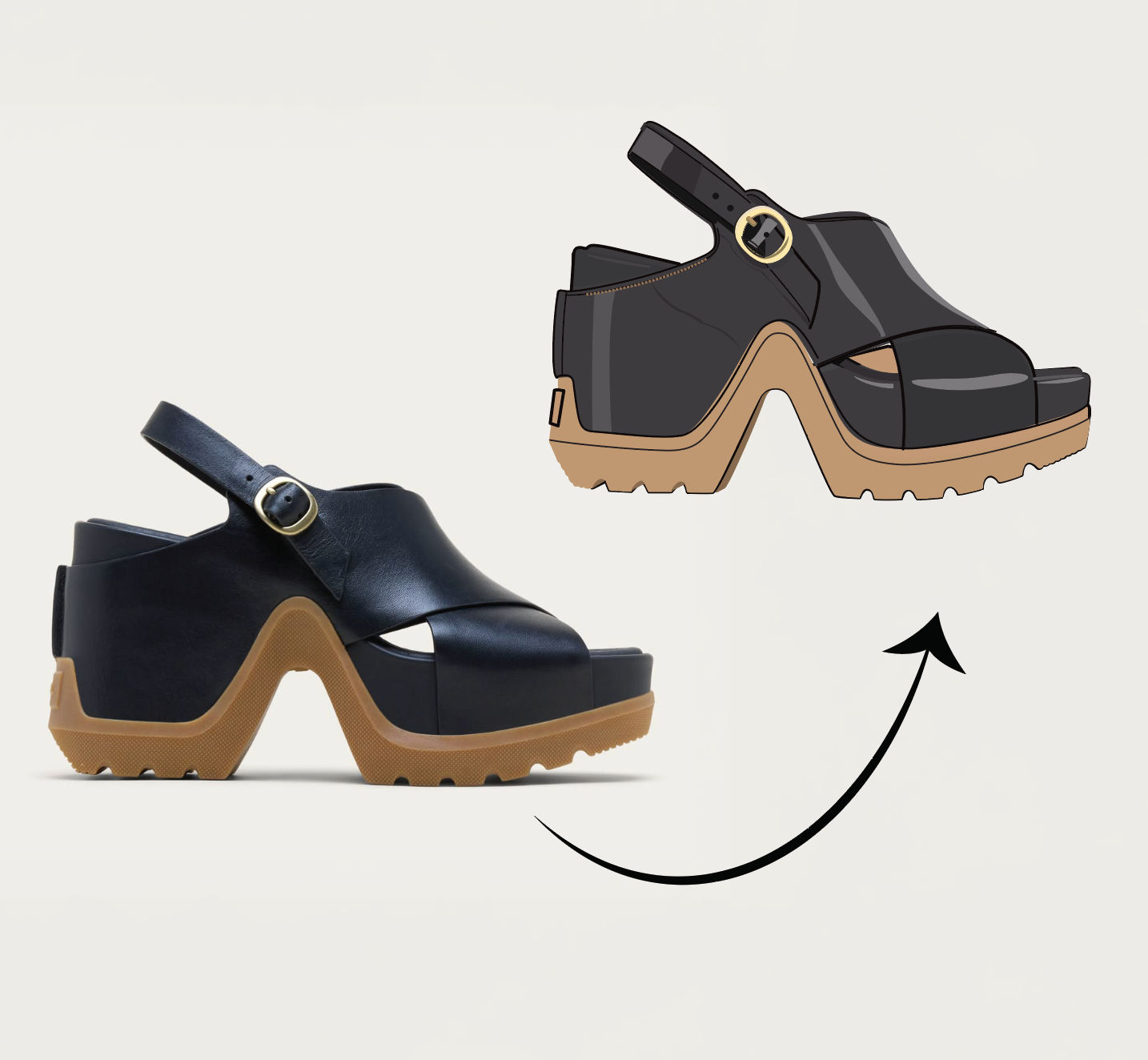 Anything to VectorTurn any image into a SVG vector illustration.
Crop Video Footage to a Vertical Frame in One Click
crop a clip to a new aspect ratio: a real, frame-accurate 9:16 vertical cut for Reels/TikTok/Shorts. Useful for: social editors who shot horizontal and need a vertical (or square) version of the same footage — a hard center crop, a safe blurred-bar version, or an AI reframe that rebuilds the frame instead of trimming the subject off.

Louis Anderson