
Text to Image AI for creative professionals and teams
Transform written briefs into photorealistic, on-brand visuals on an intelligent canvas — every text-to-image model, orchestrated and visible.


Saguaro cactus by a reflective desert lake at sunset with rolling hills and a small adobe building in the distance.


Trusted by the world’s top creatives


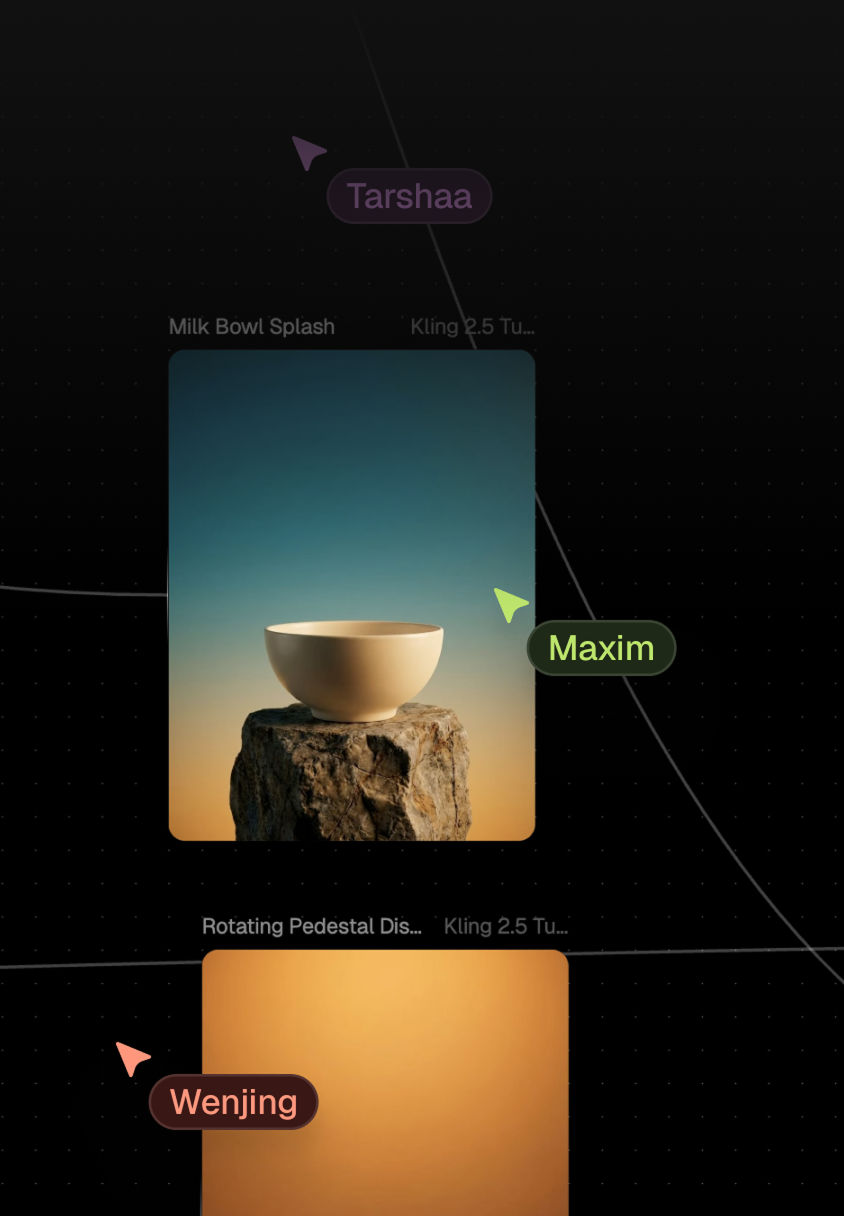
Workspaces built for multiplayer editing with shared brand components, inline feedback, and visible decision history
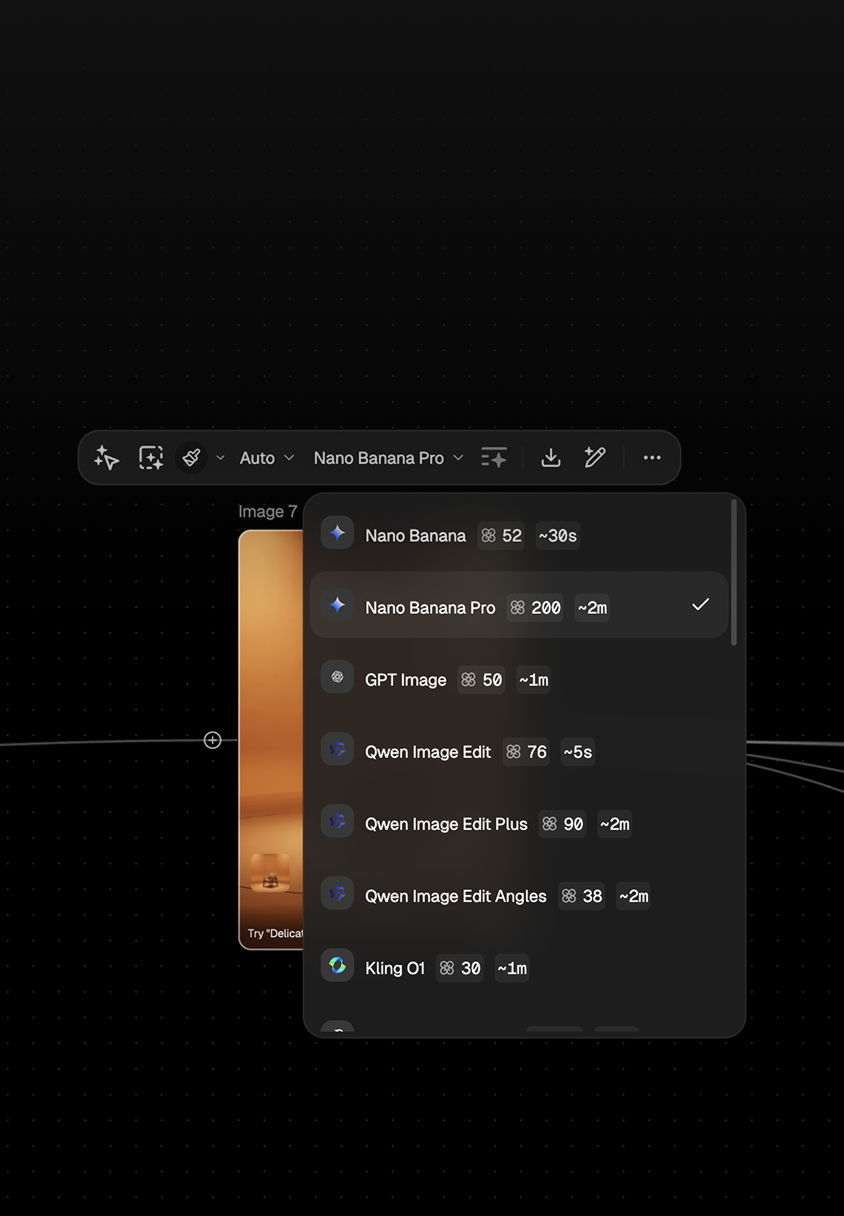
One subscription. 50+ models including Flux, Seedream, and Gemini. Run them in parallel without juggling licenses
Text to Image AI capabilities that deliver brand-perfect visuals

Photorealistic image creation from written briefs
Convert text prompts into client-ready visuals for ads, packaging, and previsualization without guesswork. FLORA chains composition and refinement models to deliver high-fidelity results with the control and consistency production demands.

Parallel multi-model execution for rapid comparison
Run multiple Text to Image AI models — including Flux, Nano Banana, Seedream, and Gemini — simultaneously on a single canvas. Compare composition, color, and fidelity side by side to identify the strongest direction without serial rendering delays.

Node-based workflows for visible, repeatable pipelines
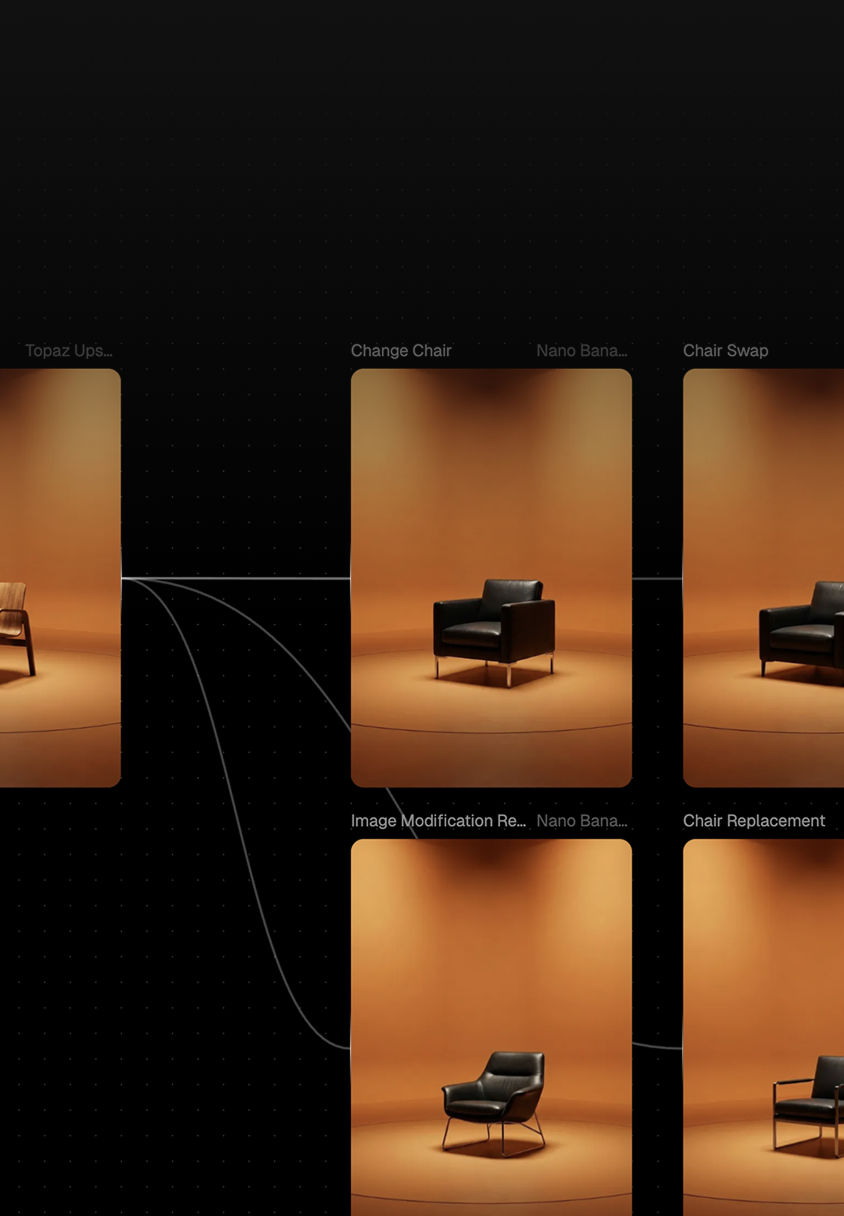
Turn text-to-image pipelines into visual systems using Blocks. See how prompts, models, and refinements connect — making workflows easy to debug, repeat, and hand off to other team members.
Model access control, commercial rights, and governance
Deploy with clear commercial usage terms and workspace-level model permissions. Give legal, security, and brand stakeholders confidence as you scale Text to Image AI across teams and external partners.

Reusable brand components for consistent output
Save color profiles, lighting setups, character templates, and type treatments as shared organizational assets. These components preserve brand voice and ensure Text to Image AI outputs stay coherent regardless of who generates them.
How FLORA turns text prompts into production-ready visualsHow FLORA turns prompts into production‑ready images
01Step One
Start With a Workflow Template
Select a pre-built template tuned for advertising, packaging, or film previsualization. Templates seed the canvas with proven Blocks so teams generate usable visuals before mastering every feature.
02Step Two
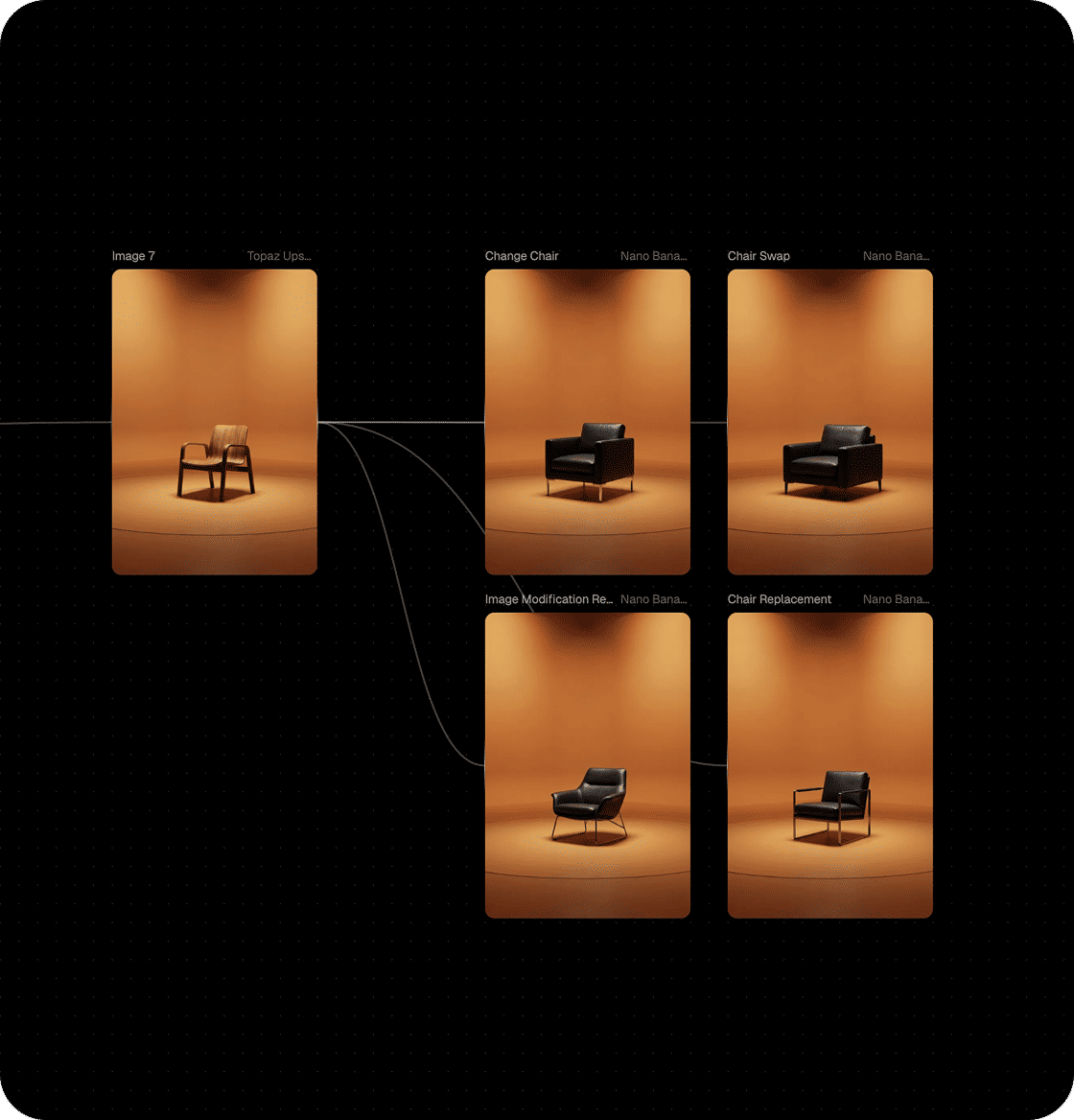
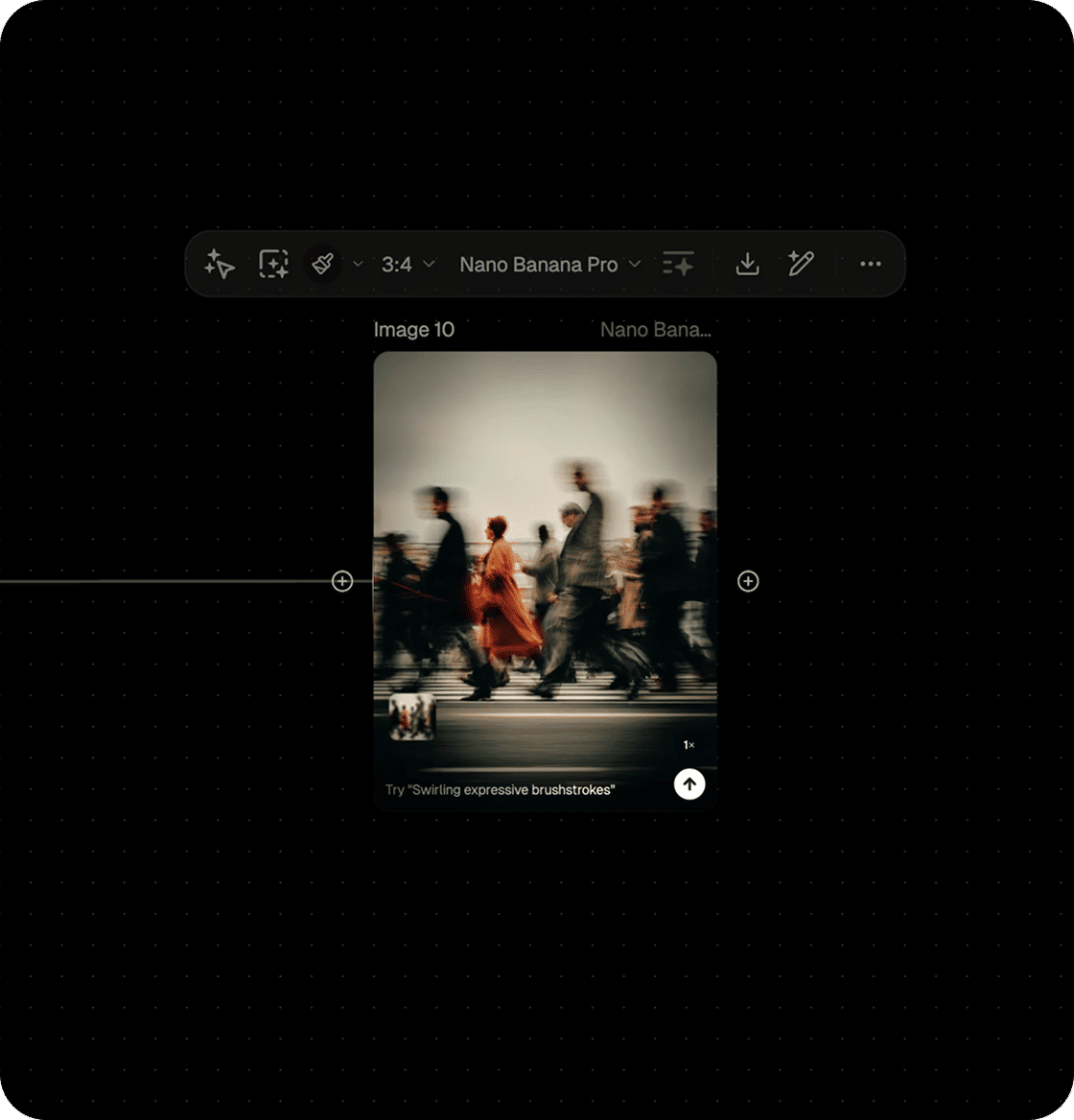
Compose With Blocks & Models
Link prompts to composition, refinement, and style models in a single Text to Image AI pipeline. Adjust framing, lighting, and mood without serial prompting or switching between disconnected tools.
03Step Three
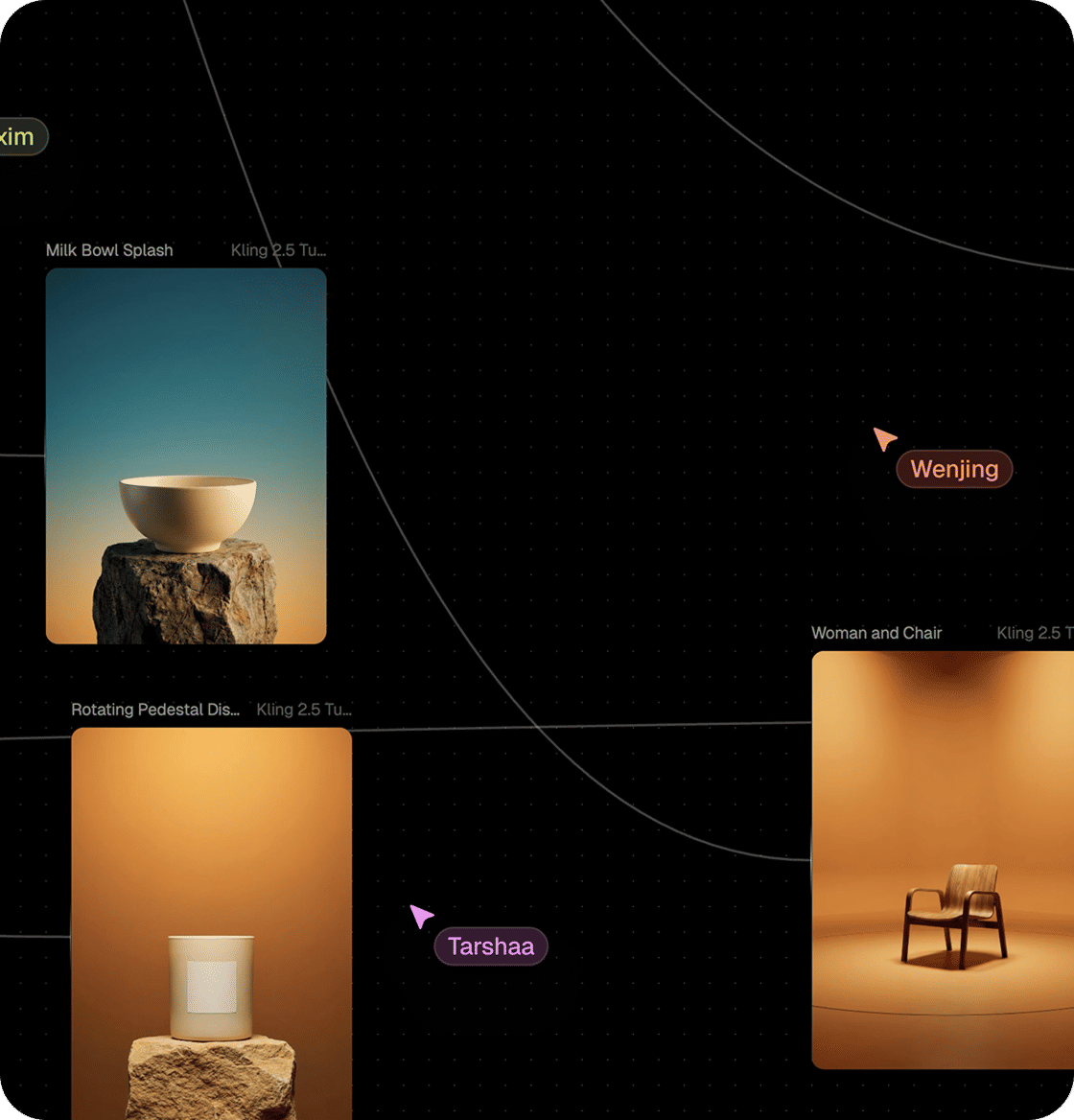
Collaborate in Real Time
Work together in Workspaces, leave feedback directly on workflows, and maintain a visible history of creative decisions — multiplayer editing built into every canvas.
04Step Four
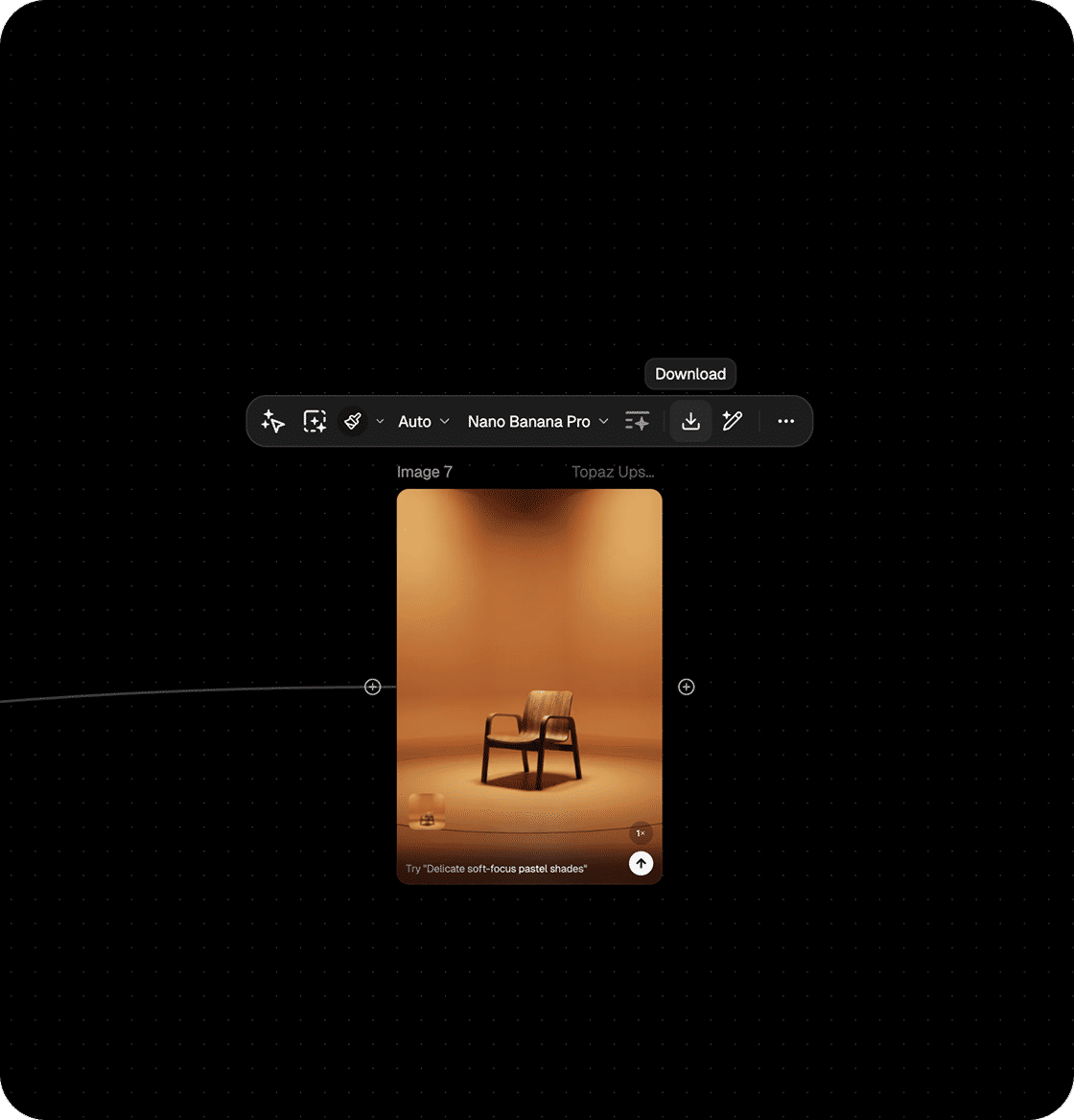
Export Production Assets
Export standard files that slot into existing design suites, editing tools, and review systems. Maintain craft in your established stack while FLORA handles generation and orchestration.
Generative workflows that scale
High-Volume Ad Concepts
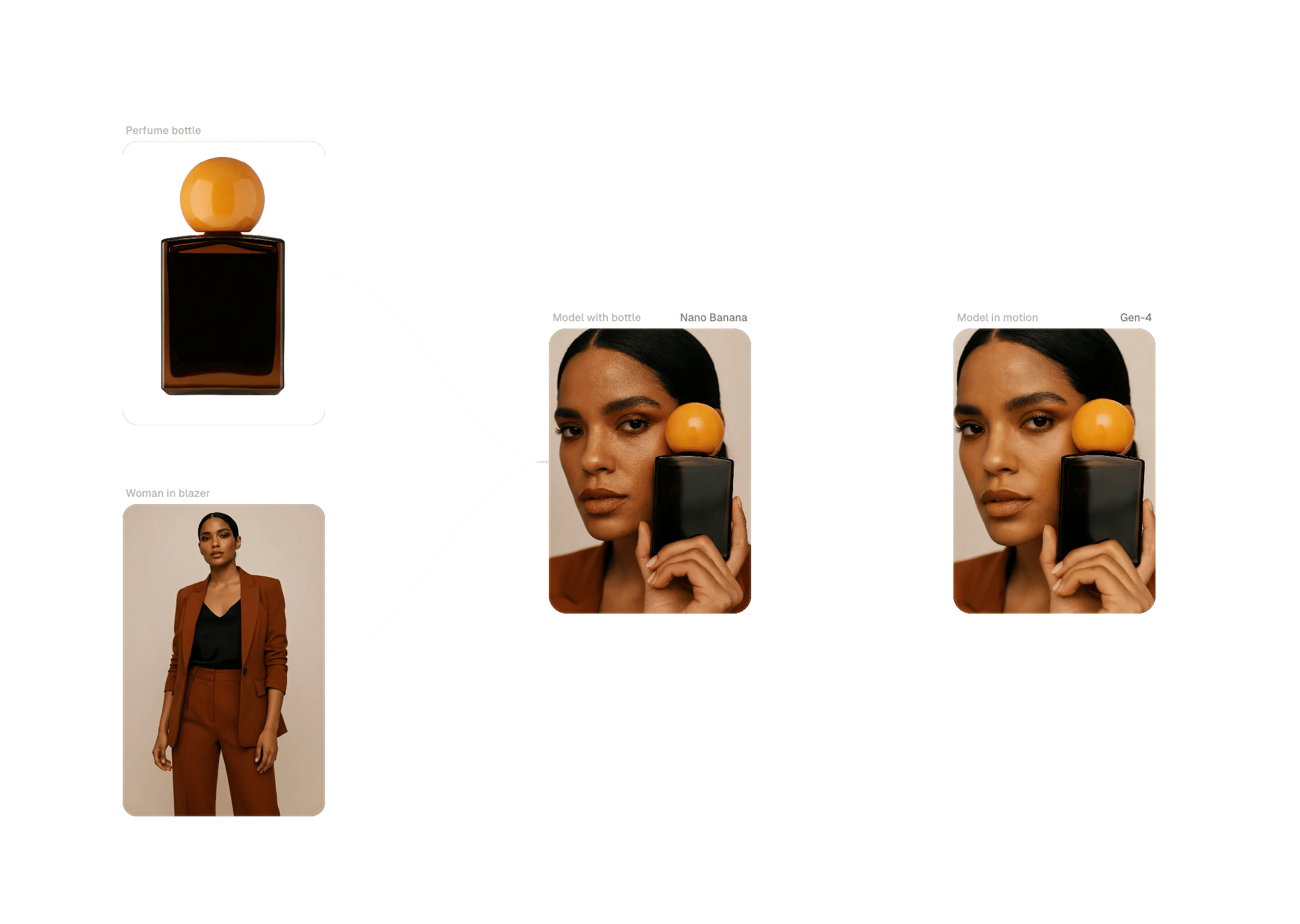
Generate many ad concepts per brief by running copy and style variations in parallel. Transform a single idea into a board of options — test more creatives while spending less time on manual iterations.
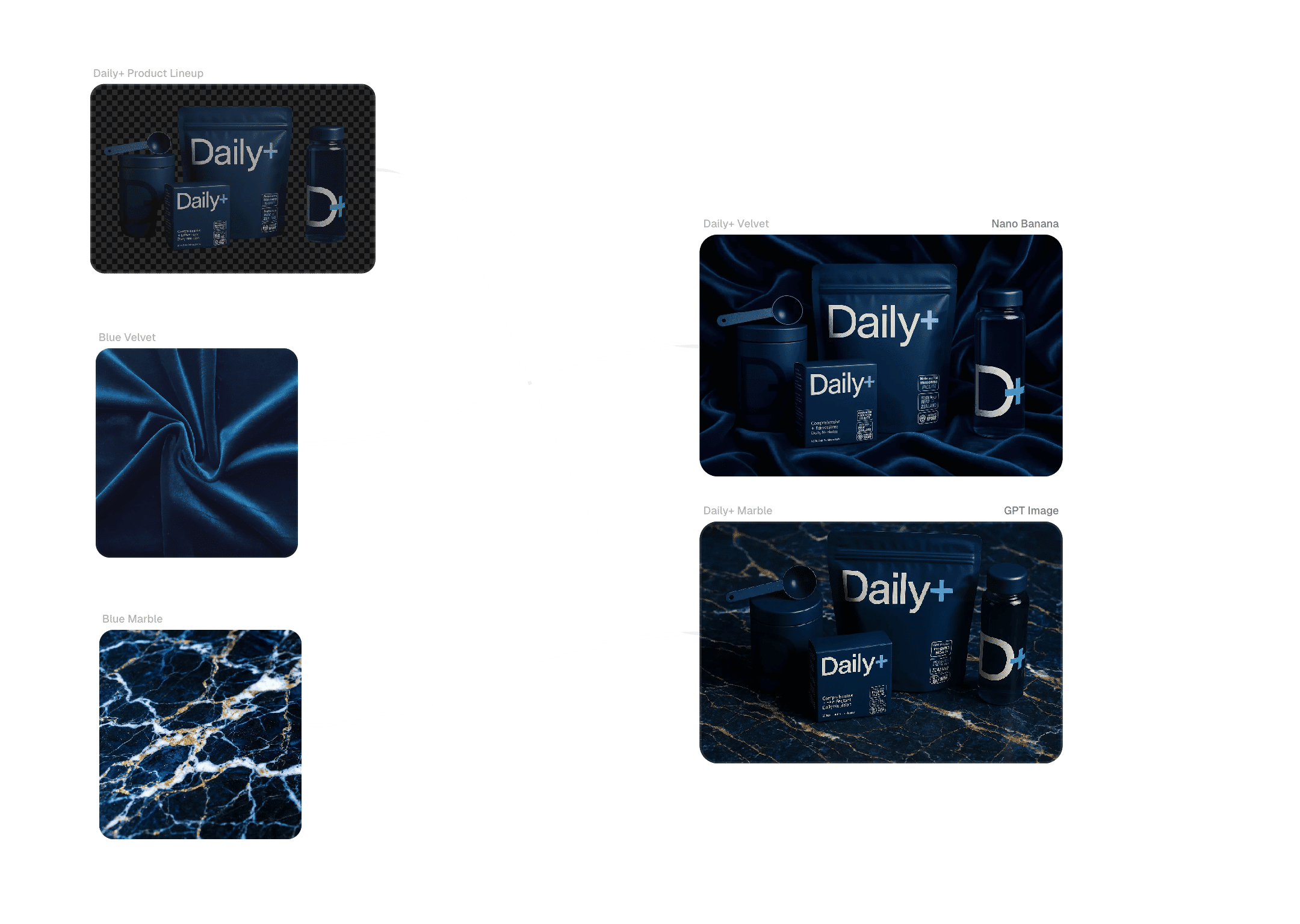
Product Photography & Pack Comps
Explore angles, backgrounds, and treatments for products and packaging using reusable Text to Image AI setups. Reduce studio time and enable rapid visual refreshes while maintaining brand consistency across SKUs.
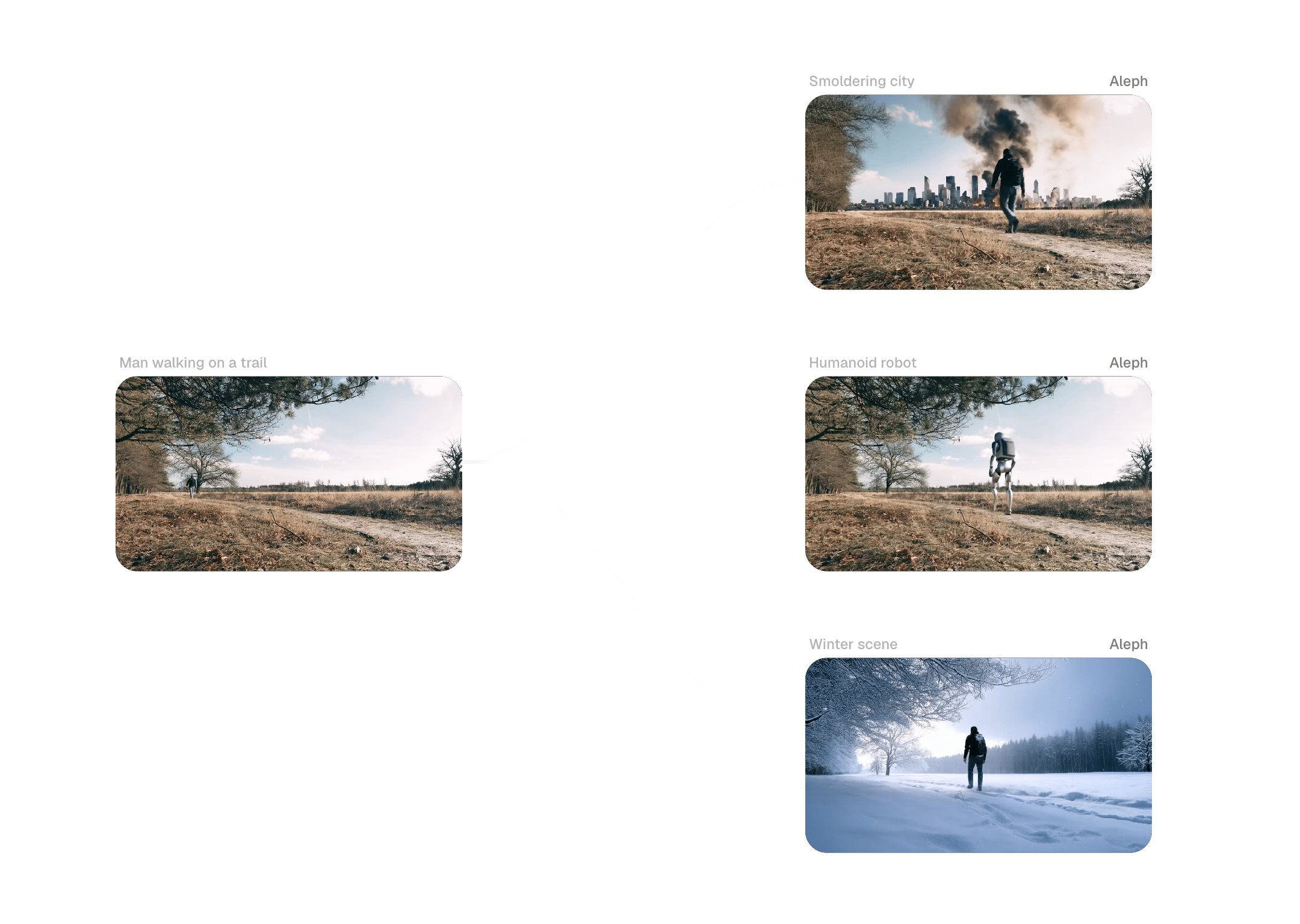
Character & Narrative Art for Film
Maintain character consistency across frames and sequences by encoding attributes and references in workflows. Move from sketches to narrative previsualization with fewer rounds and clearer approvals from directors and clients.
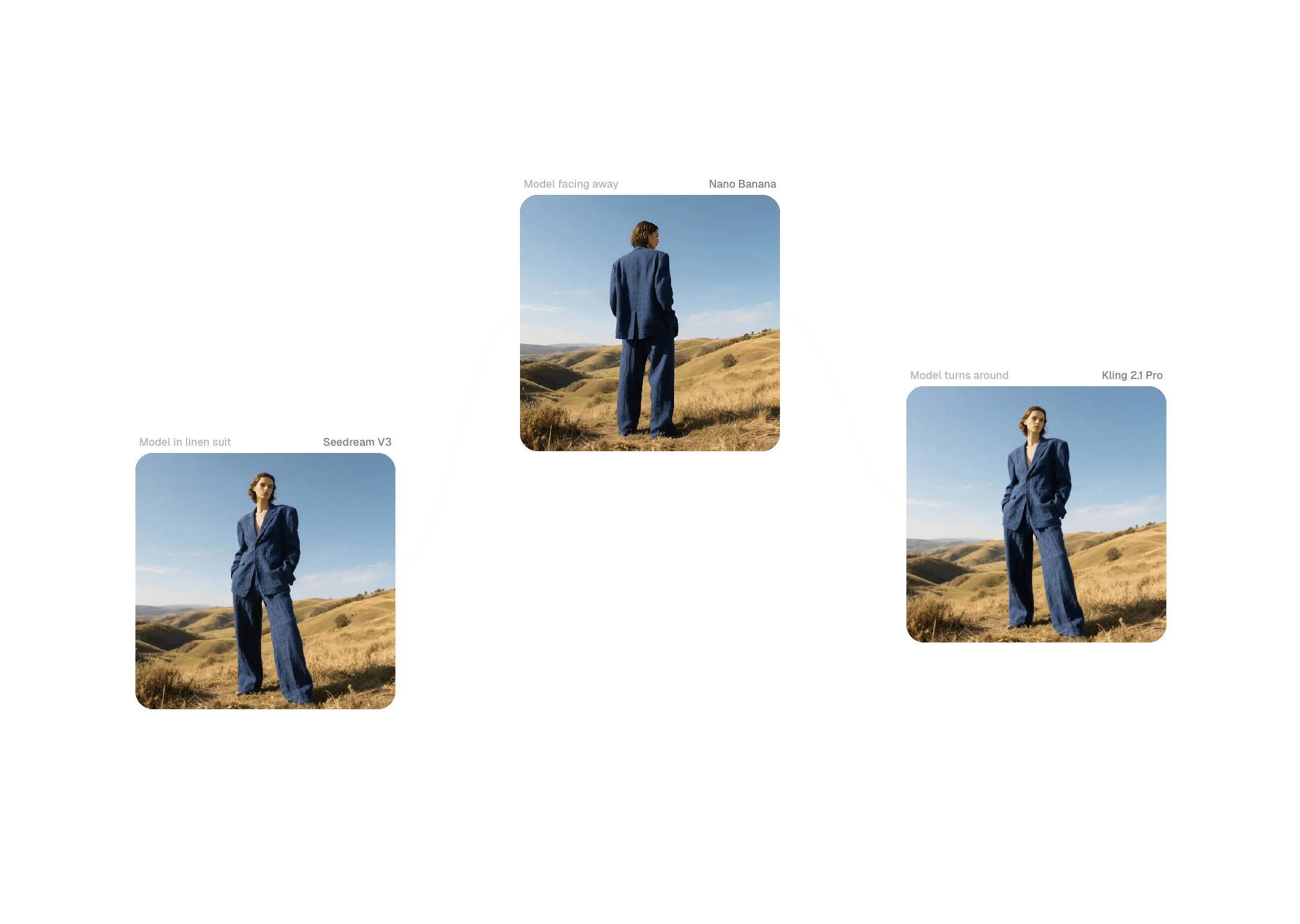
Campaign Systems for Agencies
Build single Text to Image AI systems that generate campaign variants across markets, channels, and formats. Systemized workflows produce predictable quality and shorter review cycles with clients across regions.
Enterprise controls and commercial safeguards for Text to Image AI at scale
Commercial Rights & Data Policy
FLORA provides enterprise-grade licensing and explicit terms protecting intellectual property. User data is not used to train AI systems, and third-party providers are prohibited from training on it — a critical assurance for brand and agency adoption.
Admin Controls & Analytics
Manage seats, pooled credits, and role-based permissions from a central console. Gain visibility into where Text to Image AI drives value and allocate capacity to priority briefs with predictable spend.
Services-Backed Adoption
Expert-led workshops and tailored workflow design accelerate adoption. Teams complete pilots with live Text to Image AI workflows mapped to real briefs — not just stacks of experimental images.
Security & Compliance
Enterprise-grade security with SSO options, workspace-level permissions, and SOC-aligned practices. Text to Image AI outputs slot into regulated or studio pipelines with confidence.

Templates, community gallery, and model orchestration

Workflow Templates
Access pre-built Text to Image AI templates tuned for advertising, packaging, and film previsualization — then customize Blocks to match your brand rules and creative standards.

Community Gallery & Remixing
Browse workflows from other creatives and remix them for your briefs. Contributor notes help you understand pipeline structures and reduce ramp time for new projects and team onboarding.
Plug-in Models & Integrations
Combine new models and connect asset systems on the same canvas to reduce context switching and keep brand assets protected across projects.

Education & Resources
Workshops, playbooks, and how-to guides translate Text to Image AI into production outcomes. Live sessions spotlight new templates and model updates for continuous learning.

Roadmap & Model Updates
Preview what's shipping next and how new models fit your workflow so teams can plan pilots and production schedules with confidence.
FAQs
Frequently asked questions about our Text to Image AI
Is FLORA's Text to Image AI built for individuals or teams?
Both. FLORA supports individual creative professionals and scales to teams with Workspaces, shared brand components, and administrative controls.
What makes FLORA's Text to Image AI suited to agencies and brands?
FLORA structures text-to-image as a visible workflow — not a black-box prompt interface. The node-based canvas runs models in parallel, compares outputs side by side, and locks brand parameters so teams turn prompts into repeatable, on-brand production.
Can I generate photorealistic, client-ready visuals from text prompts?
Yes. Chaining composition and refinement models produces high-fidelity imagery intended for advertising, packaging, and commercial use — with a higher hit rate on first-round production candidates.
How does FLORA handle commercial rights and data protection?
We provide clear commercial usage terms and do not train models on customer content. Third-party providers are also prohibited from training on user data — policies designed to reduce IP risk and accelerate procurement approvals.
Can teams collaborate in real time while creating visuals?
Yes. FLORA is multiplayer by design — edit together, leave feedback directly on workflows, and track decisions with full version history.
Which Text to Image AI models are available?
FLORA supports 50+ models including Flux, Nano Banana, Seedream, and Gemini. Run them in parallel on a single canvas to compare outputs and select the strongest direction for production.
How do reusable brand components work?
Save color profiles, lighting setups, character templates, and type treatments as shared assets. These components ensure Text to Image AI outputs stay on-brand regardless of who generates them or which brief they're working on.
How do we get started with a trial or pilot?
Create a free account to test templates and generate sample visuals. For enterprise pilots, book a workshop to design a tailored workflow mapped to real briefs.
Still have questions?
Ready to turn prompts into production-ready images?
Get started with FLORA’s Text to Image AI in minutes, or book a workflow session to map your team’s path from exploration to repeatable production.