
AI Video Editor for creative professionals and teams
Edit, iterate, and deliver cinematic video on an intelligent, multiplayer canvas — every AI model, orchestrated for faster production.
Saguaro cactus by a reflective desert lake at sunset with rolling hills and a small adobe building in the distance.
Trusted by the world’s top creatives


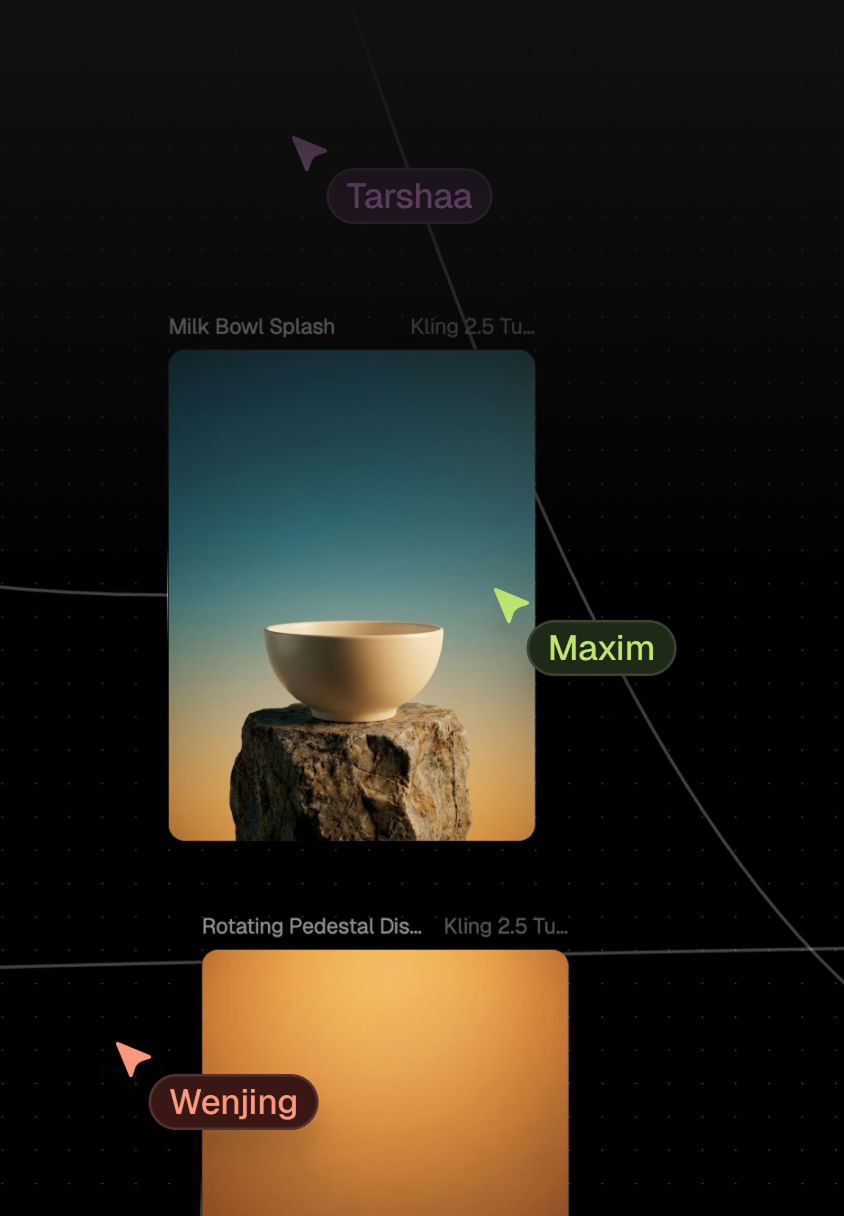
Real-time multiplayer editing with shared assets, inline feedback, and visible version history on every canvas
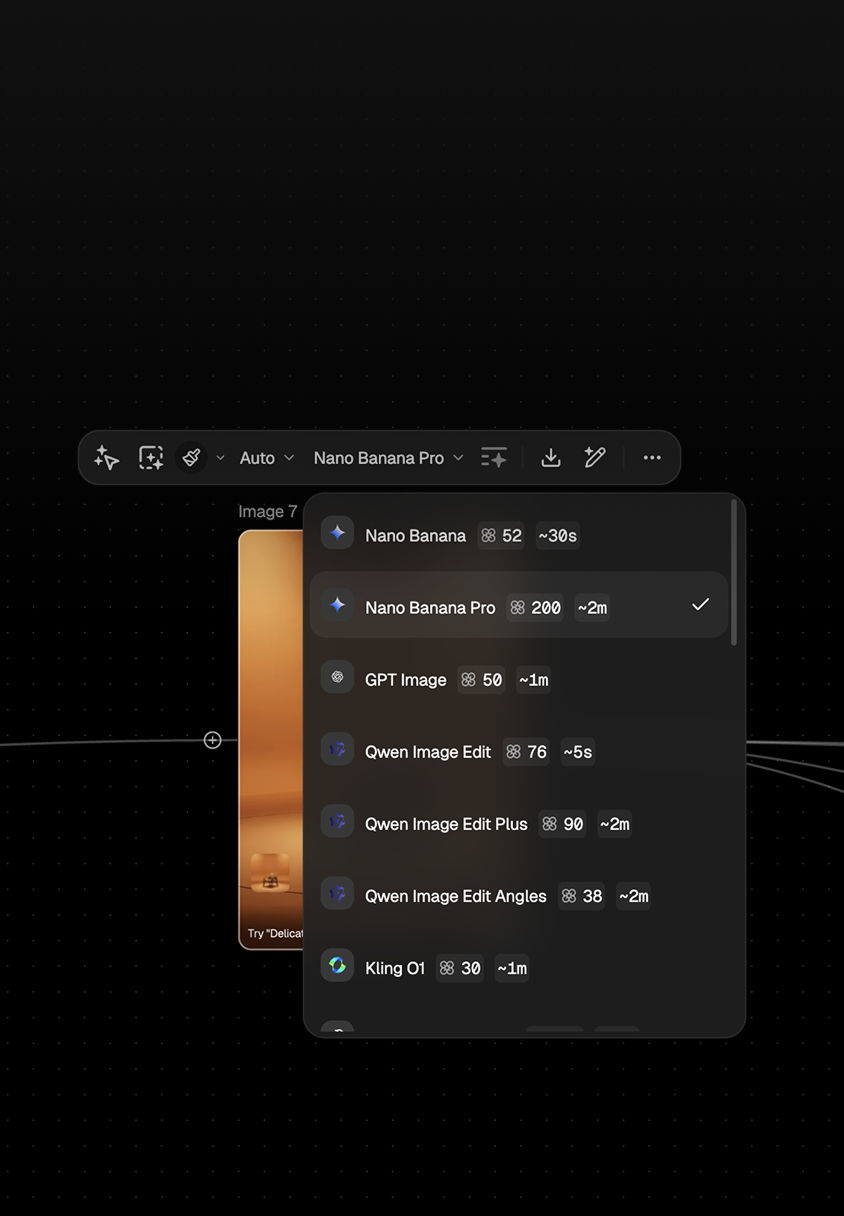
One subscription. 50+ models. Run parallel edit passes without juggling licenses or switching tools
AI Video Editor capabilities that deliver production-ready cuts
Cinematic video production with precise node controls
High-fidelity motion and refinement models generate cinematic studies and photoreal frames while node-based controls keep pacing, framing, and looks under your direction. Achieve production-ready video that matches creative intent without endless manual tweaks.
Parallel edit passes for rapid iteration
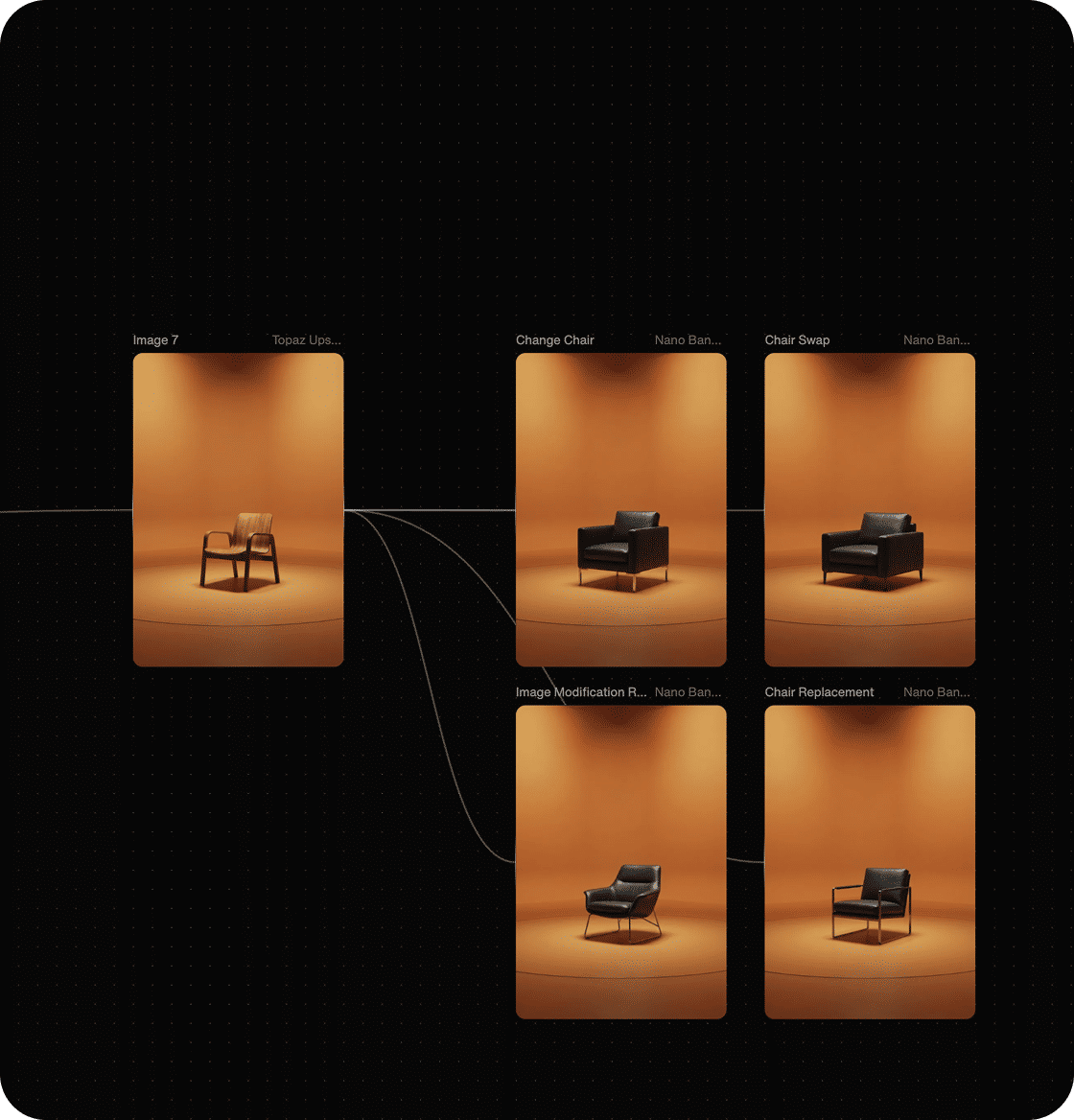
Run multiple edit variations simultaneously and compare results side by side on the canvas. Surface better options early and select a direction without waiting on serial render cycles — transforming iteration from tedious rework into creative exploration.
Node-based workflows for repeatable craft
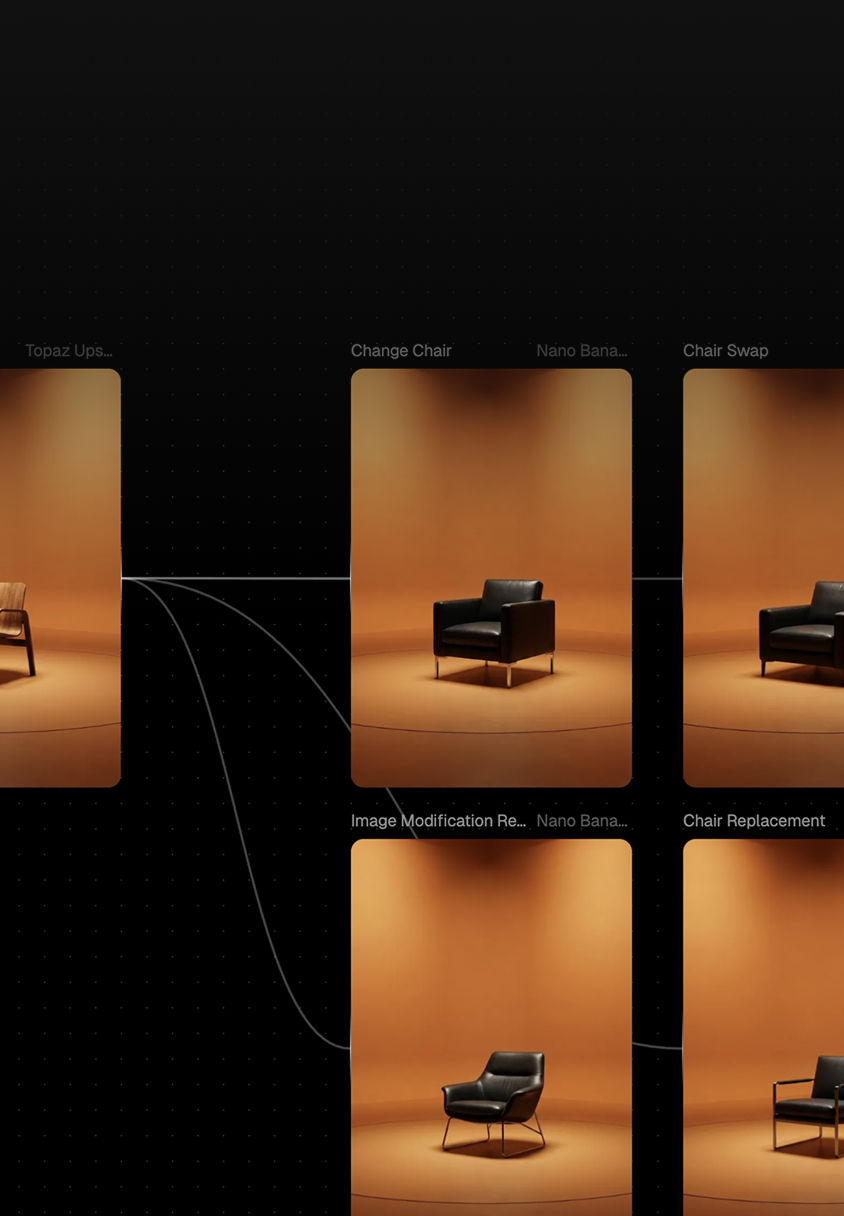
Visual pipelines display every step of the edit, not just the final export. Blocks and nodes connect generation, refinement, and motion steps — enabling teams to reproduce a look, hand off a workflow, or adapt it to the next brief with confidence.
Model access control, commercial rights, and governance
Deploy with clear commercial usage terms and workspace-level model permissions. Give legal, security, and brand stakeholders confidence as you scale the AI Video Editor across teams and external partners.
End-to-end coverage from concept to delivery
Span moodboards, animatics, edit passes, and export from one environment. Real-time collaboration and export-ready pipelines turn early ideas into deliverables that integrate seamlessly into existing post-production workflows.
How FLORA compresses editing from days to hoursHow FLORA turns prompts into production‑ready images
01Step One
Start With a Workflow Template
Select an industry template for ads, social content, trailers, or product video. Templates encode best practices and provide non-technical users a fast path to on-brand edits while experts fine-tune parameters for precise control.
02Step Two
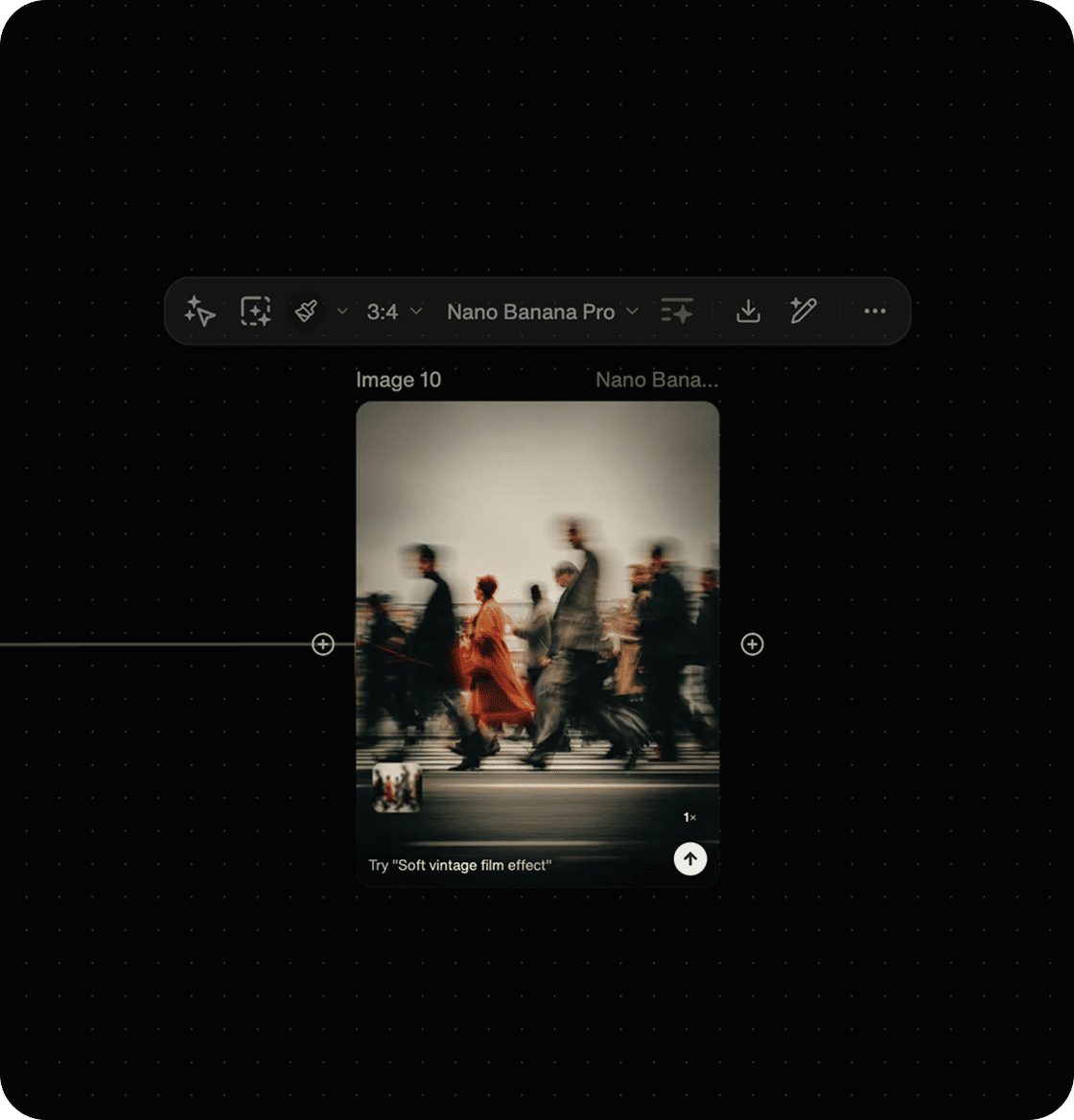
Compose With Blocks & Models
Link generation, refinement, and motion models in a single AI Video Editor pipeline. Adjust pacing, framing, and looks without serial rendering or switching between disconnected tools.
03Step Three
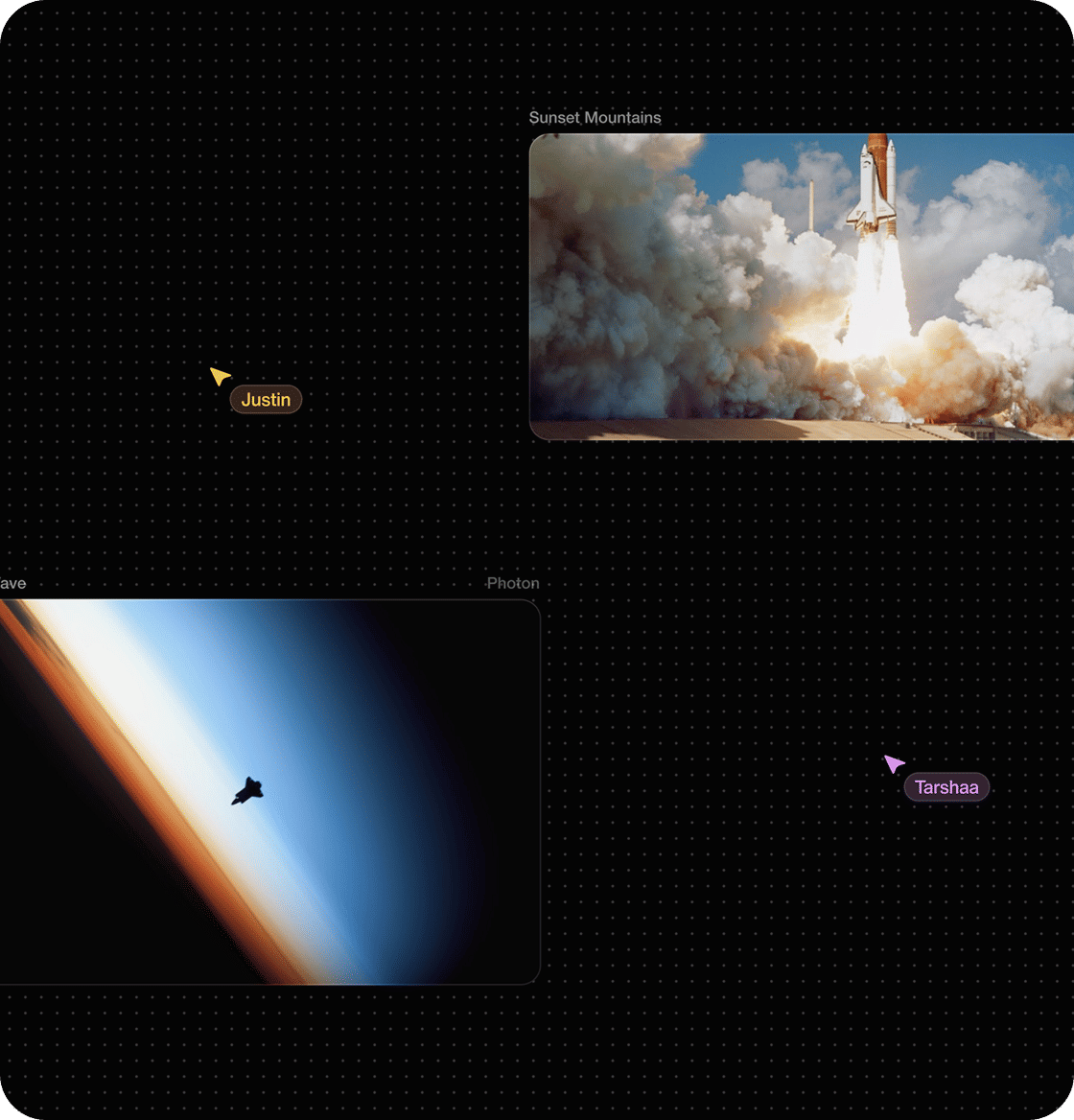
Edit Together in Real Time
Work simultaneously in Workspaces with live previews and shared nodes. Comments and visual version history capture decisions on the canvas — replacing long email threads and ensuring handoffs never lose context.
04Step Four
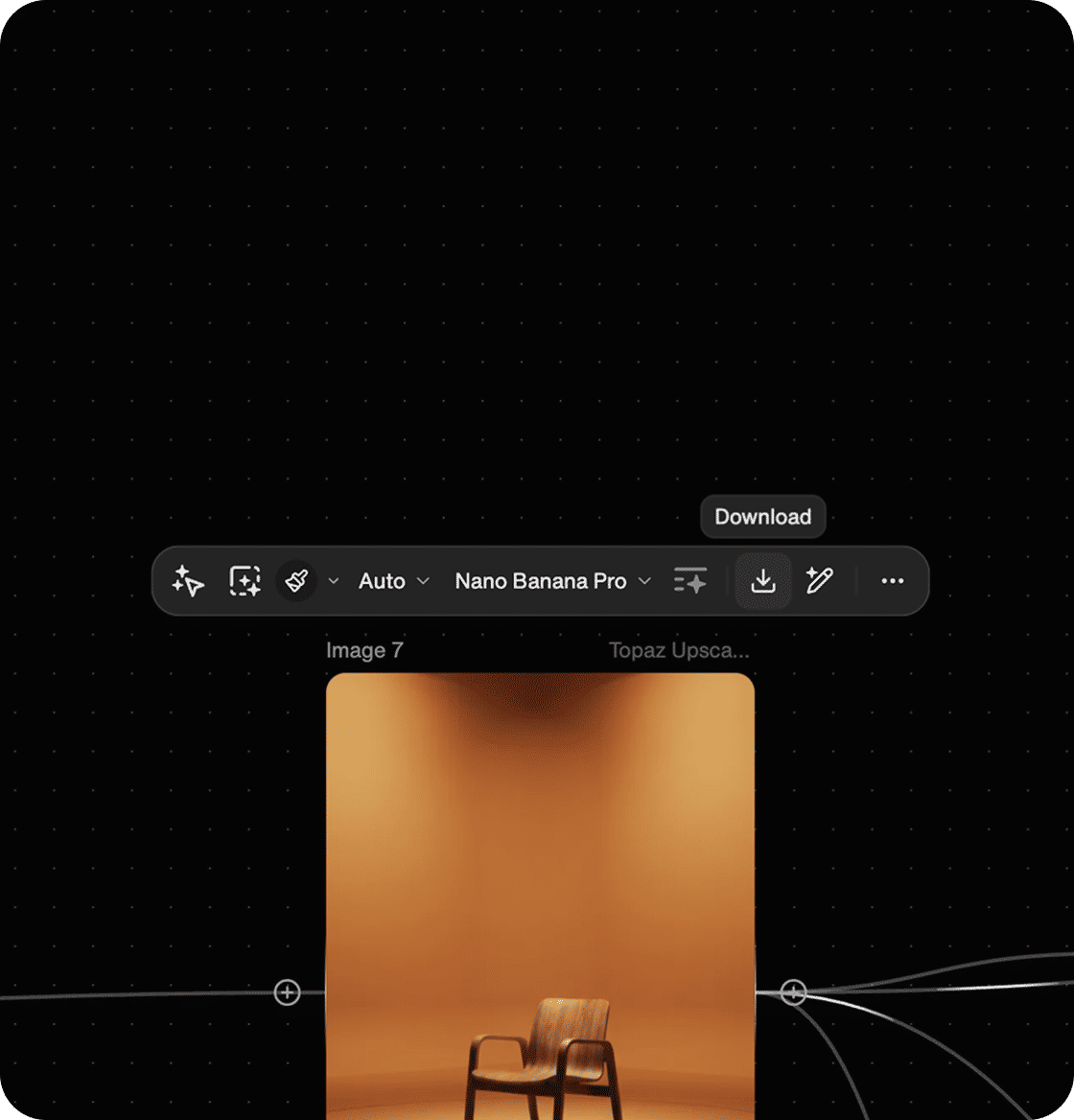
Export Production Assets
Export production-ready files that integrate seamlessly into existing post-production workflows. Maintain craft in your established stack while FLORA handles orchestration and iteration.
Generative workflows that scale
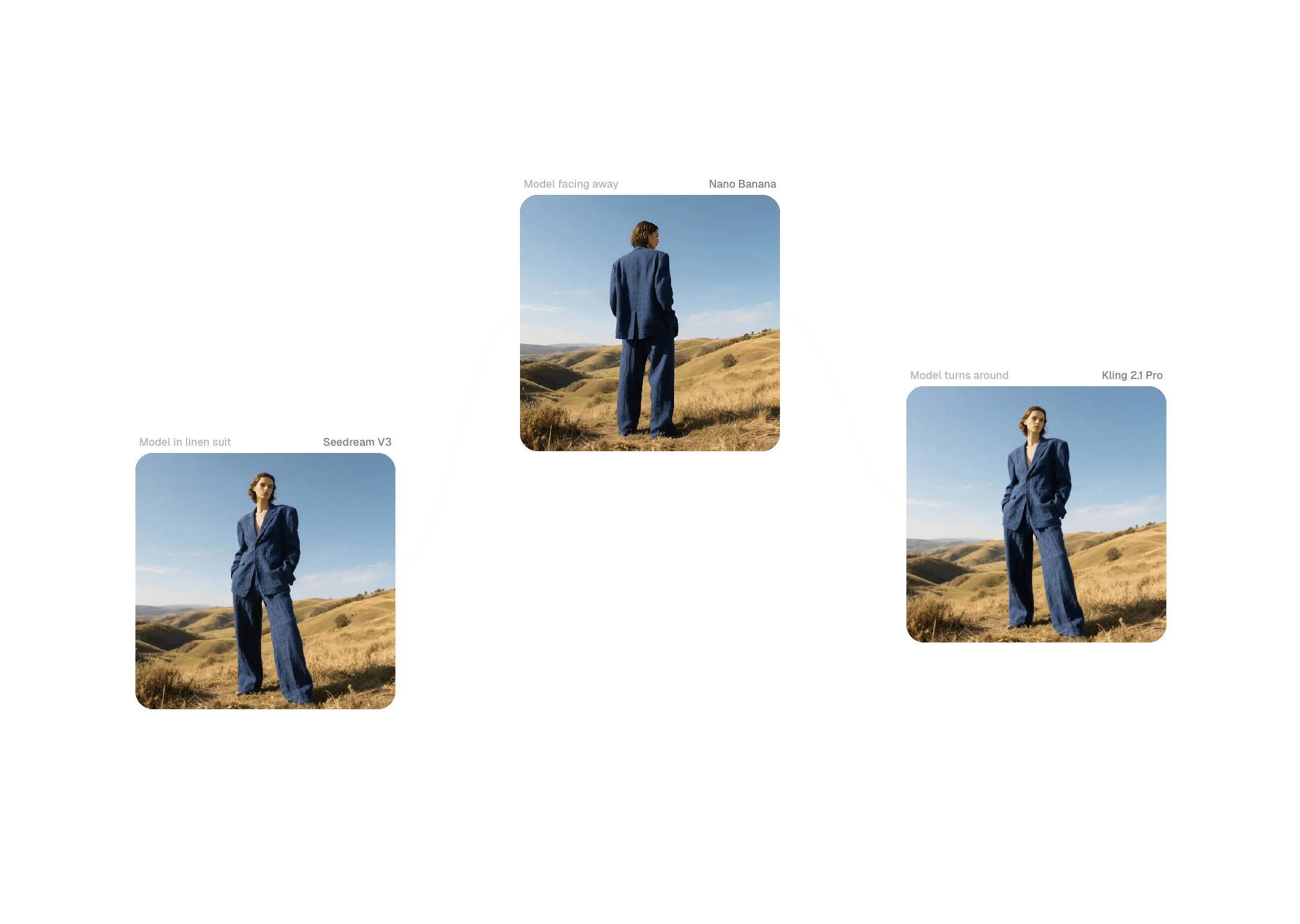
High-Converting Ads & Hero Creative
Produce more polished ad variations in less time, enabling faster creative testing. Compress concepting and build reusable systems for hero videos and social cutdowns that maintain brand consistency across campaigns.
Film & VFX Previsualization
Generate motion studies and photoreal frames that inform shoots, storyboards, and VFX breakdowns. Transform ideas into tangible previs so production teams arrive on set with fewer unknowns and avoid costly mid-production changes.
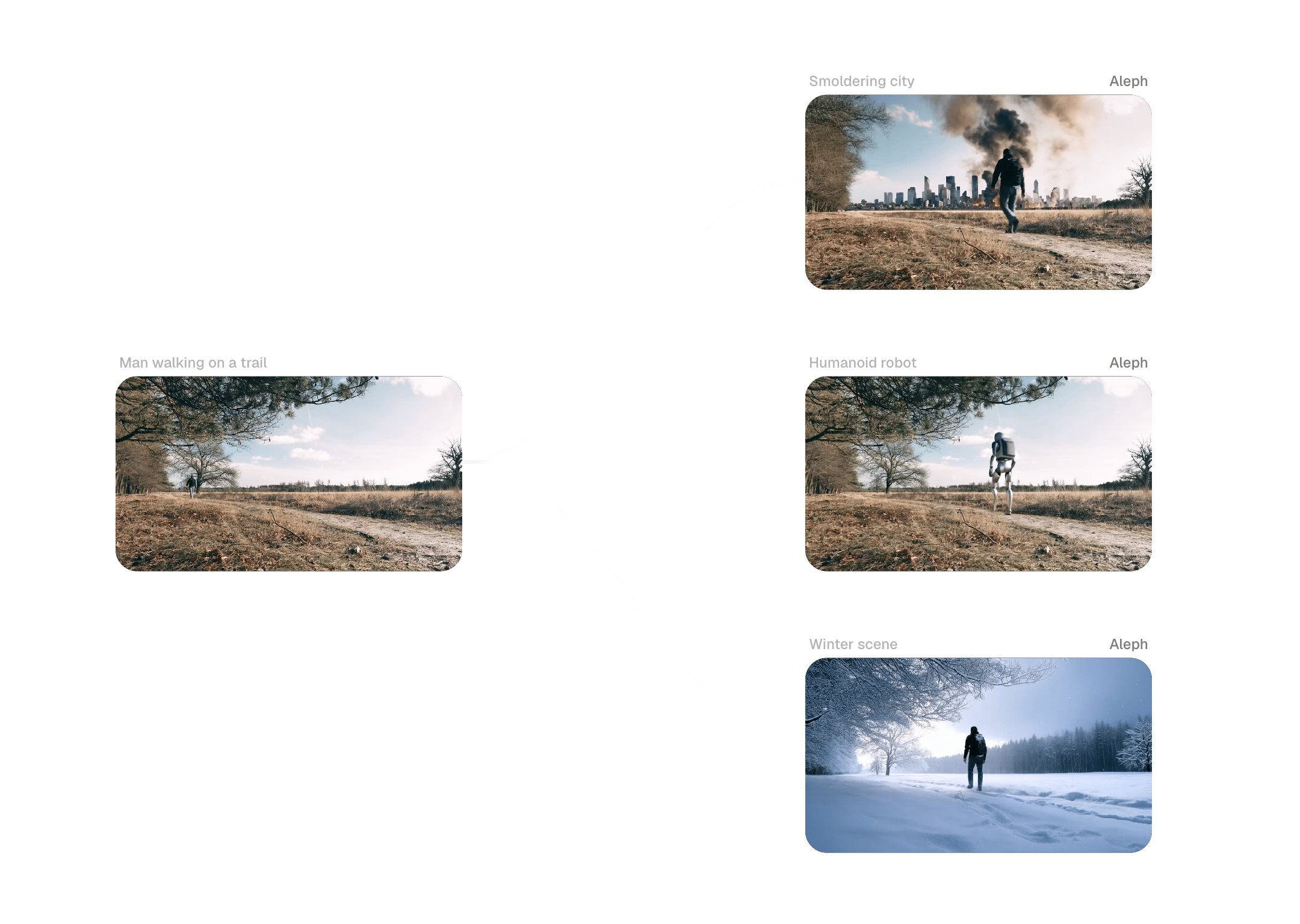
Social-First Content & Repurposing
Auto-reframe and iterate formats in parallel, generating multiple aspect ratios and edits with minimal manual effort. Publish higher volume with consistent creative across platforms — without rebuilding every cut from scratch.
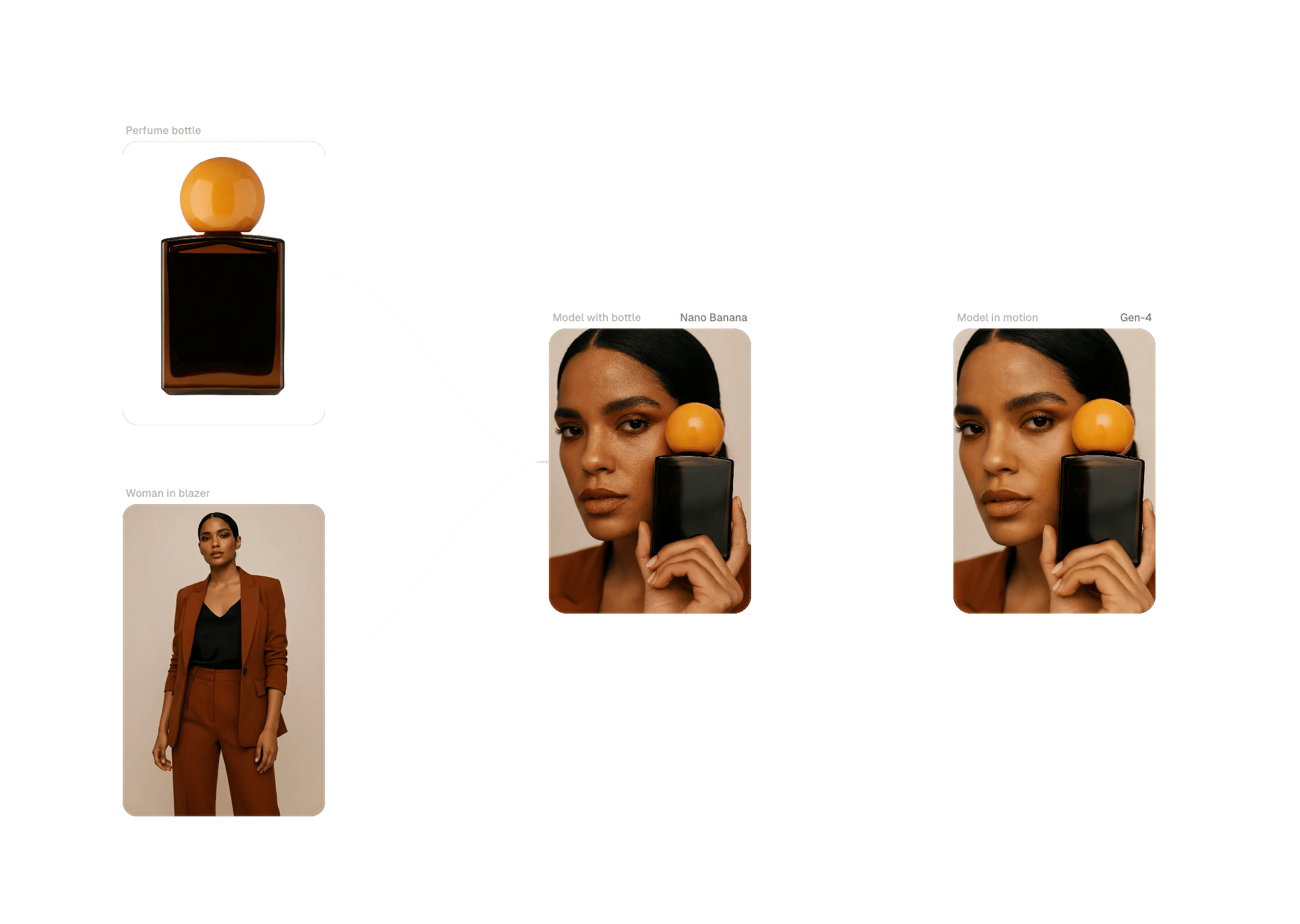
Ecommerce & Product Video
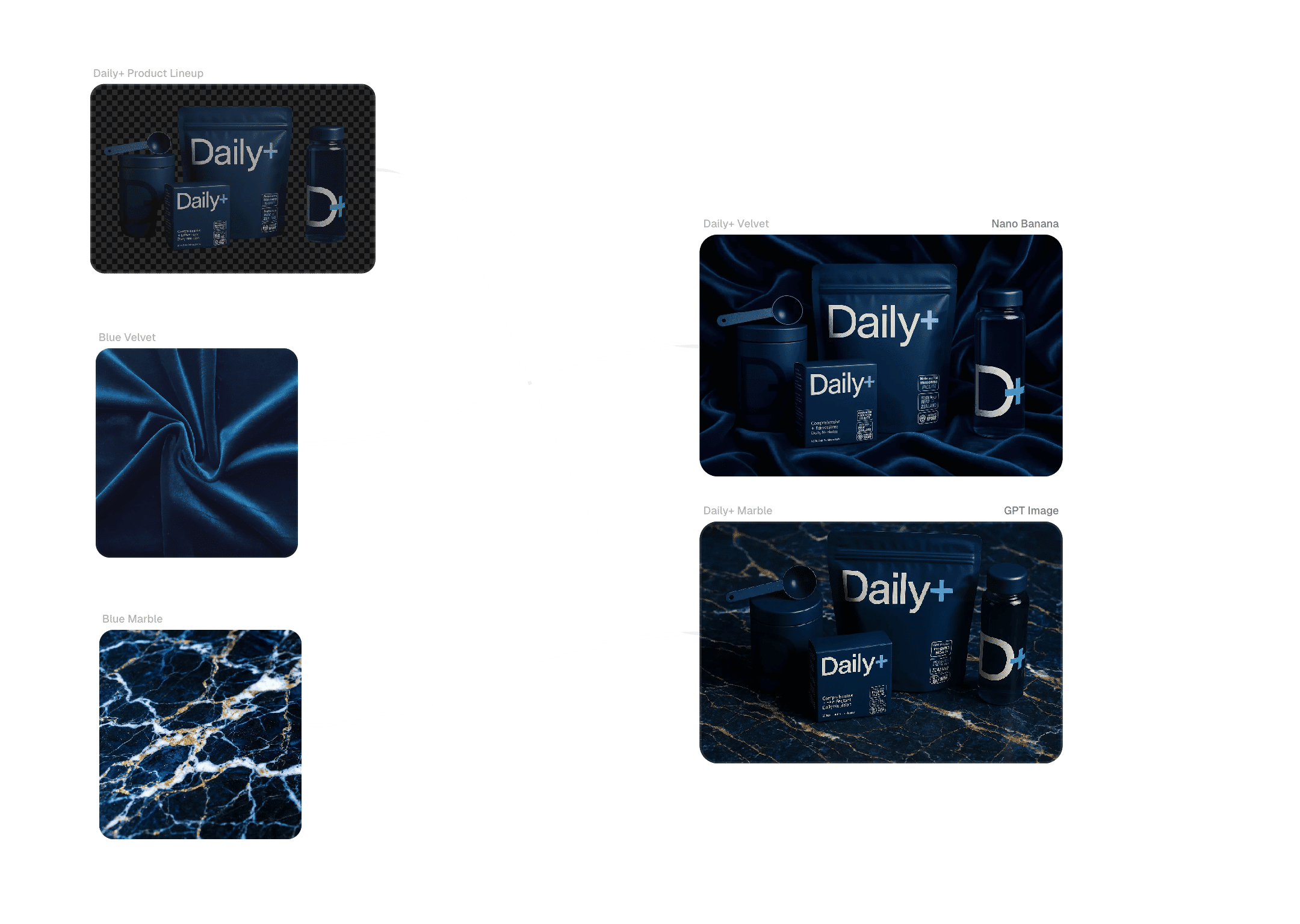
Create consistent product sequences and lifestyle edits that match visual systems across catalogs and campaigns. Reusable workflows scale video production, refresh listings efficiently, and maintain control over lighting and composition.
Enterprise controls and commercial safeguards for video editing at scale
Commercial Rights & Data Policy
FLORA provides clear commercial usage rights and ownership terms, enabling teams to ship client work without ambiguity. User data is not used to train AI systems, and third-party providers are prohibited from training on it — protecting intellectual property throughout the production lifecycle.
Admin Controls & Analytics
Manage seats, pooled credits, and usage analytics from a central console. Track creative throughput by team or project while maintaining governance and visibility across the organization.
Services-Backed Adoption
Tailored workflows paired with expert-led workshops ensure pilots convert into production habits. Hands-on support shortens the learning curve and accelerates time-to-billable-work.
Security & Compliance
Enterprise-grade security with SSO options, workspace-level controls, and SOC-aligned practices. Evaluate secure pilots and roll out the AI Video Editor without lengthy security cycles delaying adoption.
Templates, community gallery, and model orchestration

Workflow Templates
Access industry templates for ads, social content, trailers, and product video — then customize Blocks to match your brand standards and editorial style.

Community Gallery & Remixing
Explore editing workflows shared by other creatives and remix them for your projects. Contributor notes help you understand pipeline structures and replicate results reliably.
Plug-in Models & Integrations
Combine new models and connect asset systems on the same canvas to reduce context switching and keep project assets protected across edits.

Education & Resources
Workshops, playbooks, and how-to guides translate AI video editing into production outcomes. Live sessions spotlight new templates and model updates for continuous learning.

Roadmap & Model Updates
Preview what's shipping next and how new models fit your editing workflow so teams can plan pilots and production schedules with confidence.
FAQs
Frequently asked questions about our AI Video Editor
Is FLORA's AI Video Editor built for individuals or teams?
Both. FLORA supports individual creative professionals and scales to teams with Workspaces, real-time multiplayer editing, and administrative controls.
What makes FLORA an AI Video Editor suited to agencies and studios?
FLORA augments editing workflows rather than replacing them. The node-based canvas runs parallel edit passes, compares versions side by side, and locks brand parameters so teams compress iteration cycles while maintaining creative control.
Can I achieve cinematic, production-ready quality?
Yes. High-fidelity motion and refinement models combined with node-based controls produce cinematic output that matches intent — without endless manual tweaks or uncertain experimentation.
How does FLORA handle commercial rights and data protection?
We provide clear commercial usage terms and do not train models on customer content. Third-party providers are also prohibited from training on user data — policies designed to protect IP and accelerate procurement approvals.
Can teams edit together in real time?
Yes. FLORA is multiplayer by design — edit simultaneously with live previews, share nodes, leave comments in context, and track decisions with full visual version history.
How many models are available — and can we add more?
FLORA supports 50+ models out of the box and lets you plug in additional engines. Orchestrate which model handles generation, refinement, or motion — all within a single editing workflow.
How does FLORA handle multi-format delivery for social content?
Auto-reframe and iterate formats in parallel, generating multiple aspect ratios and edits with minimal manual effort. Publish across platforms without rebuilding every cut from scratch.
How do we get started with a trial or pilot?
Start free with templates matching your first brief to prove time savings and edit quality. For team pilots, book a workshop to adapt AI Video Editor workflows to your existing processes with measurable results.
Still have questions?
Ready to turn prompts into production-ready videos?
Get started with FLORA’s AI Video Editor in minutes, or book a workflow session to map your team’s path from exploration to repeatable production.