
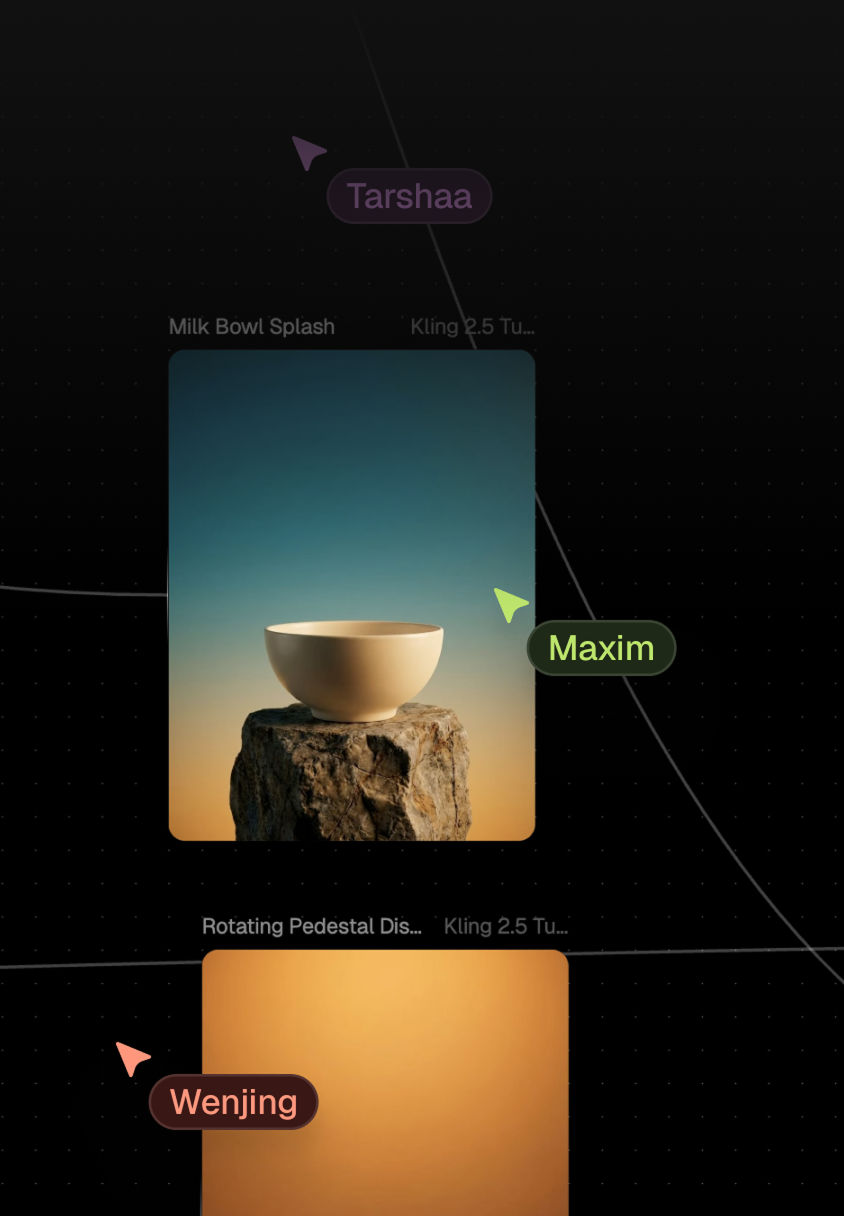
AI Photo Generator for creative professionals and teams
Generate photorealistic, on-brand photos on an intelligent, multiplayer canvas — every AI photo model, intelligently connected.
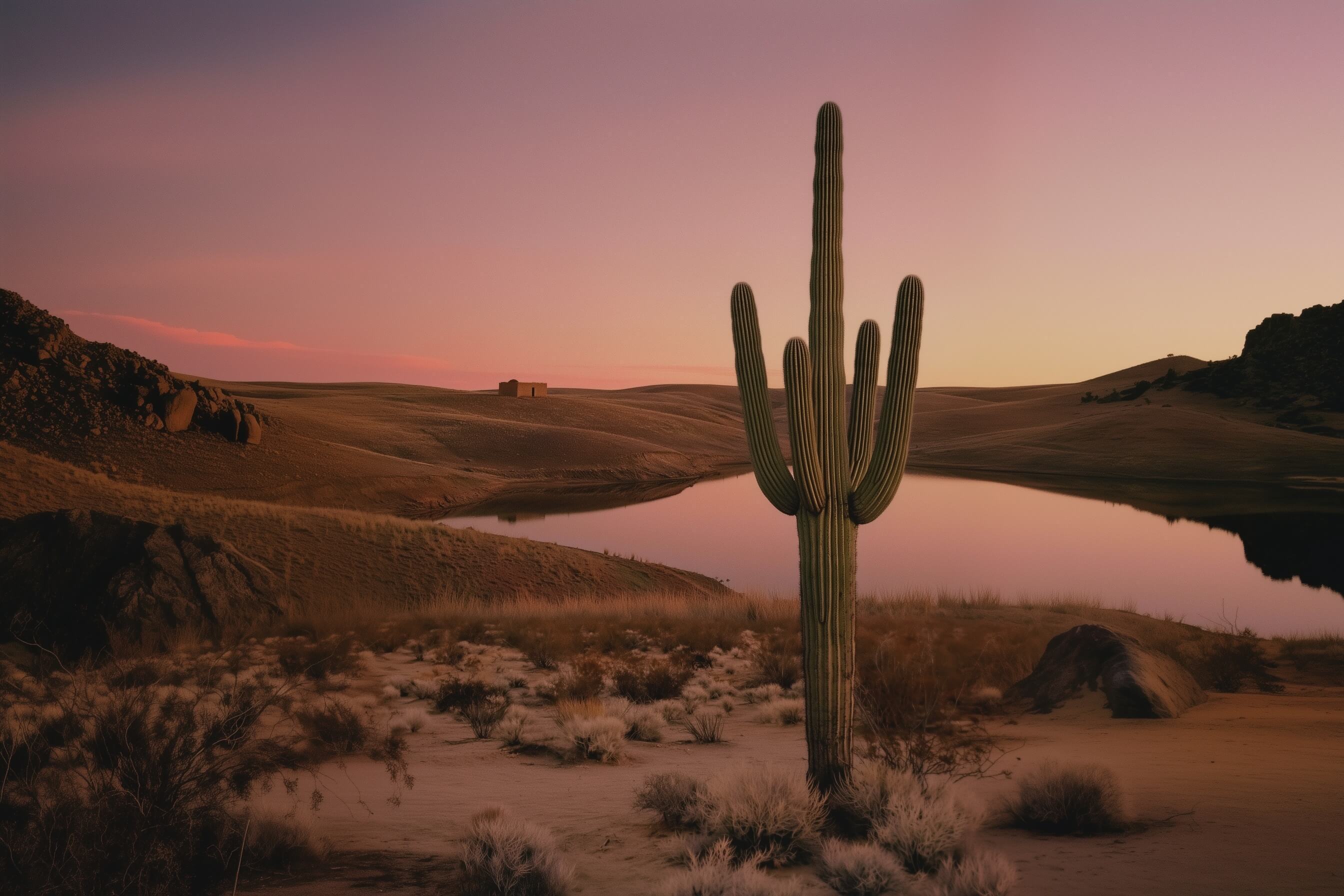
Saguaro cactus by a reflective desert lake at sunset with rolling hills and a small adobe building in the distance.
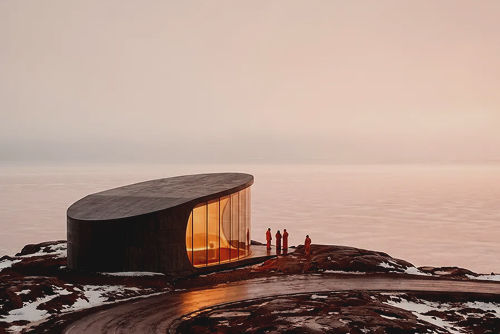
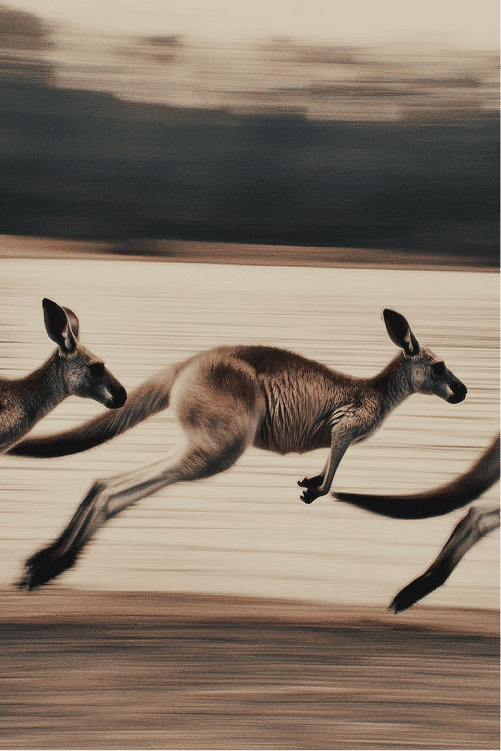
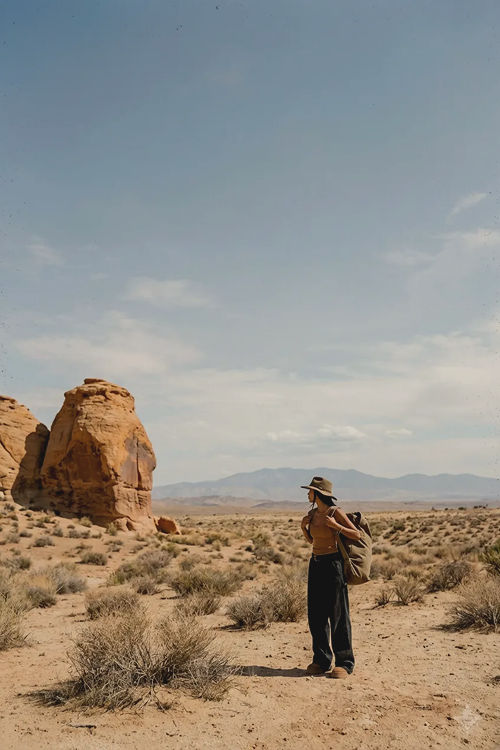
Trusted by the world’s top creatives


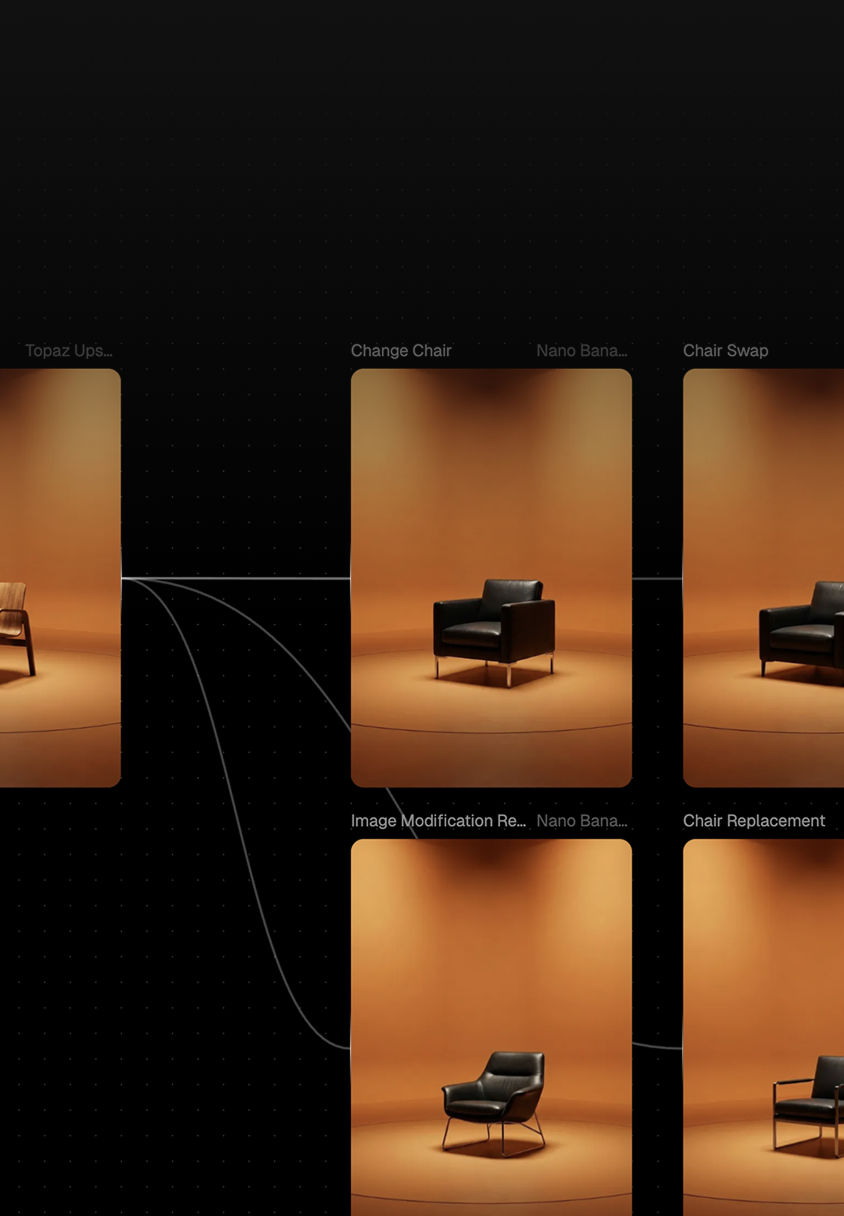
Codify your creative process into repeatable, node-based workflows that lock in style across projects
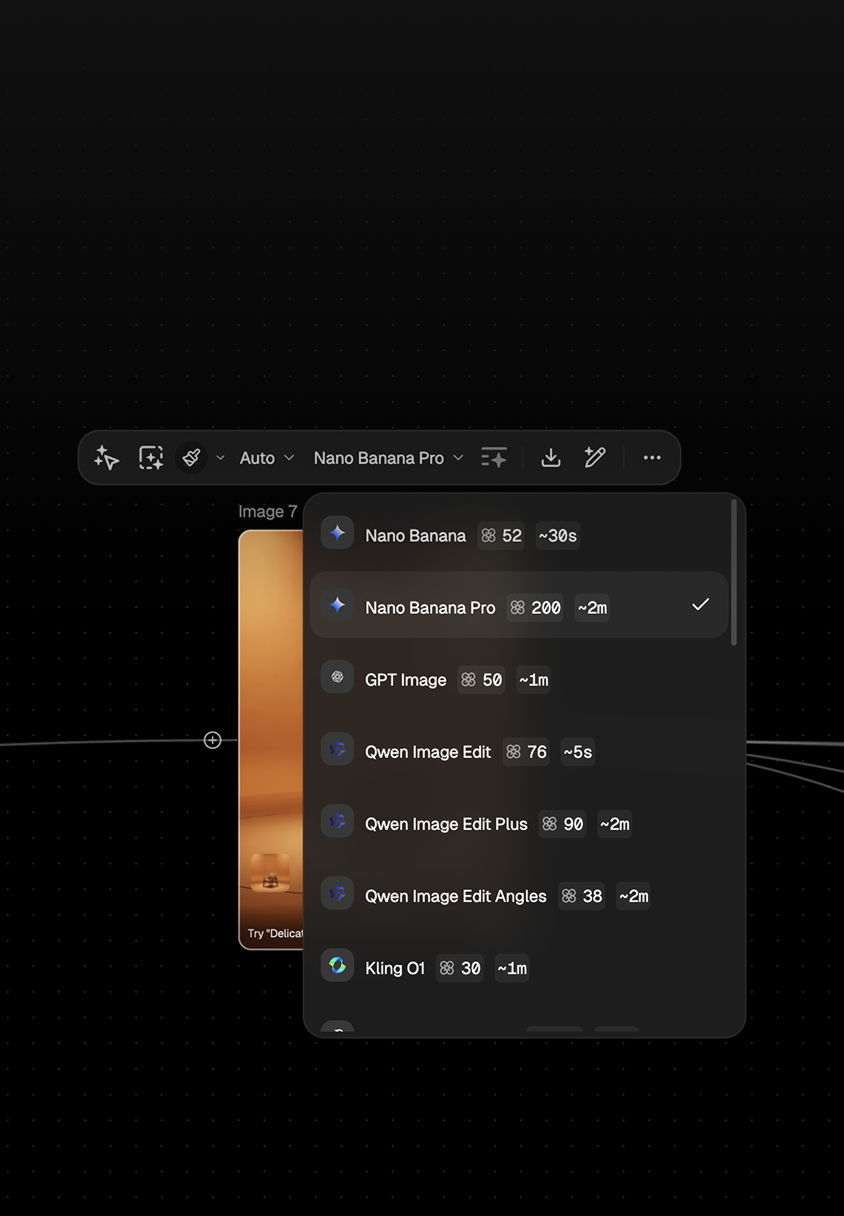
One subscription. 50+ models. Stay at the forefront of AI photography without managing multiple licenses
AI Photo Generator capabilities that deliver production-ready imagery
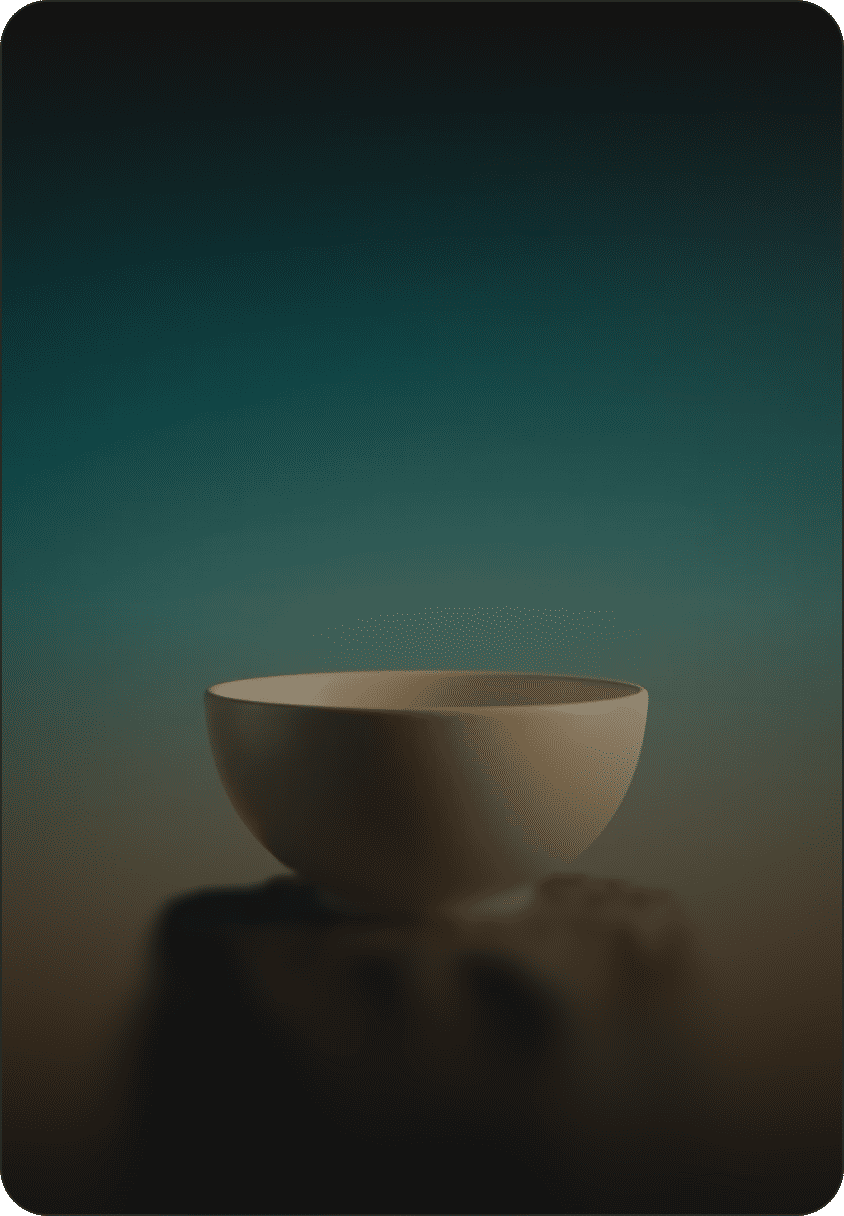
Photorealistic image generation with craft-level controls
Produce editorial and product-photo quality images tuned for detail and fidelity. FLORA lets you control composition, lighting, and lens characteristics through visual nodes rather than guesswork — achieving professional results with predictable consistency.

Parallel model runs for faster creative exploration
Run multiple AI photo models simultaneously and compare results side by side on the canvas. Surface the right composition and tone faster, increasing the odds of landing on a winning concept early in the process.
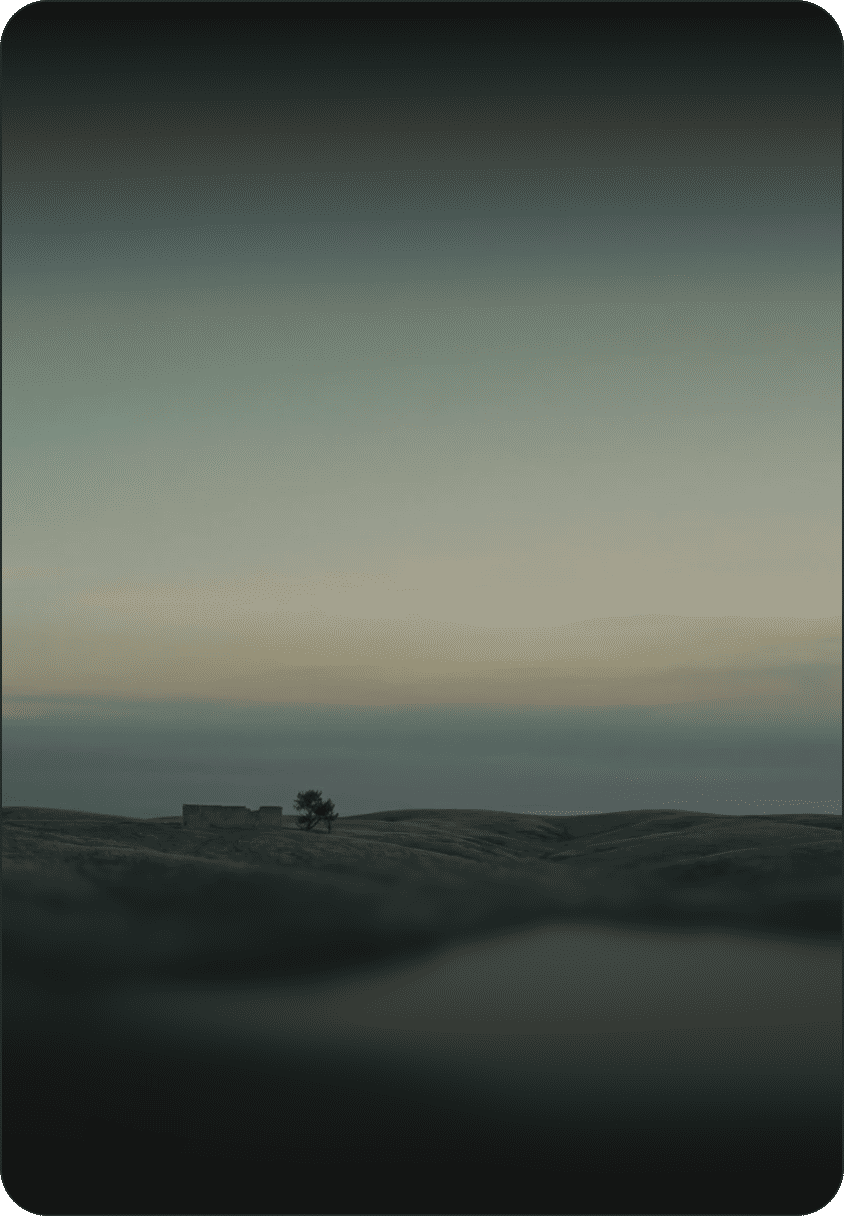
Node-based workflows for repeatable output
Connect Blocks composed of text/image/video models to codify your creative process into visual pipelines. These node-based workflows eliminate prompt randomness, letting teams reproduce a specific look across projects and hand off a living recipe to other creatives.
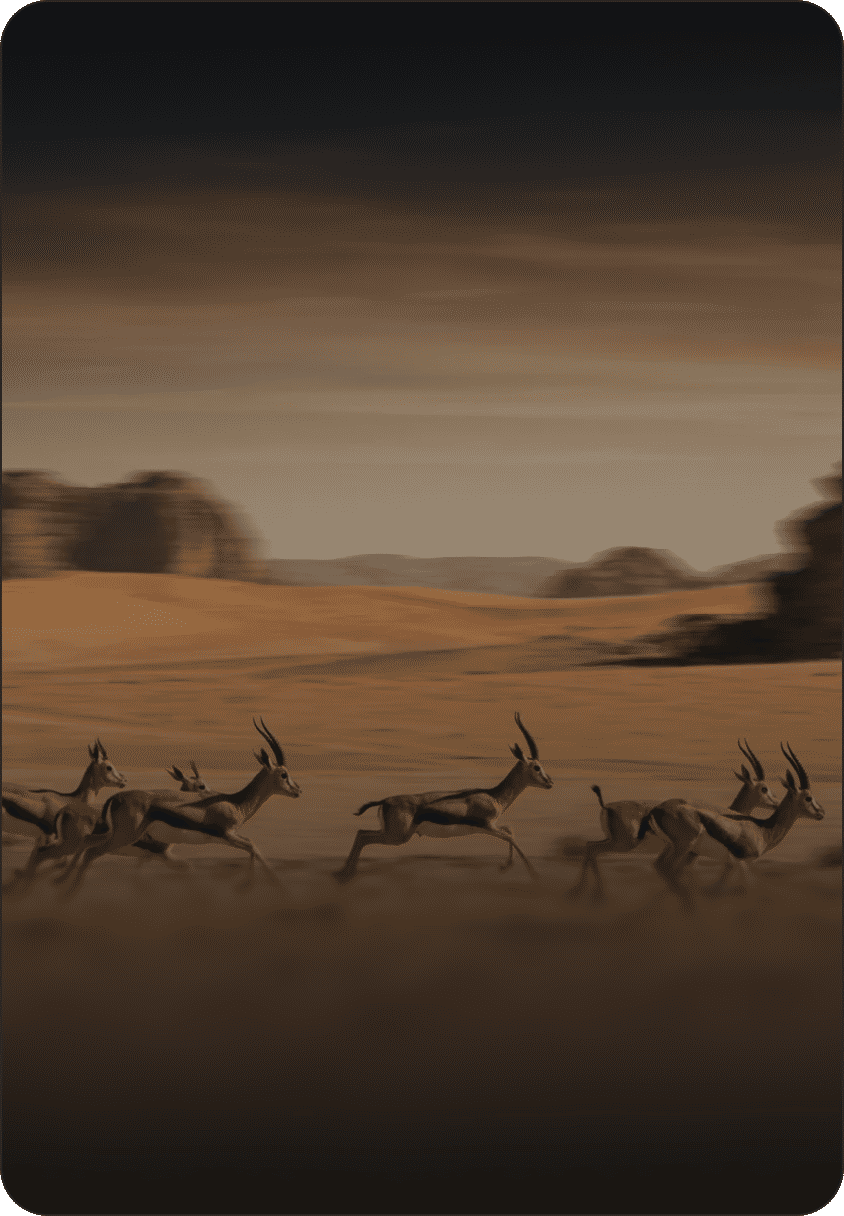
Model access control, commercial rights, and governance
Deploy with clear commercial usage terms and workspace-level model permissions. Give legal, security, and brand stakeholders confidence as you scale AI photo generation across teams and external vendors.
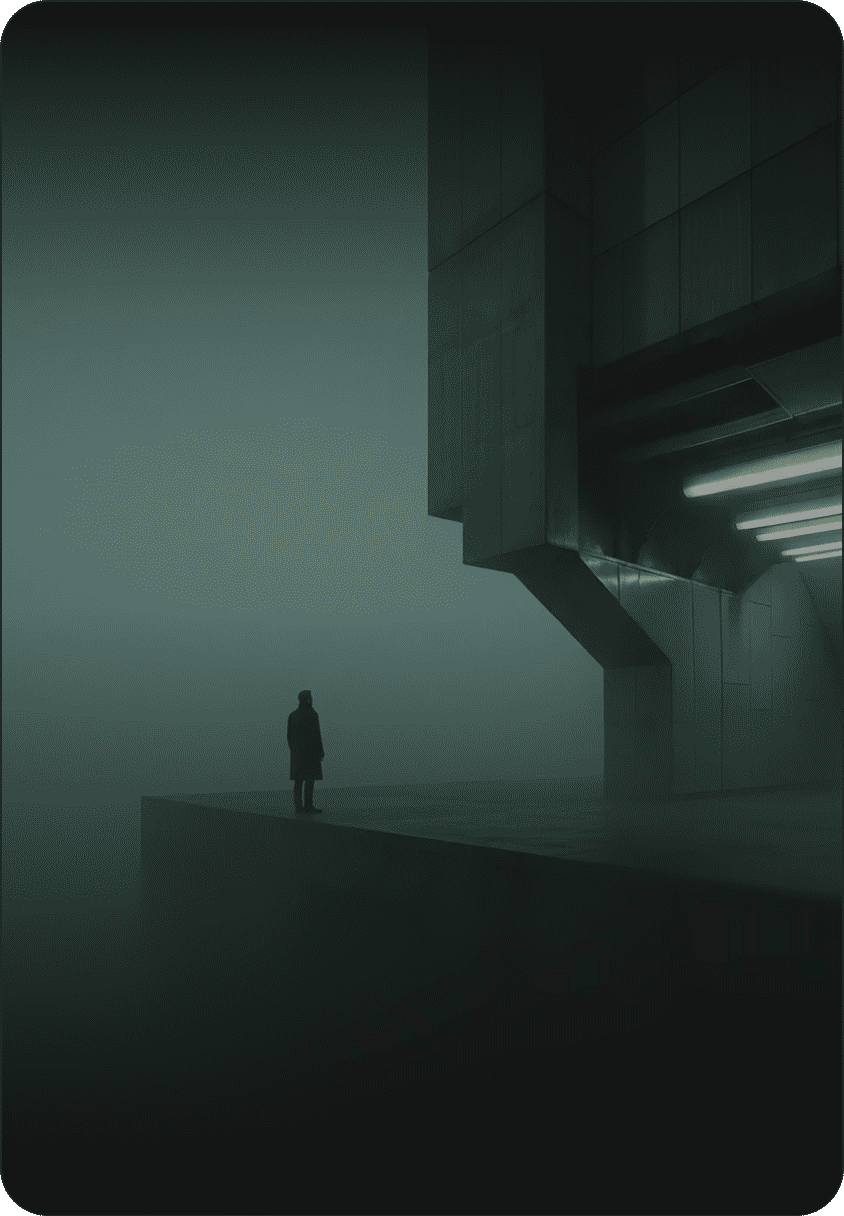
Output formats and production standards
Export camera-ready files with preserved metadata, layered versions, and color profiles for seamless handoff to retouching, editorial, or print production.
How FLORA turns prompts into production-ready photosHow FLORA turns prompts into production‑ready images
01Step One
Start With a Workflow Template
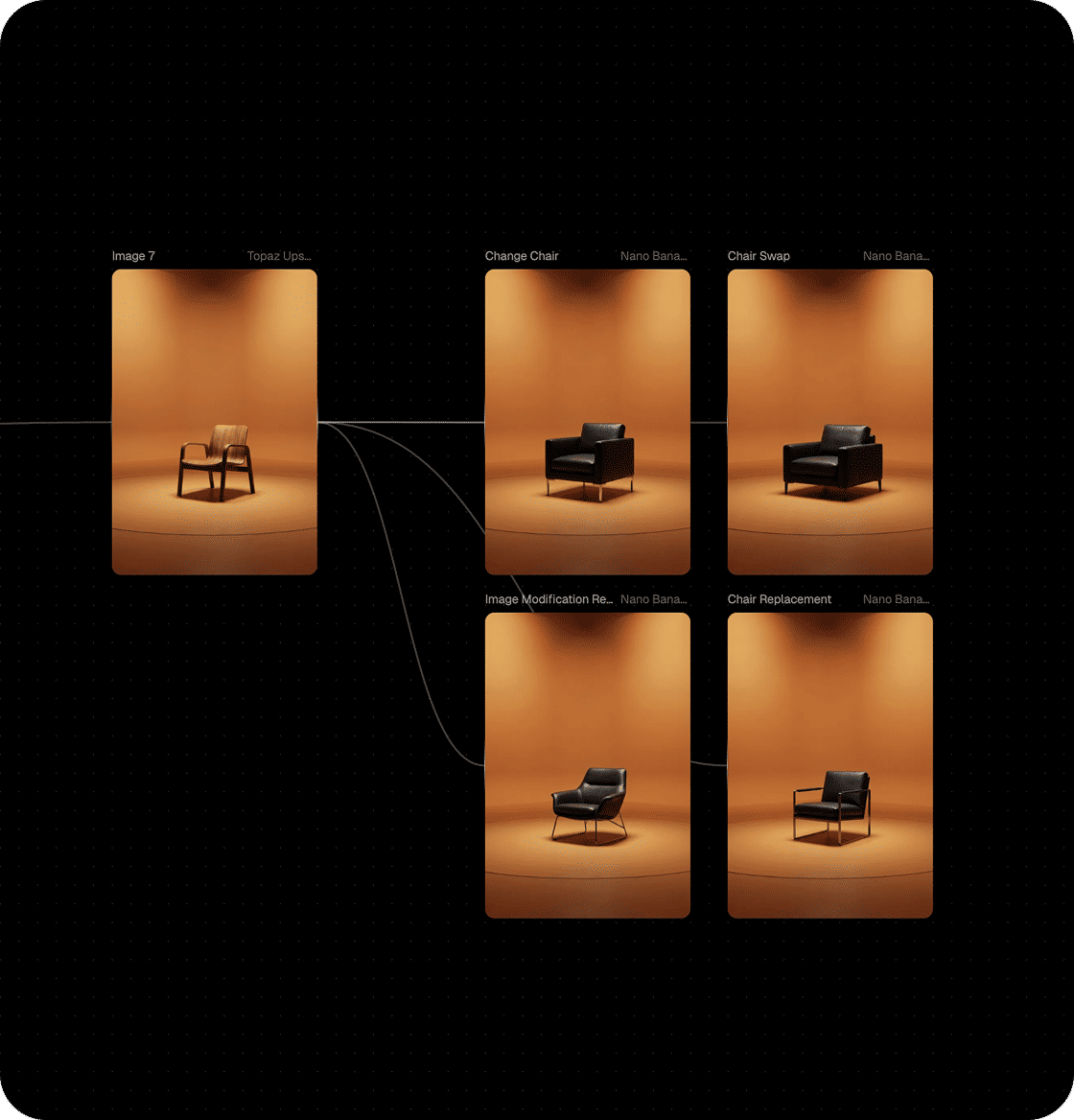
Choose an industry template to generate polished imagery on day one. Templates seed the canvas with proven Blocks so teams produce usable photos before mastering every feature.
02Step Two
Compose With Blocks & Models
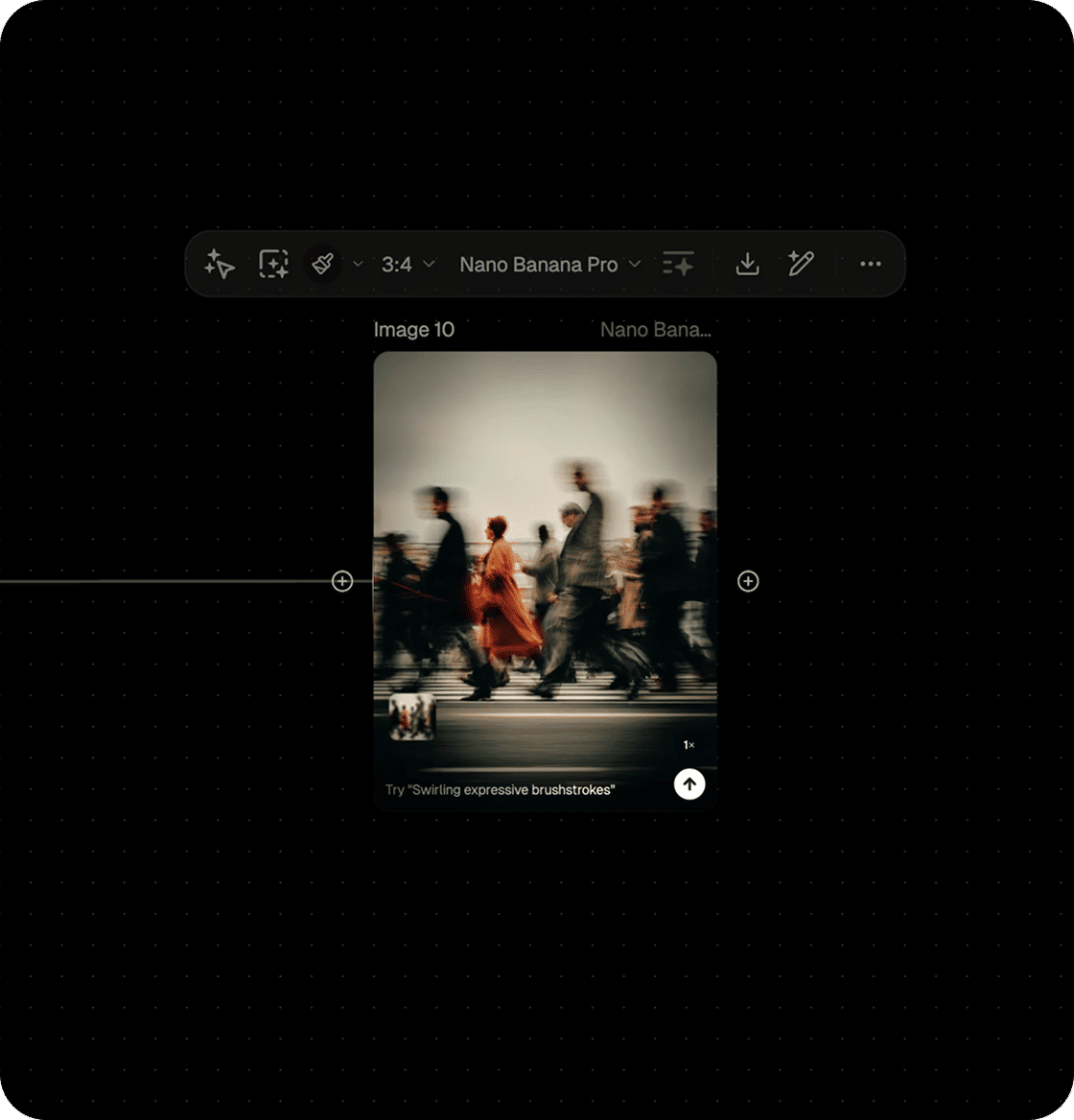
Combine models for composition, refinement, and stylization in a single pass. Adjust lighting, lens characteristics, and mood without serial prompting or switching tools.
03Step Three
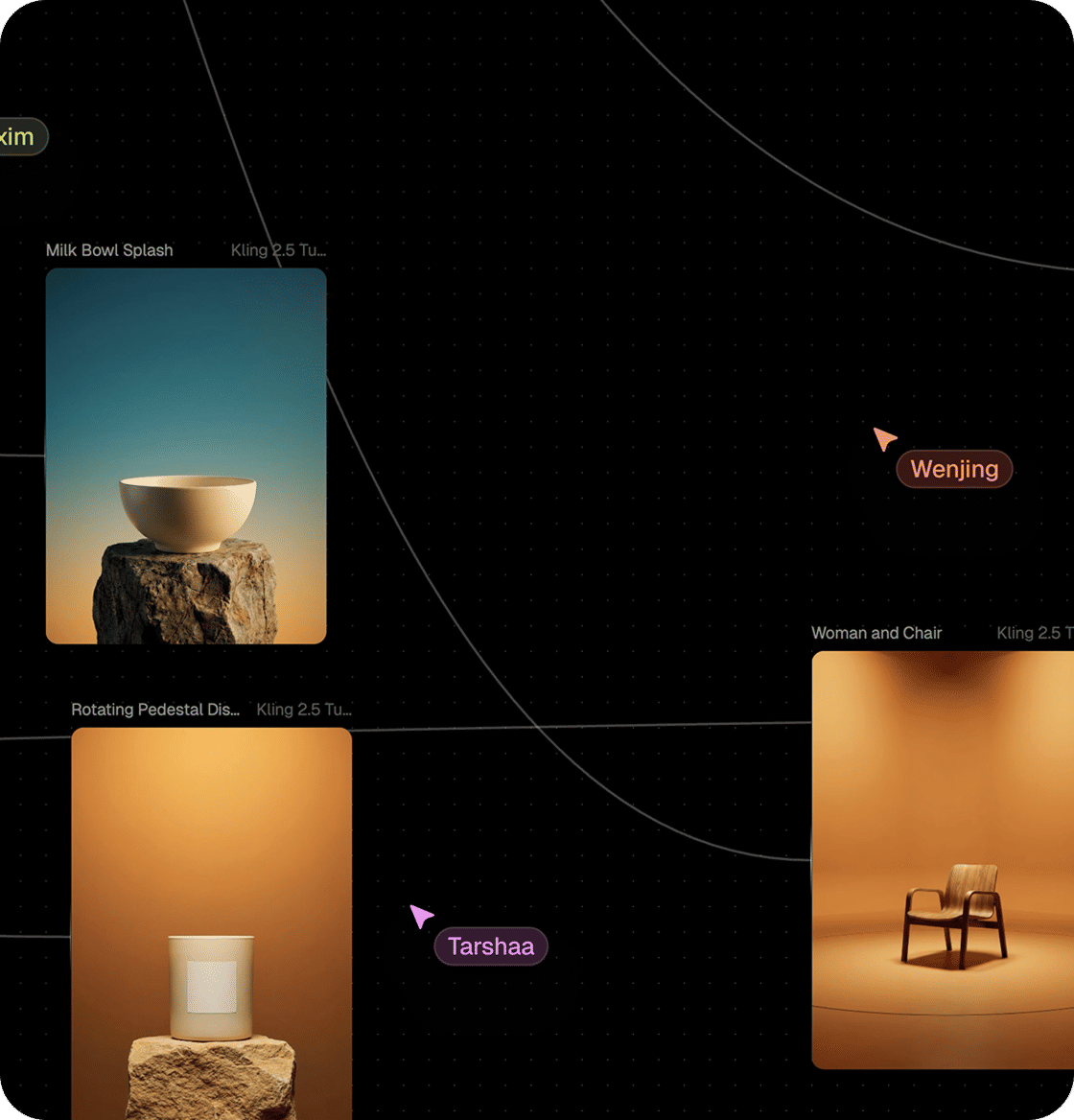
Collaborate in Real Time
Edit together in Workspaces, annotate specific areas, and maintain a visible audit trail of creative decisions — multiplayer collaboration by default.
04Step Four
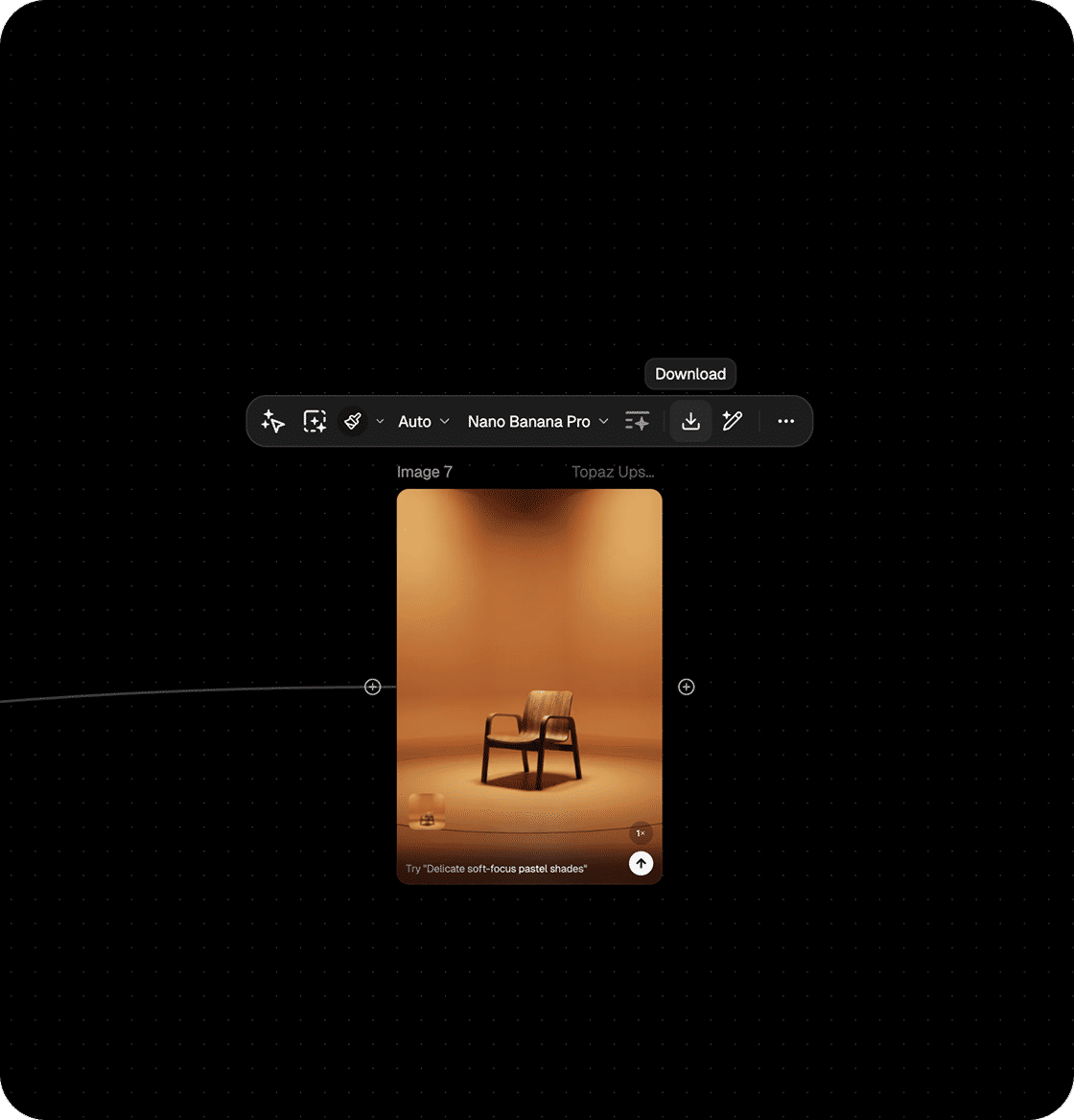
Export Production Assets
Export production-ready files with preserved metadata and version history so downstream teams can move quickly through retouching, approvals, and publishing.
Generative workflows that scale
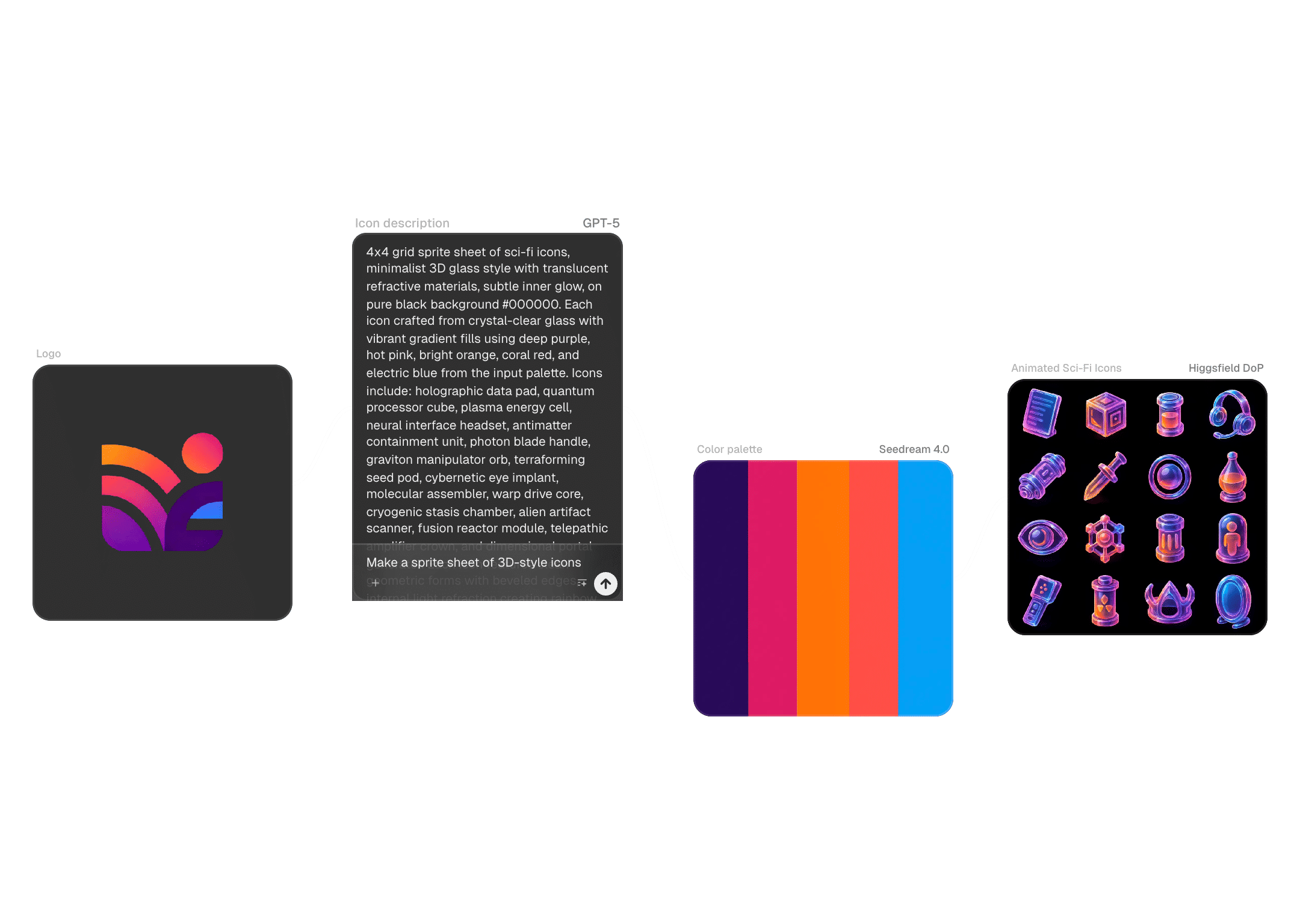
Brand Campaigns & Hero Imagery
Move from moodboard to hero shot faster. Run parallel treatments on the canvas to produce side-by-side variations with consistent styling — enabling cleaner signoffs and giving clients more options without scheduling additional photo shoots.
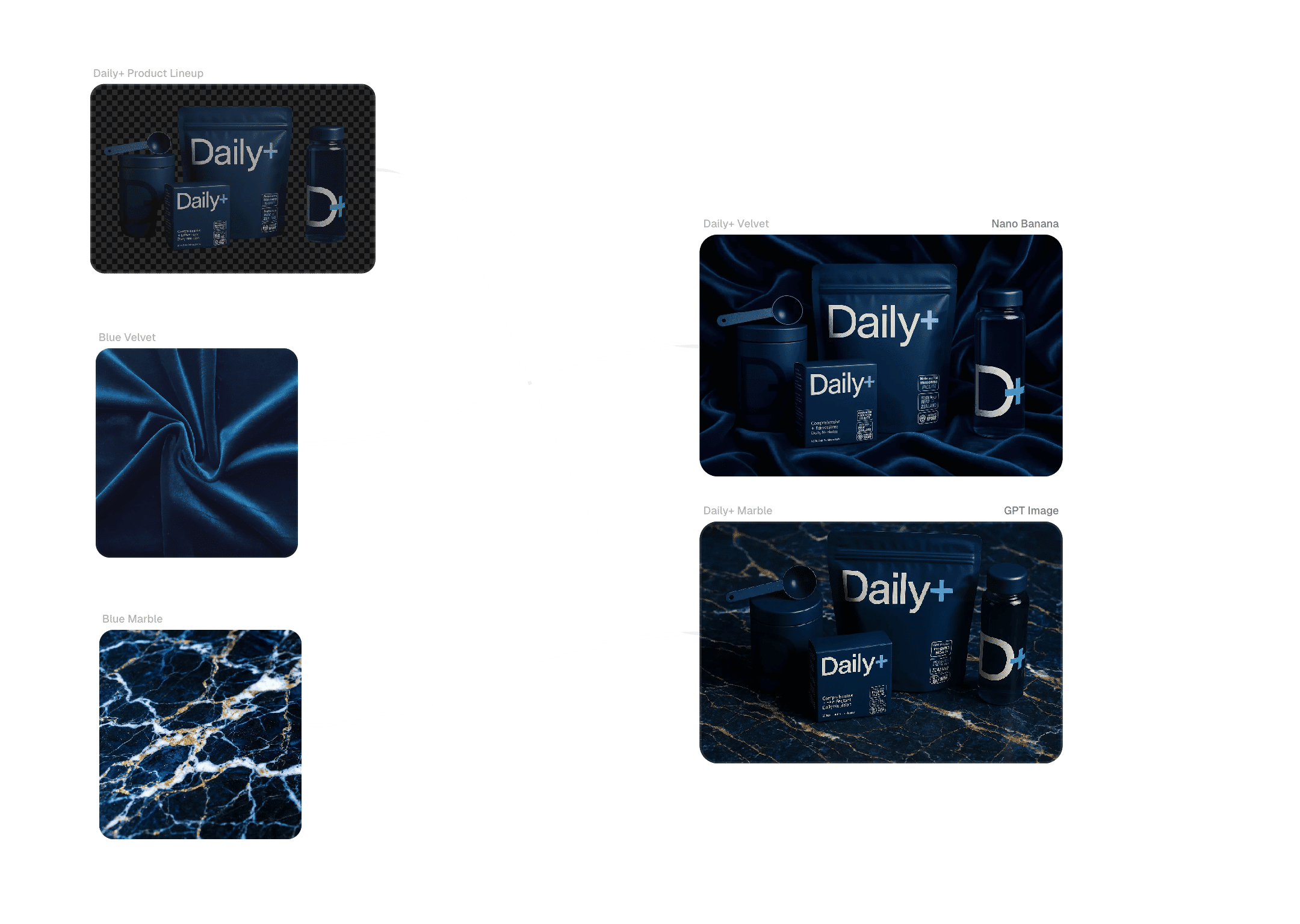
Product Photography at Scale
Generate consistent product angles, backgrounds, and lighting across SKUs using reusable workflows. Reduce studio time and accelerate catalog refreshes while maintaining on-brand aesthetics suitable for e-commerce and print.
Previsualization for Film & Motion
Block scenes and iterate on visual language with high-fidelity stills before physical production begins. Lock creative decisions earlier in the pipeline to reduce costly changes during shooting or post-production.
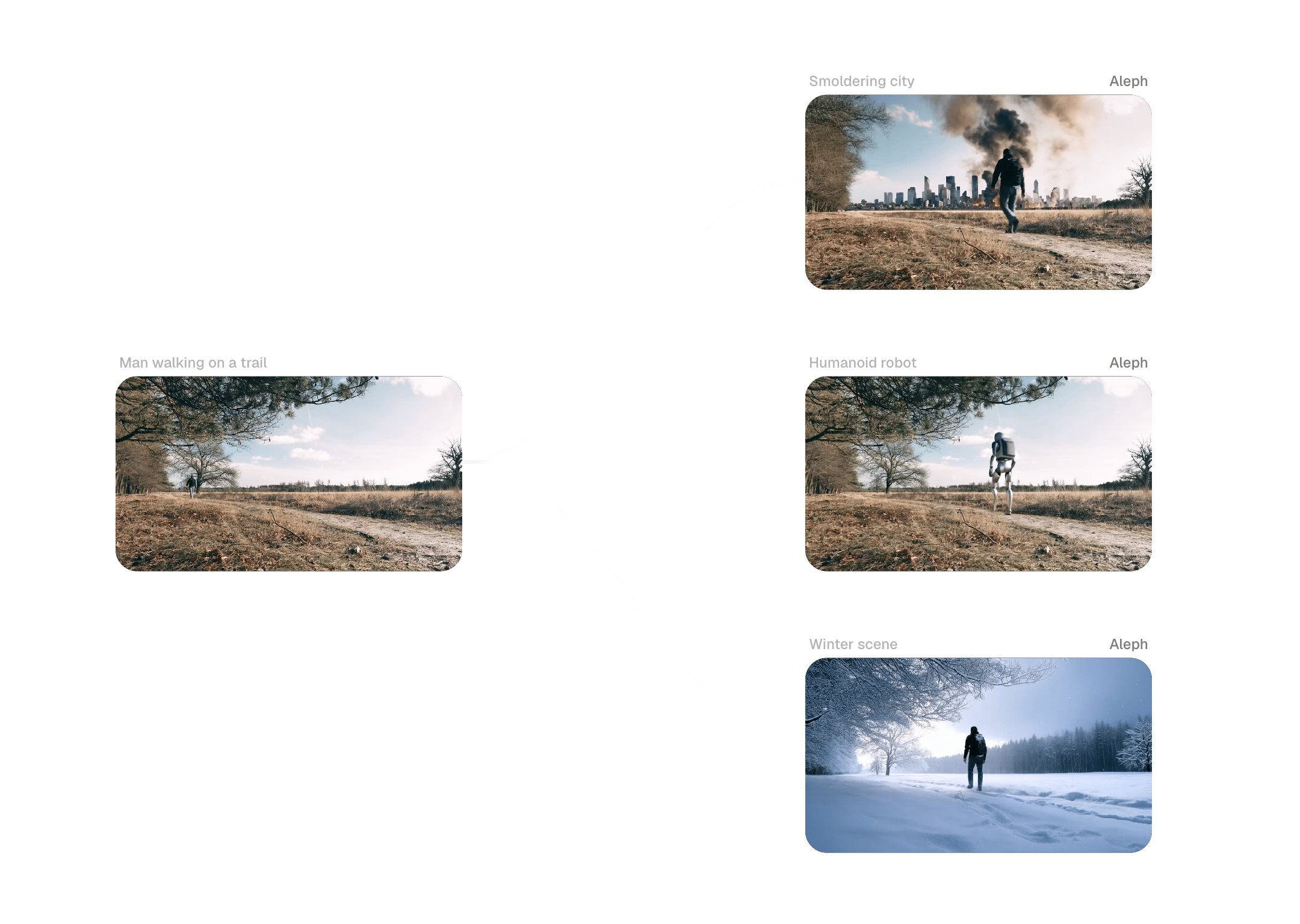
Campaign Iterations & Localization
Adapt core creative systems across markets by swapping assets and parameters within existing workflows. Enable rapid localization without rebuilding the entire creative pipeline for each region or language.
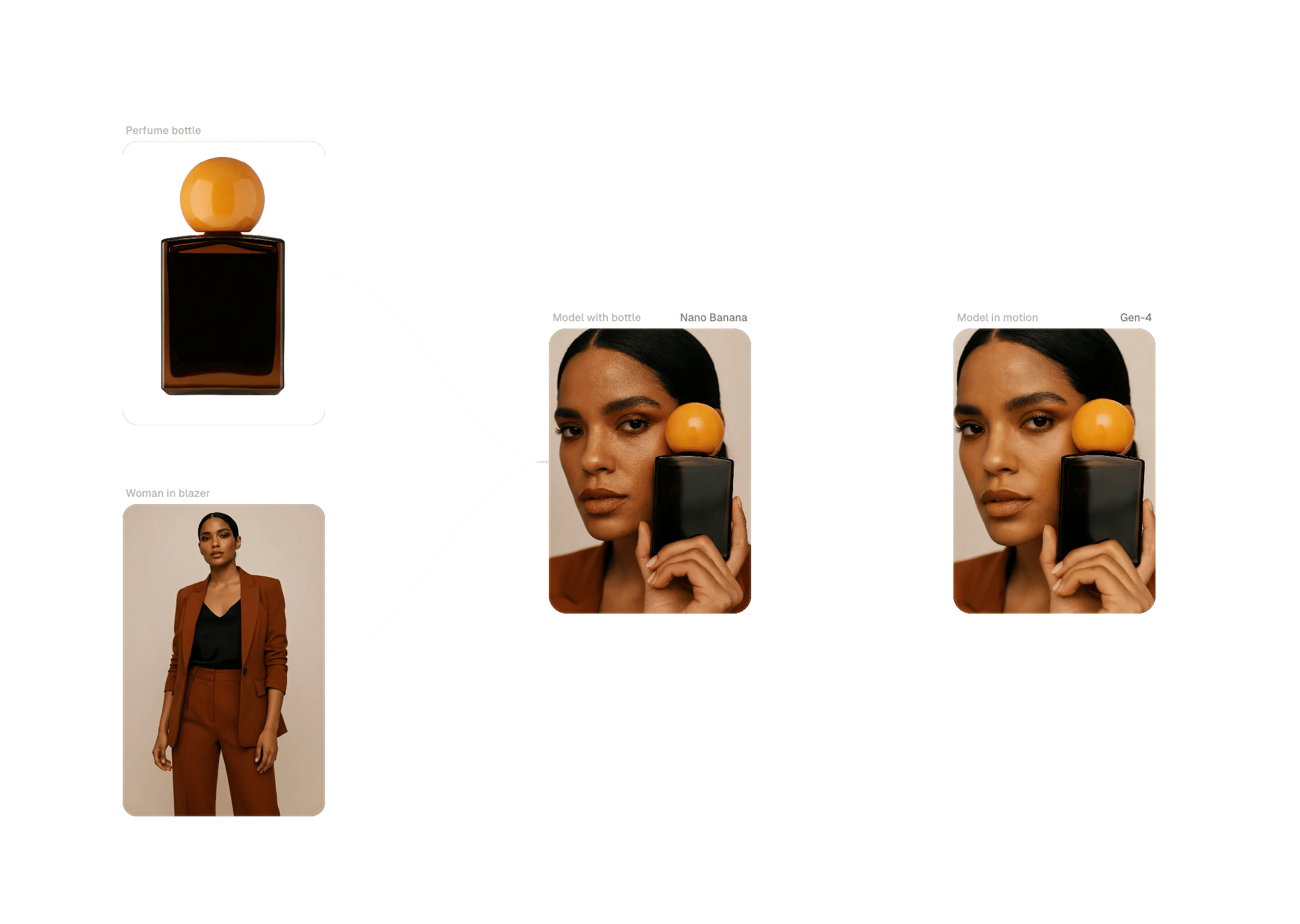
Enterprise controls and commercial safeguards for photo production
Commercial Rights & Data Policy
FLORA provides clear commercial usage terms for AI-generated images and does not train models on customer content — reducing IP risk and enabling legal teams to approve the platform for real campaign work.
Admin Controls & Analytics
Manage seats, pooled credits, and usage analytics from a central console. Forecast spend and ensure creative capacity is available when high-priority projects land.
Services-Backed Adoption
Tailored workshops and expert-led onboarding help teams move from demo to deliverables. Pilots are configured around real briefs so early projects convert into ongoing workflows.
Security & Compliance
Enterprise-grade security with workspace-level permissions and documentation for security and legal reviews. Sensitive projects remain appropriately restricted while supporting compliance processes.

Templates, community gallery, and model orchestration

Workflow Templates
Access industry-specific templates that accelerate photo production — then customize Blocks to match your signature visual style.
Community Gallery & Remixing
Explore shared workflows from other creatives and remix them for your brief. Contributor notes help you understand intent and replicate results reliably.
Plug-in Models & Integrations
Integrate new models and connect asset systems on the same canvas to reduce context switching and protect IP.
Education & Resources
Workshops, playbooks, and how-to guides translate AI photography into production outcomes. Live sessions highlight new templates and model updates.
Roadmap & Model Updates
Preview what's shipping next and how new models fit your workflow so teams can plan pilots with confidence.
FAQs
Frequently asked questions about our AI Photo Generator
Is FLORA for individual creative professionals or for teams?
Both. FLORA supports individual creative professionals and scales to teams with Workspaces, shared assets, and administrative controls.
What makes FLORA an AI Photo Generator suited to agencies and brands?
FLORA is designed for creative workflows — not isolated prompting. The node-based canvas runs models in parallel, compares outputs side by side, and locks a consistent style so teams can turn exploration into repeatable, on-brand production.
Can I generate photorealistic, client-ready images?
Yes. Chaining composition and refinement models produces editorial and product-photo quality imagery intended for advertising, e-commerce, and print without reshoots.
How does FLORA handle commercial rights and data protection?
We provide clear commercial usage terms and do not train models on customer content — policies designed to reduce IP risk and accelerate legal approvals.
Can teams collaborate in real time while creating photos?
Yes. FLORA is multiplayer by design — edit together, annotate specific areas, and track decisions with full collaboration history.
How many models are available — and can we add more?
FLORA supports 50+ models out of the box and lets you plug in additional engines. Combine models for composition, refinement, and stylization within a single workflow.
What file formats and quality standards can we export?
Export camera-ready files with preserved metadata, color profiles, and optional layered outputs for retouching, editorial, or print production.
How do we get started with a trial or pilot?
Create a free account to test templates and generate sample images. For enterprise pilots, book a workshop to design a tailored workflow and short adoption plan.
Still have questions?
Ready to turn prompts into production-ready photos?
Get started with FLORA’s AI Photo Generator in minutes, or book a workflow session to map your team’s path from exploration to repeatable production.