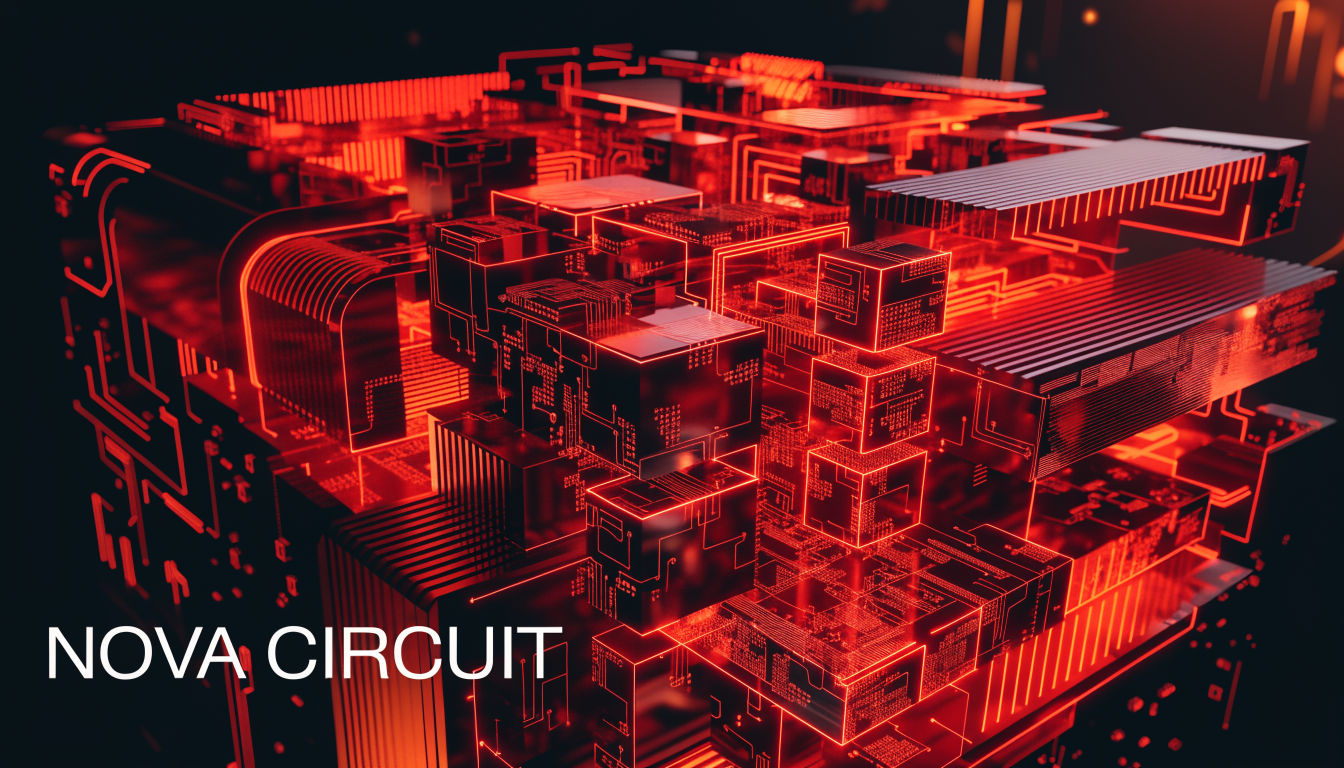
Channel Name
NOVA CIRCUIT
Monogram
NC
Tagline
Weekly Tech Teardowns · Sat 9AM
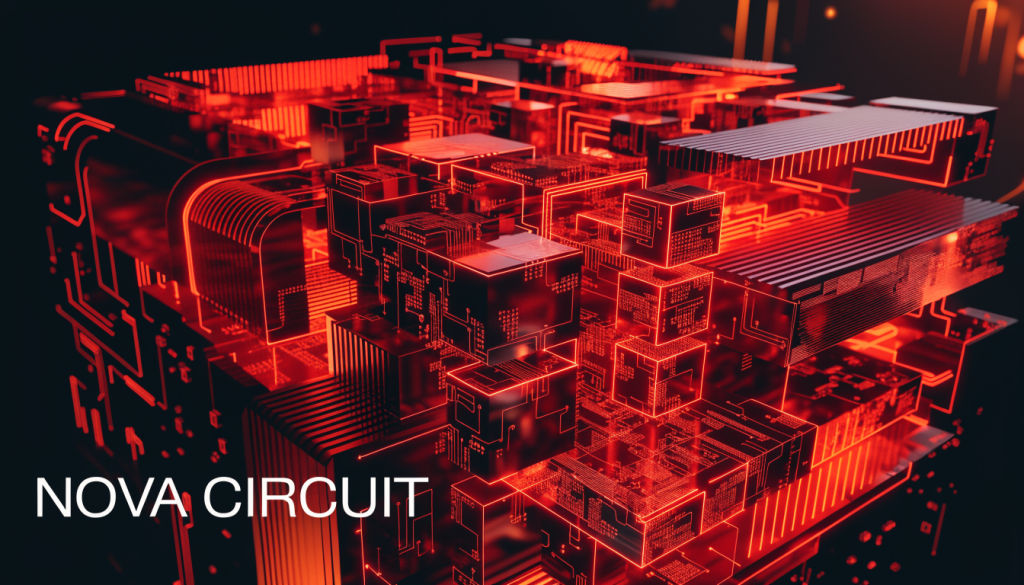
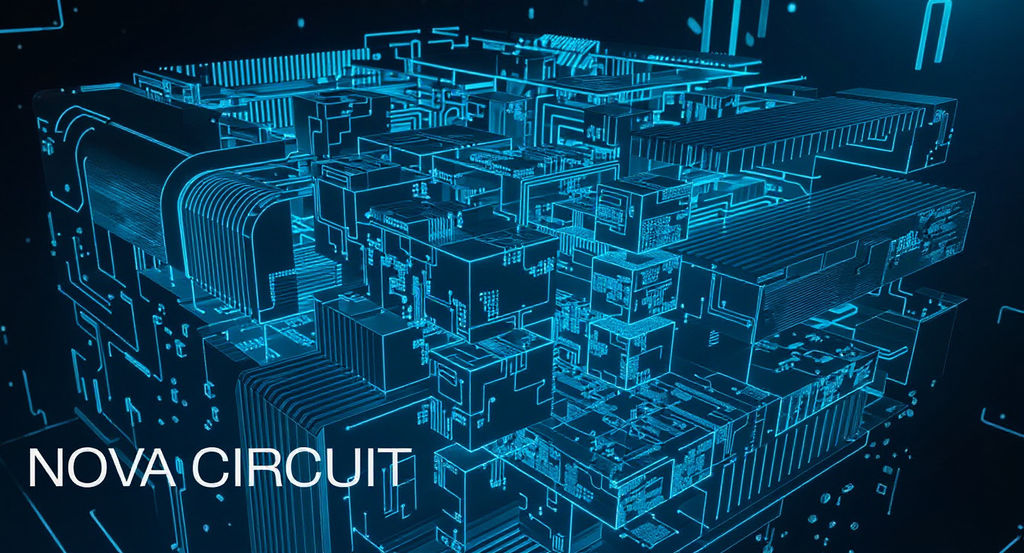
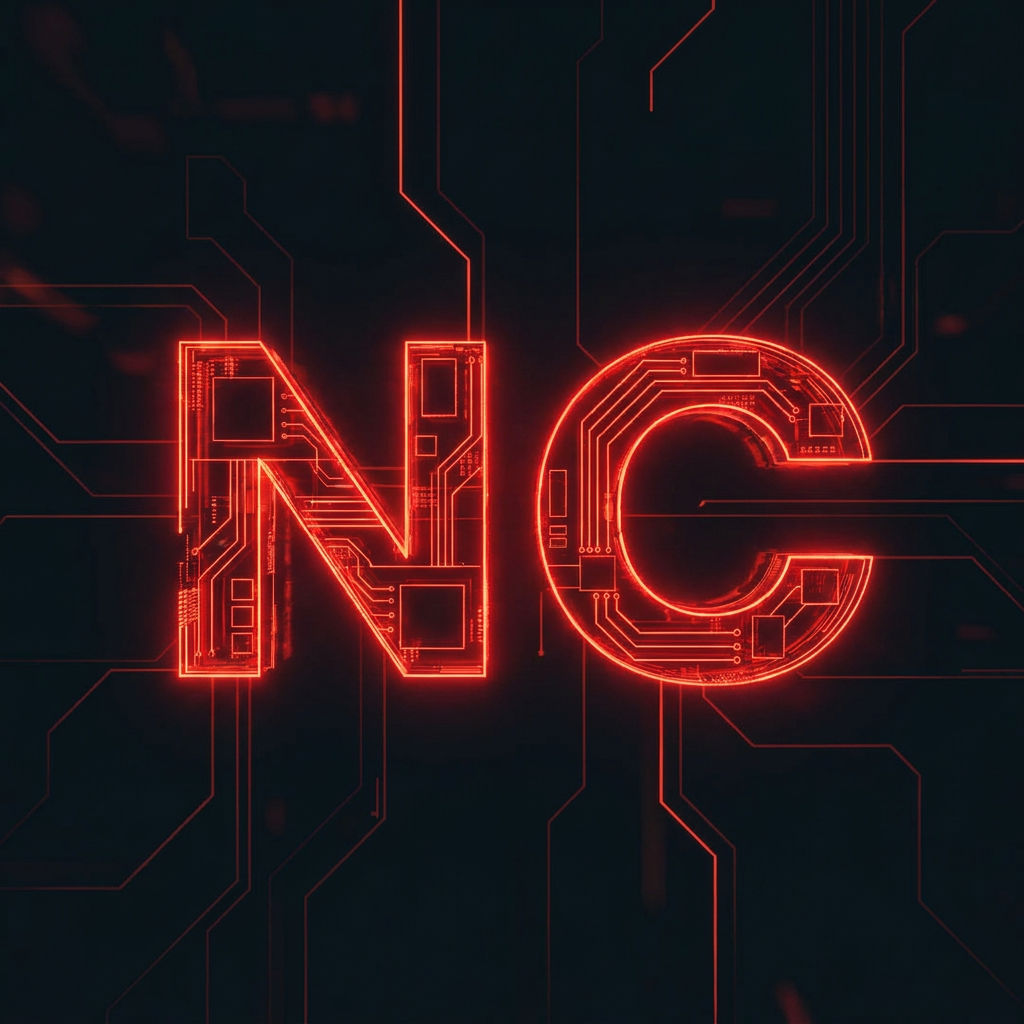
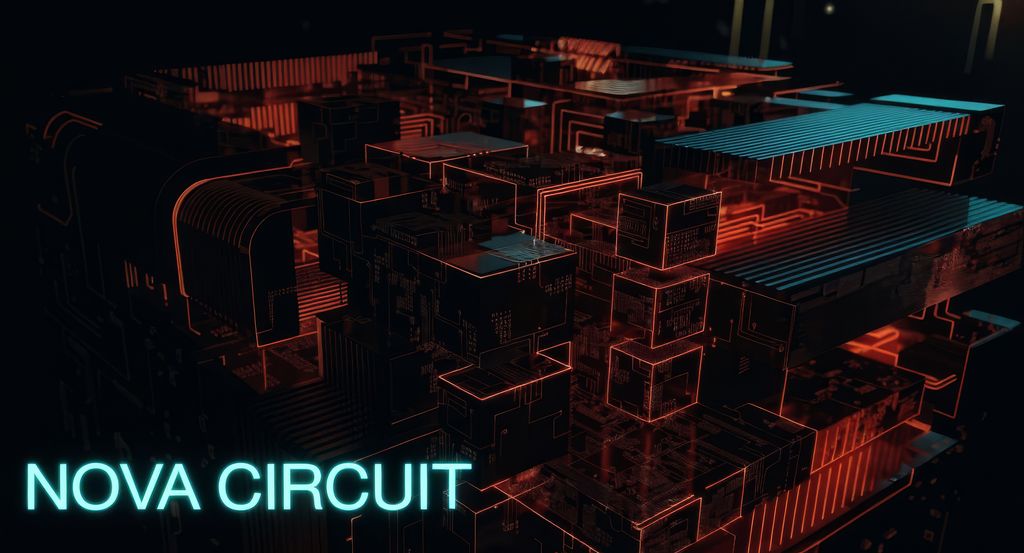
Generates a legible-typography banner, a matching avatar, and a color variant, automatically graded and sized to YouTube's 2560x1440 spec.
New Channel Launch
First-time creators use this free YouTube banner maker to get channel art live without hiring a designer.

Channel Rebrand
Established channels refresh their look with a banner maker for YouTube that also outputs a matching avatar and color variant for a consistent channel kit.

Multi-Channel Creators
Multi-channel creators use the Technique to produce consistent banners, avatars, and color palettes across each channel they run.
How to use Techniques?
Discover how to utilize YouTube Banner Maker for different scenarios.

Add inputs
Upload images, videos, or type in the prompts to get started.

Generate outputs
Next, hit the "Generate" button to start generating your outputs.

Edit and export
Refine your outputs on canvas, or download them directly.
Frequently asked questions
All you need to know about YouTube Banner Maker
What a youtube banner maker actually needs to get right
A youtube banner maker needs to take a channel name, a color scheme, and maybe a tagline, and turn them into a strip of pixels that survives being cropped on a phone, a TV, and a browser tab without losing the parts that matter. Start one in FLORA and the sizing math, the legibility rules, and the export format are already handled before anyone has opened a ruler. The free youtube banner maker version of this problem is usually a blank canvas and a template. This one starts from the channel's own name and imagery and builds outward from there, which is a different starting point even before the first image renders.
Most banner tools ask you to pick a template first and squeeze your brand into it after. A template built for a gaming channel does not automatically work for a cooking channel or a podcast, so the result often ends up generic no matter how carefully the logo gets placed on top of it. Building the banner from the channel's actual name and imagery, instead of starting from a preset layout, tends to produce something that looks like it belongs to that specific channel rather than a template with a name added afterward.
Why 2560x1440 is the number that keeps showing up
Every guide to YouTube channel art eventually mentions the same figure, 2560 by 1440 pixels, which is YouTube's full canvas even though almost none of it is visible at once. On a desktop browser, viewers see a wide horizontal strip through the middle. On a TV app, the crop tightens further, and on a phone it tightens again, with the platform reserving space at the bottom for channel details that sit on top of the image. A banner that looks balanced at full size can end up with a logo cut in half on mobile, or text running into that channel-info overlay.
This is a detail templates rarely account for, since a template gets built once and reused across every channel that picks it, regardless of what is actually in the image. Generating the banner directly from a channel's own inputs means the safe area for text and any key visual elements is treated as a constraint during generation, rather than something to check by hand afterward.
The typography problem that shows up after upload
Small caps, thin weights, and busy background art often read fine on a laptop, then disappear once the same image shrinks to a phone screen or a search thumbnail. Legible typography here is about weight and contrast that survive being shrunk down, since a font that reads well large in a preview can vanish once it is resized to thumbnail scale. This is also where a lot of manual design work usually goes, nudging kerning, testing a few color combinations against the busiest part of the background, and checking the text against a mid-gray sample to see if it still holds up. Handling that automatically as part of generation is what keeps the output usable straight out of FLORA instead of needing a second pass in another editor.
The many names for the same request
Depending on who is asking, the same task shows up as a yt banner maker, a banner maker for youtube, or specifically a youtube banner maker free option because the channel in question is not monetized yet and the budget for design work is zero. All of them point at the same underlying job, turning a channel name and a rough sense of the vibe into channel art that is ready to upload. The naming difference usually says more about how established the channel is than about what the finished banner needs to look like. A brand-new channel and a five-year-old one both need art sized to 2560x1440 with legible type, even though the established channel is more likely to already have a fixed logo and color palette to build from.
Some of these searches happen right before a channel goes live, when the default gray header is still showing and a first video is close to publishing. Others happen well after a channel is established, when a creator wants to refresh channel art that no longer matches what the channel has become. Both cases end up typing the request differently, even though they are asking for the same thing.
How the banner, avatar, and color set fit together
A banner rarely travels alone, since the same channel also needs an avatar that reads at the small circular size YouTube displays next to every video and comment, plus a way to keep merch, thumbnails, and community posts looking related without redoing the color work each time. Generating a matching avatar and a color variant from the same source as the banner keeps that consistency automatic instead of something rebuilt by eye in a separate file every time a new asset is needed.
That color variant is also where a channel's actual palette gets defined in a form that can be reused elsewhere. Pulling the palette out on its own with palette pull is a quick way to check the exact colors before locking them into other assets, and running a portrait through memoji-me is a common next step for channels that want a face-based avatar sitting alongside the channel art instead of a logo mark.
Keeping the banner and the avatar tied to the same generation also avoids a common problem, where the banner gets made one week and the avatar a few weeks later, usually in a different tool, and the two end up as two shades of the same brand color that are close but not quite matched. That kind of drift is hard to catch while editing a single asset on its own screen, and it only becomes visible once both are sitting next to each other on the actual channel page.
Where this fits once the banner is done
Most channels end up needing more than a banner once they get past the first few uploads. Icon sets for pinned comments and community tabs come from icon pack, a broader visual direction for thumbnails and end screens can start on a moodboard, and any asset that needs a different aspect ratio, a shorts crop of the banner, a square avatar variant, works through quick reframe instead of a manual redo.
None of that is needed to finish a single banner. It becomes useful once a channel adds a second or third asset, an updated avatar, a seasonal banner, a new thumbnail template, and needs all of them to read as part of the same channel. The FLORA image generator sits underneath all of it, so a banner made today and an avatar made next month draw from the same underlying models instead of two separate tools that happen to share a brand name.
Related techniques
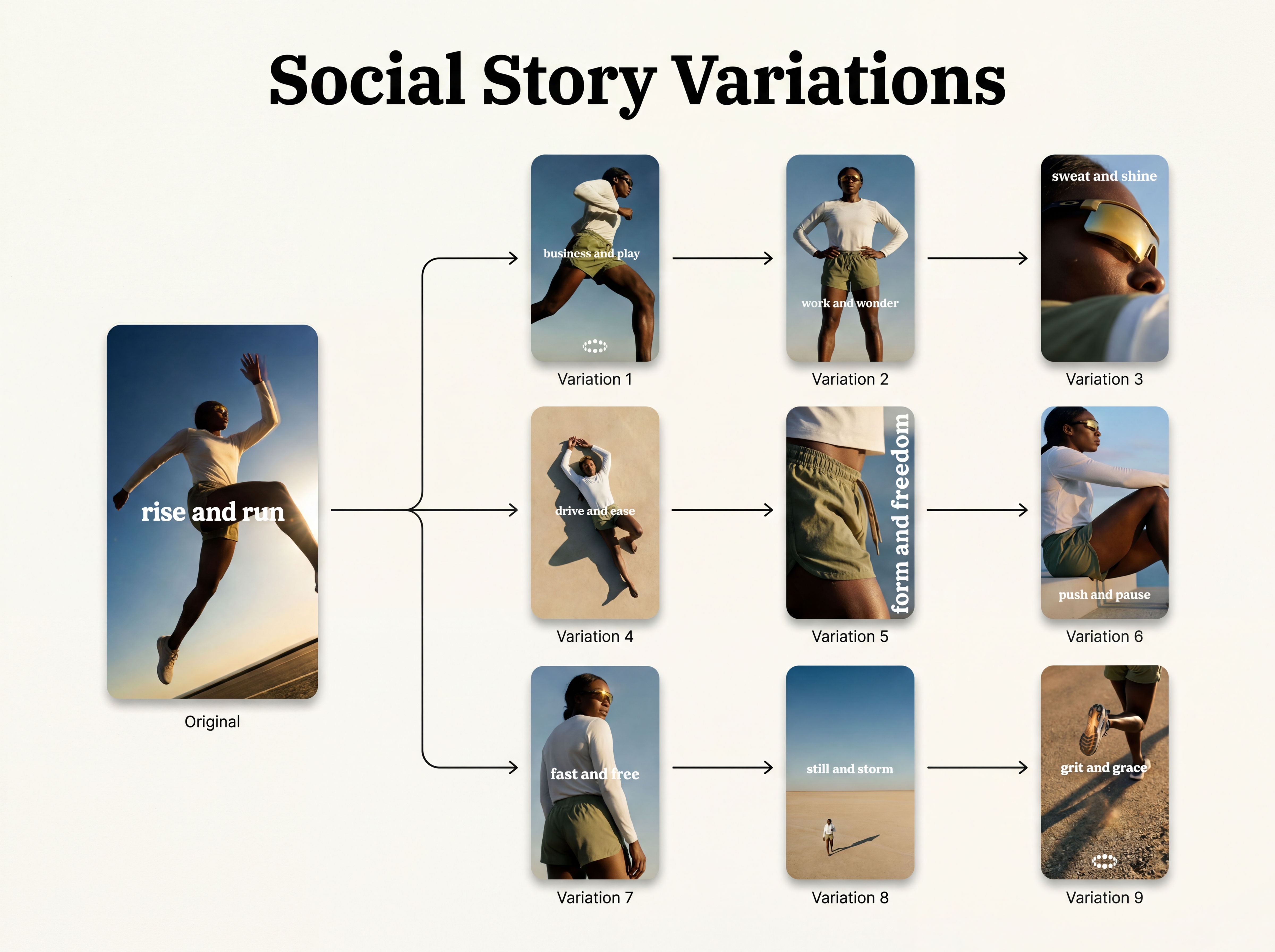 Instagram Story VariatorOne IG story in, nine variations out.
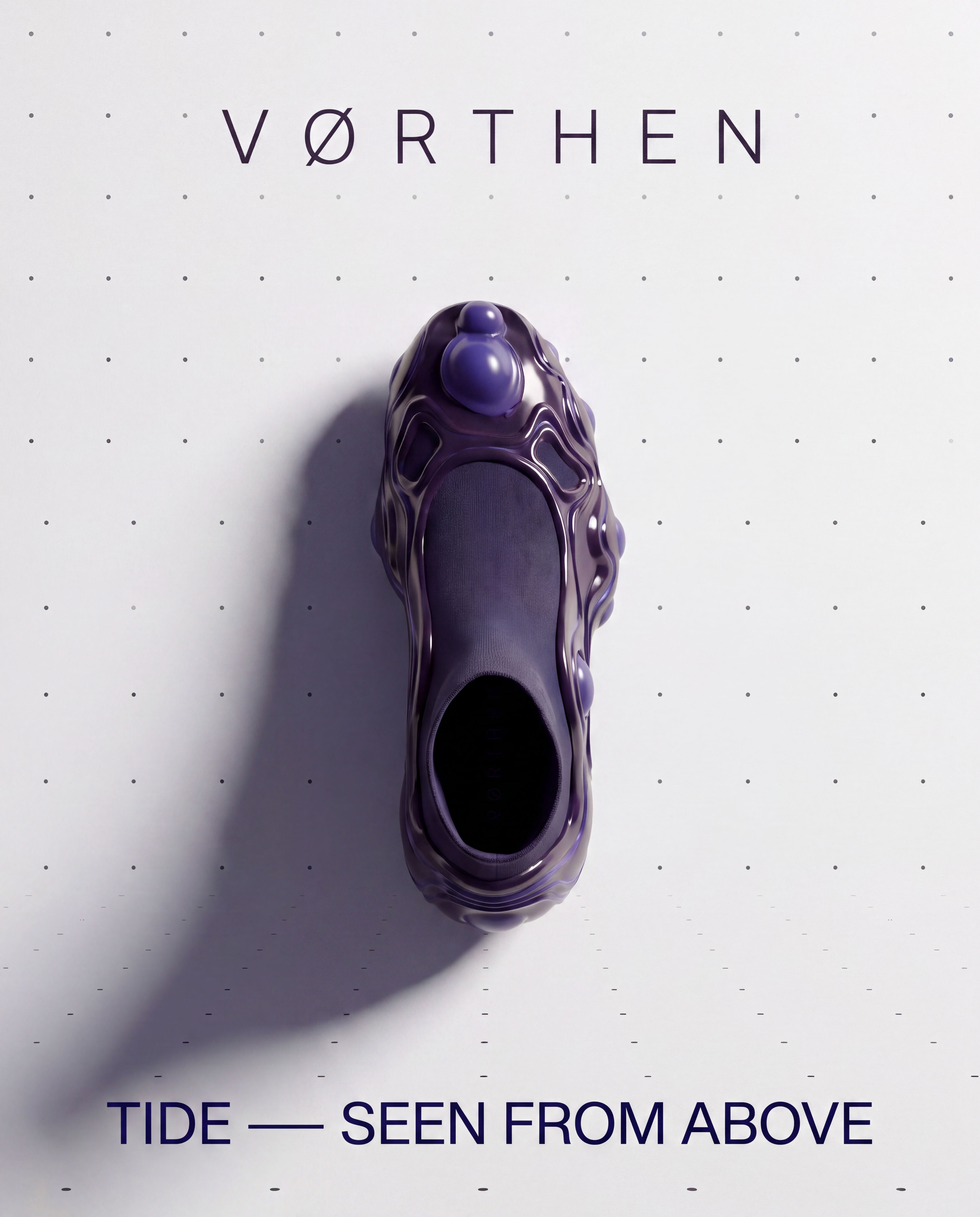 Meta Ad VariatorOne ad in, nine variations out.
 Photography/Image Aspect Ratio ChangeWorks best with photography or images without text.
 Product to Ad VisualsMake a compelling ad campaign of 4 visuals from 1 product shot
 Relighting Photoshootconfirm the lighting with your team/client and have a lighting diagram to share with your team.
 Book DropMocks up front and back book covers
Use the YouTube Banner Maker to Create Channel Art in Seconds
one legible-typography hero banner, then a matched channel kit (avatar + color variant) from it, with the keeper graded and upscaled to YouTube's 2560x1440 upload spec. Useful for: creators and channel managers who need a 2560x1440 banner with correct channel text INSIDE YouTube's safe area, PLUS a consistent avatar and an A/B color option — as one on-brand set, not four drifting gens.

Louis Anderson